
A versatile PDF file management solution that encompasses features to conveniently enable users to create, edit, manage, and convert PDF documents from a single interface. #Extract data #Convert PDF #PDF to Office #Extract #Convert #PDF2Office

PDF is a format that is too prevalent to ignore. Even if you don’t often dabble in office work, most documents, invoices, or any kind of digital paperwork, are more likely in PDF than not. As such, a comprehensive PDF tool can be a valuable asset for the right user.
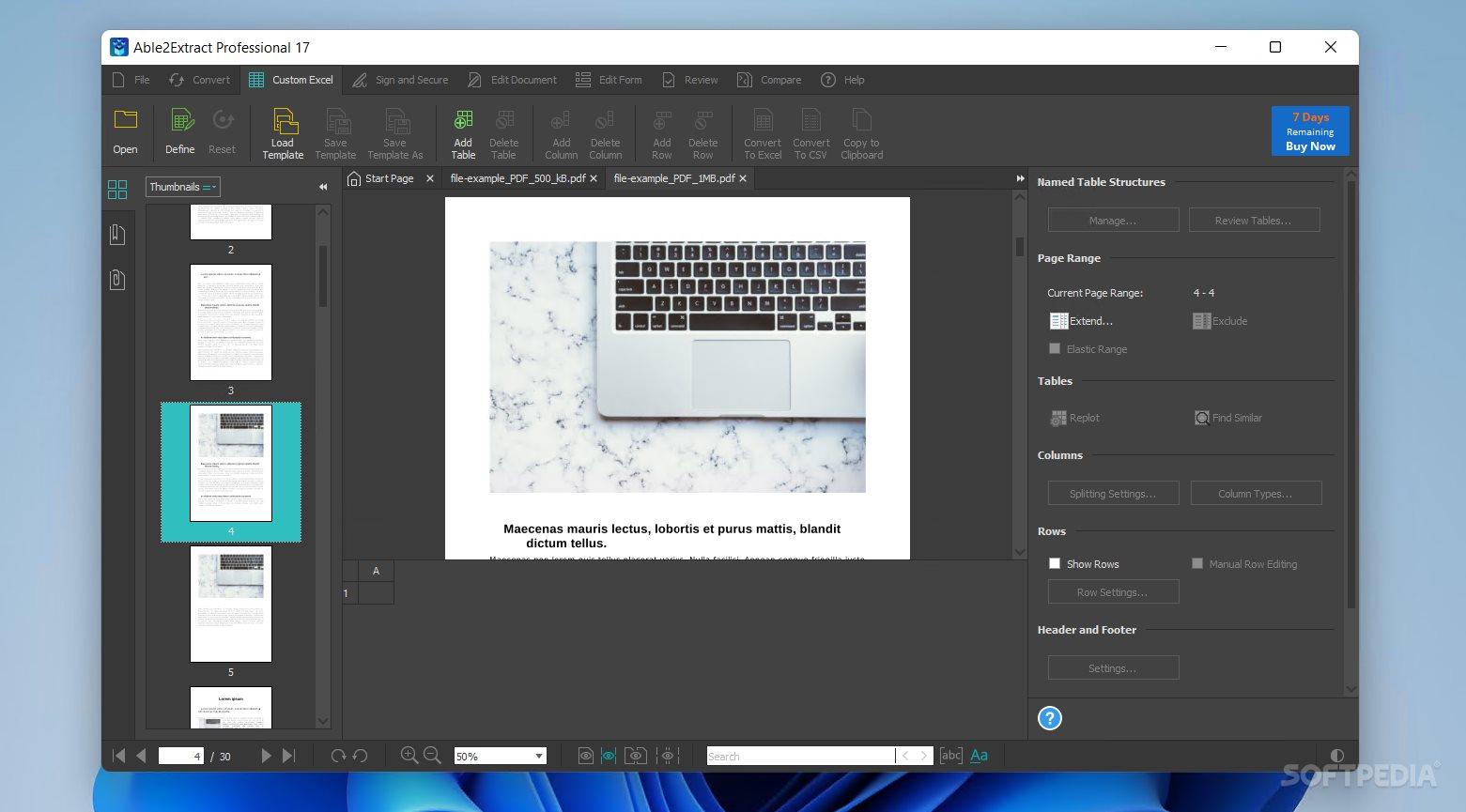
Able2Extract Professional lets you create, edit, and convert PDFs in more ways than one. Though well-suited for more extensive and demanding workflows, the app nevertheless maintains an ease of use that makes it a reliable choice for many types of workflows.
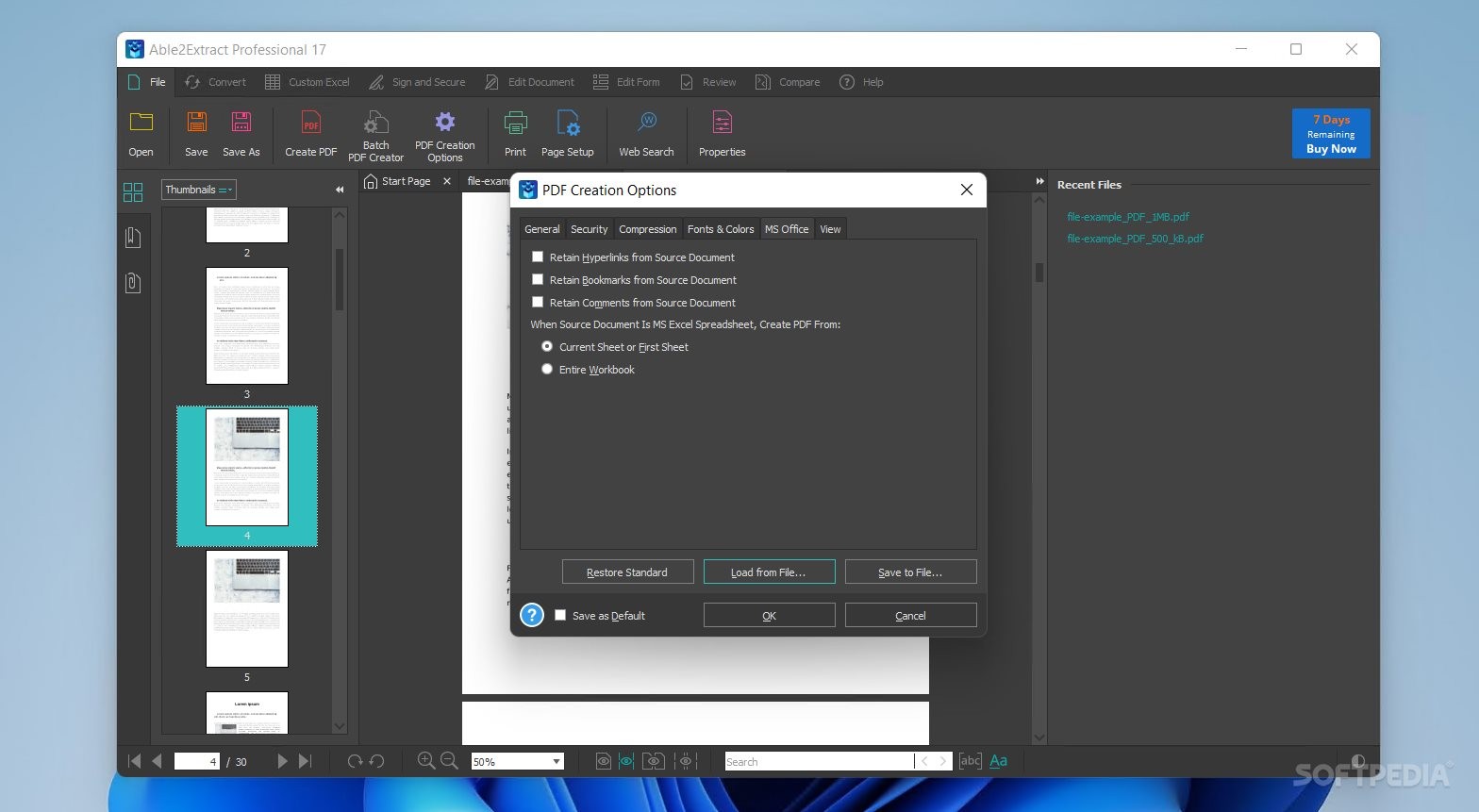
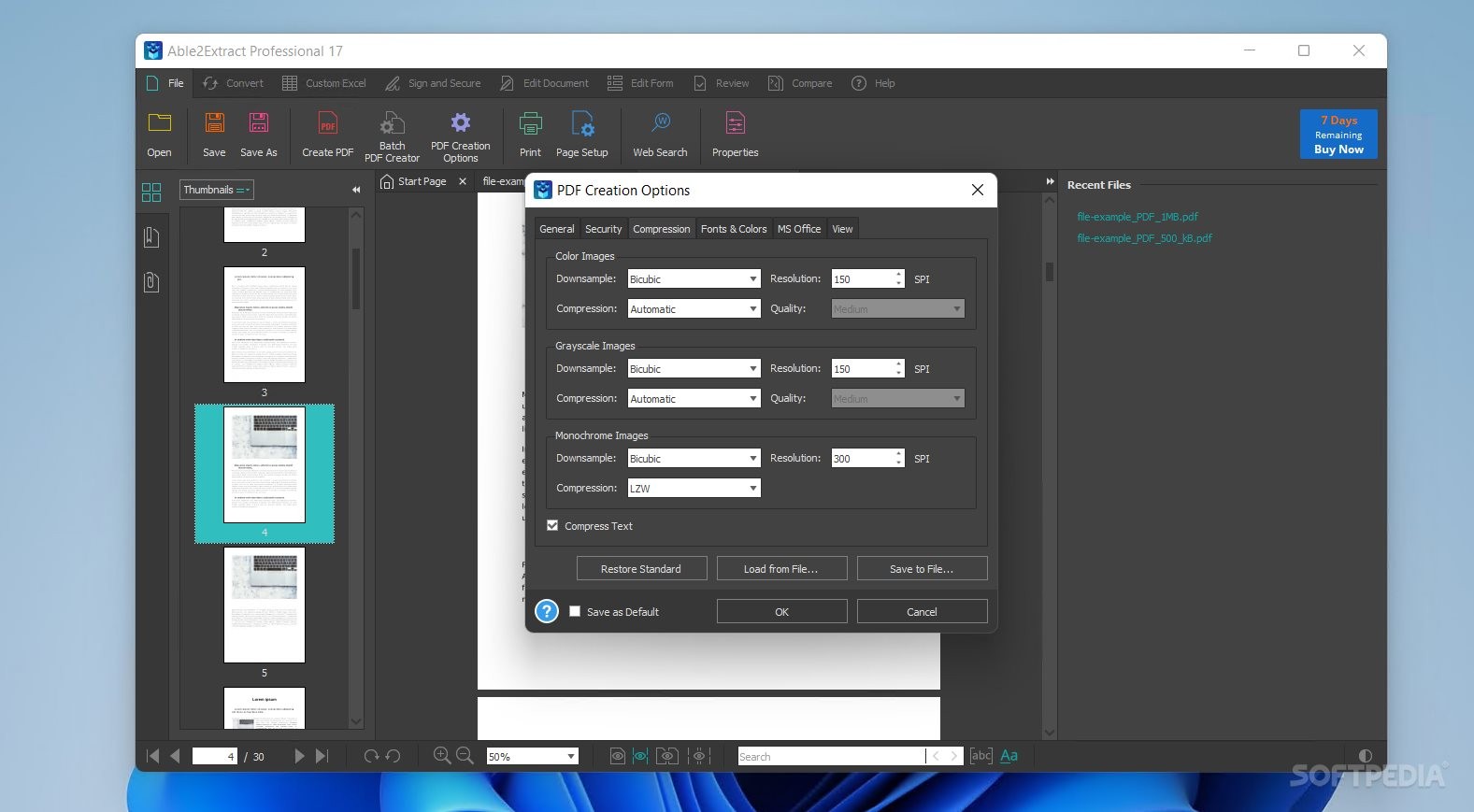
A good PDF manager can save you from a world of frustration. This one certainly has a lot going for it: for starters, you can create new documents as you please, but what’s most interesting here is the Batch PDF Creator, which lets you select various files for the app to convert into PDF.
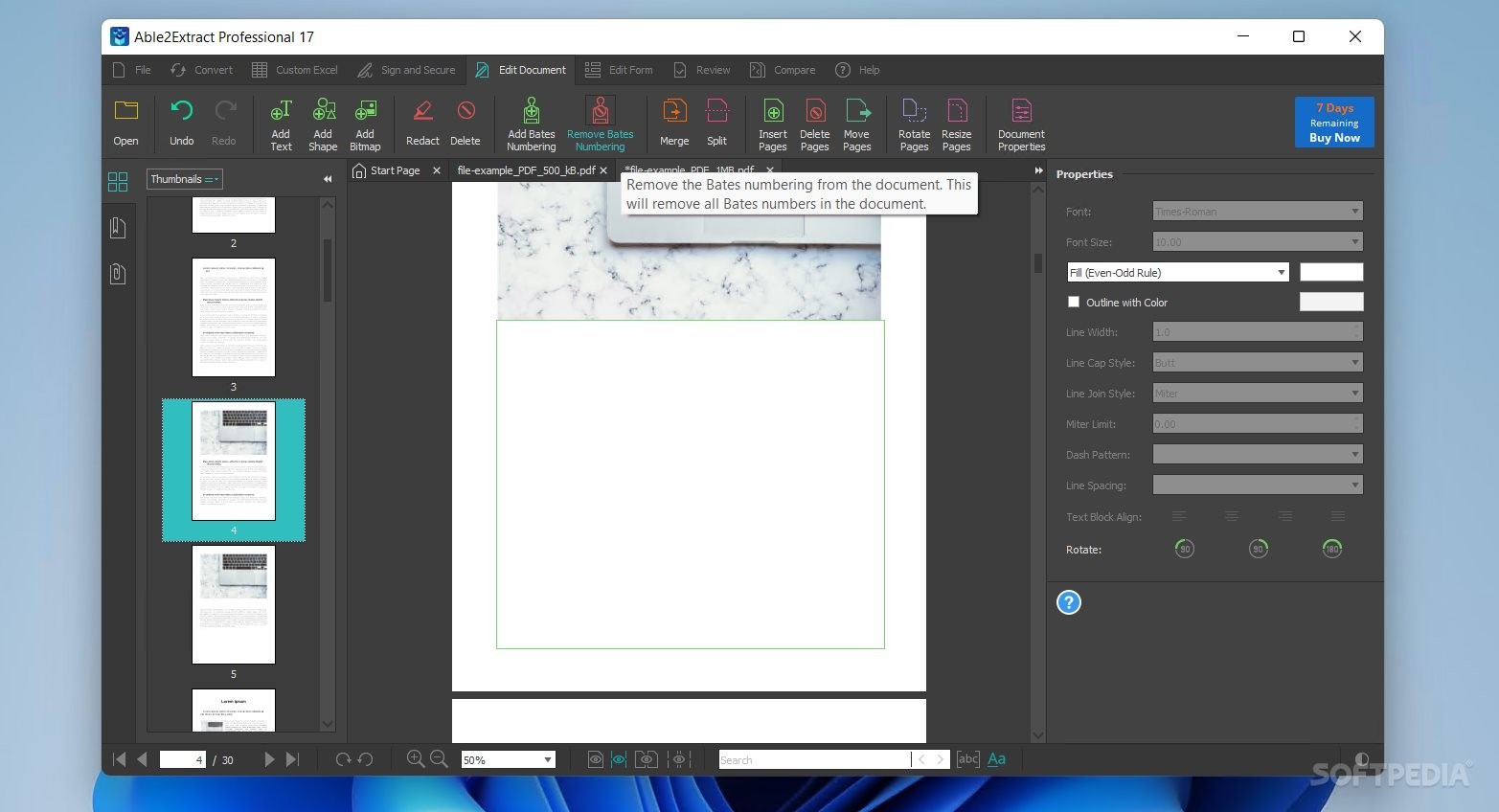
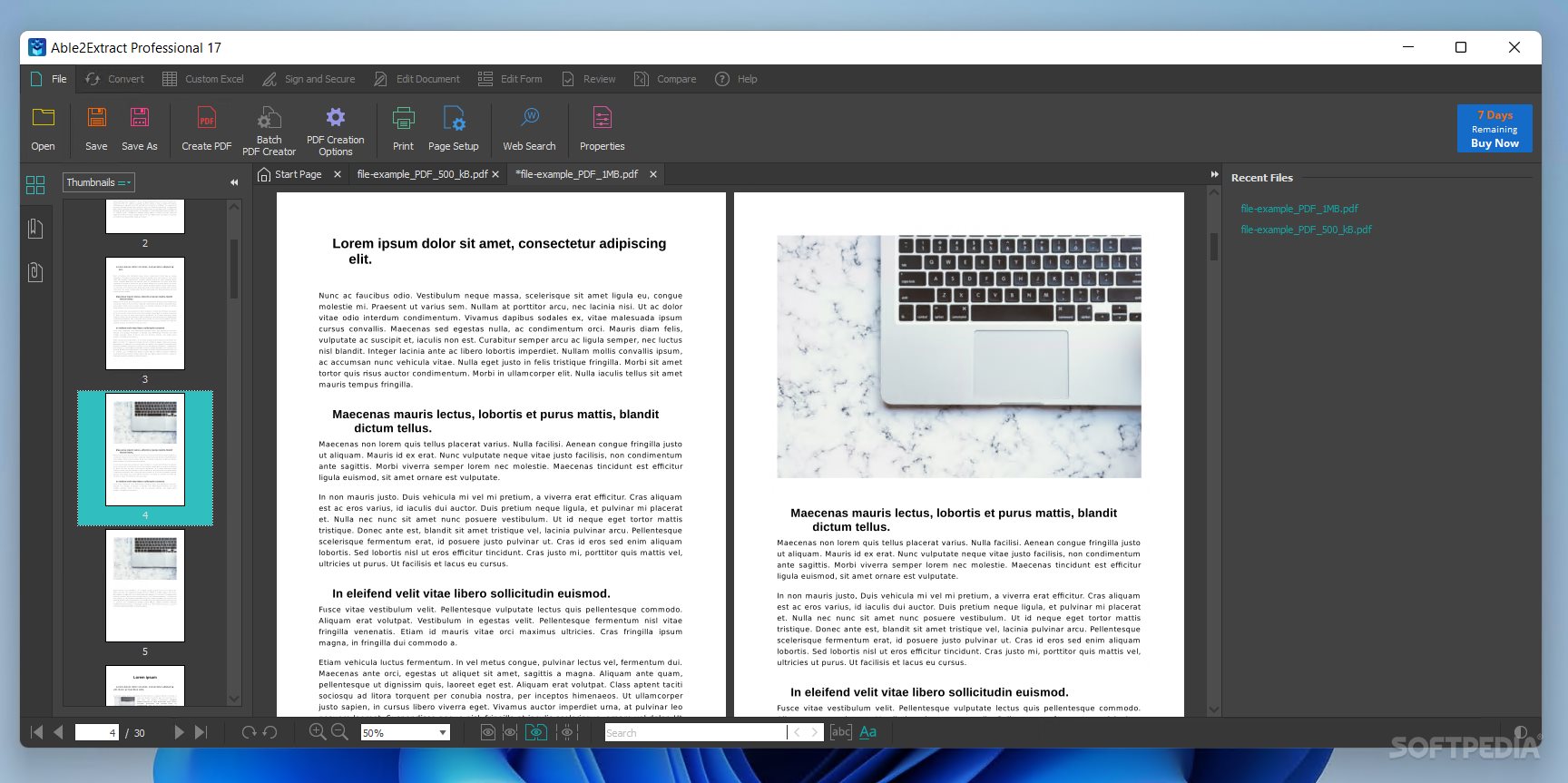
Should you want to edit an existing or new document, then you’ll be happy to know that a wide selection of options is available. You can add text, shapes, and images, merge or split various documents, resize, insert, and delete pages, and more.
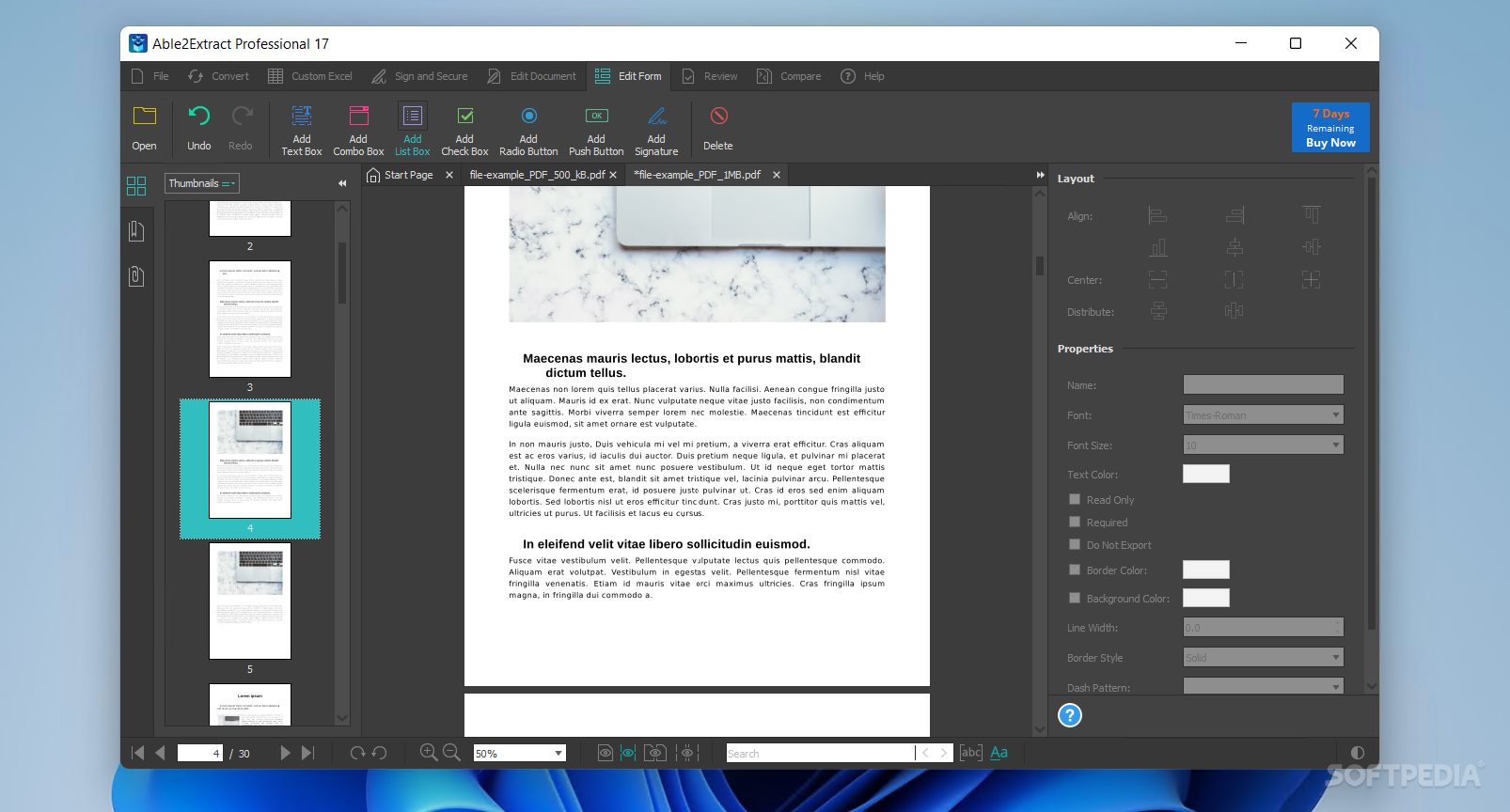
The editing capabilities also extend to redacting one’s files. Adding watermarks, sticky notes, links, stamps, as well as highlighting, underlining, and striking out certain passages, are just some of the many other possibilities to consider. Form management features are also included.
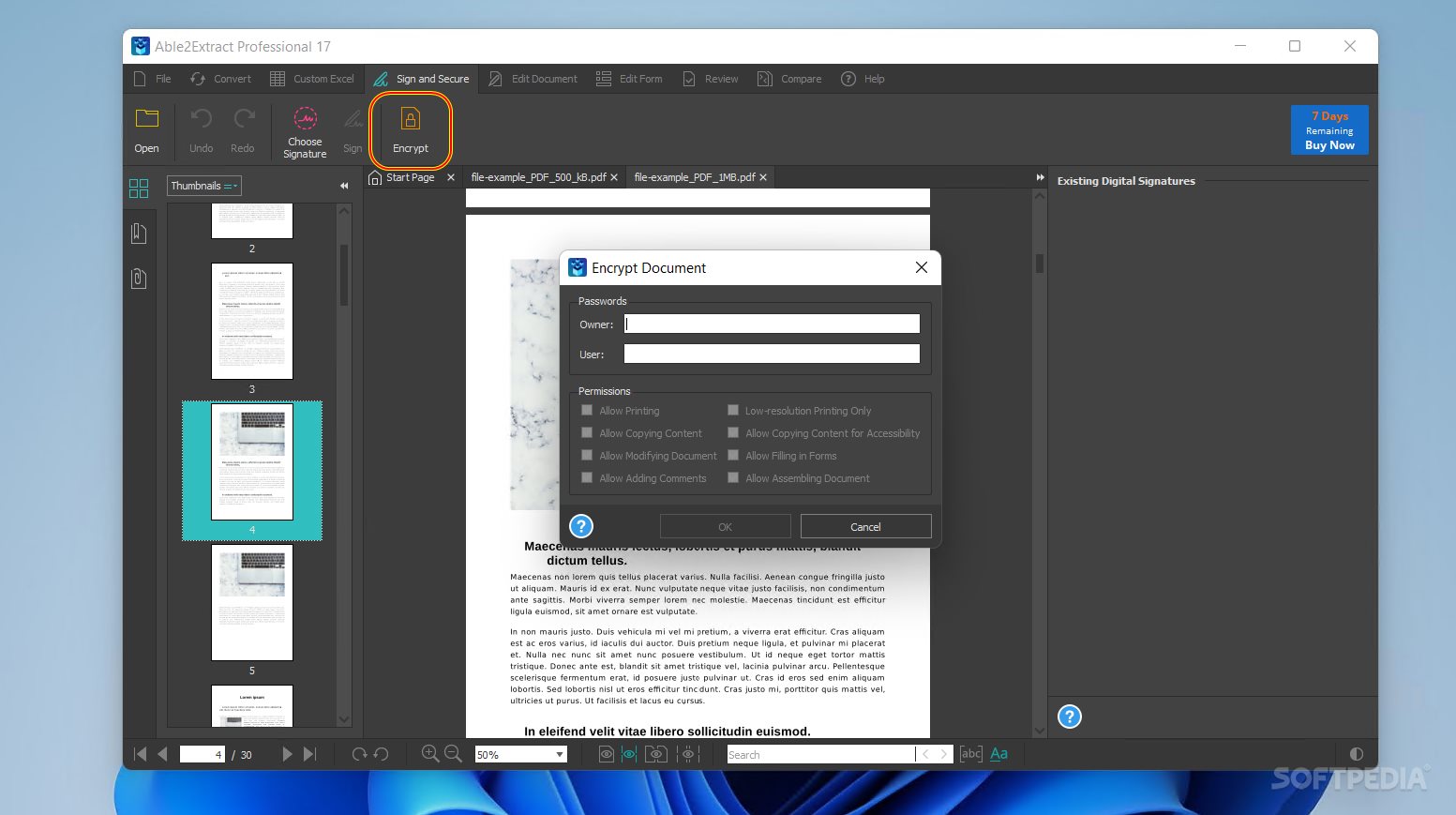
Though rarely absent from such solution, the presence of document signing and encryption capabilities is worth mentioning all the same.
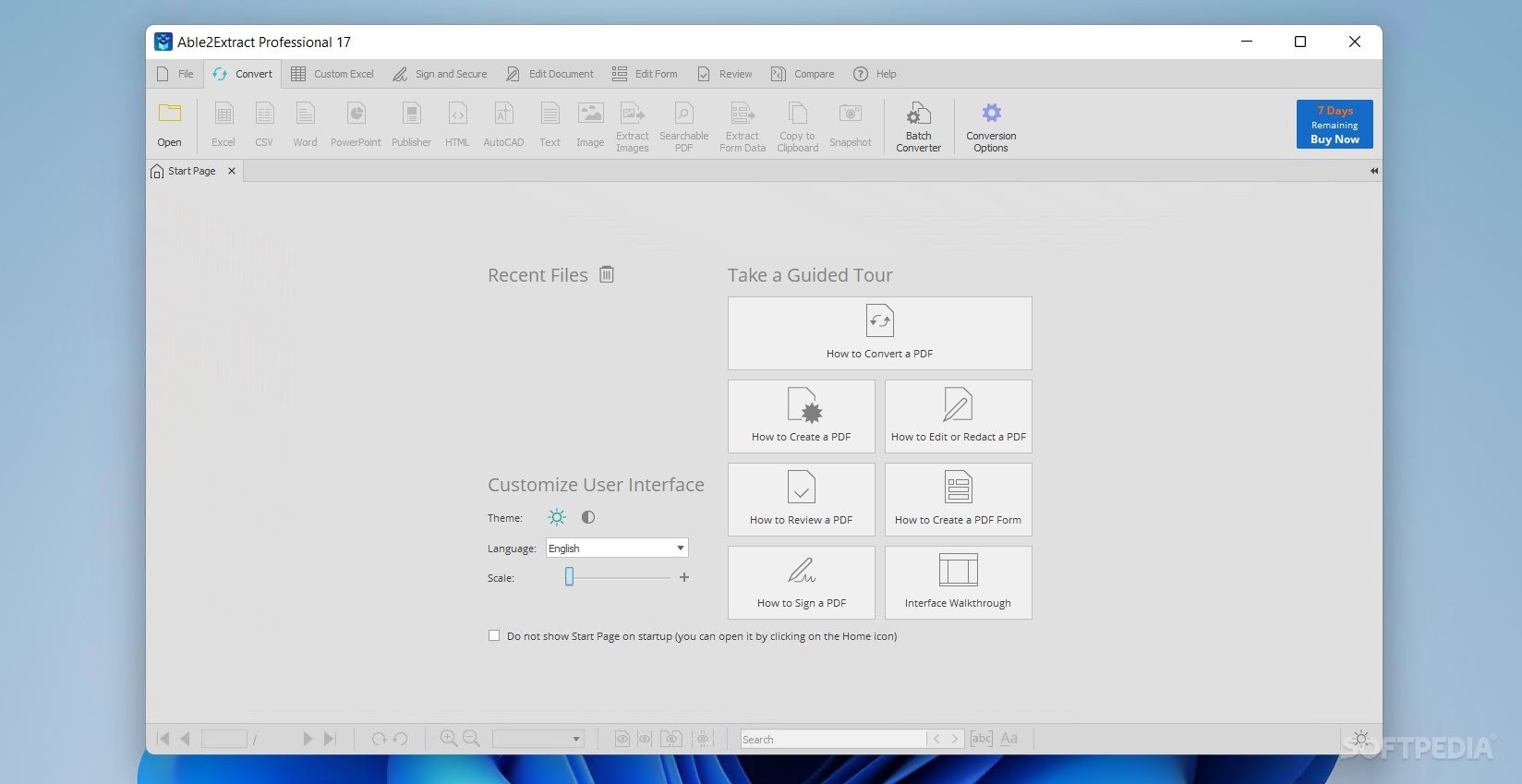
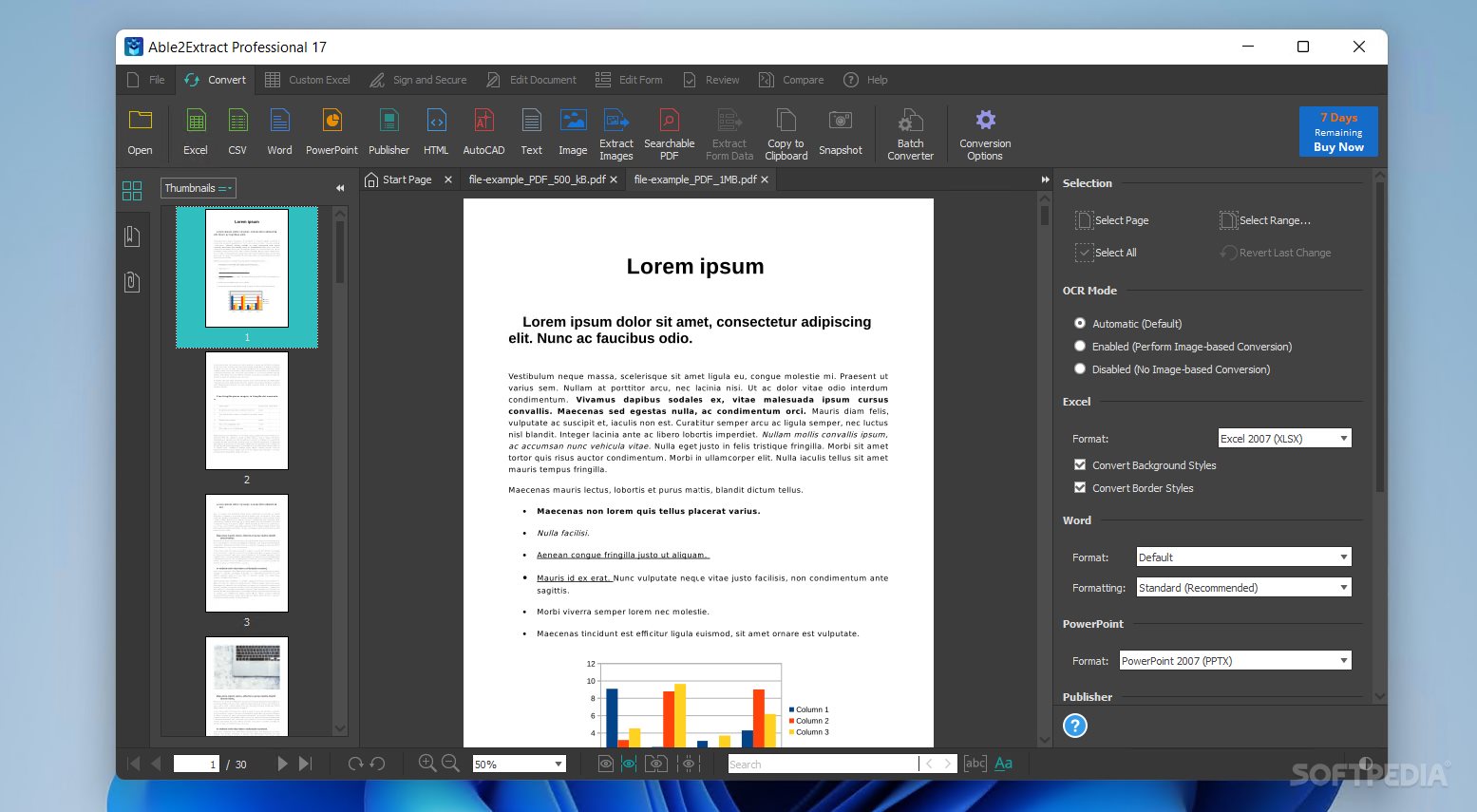
The amalgamation of the app’s conversion capabilities is standout for me, as it lets you transform PDF documents into Excel, Word, PowerPoint, Publisher, or AutoCAD files. Being able to transform a document’s text through OCR, so that it can be looked through more easily, is also to be appreciated.
A Batch Converter feature is likewise available and can be useful when you’re dealing with multiple files at a time.
Able2Extract Professional is quite the workhorse. Perfectly usable by less experienced and power-user audiences alike, this software solution certainly provides a lot of value for anyone often working with PDF files.
Download Hubs
Able2Extract Professional is part of these download collections: Convert PDF, Convert PDF to Excel
Able2Extract Professional 19.0.3
add to watchlist add to download basket send us an update REPORT- runs on:
-
Windows 11
Windows Server 2022
Windows Server 2019
Windows Server 2016
Windows 10 32/64 bit
Windows Server 2012 R2
Windows Server 2012
Windows 2008 64 bit
Windows 8 32/64 bit
Windows 7 32/64 bit - file size:
- 87 MB
- filename:
- InstallAble2ExtractPro.exe
- main category:
- Office tools
- developer:
- visit homepage
Microsoft Teams

7-Zip

calibre

IrfanView

Context Menu Manager

ShareX

Zoom Client

Bitdefender Antivirus Free

4k Video Downloader

Windows Sandbox Launcher

- Bitdefender Antivirus Free
- 4k Video Downloader
- Windows Sandbox Launcher
- Microsoft Teams
- 7-Zip
- calibre
- IrfanView
- Context Menu Manager
- ShareX
- Zoom Client