Search Perform an advanced search query SOFTPEDIA
 
SOFTPEDIA
Updated one minute ago
HomeSubmit a program for being reviewedAdvertise on our websiteGet help on surfing our websitesSend us your feedbackGet information about our XML/RSS backend and how to use itBrowse the news archiveVisit our discussion forumVizitati forumul in limba romana


Program Finder NormalFreeware onlyShareware only

Tomahawk PDF+ 3.0.0 Report spyware 

Click to download Tomahawk PDF Plus
View more Tomahawk PDF+ screenshots (5)
 Downloads: 17,183
Rating: Very Good (4.4/5) | Rated by: 55 user(s)
Add to download basket     Send us update information
 Developer: NativeWinds | More programs by this producer
 License: Freeware  
 Size / OS: 2.63 MB, Windows All
 Last Updated: March 27th, 2008, 13:18 GMT
 Category: C: \ Office tools \ PDF
 Read user reviews (3) Add a review Refer to friend Subscribe
    Download Tomahawk PDF Plus

Tomahawk PDF Plus description
A text editor and a PDF creator utility

Tomahawk PDF+ is a text editor and a PDF creator utility.

Tomahawk Gold is a complete word processing suite with the ability to load and save as PDF!

Tomahawk can be used to edit rtf, txt, tmd (our own format) and other file formats. Distribute your documents in the universal PDF format with ease!

Here are some key features of "Tomahawk PDF Plus":

· Multi-language support for 21 languages
· Tables - Tomahawk supports tables and tables nested inside of other tables. You can set the border style, background color (in both tables and cells), border style, embed images, cell alignment, etc. Insert or delete rows and
columns into existing tables. Merge and split cells
· Table Headers - Table header row(s) can be set to repeat on subsequent pages during printouts or exporting to PDF for large tables.
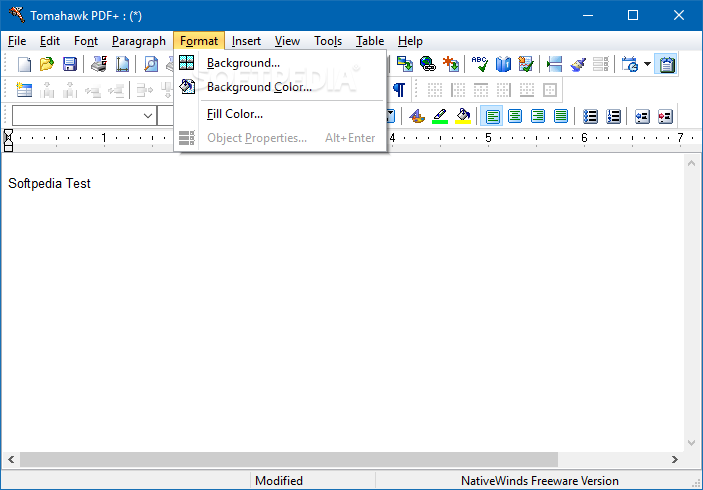
· Background images - Set a background image for your document. Images can be displayed as tiled, normal, or stretched. Tables can have their own background image.
· Bullets - Tomahawk supports several levels of bullets, including the ability to use images as bullets.
· Export - rtf, txt, html, and other formats depending on converters installed.
· Spell check - 26 dictionaries available
· Thesaurus - 2 available
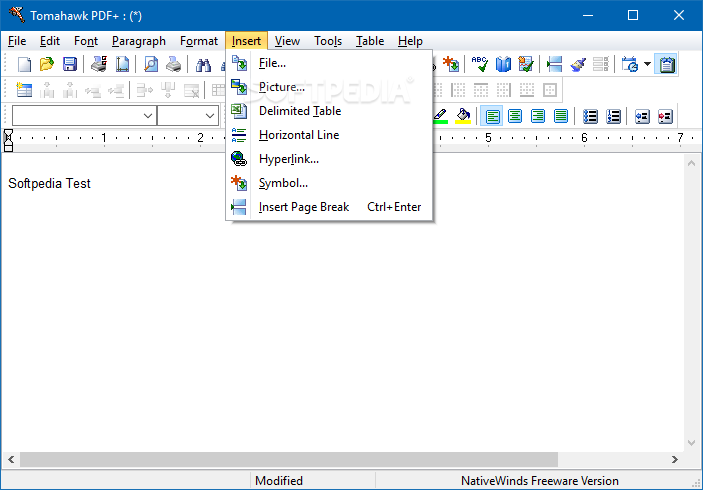
· Import and Embed tables directly from from a delimited file. Csv, Tab, etc.
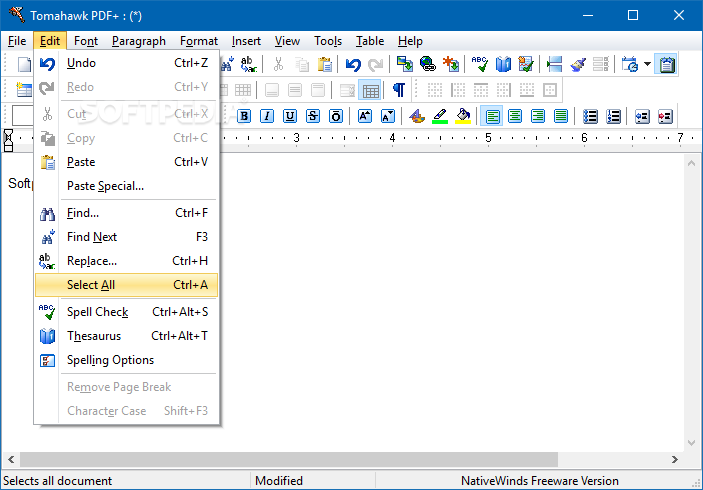
· Search & Replace
· Drag & drop - inserting for supported files and images.
· Advanced font - Supports character spacing, offset and horizontal scaling.
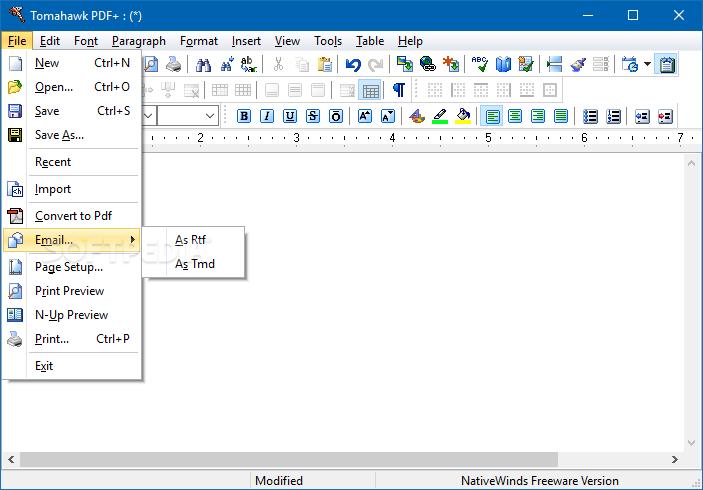
· E-mail - Send your current document or newly created PDF file directly from the Tomahawk screen. *** Requires mapi compliant e-mail software to be installed on your computer for this feature to function correctly.
· Embedded Hyperlinks support.
· Thumbnail Wizard - Create web-ready thumbnail pages of your images.
· Extract and Import PDF text and images
· Set the Title, Author, Subject and Keywords fields
· Ability to prevent printing, copying and changing the structure.
· Embed Fonts


What's New in This Release:

· Changed available N-Up printing styles to 1-Up, 2-Up, 4-Up and Booklet.
· Added Quick Format Button to toolbar.... [ read full changelog ]


Softpedia guarantees that Tomahawk PDF+ 3.0.0 is 100% CLEAN, which means it does not contain any form of malware, including but not limited to: spyware, viruses, trojans and backdoors.

This software product was tested thoroughly and was found absolutely clean, therefore it can be installed with no concern by any computer user.

However, it should be noted that this product will be retested periodically and the award may be withdrawn, so you should check back on this page from time to time. (click here for more information)


Related downloads IT News Popular downloads New additions   Latest reviews  
Pdf995 Printer Driver 8.3
Create professional-quality documents in the popular PDF file format
pdf-Office 7.1
This program will create sophisticated pdf forms and pdf documents from scratch
PDFtypewriter 5.7.1134
Create PDFs from any Windows program and make changes to existing PDFs
novaPDF Pro 5.4 Build 259
This application allows you to easily create PDF files from any printable document
novaPDF Lite 5.4 Build 259
This application allows you to easily create PDF files from any printable document
novaPDF Standard 5.4 Build 259
Allows you to easily create PDF files from any printable document
CoolPDF 2.0.1.737
Convert to PDF and making PDF files of anything that can normally be printed
602PRINT PACK 6.1
Easily create PDF documents, TIFF, JPEG and other graphic formats
EZ-Forms PRO 5.50.ec.220
Eforms: Create, scan, overlay, fillin, formfiller, import, export, encrpyt, PDF
EMS Quick PDF 1.1.2.0
Creating PDF documents with your applications written on Delphi or C++ Builder

go to top Use the following code to link to this page:


Welcome!
Hello, Guest

Login if you have a Softpedia.com account.

Otherwise, register for one.

Main categories:
  • Antivirus
  • Compression tools
  • CD/DVD Tools
  • Office tools
  • Programming
  • Authoring tools
  • File managers
  • Desktop Enhancements
  • Internet
  • Network Tools
  • IPOD TOOLS
  • Mobile Phone Tools
  • Multimedia
  • Tweak
  • System
  • Security
  • Others
  • Science / CAD
  • UNIX
  • Windows Widgets
  • PORTABLE SOFTWARE

  • Week's best:
  • SP3 UxTheme Patcher ...
  • PECompact 2.82
  • Sony Vegas Movie Stu...
  • 3DMark Vantage 1.0
  • Total Commander 7.03
  • VistaMizer 2.5.1.0
  • AVG Free Edition 8.0...
  • Windows XP Service P...
  • Ashampoo Burning Stu...
  • XviD Media Codec 1.1...
  • Blu-ray Disc Ripper ...
  • Blu-ray Region Code ...
  • Adobe Photoshop Ligh...
  • PowerDVD 8.0.1531
  • EF Commander 6.54
  • Microsoft Windows In...
  • Nero 8 Lite 8.3.2.1
  • WebSite-Watcher 4.41...
  • EVEREST Ultimate Edi...
  • Nokia PC Suite 6.86....
  • VMware Workstation 6...
  • AnyDVD HD 6.4.2.0
  • Messenger Plus! Live...
  • The Bat! Voyager 4.0...
  • Windows Vista Servic...
  • Nero 8 8.3.2.1
  • Vipre 3.1.1997 Beta
  • Internet Explorer 8 ...
  • Norton 360 2.0.0.242
  • SmartFTP 3.0.1015.5
  • © 2001 - 2008 Softpedia. All rights reserved.
    Softpedia™ and Softpedia™ logo are registered trademarks of SoftNews NET SRL.
    Copyright Information | Privacy Policy | Terms of Use | Contact Softpedia | Update your software | Archive