
A comprehensive and user-friendly software solution that offers you several utilities, such as macros, encoding tools, character map and spell check. #Text Editor #Edit Text #Write Editor #Text #Editor #Writer

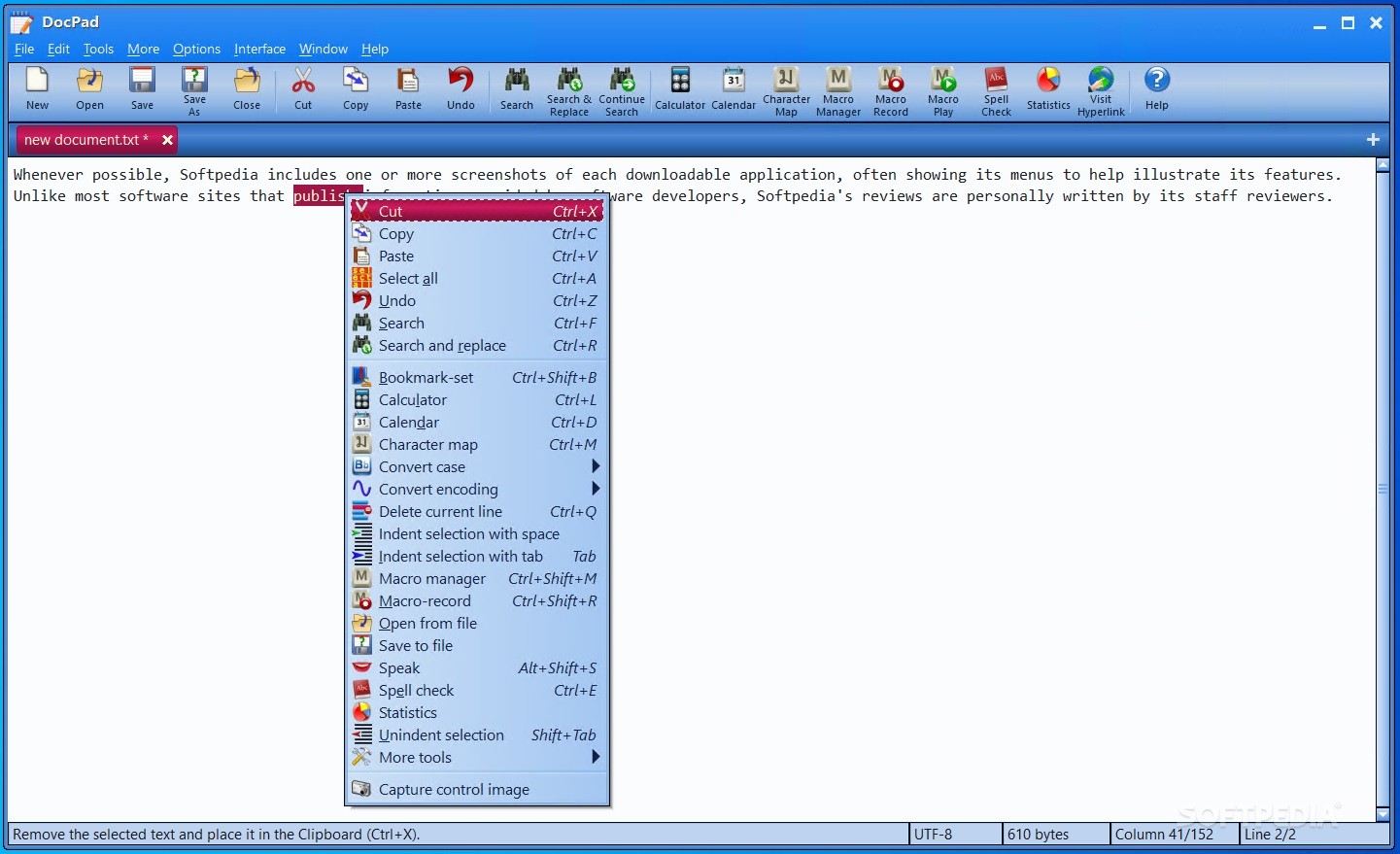
When writing text on our computers, most of us prefer feature-rich word processors, as they offer us the psychological comfort that no matter the situation, we have it covered.
And chances are that most of the time, we do not use nearly as much as one-quarter of the app's capabilities. However, this is not the case of DocPad, as it is totally aimed at simplicity.
This said, DocPad is a straightforward plain text editor that aims to offer you a balanced set of editing tools, not too many and not too complicated.
Designed as a Notepad replacement, the app stands out when compared with the aforementioned utility, not only in terms of looks, but also feature-wise. An accurate portrait would be to imagine DocPad as the perfect compromise between MS Word or OpenOffice and Notepad.
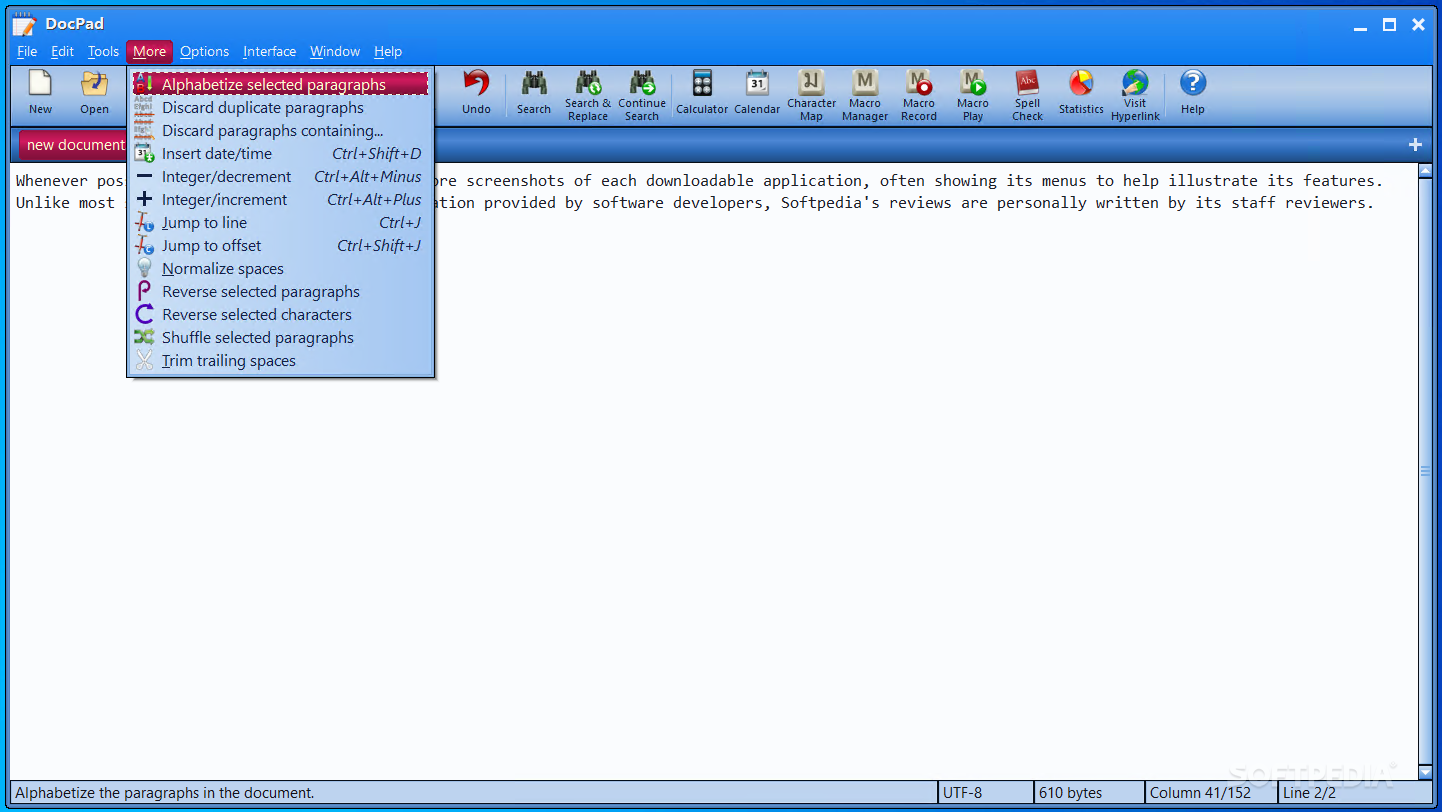
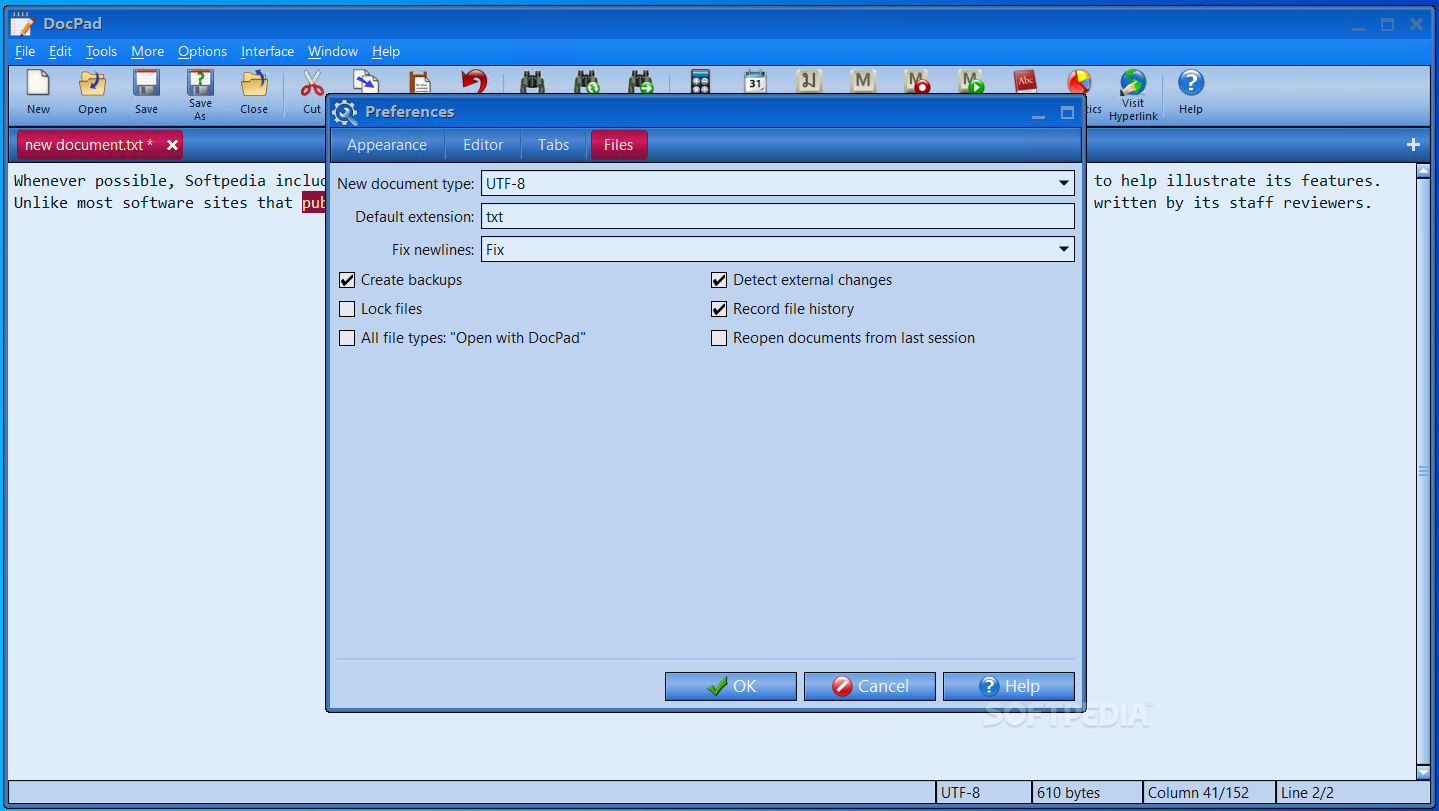
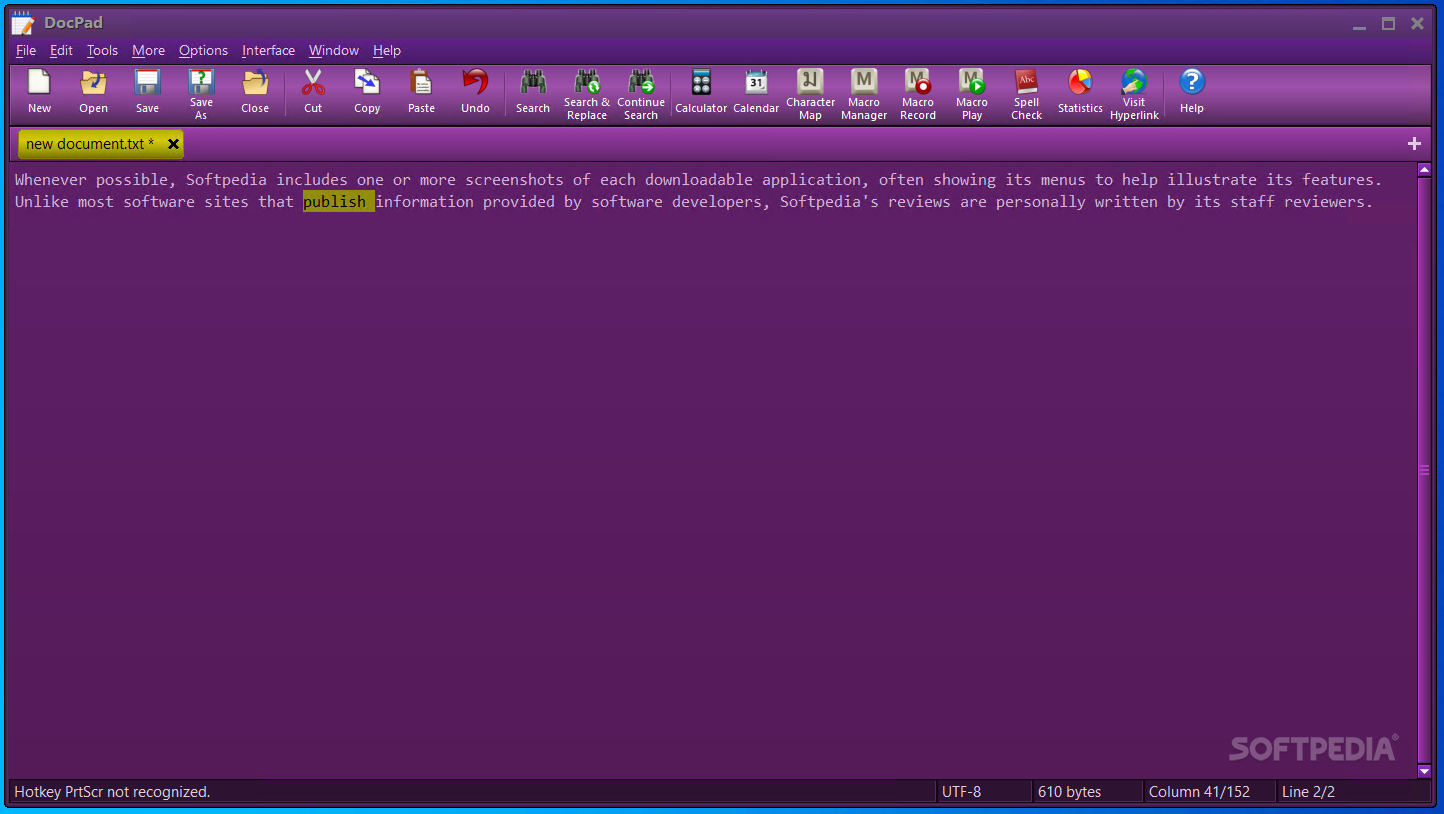
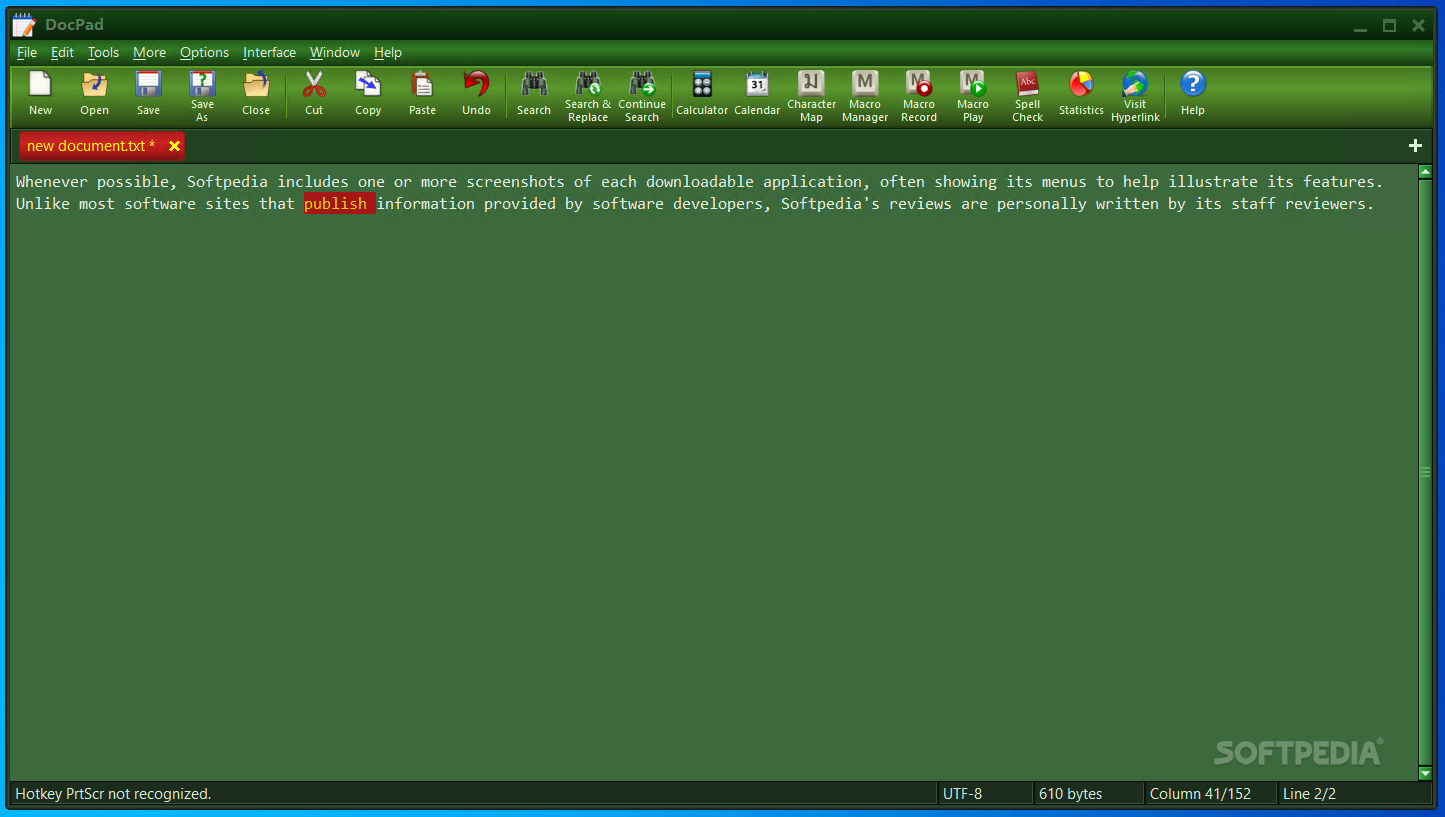
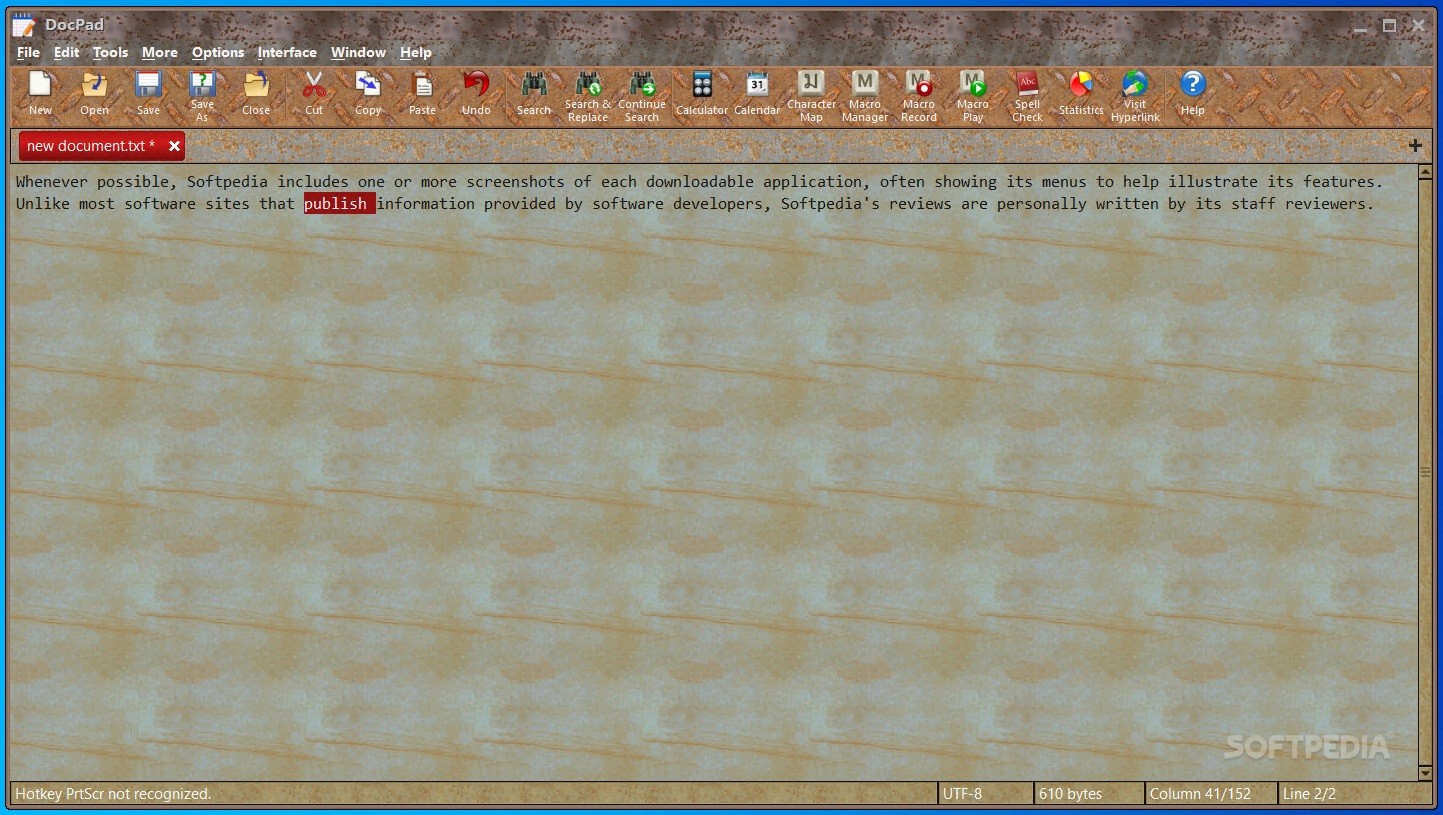
Consequently, the main window provides you with access to the app's most important features via a toolbar that manages to be both all-encompassing and uncomplicated at the same time.
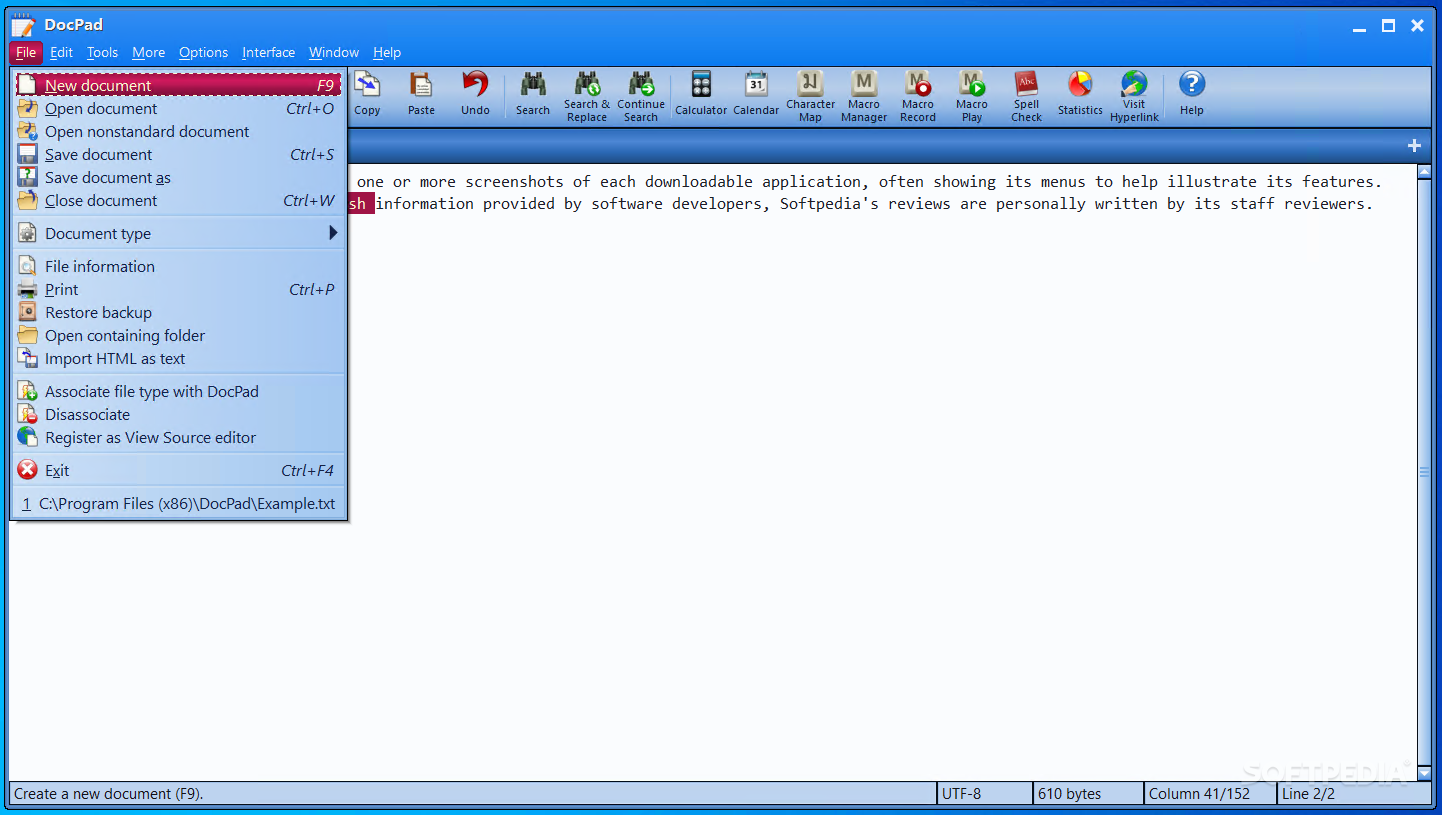
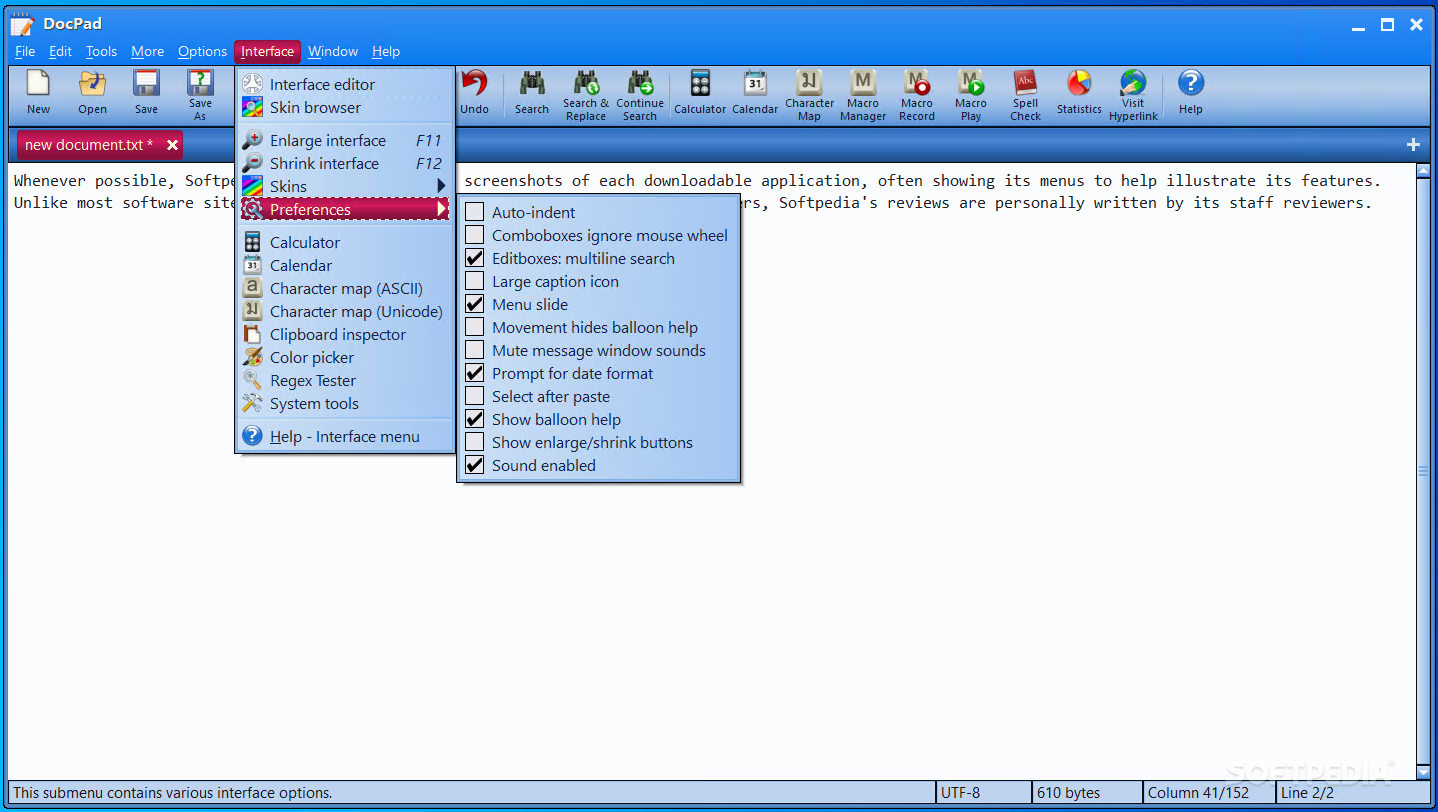
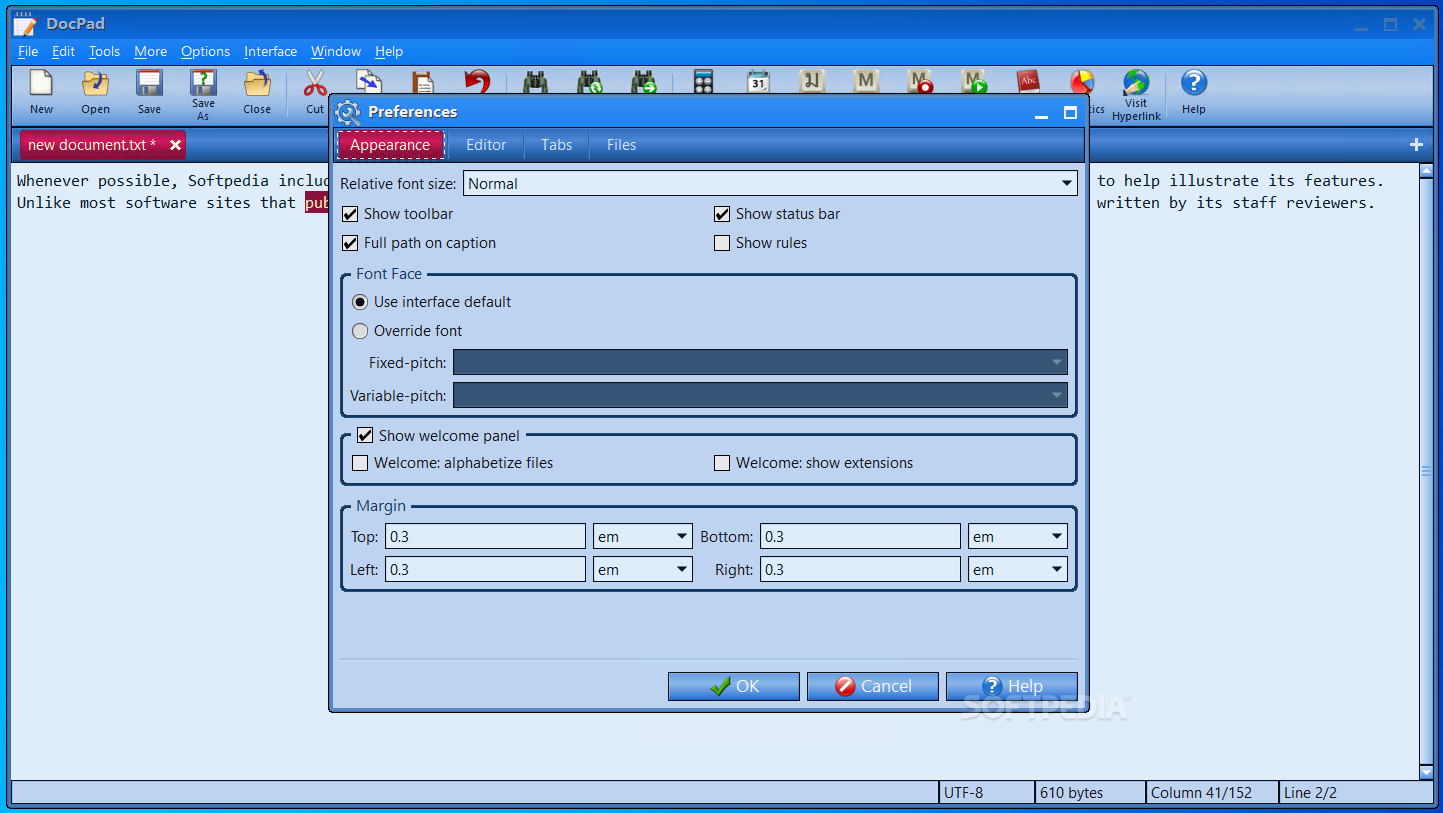
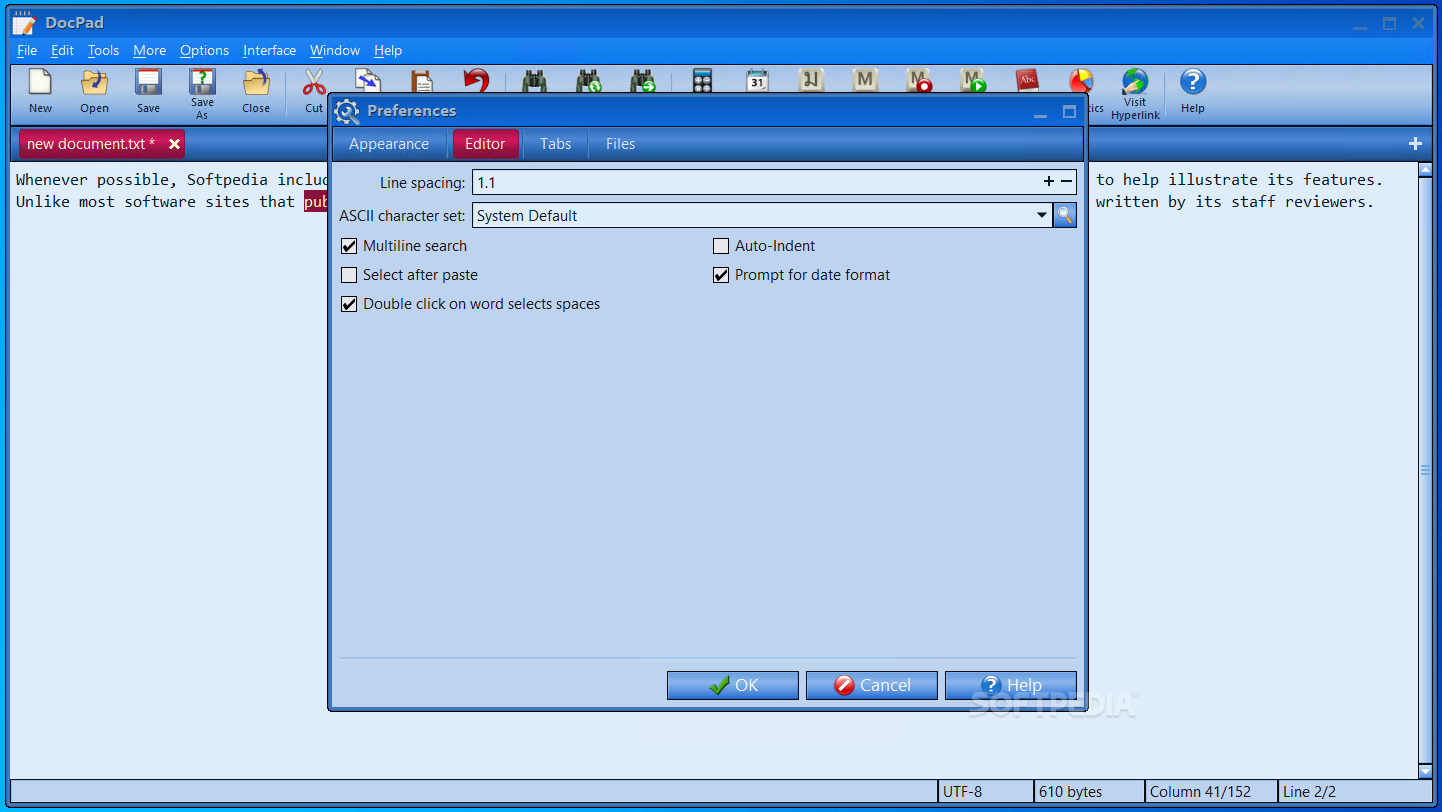
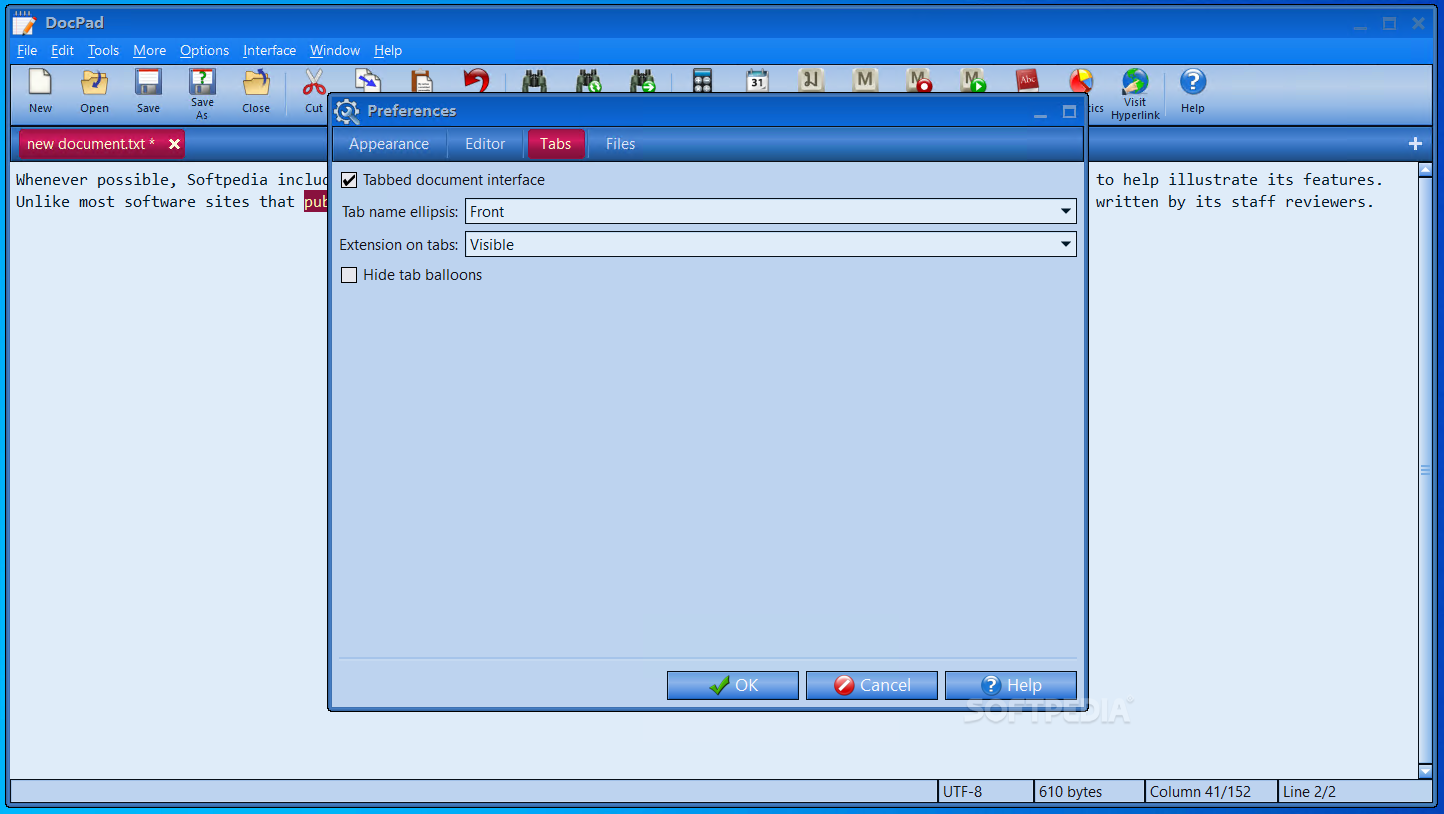
You get all the basic text editing features, sprinkled with more advanced ones like customizable toolbar, bookmarking, file backups, file history, jump to line, skinnable interface and spell checking.
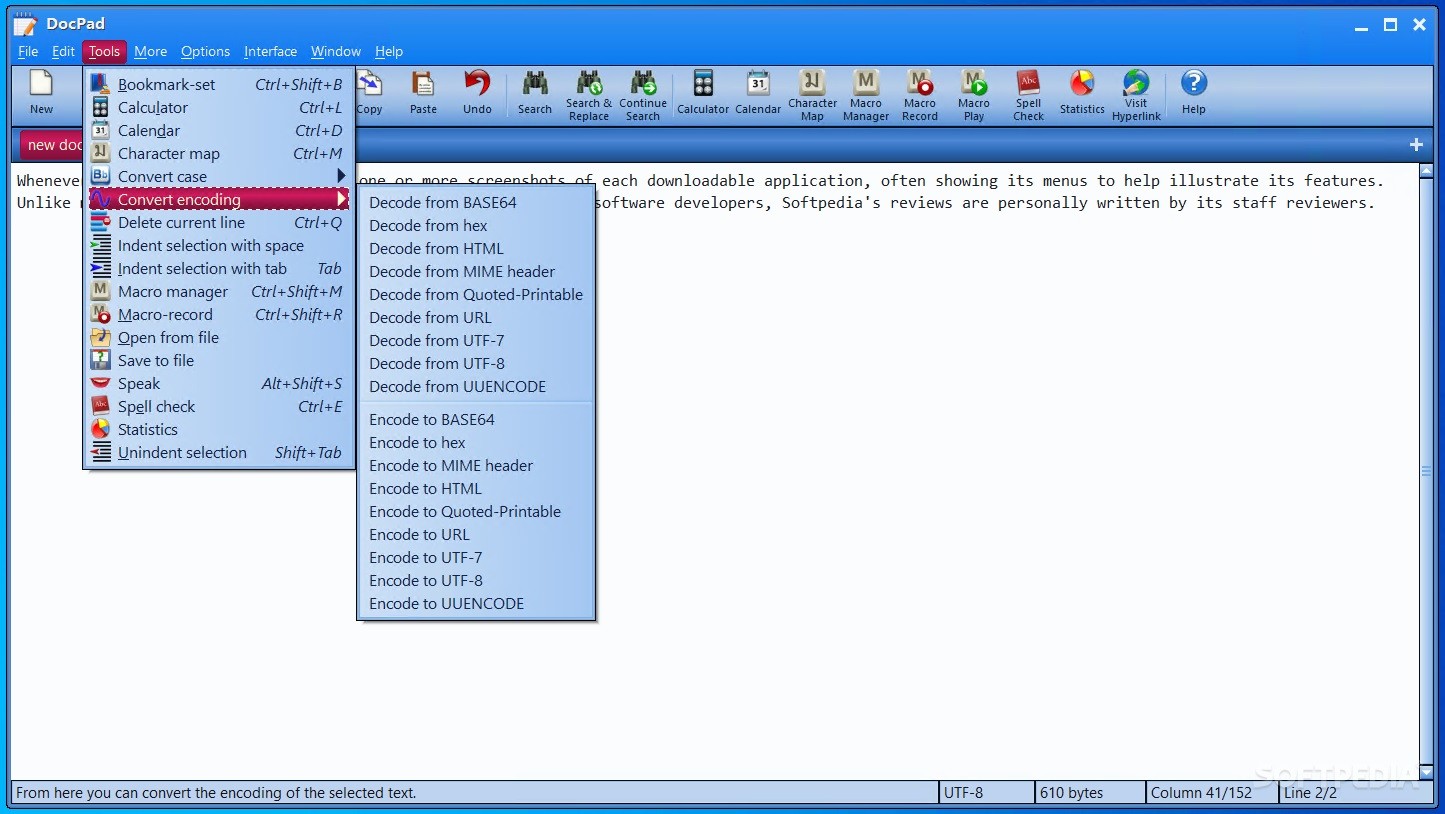
In addition to all that has been mentioned, DocPad comes with a built-in calculator, calendar and a character map. It can convert various encodings, as well as turn your text to lower and upper letter case.
Besides being very user-friendly and exactly how you need it in terms of simplicity, the utility also supports both file and text drag and drop, which makes it very easy to use.
To conclude, DocPad is nowhere near as powerful as the industry's leading competitors, but it is considerably more competent than basic text editors.
It may not get the headlines, but the truth of the matter is that this small app offers the exact amount of features a typical user needs, well packed together and easily accessible.
What's new in DocPad 31.1:
- The bookmark position is now remembered between sessions for the last 250 documents opened.
- Added to the Options menu tools for resetting the toolbar to two themes, one with text labels and one without.
- Auto-Save: after an auto-save occurs, the statusbar now includes the message "Click to revert". The user may click on the statusbar to undo the autosave.
- Welcome: the "Welcome: Show Extensions" preference has changed from a checkbox to a combobox named "Recent Documents Filepath" with a third option to show the entire filepath of the recent document.
DocPad 31.1
add to watchlist add to download basket send us an update REPORT- runs on:
-
Windows 11
Windows 10 32/64 bit
Windows 8 32/64 bit
Windows 7 32/64 bit
Windows Vista 32/64 bit
Windows XP 32/64 bit - file size:
- 12.7 MB
- filename:
- setup-dp.exe
- main category:
- Office tools
- developer:
- visit homepage
Microsoft Teams

ShareX

Bitdefender Antivirus Free

Context Menu Manager

Zoom Client

IrfanView

7-Zip

Windows Sandbox Launcher

4k Video Downloader

calibre

- Windows Sandbox Launcher
- 4k Video Downloader
- calibre
- Microsoft Teams
- ShareX
- Bitdefender Antivirus Free
- Context Menu Manager
- Zoom Client
- IrfanView
- 7-Zip