Search Perform an advanced search query SOFTPEDIA
 
SOFTPEDIA
Updated one minute ago
HomeSubmit a program for being reviewedAdvertise on our websiteGet help on surfing our websitesSend us your feedbackGet information about our XML/RSS backend and how to use itBrowse the news archiveVisit our discussion forumVizitati forumul in limba romana


Program Finder NormalFreeware onlyShareware only

EditPad Lite 6.4.2 Report spyware 

Click to download EditPad Lite
View more EditPad Lite screenshots (5)
 Downloads: 6,810
Rating: Very Good (4.2/5) | Rated by: user(s)
Add to download basket     Send us update information
 Developer: JGsoft | More programs by this producer
 License: Freeware  
 Size / OS: 3.13 MB, Windows All
 Last Updated: July 11th, 2008, 14:45 GMT
 Category: C: \ Office tools \ Text editors
 Read user reviews (1) Add a review Refer to friend Subscribe
    Download EditPad Lite

EditPad Lite description
A convenient, carefully designed text editor and Notepad replacement

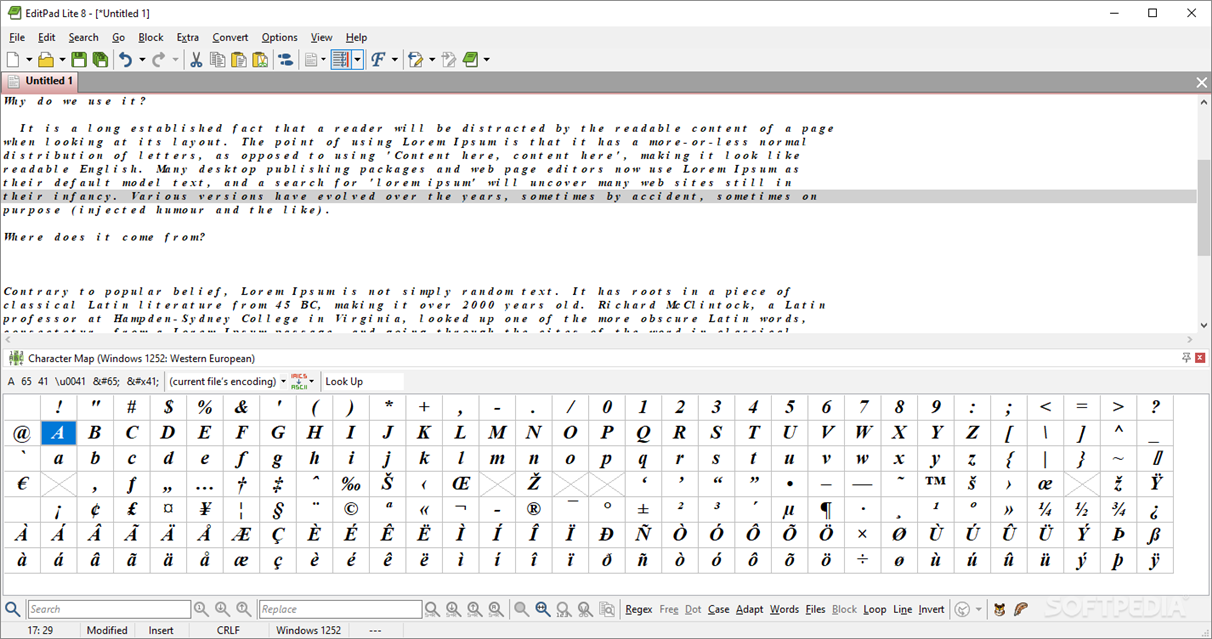
EditPad Lite application is a convenient, carefully designed text editor and Notepad replacement. It has all the features a solid text editor needs without any bloat.

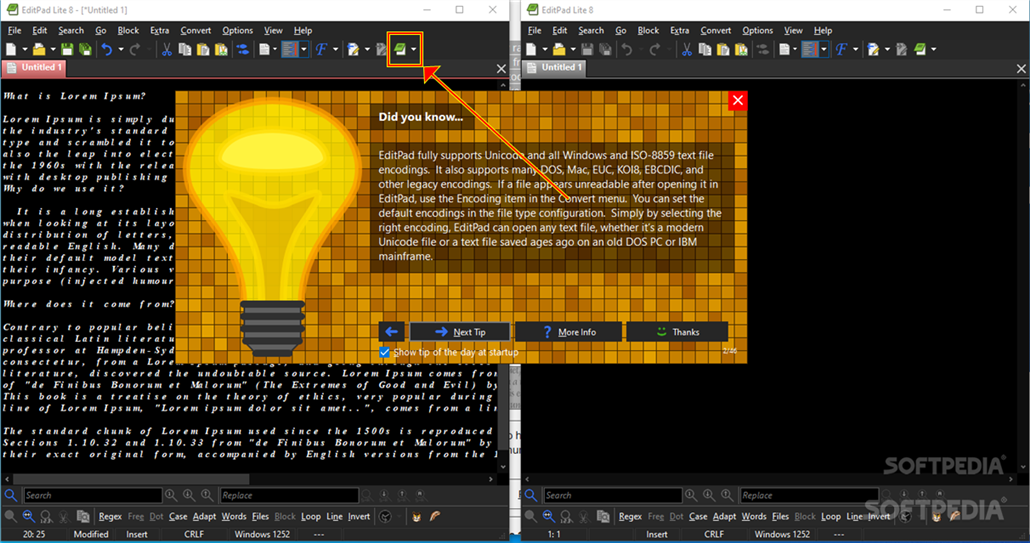
You can open as many files at a time as you want, with no arbitrary file size limit and no arbitrary line length limit. You change between the open files by clicking on their tabs. No hassle with heaps of overlapping windows. If you want, EditPad Lite limits itself to one instance, saving you a lot of task switching, and keep an icon visible in the system tray, for quick access.

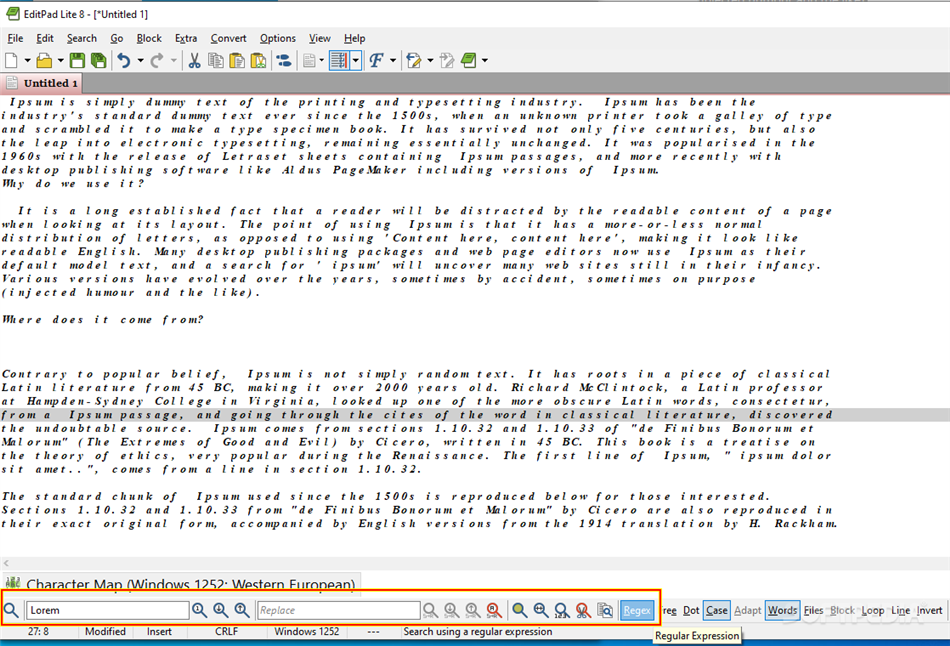
Save time with the EditPad Lite Search and replace that can work across all open files. Reduce frustration with the unlimited undo and redo, which can undo changes even after saving them.

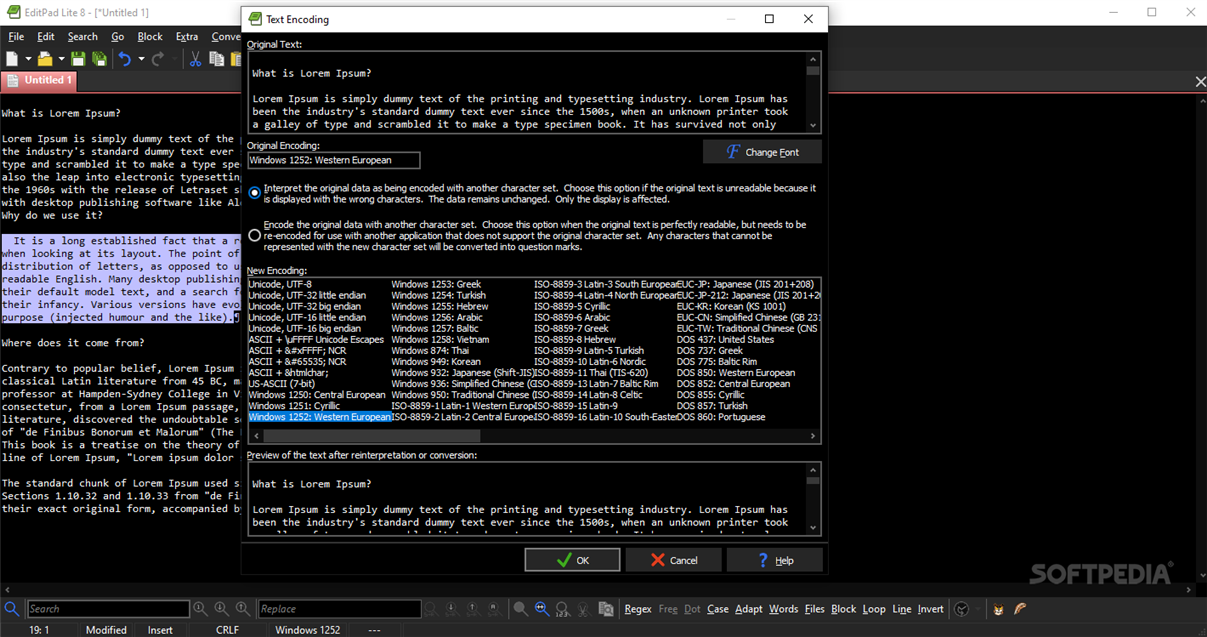
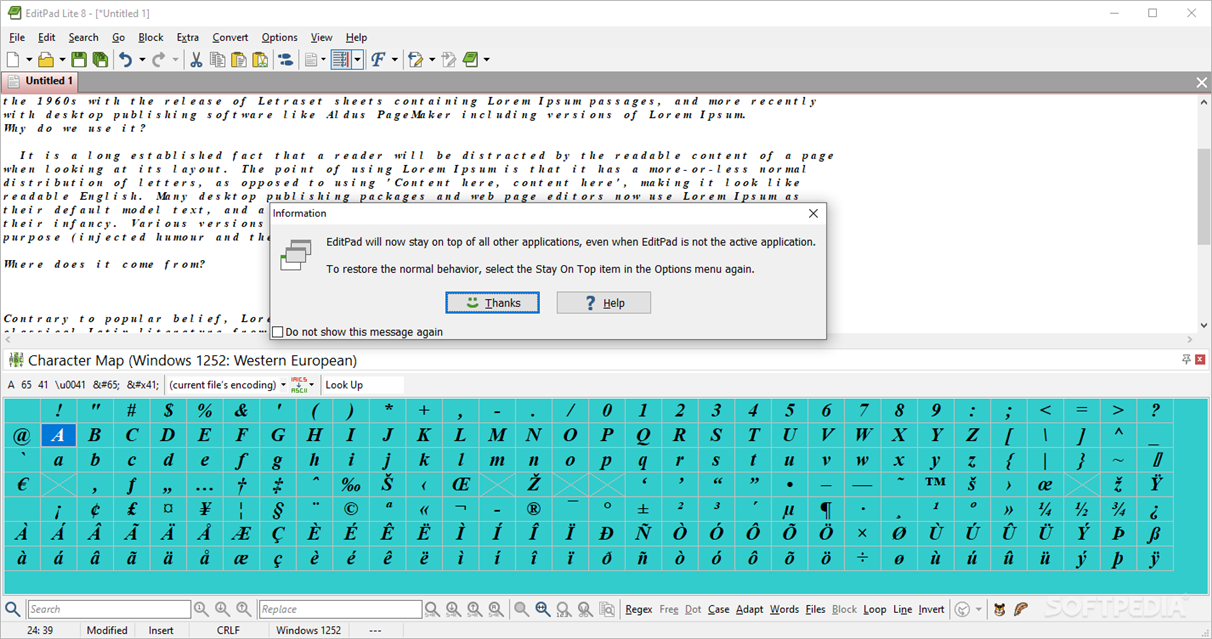
EditPad Lite is fully globalized. You can convert between ANSI, ASCII and Unicode (UCS-2 and UTF-8). Create text files
in any language you like, whether that's English, French, Russian or Chinese. EditPad Lite itself has also been translated into many languages, including all documentation. Other language versions can be downloaded from LINK

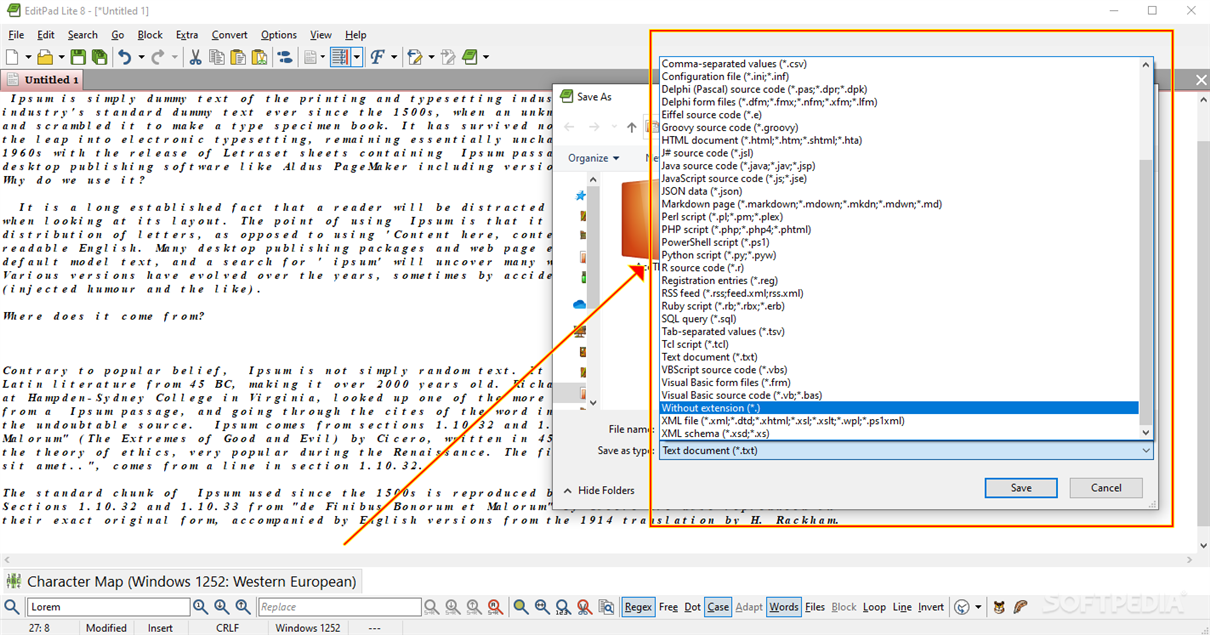
EditPad Lite can edit structured text files quickly with the many block functions. Save parts of your text to disk and insert a file in the current text. Rectangular blocks are supported as well.

With EditPad Lite you will save paper and ink with the powerful print preview, and options like printer font, margins, headers/footers, etc.

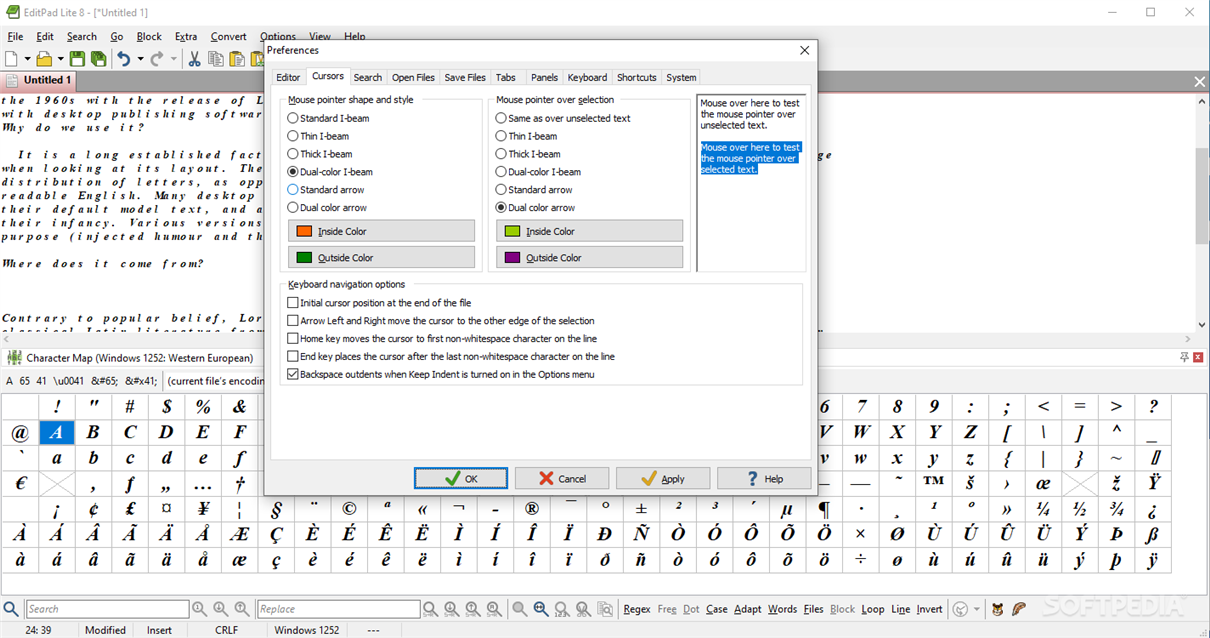
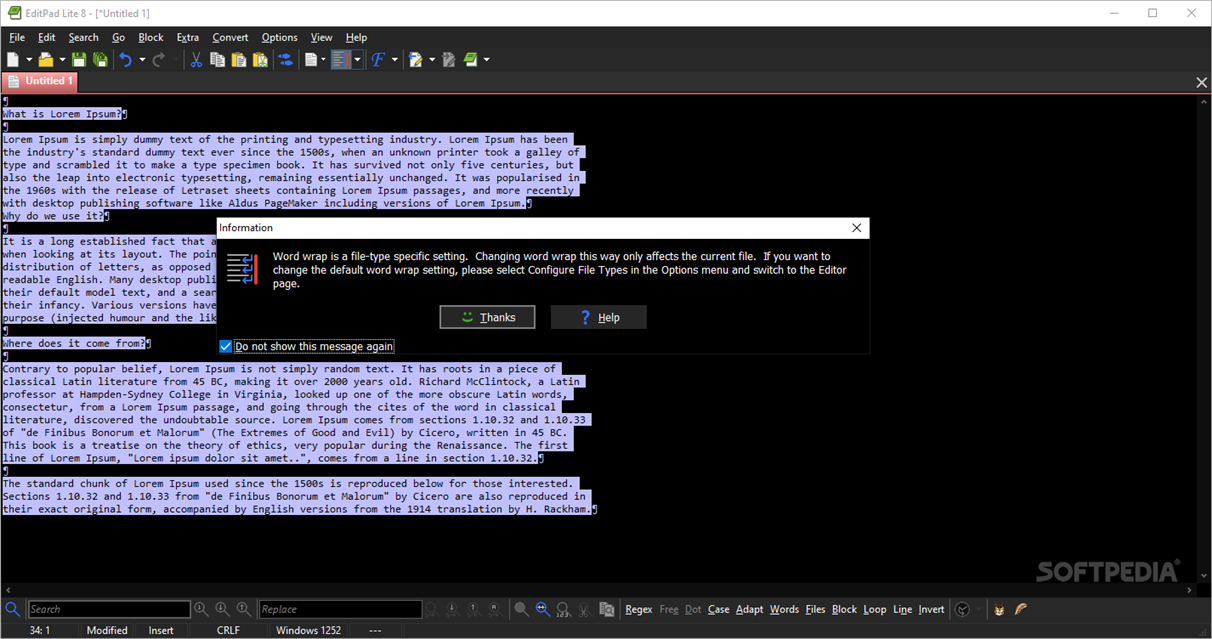
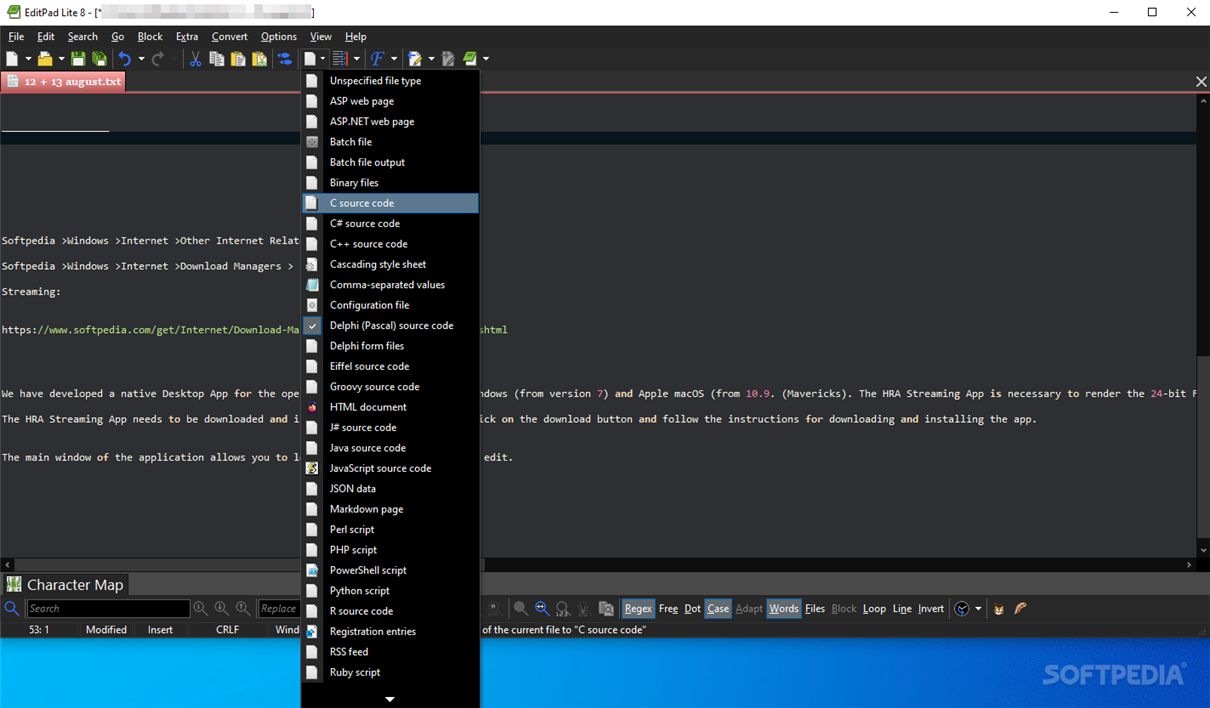
You can adjust the appearance and functionality of EditPad Lite to your own tastes and habits with the many preferences that you can specify. Many settings such as word wrap, line numbering and auto indent can be made for each file type individually. You can also define your own file types.

Here are some key features of "EditPad Pro":

· No worries about Windows, Unix/Linux, Mac or mixed line break styles.
· Convert UPPER, lower, Title and iNVERTED case.
· Versatile block and clipboard functions and options for moving and copying blocks of text.
· Clip collection to store and instantly reuse text snippets and templates.
· Unlimited undo and redo save your day.
· Compare two versions of one document (diff).
· Easily work with many files using the tabbed layout instead of traditional overlapping windows.
· Quickly (re-)open files via history lists, favorites, projects, etc...
· Make your text editor work the way you want, rather than the other way around.
· Powerful search and replace.
· Edit every kind of text file.


What's New in This Release:

· New features:
· File Types: JSON file type with syntax coloring and file navigation.
· File navigation: Additional XML schemes that add a "content" subnode to each element that links only to the contents of the element, without the element's opening and closing tags.
· File Types: PowerShell file type with syntax coloring and file navigation.
· Command line switch to add the main form instead of the application to the taskbar. Pass /taskbar as the first command line parameter. This fixes issues with certain Alt-Tab and taskbar replacement/enhancement utilities. It also puts items like "Move" on the taskbar button's right-click menu. Disadvantage is that the taskbar button will then display the same text as the caption on EditPad's window, which shows the full path to your file. Without the command line switch, EditPad shows only the file name on the taskbar button.
· Improvements:
· Tools: Group the undo items when replacing the selected text after running the tool.
· Preferences, Editor: The option to focus the editor after a successful search is now off by default.
· Macros: Stop macro playback if View|Next/Previous File is at the last/first file already, instead of looping to the first/last file. Repeating a macro that does a View|Next File at the end is a way to repeat a macro across all open files. When not playing back a macro, View|Next/Previous file will still loop as in previous versions
· Bug fixes:
· File|Favorites: If the option to preserve file settings was disabled in Options, Preferences, Files, trying to add the current file to the favorites caused an access violation.
· Macros: Selecting Options|File Types did not record the file type change into the macro.
· File Panel: The New Project button in the File Panel caused an access violation when no files were selected. The New Project button in the File Panel moves the selected files into the newly created project. The New Project item in the Project menu starts a blank project without moving any files.
· Editor: Syntax coloring was not updated correctly if an edit required a single color to be newly applied to a block of multiple lines, and the block of lines was only partially visible
· File Panel: Dragging and dropping an Untitled and empty file within a project caused EditPad to crash with an Access Violation. Note that the files in the File Panel are always sorted alphabetically. You cannot rearrange files within the same project on the File Panel.
· Favorites: Renaming a folder inside another folder in the favorites caused a "list index out of bounds" error.
· Search: Typing at the start of the search term in the hexadecimal section after opening the search panel in hexadecimal mode caused an access violation
· FTP: If the connection to the FTP server is lost, EditPad's FTP panel sometimes hangs instead of automatically reconnecting, making it impossible to reconnect to the FTP server or even close EditPad.
· Preferences, Colors: The "white on black" preset resulted in a color combination for paragraph symbols that made them invisible.
· Preferences, Editor: The option to always visualize spaces and line breaks on the search panel was only respected when the search panel was first opened; switching tabs would cause the search panel to use the settings from the Options menu.
· File status was not preserved for files that were still open when EditPad was terminated with File|Exit.
· Fold: If undoing an action required the cursor to be moved to a line made invisible by folding, the cursor would appear visually at the first line in the fold even though it was logically moved back to the correct line.
· Bookmarks: If multiple lines were pasted into the line immediately above a bookmarked line, the bookmark was not moved down along with the line it is on.
· Search: Replace All should be disabled for read-only files.
· Print: Changing the font in the print preview for a large file caused EditPad to lock up.
· Print: When printing, EditPad prints plain text as black on white, even if you have different colors configured in the editor. Depending on the syntax coloring scheme being used, EditPad sometimes forced the wrong color(s) to black and white.
· File|Save As: Saving an untitled file did not set the folder you saved it into as the most recently used folder (6.4.x only).
· File|Exit: If you used File|Exit, or the X button if EditPad doesn't have a tray icon, and you clicked Cancel Close when prompted to save a modified file, EditPad would terminate anyway if you then used a file dialog like File|Open. ... [ read full changelog ]


Softpedia guarantees that EditPad Lite 6.4.2 is 100% FREE, which means it is a freeware product (both for personal and commercial use) that does not contain any form of malware, including but not limited to: spyware, viruses, trojans and backdoors.

This software product was tested thoroughly and was found absolutely clean, therefore it can be installed with no concern by any computer user.

However, it should be noted that this product will be retested periodically and the award may be withdrawn, so you should check back on this page from time to time. (click here for more information)


Related downloads IT News Popular downloads New additions   Latest reviews  
subpad 1.8
subpad - the basic notepad clone!
Kaufman Notepad+ 1.0
Kaufman Notepad+ was created to be just a simple notepad replacement
NoteMagic Lite 6.10.16.1
A windows notepad replacement on steroids with email
Notepad GTI 1.904
Notepad GTI - Full-featured replacement notepad with new and extended features
NuvoPad 0.2.1 Alpha
NuvoPad - an easy to use, advanced word processor
NoteXpad 2.0
NoteXpad is a very small notepad replacement application for Microsoft Windows 5.0 and higher
CT Pad 1.0
CT Pad is a fast and powerful Notepad replacement with many more options for the serious user
Simnor Note 2006
Simnor Note is a useful and fantastic replacement for Windows Notepad
BiliPad 1.0
BiliPad is a free and useful notepad replacement

go to top Use the following code to link to this page:


Welcome!
Hello, Guest

Login if you have a Softpedia.com account.

Otherwise, register for one.

Main categories:
  • Antivirus
  • Compression tools
  • CD/DVD Tools
  • Office tools
  • Programming
  • Authoring tools
  • File managers
  • Desktop Enhancements
  • Internet
  • Network Tools
  • IPOD TOOLS
  • Mobile Phone Tools
  • Multimedia
  • Tweak
  • System
  • Security
  • Others
  • Science / CAD
  • UNIX
  • Windows Widgets
  • PORTABLE SOFTWARE

  • Week's best:
  • Adobe Media Player 1...
  • Registry Mechanic 8....
  • BitSpirit 3.3.2.263
  • AnyDVD 6.4.5.6
  • Firefox 3.0.1 / 2.0....
  • AutoCAD 2009
  • Norton AntiVirus 200...
  • Norton Internet Secu...
  • The Bat! Professiona...
  • WinRAR 3.80 Beta 3 /...
  • GMail Drive shell ex...
  • DAEMON Tools Lite 4....
  • UBCD4WIN 3.2.0
  • Adobe Reader 9.0.0 /...
  • Total Commander Ulti...
  • System Mechanic 8.0....
  • Adobe Acrobat Profes...
  • iPhone PC Suite 1.0....
  • Portable Firefox 3.0...
  • MPlayer for Windows ...
  • Vista Codec Package ...
  • Windows Live Messeng...
  • WinBubble 1.73
  • Kaspersky Anti-Virus...
  • Malware Removal Tool...
  • Royale Noir Theme fo...
  • IBM Lotus Symphony 1...
  • Adobe Dreamweaver 10...
  • Adobe Fireworks 10.0...
  • BitDefender Total Se...
  • © 2001 - 2008 Softpedia. All rights reserved.
    Softpedia™ and Softpedia™ logo are registered trademarks of SoftNews NET SRL.
    Copyright Information | Privacy Policy | Terms of Use | Contact Softpedia | Update your software | Archive