
A simple and easy to use application designed to help you search and replace multiple sequences of characters within numerous files at once. #String finder #Replace string #Find file #String #Replace #Finder
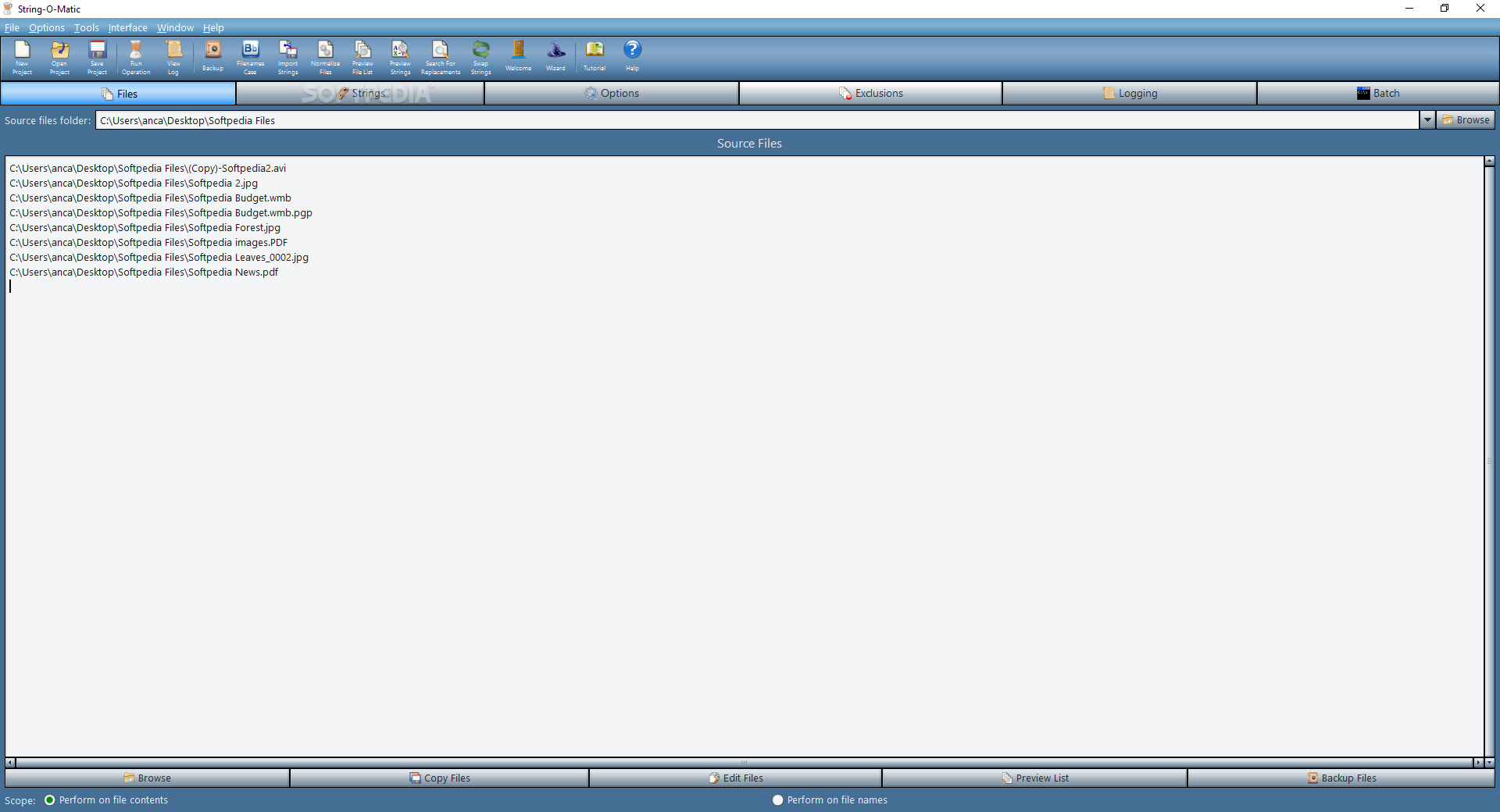
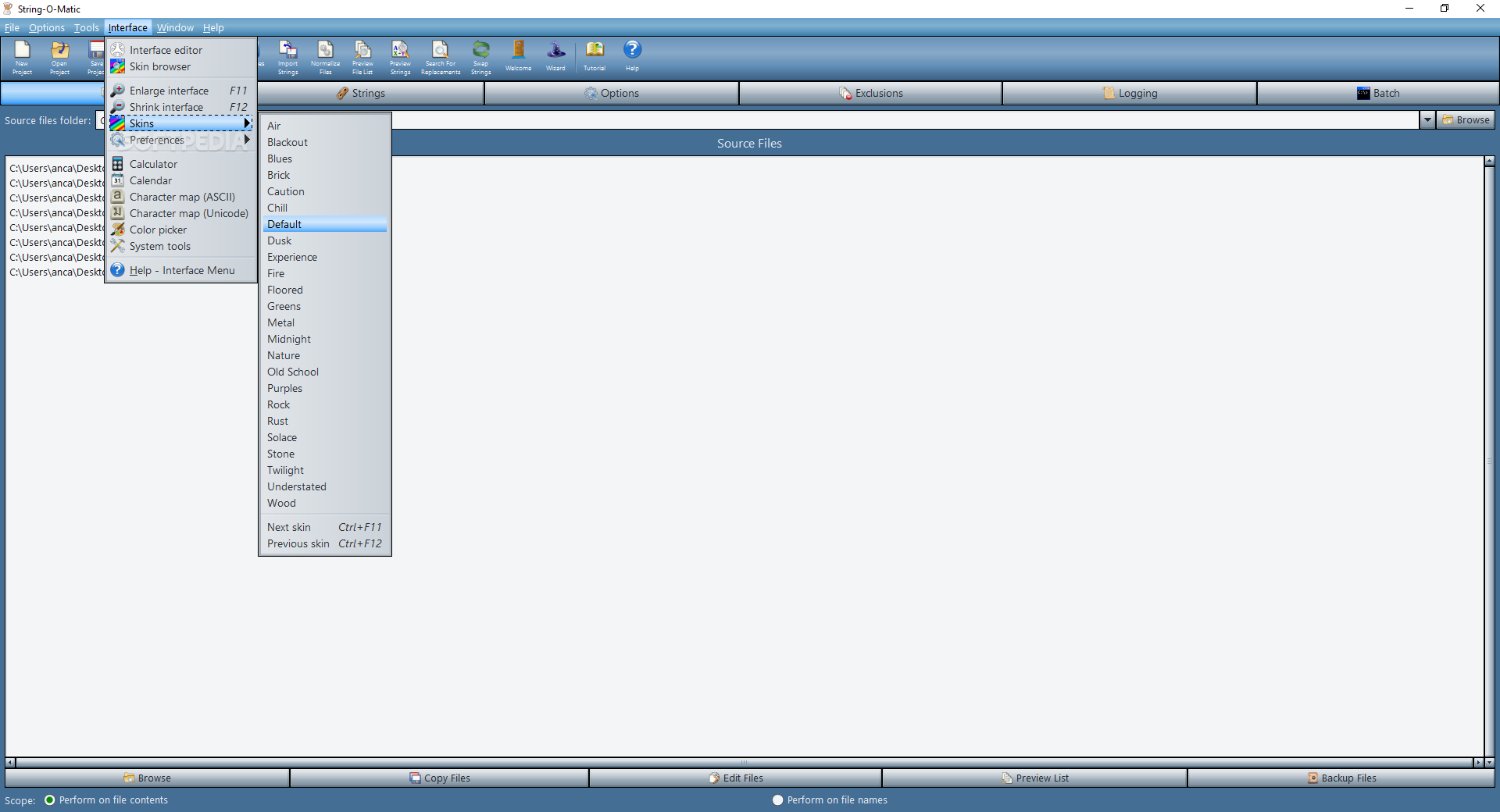
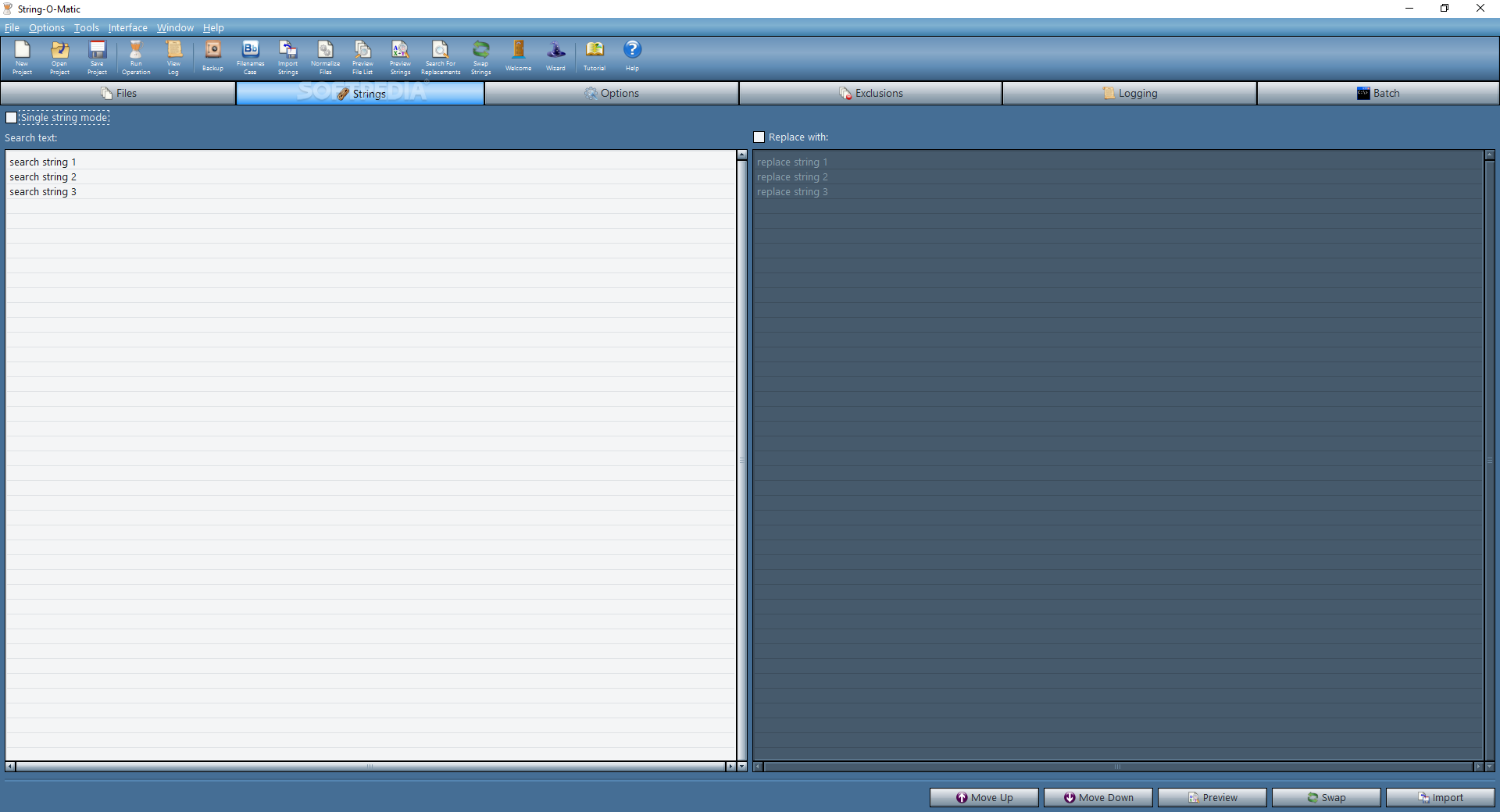
String-O-Matic is an easy-to-use application that aims to help computer programmers perform search and replace operations of sequences of characters in multiple files.
When you need to work with large projects that have many source code files, it becomes useful to have an utility that could save you time by executing various string operations.
Not only does the application searches and replaces words from one or more files, but it also performs them on filenames as well, thus automizing the process.
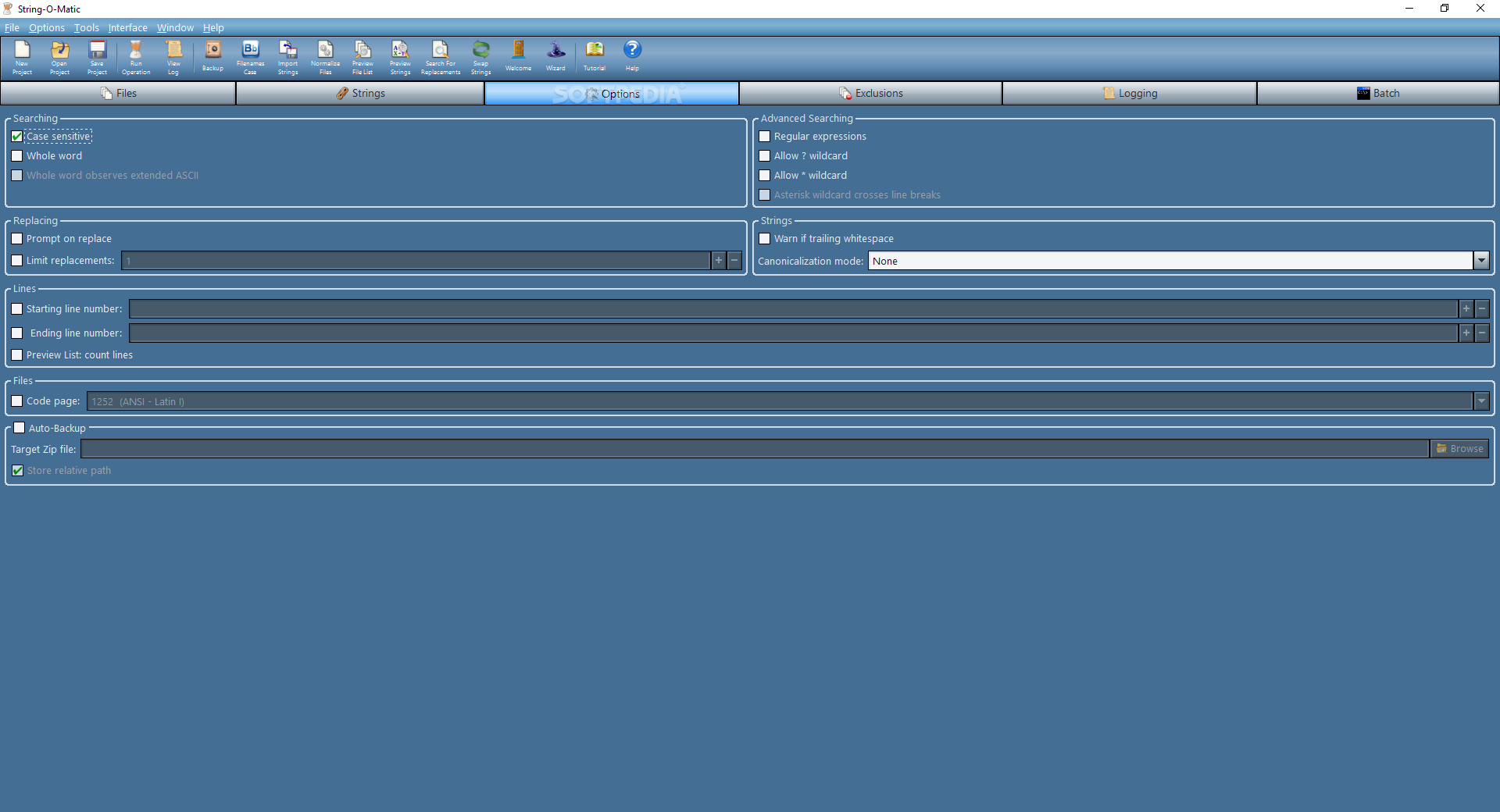
String-O-Matic lets you initiate case-sensitive or case-insensitive searches and the 'whole word' feature can be used to reject matches found inside a word. You have the possibility of previewing the changes right before they are made using the search-only option. Optionally, you can use question marks and asterisks 'wildcards' in your searches.
Once you have made some changes in the source file, you can rest assured that you won't lose your data since the application renames the old file and stores it as a temporary file. While this action might take some of your hard drive space if you are working with large files, it sure is worth it. As soon as no errors occur during the process of writing and verifying data, the temporary backup file gets deleted, otherwise it is restored and the error is reported.
In order to fix files with bare carriage returns and line-feeds, as well as backwards line-breaks you can use the built-in tool that normalizes line-breaks. Plus you can reduce file size by trimming whitespaces from the end of each line.
String-O-Matic is a professional program that helps you accomplish your programming tasks in due time and it is very fast to respond to commands. It contains a detailed Help file that describes all its features, a tutorial and a setup assistant that can guide you through the project's configuration.
What's new in String-O-Matic 33.0:
- The "Regular Expressions" and "Whole Word" features are now compatible.
- Added the "Edit Files Opens Instead" option to the Options menu.
- The "View Log With" field now allows the user to specify a command line of a specific executable that will open and display the log.
- The progress meter now updates within a file, as it's being scanned. Previously, it was only updated once per file. This is better visually, and makes the Abort button respond immediately.
String-O-Matic 33.0
add to watchlist add to download basket send us an update REPORT- runs on:
-
Windows 11
Windows 10 32/64 bit
Windows Server 2012
Windows 8 32/64 bit
Windows 7 32/64 bit
Windows Vista 32/64 bit
Windows XP - file size:
- 11.6 MB

- main category:
- Office tools
- developer:
- visit homepage
4k Video Downloader

IrfanView

ShareX

Microsoft Teams

7-Zip

Context Menu Manager

Bitdefender Antivirus Free

Windows Sandbox Launcher

Zoom Client

calibre

- Windows Sandbox Launcher
- Zoom Client
- calibre
- 4k Video Downloader
- IrfanView
- ShareX
- Microsoft Teams
- 7-Zip
- Context Menu Manager
- Bitdefender Antivirus Free