
A skinnable text-editor supporting 8 languages, that can control Winamp, and can even make PDF files. #Edit text #PDF convertor #Text editor #Notepad #Keylogger #Transparency
Since the first ever written word back in antiquity to the more elaborated printed form and the modern-day e-books, text has been one of the most useful means of communication. Whether you realize it or not, you are typing hundreds and thousands of words per day. The only thing that changes constantly is the application that you are typing into.
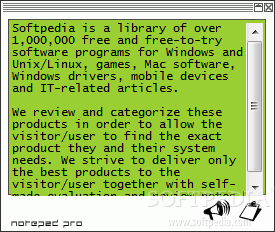
Notepad Pro is one nifty iteration of the basic Microsoft Notepad. Its aim is to overcome any problem or hold-back generated by the simplicity of Notepad. The program will instantly install on any PC and as soon as you run it, its small green interface will pop up.
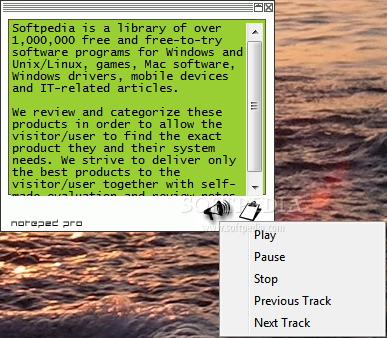
The lack of a menu bar s what strikes you at first. However, the only two buttons of this tool will make up for it. Use them to control your Winamp instance (works like a charm with any Winamp version) and to get access to all the features of the software. To keep things simple, the app window has fixed dimensions. On the other side, you can run as many instances as you wish.
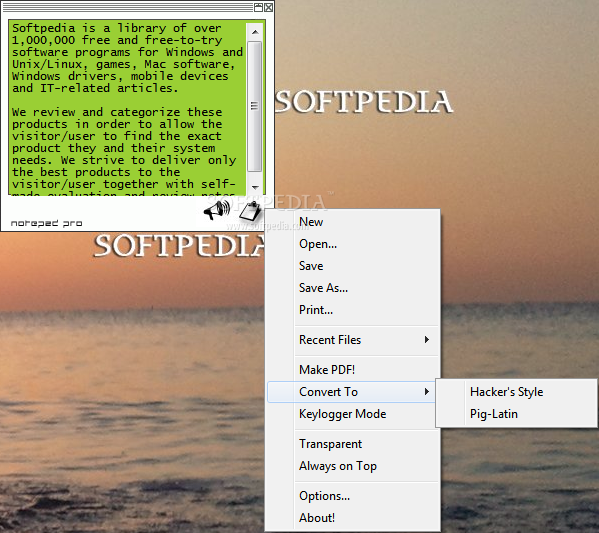
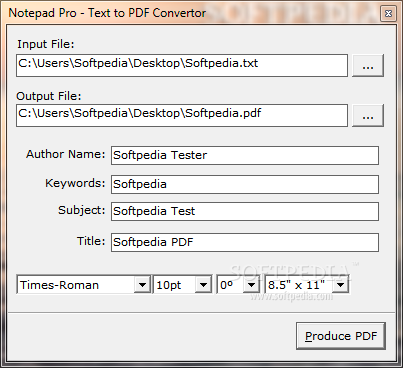
The first time you open the main menu of the program, some very interesting options will lie on the screen. Most noticeable “appearances” are the `Make PDF!’ and the `Keylogger Mode`. The only step you need to take before converting your text to the Adobe PDF format is to save your writings. It provides author-related fields to fill in, three fonts to select from (Courier, Times New Roman, Arial), font size, rotation and paper size.
As for the `Keylogger Mode` feature, you just have to enable it and everything you type will also be recorded into Notepad Pro – it acts just like a stenographer. For a more “artistic” approach, we can choose to irreversibly convert the text to `Hacker Style` or `Pig-Latin`.
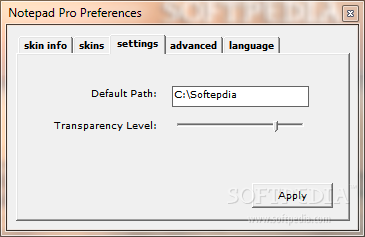
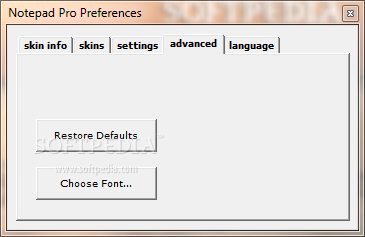
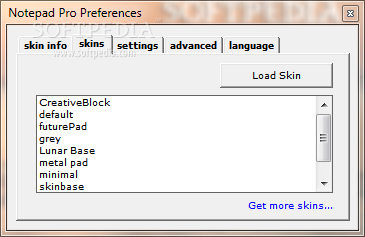
Along with these two options, the application also brings transparency and the very useful `always on top` feature to the table. Besides the default English language selection, Notepad Pro comes with French, German, Polish, Italian, Portuguese, Dutch and last but not least – the `HaXor style`. The interface also comes with various skin choices.
Bottom line, the application wraps up a bunch of smart features and delivers just what is asked of it. This is definitely a case of a job well done.
Download Hubs
Notepad Pro is part of these download collections: Text Editors, Make TXT
Notepad Pro 1.4
 Softpedia Editor's Pick
add to watchlist
add to download basket
send us an update
REPORT
Softpedia Editor's Pick
add to watchlist
add to download basket
send us an update
REPORT
- runs on:
- Windows All
- file size:
- 814 KB
- filename:
- npro.exe
- main category:
- Office tools
- developer:
7-Zip

Bitdefender Antivirus Free

ShareX

calibre

IrfanView

Microsoft Teams

4k Video Downloader

Zoom Client

Context Menu Manager

Windows Sandbox Launcher

- Zoom Client
- Context Menu Manager
- Windows Sandbox Launcher
- 7-Zip
- Bitdefender Antivirus Free
- ShareX
- calibre
- IrfanView
- Microsoft Teams
- 4k Video Downloader