Search Perform an advanced search query SOFTPEDIA
 
SOFTPEDIA
Updated one minute ago
HomeSubmit a program for being reviewedAdvertise on our websiteGet help on surfing our websitesSend us your feedbackGet information about our XML/RSS backend and how to use itBrowse the news archiveVisit our discussion forumVizitati forumul in limba romana


Program Finder NormalFreeware onlyShareware only

ThumbsPlus 7.0 SP2 Build 2250 Report spyware 

Click to download ThumbsPlus
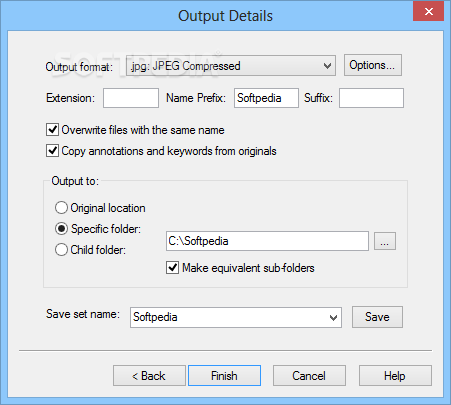
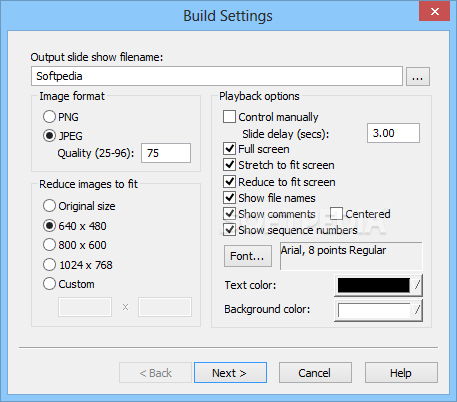
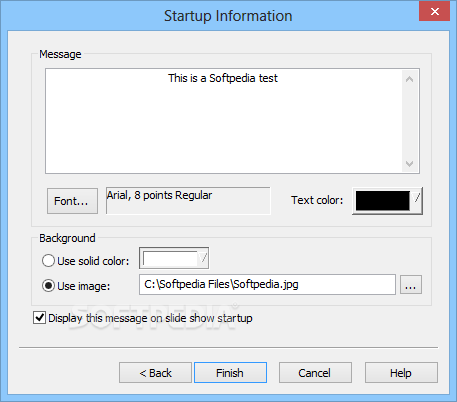
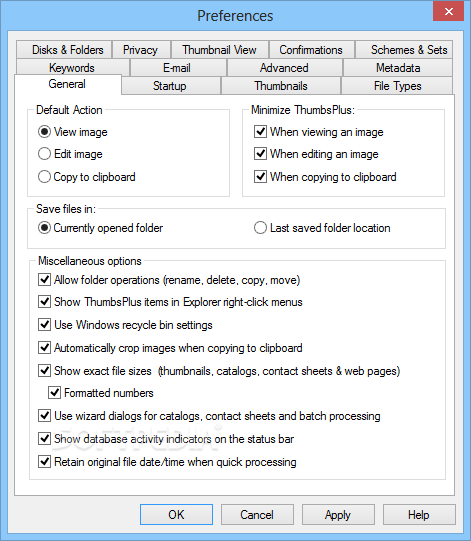
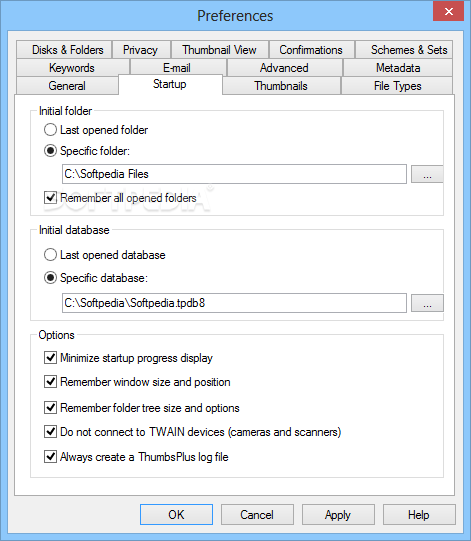
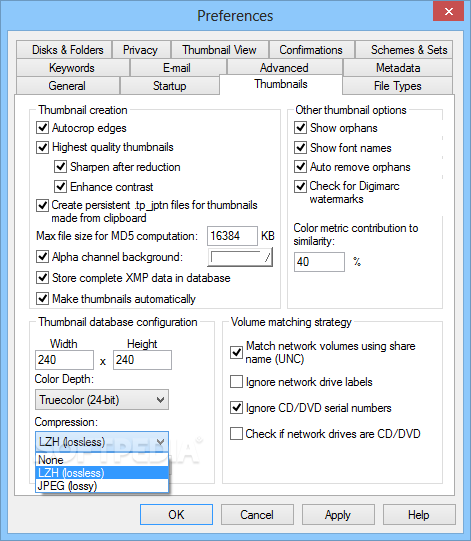
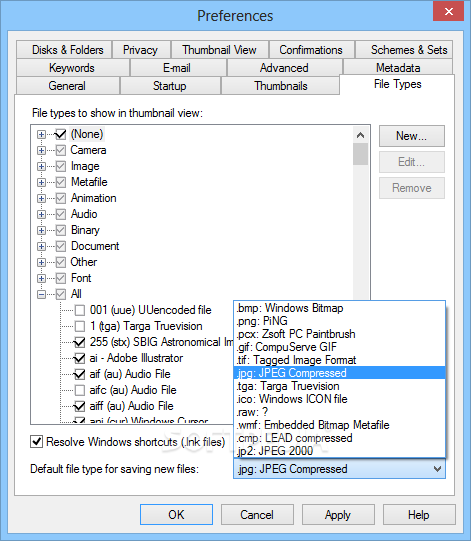
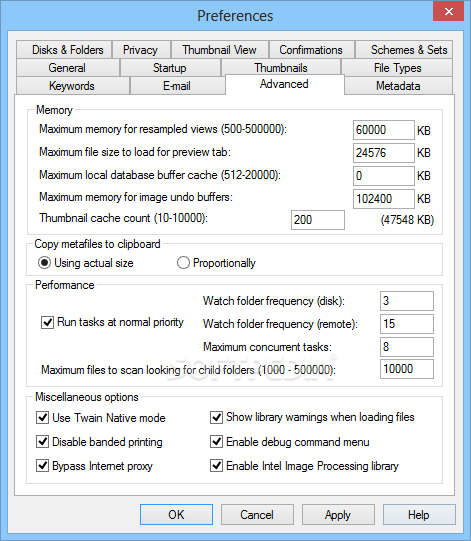
View more ThumbsPlus screenshots (7)
 Downloads: 2,044
Rating: Very Good (4.1/5) | Rated by: 27 user(s)
Add to download basket     Send us update information
 Developer: Cerious Software | More programs by this producer
 License: Trial , 49.95 $ to buy 
 Size / OS: 18.2 MB, Windows 2K/XP/2003/Vista
 Last Updated: November 15th, 2007, 13:53 GMT
 Category: C: \ Others \ File/CD/DVD Catalog
 Read user reviews (0) Add a review Refer to friend Subscribe
    Download ThumbsPlus

ThumbsPlus description
A highly customizable image database and graphics editor application

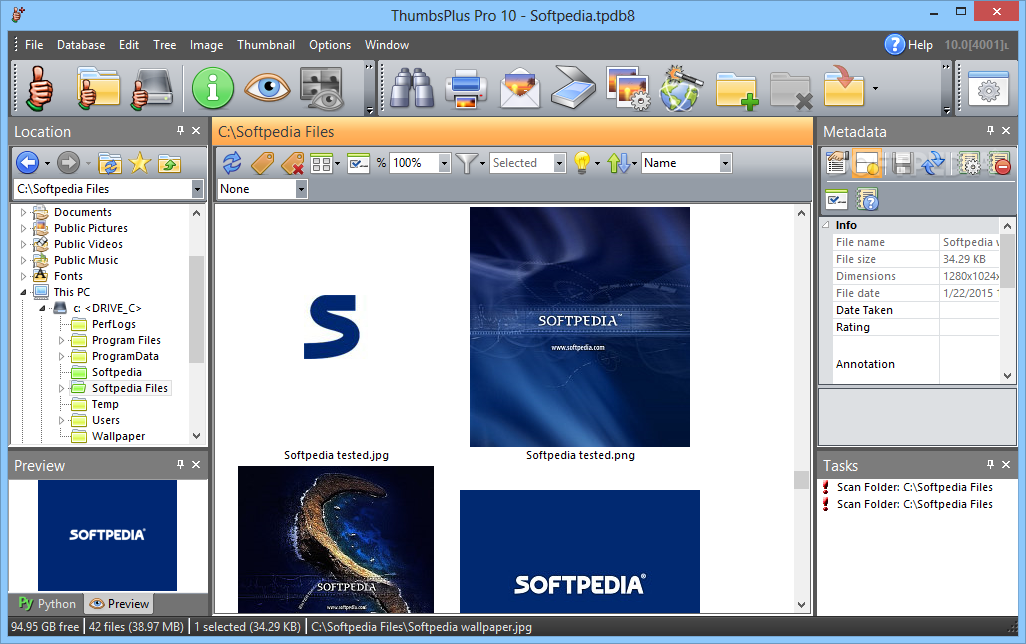
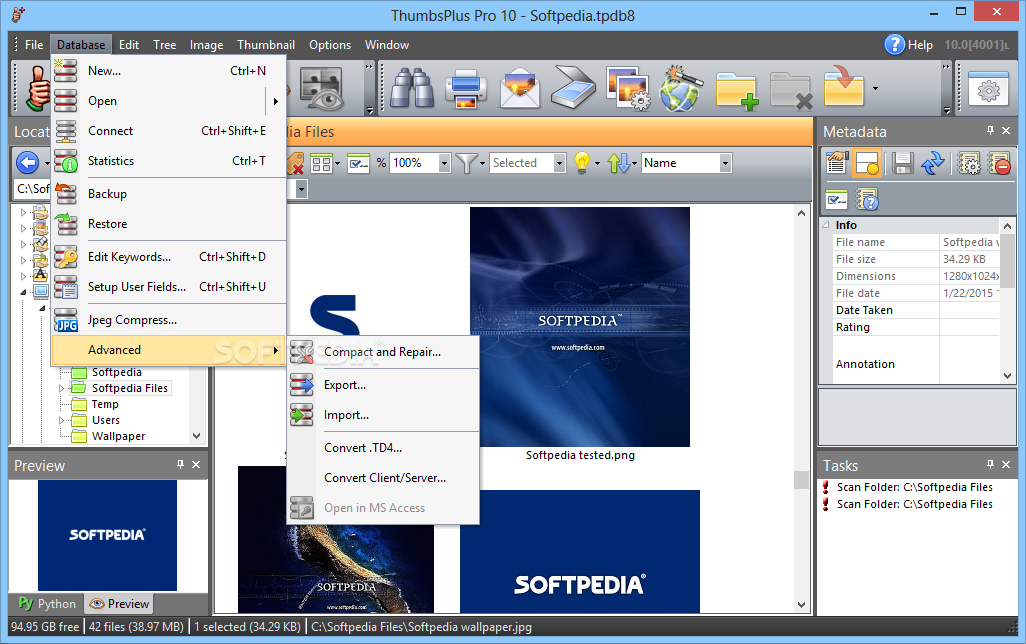
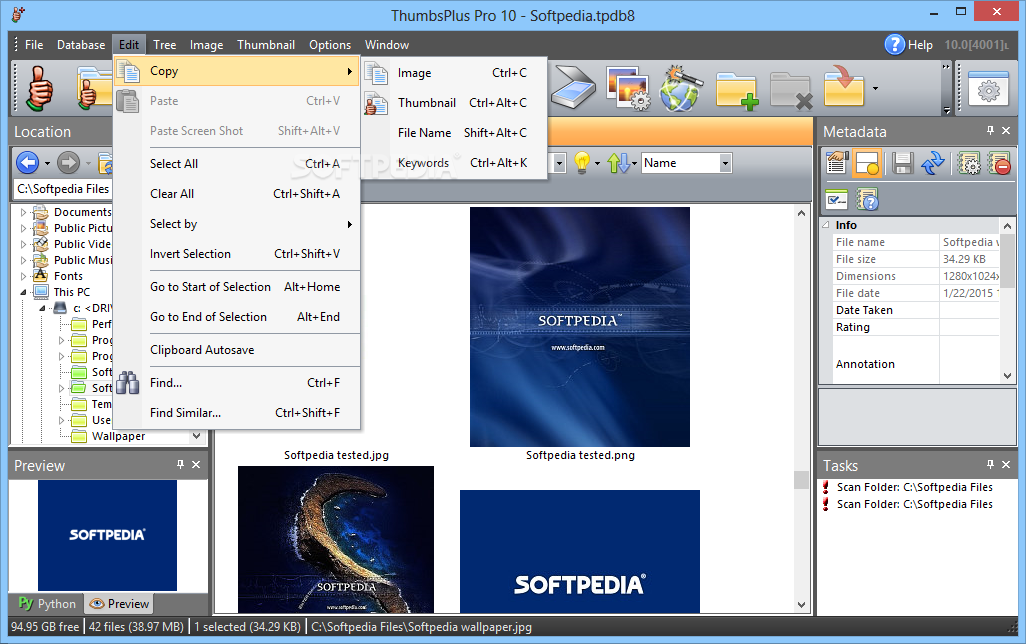
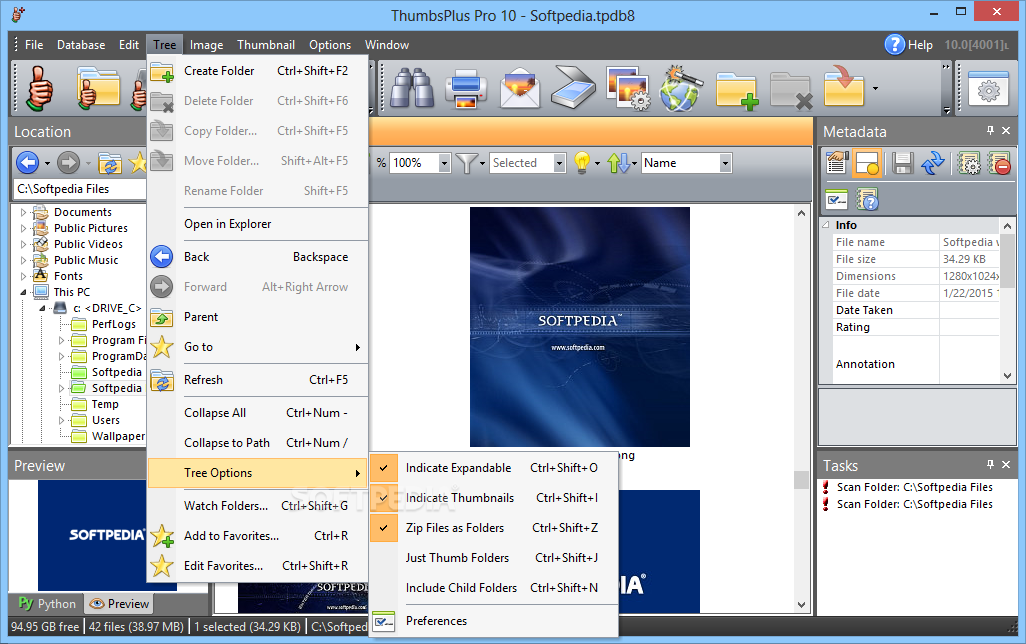
ThumbsPlus is a highly customizable image database and graphics editor software application that makes it easy to catalog and locate, as well as, maintain and modify all your graphics and multimedia files.

Here are some key features of "ThumbsPlus":

· Added Cancel, Save and Revert buttons when editing in File | Properties | User Fields
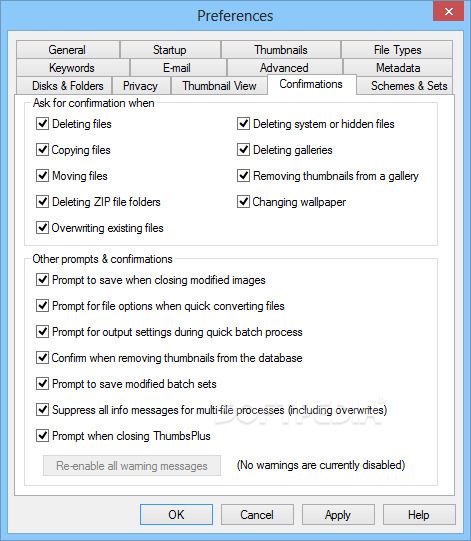
· Added a button to "Enable all warnings" in Options | Preferences
| Confirmations. This will cause T+ to display the warnings again after choosing to "Disable this message."
· ThumbsPlus will now accept dropped files to anywhere outside of the tree and thumbnail view as a request to view the file
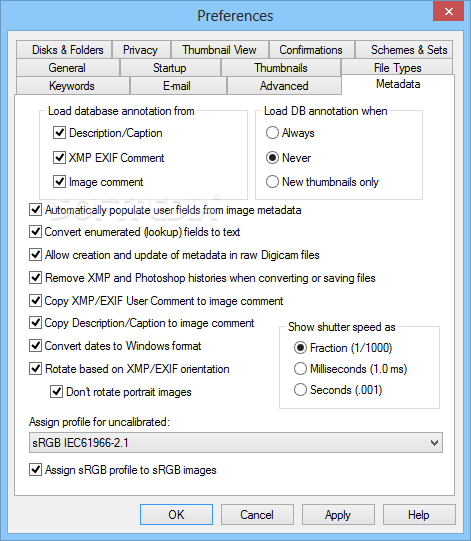
· Added options to Options | File Loading | EXIF to control assignment of color profiles for sRGB and uncalibrated images
· Added "Memory size" to the image-related Info items (available in the Info tab, web pages, contact sheets, etc.)
· Several crash and bug fixes
· Added "Memory size" to the image-related Info items (available in the Info tab, web pages, contact sheets, etc.)


Requirements:

· Pentium 100 Mz.
· 48 Mb memory.
· 30 Mb hard disk space (database size not included).
· 256 color display.


Limitations:

· 30-day trial


What's New in This Release:

· SP2 is compatible with Windows 2000, XP, Vista, 2003, and Longhorn. While it may run on Windows 98 and ME, we do not do any significant testing, and fixes related to Vista are likely to conflict with Windows 98/ME
· Fixed writing of bilevel (1 bit per pixel) PNG images.
· On Vista, ThumbsPlus now copies the Thumbs.typ and Thumbs.flt files to user folders for modification.
· Users who have tried previous versions of ThumbsPlus 7 get a new evaluation period.
· Fixed a problem with automatic launching of ThumbsPlus for scanner operations.
· Several crash fixes
· Fixed several installation problems that could occur on Vista or XP that could result in:
· Databases being read-only (unable to create thumbnails).
· Preferences not being saved.
· File type configuration changes not being remembered.
· Image filters being unavailable or uneditable.
· Modified the installer to fix a problem with Vista thinking the installation did not go correctly.
· Packaged the installer in a signed, manifested deployer.
· Right-clicking the tabs on the Location bar now brings up Options - Preferences - Disks & Folders.
· Additional location tree and tabs are available for My Music, My Videos, and several new shared folders on operating systems where they are supported.
· Enhancements and fixes to the context menus in Explorer (selected from Options - Preferences - General).
· Modified the installer to recognize upgrades on Vista where all files were installed to the Program Files folder.
· Fixed a problem where invalid network shares were sometimes recognized as valid folders.
· Fixed an irritating problem with extra mouse-wheel scrolling with some mice on some operating systems.
· Fixed problem where the secondary header in wizard dialog boxes was not changing to reflect the current tab on some operating systems.
· Made the default installation type "Shared database with separate settings."
· Improved appearance of main ThumbsPlus icon on XP/Vista.
· Text on the toolbar looks nicer now when anti-aliased fonts are enabled.
· Increased maximum text for catalog and contact sheet header/footer to 4000 characters (from 400).
· Program Updates now shows "ThumbsPlus" instead of "TP".
· Fixed problem where View - Enable color management was never enabled.
· Several tree performance improvements.
· Fixed so that Alt+0 (elliptical selection) didn't also set the zoom level.
· Fixed processor type display in System Info.
· Fixed crash that occurred with malformed or extremely long EXIF User Comments.
· Fixed a problem where ThumbsPlus was saving any 2-color images as grayscale JPEG even if the colors weren't gray.
· Fixed several crashes possible with multiple low-level database errors occurring simultaneously.
· Improved database error reporting.
· Fixed several additional crashes and spurious memory warnings.
· Additional minor bug fixes and aesthetic improvements.... [ read full changelog ]


Softpedia guarantees that ThumbsPlus 7.0 SP2 Build 2250 is 100% CLEAN, which means it does not contain any form of malware, including but not limited to: spyware, viruses, trojans and backdoors.

This software product was tested thoroughly and was found absolutely clean, therefore it can be installed with no concern by any computer user.

However, it should be noted that this product will be retested periodically and the award may be withdrawn, so you should check back on this page from time to time. (click here for more information)


Related downloads IT News Popular downloads New additions   Latest reviews  
Paint.NET 3.35
A slim, but very powerful image and photo manipulation software
ISO Commander 1.6 build 043
A CD-ROM image file utility that can extract/edit/create ISO files
Photo Pos Pro 1.61
This advanced image editor offers a variety of enhancements for digital photos
PaintBuster 12.1
PaintBuster is a fast, compact and innovative paint and photo manipulation tool
Screen Shot Maker 2.5 Build 009
Besides actual capturing, this software guarantees professional results for your most demanding image processing requirements.
Imagination Image Map Editor 6.0.0
Create Web site image maps with this easy to use tool from Multimedia Australia.
Batch It! 4.85
An automated batch imaging editor for Webmasters
ImageDB 1.122
ImageDB - Powerful image categorisation, organise and search your images
ImageView 1.0
ImageView was designed to be a simple, robust network capable imaging system database package
Image Database 5.0.650
Image Database - Collects and stores all your images into a single MDB database.

go to top Use the following code to link to this page:


Welcome!
Hello, Guest

Login if you have a Softpedia.com account.

Otherwise, register for one.

Main categories:
  • Antivirus
  • Compression tools
  • CD/DVD Tools
  • Office tools
  • Programming
  • Authoring tools
  • File managers
  • Desktop Enhancements
  • Internet
  • Network Tools
  • IPOD TOOLS
  • Mobile Phone Tools
  • Multimedia
  • Tweak
  • System
  • Security
  • Others
  • Science / CAD
  • UNIX
  • Windows Widgets
  • PORTABLE SOFTWARE

  • Week's best:
  • Adobe Media Player 1...
  • Registry Mechanic 8....
  • BitSpirit 3.3.2.263
  • AnyDVD 6.4.5.6
  • Firefox 3.0.1 / 2.0....
  • AutoCAD 2009
  • Norton AntiVirus 200...
  • Norton Internet Secu...
  • The Bat! Professiona...
  • WinRAR 3.80 Beta 3 /...
  • GMail Drive shell ex...
  • DAEMON Tools Lite 4....
  • UBCD4WIN 3.2.0
  • Adobe Reader 9.0.0 /...
  • Total Commander Ulti...
  • System Mechanic 8.0....
  • Adobe Acrobat Profes...
  • iPhone PC Suite 1.0....
  • Portable Firefox 3.0...
  • MPlayer for Windows ...
  • Vista Codec Package ...
  • Windows Live Messeng...
  • WinBubble 1.73
  • Kaspersky Anti-Virus...
  • Malware Removal Tool...
  • Royale Noir Theme fo...
  • IBM Lotus Symphony 1...
  • Adobe Dreamweaver 10...
  • Adobe Fireworks 10.0...
  • BitDefender Total Se...
  • © 2001 - 2008 Softpedia. All rights reserved.
    Softpedia™ and Softpedia™ logo are registered trademarks of SoftNews NET SRL.
    Copyright Information | Privacy Policy | Terms of Use | Contact Softpedia | Update your software | Archive