
Catalog your files in the simplest of manners and include temporary files on your lists, thus creating the clearest of pictures when it comes to your stored digital content. #Collection manager #Catalog organizer #File catalog #Catalog #Collection #Organizer

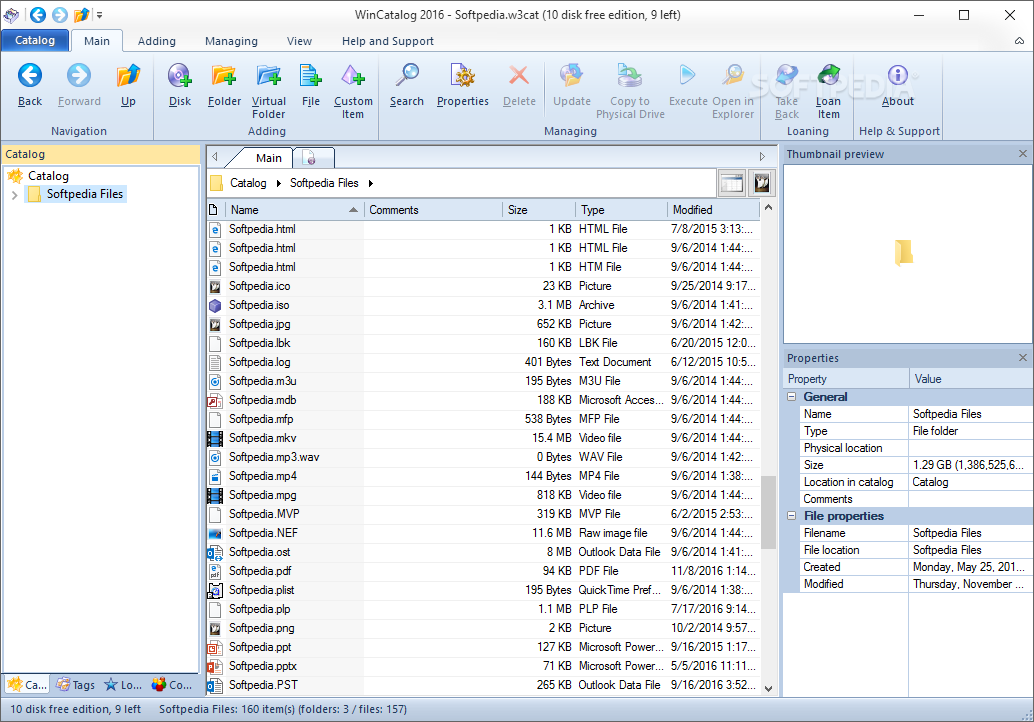
If you're one of those tidy users out there, then you know it is important to keep some sort of catalog detailing the entirety of your file collection. As it happens, WinCatalog can offer that exact type of functionality, giving its users a simple way of tracking all of their files, regardless of their location.
When I say regardless of their location, I specifically mean that the program takes into account stuff you have on CDs and DVDs, external drives, or other temporary locations of this sort. The program is indeed offering a complete cataloging solution.
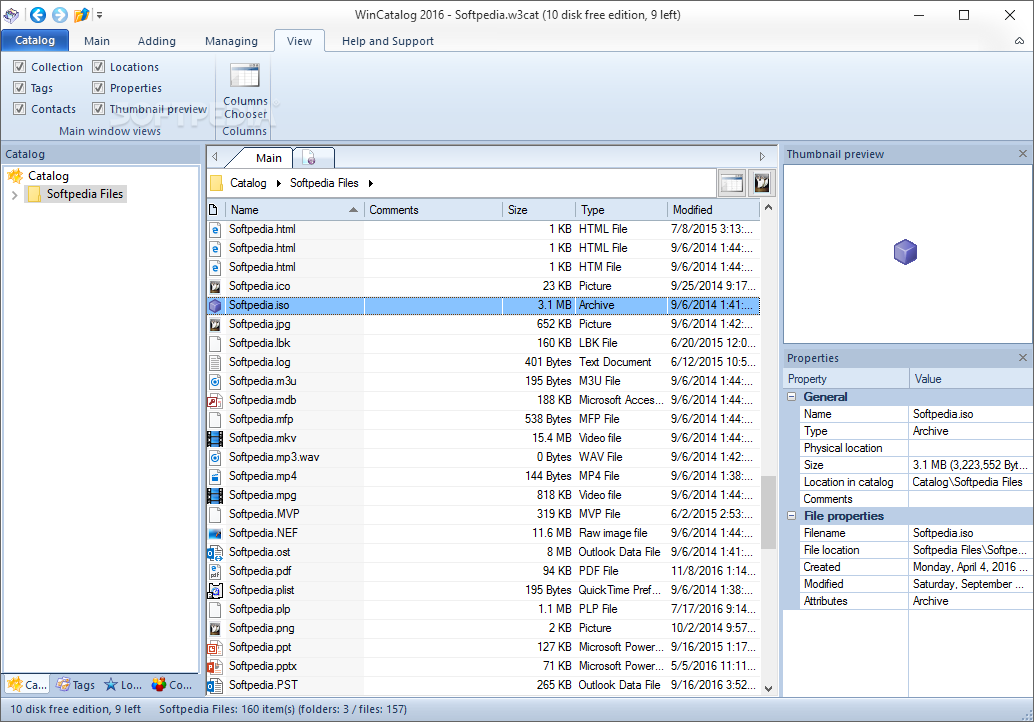
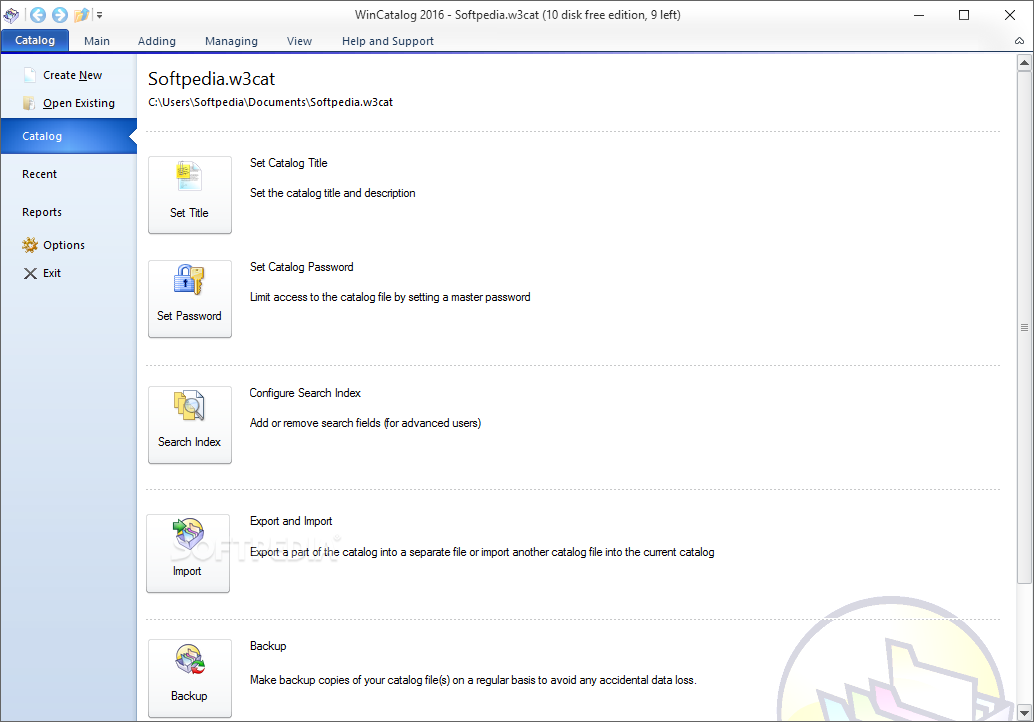
The first thing I noticed, and you will too, regardless of how experienced or inexperienced you are as a user, is the fact that the interface looks very much like the one used in older Microsft Office apps. Although not a bad choice, some points are lost on account of the lack of originality. Yes, the recipe is indeed a durable and reliable one, but this does not mean you can't find a better and more original solution with just as much reliability behind it.
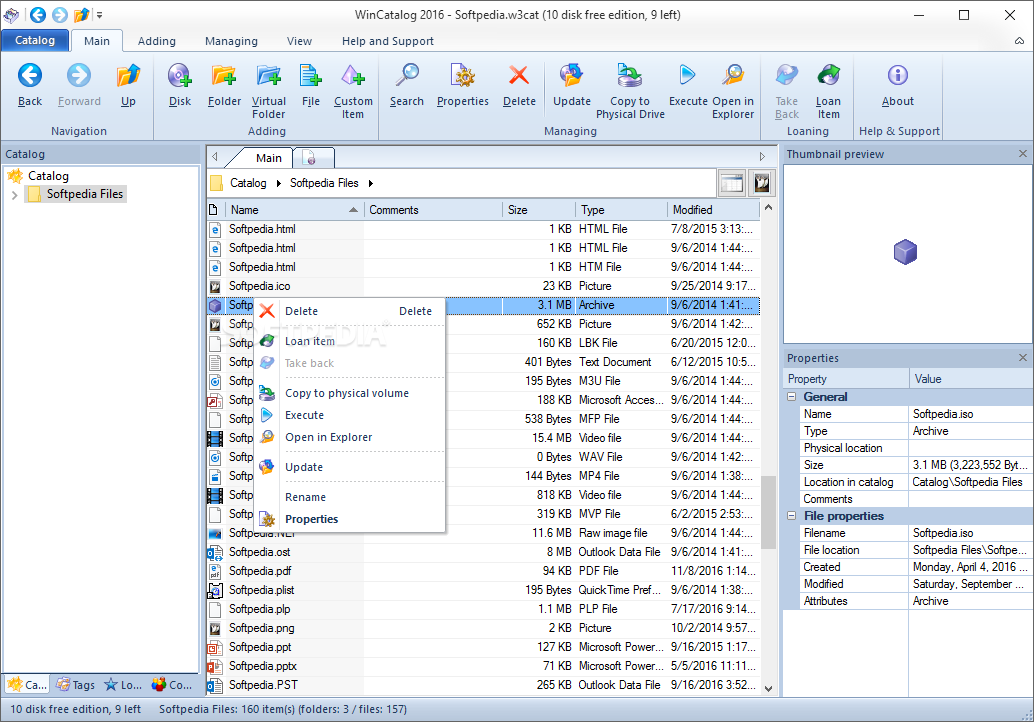
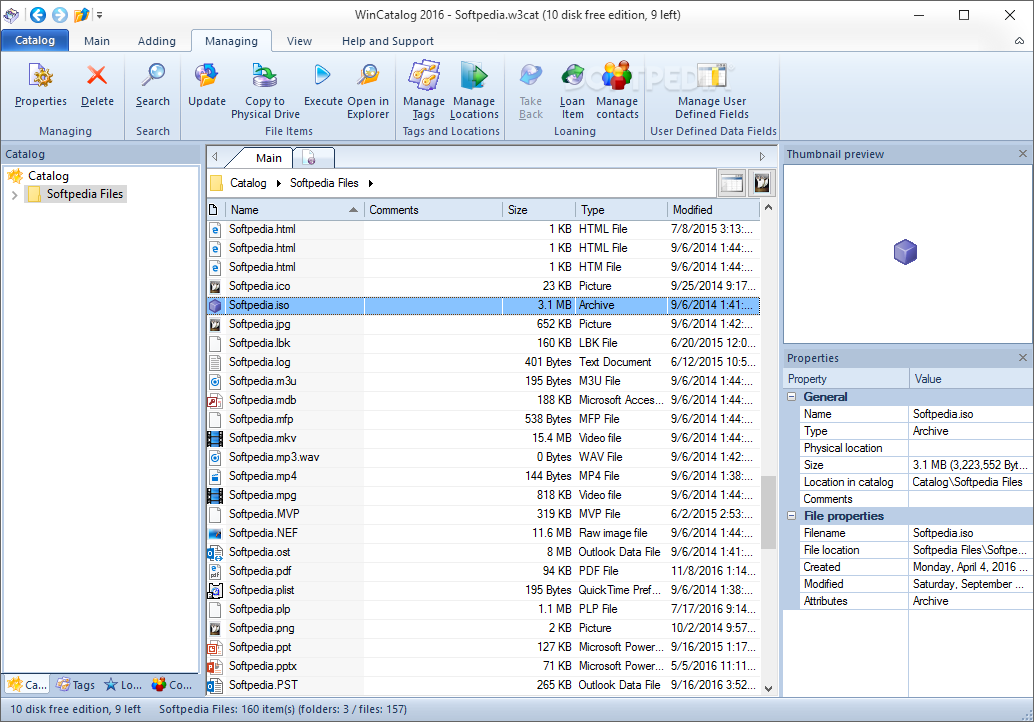
Quite simple, I must say. You can track all of your items and have them displayed according to specific criteria. If I want to see just the image files, I can instruct the program to do just that. Some items can be crossed as loan items, in other words, elements that will eventually disappear from my current collection.
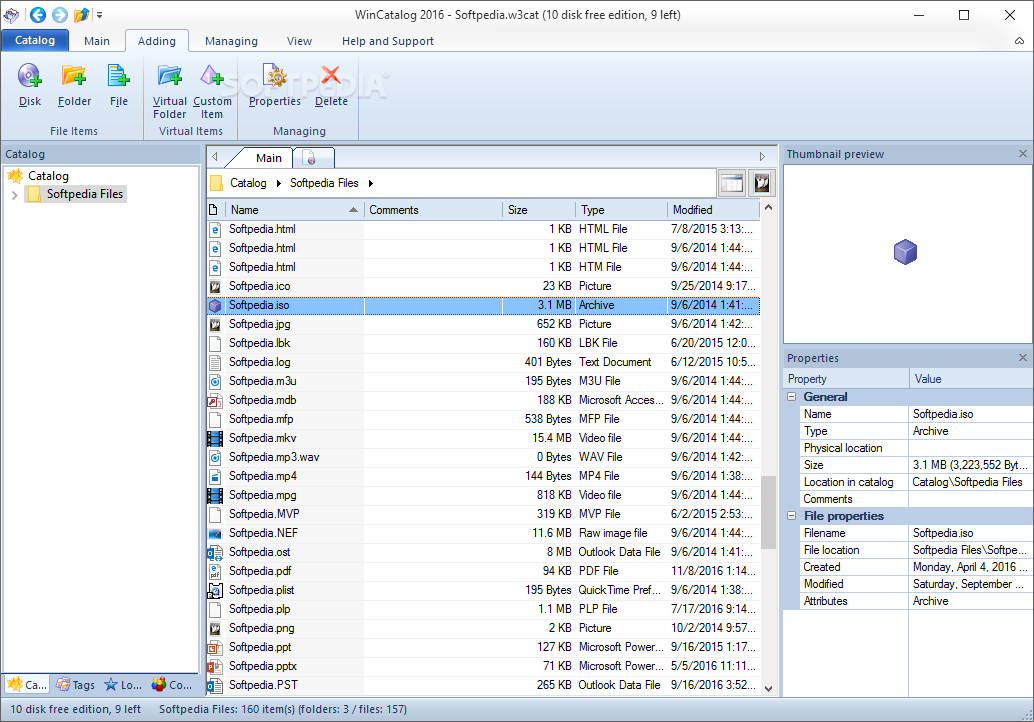
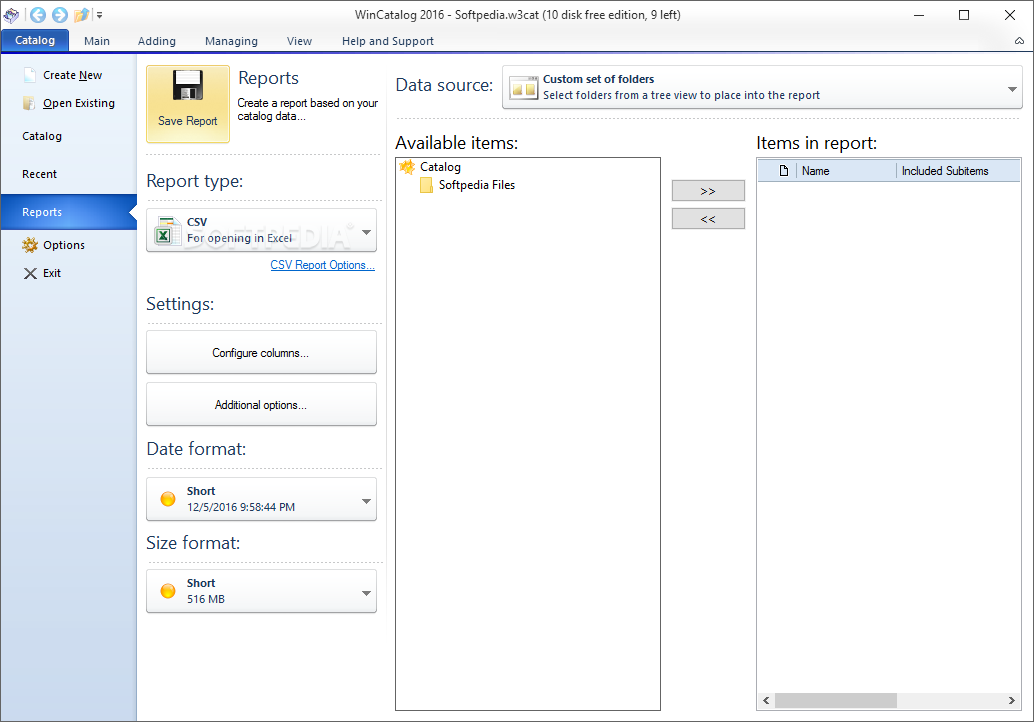
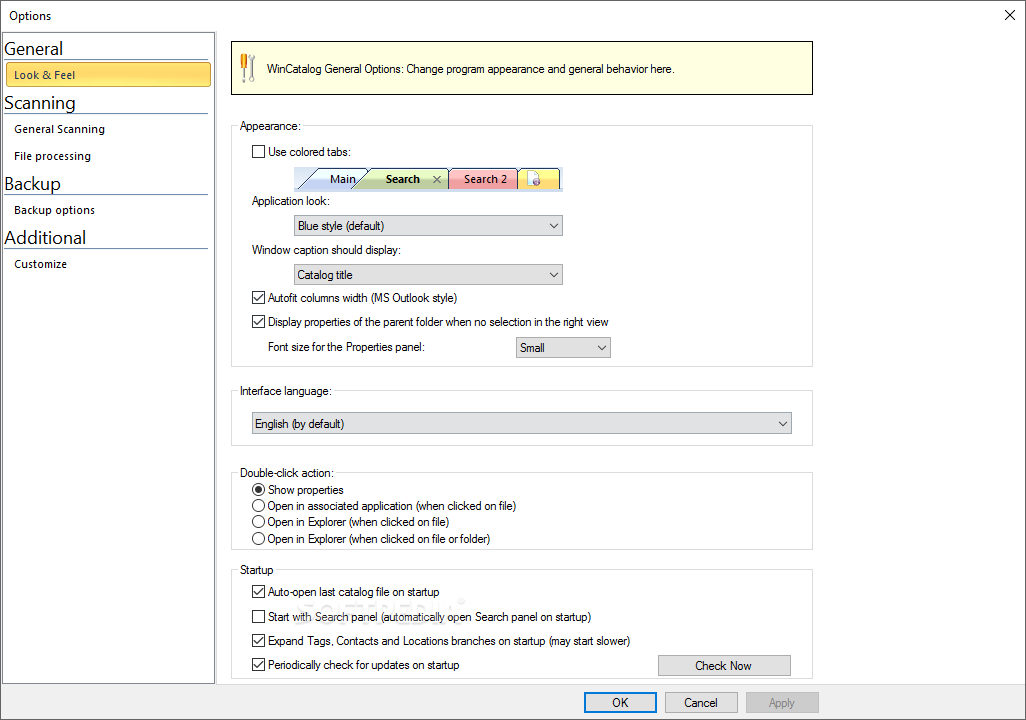
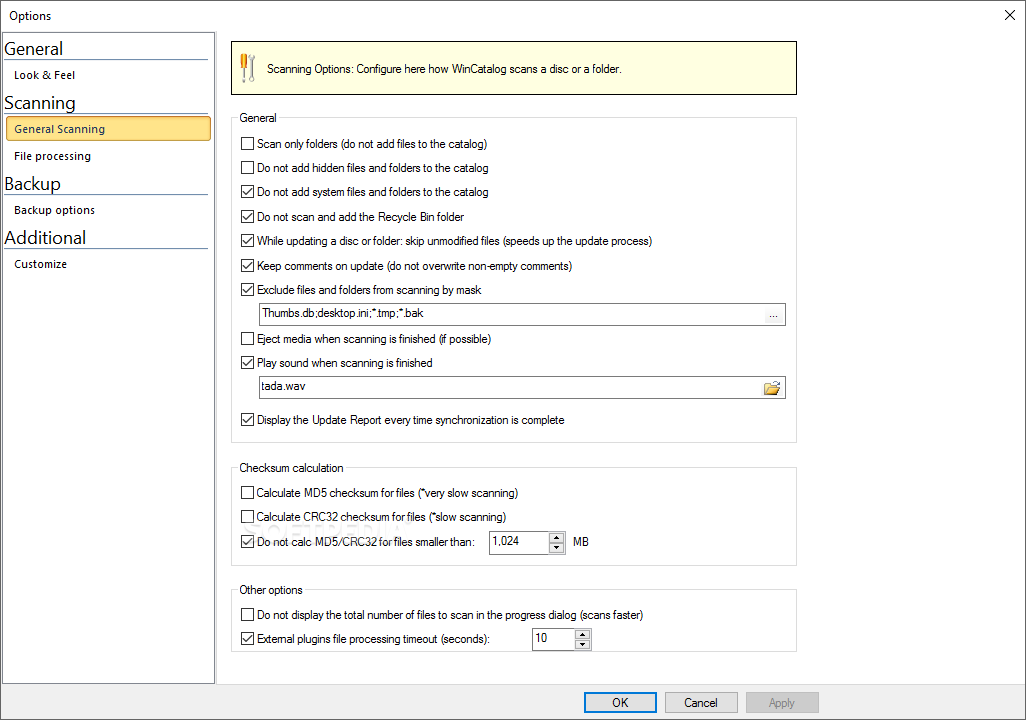
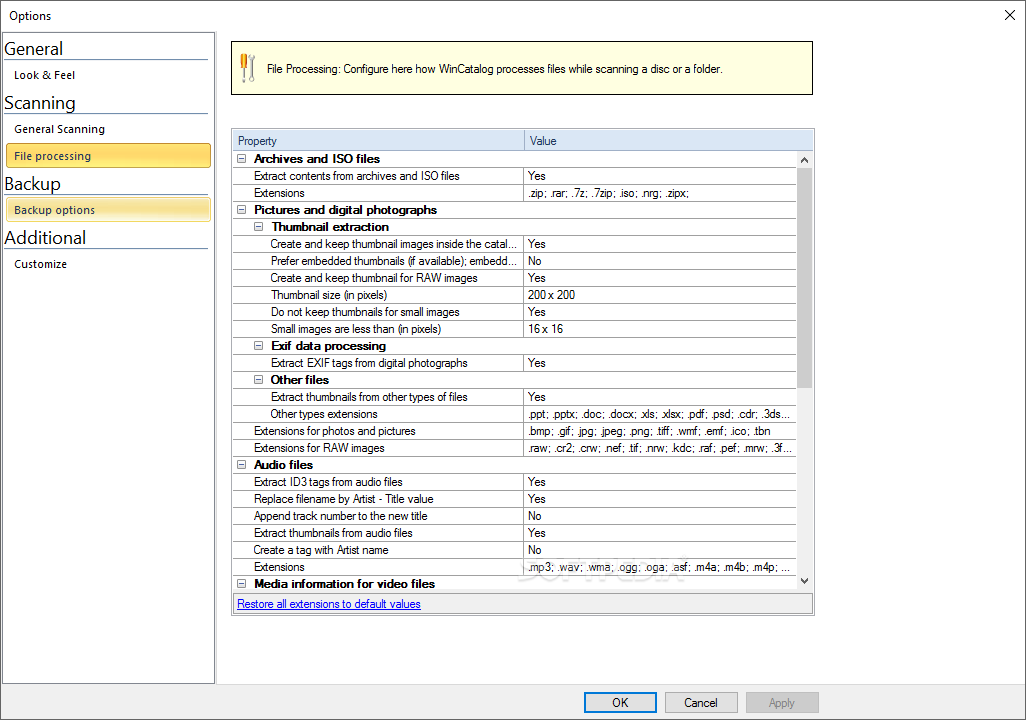
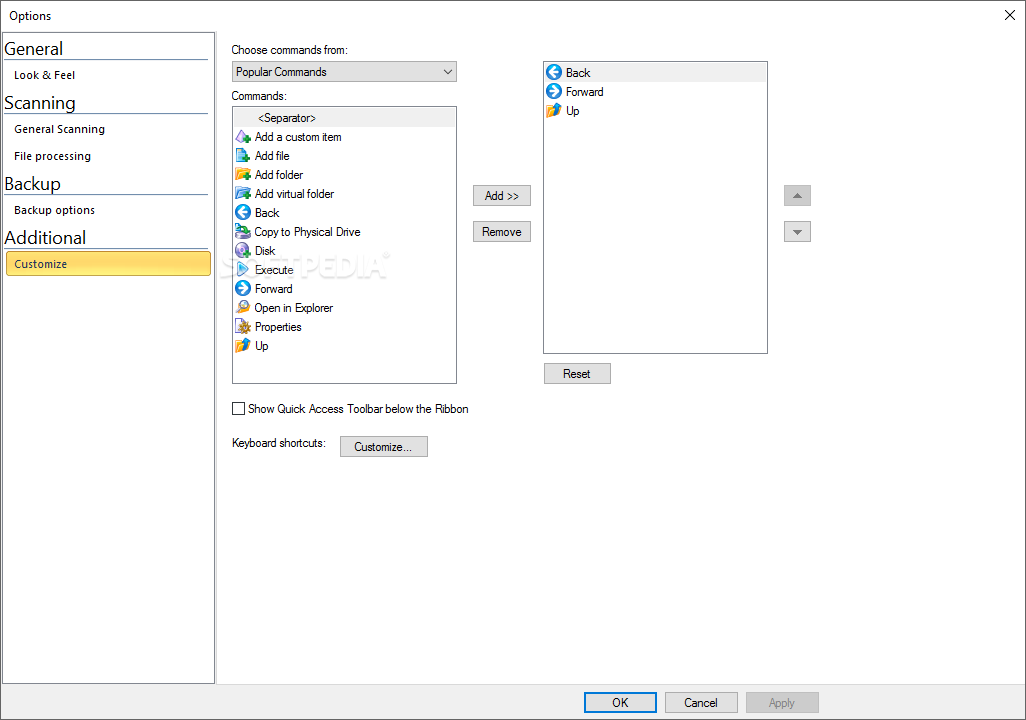
Custom items can be added, if need be, with specific instructions and details provided by the user. Some file properties can be adjusted, and the application behavior too, if you want that.
WinCatalog is quite a remarkable software solution designed for users who do not want to waste time when looking for certain files. The app was created for those people who want to know quickly where their items are located, no matter the moment of day or the time they have at their disposal.
What's new in WinCatalog 2024.6.2.0205:
- Hello, a new maintenance update of WinCatalog was just released. It fixes the issue when WinCatalog crashes on an attempt to change volume details via the Volume Info tab of item properties.
WinCatalog 2024.6.2.0205
 Softpedia Editor's Pick
add to watchlist
add to download basket
send us an update
REPORT
Softpedia Editor's Pick
add to watchlist
add to download basket
send us an update
REPORT
- runs on:
-
Windows 11
Windows 10 32/64 bit
Windows 8 32/64 bit
Windows 7 32/64 bit
Windows Vista 32/64 bit
Windows XP 32/64 bit - file size:
- 102 MB
- filename:
- wincatalog_setup_2024_6_2_205_anycpu.exe
- main category:
- Others
- developer:
- visit homepage
calibre

7-Zip

Windows Sandbox Launcher

4k Video Downloader

Microsoft Teams

Bitdefender Antivirus Free

ShareX

IrfanView

Zoom Client

Context Menu Manager

- IrfanView
- Zoom Client
- Context Menu Manager
- calibre
- 7-Zip
- Windows Sandbox Launcher
- 4k Video Downloader
- Microsoft Teams
- Bitdefender Antivirus Free
- ShareX