
Create large organizational charts, print, email or send data via FTP, export charts to HTML, JPG, PNG, BMP, WMF, EMF or other file format, as well as optimize and customize chart data. #Chart builder #Chart publisher #Organigram creator #Organigram #Chart #Diagram


OrgPlus is a professional software application whose purpose is to help you create and publish organizational charts. This tool allows you to automatically generate data-rich org charts, update and share charts across your organization, as well as analyze your workforce with the aid of reports.
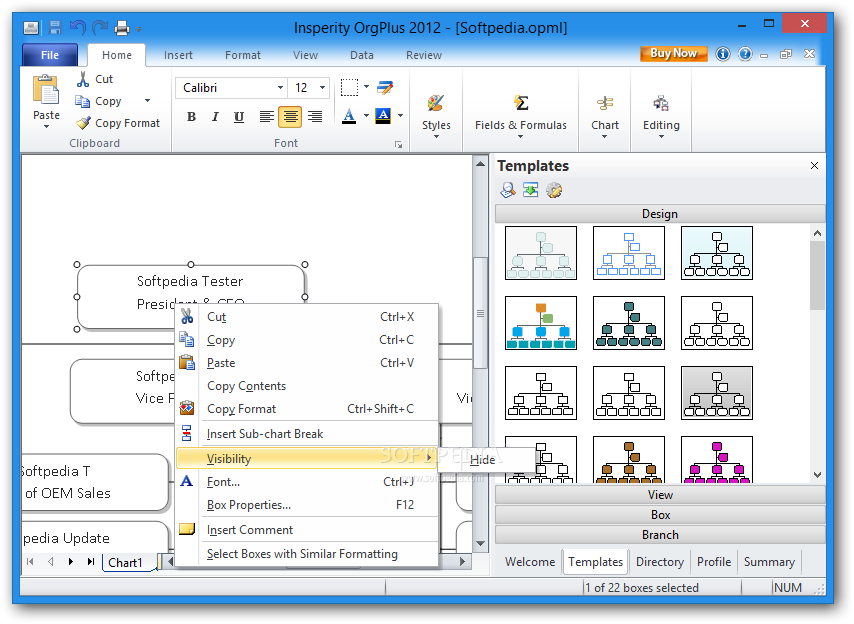
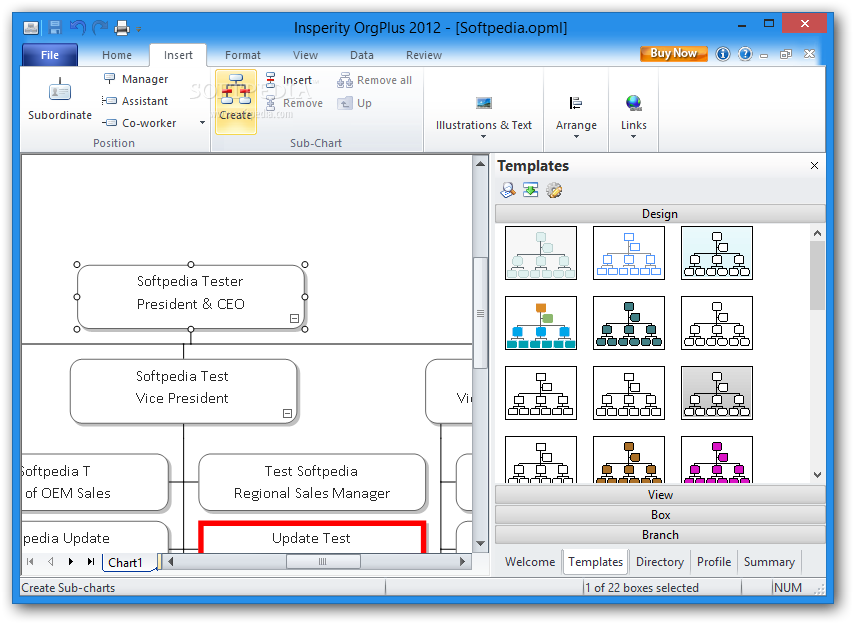
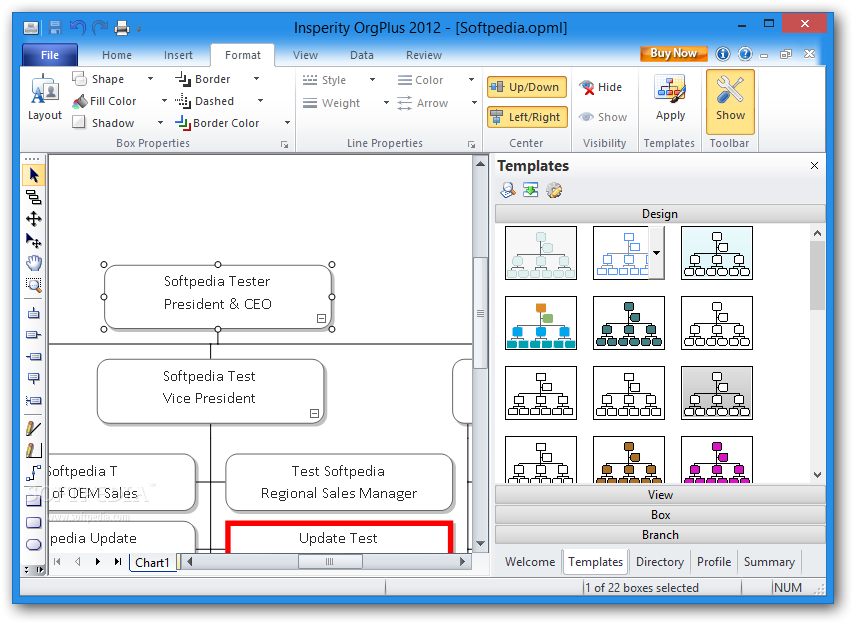
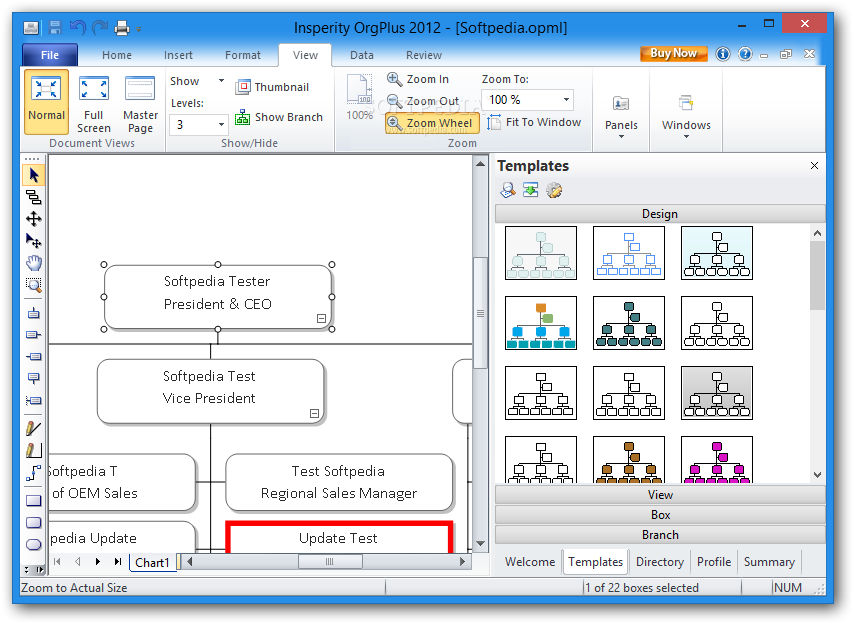
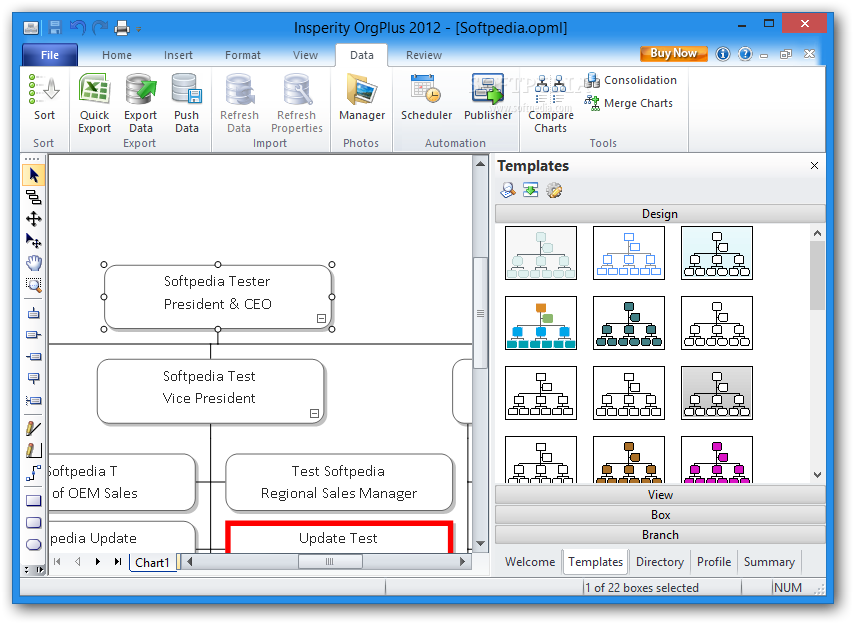
The tool adopts a ribbon-like layout, a successfully implemented interface by Microsoft Office, which places the key features of the program at your fingertips.
It keeps track of all your recent documents and you may work with different projects at the same time thanks to its multi-tabbed layout.
OrgPlus gives you the possibility to load data from saved projects, such as OPX, OPXT, OVX, OPML, or OPS file format. You may print or export data to OPX, HTML, JPG, TIFF, GIF, PNG, BMP, WMF, EMF or other file format.
When it comes to importing organizational charts, you may add employee information from Excel, TXT/CSV, LDAP, ODBC DSN, OLE DB, Oracle, SAP, SQL or database connection file.
You can password-protect your project in order to make sure unauthorized users don’t have access to it and provide information about the current chart (e.g. author, title, manager, company, comments). The chart can be sent via email, printed or directly published to Word, PDF, PowerPoint or HTML.
You may define a new project from scratch or choose between several templates, that can be easily edited. Each template comes with its own colorful chart data, such as Aqua, Blue, Bright Colors, Classic Square, Classic, Earth, and Energy.
The application helps you alter the text in terms of font, size, alignment, and color. You may alter the field borders, change the background color of the field, choose between several chart structures, optimize the distribution of boxes on a page, adjust the spacing between boxes, as well as set up chart rules.
What’s more, you can easily insert subordinate boxes to the current one, and generate sub-charts, embed lines, text notes, pictures, labels, and hyperlinks.
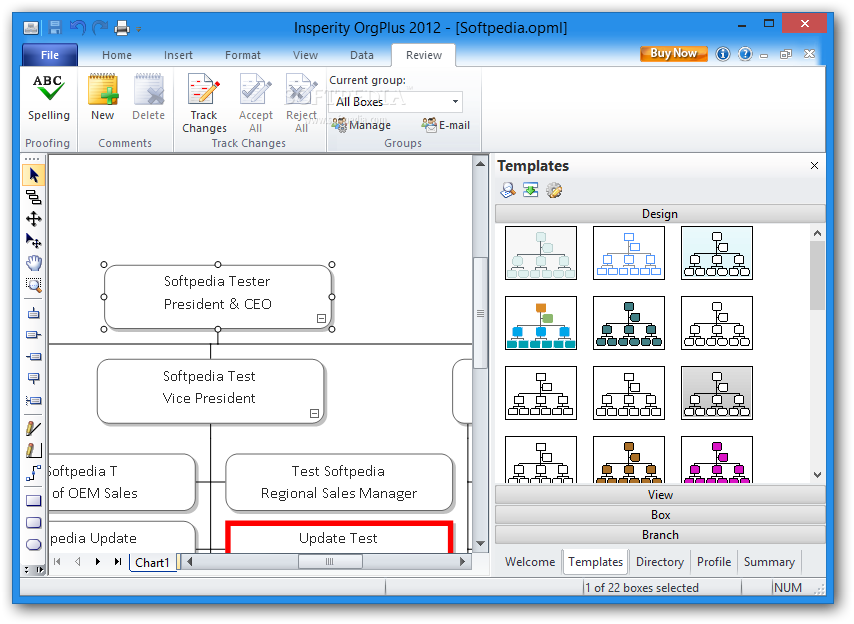
Each box may have a different shape (e.g. square, rectangle, triangle), color, and shadow effect. You can view the chart in a full screen mode, zoom in or out, generate comprehensive reports, attach comments, send charts via FTP connections, compare or merge chart info, enable the spell-checking feature, and track changes.
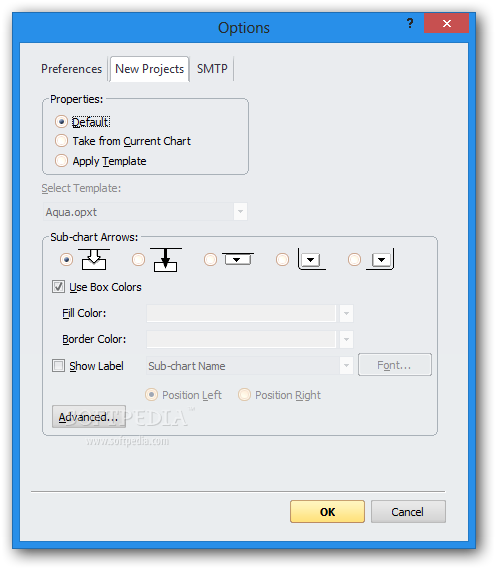
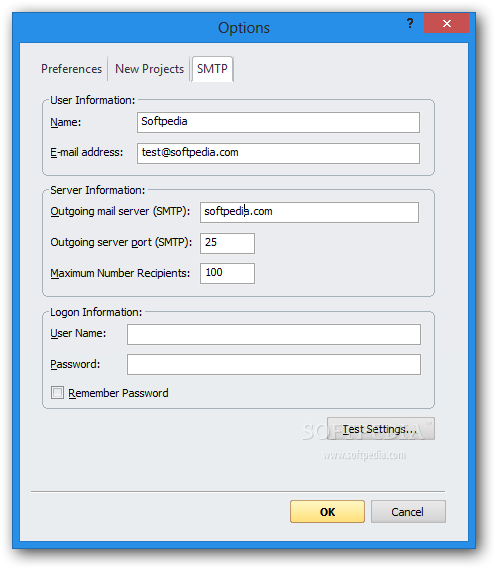
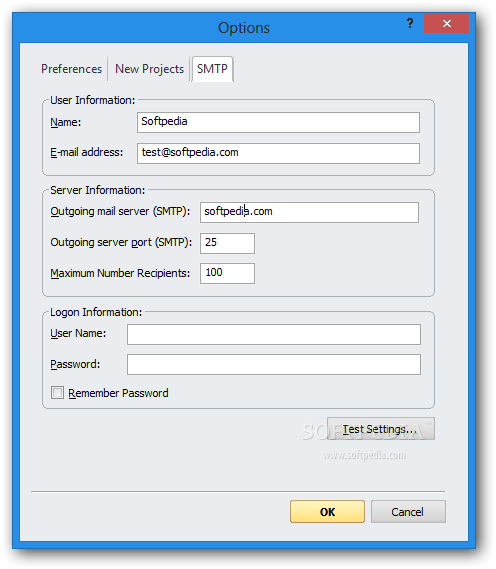
OrgPlus allows you to automatically run the utility at Windows startup, enable plugins in Word, Excel, PowerPoint, and Visio, change the layout of the application using different color schemes, enter the maximum number of recently used files that are revealed in a list, set up some default options for the new project (e.g. fill-in color, border color, sub-chart arrow types), as well as configure SMTP parameters.
OrgPlus delivers an advanced suite of features for helping you define large organizational charts in detail, and is suitable especially for professionals, as the multitude of configuration settings may be too much for a first-time user.
OrgPlus 10 Build 1909
add to watchlist add to download basket send us an update REPORT- runs on:
-
Windows 8
Windows 7
Windows Vista
Windows XP - file size:
- 56.9 MB
- filename:
- orgplus2012eval.exe

- main category:
- Others
- developer:
- visit homepage
ShareX

Bitdefender Antivirus Free

Microsoft Teams

4k Video Downloader

Windows Sandbox Launcher

IrfanView

Zoom Client

calibre

7-Zip

Context Menu Manager

- calibre
- 7-Zip
- Context Menu Manager
- ShareX
- Bitdefender Antivirus Free
- Microsoft Teams
- 4k Video Downloader
- Windows Sandbox Launcher
- IrfanView
- Zoom Client