
Track and manage income / expenses and plan budgets with the help of this intuitive, easy-to-use application that also features an auto-pilot. #Income Monitor #Budget Manager #Finance Manager #Expense #Budget #Finance

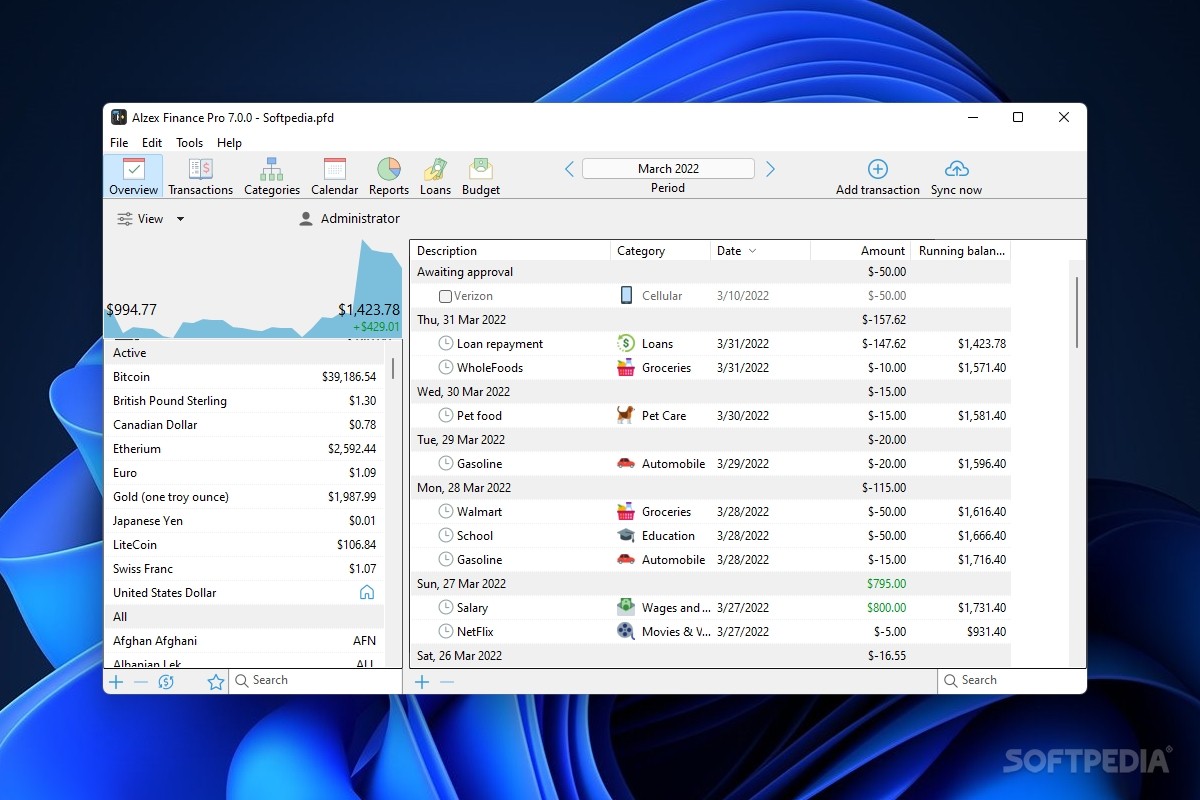
Keeping track of your spending can be a tad difficult these days, seeing as purchases are more and more disorganized and there really isn't any time to waste on writing and calculating numbers and sums. Alzex Finance Pro is the one-stop-shop for your personal accounting needs. In just seconds, you'll have a full spendings report at your disposal. You can edit it just as quickly.
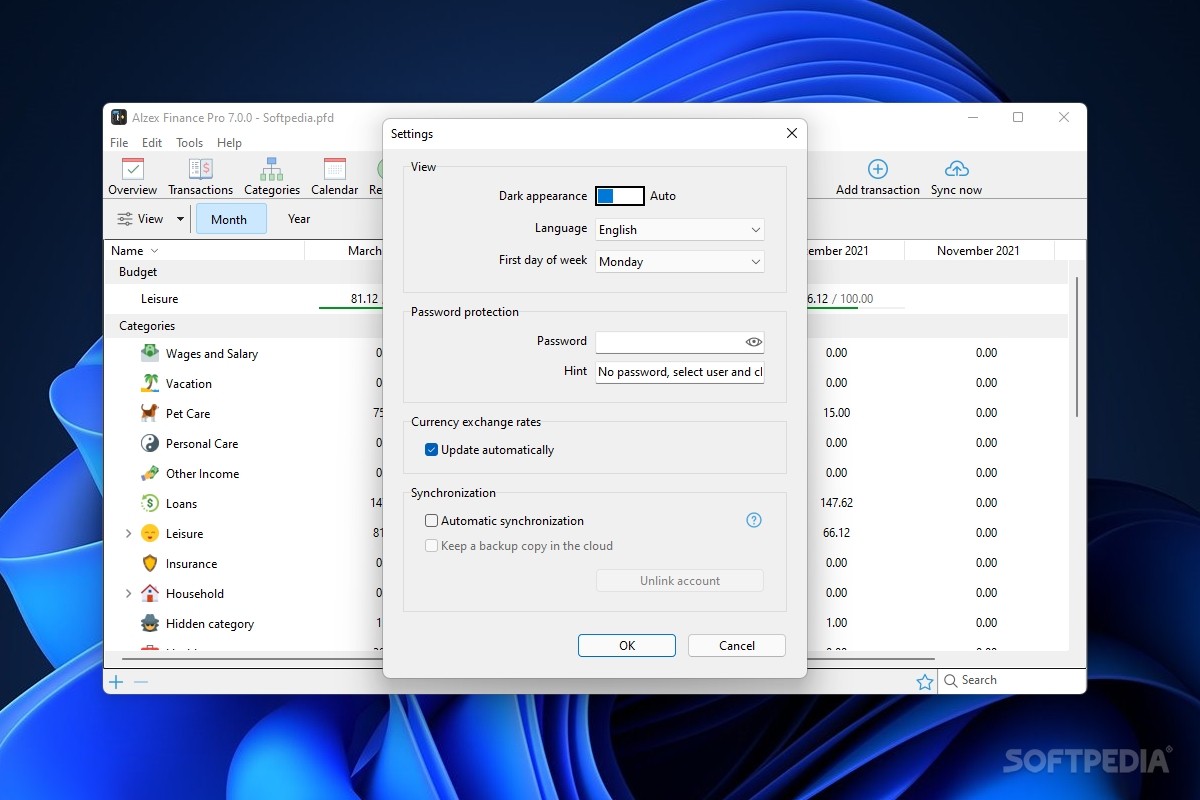
The application's interface is riddled with gadgets and widgets and whatnot. It wouldn't come as a surprise if you felt nauseated by how many entries there are to fill in those forms. Still, the fact that you have everything you need there to perform a thorough analysis is still a strong factor.
You should start logging the money that's been coming into your household. Subtract any purchases. Rinse and repeat. You'll basically create full statements just like the bank would if it were its own money. You can have special sections for monthly payments such as rent, utilities, or phone subscriptions.
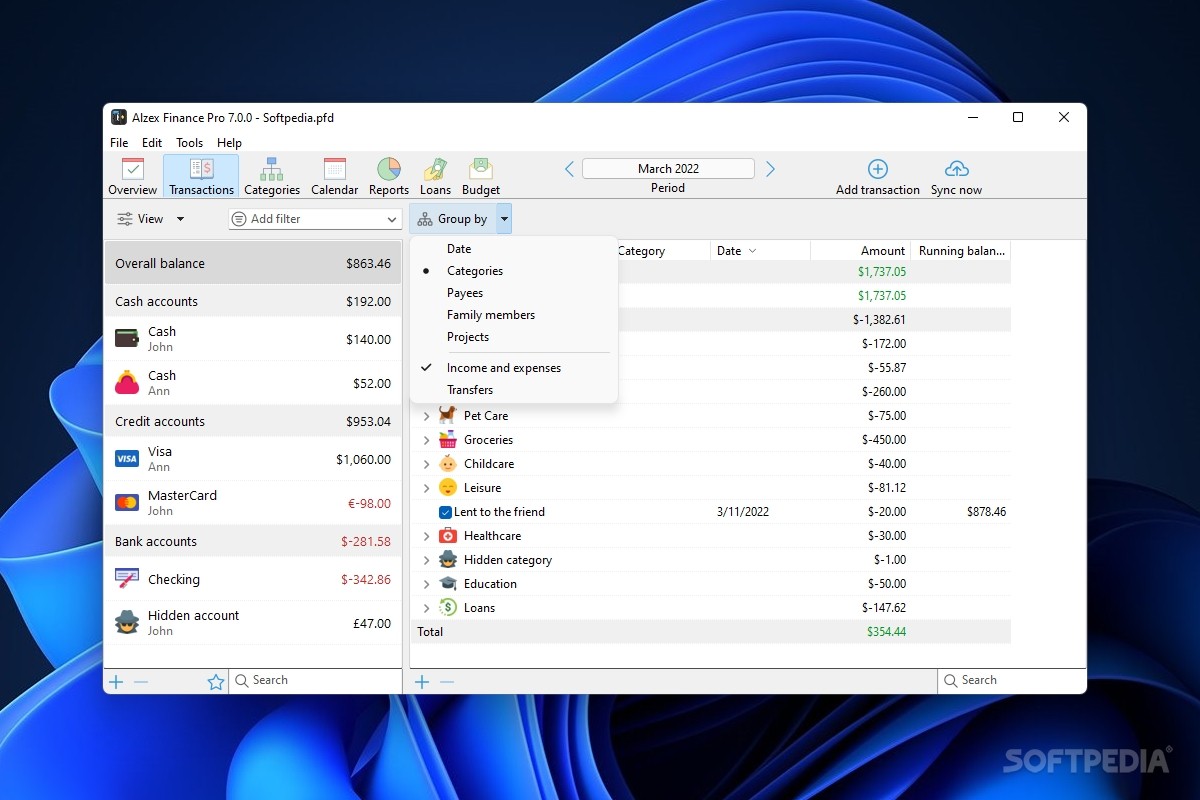
Each entry will have several details that can be filled in if you wish to. You're not forced to, but more info always means it will be easier to track and keep an eye on potential errors. Add a description, category, amount of money spent, and even tags to associate it with a particular purchase or spending group. Add credit cards, bank accounts, and any other potential money sources. You'll create a complete image of your financial life within minutes.
Adding new entries is very fast. You'll have to add yourself and any other members of your family that bring in revenue. From there, you'll be able to keep track of how spending is done, how much money you've got left in your accounts, and even when the due date for a certain payment is. There is a form for each and every aspect one might encounter while keeping track of household finances.
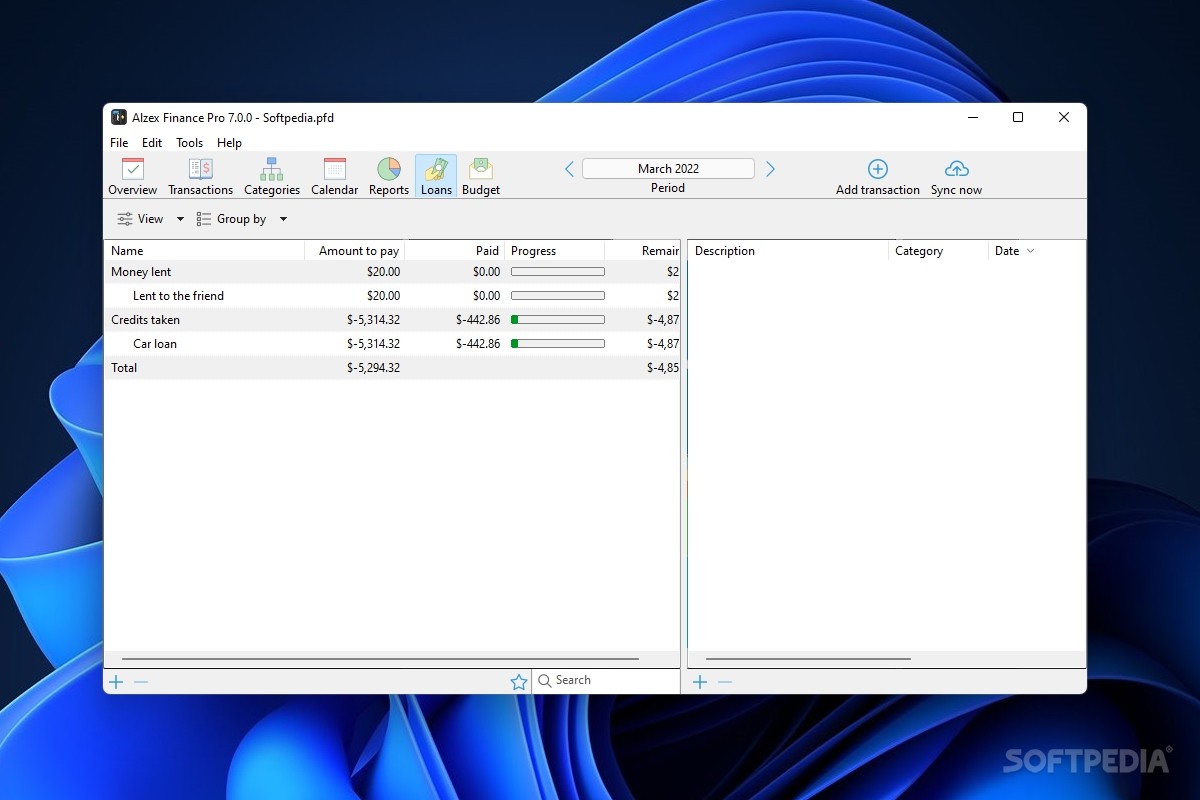
Making any new entries is very easy as it only requires that you fill in a form. Thus, when creating a new expense log you can specify the account you made the withdrawal from, the amount, date, description, and a personal comment. Similarly, when creating a new “Income” log, you can specify which account the money should go to. Add any loans you might have to reimburse and use as many currencies as you need, making your situation as clear as crystal.
Last, but not least, you can create various savings targets, keeping an eye on their evolution as you input new data, new sums of money, new numbers. Finally, you'll be able to see what the best months for putting money aside are, how fast you've managed to do it, and so on.
Alzex Finance Pro is an application that in theory should keep track of your finances as well as any real flesh and bone accountant. The difference is in the fee you have to pay in order to have your financial situation clear, and in the level of accessibility. If you manage to disregard the abundance of gadgets and options in the app's window, then you'll most likely be happy with it.
What's new in Alzex Finance Pro 7.4.0:
- Grouping by description.
- Export charts.
- Export data to CSV in almost all sections.
- Lots of minor improvements.
Alzex Finance Pro 7.4.0
add to watchlist add to download basket send us an update REPORT- portable version
- Portable Alzex Finance
- runs on:
-
Windows 11
Windows 10 32/64 bit
Windows 8 32/64 bit
Windows 7 32/64 bit - file size:
- 1.7 MB
- filename:
- AlzexFinancePro.exe



- main category:
- Others
- developer:
- visit homepage
IrfanView

Microsoft Teams

Bitdefender Antivirus Free

Windows Sandbox Launcher

7-Zip

Zoom Client

ShareX

calibre

paint.net

4k Video Downloader

- calibre
- paint.net
- 4k Video Downloader
- IrfanView
- Microsoft Teams
- Bitdefender Antivirus Free
- Windows Sandbox Launcher
- 7-Zip
- Zoom Client
- ShareX