
Feature-rich and versatile accounting application with support for importing and exporting data, converting Quickbooks, connecting to remote databases, and more. #Account management #Finance calculator #Report generator #Finance #Budget #Inventory

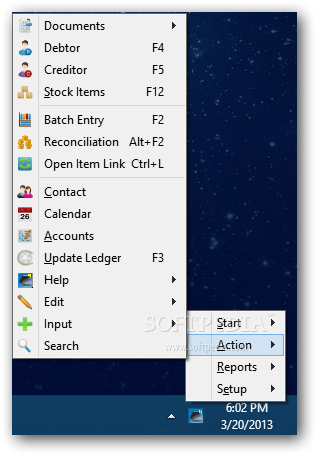
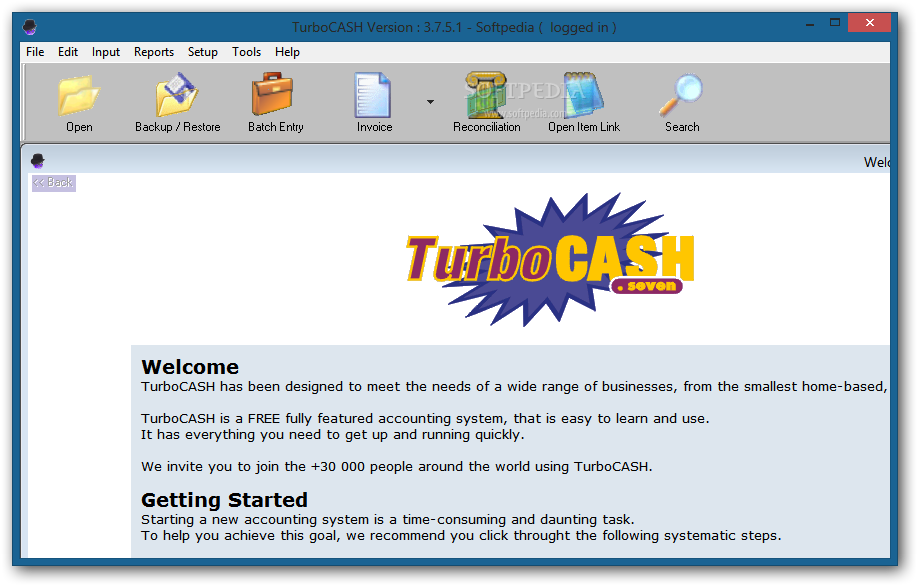
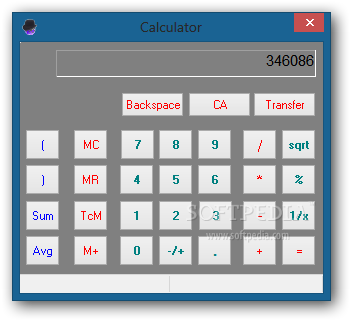
TurboCASH is a feature-rich software application that you can use for accounting. It is equipped with a lot of useful and versatile utilities designed to ease your job, such as support for importing and exporting data, along with a converter for Quickbooks files.
The installation procedure may take a while. By default, TurboCASH offers to set all its components: a local single user Firebird database, the Firebird database server, and the FlameRobbin version. Any of these modules can be excluded from the installer, though.
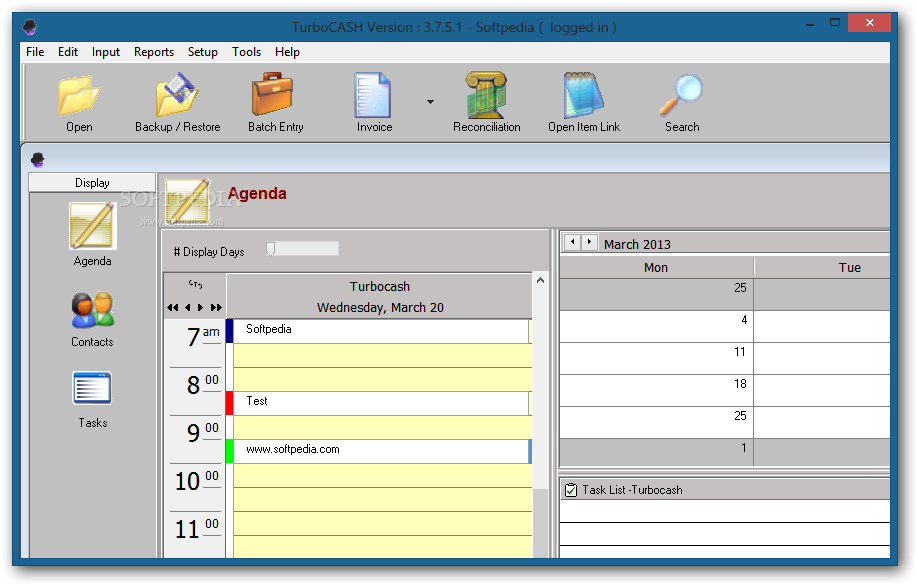
The interface is represented by a large frame with a neatly organized structure, where you can browse directories for sets of books, purge the list, and edit properties concerning the name of the books set, server name, stored path, username, and password.
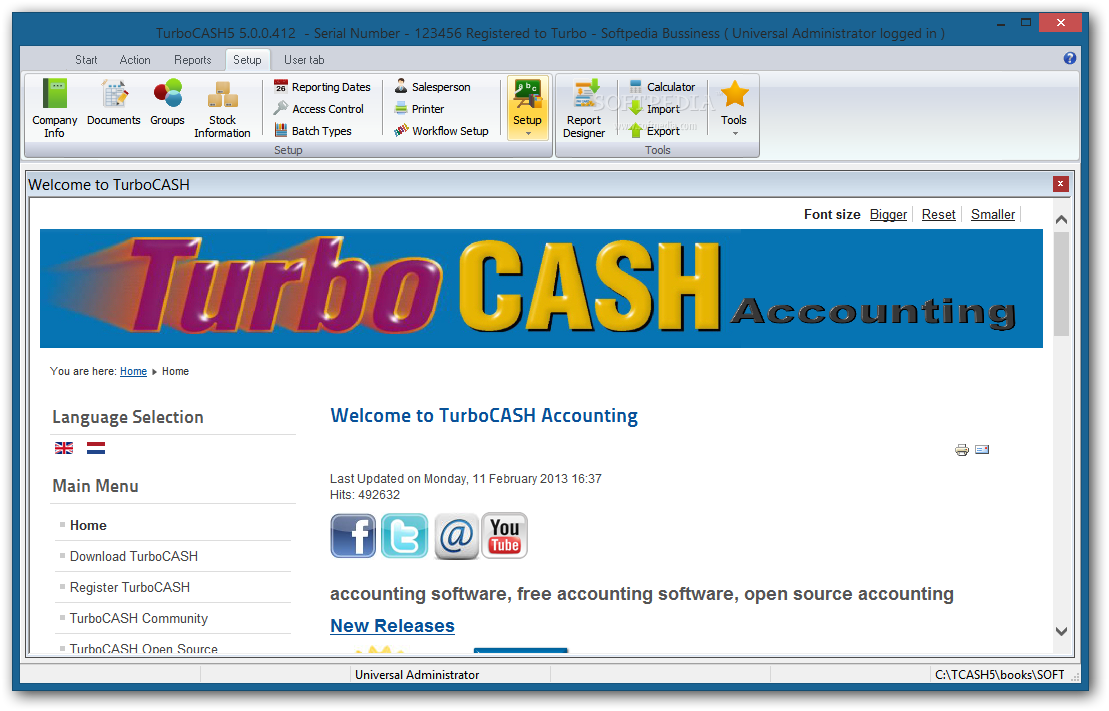
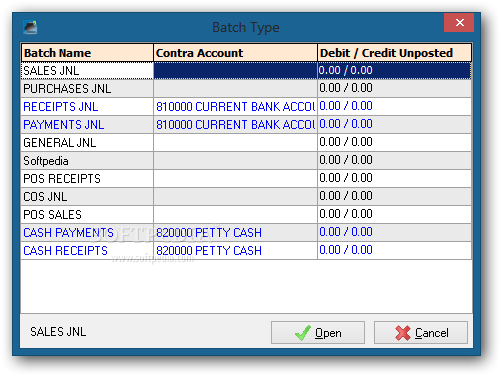
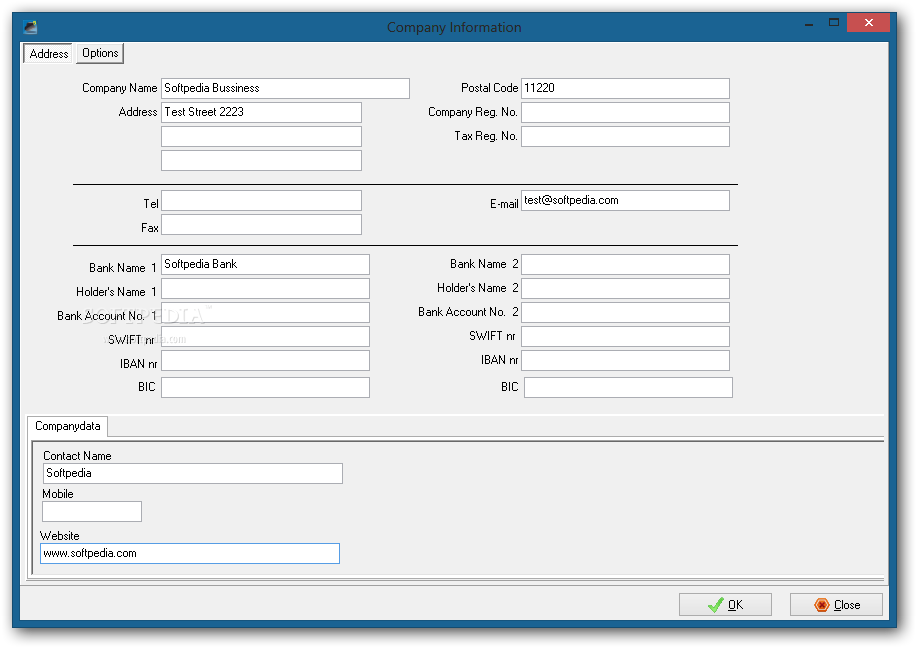
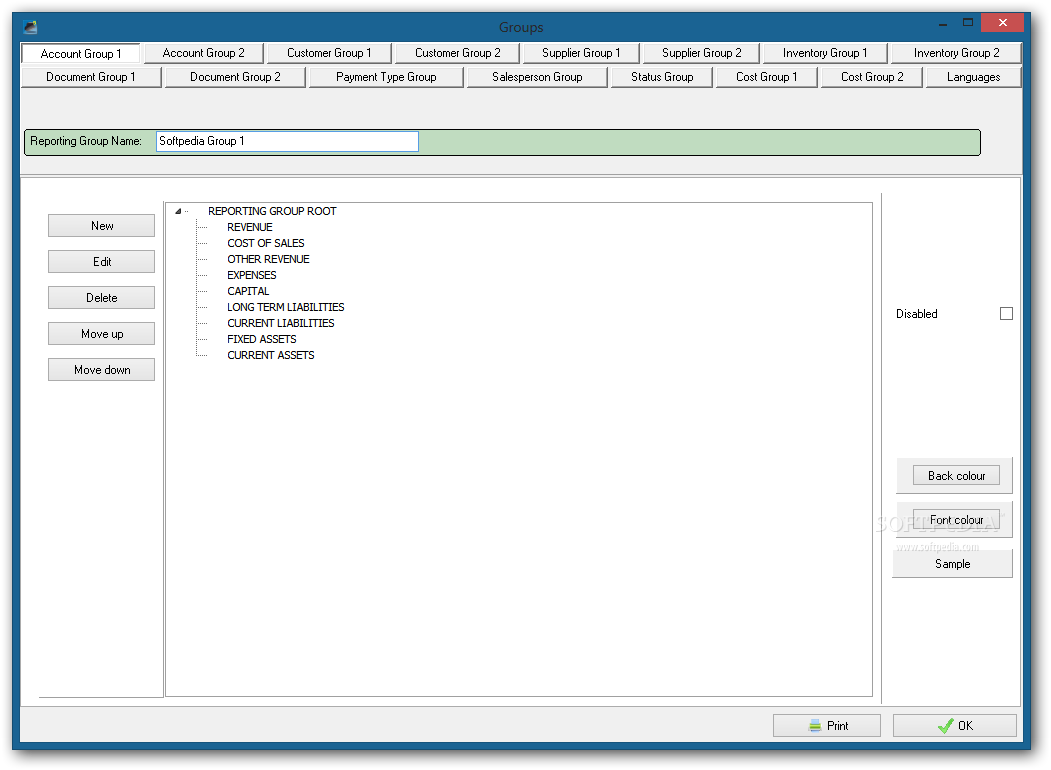
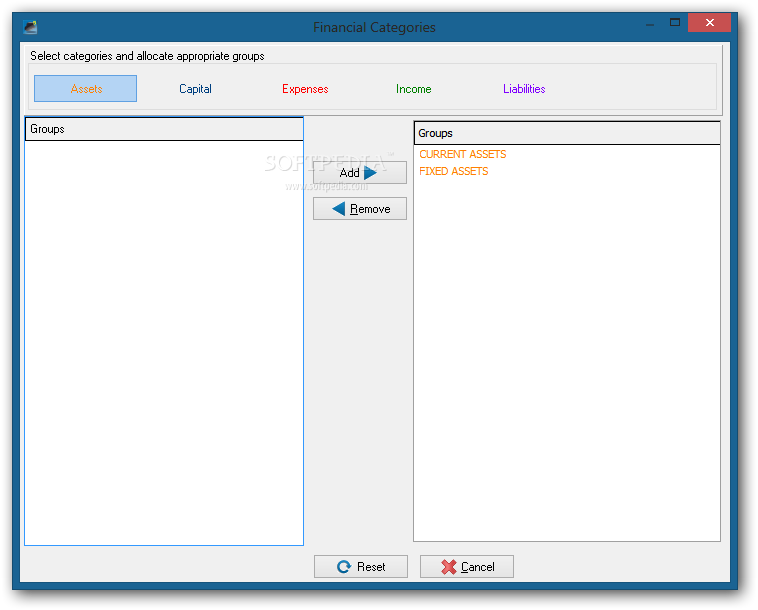
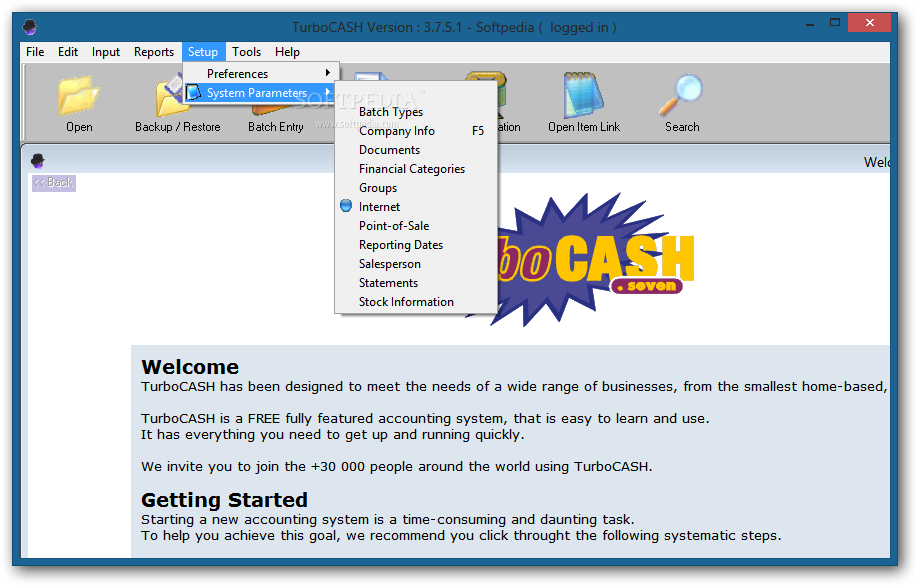
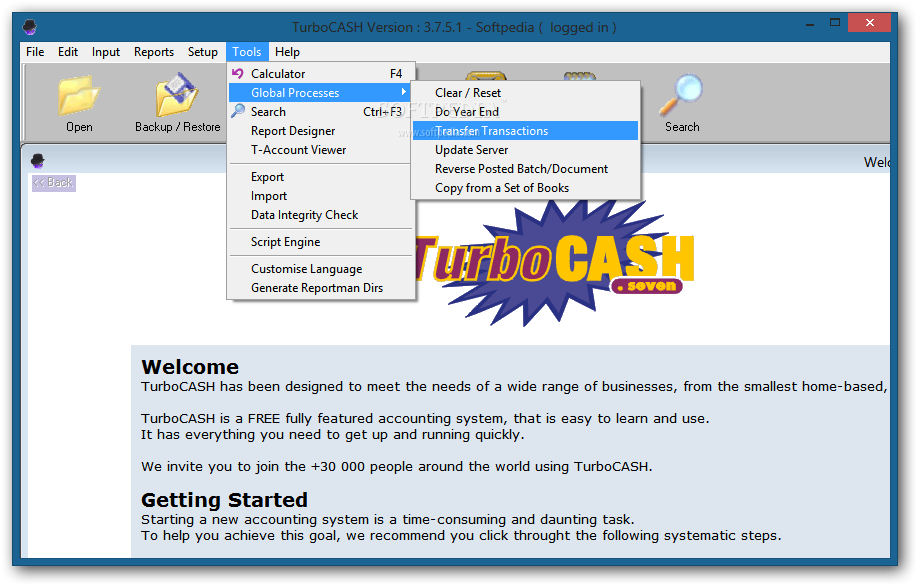
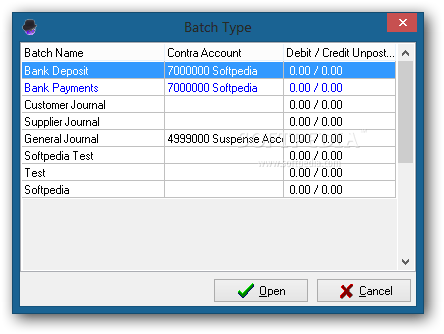
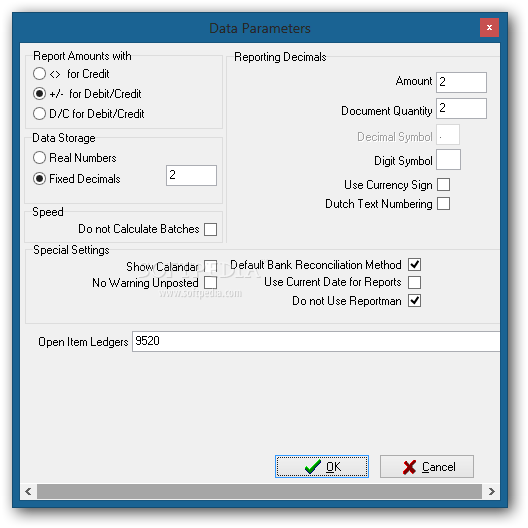
New book sets can be easily created by following some steps in a wizard, as well as backed up and restored later. You can copy an existing set of books, let TurboCASH help you, customize settings, convert TurboCASH3 to TurboCASH4 or TurboCASH4 to the current version, as well as connect to a remote database. When it comes to the company setup, you can change the accounting periods, batch types, groups, documents, and sales persons.
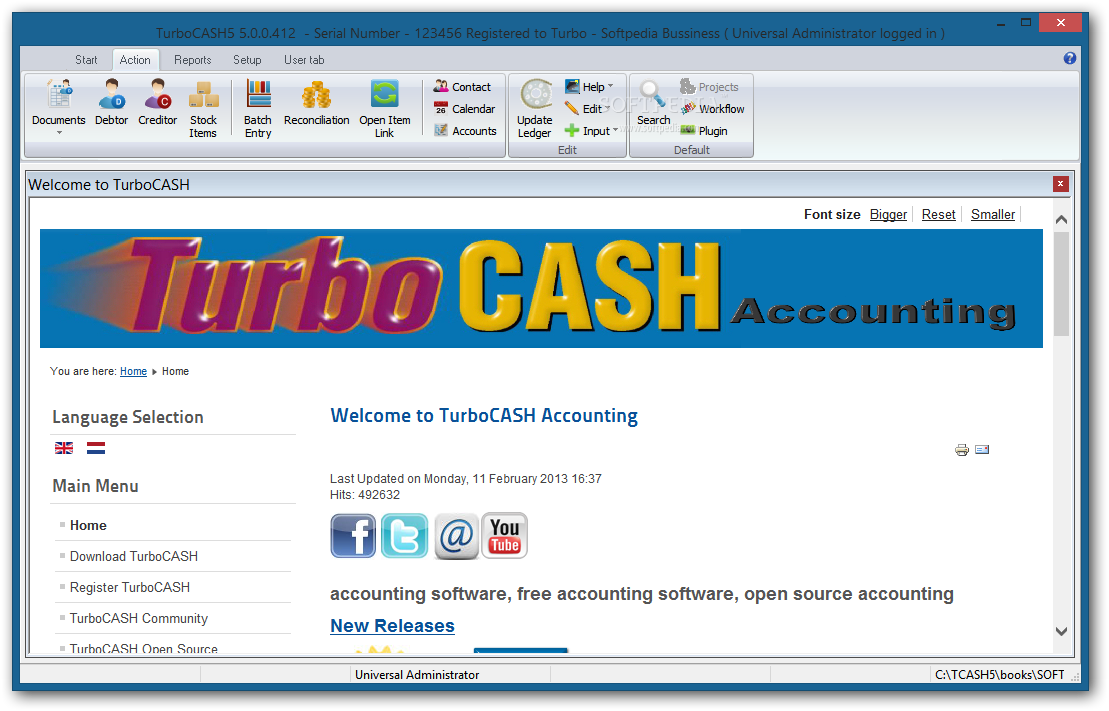
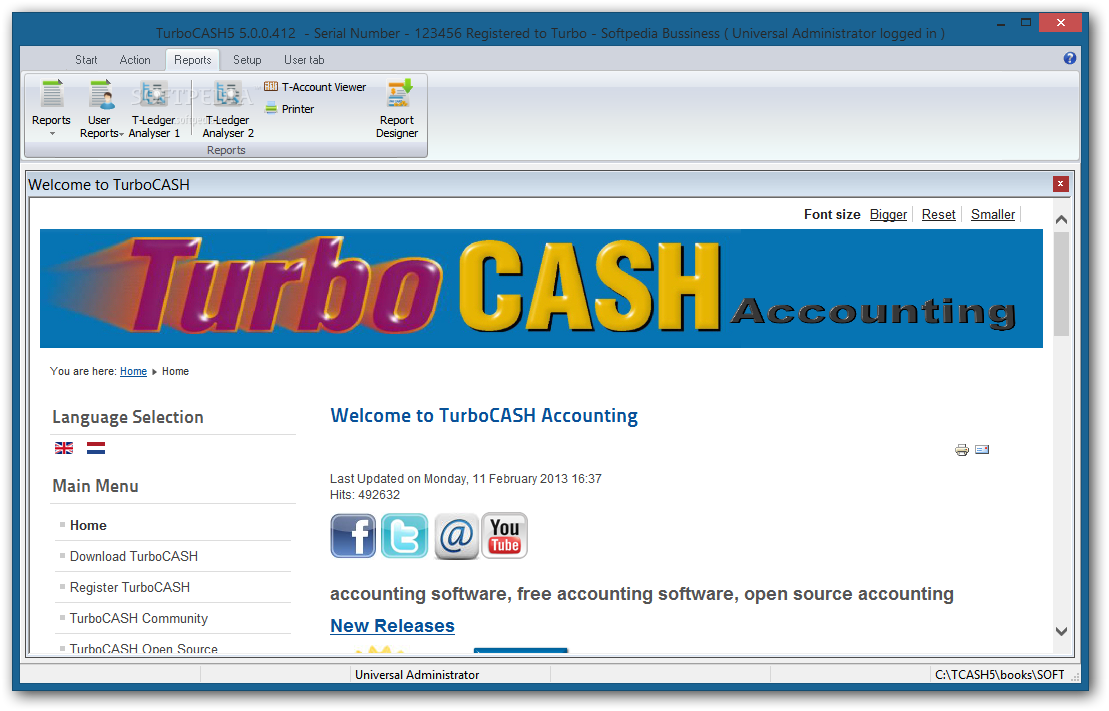
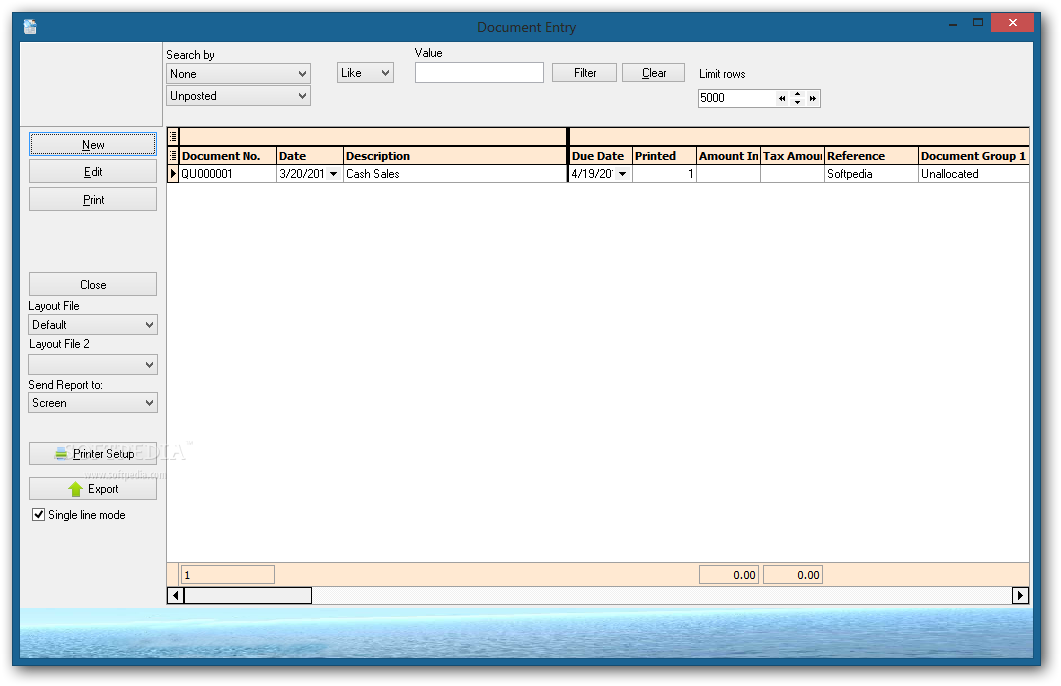
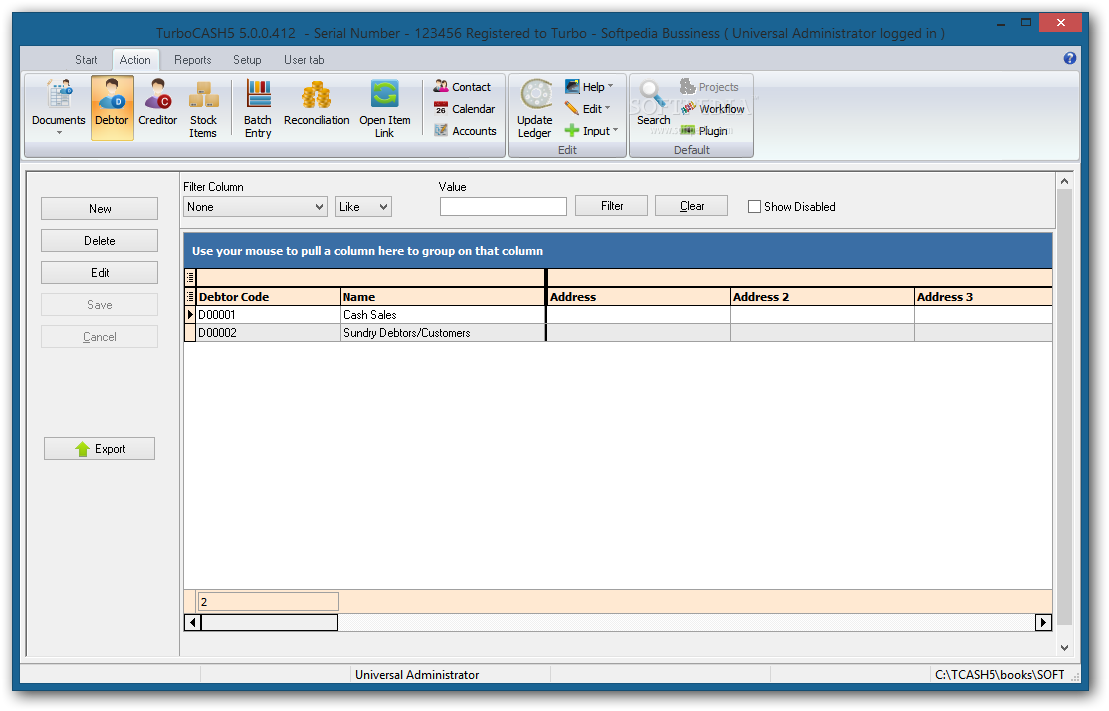
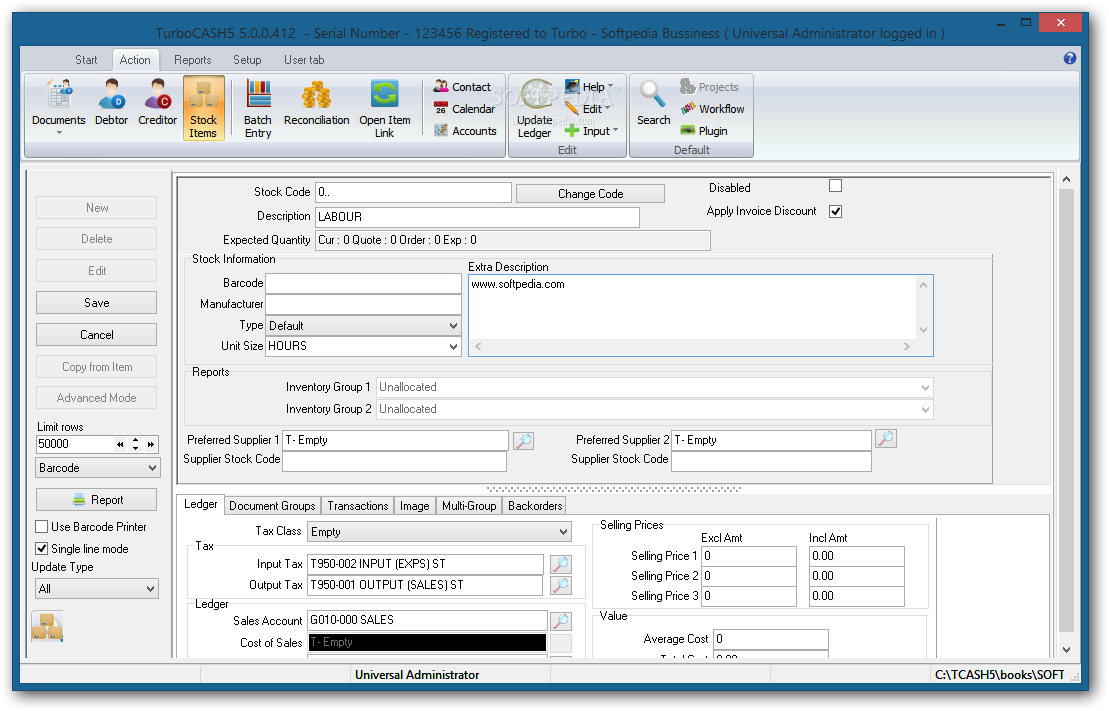
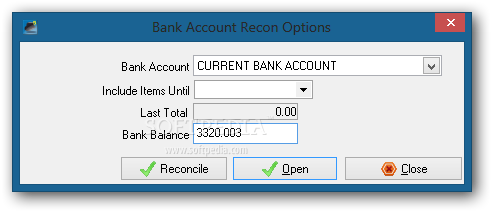
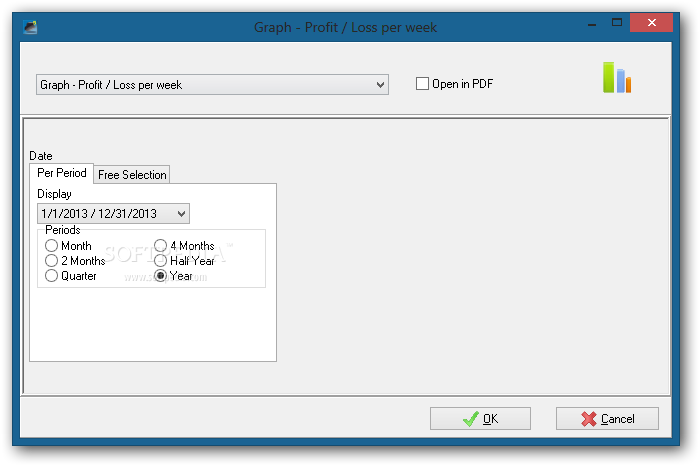
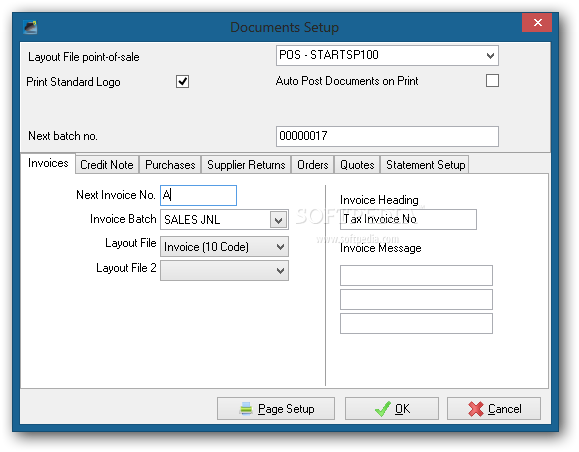
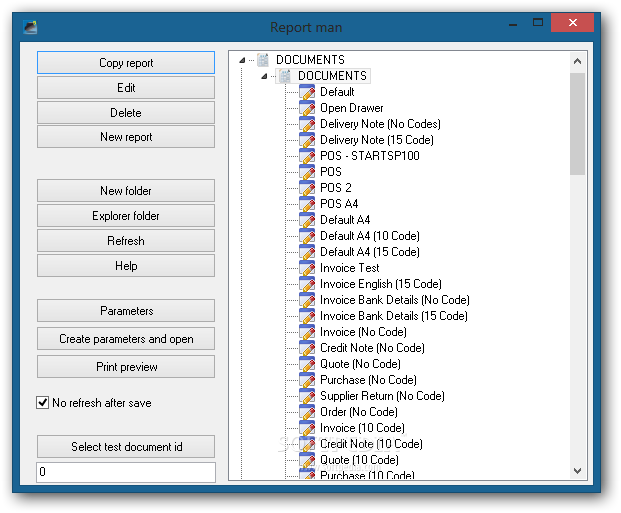
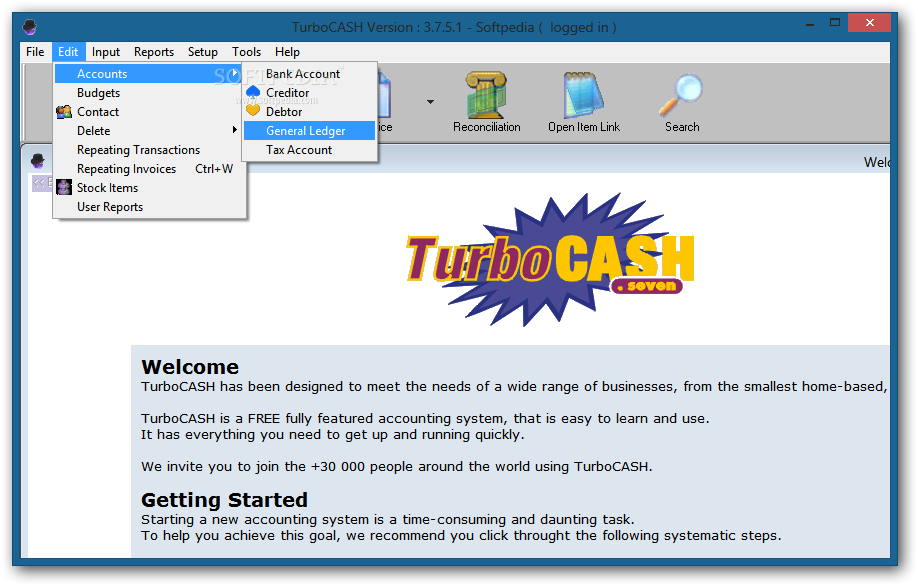
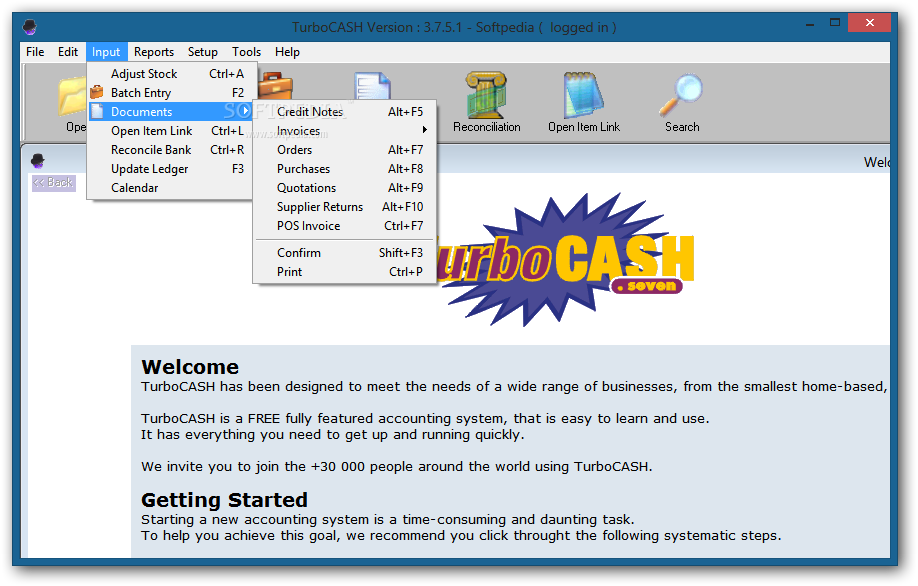
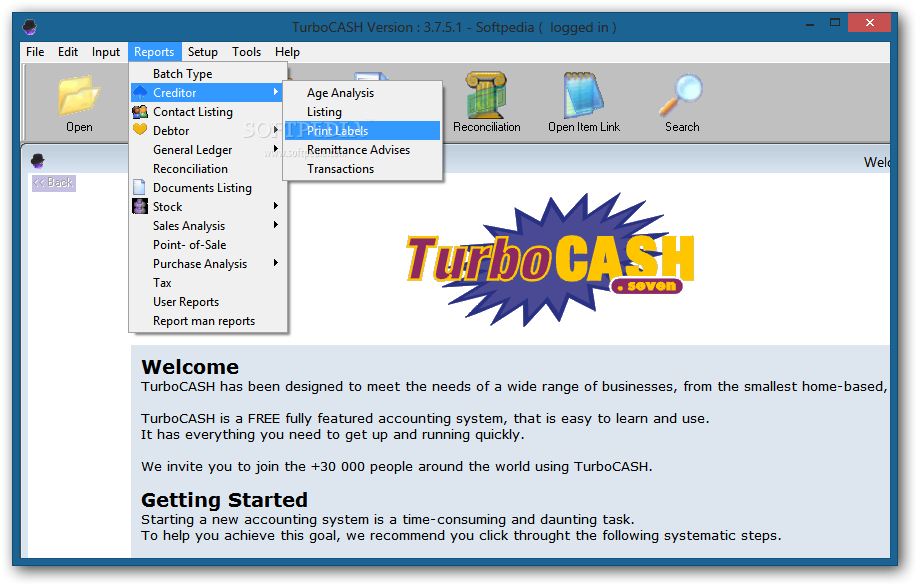
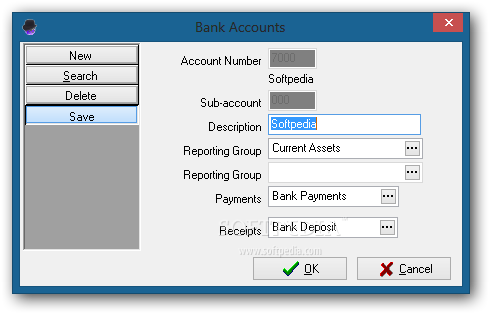
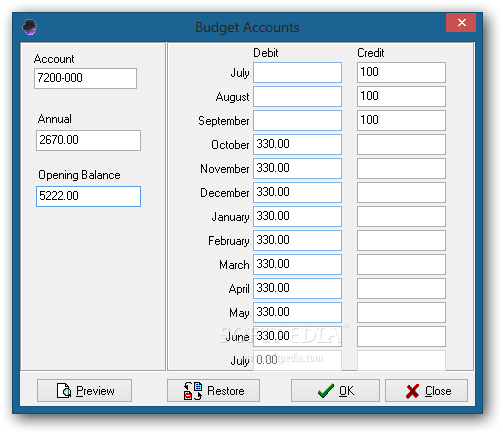
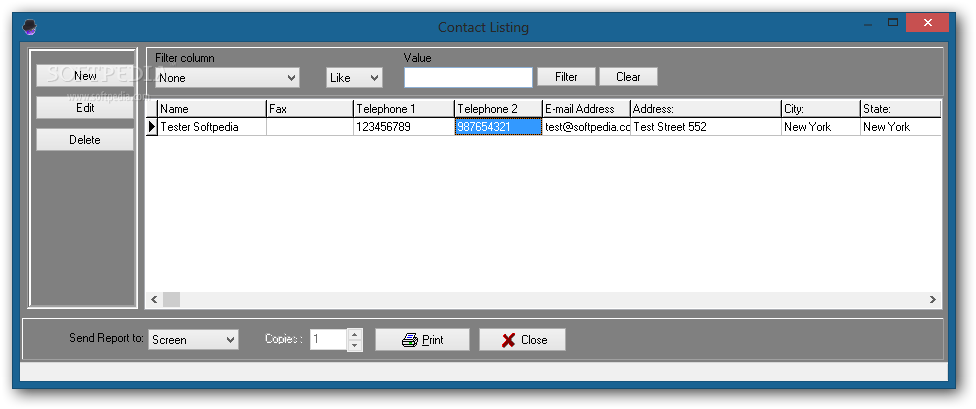
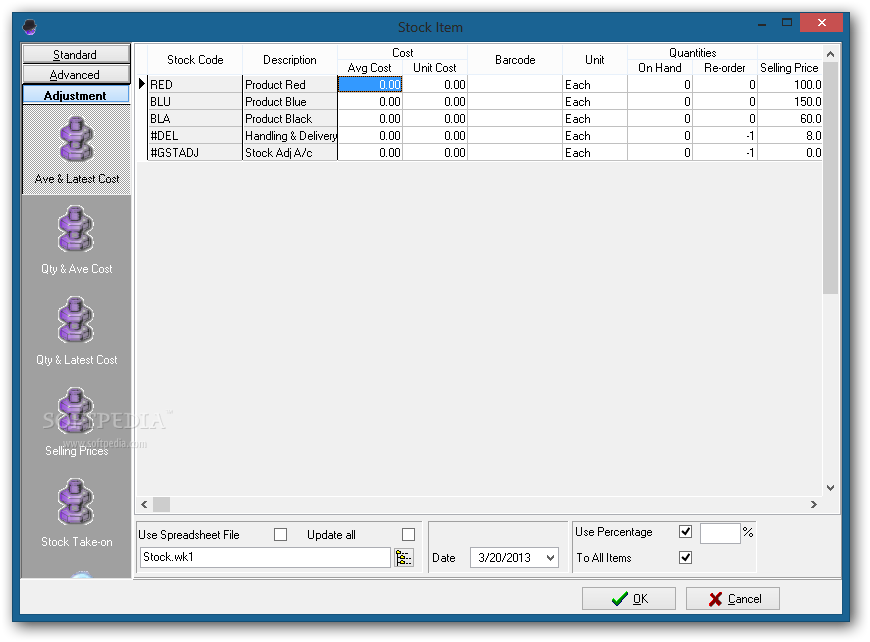
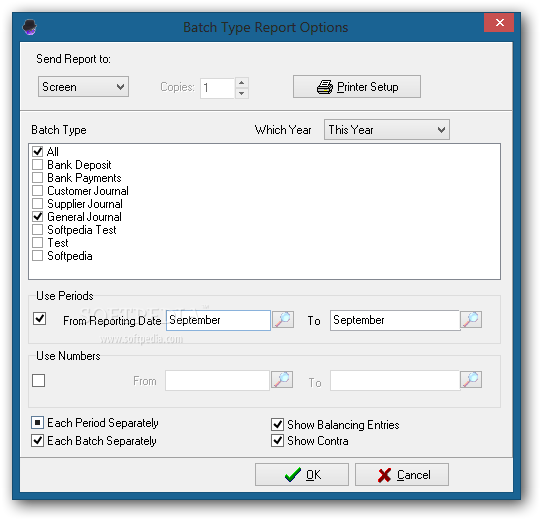
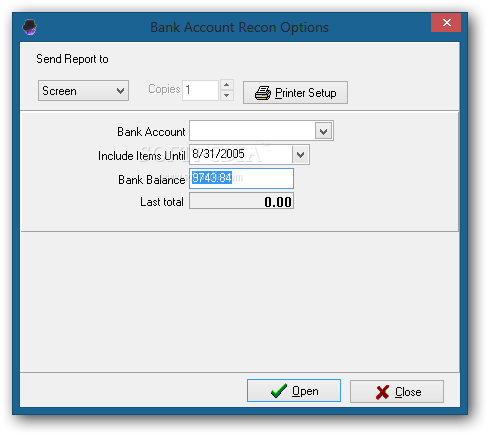
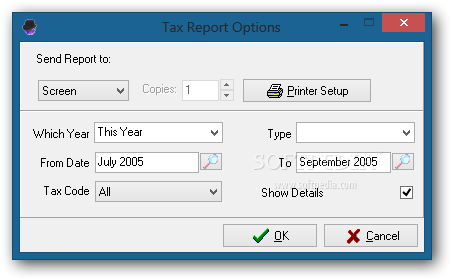
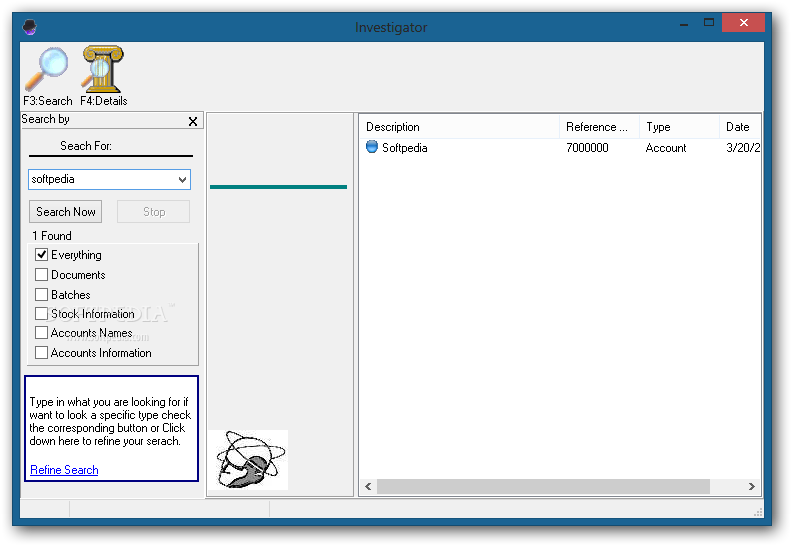
It is possible to edit bank accounts, creditors, debtors, general ledgers, tax accounts, contacts, budgets, transactions and invoices, indicate important documents such as credit notes, supplier returns, POS invoice and orders, confirm and print this information, as well as to generate complex reports revolving around the batch type, creditor (e.g. age analysis, transactions), documents listing, sales evaluation, user reports, tax, and others. These are just some of the features available in TurboCASH.
There were no stability issues in our tests, since TurboCASH did not hang, crash or pop up error messages. It doesn't hamper system performance, thanks to the fact that it needs low CPU and RAM to work. TurboCASH provides you with diverse and effective solutions for better managing accounts.
TurboCASH 4.4.0.5 / 5.0.0.456 Beta
add to watchlist add to download basket send us an update REPORT- runs on:
- Windows All
- file size:
- 162.3 MB
- main category:
- Others
- developer:
- visit homepage
7-Zip

Bitdefender Antivirus Free

Microsoft Teams

calibre

4k Video Downloader

Windows Sandbox Launcher

Context Menu Manager

Zoom Client

ShareX

IrfanView

- Zoom Client
- ShareX
- IrfanView
- 7-Zip
- Bitdefender Antivirus Free
- Microsoft Teams
- calibre
- 4k Video Downloader
- Windows Sandbox Launcher
- Context Menu Manager