
Manage your budget and create detailed financial entries to efficiently keep track of all your transactions by using this reliable utility. #Manage budget #Finance manager #Budget manager #Finance #Budget #Transaction
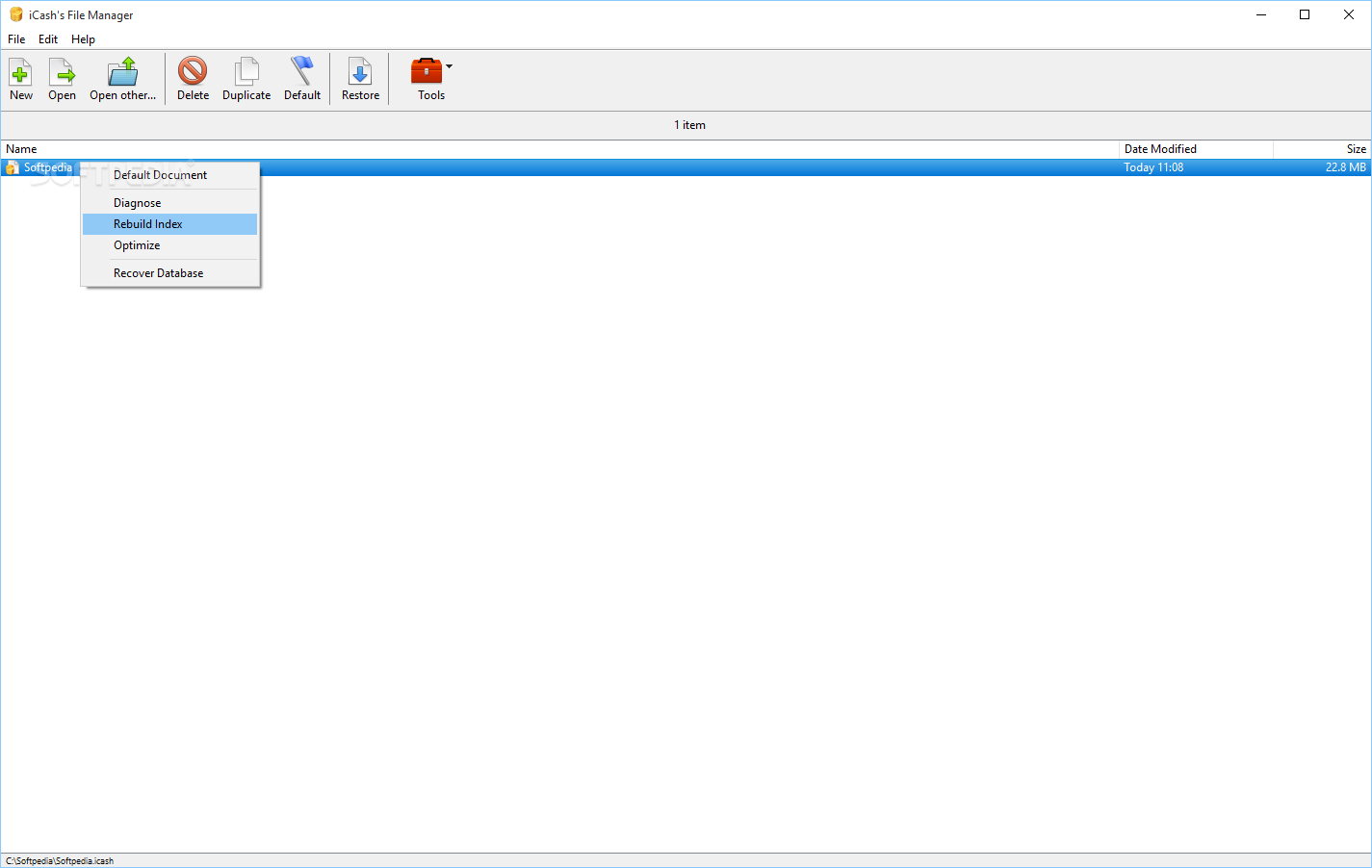
Whether you like it or not, money is behind everything going on around the world, including your personal life. Most time is spent somehow gathering funds to be able to live a decent life. However, with the abundance of services requiring periodical monetary attention, it's pretty difficult to keep track of every penny spent. This is where applications like iCash come in handy so you can write down all incomes and expenses to identify flaws related to budget and start fixing them.
The application comes with an impressive array of features, which are cleverly implemented not to overwhelm you with too many details. As such, most configurations and management areas bring up new windows, just like initially you're faced with a small counterpart responsible for creating and storing databases.
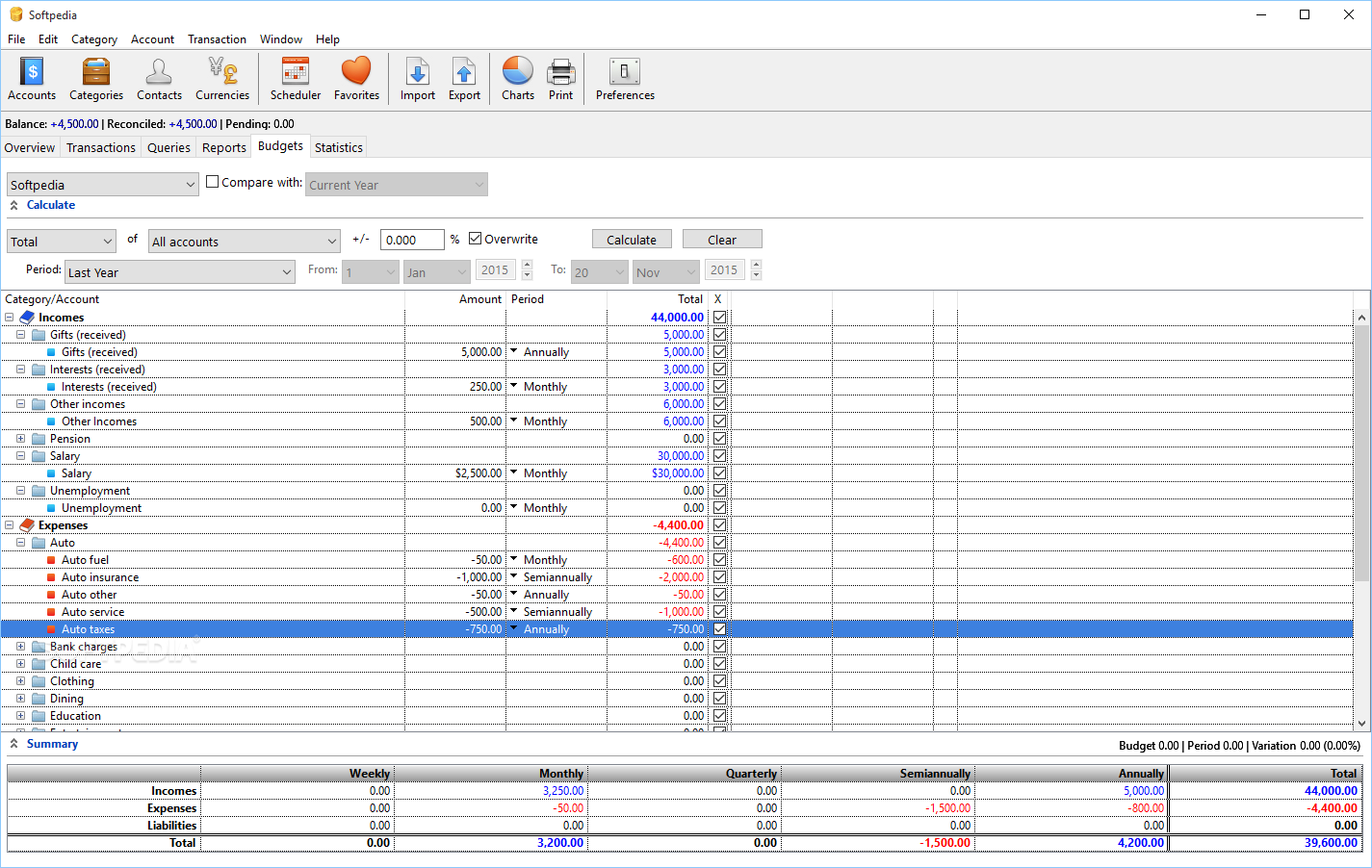
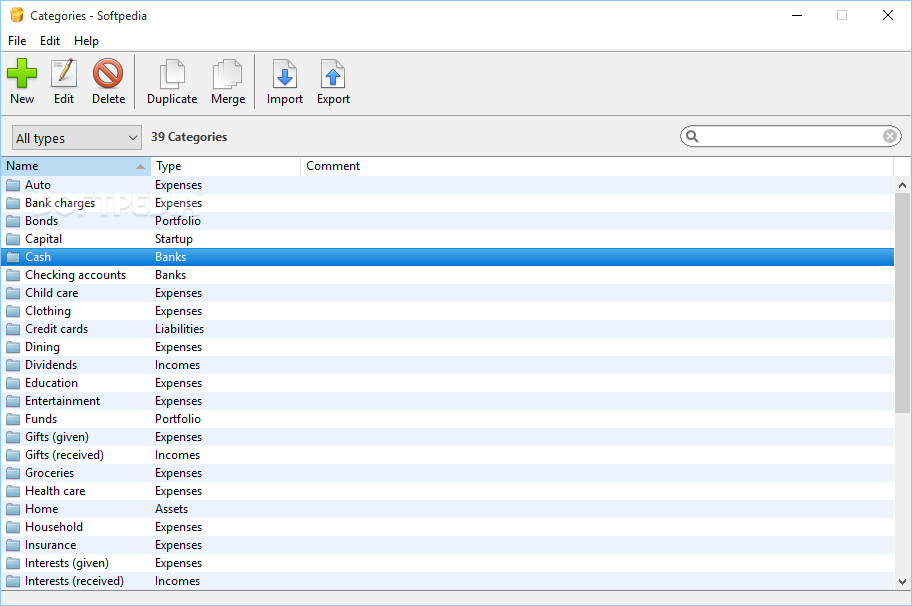
Sooner or later you end up creating a new entry, which recommends to have some default categories automatically created. It's of much help, providing both a head start, as well as insight on what can be accomplished. You can later on remove them with little effort or use to your advantage.
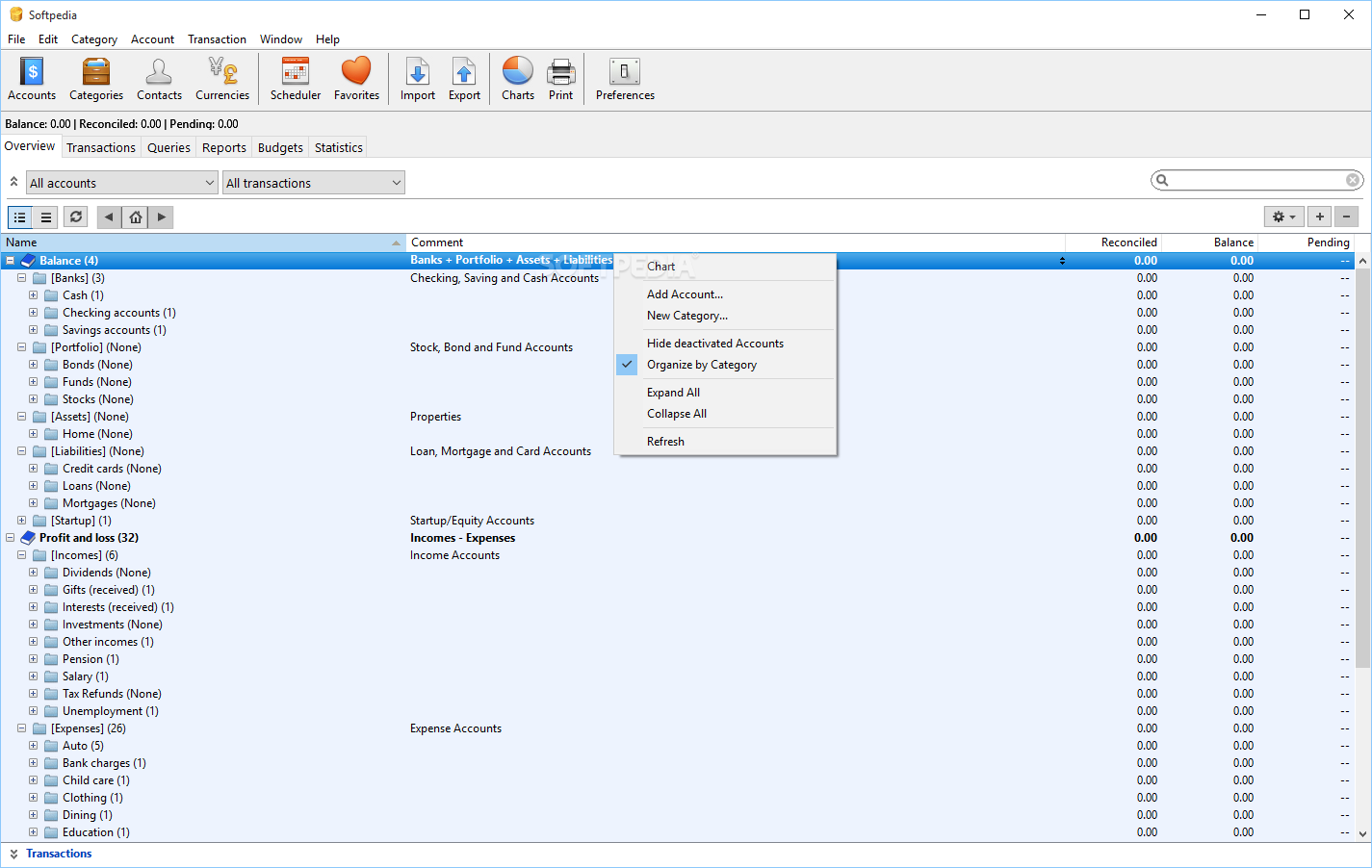
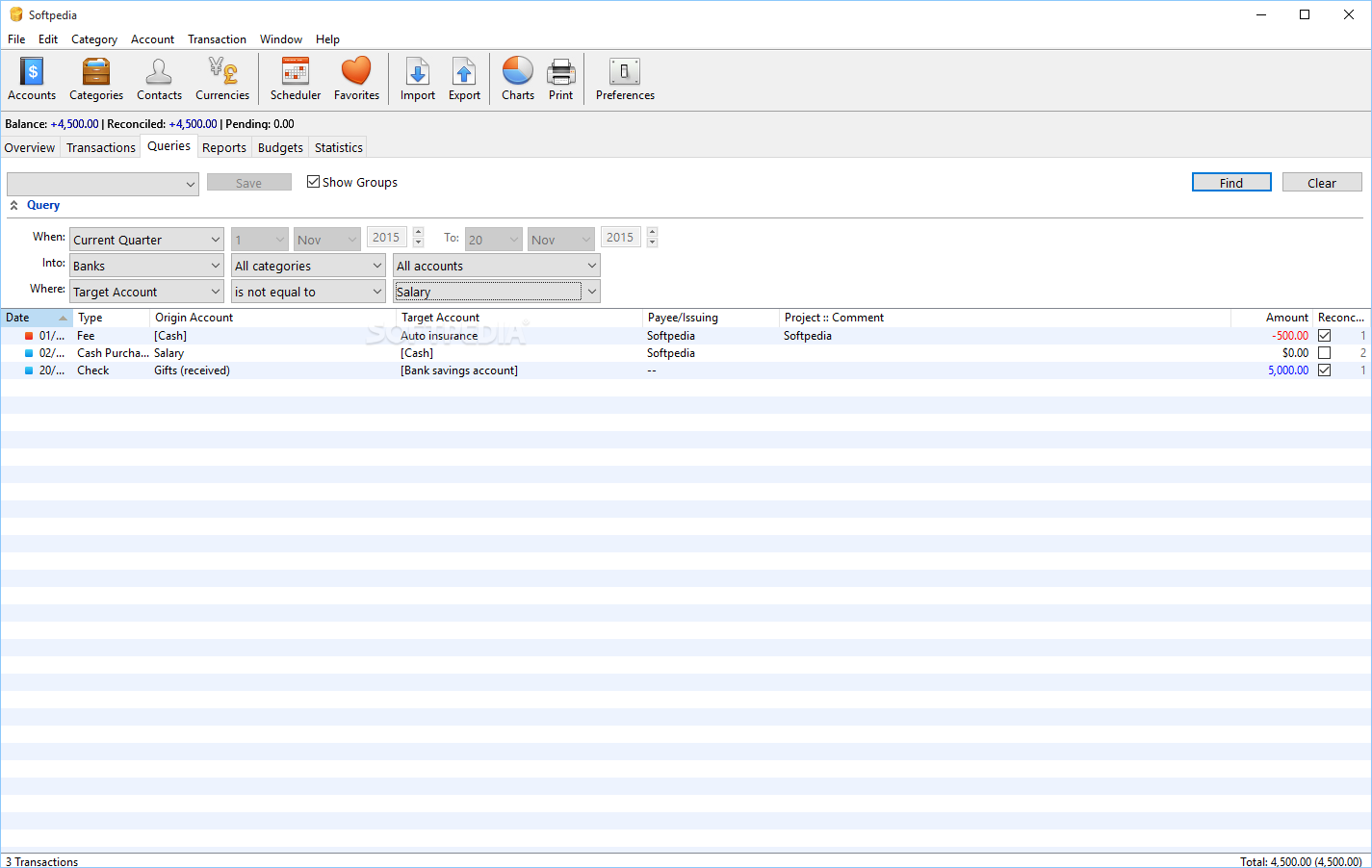
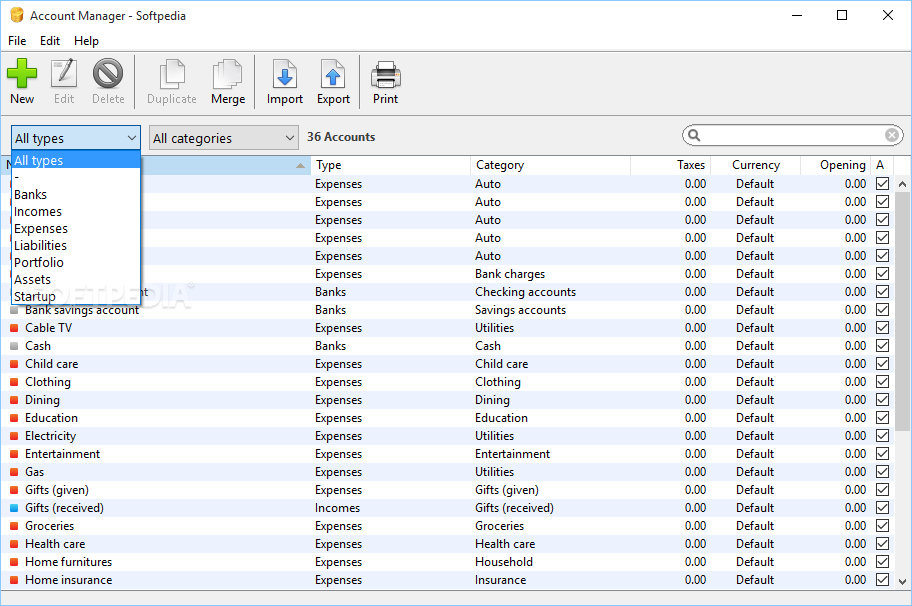
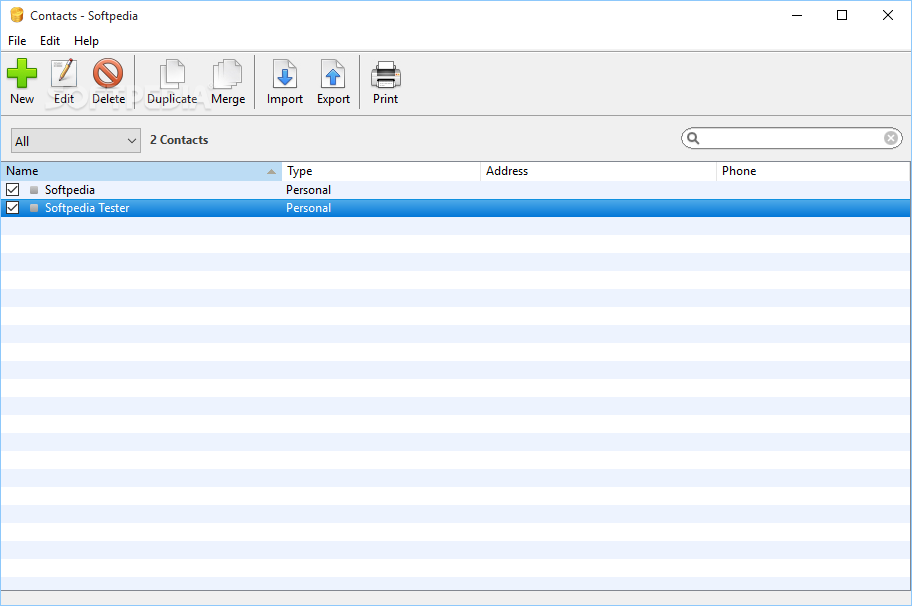
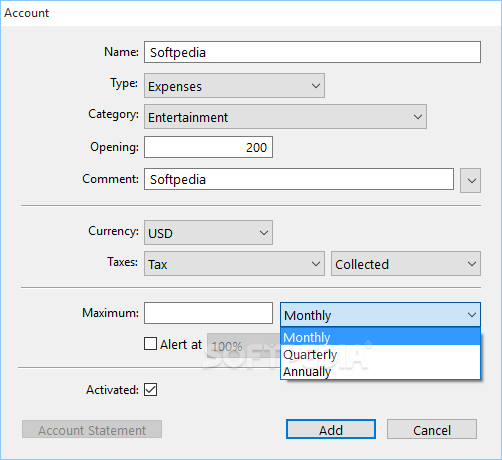
Most time is spent in the database window, which poses no accommodation problems whatsoever, especially if you took the initial advice. Different managers are at your disposal to store data in well-organized documents. Major categories, accounts, as well as contacts bring up new windows to easily add entries by providing a decent amount of related details.
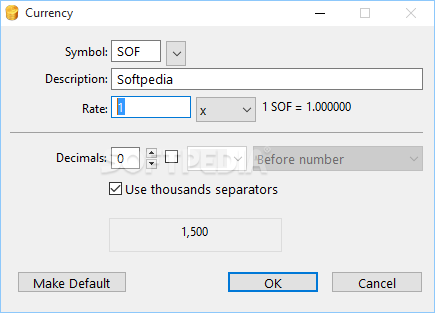
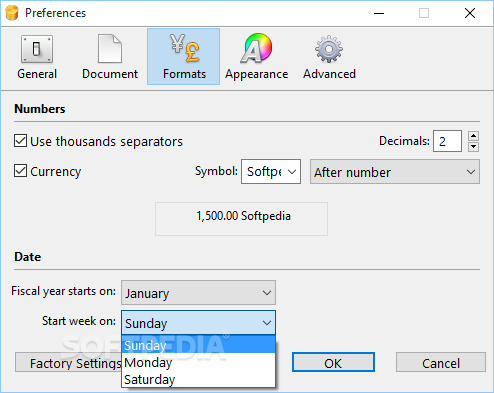
If you're connected to the Internet, setting up currencies is done in a jiffy. Different symbols from around the world are tracked by default, with options to add even more from a built-in list. Hitting the “Update Now” button initiates a search over the web and by the time you realize, rate values are retrieved.
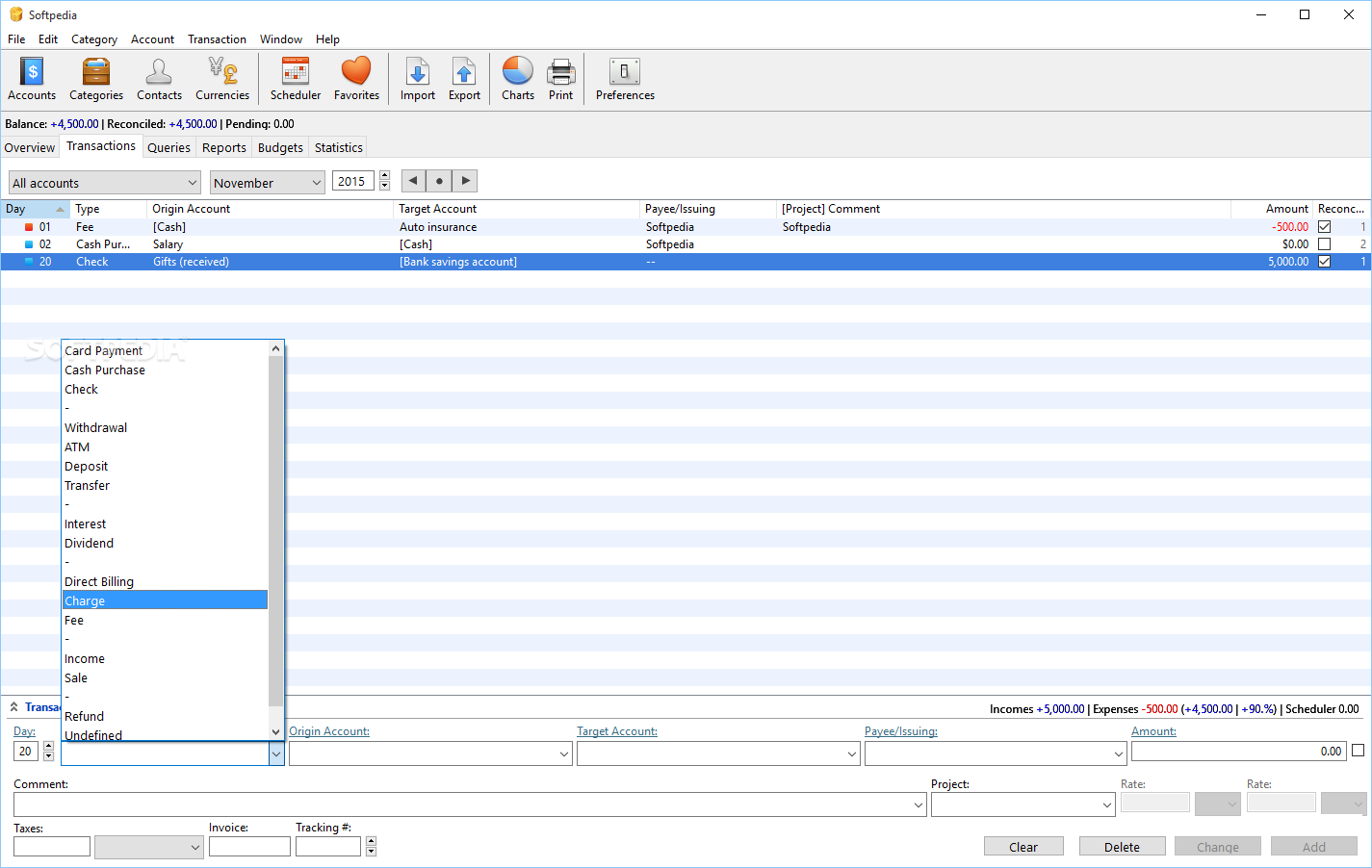
The level of customization and areas it covers makes the application practical for both personal and business environments. At the core of each function there are different calculators set up that only display results according to your entries. As such, you can set up transactions, incomes and expenses, with clever color differentiation for positive and negative values.
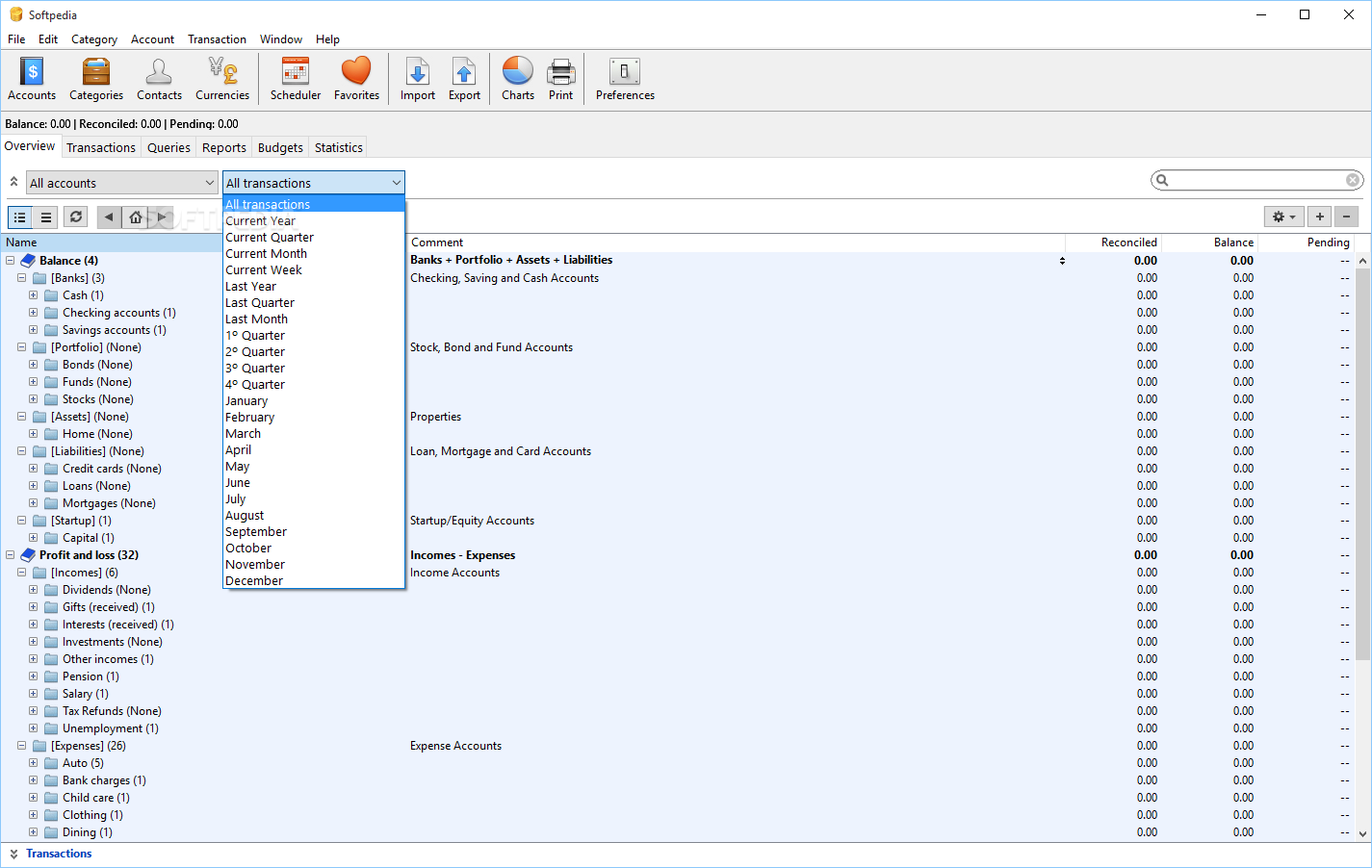
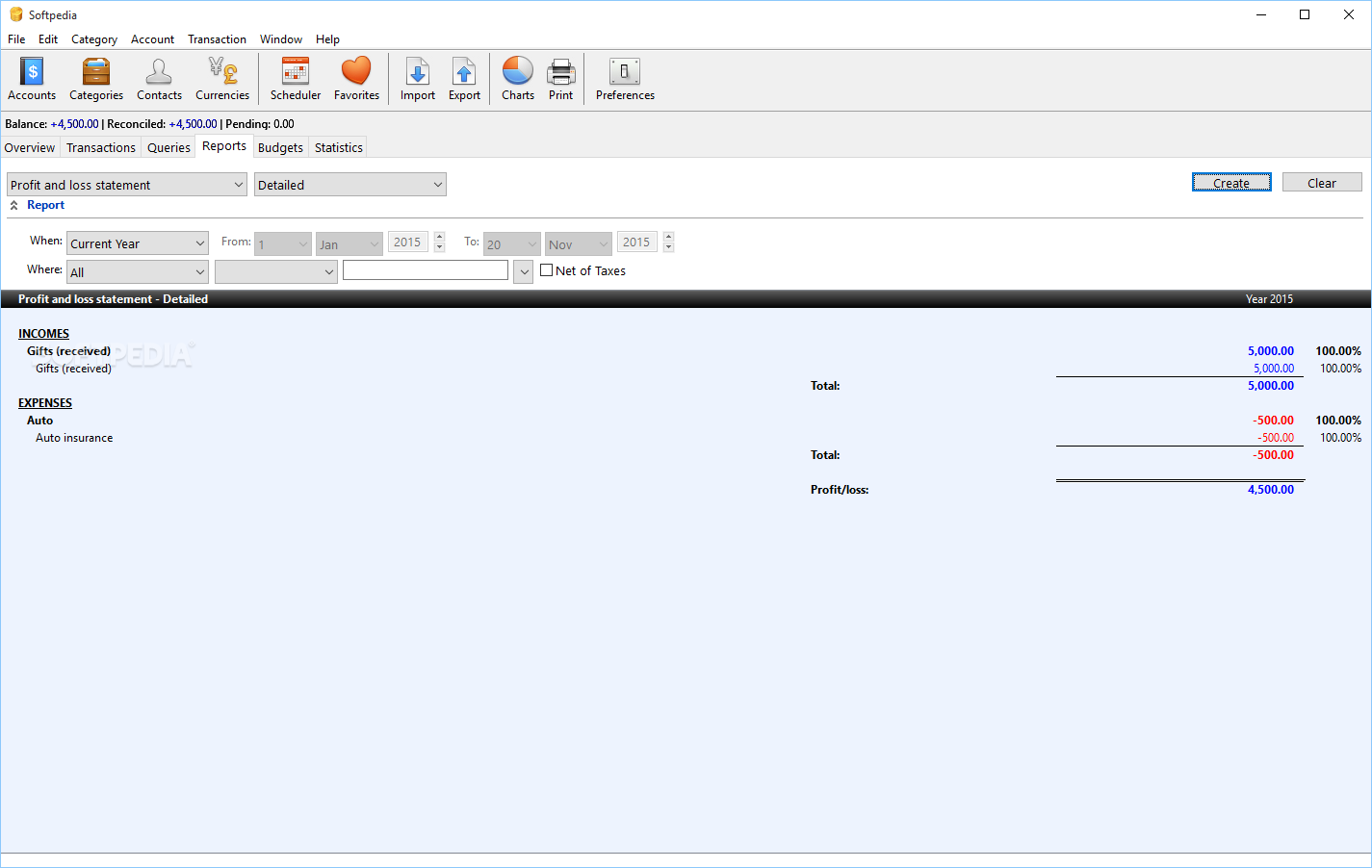
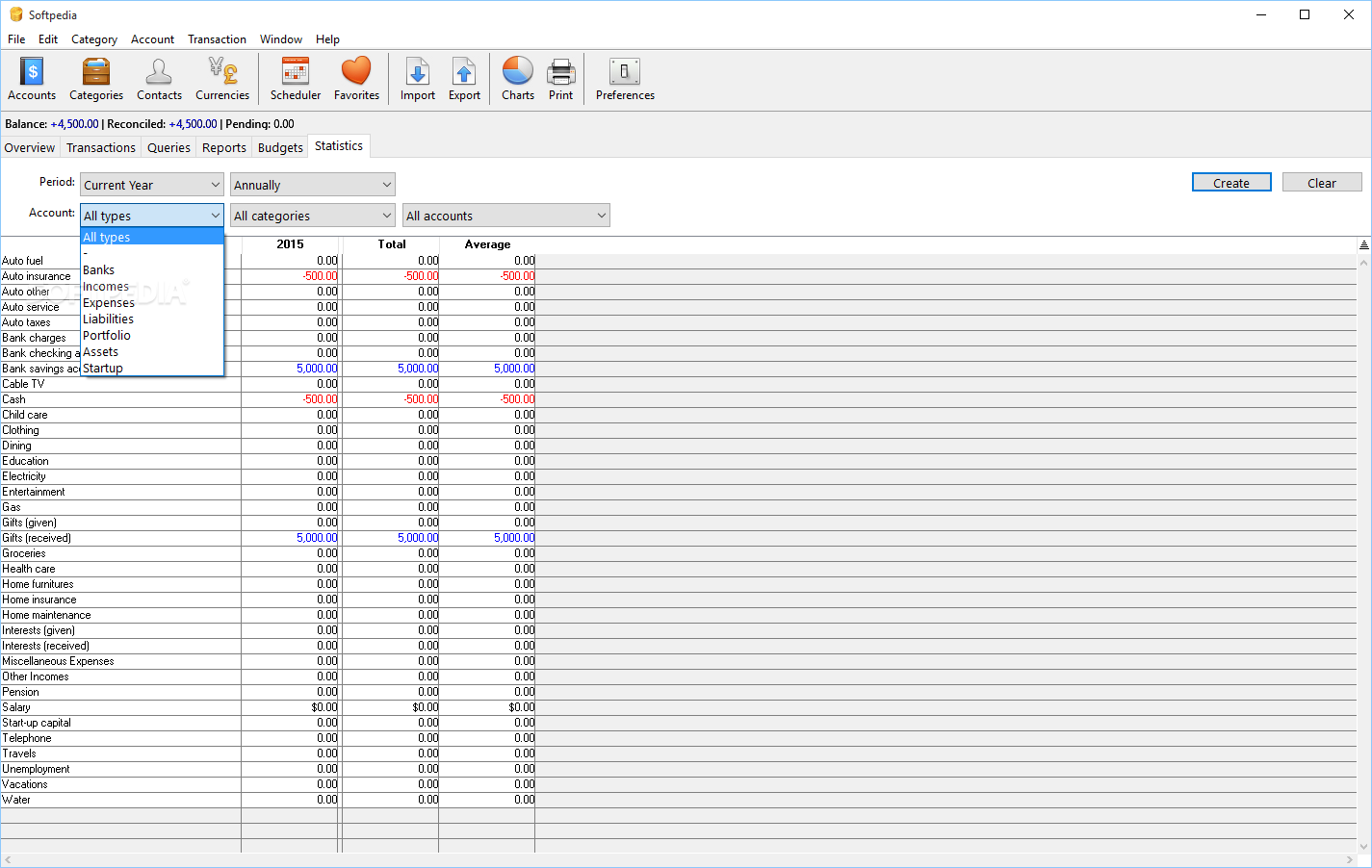
Different reports can be generated at the press of a button. The layout is neatly displayed, with different criteria related to time and area of interest that determine the content of reports. Exporting benefits from various settings, both for choosing target activity and output format. Categories, accounts, contacts and transactions are amongst your choices, with supported formats like XLS, TXT, HTML, QIF and XML.
On an ending note, iCash is a powerful tool you might be tempted to keep around a little longer after you get to know it. Visual design is modern and lets you quickly accommodate, with intuitive icons and color differentiation making the process easier. You can track virtually any income and expense of interest under a custom name and level of detail, with the application only handling the numbers so you don't have to.
What's new in iCash 7.8.8:
- Cryptocurrencies support. You can now have accounts with the currency set to a cryptocurrency (386 supported).
- It is possible to automatically update cryptocurrency rates through the internet like regular currencies.
- It is now possible to set a custom range in the statistics window, selecting a starting and ending year.
- SQL engine has been updated to enhance stability, speed, and file security.
iCash 7.8.8
add to watchlist add to download basket send us an update REPORT- runs on:
-
Windows 11
Windows 10 32/64 bit
Windows 8 32/64 bit
Windows 7 32/64 bit - file size:
- 129 MB
- filename:
- iCash_setup.exe
- main category:
- Others
- developer:
- visit homepage
4k Video Downloader

ShareX

calibre

Zoom Client

Windows Sandbox Launcher

7-Zip

Microsoft Teams

IrfanView

Bitdefender Antivirus Free

paint.net

- IrfanView
- Bitdefender Antivirus Free
- paint.net
- 4k Video Downloader
- ShareX
- calibre
- Zoom Client
- Windows Sandbox Launcher
- 7-Zip
- Microsoft Teams