
A useful application that comes packed with many dedicated parameters for helping you manipulate geographical data in a professional way. #Geographical data #GIS data #Lidar cloud #GIS #Geographic #LiDAR


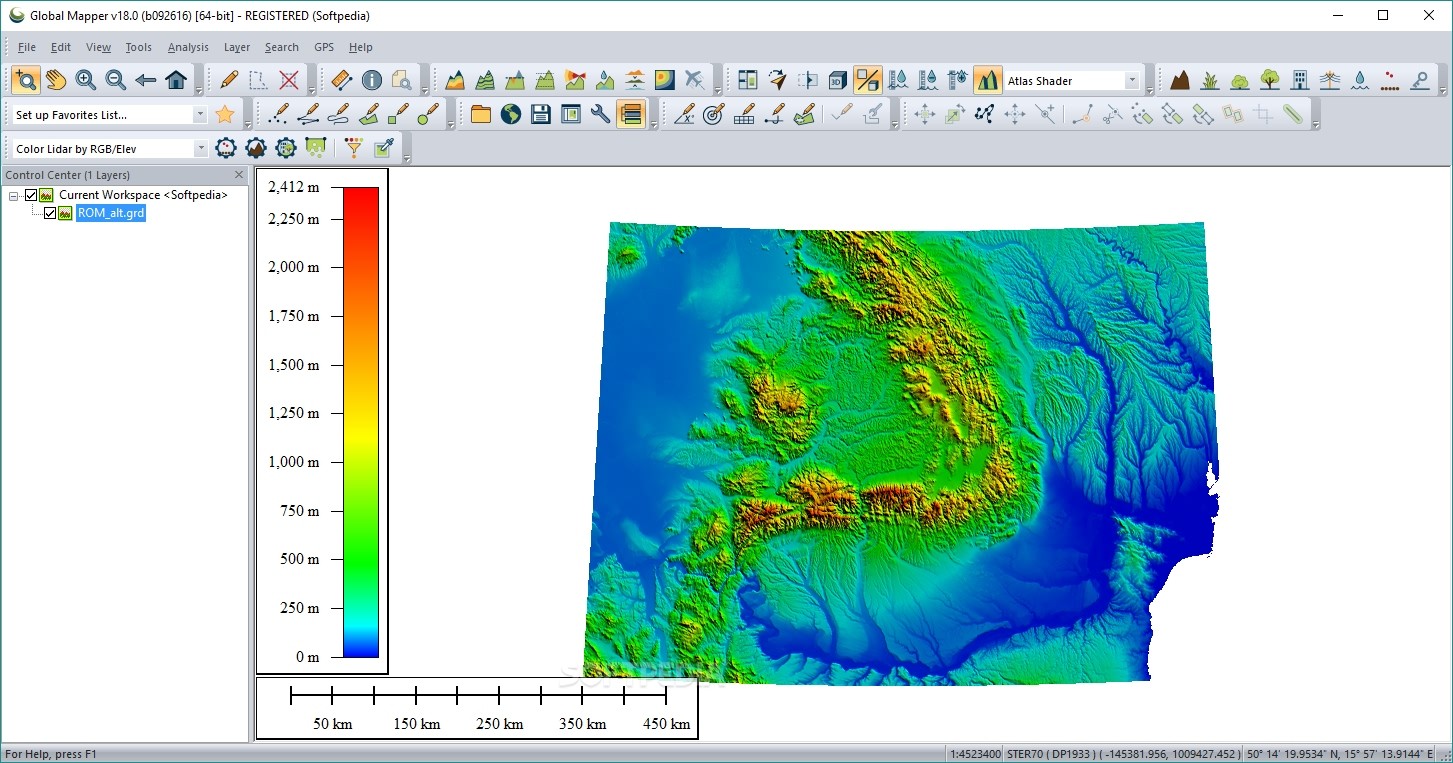
Global Mapper is a powerful GIS suite that will enable users to handle multiple specific formats, perform complex analysis processes, create map layouts or even deal with LiDAR data.
The user interface may seem a bit overwhelming at the first glance, but this is only because the application comes packed with many dedicated features. In order to make the most out of every single built-in tool, users are advised to refer to the in-depth documentation.
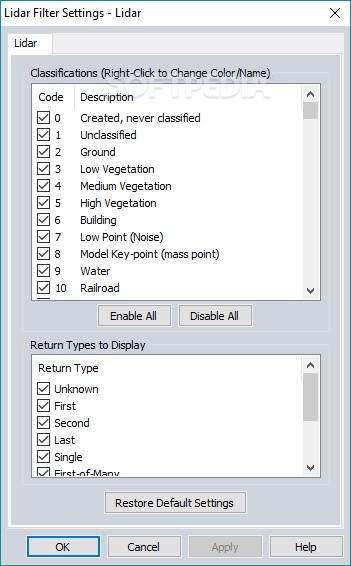
Global Mapper offers support for a wide range of data formats: GeoPDF, DLG, DRG, DOQ, DEM, DGN, DTED, DWG, DXF, GPX, SDTS DEM, ECW, GRD, JPEG, CADRG/CIB, KML/KMZ and it also thoroughly implements LiDAR functionality.
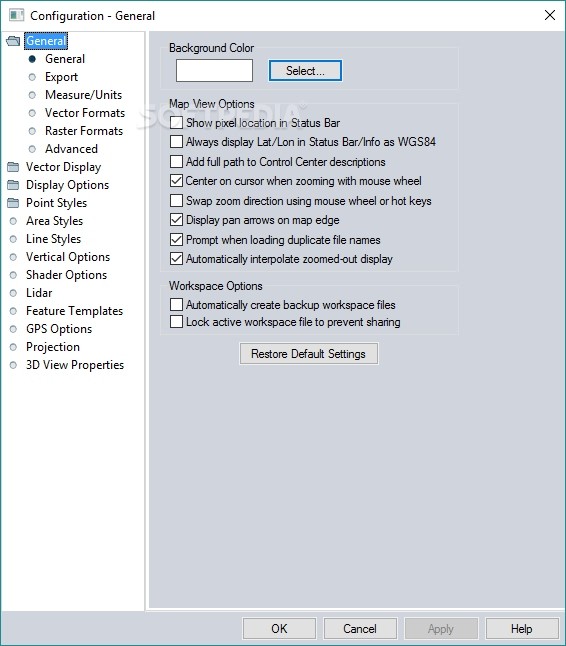
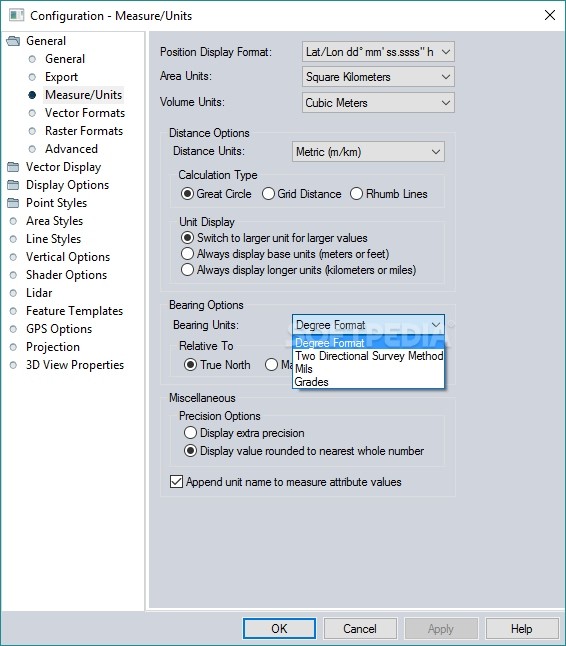
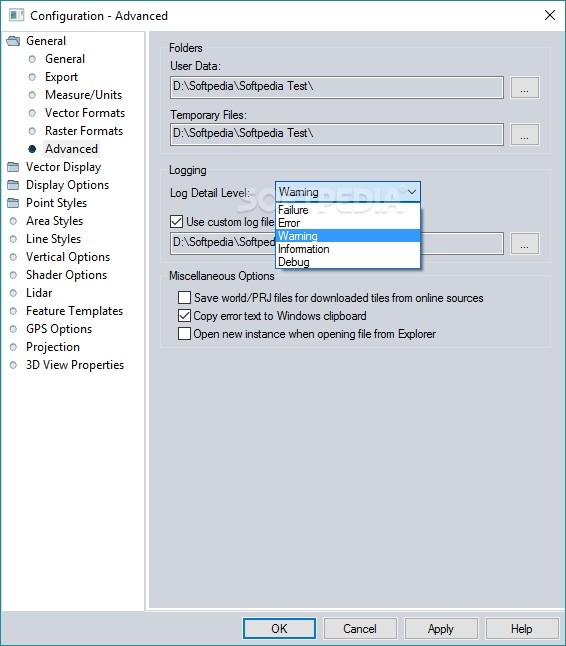
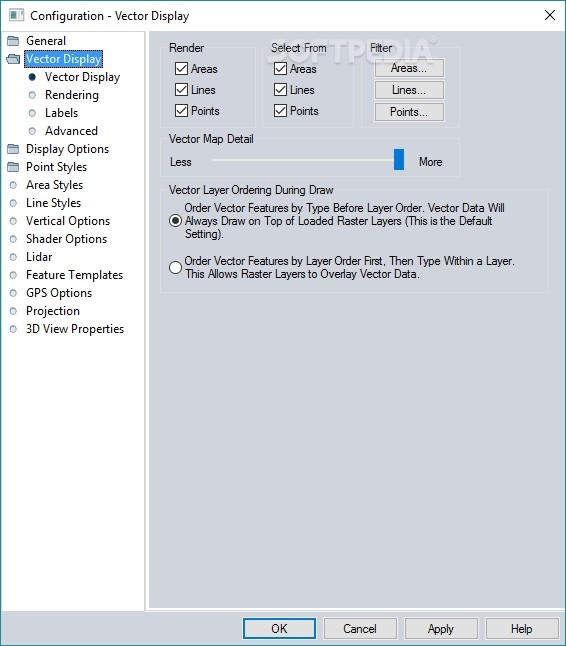
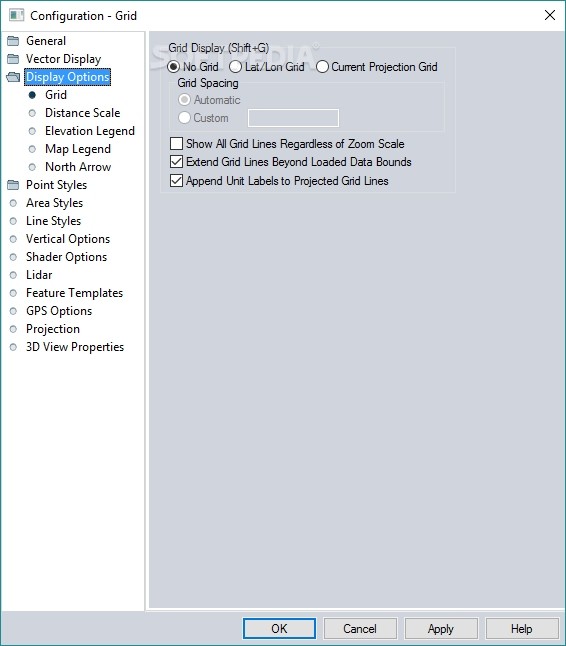
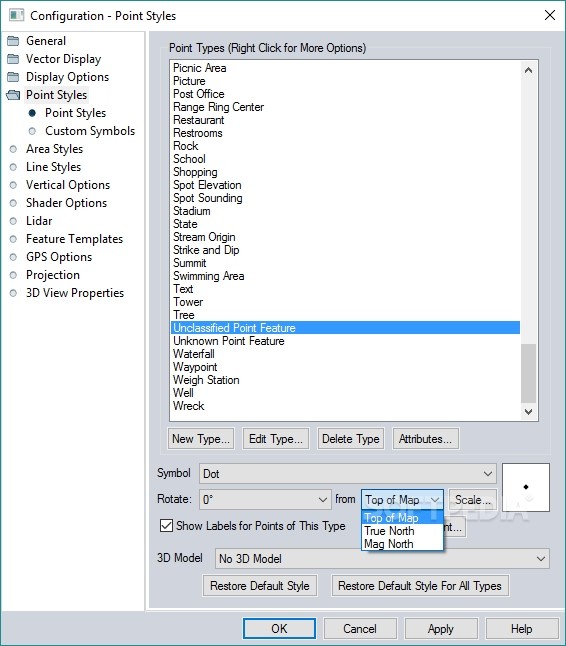
Users are met with four main operations, namely to open data files, download data from online sources, configure the program settings or load sample data.
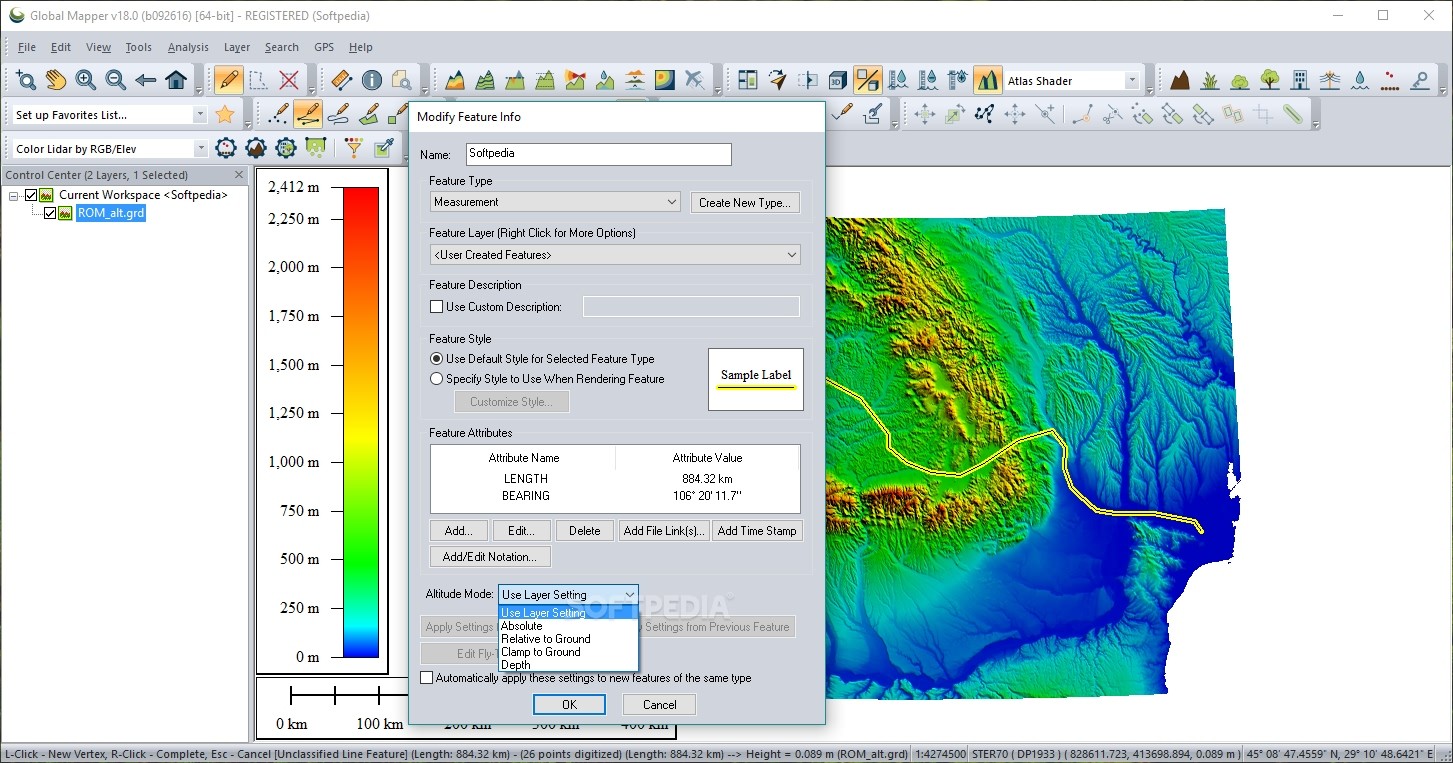
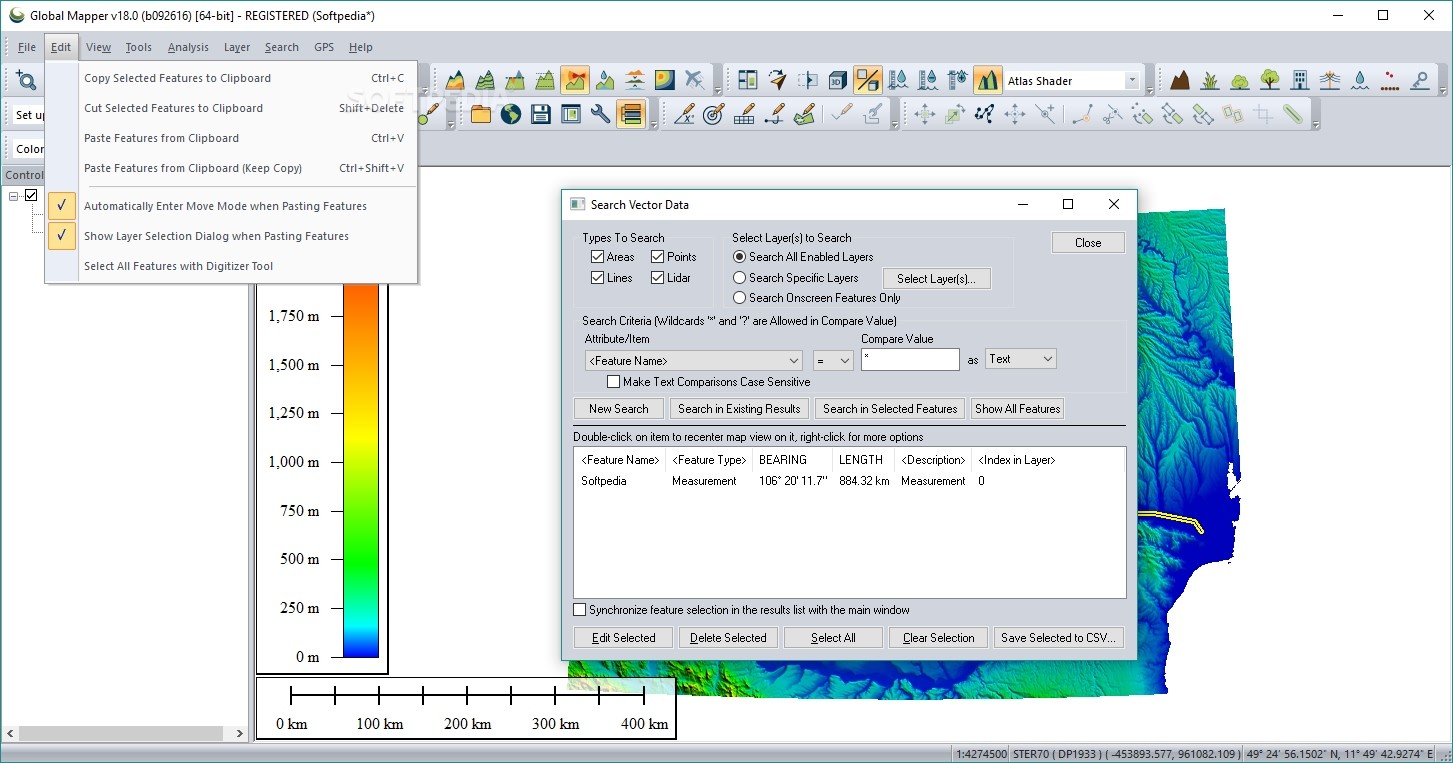
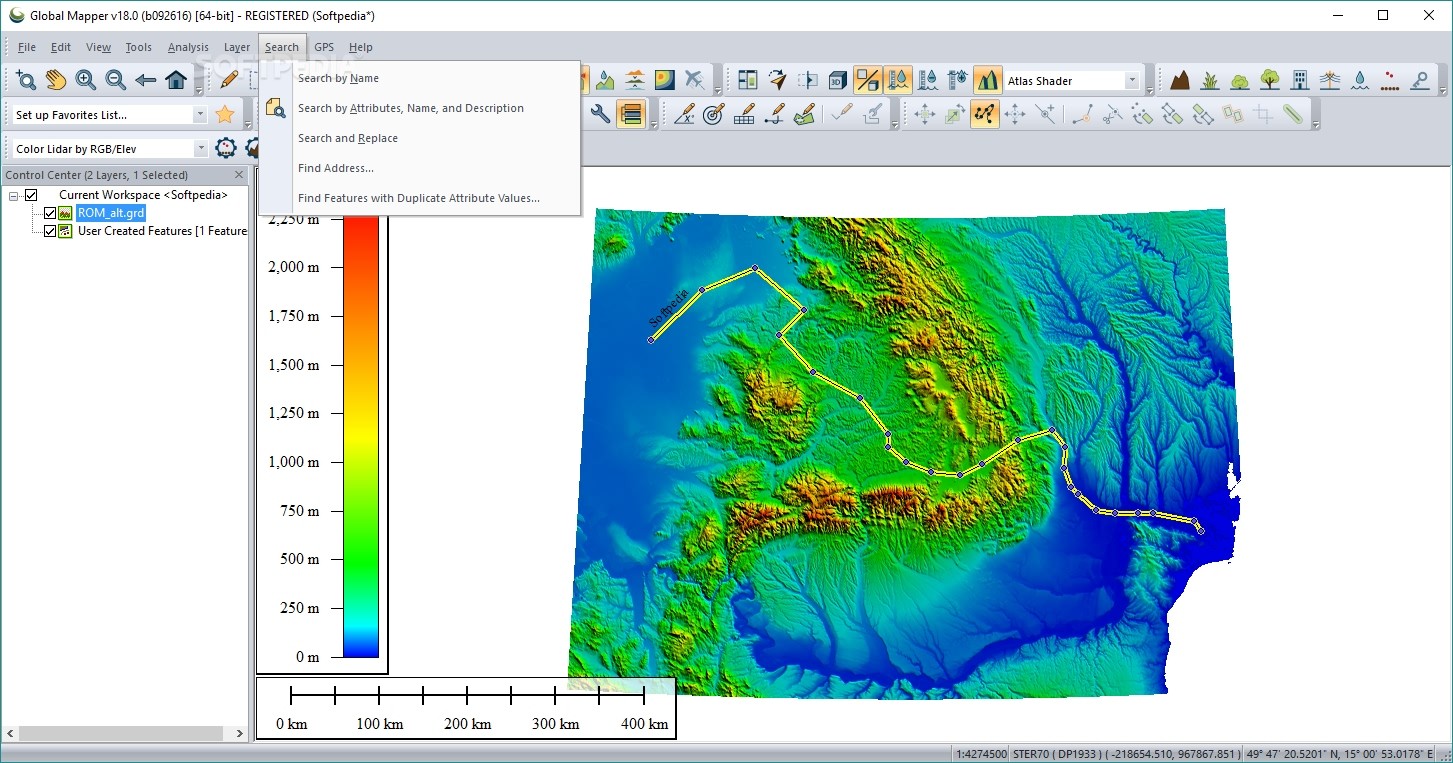
Global Mapper enables users to zoom in or out of the map, preview the data in 3D, select a background color, draw and measure segments/areas, select the vector features (areas, lines, and points), view loaded elevation datasets and perform line of sight calculations, and much more.
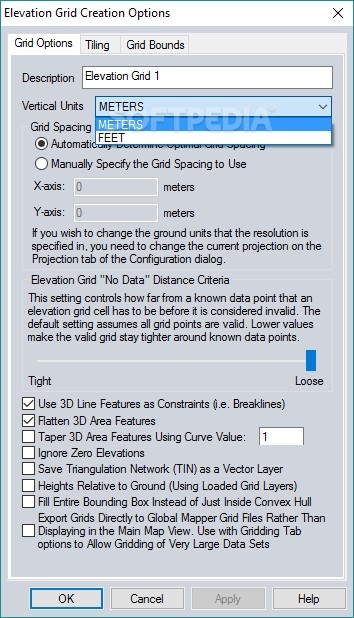
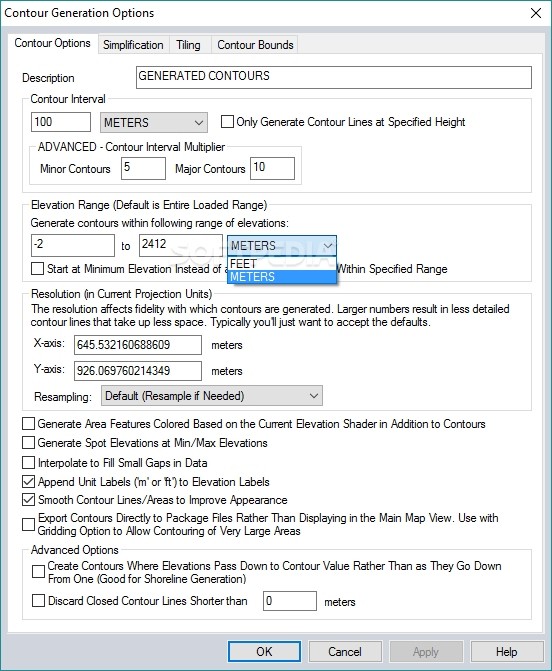
There are several tools designed to help you create an elevation grid from 3D vector data, combine or compare terrain layers, generate contours and watersheds, find ridge lines, and measure volume between surfaces.
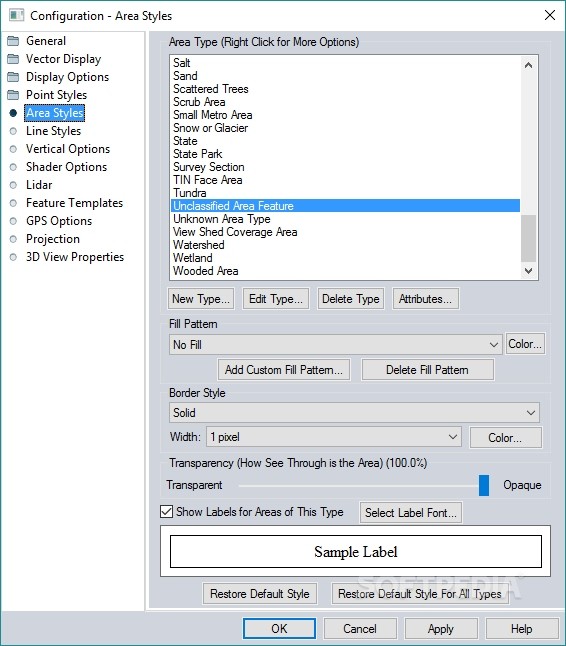
Other important features worth mentioning allow users to activate the GPS function, mark the waypoints, as well as select new areas on the map and modify their features in terms of type (e.g. sands, watersheds, wooded area, lakes, islands, reservations), name, and distance.
The generated data can be exported to a multitude of file formats, namely PDF, JPG, PCX, PNG, RAW, KML/KMZ, DXF, SVG, and others.
All things considered, Global Mapper is a reliable application that bundles many useful features for helping you manage GIS data efficiently. It is suitable especially for those who are looking for a powerful GIS suite to meet their requirements and who deal with consistent geographical datasets.
Download Hubs
Global Mapper is part of these download collections: GIS Tools, Open SHP, Open KML, Open KMZ
Global Mapper 25.1
add to watchlist add to download basket send us an update REPORT- runs on:
-
Windows 11
Windows 10 64 bit - file size:
- 464 MB
- filename:
- global_mapper18_fr.exe




- main category:
- Others
- developer:
- visit homepage
ShareX

IrfanView

paint.net

7-Zip

Bitdefender Antivirus Free

Microsoft Teams

4k Video Downloader

Zoom Client

Windows Sandbox Launcher

calibre

- Zoom Client
- Windows Sandbox Launcher
- calibre
- ShareX
- IrfanView
- paint.net
- 7-Zip
- Bitdefender Antivirus Free
- Microsoft Teams
- 4k Video Downloader