
Chinese handwriting, pinyin pronunciation, quizzes and dictionary. #Learn Chinese #Chinese handwriting #Pinyin pronunciation #Chinese #Learn #Handwriting
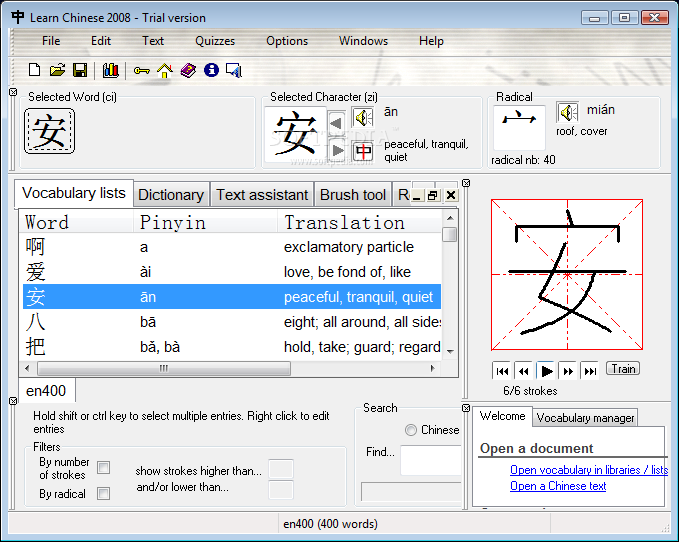
Learn Chinese 2008 is a learning utility for Chinese vocabulary. Its working is based on personalized lists in order to follow tightly the needs and progress of the user.
Learn Chinese 2008 is a full-featured tool box for Chinese learning students and is used successfully in an educational environment. It provides direct access to information in a comprehensive manner. It allows students to overcome the initial difficulties of the Chinese language by allowing them a rapid access to reading Chinese texts. It measures results and provides objective feedback on individual progress made.
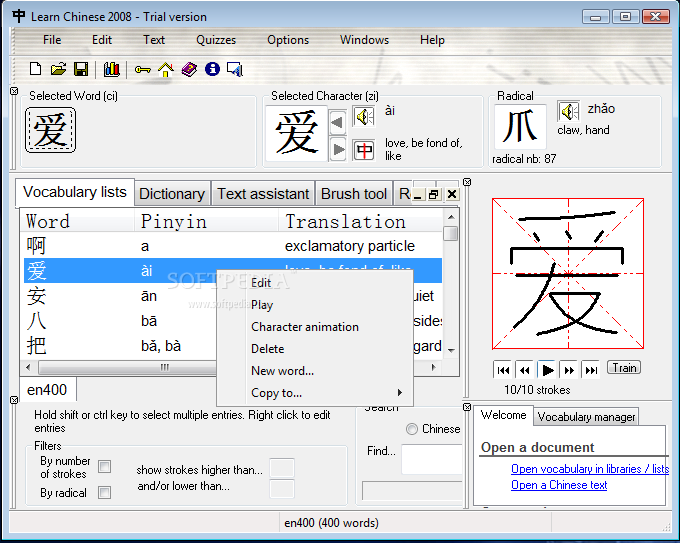
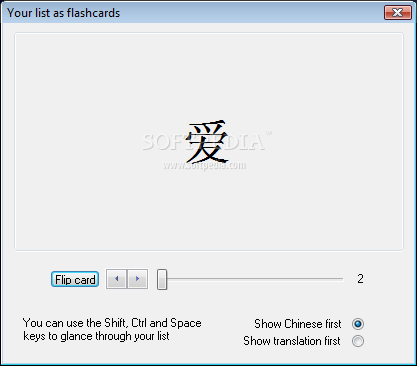
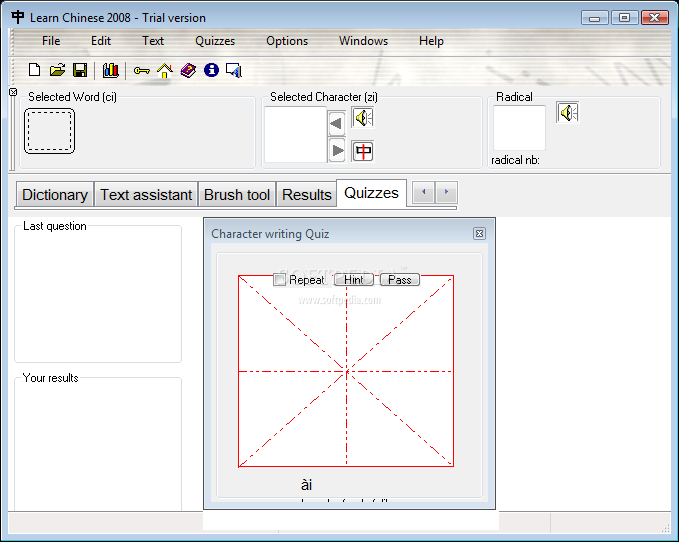
Learn Chinese 2008 includes a full-featured and easy to use Chinese-English and English-Chinese dictionary. Vocabulary lists can be shared between students or submitted by their teacher. These lists serve as a basis for a series of exercises to practice reading, writing, memorizing the meaning of words, recognizing Chinese characters.
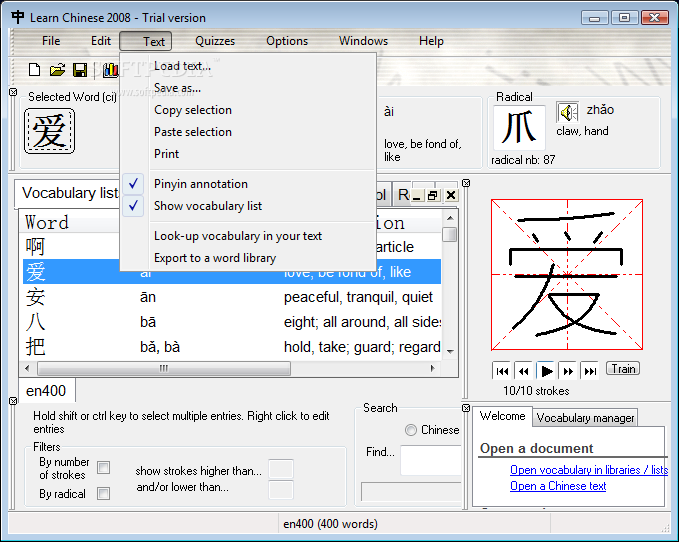
Learn Chinese 2008 is also embedded with a Chinese text reading assistant that provides instant romanization of Chinese texts and click-based translation of vocabulary. The text assistant is able to extract vocabulary from a text to a vocabulary list.
Learn Chinese 2008 contains a powerful statistics module to follow quiz results and progress. For example it is capable of generating lists of words that need to be revised based on result history.
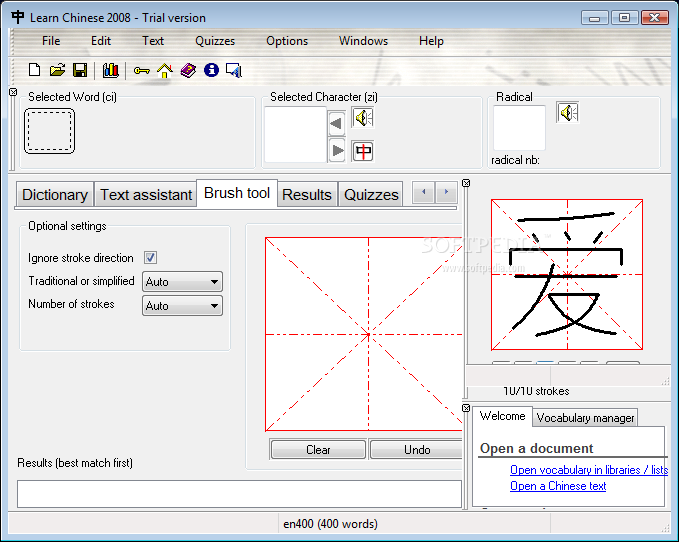
All these modules are fully integrated in the product and work together. There are lots of other goodies, import export features, character animations for thousands of characters, audio pronunciation, character writing with the mouse to name a few.
Here are some key features of "Learn Chinese 2008":
■ The notion of list/libraries disappears Now all libraries are called "lists" and old lists are no longer used. You still open your old lists through the Import/Export menu
■ Multi-list management Now you can open several lists at the same time Each list that you open is represented in a new tab.
■ Keyboard shortcuts allow fast access to list functionalities : Ctrl N : New list Ctrl O : Open a list Ctrl S : Save a list Ctrl F4 : Close a list Ctrl Tab : Switch from a list to another
■ You can now select the dictionary that you want to use directly in the dictionary window, without modifying the Preferences.
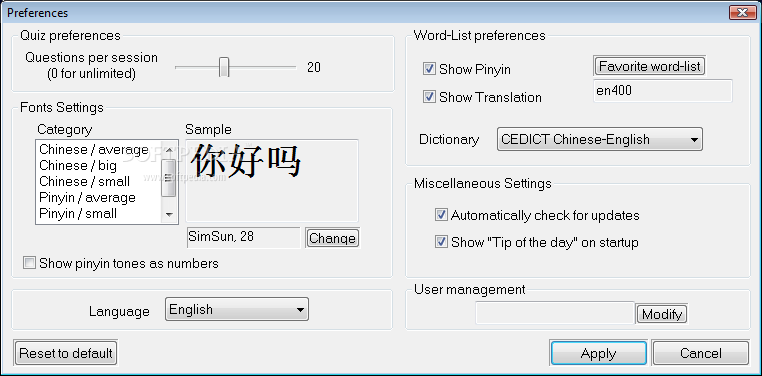
■ Multi user management Learn Chinese 2008 is now able to manage several users on the same computer. This is especially useful to store quiz results on an individual basis. You can also choose to protect your account with a password (optional).
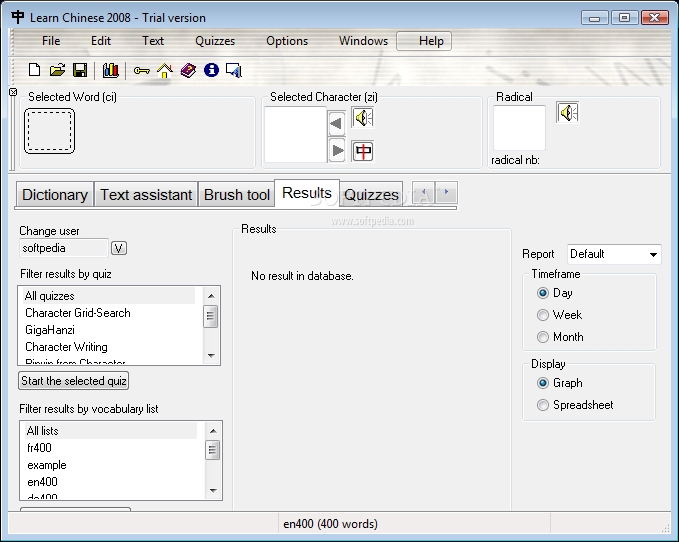
■ A new module is called Results and replaces the old statistics window This is a powerful statistics module to follow quiz results and progresses. For example it is capable of generating lists of words that need to be revised based on result history.
■ Integration with ChinesePod This new mini-window allows you to listen to your favorite Chinese podcast from within Learn Chinese 2008.
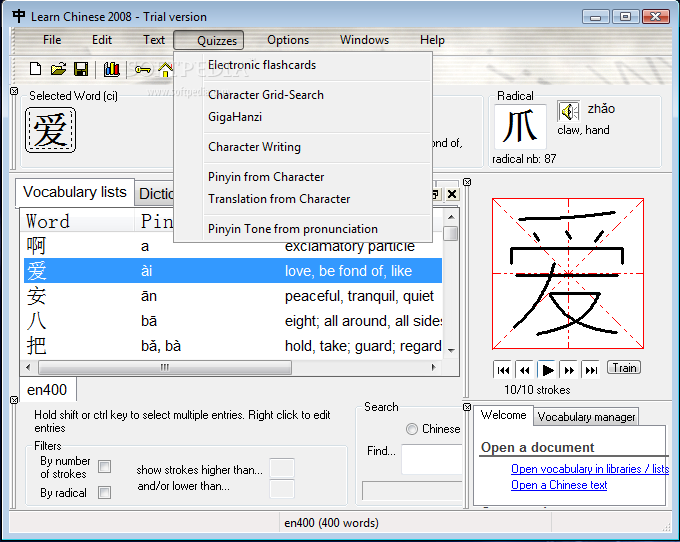
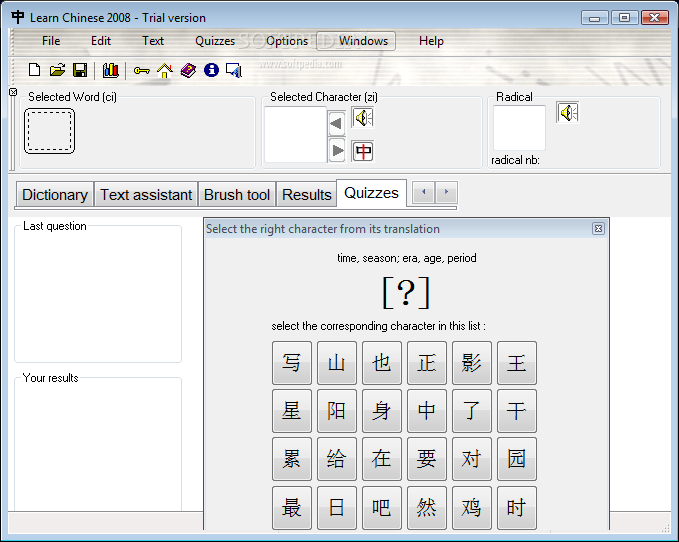
■ Quizzes Quizzes are now presented as icons that you can double-click to start practicing. Results are updated in real time during the quiz. They are represented by a 4-level segmented graph representing your knowledge of words with colors.
■ Network features Learn Chinese 2008 can be optionally set to work in Network mode. In this mode, students can use the product on any computer in an organization and have directly access to their personal documents and data (Vocabulary lists, Chinese texts and statistics data).
Requirements:
■ 128 MB Ram ■ 5MB HDD
Limitations:
■ 8 days trial. ■ Nag screen. ■ Word-lists are limited to 100 characters and you can't add words from the dictionary to a word-list. ■ Pronunciation is only available for a few characters. ■ Text analysis features are limited to small portions of text.
Download Hubs
Learn Chinese 2008 is part of these download collections: Write Chinese Characters, Learn Chinese
Learn Chinese 2008 6.1
add to watchlist add to download basket send us an update REPORT- runs on:
-
Windows NT
Windows Vista
Windows XP
Windows 2K - file size:
- 16.6 MB
- filename:
- Learn_Chinese_2008_v61.exe
- main category:
- Others
- developer:
- visit homepage
Bitdefender Antivirus Free

7-Zip

ShareX

Microsoft Teams

paint.net

Windows Sandbox Launcher

calibre

Zoom Client

IrfanView

4k Video Downloader

- Zoom Client
- IrfanView
- 4k Video Downloader
- Bitdefender Antivirus Free
- 7-Zip
- ShareX
- Microsoft Teams
- paint.net
- Windows Sandbox Launcher
- calibre