Softpedia
 

WINDOWS CATEGORIES:


GLOBAL PAGES >>
SOFTPEDIA REVIEWS >>
MEET THE EDITORS >>
WEEK'S BEST
  • Bitdefender Total ...
  • Hard Disk Sentinel...
  • FlashFXP [DISCOUNT...
  • Ocster Backup Pro ...
  • Kaspersky Internet...
  • DVDFab DVD Copy [D...
  • Avast! Internet Se...
  • Avira Internet Sec...
  • Webroot SecureAnyw...
  • McAfee Total Prote...
  • Home > Windows > Others > Home & Education
     Report malware

    Portable RapidTyping 4.6.6

    download button

    Part of the Typing Tutors download hub
    Downloads: 18,071  Tell us about an update
    User Rating:
    Rated by:
    Excellent (4.7/5)
    27 user(s)
    Developer:

    License / Price:

    Size / OS:

    Last Updated:

    Category:

    Freeware / $0
    11.7 MB / Windows 2K / XP / 2003 / Vista / Vista 64 bit / 7 / 7 64 bit
    [view history]
    C: \ Others \ Home & Education

     Read user reviews (2)  Send to friend   Follow (5 users)

    Softpedia Editor's Review for Portable RapidTyping

    EDITOR'S RATING:   5.0/5

    Enhance your typing skills with a great typing tutor!

    Written by Elena Opris on April 27th, 2012

    This is the portable version of RapidTyping, a handy program which you can use to learn how to type fast and accurate.

    Since installation is not necessary, Portable RapidTyping can be stored on a USB flash drive, plugged into any computer and you can directly run its executable file.

    But the most important part is the fact that your Windows registry entries will remain intact.

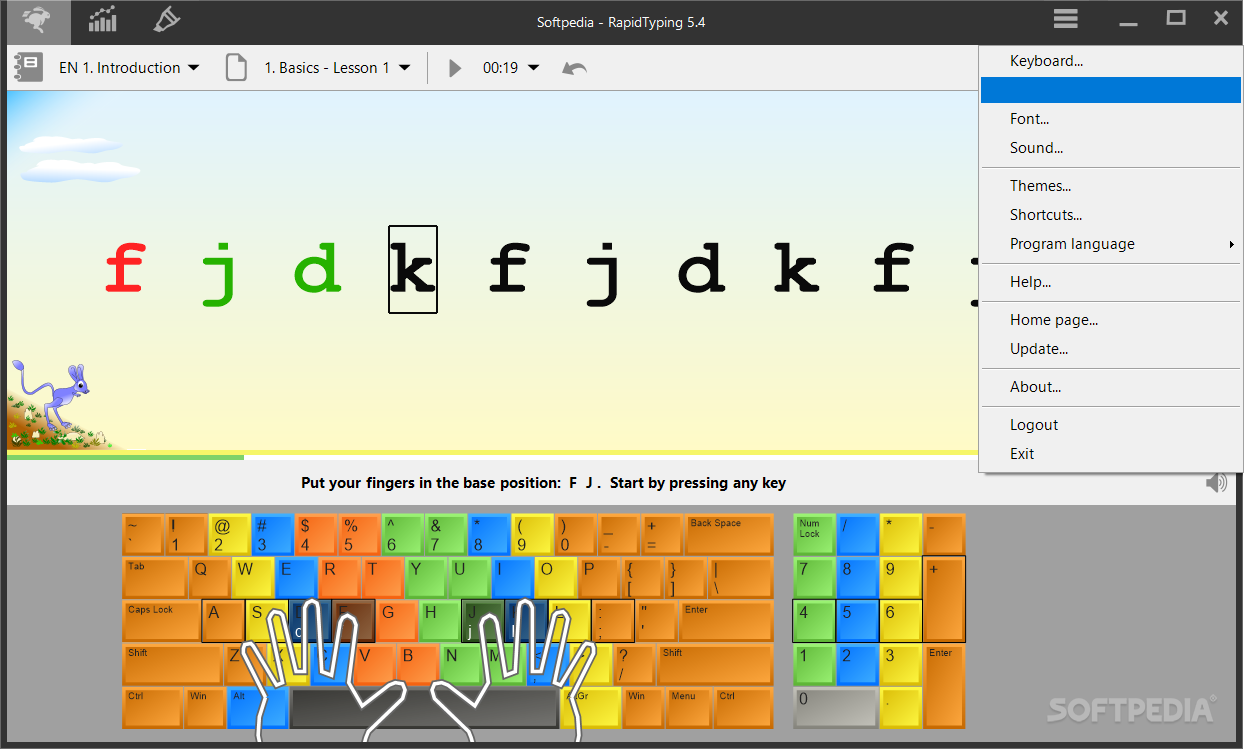
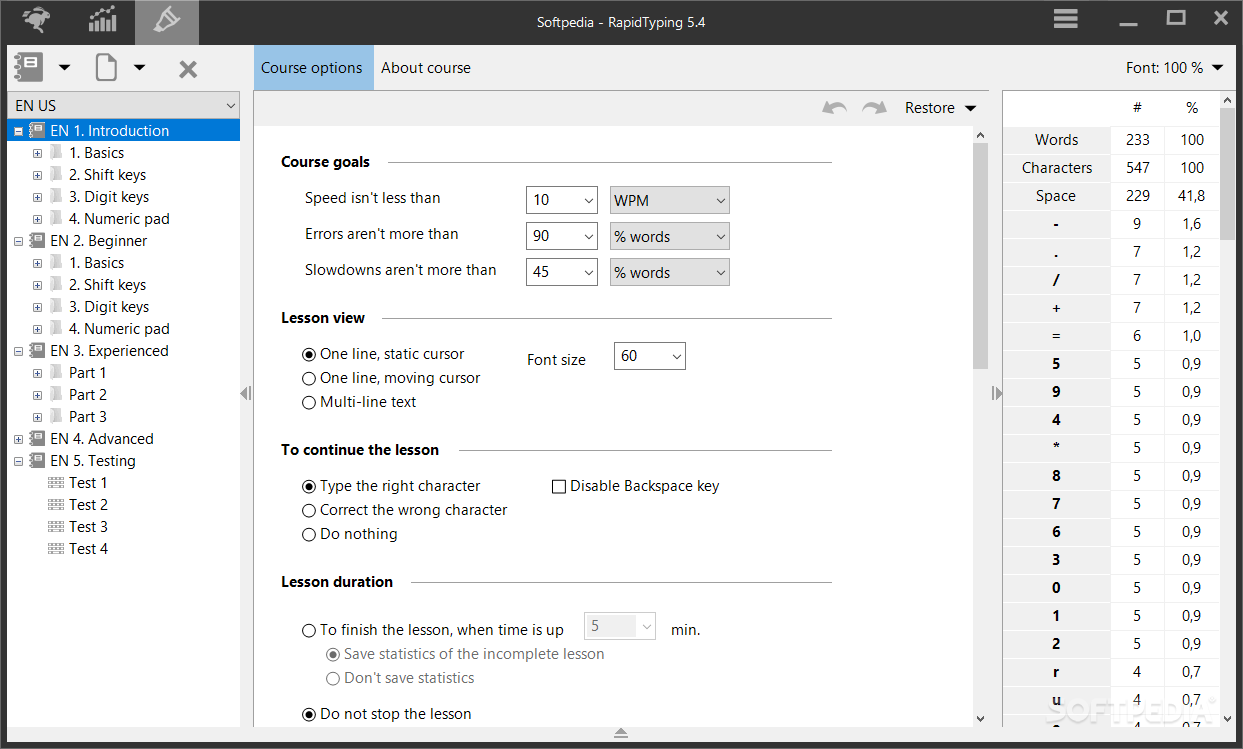
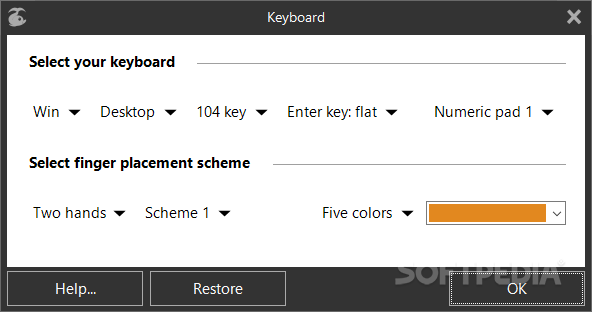
    Once you initialize the software with the user-friendly interface, you can select the language that you will work with, as well as your keyboard layout.

    So, all you have to do is put your fingers in the base position and carefully type the words seen on the screen while using the correspondent fingers.

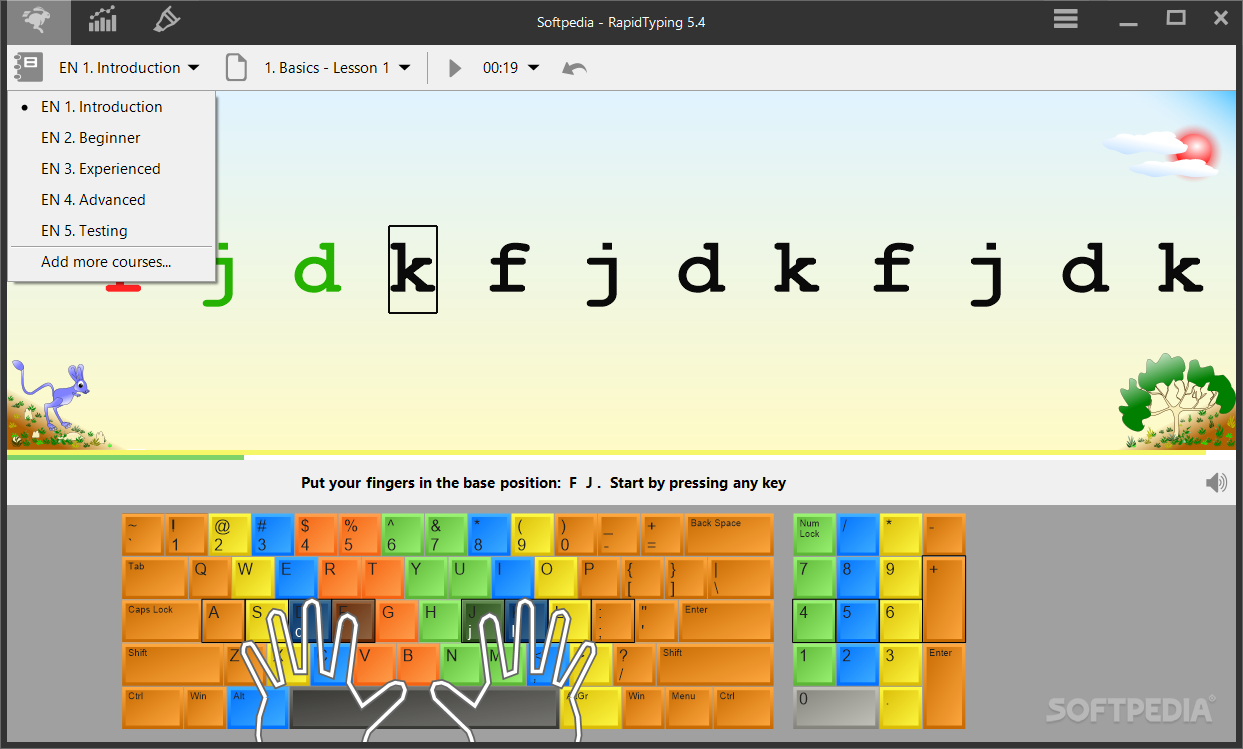
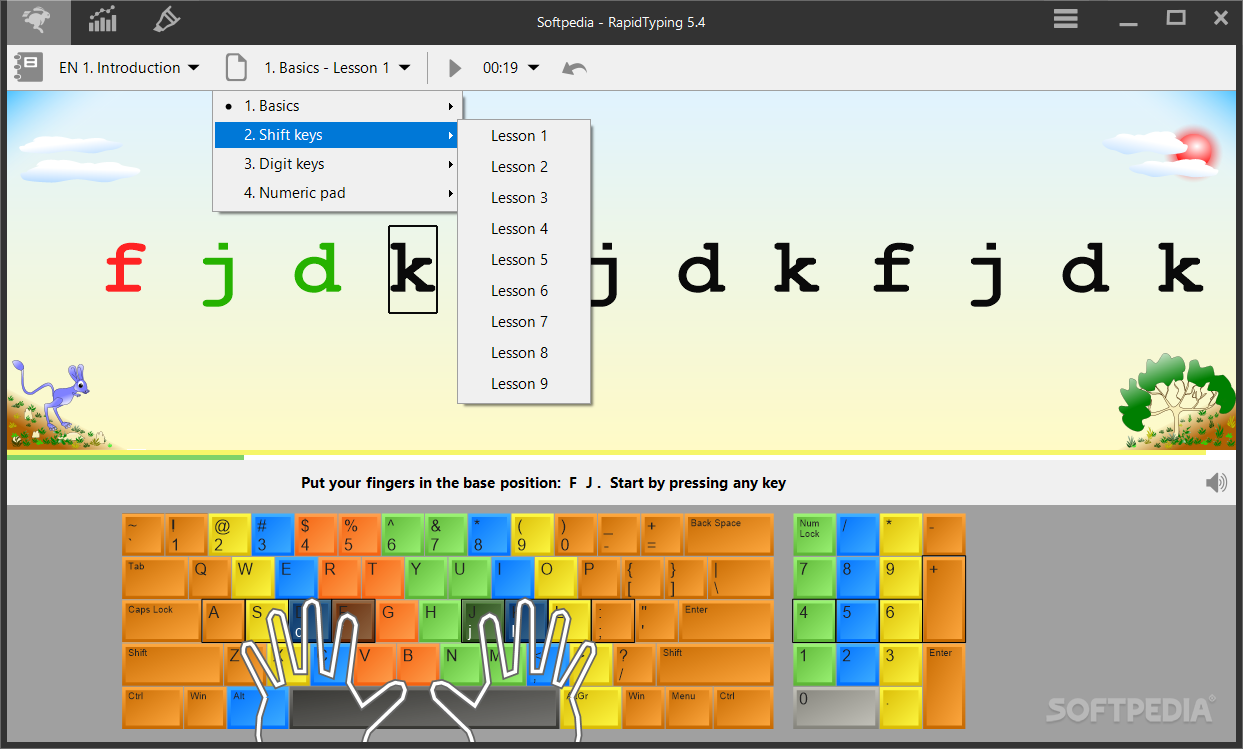
    In addition, you can choose between three levels of difficulty (beginner, intermediate and expert), select the lesson type (basics, shift keys, numeric pad, digits and symbols) and the lesson itself. Plus, you can restart the lesson, view course statistics on the lesson and day group, edit lessons and create new courses.

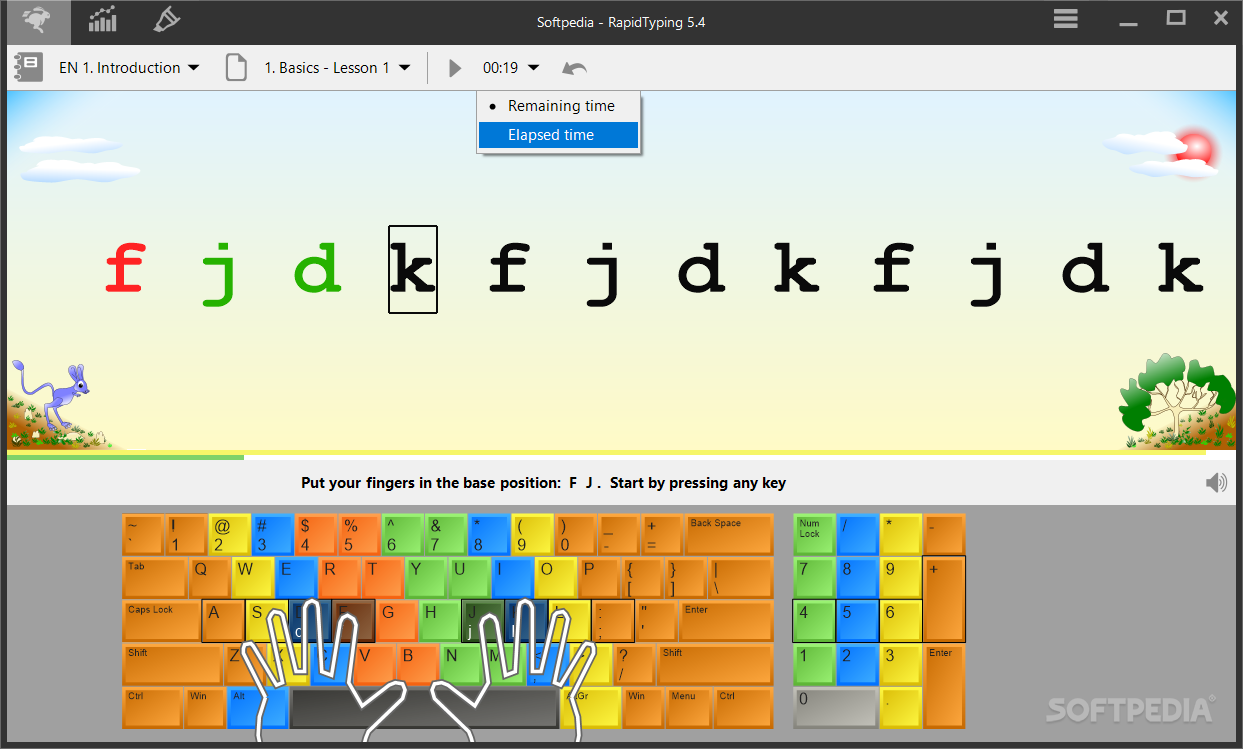
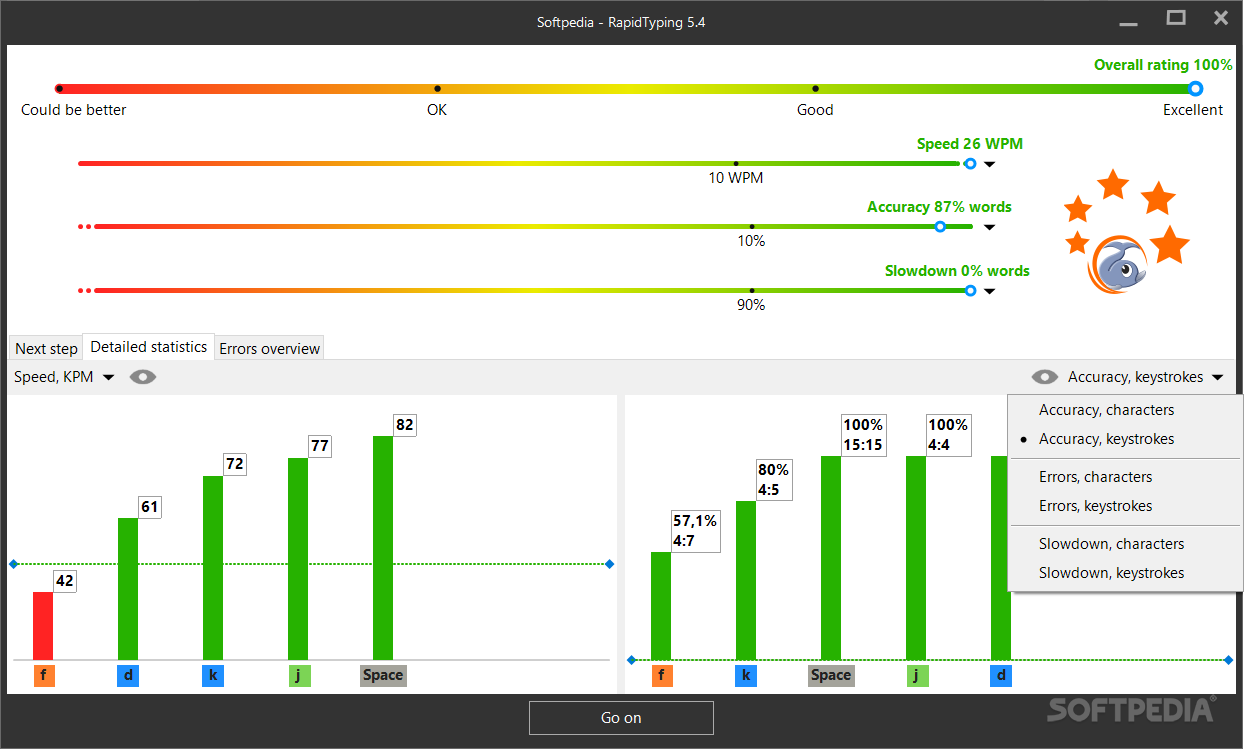
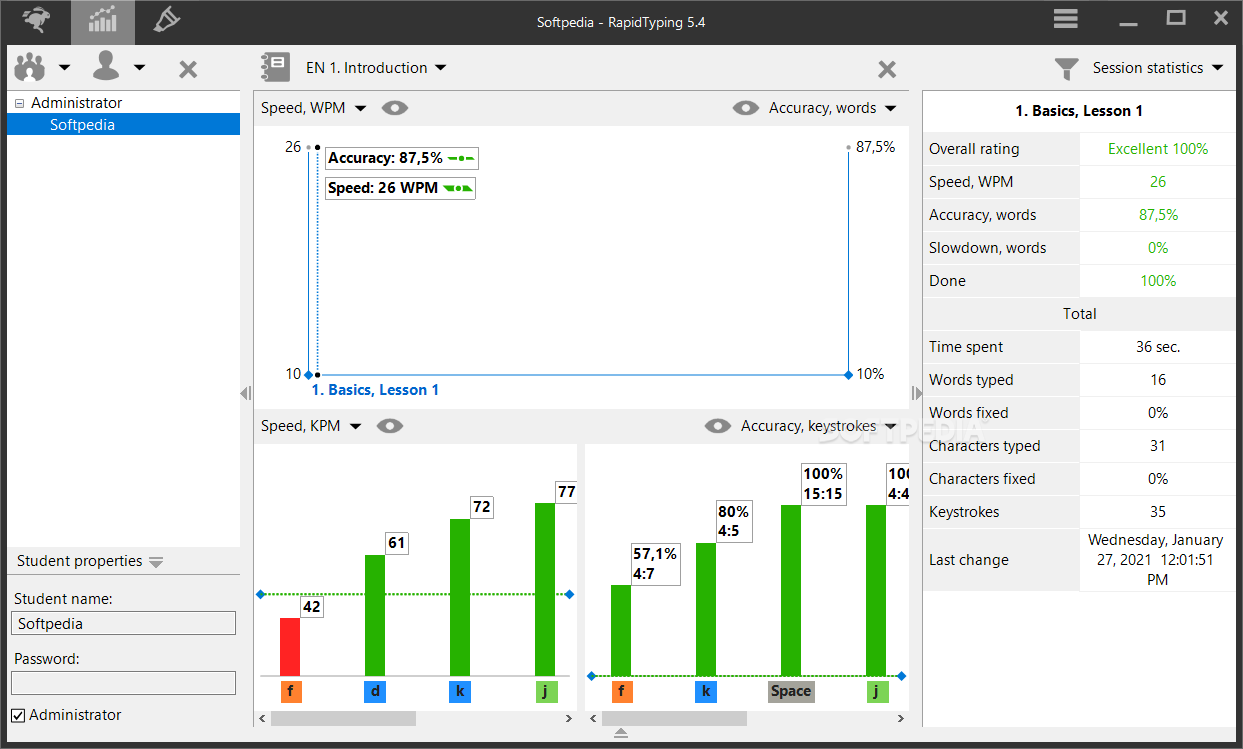
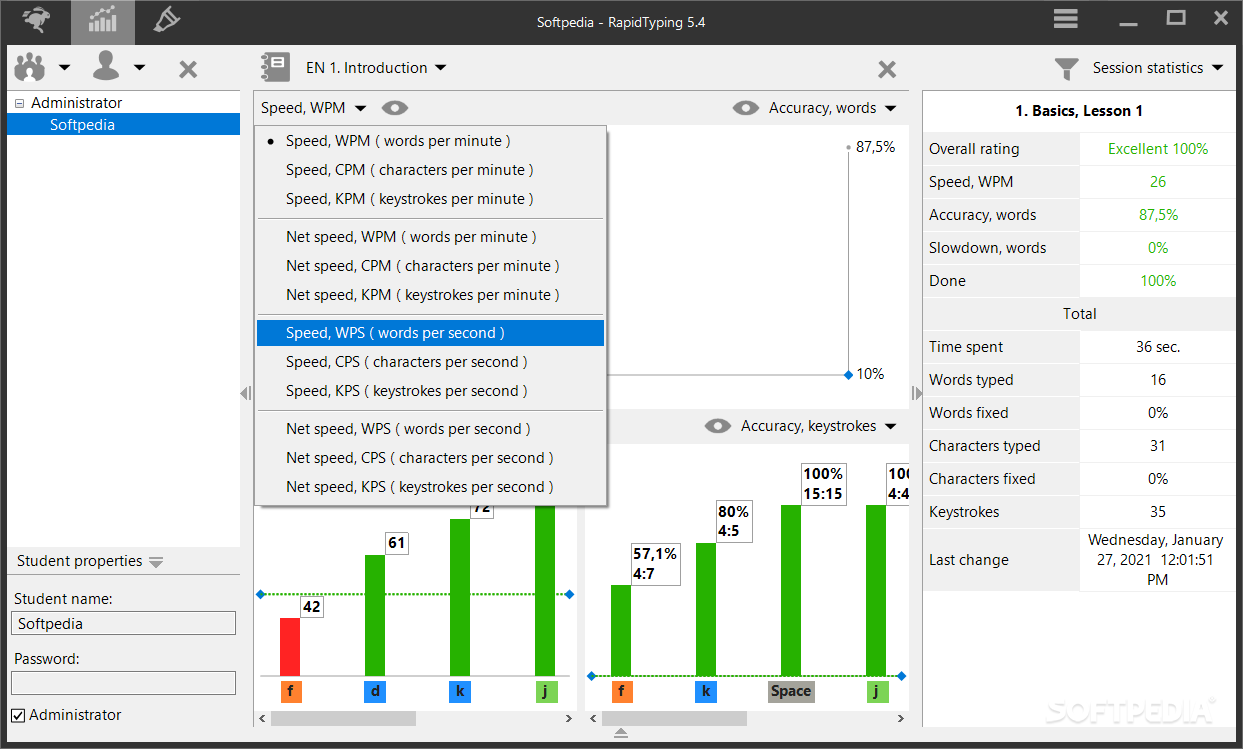
    Once you complete a lesson, you can check out results which revolve around the rating (e.g. words per minutes, characters per minute, accuracy) and errors. Also, you can check out an up-to-date webpage with the current champions.

    RapidTyping doesn't put too much strain on the computer, since it uses a low-to-moderate amount of system resources. There's also a well-drawn help file that you can check out. We highly recommend Portable RapidTyping to all users, especially novices.

    Portable RapidTyping description

    Here are some key features of "Portable RapidTyping":

    Virtual Keyboard:
    · To help you learn how to place your fingers on the keyboard, Typing Tutor will display a virtual keyboard with zone highlights.

    Choose Your Keyboard:
    · There are more types of keyboards than just QWERTY, including AZERTY, ABNT2, and Dvorak to name a few.

    Moving Hands:
    · To make learning even more fun while teaching you how to type correctly, Typing Tutor displays two moving hands over the keyboard.

    Uses the simple and colourful interface:
    · Rapid Typing Tutor is not just another boring keyboard training tool. With numerous colorful themes and avatars and a game-like environment, Typing Tutor makes learning typing fun for both adults and children. A built-in typing game makes learning to type an easy and entertaining experience.

    Typing game:
    · The built-in typing game makes your training more like a game, not studying. Your training will take place under the water. The better typist you become the more colorful creatures you will see.

    Progress Tracking:
    · Evaluate your or your kids’ performance at any time by simply looking at charts! Rapid Typing Tutor tracks your progress, and allows you to see your results at any time.

    Make Your Own Plan:
    · Plan your lessons according to your skills and capabilities. Rapid Typing Tutor offers you complete freedom of learning, allowing you to make your own lessons and plan your studies. No need to force yourself into a Procrustean bed of pre-defined learning plans!

    Make Your Own Lessons:
    · You can make your own lessons as easy as you make your plans with Rapid Typing Tutor. If you want to practice a particular key or any set of keys, it's easy to create a specific lesson to train you for those particular keys.

    Multiple users support:
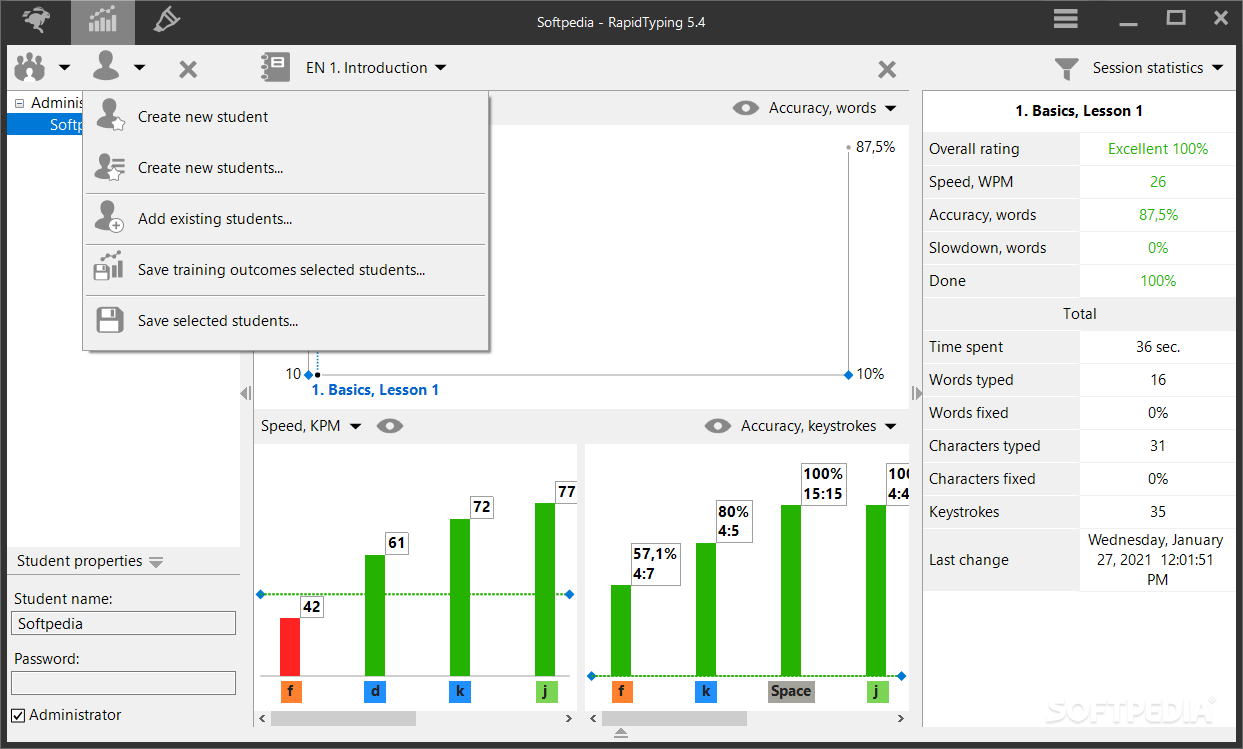
    · Multiple users with their personal settings are supported.

    Possible for run without installation:
    · There is a portable version. Download formats: ZIP-archives, Windows SFX-archives.

    Acceptable for children:
    · Rapid Typing Tutor is simple even for the children.

    Multi-Language interface:
    · Interface language are available for your choice. Albanian, Bosnian, Bulgarian, Chinese Simplified, Chinese Traditional, Dutch, English, Estonian, Farsi, French, German, Indonesian, Italian, Lithuanian, Portuguese, Portuguese Brazilian, Russian, Slovak, Spanish, Turkish, Ukrainian

    Requirements:

    · Pentium or faster recommended;
    · Minimum display area 800x600
    · Display with more than 256-colors recommended (High Color)
    · 64 MB of RAM
    · 12 MB free hard drive space recommended
    · 101 / 102-Key Enhanced keyboard or AT-Style Keyboard or equivalent

    What's New in This Release: [ read full changelog ]

    · The problems with Bold font, on some non-English version of Windows, is fixed;
    · The tabulation symbols is shown always in the lesson;
    · English course for experts updated;
    · Greek course for experts updated( tabulation symbols added ); thanks to geogeo.gr
    · German, Greek and Russian interface language updated;
    · Other minor bugs fixed;

     Softpedia guarantees that Portable RapidTyping 4.6.6 is 100% CLEAN, which means it does not contain any form of malware, including spyware, viruses, trojans and backdoors. [read more >]


    TAGS:

    learn to type | type tutor | type teacher | type | tutorial | keyboard

    Go to top

    WindowsGamesDriversMacLinuxScriptsMobileHandheldNews

    SUBMIT PROGRAM   |   ADVERTISE   |   GET HELP   |   SEND US FEEDBACK   |   RSS FEEDS   |   UPDATE YOUR SOFTWARE   |   ROMANIAN FORUM