
Use Internet translation services to interpret your text to any language in the world and listen to the translation, thanks to the integrated text-to-speech engine. #Text translator #Translation software #Language translator #Translator #Translate #Language

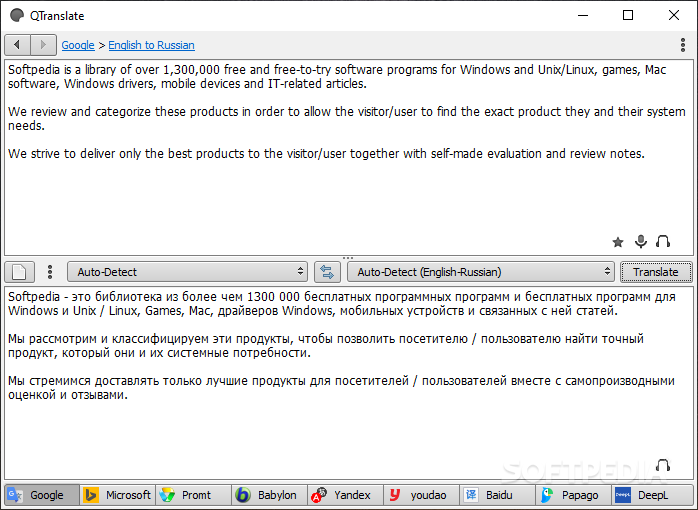
In the age of the Internet, foreign languages are not the impenetrable wall they once were. With a simple search, everyone can access a translation service that will reveal the meaning behind unknown words. Some individuals employ the use of such services daily, and maybe working with a browser is not their cup of tea. QTranslate overpasses that issue and brings a more complex translation tool to your desktop, so you can accomplish your set tasks without the use of browsers. Still, an internet connection is required. This is not an offline service.
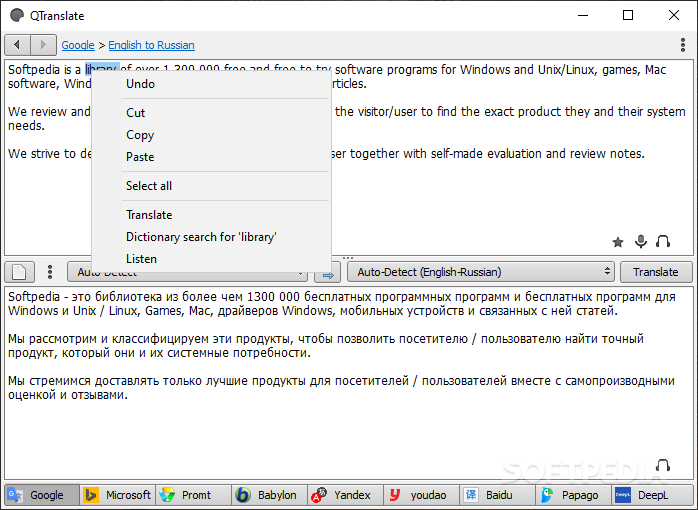
Following the recipe the online variants came up with, QTranslate will keep the familiar, basic process. The interface consists of two panels — one for the word or phrase that needs to be translated, and the other for the results.
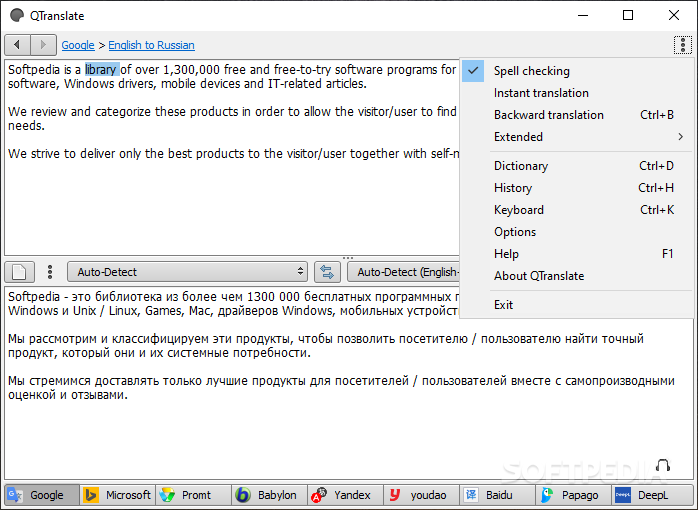
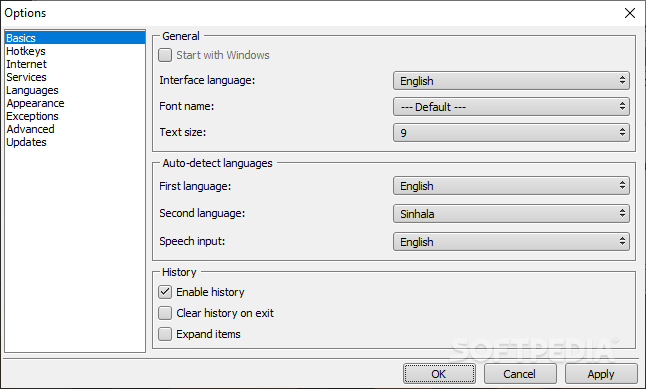
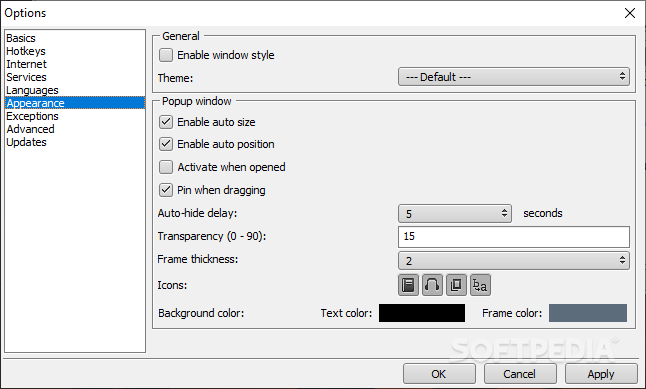
Due to how a translation operation goes, usually having multiple sources on display might clutter the screen. Unless you have multiple monitors at your disposal, QTranslate will help with that by staying out of the way. When not needed, the app can be brought back up from the system tray or by specific hotkeys. These hotkeys can be changed from within the program's settings menu, and cover other aspects as well.
For example, one can use hotkeys to access different parts of the app, switch mouse mode, listen to selected text, translate clipboard contents, etc.
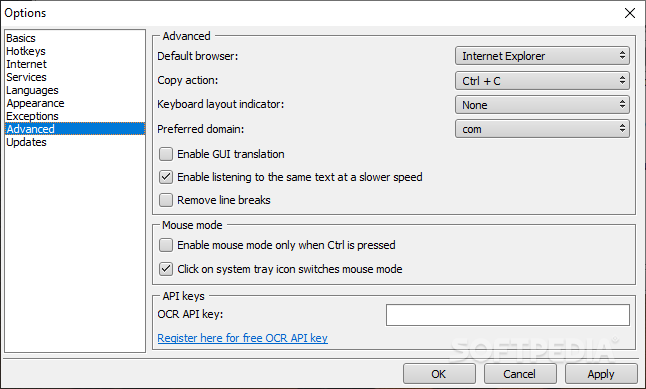
When using Google Translate, their dictionary and translation service are what make it possible. QTranslate on the other hand, bundles multiple services together and lets you decide which one to deploy. You can choose to work with translation services from Google, Microsoft, Yandex, Baidu, Prompt, Papago, DeepDL, and Youdao.
While Google supports most languages, region-specific services may be generating more accurate results but will limit you to a specific number of languages. However, that's why QTransalte offers these choices, so you can always go with the best one, depending on the task at hand.
QTranslate turns out to be a complete solution for translation purposes. With a dedicated UI and a hefty collection of dictionaries and translation services, you'll quickly forget about any other translation tool out there, notably online ones.
What's new in QTranslate 6.10.0:
- Improved: Goggle translation aligned with site quality
- Fixed: Papago, Promt, Yandex, youdao, Google search, and Urban services
- Misc: Removed wolfssl library in favor of native Windows SSL support
- Updated: libcurl to 7.81.0
QTranslate 6.10.0
add to watchlist add to download basket send us an update REPORT- PRICE: Free
- portable version
- Portable QTranslate
- runs on:
-
Windows 11
Windows 10 32/64 bit
Windows 8 32/64 bit
Windows 7 32/64 bit
Windows Vista 32/64 bit
Windows XP 32/64 bit - file size:
- 1010 KB
- filename:
- QTranslate.6.10.0.exe
- main category:
- Others
- developer:
- visit homepage
4k Video Downloader

7-Zip

Microsoft Teams

paint.net

ShareX

Zoom Client

Windows Sandbox Launcher

calibre

IrfanView

Bitdefender Antivirus Free

- calibre
- IrfanView
- Bitdefender Antivirus Free
- 4k Video Downloader
- 7-Zip
- Microsoft Teams
- paint.net
- ShareX
- Zoom Client
- Windows Sandbox Launcher