Softpedia
 

WINDOWS CATEGORIES:


GLOBAL PAGES >>
SOFTPEDIA REVIEWS >>
MEET THE EDITORS >>

WEEK'S BEST

  • DAEMON Tools Pro (...
  • FlashFXP [ DISCOUN...
  • PowerISO 4.9
  • WebcamMax [DISCOUN...
  • Zemana AntiLogger ...
  • System Mechanic Pr...
  • Glary Utilities Pr...
  • All My Movies [DIS...
  • Ad-Aware Internet ...
  • Atlantis Word Proc...
  • Home > Windows > Others > Home & Education
     Report malware

    RapidTyping Typing Tutor 4.5

    download button

    Part of the Typing Tutors download hub
    Downloads: 25,193  View global page  Tell us about an update
    User Rating:
    Rated by:
    Very Good (4.2/5)
    101 user(s)
    Developer:

    License / Price:

    Size / OS:

    Last Updated:

    Category:

    Ad-supported / $0
    5.8 MB / Windows All
    [view history]
    C: \ Others \ Home & Education

     Read user reviews (2)  Send to friend   Follow (12 users)

    EDITOR'S RATING

    Softpedia Editor's Review for RapidTyping Typing Tutor

    Improve your typing speed and accuracy with a new-generation typing tutor

    Written by Elena Opris on January 31st, 2012

    RapidTyping Typing Tutor is an application that can teach you how to type quickly and accurately.

    Since this is an ad-supported product, you should be careful when installing RapidTyping Typing Tutor since it offers to download and place some third-party components on your hard drive, that it doesn't need to work properly.

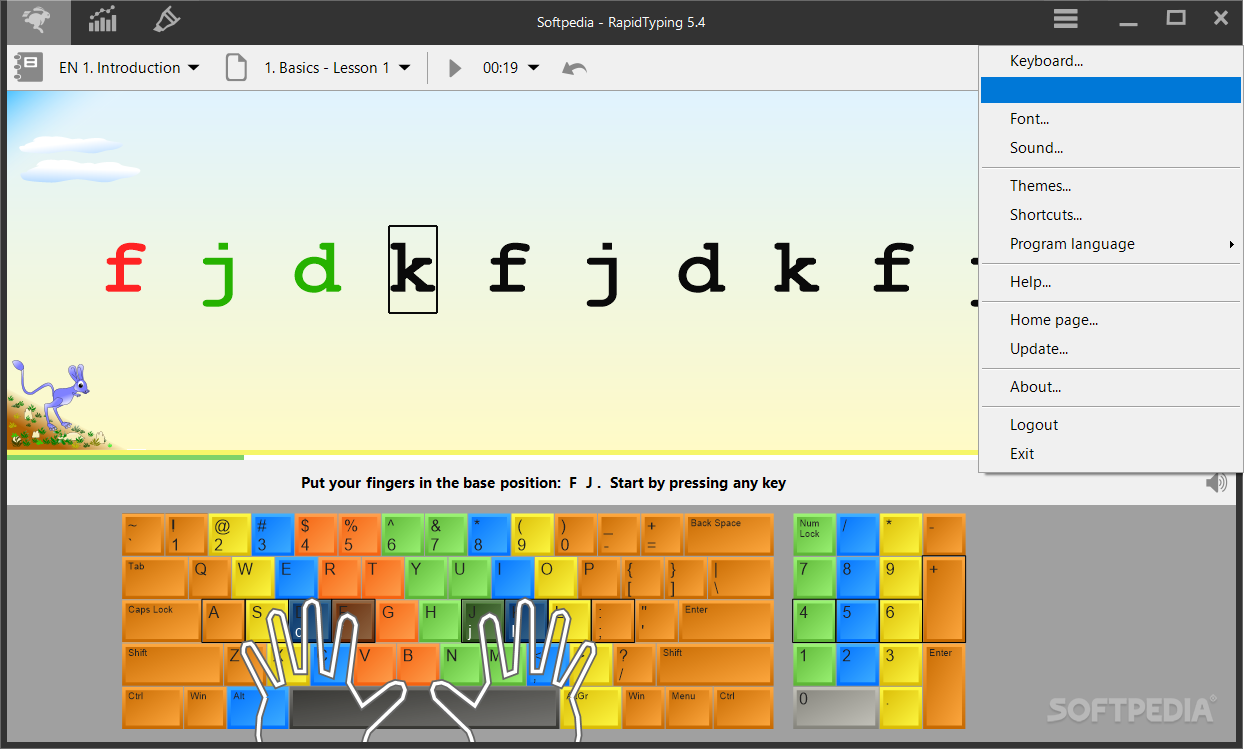
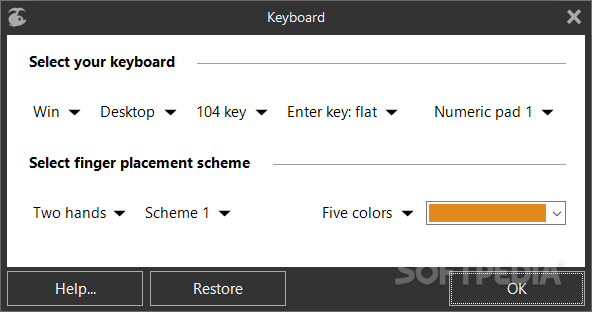
    The user interface of the program is clean and intuitive. You can get started by selecting a preferred language, along with the type of your keyboard.

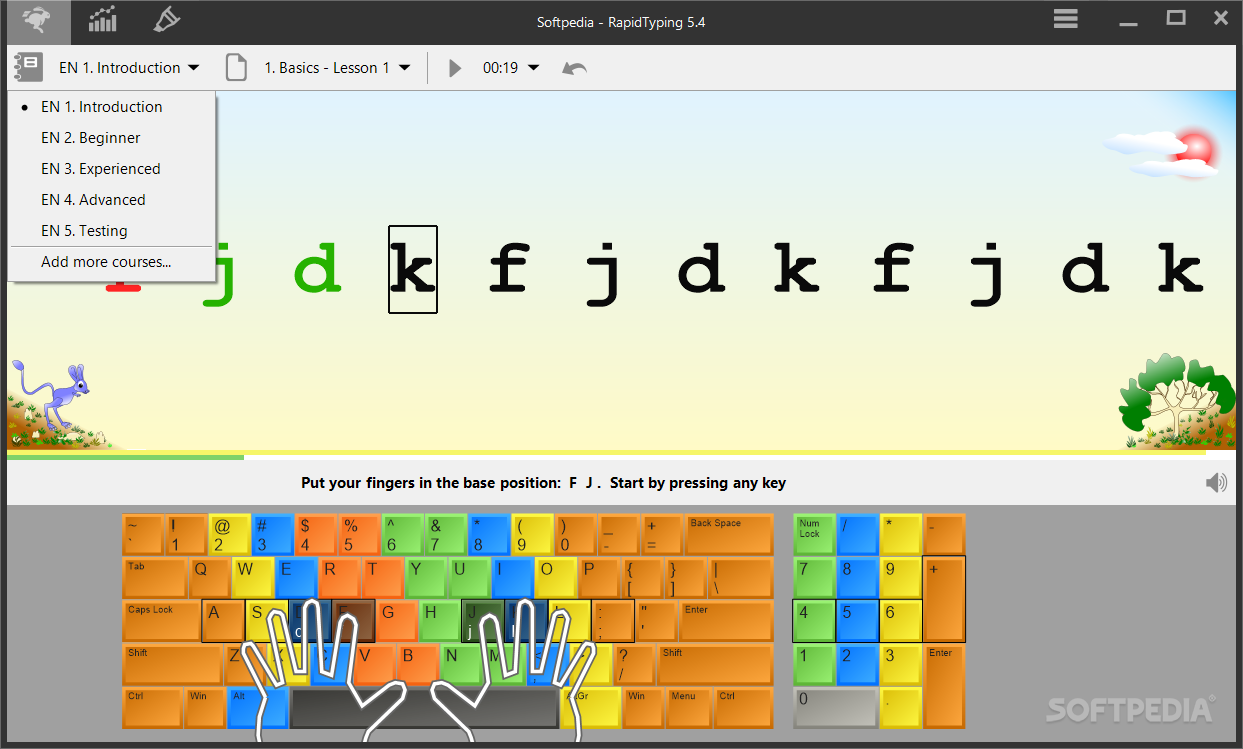
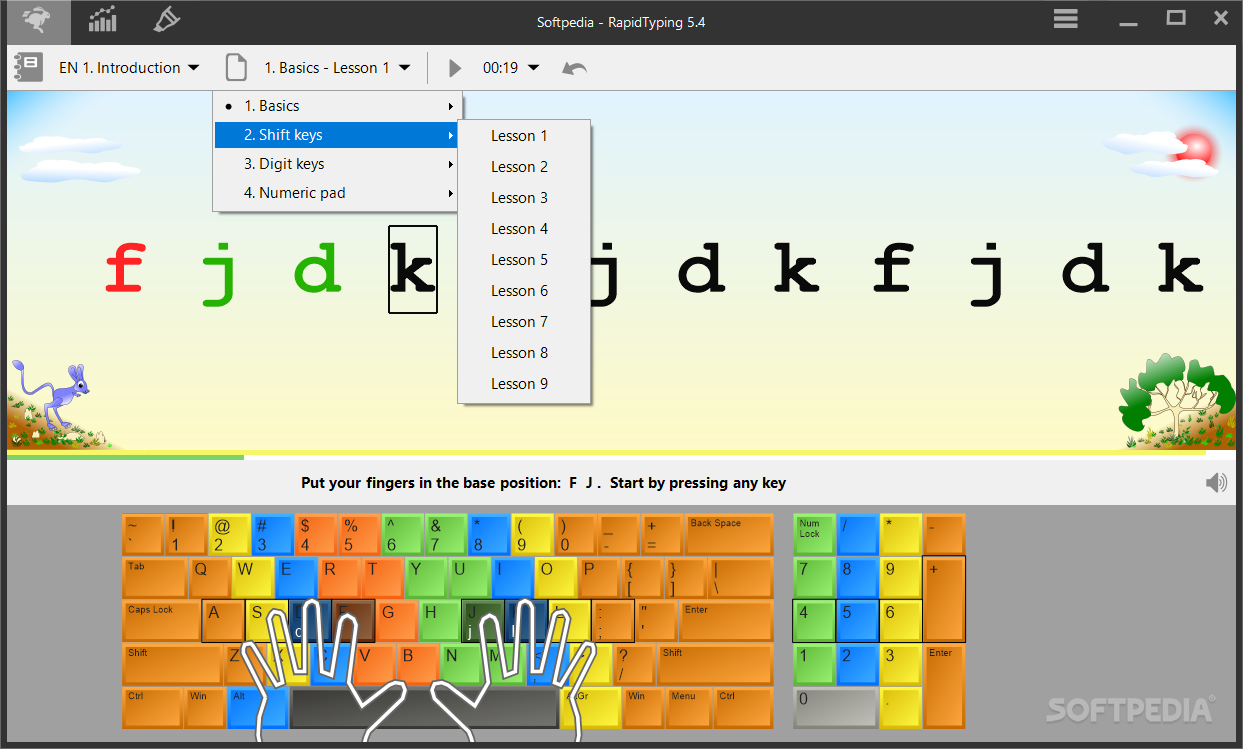
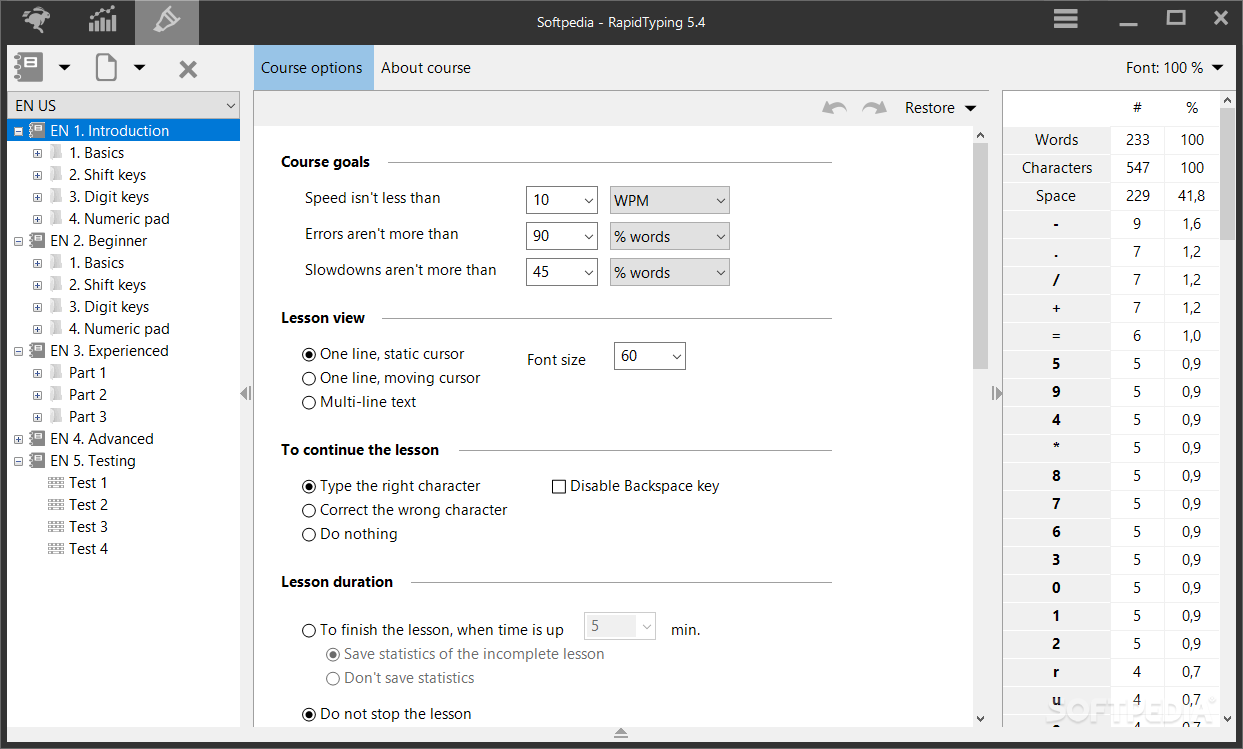
    So, you can toggle between beginner, intermediate and expert mode, as well as select lessons from the "Basics", "Shift keys", "Numeric Pad" and "Digits, Symbols".

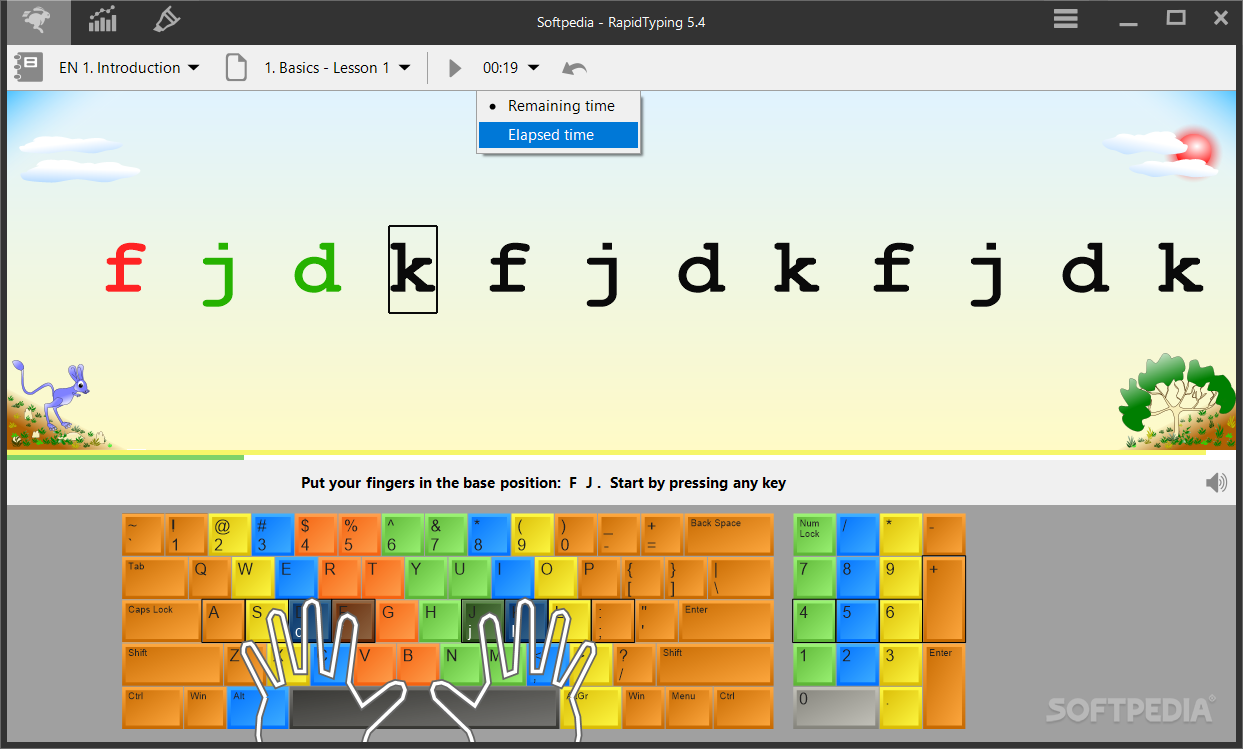
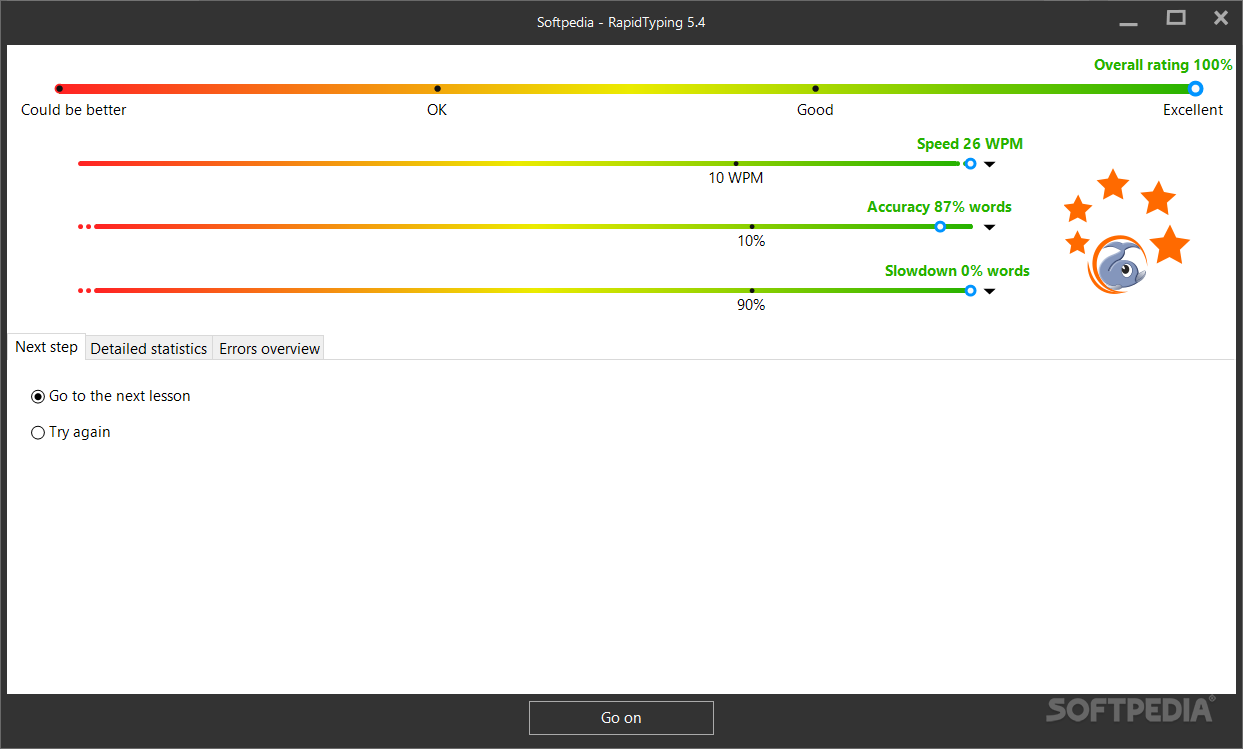
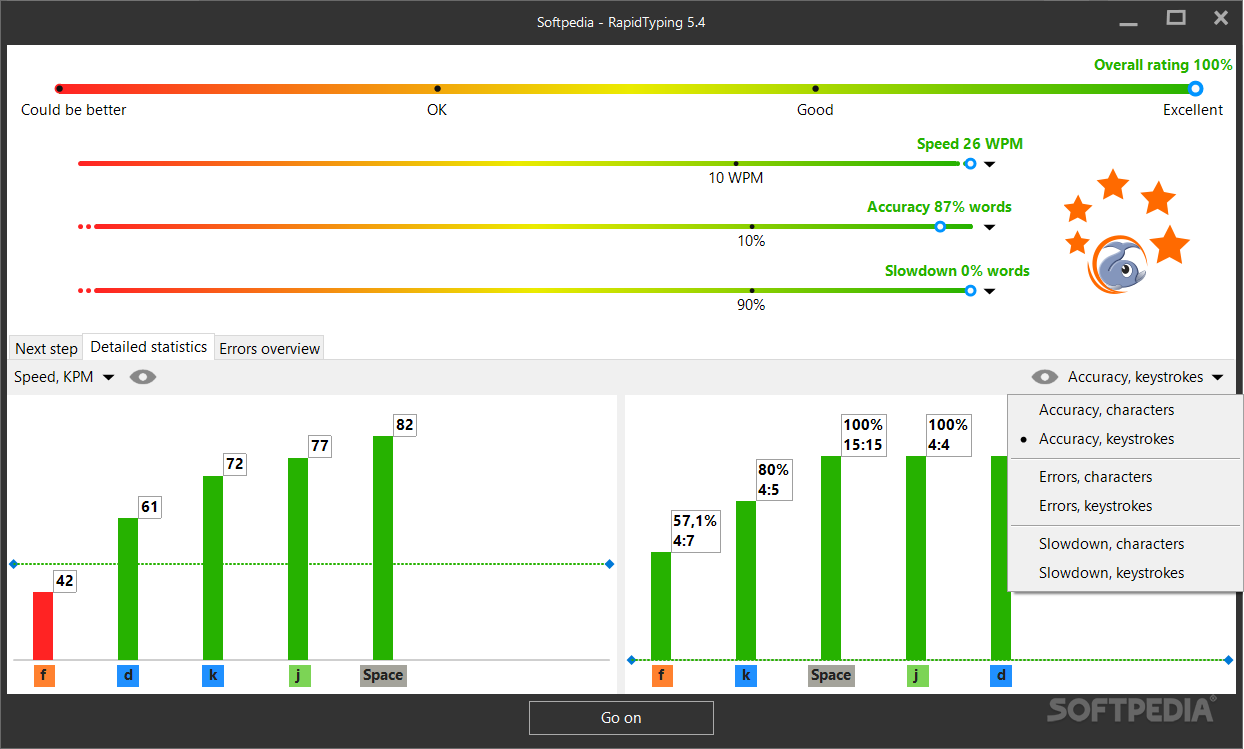
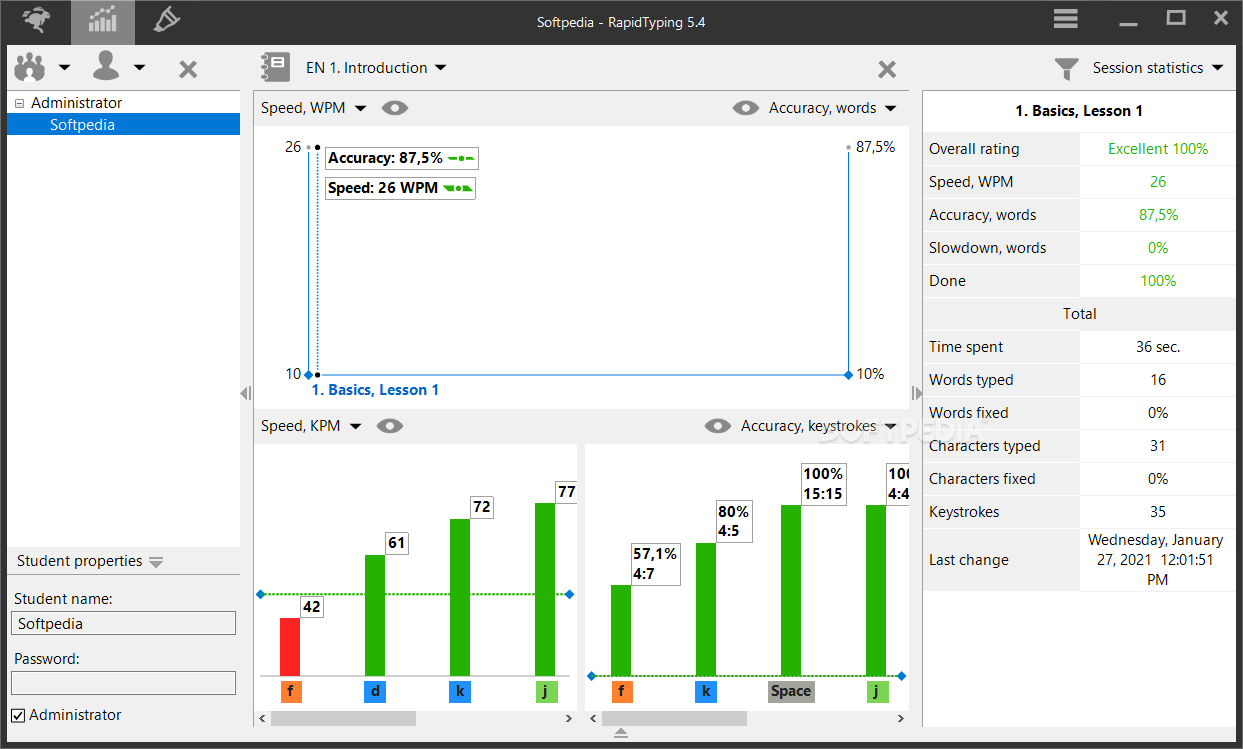
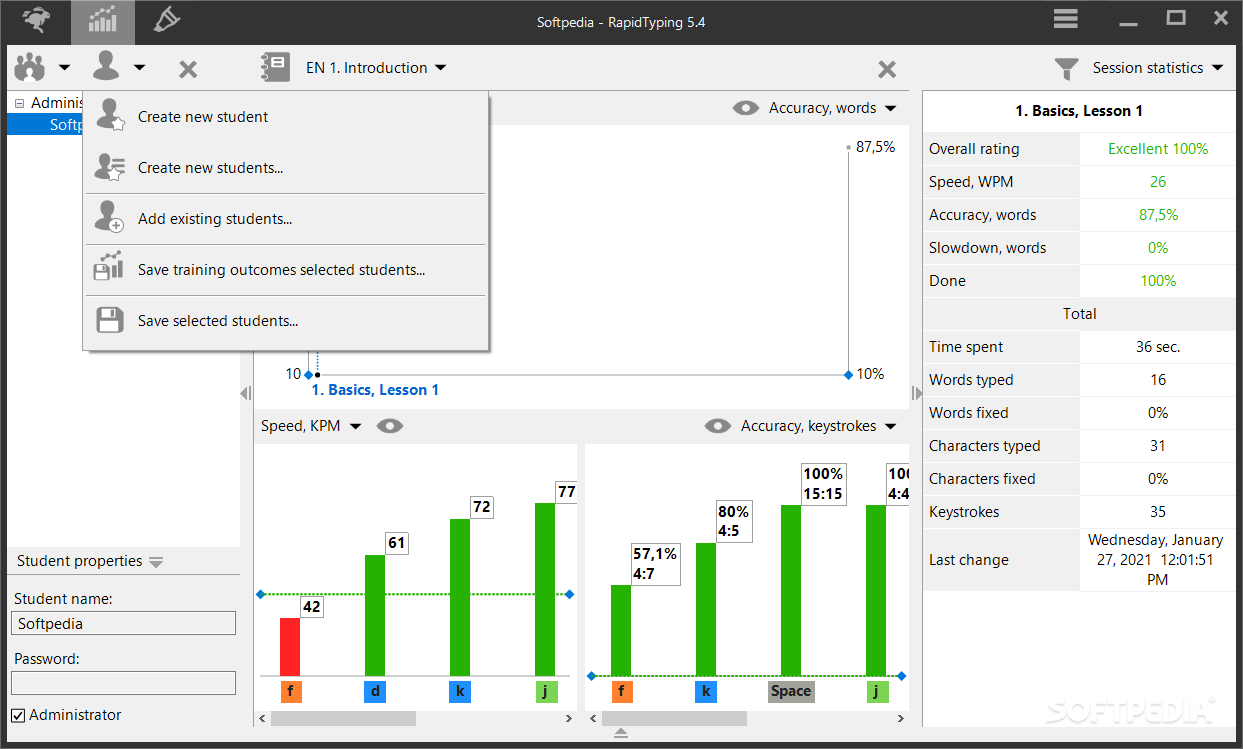
    Once you have completed a lesson, you can view results which consist of ratings (e.g. words per minutes, character per minute, accuracy), along with errors and delays in percent.

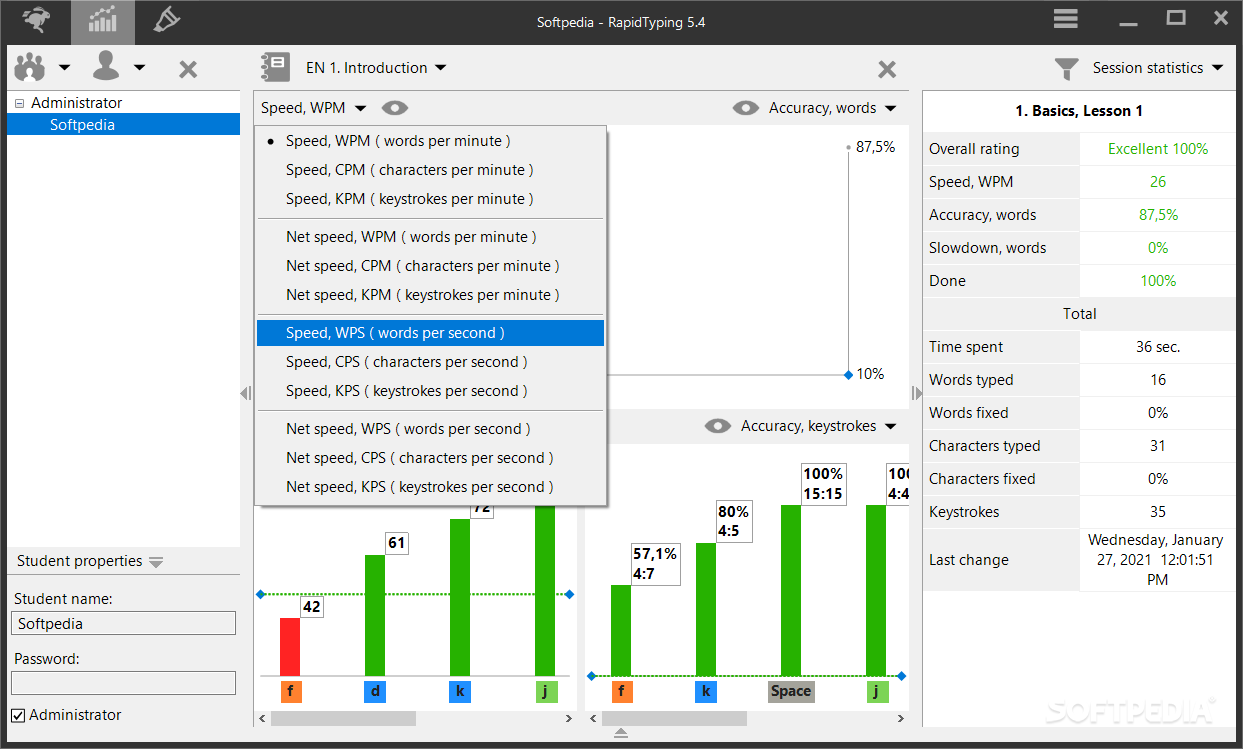
    In addition, you can view online records, repeat the lesson or proceed to the next one. But you can also view statistics, edit the text in an editor, add a new course and view the properties of the current one.

    Furthermore, you can enable sounds, reconfigure keyboard hotkeys, change the theme, select the lesson view, switch to a different font, and more.

    The program uses a moderate amount of system resources and includes a comprehensive help file with snapshots. We haven't encountered any kind of problems during our tests and strongly recommend RapidTyping Typing Tutor to all users who want to improve their typing skills.


    Read an in-depth analysis in our professional review for RapidTyping Typing Tutor

    RapidTyping Typing Tutor description

    Here are some key features of "RapidTyping Typing Tutor":

    · Game plot. Training takes place in virtual picturesque underwater world. Variety of underwater fauna will make fun of your training. The more you improve your printing level the more nice underwater creatures will come to light
    · Keyboard emulator will help you learn blind printing quickly. Keys and finger workplaces are lighted
    · Uses the simple and colorful interface. Colorful skins library is supported
    · You may create your own exercises
    · Free lessons choice
    · Multiple users with their personal settings are supported
    · Suitable for children

    Requirements:

    · Minimum display area 800x600
    · Display with more than 256-colors recommended (High Color)
    · 25 MB free hard drive space recommended
    · 128 MB RAM memory available

    What's New in This Release: [ read full changelog ]

    Typing Test View:
    · auto-wrap feature added;
    · tabulation support added;
    · line break support added;
    · special marks (including Tab, Line Break, Space) improved (smooth, scaling);
    · special marks in right left languages inverted;

    · Typing lesson editing
    · import lesson text in .rtf format feature added
    · insert line break and tabulation lesson feature added
    · when inserting text into lesson the check symbols on keyboard added
    · the "New Lesson - (#)" label added by default to "New Lesson" dialog
    · when lesson editing or selecting the fast reaction on virtual keyboard and lesson property added
    · when you type a character in lesson the letter is show immediately on virtual keyboard and the property table updates immediately
    · support the lesson size until 4Gb added

    · Virtual keyboard
    · translation control keys added
    · auto-wrap the long control keys' names ( ex. Num Lock ) added

    Typing Lessons:
    · English expert typing course updated. Tabulation and line break marks added. (requires lessons reinstall)
    · Russian expert ...

    Users are advised to pay attention while installing this ad-supported application:

    · Offers to install WeatherBug and WeatherBug and ASK Toolbar that the program does not require to fully function


    TAGS:

    typing tutor | rapid typing | typing lesson | type | typing | tutor


    HTML code for linking to this page:


    Go to top

    WindowsGamesDriversMacLinuxScriptsMobileHandheldNews

    SUBMIT PROGRAM   |   ADVERTISE   |   GET HELP   |   SEND US FEEDBACK   |   RSS FEEDS   |   UPDATE YOUR SOFTWARE   |   ROMANIAN FORUM