Search Perform an advanced search query SOFTPEDIA
 
SOFTPEDIA
Updated one minute ago
HomeSubmit a program for being reviewedAdvertise on our websiteGet help on surfing our websitesSend us your feedbackGet information about our XML/RSS backend and how to use itBrowse the news archiveVisit our discussion forumVizitati forumul in limba romana


Program Finder NormalFreeware onlyShareware only

Resume Builder 4.7 Report spyware 

Click to download Resume BuilderResume Builder - Softpedia Pick Award (If you developed this product, click here to download your award)
View more Resume Builder screenshots (4)
 Downloads: 7,238
Rating: Good (3.2/5) | Rated by: 30 user(s)
Add to download basket     Send us update information
 Developer: Sarm Software | More programs by this producer
 License: Trial , 24.95 $ to buy 
 Size / OS: 12.9 MB, Windows All
 Last Updated: June 24th, 2008, 13:16 GMT
 Category: C: \ Others \ Home & Education
 Read user reviews (0) Add a review Refer to friend Subscribe
    Download Resume Builder

Resume Builder description
This software will help you create a perfect resume and enable you to upload on a FTP server.

Powerful resume writing application will help you create a great looking professional visualy exciting resume.

Our application does the thinking and writing for you.

Resume Builder is a writing tool that creates customizable resumes.

Fast and simple creation of resume. Resume style. Choose one of more than ten different resume styles. You can specify colors for resume text and background.

Here are some key features of "Resume Builder":

· Styles and templates. Choose from more than fifteen different resume styles. Compose powerful resumes and cover letters with our free professionally designed templates.
· Sample resumes and resume examples. Find sample resumes and examples in French, German, and English languages. Templates and resume writing tips are also available for your job search. Resume Builder provides the collection of free sample resumes, designed especially for job-seekers.
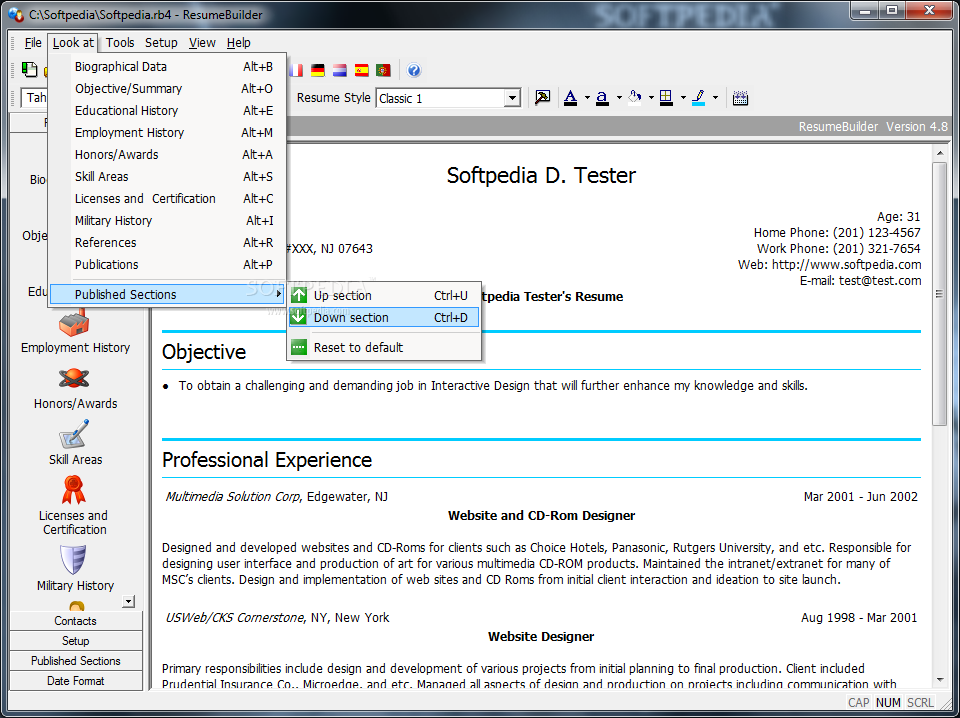
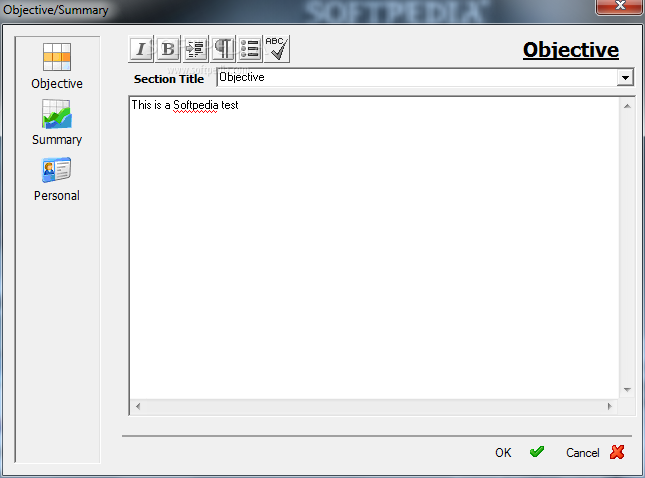
· Defining your resume structure. Resume Builder can display the resume structure in a user-friendly format, so that you can choose which sections of the resume to publish. You can also modify the order of the Published Sections – Biographical Data, Objective, Employment History, Education History, Personal, Skill Areas, Publications, Honors/Awards, Summary, Licenses and Certification, Military History, and
References.
· Complete control. You can even customize the toolbar in Resume Builder. Configure it to suit your needs! You can specify the font sizes, text styles and colors, background, headers, tables and lines.
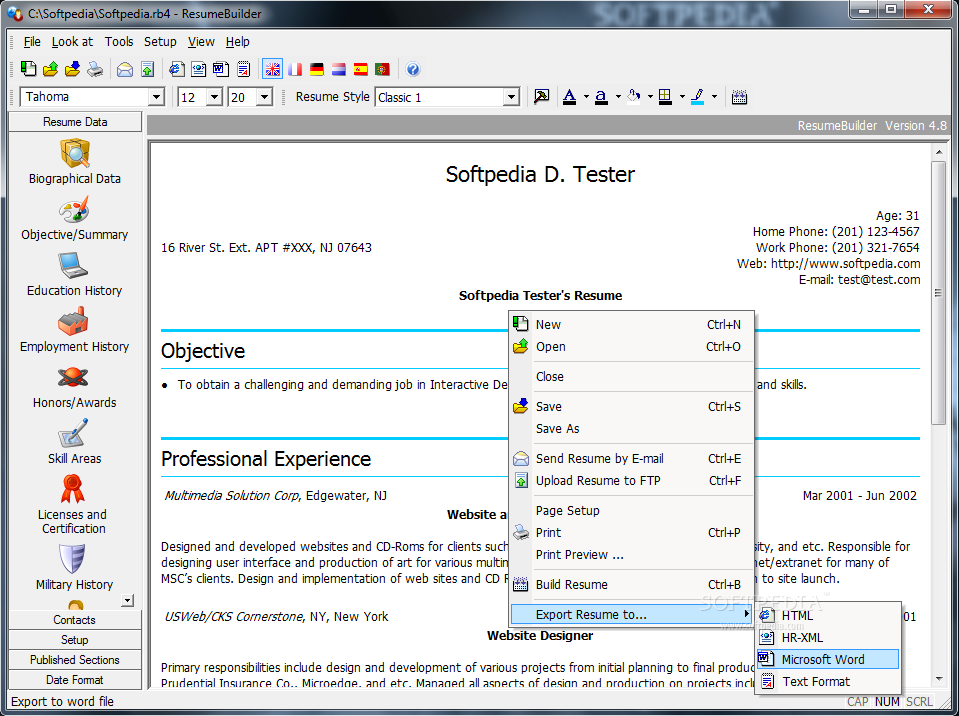
· Integration with Microsoft Office. Resume Builder supports exporting resumes to the Microsoft Word and plain-text formats.
· HTML publication. Exporting to HTML generates an HTML-based resume, which can include hyperlinks and other web-specific functionality.
· Business standards. Resume Builder supports exporting to the HR-XML standard. The HR-XML standard is a set of XML specifications that allows e-business and data-exchange automation in the human resources area.
· Resume printing. Resume Builder supports preview and printing any section of your resume.
· Spell checker. Resume Builder includes professional spell-checking, complete with international dictionaries.

Advanced Features
· International languages. Resume Builder is an international program. The software comes in the following languages: English, French, German, Spanish, Dutch. You can create resumes in English, French, German, Spanish, Dutch or Italian.
· Complete contacts. The software comes with an internal database of recruitment companies and employers contacts. Create, modify or remove your contact records easily.
· Easy e-mail. Resume Builder includes an e-mail messaging system. Send resumes to your contact members easily.
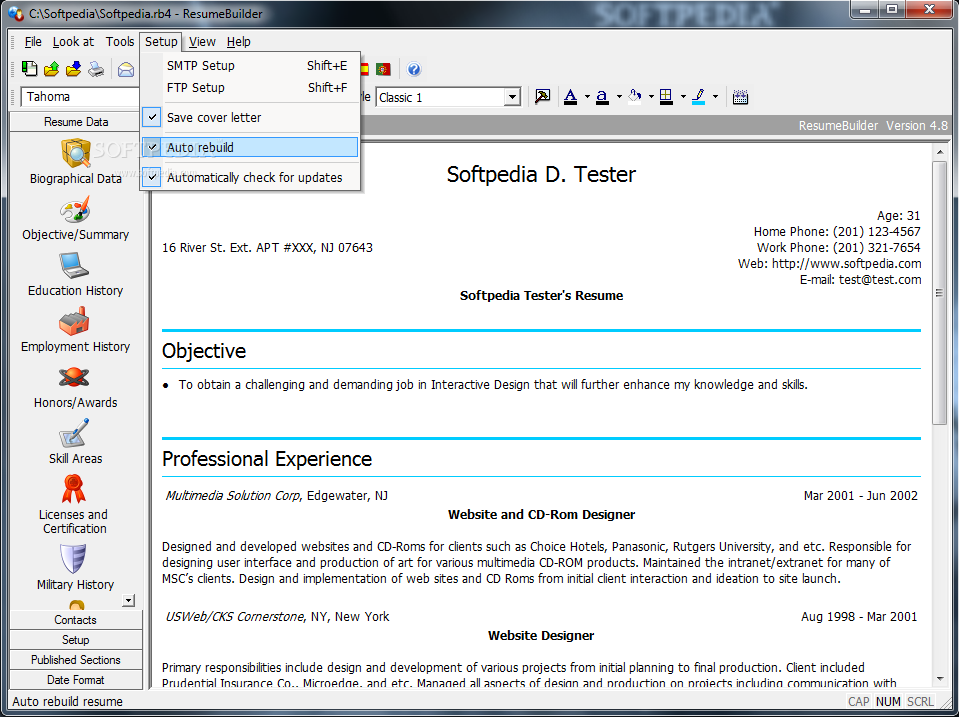
· Integration with Outlook Express. You can send an e-mail and use the SMTP Wizard to select your Microsoft Outlook Express profile. The wizard can detect an existing profile on your computer and use that profile, instead of creating a new one.
· Integrated FTP client. You can upload your resume to your web site right after creation.
· Cover letters. Resume Builder includes several cover letter examples, allowing you to e-mail your resume with a cover letter to prospective employers.
· Formatting text. You can make your text appealing by using our HTML tags editor for making your resume look professional with bulleted lists and more. Formatting with Resume Builder is easy!
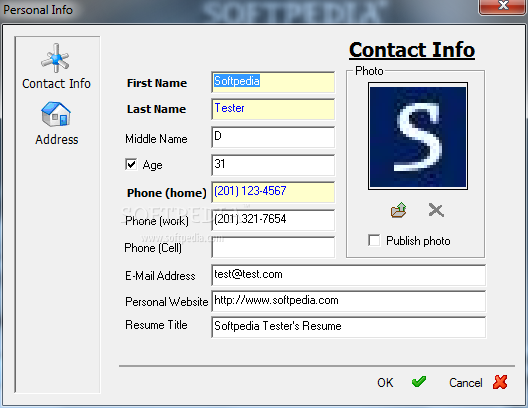
· Uploading photo. You may want to upload your photo or any graphic images to complement your resume.


Requirements:

· Internet Explorer 5.0 or later
· 20 Mb Free disk space required for installation
· Microsoft Word 97 or later is required to export resume to MS Word or Text Formats
· 4 MB of RAM for Resume Builder running


Limitations:

· 10 days trial
· Nag screen


What's New in This Release:

· Updated SMTP library with SSL encryption with secure authentication for creating, sending resumes.
· Fixed bugs with storing FTP and SMTP settings. ... [ read full changelog ]


Softpedia guarantees that Resume Builder 4.7 is 100% CLEAN, which means it does not contain any form of malware, including but not limited to: spyware, viruses, trojans and backdoors.

This software product was tested thoroughly and was found absolutely clean, therefore it can be installed with no concern by any computer user.

However, it should be noted that this product will be retested periodically and the award may be withdrawn, so you should check back on this page from time to time. (click here for more information)


Related downloads IT News Popular downloads New additions   Latest reviews  
Acoustica CD/DVD Label Maker 3.17
Create your own CD labels and jewel cases with ease and flexibility
pdf-Office 7.1
This program will create sophisticated pdf forms and pdf documents from scratch
ResumeMaker Professional 12.0
ResumeMaker Professional - write a better resume, land a better job, and earn a higher salary.
Easy Resume Creator Pro 4.20
An advanced and yet easy-to-use resume building and career management tool
EasyJob Resume Builder 4.06 Build 2140
This application is a resume builder program with over 10,000 resume templates
Intellyweb 1.1.0.3
Intellyweb - Create your own multiple page websites by yourself with this easy to use program
Student Resume Writer Personal Edition 5.0
Student Resume Writer Personal Edition lets you to create a professional-looking resume quickly and easily
RSC Resume Template 1.0
The RSC General Resume Template is a useful tool that acts as a guideline

go to top Use the following code to link to this page:


Welcome!
Hello, Guest

Login if you have a Softpedia.com account.

Otherwise, register for one.

Main categories:
  • Antivirus
  • Compression tools
  • CD/DVD Tools
  • Office tools
  • Programming
  • Authoring tools
  • File managers
  • Desktop Enhancements
  • Internet
  • Network Tools
  • IPOD TOOLS
  • Mobile Phone Tools
  • Multimedia
  • Tweak
  • System
  • Security
  • Others
  • Science / CAD
  • UNIX
  • Windows Widgets
  • PORTABLE SOFTWARE

  • Week's best:
  • Windows Defender Lat...
  • Firefox 3.0.1 / 2.0....
  • AutoCAD 2009
  • Norton AntiVirus 200...
  • Norton Internet Secu...
  • The Bat! Professiona...
  • WinRAR 3.80 Beta 3 /...
  • GMail Drive shell ex...
  • DAEMON Tools Lite 4....
  • UBCD4WIN 3.2.0
  • Adobe Reader 9.0.0 /...
  • Total Commander Ulti...
  • System Mechanic 8.0....
  • Adobe Acrobat Profes...
  • iPhone PC Suite 1.0....
  • Portable Firefox 3.0...
  • MPlayer for Windows ...
  • Vista Codec Package ...
  • Windows Live Messeng...
  • WinBubble 1.73
  • Kaspersky Anti-Virus...
  • Malware Removal Tool...
  • Royale Noir Theme fo...
  • IBM Lotus Symphony 1...
  • Adobe Dreamweaver 10...
  • Adobe Fireworks 10.0...
  • BitDefender Total Se...
  • McAfee Total Protect...
  • Ad-Aware 2008 7.1.0....
  • Adobe Flash Player 1...
  • Daniusoft Media Conv...
  • © 2001 - 2008 Softpedia. All rights reserved.
    Softpedia™ and Softpedia™ logo are registered trademarks of SoftNews NET SRL.
    Copyright Information | Privacy Policy | Terms of Use | Contact Softpedia | Update your software | Archive