
A useful tool that enables users to back up and synchronize their progress across their installed games with ease, offering various avenues to do so. #Game Saver #Backup Gamesave #Save Game #Saver #Save #Backup

Losing your saved game files is an awful feeling. Having all your progress erased just like that often translates into a total game over for many: starting anew, especially when you’ve put in more than a few hours into a game, understandably removes any enjoyment from playing that specific title.
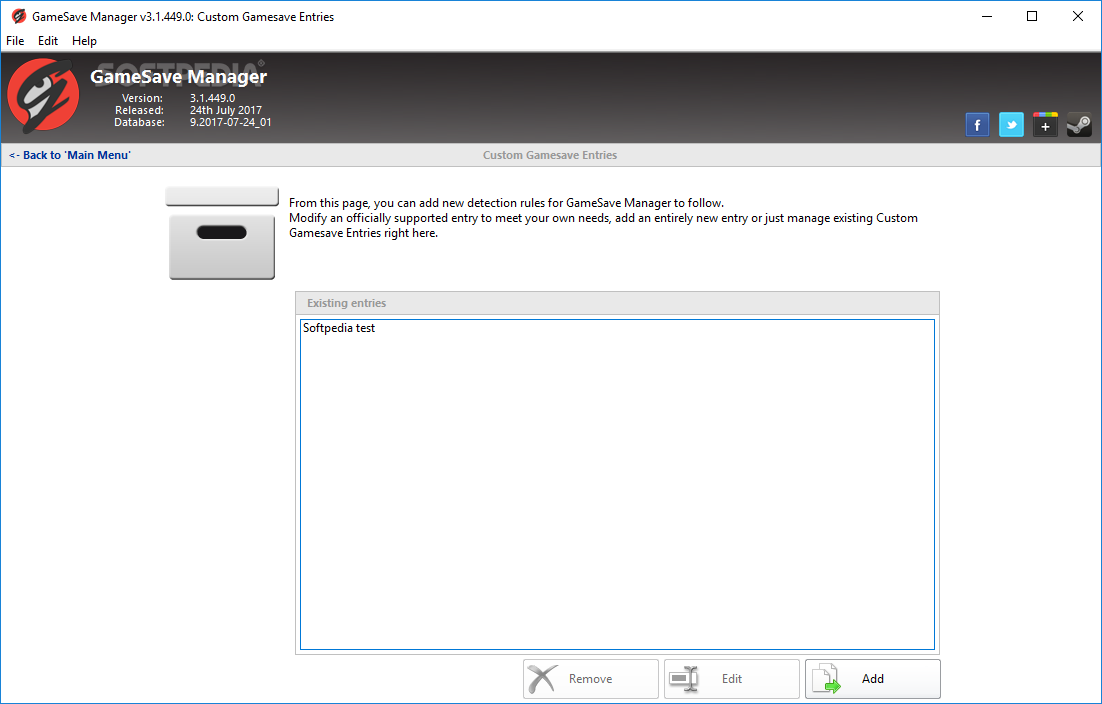
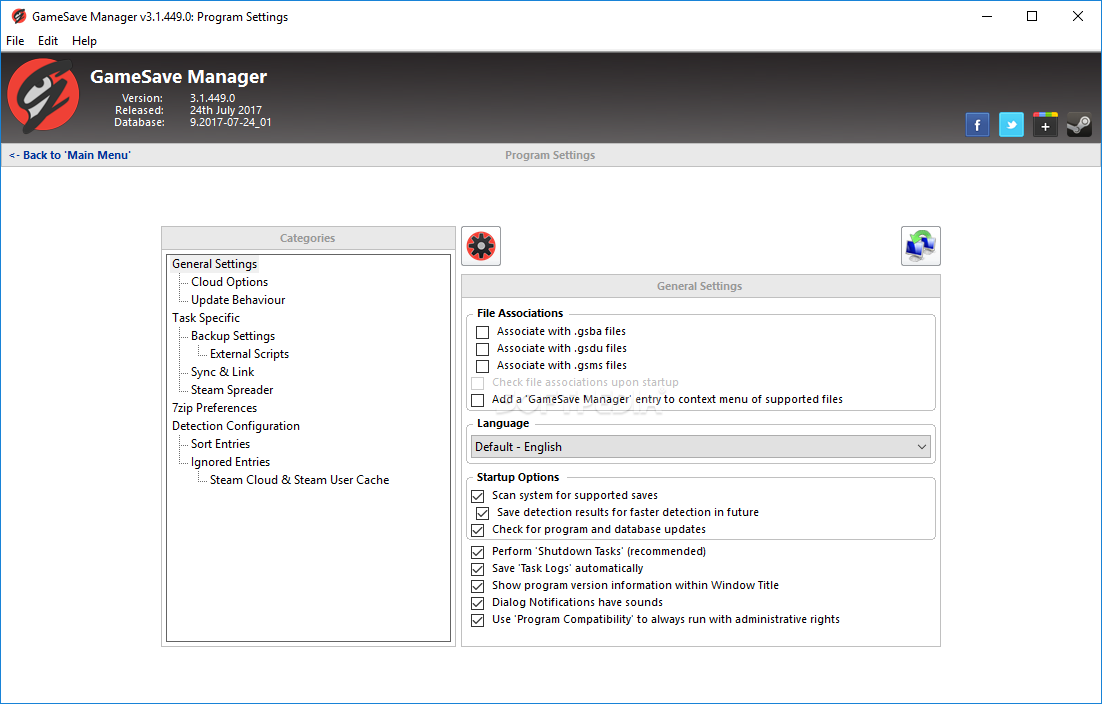
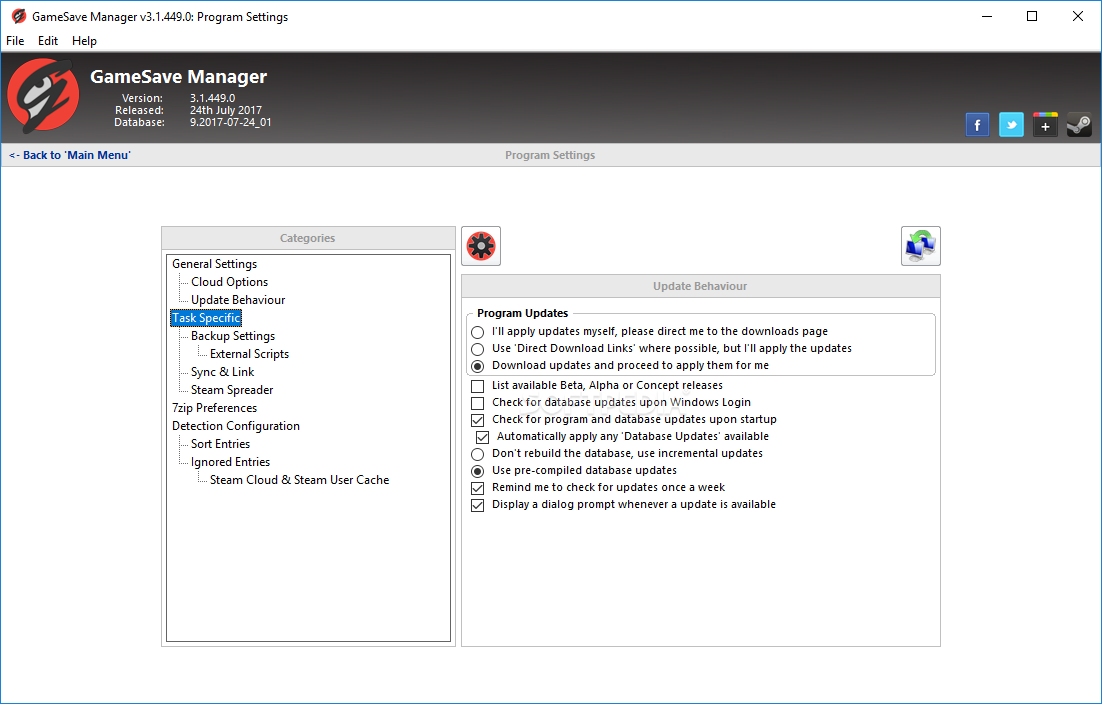
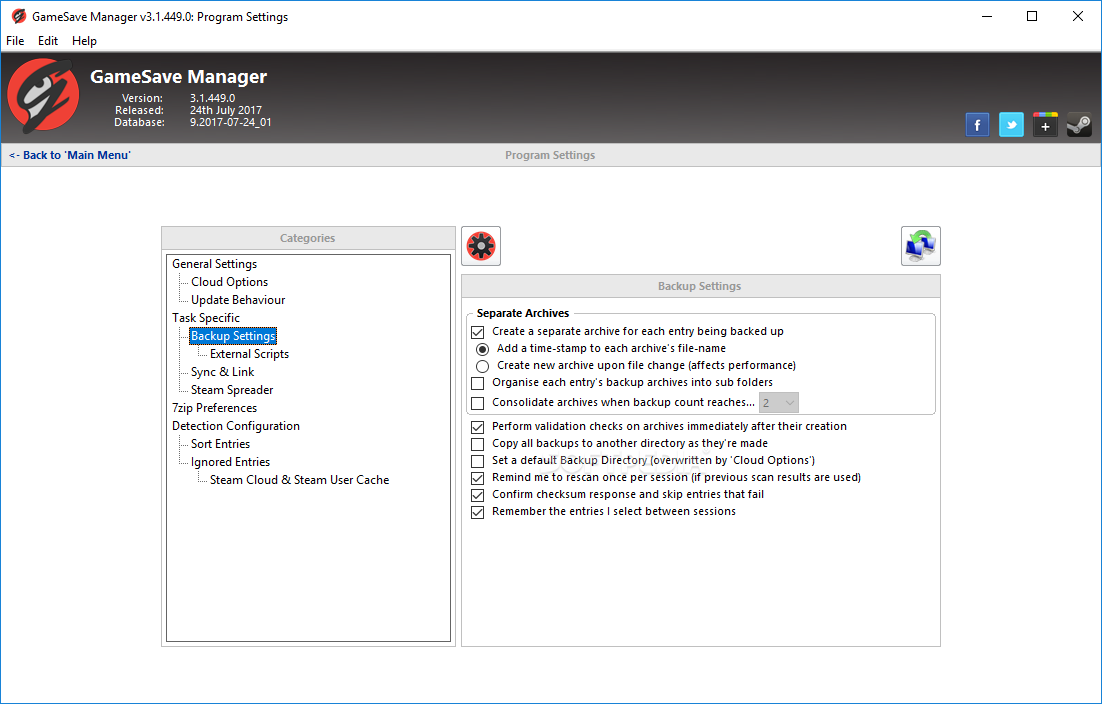
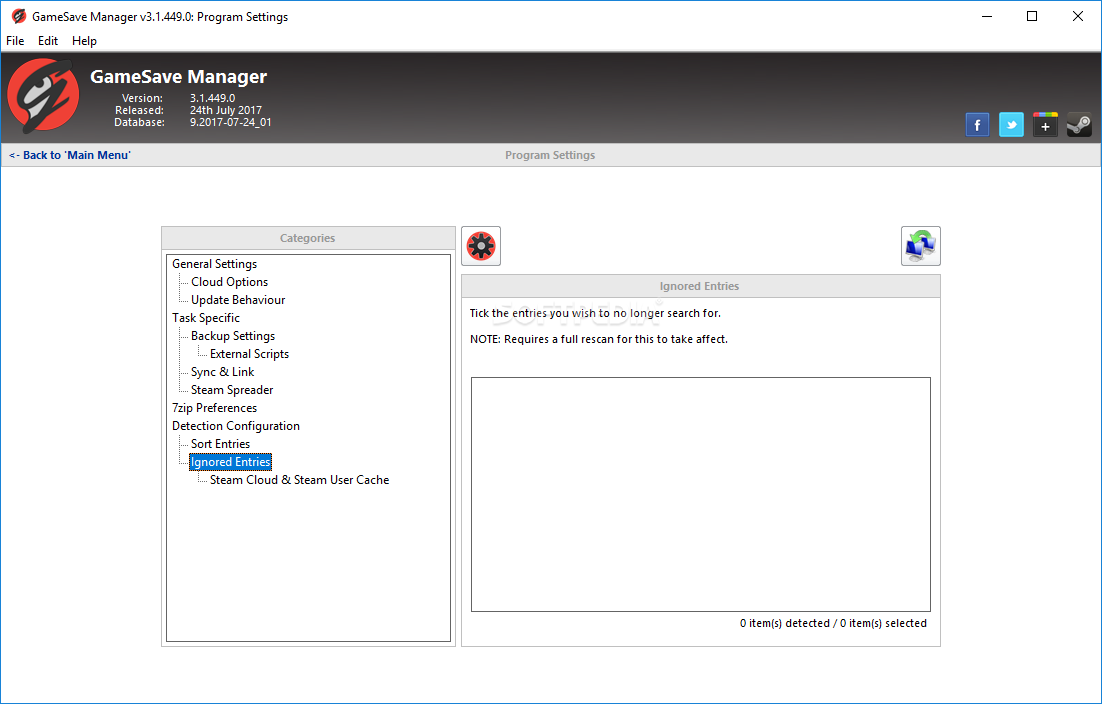
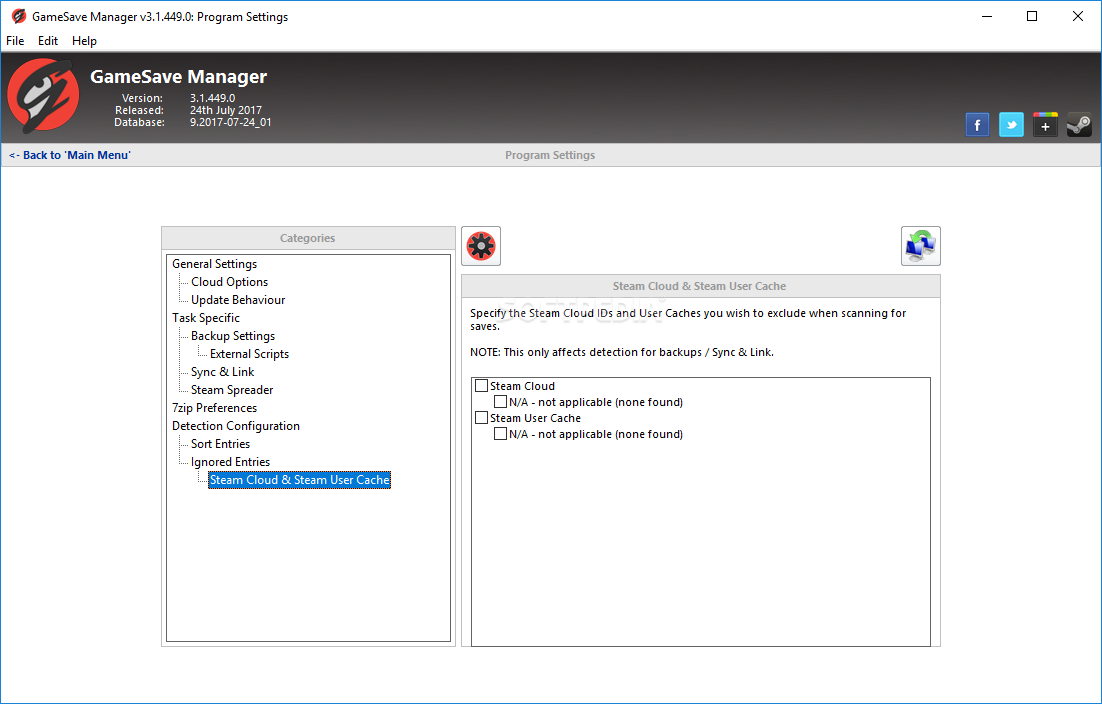
Things are better now with cloud saves, but even those can be unreliable. As such, it’s best to take backing up saves into your own hands, just to make sure everything’s in order. GameSave Manager is a tool you can use to more conveniently back up your saves, as it provides an interface which facilitates keeping track of your files.
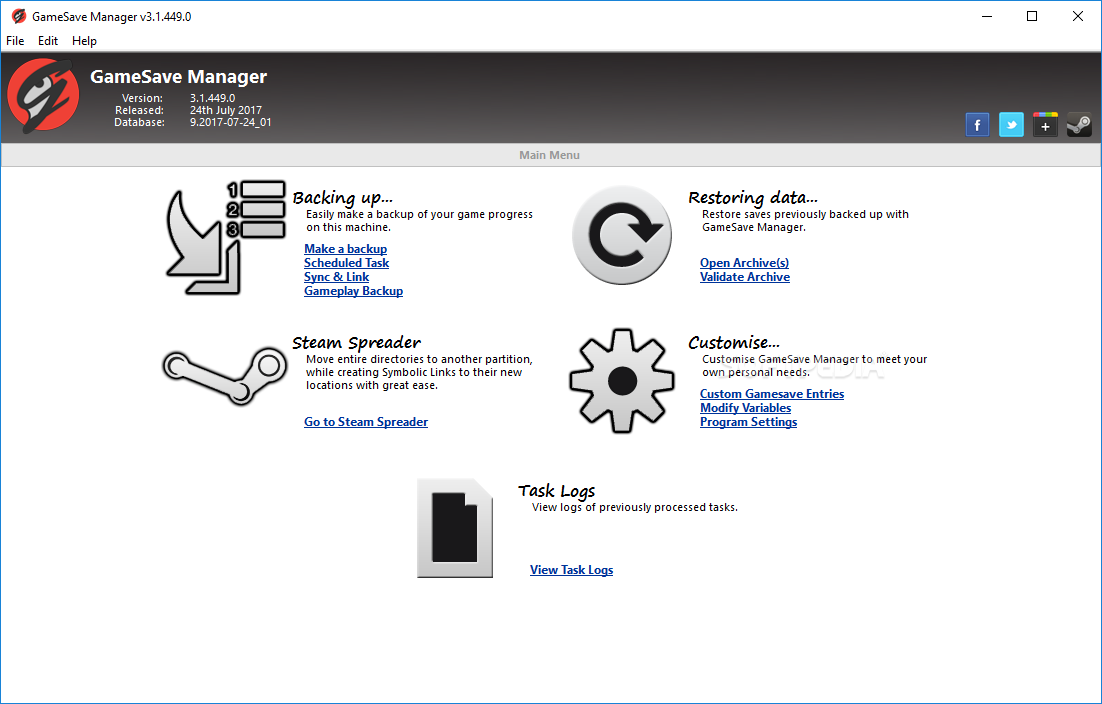
The program is all about offering users a simpler way to back up their progress across various games. Having a solution you can use to preserve and keep track of all your saves is convenient in itself, but that’s not all.
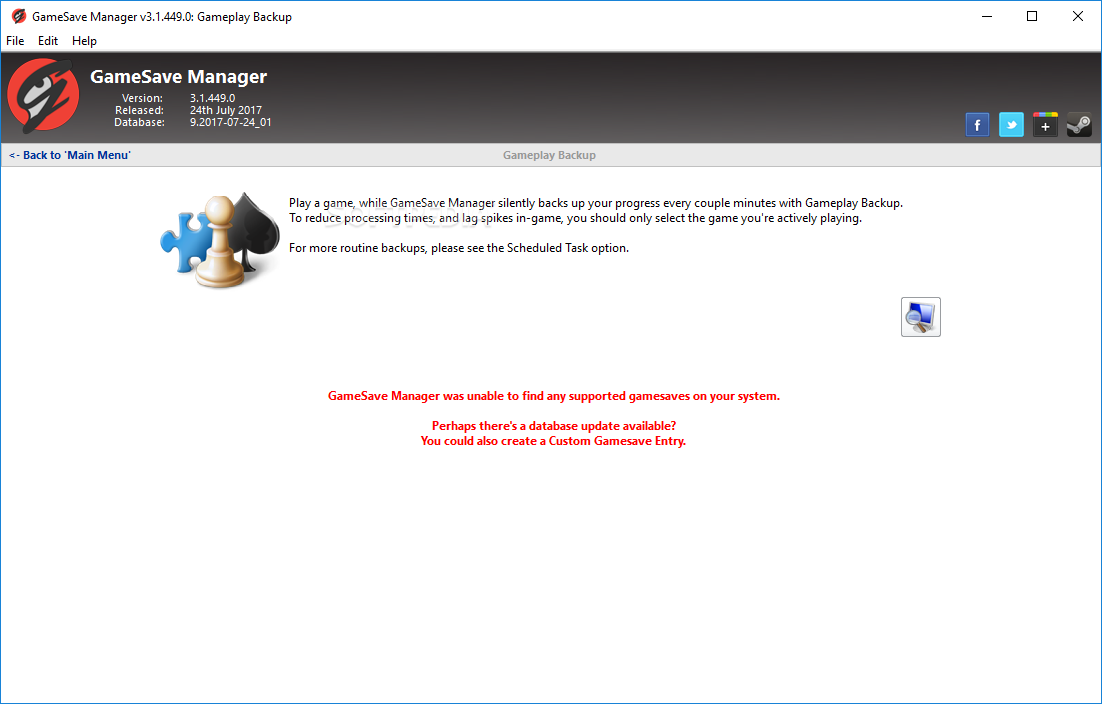
Sure, you can back up your data normally, and even schedule the process so that everything stays up to date. But perhaps the most interesting feature is Gameplay Backup, which automatically saves your progress as you’re playing the respective game.
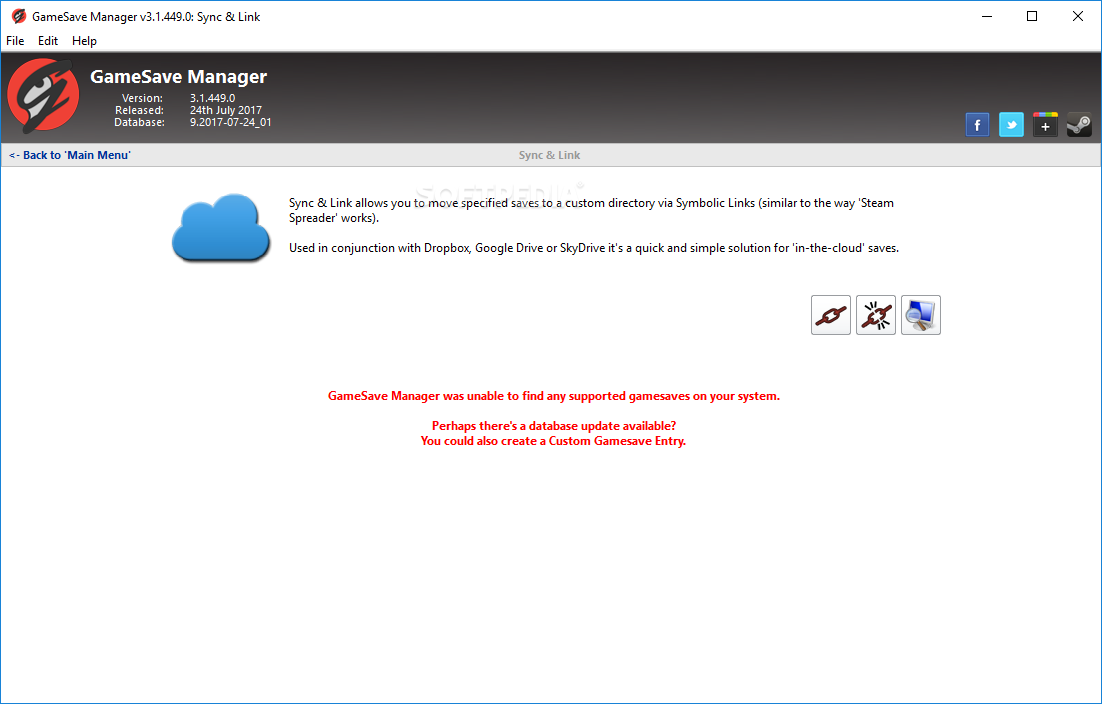
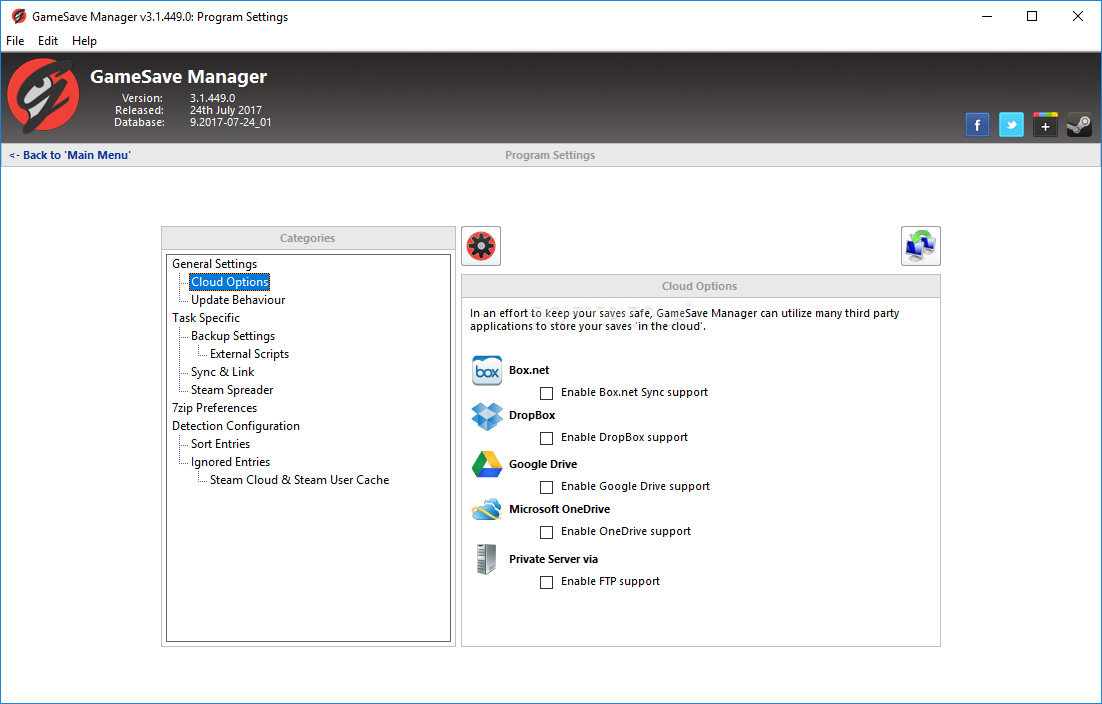
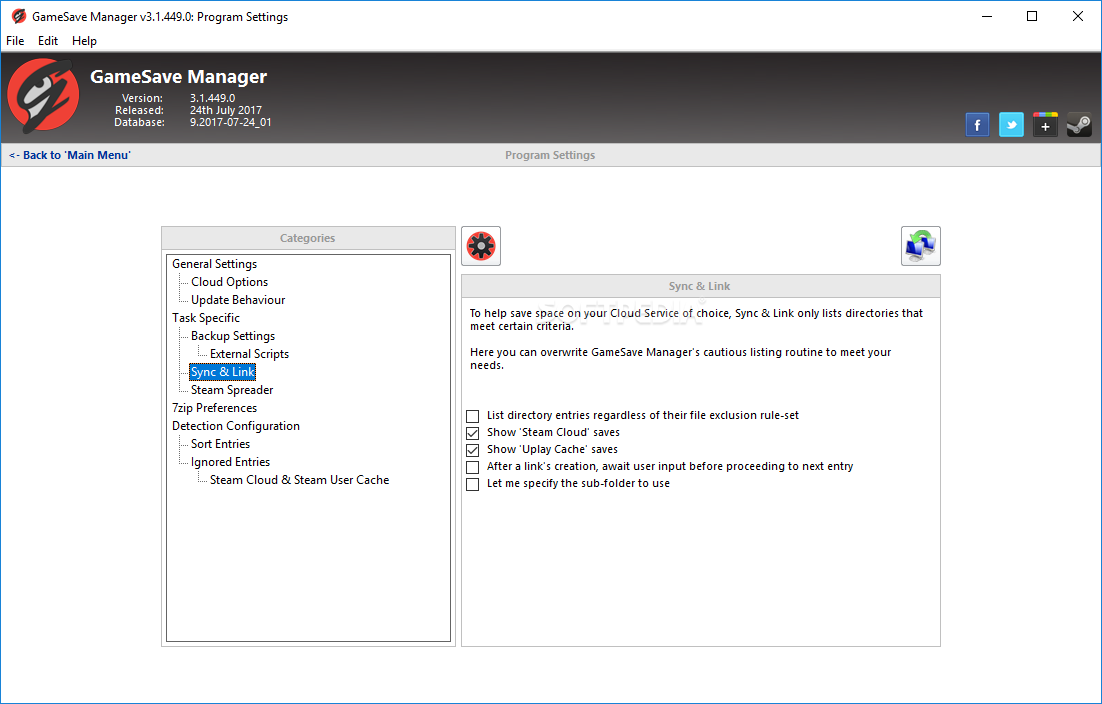
For some more peace of mind, consider also using the Sync & Link functionality to back up your stuff to the cloud in conjunction with saving it locally.
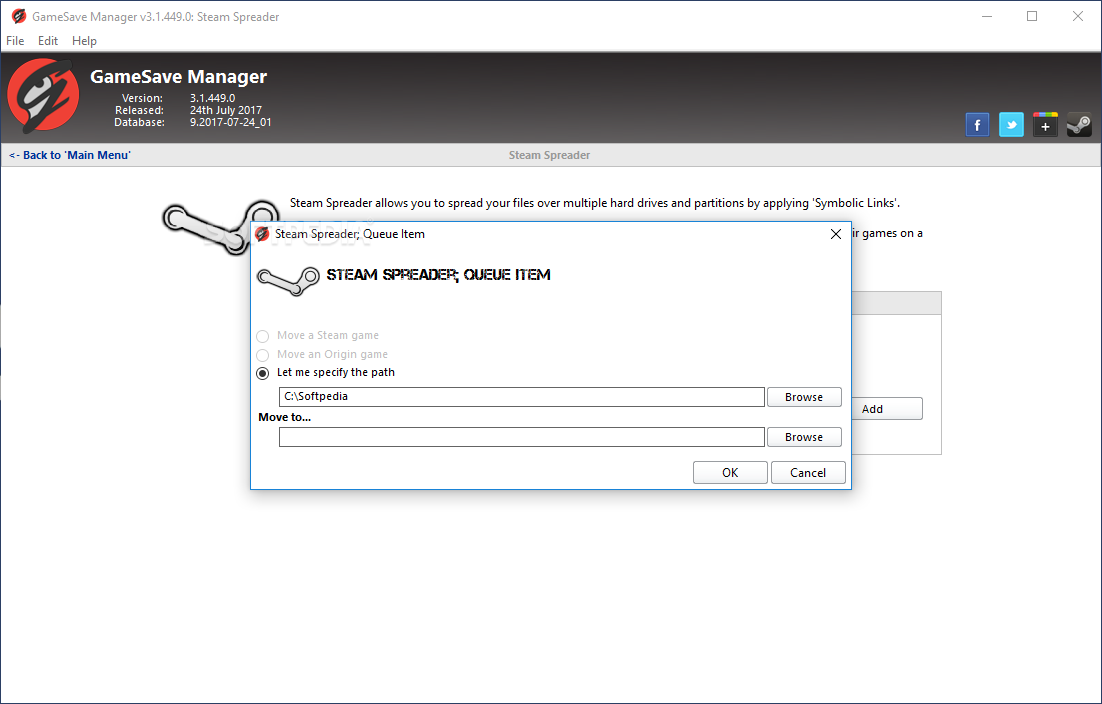
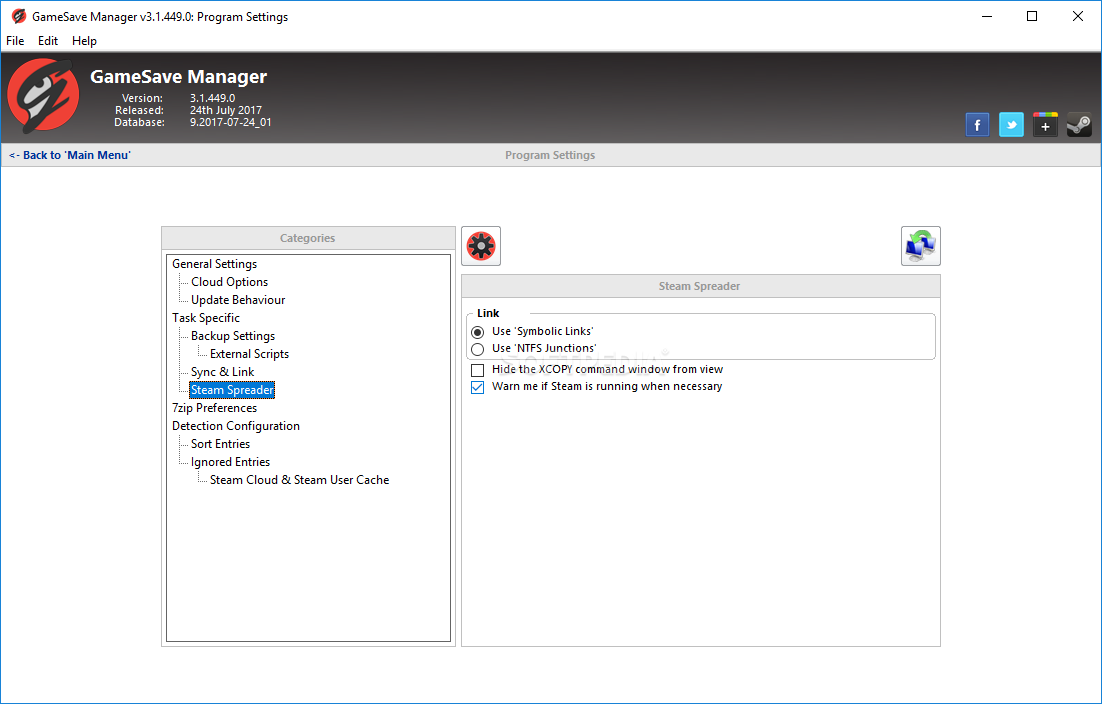
Aside from being a competent game save manager, the app also offers a Steam Spreader function, whereby users can spread their files over multiple drives due to storage or performance considerations. This can come in useful when you’re looking to relocate a game to an SSD, for instance.
GameSave Manager is a piece of software whose value is no doubt evident to gaming enjoyers, offering a viable way to back up your progress across a multitude of games.
GameSave Manager 3.1.535.0 / 4.0.090.0 Alpha
add to watchlist add to download basket send us an update REPORT- runs on:
-
Windows 11
Windows 10 32/64 bit
Windows 8 32/64 bit
Windows 7 32/64 bit - file size:
- 9.2 MB
- filename:
- GameSaveManager_3.1.535.0.zip
- main category:
- Others
- developer:
- visit homepage
paint.net

7-Zip

4k Video Downloader

Windows Sandbox Launcher

Microsoft Teams

Zoom Client

Bitdefender Antivirus Free

calibre

ShareX

IrfanView

- calibre
- ShareX
- IrfanView
- paint.net
- 7-Zip
- 4k Video Downloader
- Windows Sandbox Launcher
- Microsoft Teams
- Zoom Client
- Bitdefender Antivirus Free