
Real-time audio suitability checker that can measure the DPC and ISR execution times and display detailed information about the system. #Audio dropout #Audio suitability #ISR execution time #Latency #Measurement #DPC
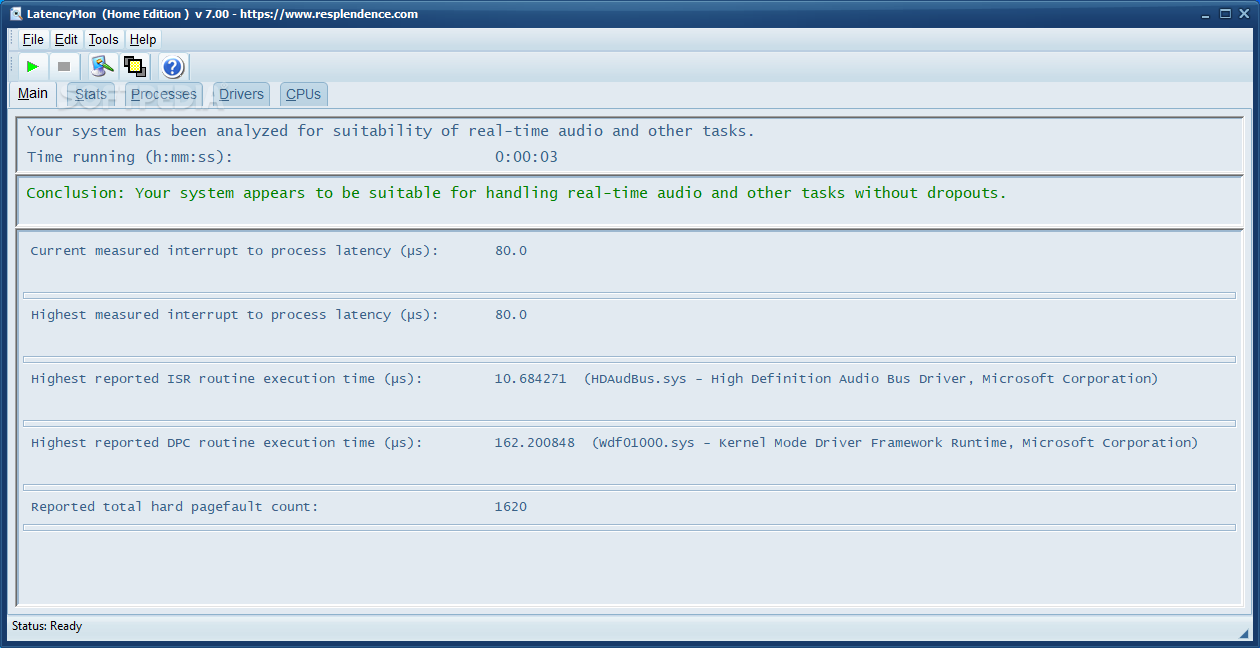
LatencyMon is a compact application designed to analyze your computer and provide you with important information about the overall latency. The data is relevant for the users who need to process real-time audio signals on their computer.
When performing CPU-intensive tasks on your system, the programs might encounter buffer underruns which can lead to errors or performance issues. In order to avoid these situations it is better to analyze the potential causes and take preventive measures.
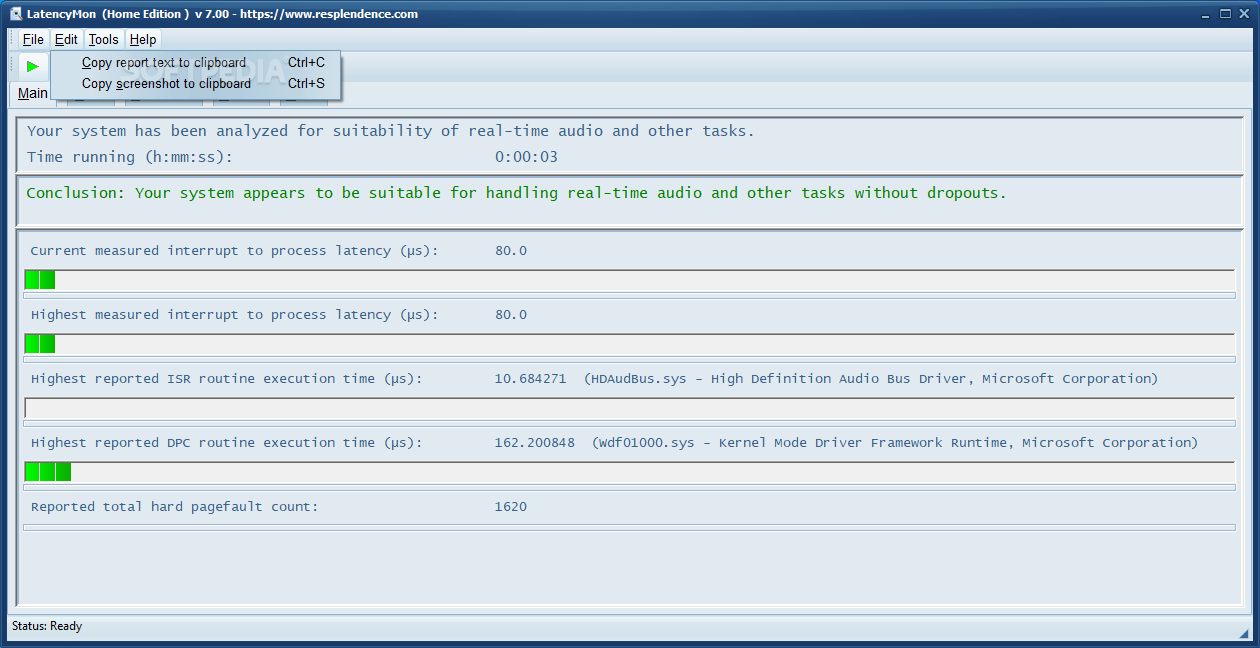
The LatencyMon allows you to perform the test and view the results with minimum effort. In fact, you just need to run the application and start the monitoring in order to view the results in the main window.
In order to assess the system performance, the program records the kernel time latencies and calculates the highest execution time for the interrupt service routines and the deferred procedure calls. These are displayed in real time during the test and added to the statistics page.
Although the application is easy to use, reading the results is a task for the experienced users which are more likely to need such a tool. However, the program offers you a brief interpretation of the test and the measures that should be taken for improving the performance.
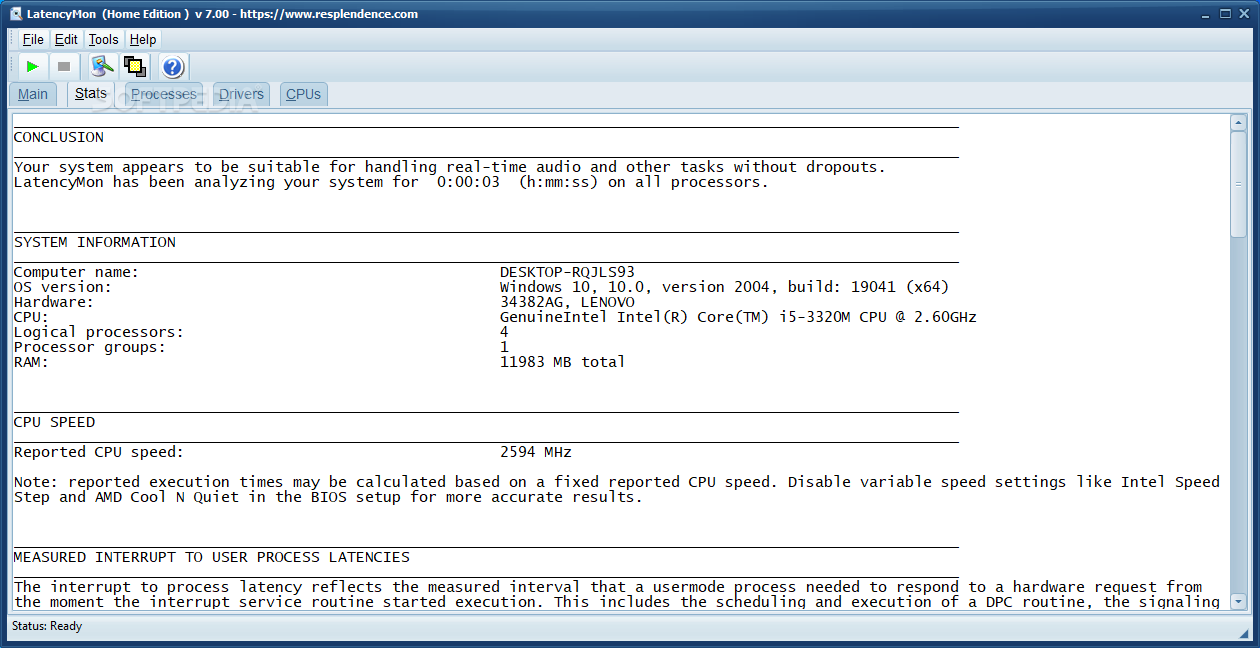
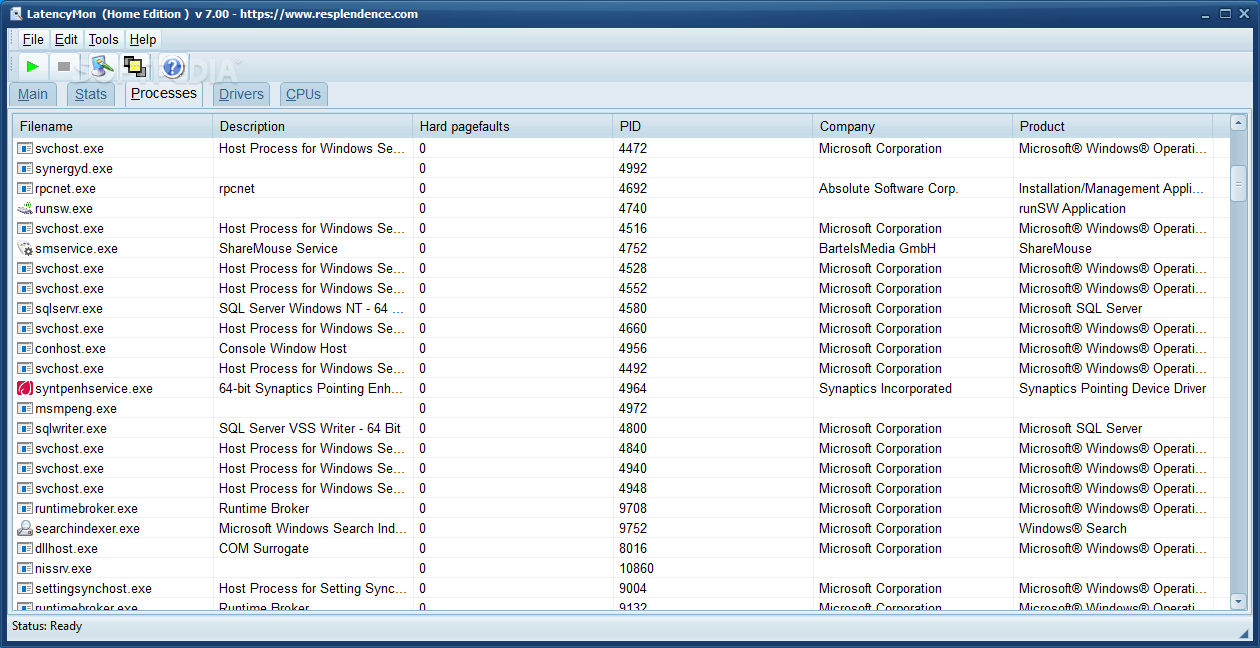
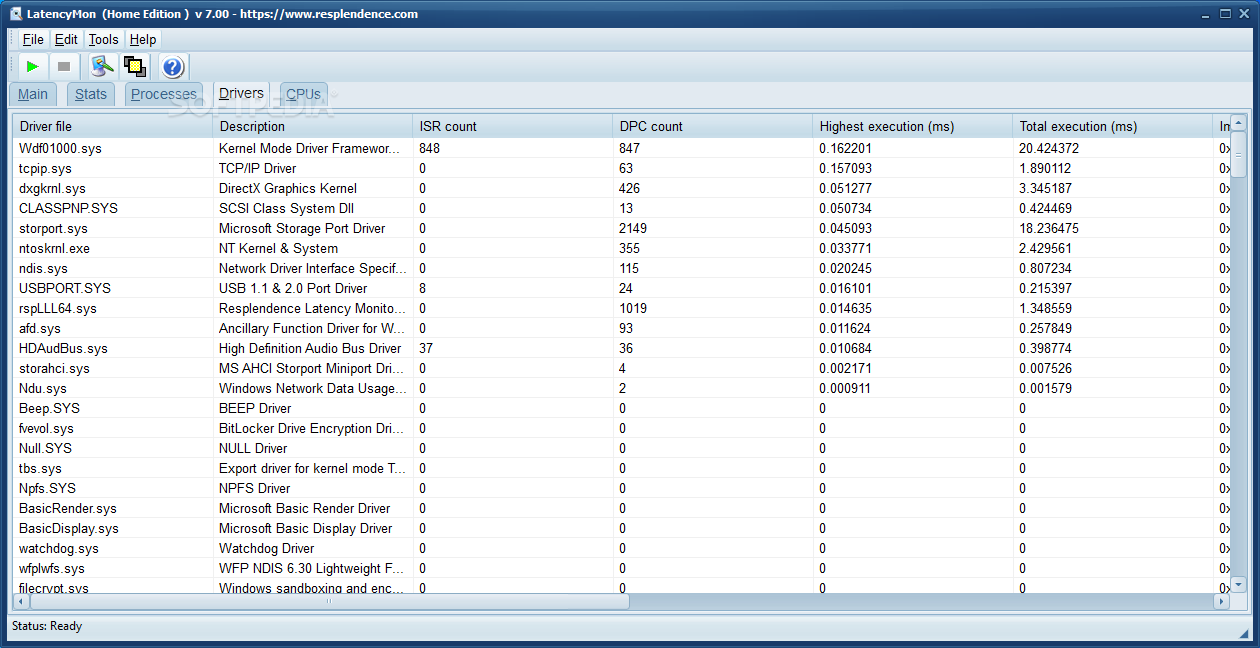
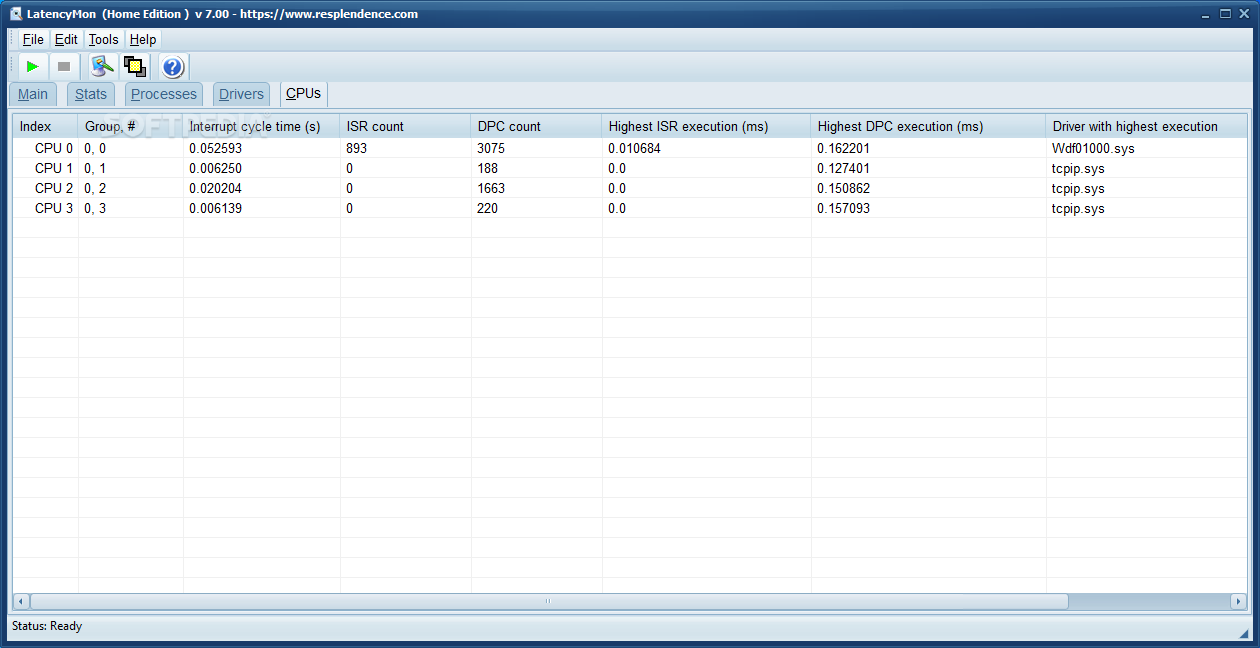
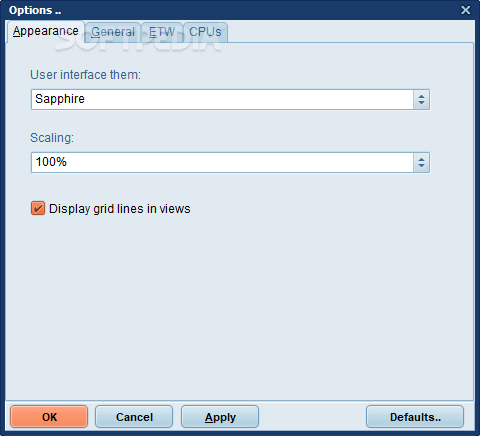
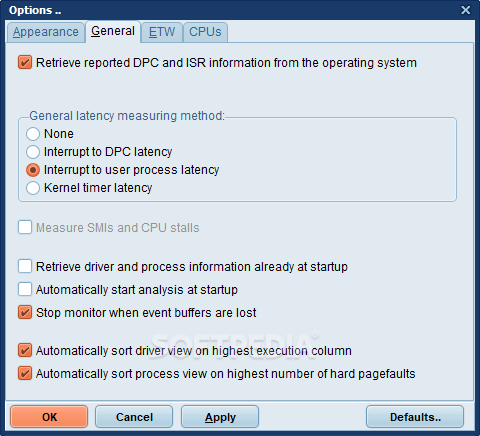
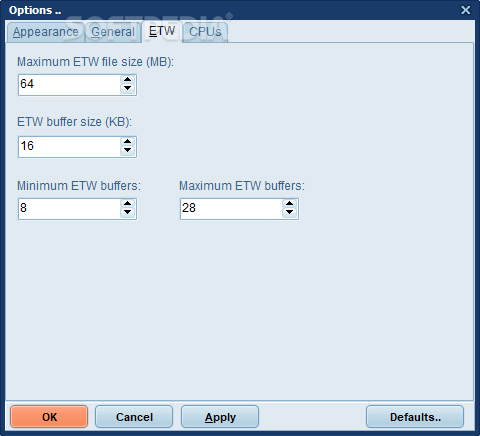
Besides the test results, the program can display the running processes, installed drivers and CPU core statistics which can be exported to text files. You can select the processor cores and adjust the test parameters in the Options window.
LatencyMon’s design has in mind the users who need to assess the computer’s ability to play real-time audio and comes in handy when you want to avoid clicks and pops in the audio output.
LatencyMon 7.31 Build 731.30728
add to watchlist add to download basket send us an update REPORT- runs on:
-
Windows 11
Windows Server 2022
Windows Server 2019
Windows Server 2016
Windows 10 32/64 bit
Windows Server 2012
Windows 2008 32/64 bit
Windows 8 32/64 bit
Windows 7 32/64 bit - file size:
- 3.3 MB
- filename:
- LatencyMon.exe
- main category:
- Others
- developer:
- visit homepage
paint.net

Microsoft Teams

IrfanView

4k Video Downloader

Windows Sandbox Launcher

calibre

Bitdefender Antivirus Free

7-Zip

Zoom Client

ShareX

- 7-Zip
- Zoom Client
- ShareX
- paint.net
- Microsoft Teams
- IrfanView
- 4k Video Downloader
- Windows Sandbox Launcher
- calibre
- Bitdefender Antivirus Free