
Create your own regular expressions. #Regex creator #Build regular expression #Regex tester #Regex #Regular expression #Syntax
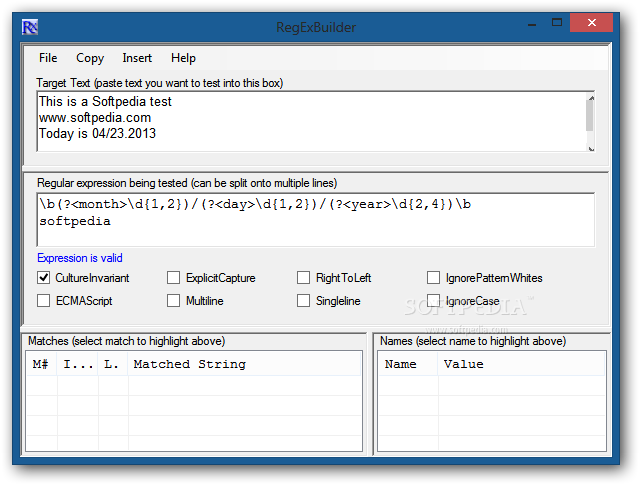
RegEx Builder is a practical tool that can create and verify the validity of regular expressions with just a few clicks. It allows you to test different builds on a text in order to verify the result before using them on your projects.
Regular expressions are often used by the applications that need to recognize a certain text fragment and extract it from a webpage or document. It is a useful tool but requires you to know the syntax and the rules required to build a working expression.
If you are not an expert with regular expressions you might need a safe environment to test your creation before using it in your applications. This program provides you with a testing area but its strength resides in the tools that help you build your string.
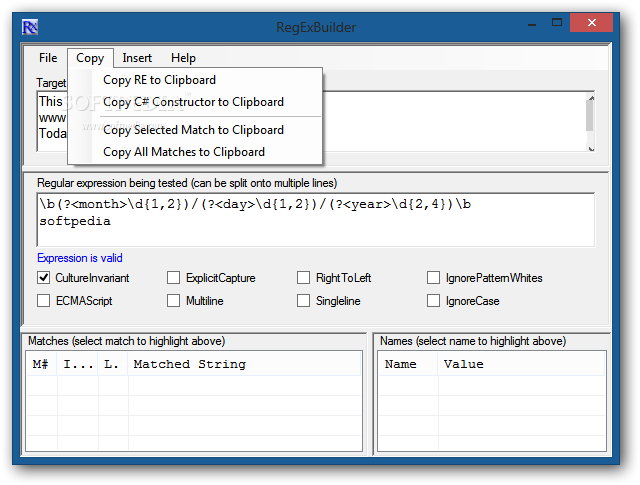
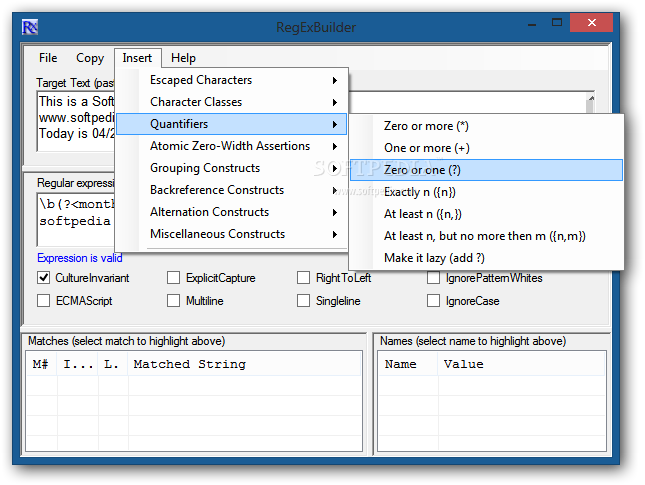
The Insert menu allows you to quickly add the desired element and clearly organizes the available regex components into categories. Thus, you can quickly add quantifiers, classes or escaped characters into your project.
If you are a beginner and do not where to start, the app includes several examples for both simple and complex expressions. The documentation allows you to get accustomed with the interface and the main functions but also provides references for learning the basic rules.
According to the available documentation you should be able to create expression templates by saving the files in certain folder. Although this feature could be really useful, we did not manage to use it on our test systems. However, the app does remember the last edited file and allows you to quickly load it in the program or insert it in the current project.
The interface is easy to use and the program requires insignificant resources in order to test or build the expressions. The test results are displayed instantly and you can edit the parameters of the test from the main window.
Overall, the RegEx Builder is a simple but effective tool that provides much more than a text editor. If you need to create and test regular expressions you need to try it for yourself.
RegExBuilder 2.0.2.4
add to watchlist add to download basket send us an update REPORT- runs on:
- Windows All
- file size:
- 761 KB
- filename:
- RegExBuilderSetup.msi
- main category:
- Others
- developer:
- visit homepage
Zoom Client

Windows Sandbox Launcher

Microsoft Teams

Bitdefender Antivirus Free

4k Video Downloader

Context Menu Manager

7-Zip

IrfanView

ShareX

calibre

- IrfanView
- ShareX
- calibre
- Zoom Client
- Windows Sandbox Launcher
- Microsoft Teams
- Bitdefender Antivirus Free
- 4k Video Downloader
- Context Menu Manager
- 7-Zip