
Powerful, comprehensive and intuitive software application that enables you to quickly create the family tree you want in no time at all. #Genealogy software #Genealogy tree #Family tree #Genealogy #Family #Relationship
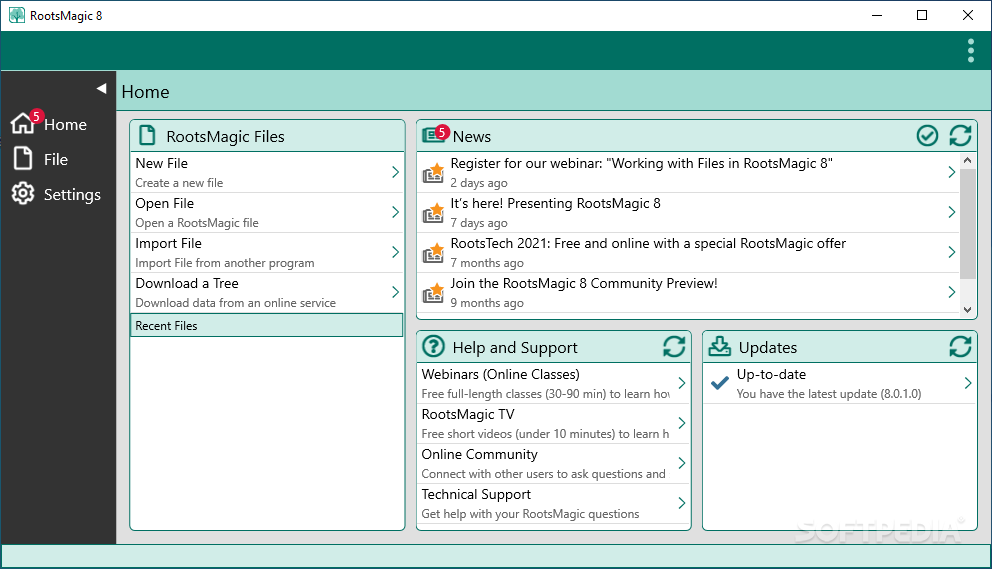
Recording history is an important thing in our culture as a species. Amongst large data stored for, objects and events, families are also kept track of. RootsMagic Essentials gives you the possibility to create amazingly in depth family trees.
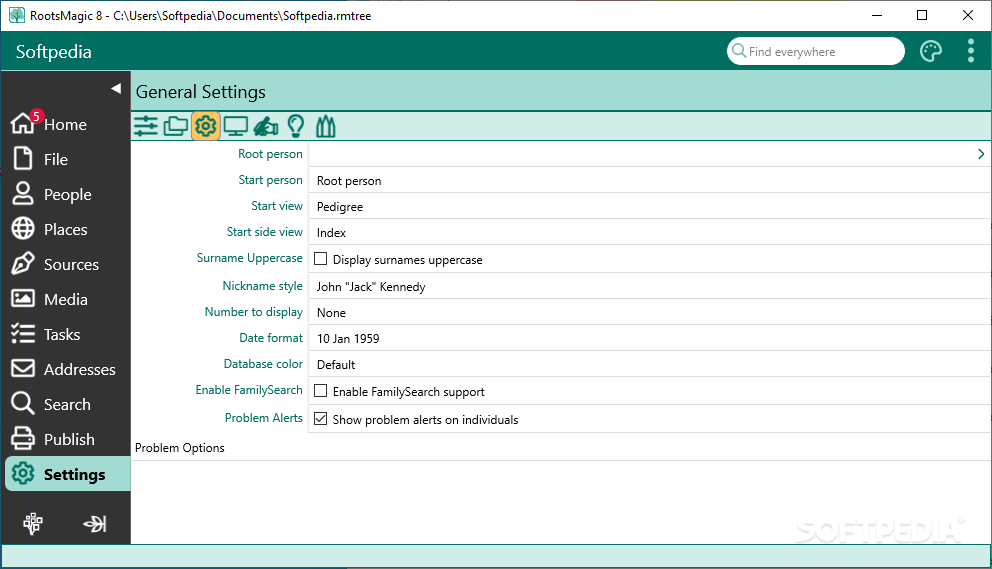
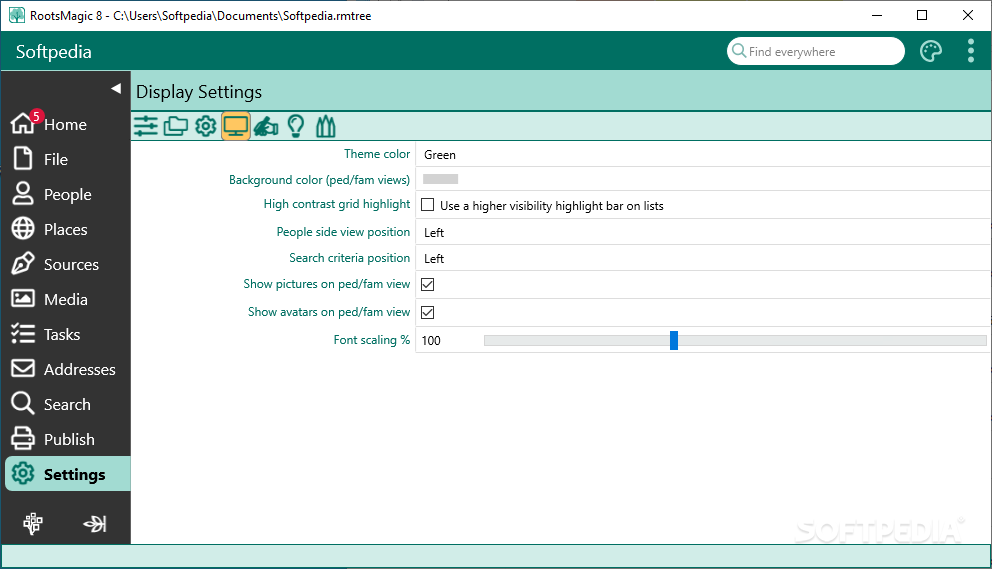
Although pretty looking enough even from the start, you are given the option to modify the aspect of the main window after your heart's desire. A few color schemes for the toolbar, and menu are available, as well as several styles and colors for the background of the family tree. Fonts can be edited for an ever greater visual enhancement.
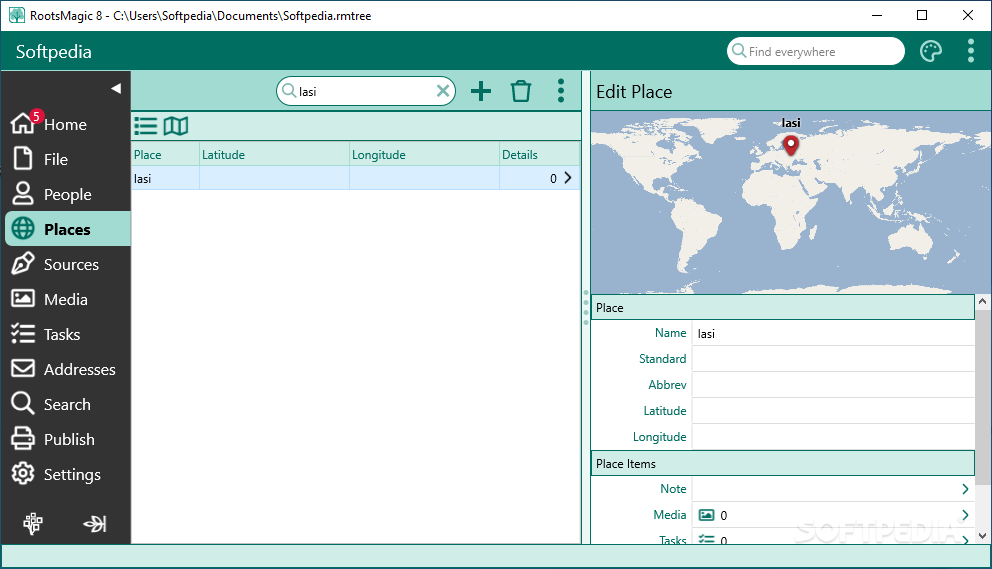
Tabs and menus are easy to spot and access, which is a useful thing, considering the amount of information you can manage.
The application offers a breathtaking amount of fields you can fill out for anyone you decide to add in your family tree.
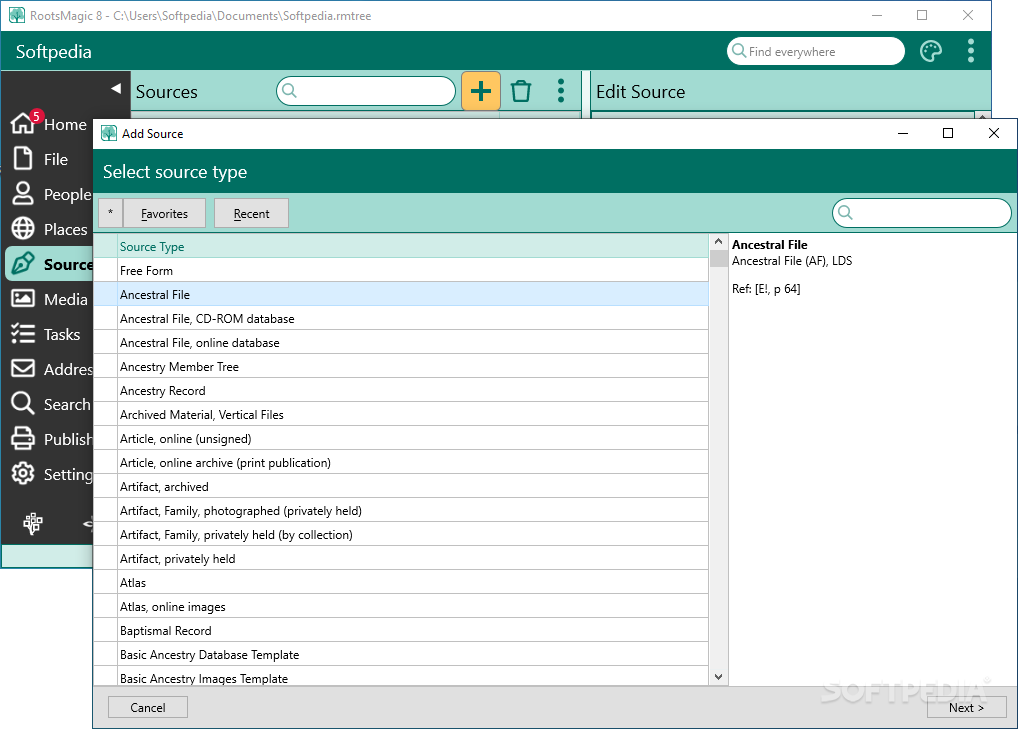
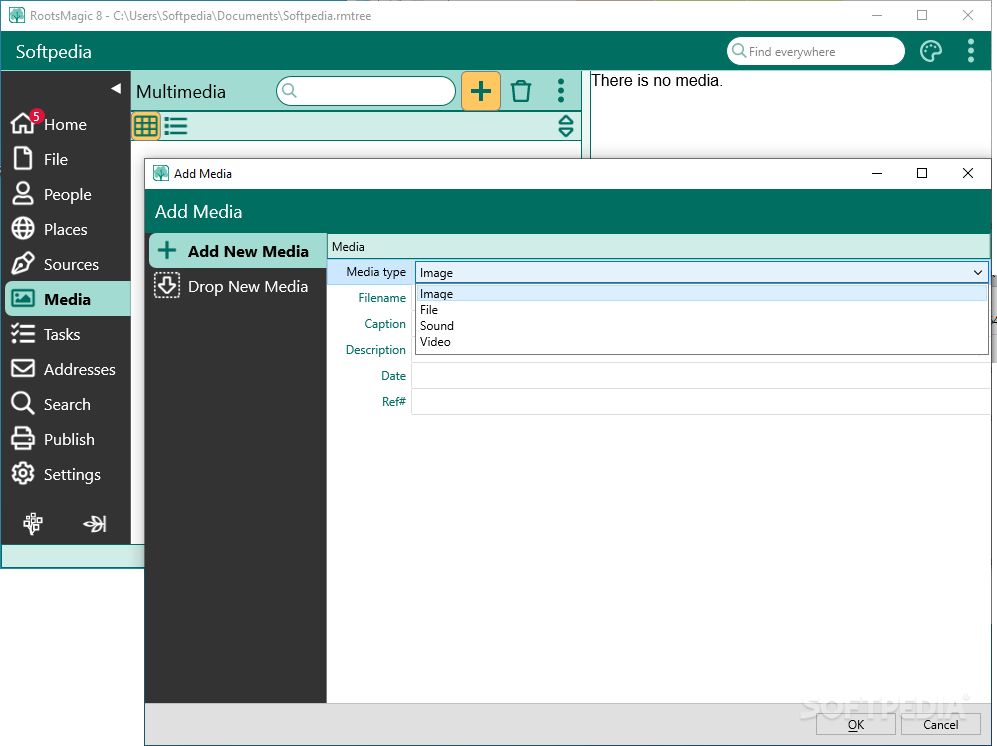
From the most basic aspects, like pictures, you are able to include data concerning “DNA test”, or “Will”. Pressing the “Design new fact type” button allows the creation from scratch of a completely new information field, in case you considered something was omitted in the development of the application.
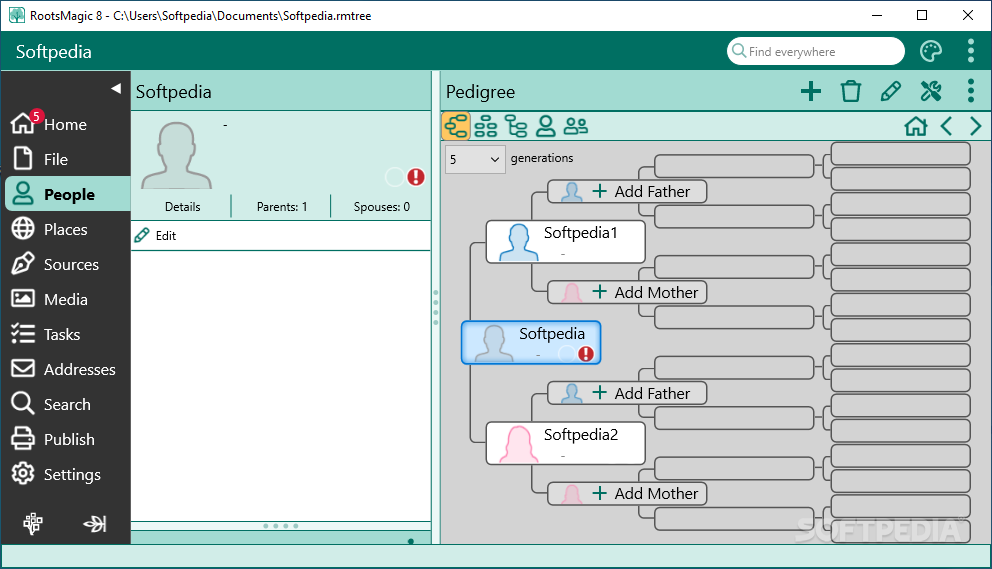
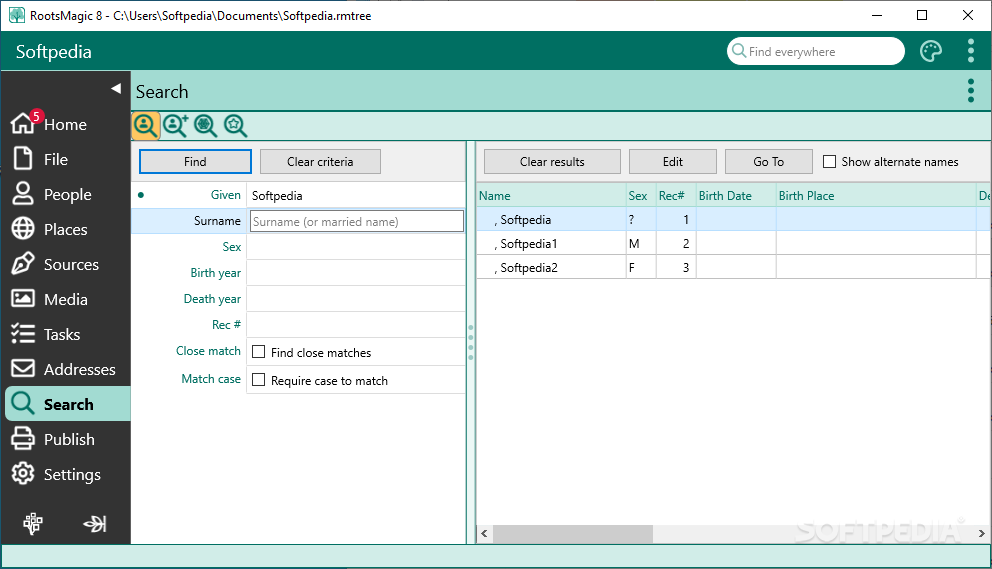
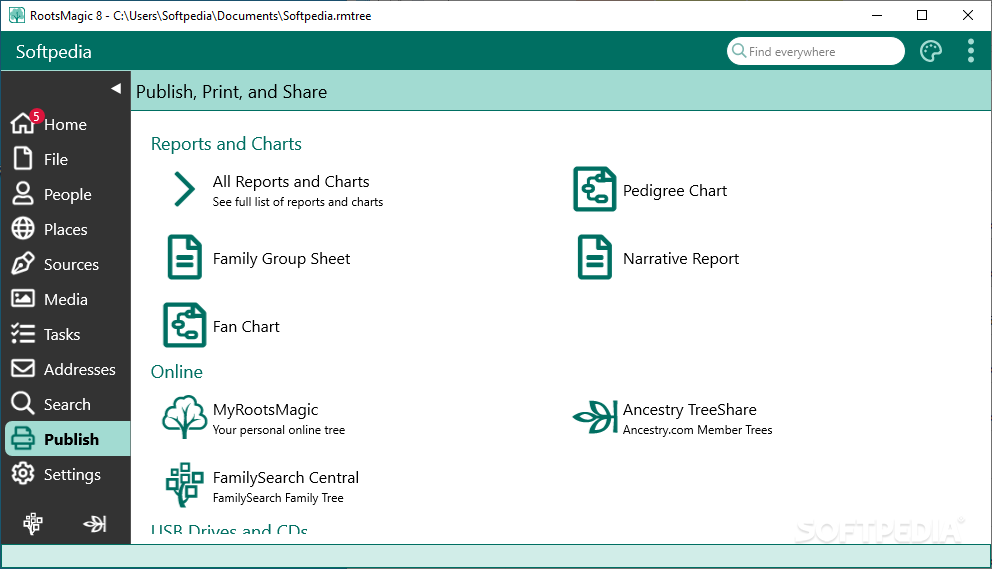
Multiple view types of the tree are available, including a timeline option, and individual people for better searching and editing. For even a further variety of content, there is even a “Create a Book” option which lets you create narrations which you can tie to your existing family tree.
Taking everything into consideration we can say that RootsMagic Essentials will keep you occupied for some time due to the rich content it offers. From the basic info of any person, to the most advanced and unimaginable options, the application offers you nearly endless possibilities. Start seeking out your relatives and getting to know them, because you will feel tempted to gather and record as much info as you can.
Download Hubs
RootsMagic Essentials is part of these download collections: Genealogy Tools
What's new in RootsMagic Essentials 9.0.2:
- Associations:
- Our innovative new Associations feature transforms your research by letting you easily keep track of the friends, associates, and neighbors that shaped your ancestors' lives.
RootsMagic Essentials 9.0.2
add to watchlist add to download basket send us an update REPORT- runs on:
-
Windows 11
Windows 10 32/64 bit
Windows 8 32/64 bit
Windows 7 32/64 bit - file size:
- 30.9 MB
- filename:
- RootsMagic9Setup.exe
- main category:
- Others
- developer:
- visit homepage
Windows Sandbox Launcher

Bitdefender Antivirus Free

Microsoft Teams

7-Zip

ShareX

4k Video Downloader

IrfanView

calibre

Zoom Client

paint.net

- calibre
- Zoom Client
- paint.net
- Windows Sandbox Launcher
- Bitdefender Antivirus Free
- Microsoft Teams
- 7-Zip
- ShareX
- 4k Video Downloader
- IrfanView