
pVoice is an application that was designed for Augmentative and Alternative Communication (AAC). #Speech creator #Voice generator #Symbols to speech #PVoice #Symbols2speech #Voice

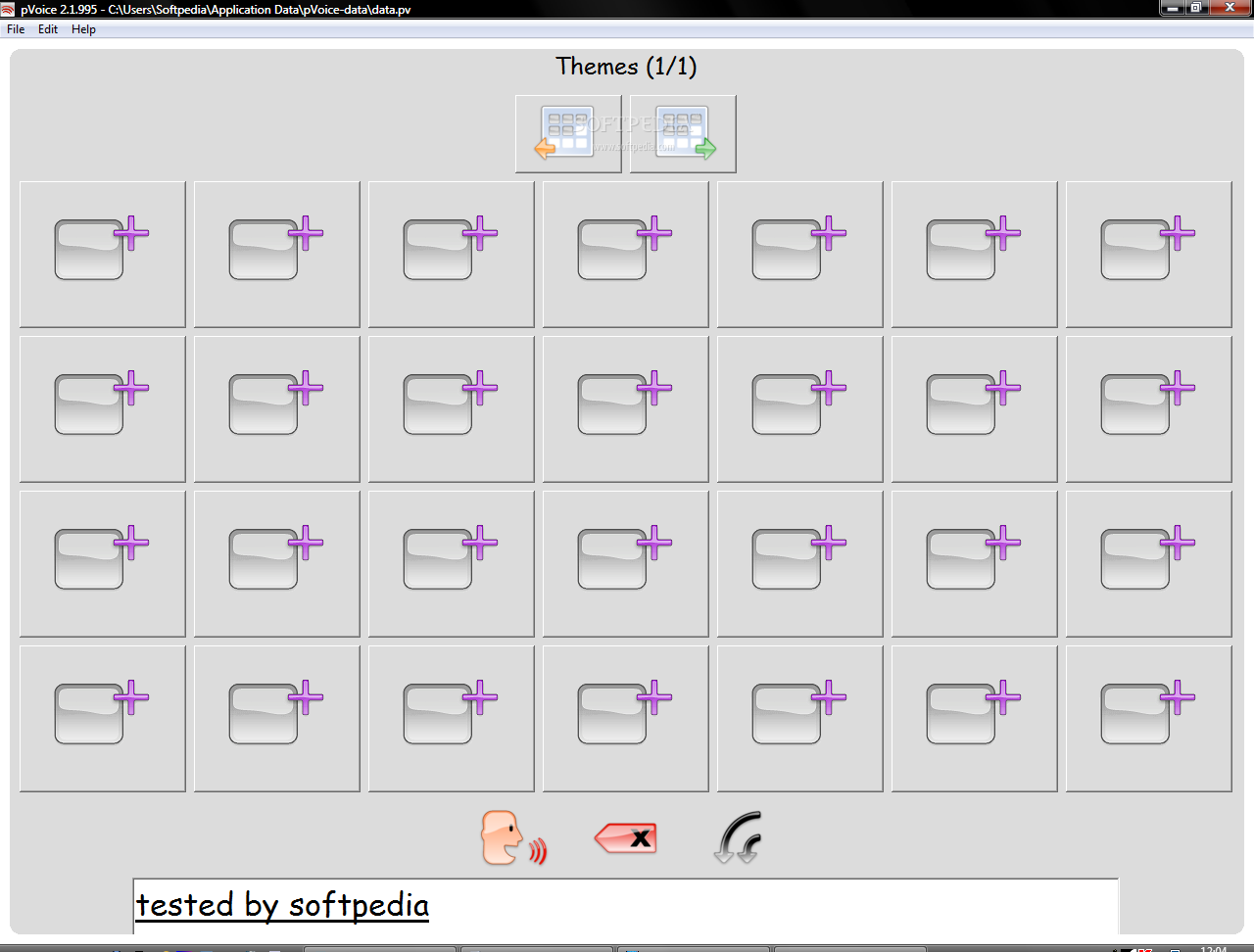
pVoice is an application that was designed for Augmentative and Alternative Communication (AAC). Disabled people who cannot speak and have very little possiblities to operate a computer can use pVoice by selecting photo's or symbols to generate speech output.
Starting from pVoice 2.2 (and thus the most recent beta version) you can extend pVoice's functionality by installing Plugins. pVoice supports two types of plugins. The first type is a 'Theme plugin', which acts like a theme in pVoice, but provides its own functionality. The second type is an 'Actionbar plugin', which installs itself into the actionbar (the bar at the bottom of the screen where you can also find the 'Talk' and 'Backspace' buttons), and therefore can execute a specific task.
■ pVoice 2.1 is available in English, Dutch, French, German, Spanish, Italian, Croatian, Turkish, Brazilian Portuguese, Swedish, Danish, Norwegian, Russian, Traditional Chinese and Simplified Chinese (the free Text To Speech 'engine' is not available for all of these languages
What's new in pVoice 2.2 Beta 5:
- New 'roundcornered' look and feel
- More input possibilities (single swich operation, keyboard and touchscreen combined with the input possibilities of pVoice 2.1, namely mousebuttons and the headsupport of the Adremo powered wheelchair)
- Possibility to load different datafiles (vocabularies)
- Numerous improvements in the 'editmode', amongst which remembering the settings of previously created themes
pVoice 2.2 Beta 5
add to watchlist add to download basket send us an update REPORT- runs on:
- Windows All
- file size:
- 1 MB
- filename:
- pvoice_2.2-Beta-5_setup.exe

- main category:
- Others
- developer:
- visit homepage
IrfanView

Windows Sandbox Launcher

4k Video Downloader

ShareX

Context Menu Manager

Bitdefender Antivirus Free

7-Zip

Microsoft Teams

Zoom Client

calibre

- Microsoft Teams
- Zoom Client
- calibre
- IrfanView
- Windows Sandbox Launcher
- 4k Video Downloader
- ShareX
- Context Menu Manager
- Bitdefender Antivirus Free
- 7-Zip