
The latest virus definitions for BitDefender Antivirus, BitDefender Antivirus Plus and BitDefender Internet Security, ready to be installed on offline systems. #Virus Definitions #BitDefender Updater #Definitions Installer #BitDefender #Definitions #Signature
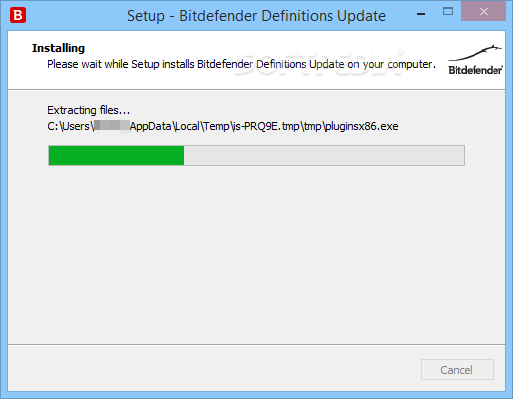
It's needless to say how important is to keep your Bitdefender (and not only) security software up-to-date. Having the latest virus definitions installed enables you to make sure your antivirus recognizes the latest threats, blocks their actions and sends them to the quarantine before the system is compromised.
The ever-growing number and the complex nature of threats make Bitdefender and other security companies release virus signatures almost daily. Aside from virus signatures, these include spam signatures, which add new filters and rules for the antispam engine in Bitdefender products.
The virus signatures are normally downloaded and installed automatically by the Bitdefender product you own. It is recommended that you allow your Bitdefender product to automatically scan for new definitions and update its database silently. However, manual update is also possible. Nevertheless, there might be situations when your computer gets disconnected from the Internet, and the automatic download is not possible anymore. In this case, you can use the latest BitDefender Virus Definitions package to make sure the virus signatures are up-to-date.
To install the virus definitions, you must download the package that matches your operating system's architecture (x86 or x64), while also making sure you are grabbing the correct edition. The definitions installer must be transfered to the offline computer using any portable storage media and launched just like a regular application. After hitting a few 'Next' buttons in the setup wizard, your Bitdefender product will have all the latest definitions installed.
There are definition packages for various editions of Bitdefender products, from the latest (2016 / 2015) going back to version 7, almost each with dedicated x86 and x64 setup files.
Regardless of the edition you own, you should know that the BitDefender Virus Definition packages should work with Bitdefender Antivirus Plus, Bitdefender Internet Security, and Bitdefender Total Security.
System requirements
Download Hubs
BitDefender Virus Definitions is part of these download collections: Virus Definitions
BitDefender Virus Definitions April 12, 2024
add to watchlist add to download basket send us an update REPORT- runs on:
- Windows All
- file size:
- 309 MB
- filename:
- weekly_x64.exe
- main category:
- Others
- developer:
- visit homepage
Bitdefender Antivirus Free

calibre

Zoom Client

IrfanView

ShareX

4k Video Downloader

Microsoft Teams

Context Menu Manager

Windows Sandbox Launcher

7-Zip

- Context Menu Manager
- Windows Sandbox Launcher
- 7-Zip
- Bitdefender Antivirus Free
- calibre
- Zoom Client
- IrfanView
- ShareX
- 4k Video Downloader
- Microsoft Teams
