
Update your Kaspersky program even if your computer is not connected to the Internet with the help of this simple and intuitive application. #Update Kaspersky #Kaspersky Update #Offline Update #Kaspersky #Updater #Offline

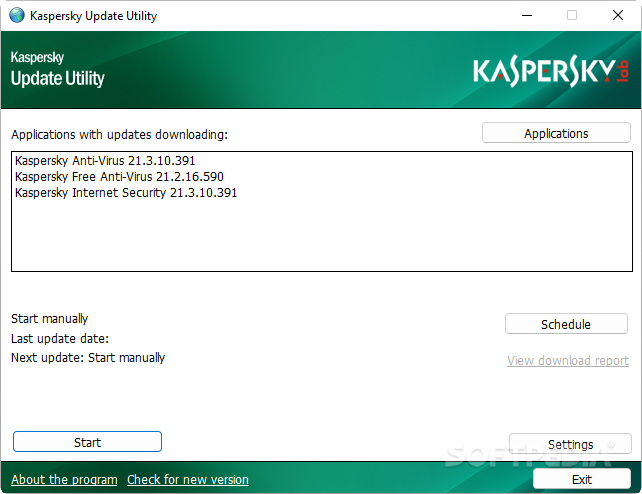
With a self-explanatory name, Kaspersky Update Utility is a streamlined and useful piece of software designed form the ground up to aid you in keeping all your Kaspersky products updated from official sources.
The utility is approachable by both experienced or inexperienced users, since it can be used as any other program thanks to a streamlined interface or in console mode with the help of the Command Prompt.
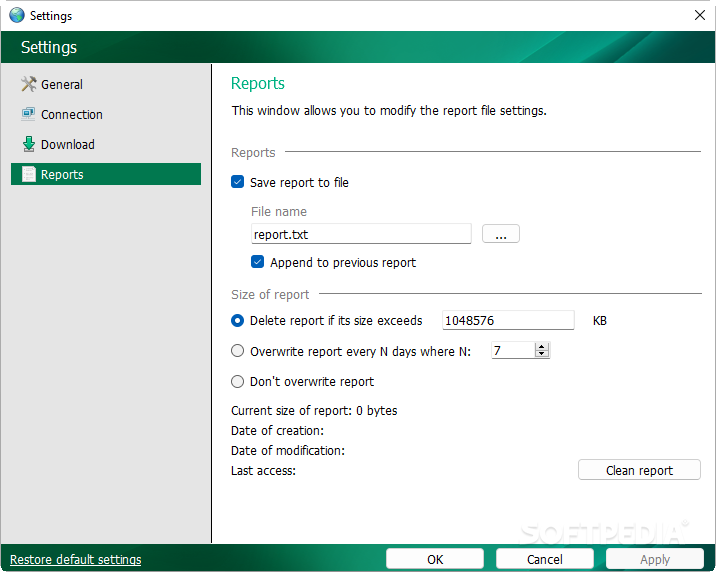
If you choose to go for the console mode, simply open Command Prompt, type the utility's path and press Enter. From this point forward, you should see a list of command line parameters that help you perform basic tasks like starting an actual update, enabling silent mode or creating reports.
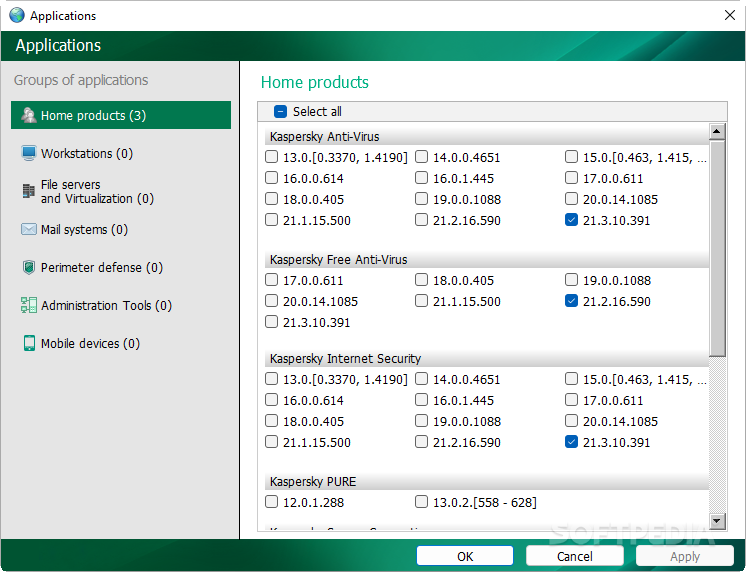
By running the software solution in the UI mode, you can update your Kaspersky products even easier. Upon first launching the program, you are met by a pragmatic and compact main window. Before anything, you should select the products that you want to update from the provided list by accessing the “Applications” section.
This is a good time to point out that this utility is compatible with a plethora of Kaspersky products, ranging from the most modern to some that have been discontinued for a while now.
This said, regardless if we are talking about products for home users and small offices or some business-orientated ones like workstations, file servers, mail servers and Internet gateways, Kaspersky Update Utility has everything covered.
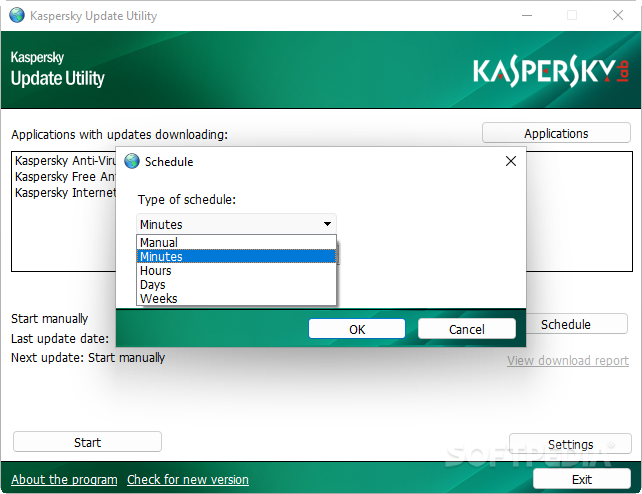
Once you know for which apps you want to download updates, you only need to click the Start button and the app automatically scans and downloads all the necessary files. Alternatively, you can rely on its Schedule feature that allows you to program updates for time intervals of minutes, hours, days or weeks.
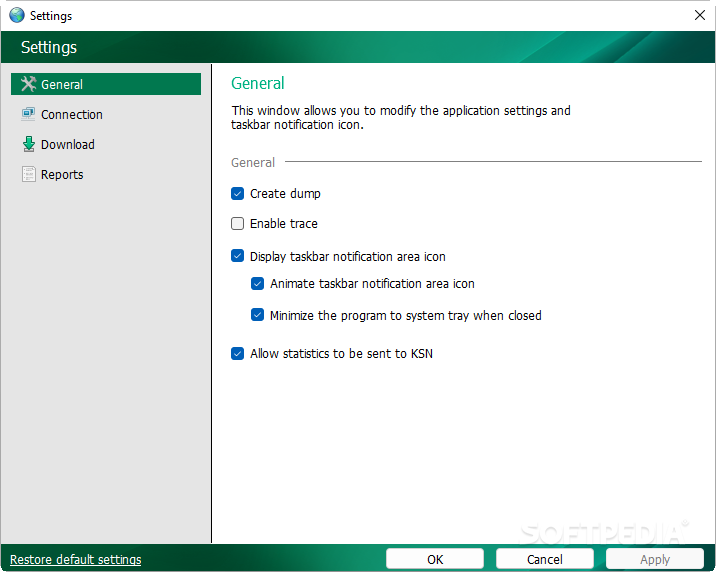
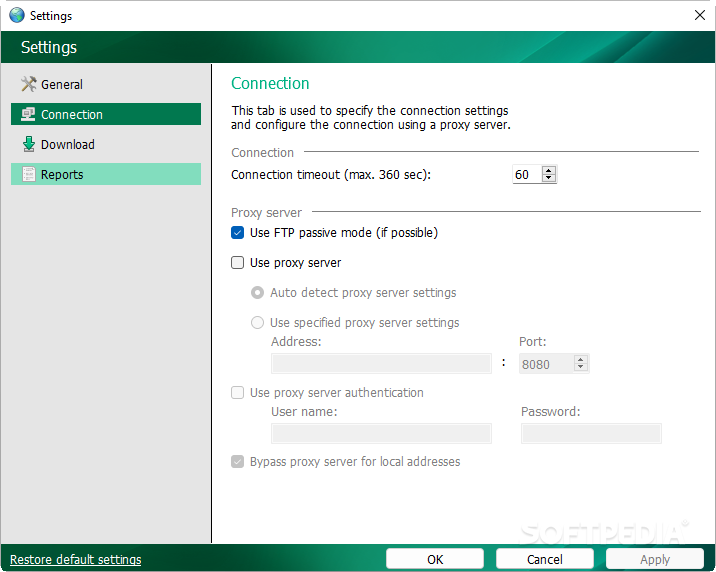
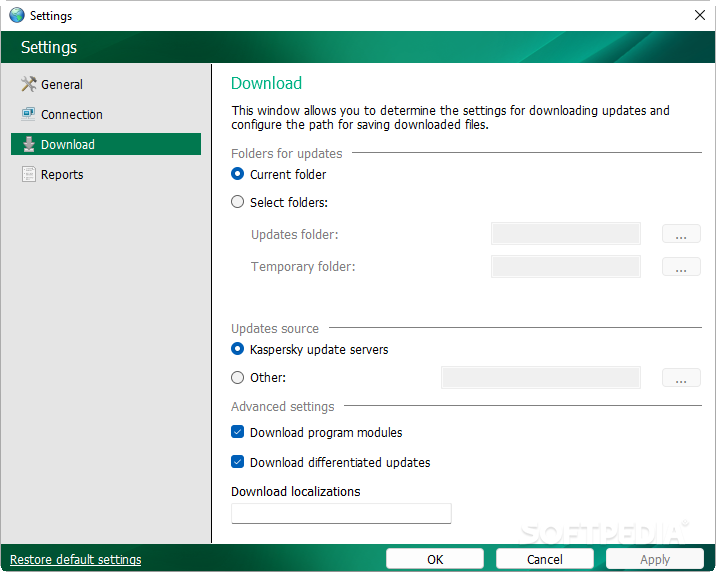
As expected, you can select the exact location where the databases are downloaded and the paths for the update sources, with just a few mouse clicks within the Settings window.
Kaspersky Update Utility is a powerful tool dedicated to users who own large numbers of Kaspersky products and who want to make sure that all of them are always up to date from under a single roof.
What's new in Kaspersky Update Utility 4.1.0.474:
- The FreeBSD operating system is no longer supported.
- Insecure HTTP connections are no longer supported. Kaspersky Update Utility uses only the secure HTTPS protocol.
- The option to specify user credentials to connect to the proxy server when working with the application from the command line has been added. Kaspersky Update Utility uses entered credentials only for the current session.
- Improved security and fault-tolerance of the application.
Kaspersky Update Utility 4.1.0.474
add to watchlist add to download basket send us an update REPORT- runs on:
-
Windows 11
Windows Server 2022
Windows Server 2019
Windows Server 2016
Windows 10 32/64 bit
Windows Server 2012 R2
Windows Server 2012
Windows 2008 R2
Windows 8 32/64 bit
Windows 7 32/64 bit - file size:
- 17.2 MB
- filename:
- kuu4.1.0.474_en.zip
- main category:
- Others
- developer:
- visit homepage
4k Video Downloader

IrfanView

ShareX

Microsoft Teams

7-Zip

calibre

paint.net

Bitdefender Antivirus Free

Windows Sandbox Launcher

Zoom Client

- Bitdefender Antivirus Free
- Windows Sandbox Launcher
- Zoom Client
- 4k Video Downloader
- IrfanView
- ShareX
- Microsoft Teams
- 7-Zip
- calibre
- paint.net