WINDOWS CATEGORIES:


NEWS ARCHIVE >>
SOFTPEDIA REVIEWS >>

WEEKLY HIGHLIGHTS

DVD Cloner45
Spyware Doctor40
1Click DVD Copy40
Apollo DVD Copy40
ABC Amber BlackBer...45
Protected Music Co...40

7-DAY TOP DOWNLOAD

#
Program
Avira AntiVir
Personal - Free
Antivirus 9.0.0.415

154,543
Windows Live
Messenger 2009
14.0.8089.726

129,339
Nexus Radio 4.2.2
115,575
Avira Antivir Virus
Definition File
Update November 30,
2009

113,249
FreeZ Online TV 1.30
85,014
Y! Multi Messenger
8.x and 9.x

70,259
Microsoft Office
2010 14.0.4536.1000
Beta / 2007

66,632
DVD Shrink 3.2.0.15
47,470
Windows Live
Messenger
8.5.1302.1018

46,629
AVG Free Edition 9.0
Build 707a1765

42,592

WEEK'S BEST

  • VirtualBox 3.1.0 r...
  • SiSoftware Sandra ...
  • Kaspersky Virus Re...
  • Faststone Image Vi...
  • Vuze (formerly Azu...
  • Softpedia Wallpape...
  • Softpedia Wallpape...
  • Softpedia Wallpape...
  • RSSOwl 2.0.1
  • Internet Explorer ...
  • Online Armor ++ 4....
  • cFosSpeed 5.01 Bui...
  • SONY Vegas Pro 9.0...
  • Firefox 3.6 Beta 4...
  • Nokia Photos 1.6.434
  • Windows Server 200...
  • Skype Portable 4.1...
  • Google Chrome Port...
  • PCMark Vantage Bas...
  • Kaspersky Anti-Vir...
  • Microsoft Virtual ...
  • Messenger Plus! Li...
  • WinX DVD Author [F...
  • SoftPerfect Networ...
  • System Mechanic Pr...
  • Ad Muncher 4.81 Bu...
  • Windows 7 Upgrade ...
  • Pidgin 2.6.4
  • OpenOffice.org Dev...
  • VirtualDub 1.9.7 B...
  • Home > Windows > PORTABLE SOFTWARE > Compression Tools
     Report spyware

    Portable PowerArchiver 2009 11.03.04

    Download button

    Downloads: 5,846  Add to download basket  Tell us about an update
    User Rating:
    Rated by:
    Good (3.3/5)
    26 user(s)
    Developer:

    License / Price:

    Size / OS:

    Last Updated:

    Category:
    ConeXware Inc | More programs
    Trial / EUR 19.95 | BUY the full version
    8.9 MB / Windows 2K / XP / Vista
    December 1st, 2008, 21:33 GMT
    C: \ PORTABLE SOFTWARE \ Compression Tools

     Read user reviews (0)  Add a review  Refer to a friend  Subscribe


    Portable PowerArchiver 2009 description


    Run a handy archiver from your U3 smart drive for ultimate portability

    It's great to have a powerful archiving utility like PowerArchiver installed on your PC, but what about when you're not at your desk? Now there is an answer: PowerArchiver for U3 Smart Drives!

    U3 is the company behind the innovative platform that transforms USB flash drives from simple storage devices into USB smart drives that make software programs, personal preferences, passwords and settings, and files more portable, personal, and protected.

    With PowerArchiver for U3 Smart Drives, you can simply plug in the USB stick and instantly use PowerArchiver wherever you go -- without having to install and uninstall the application. With U3, you can create your own personal workspace without lugging around a laptop.

    This software will prove to be one of the most powerful archive tools available and has already been downloaded by millions of users worldwide.

    PowerArchiver offers you hundreds of features, yet remains small, easy to use and fast. Novice users will find a familiar interface complete with tutorial and detailed help, while more experienced users can take advantage of full

    Explorer integration, multiple encryption methods and advanced compression algorithms.

    Full Windows Vista Support
    PowerArchiver includes full support for Microsoft's newest operating system, Windows Vista. User Account Control and new Vista dialog windows such as New, Open and Save are supported.

    You do not need to worry about compatibility problems with PowerArchiver if you are using or considering upgrading to Vista - we have done extensive testing to ensure everything works perfectly.

    New, Modern User Interface
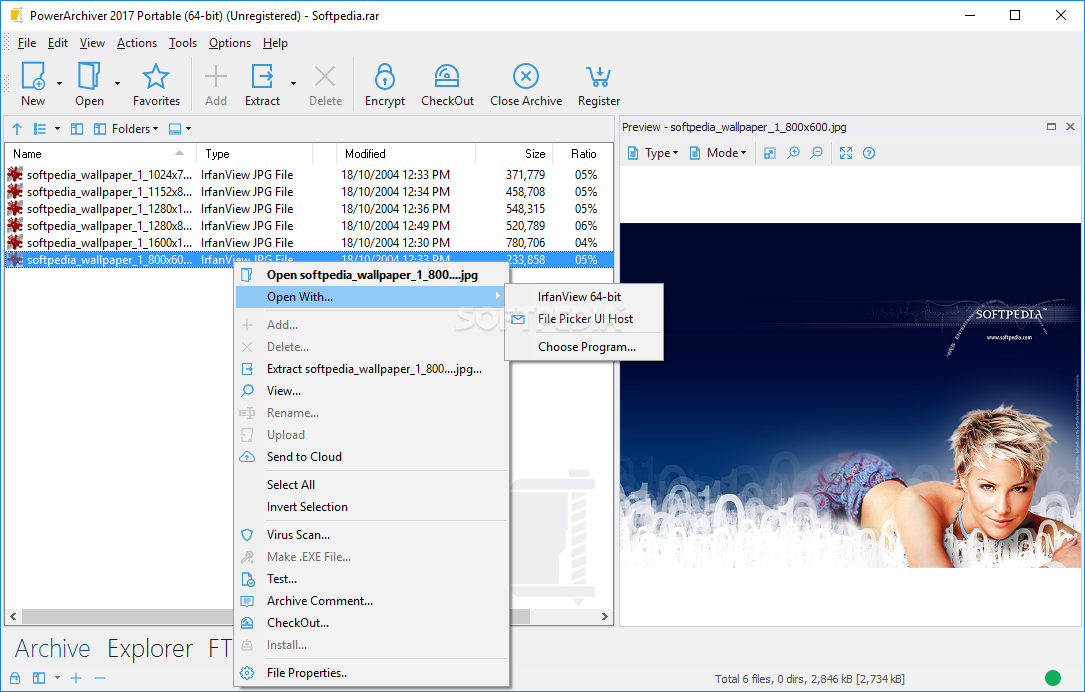
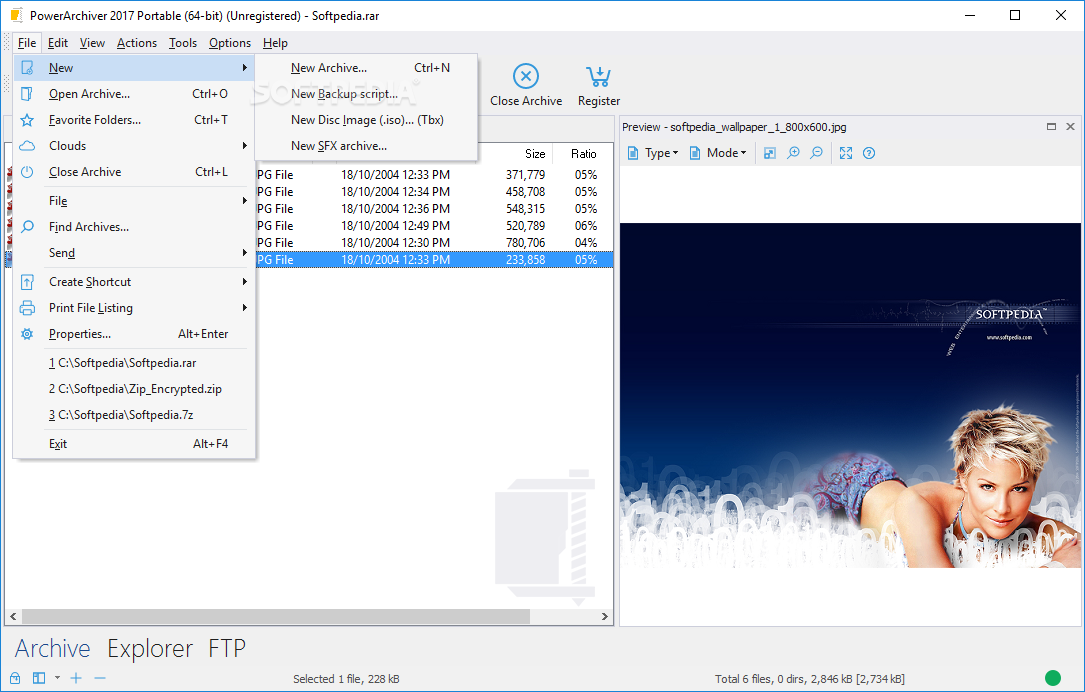
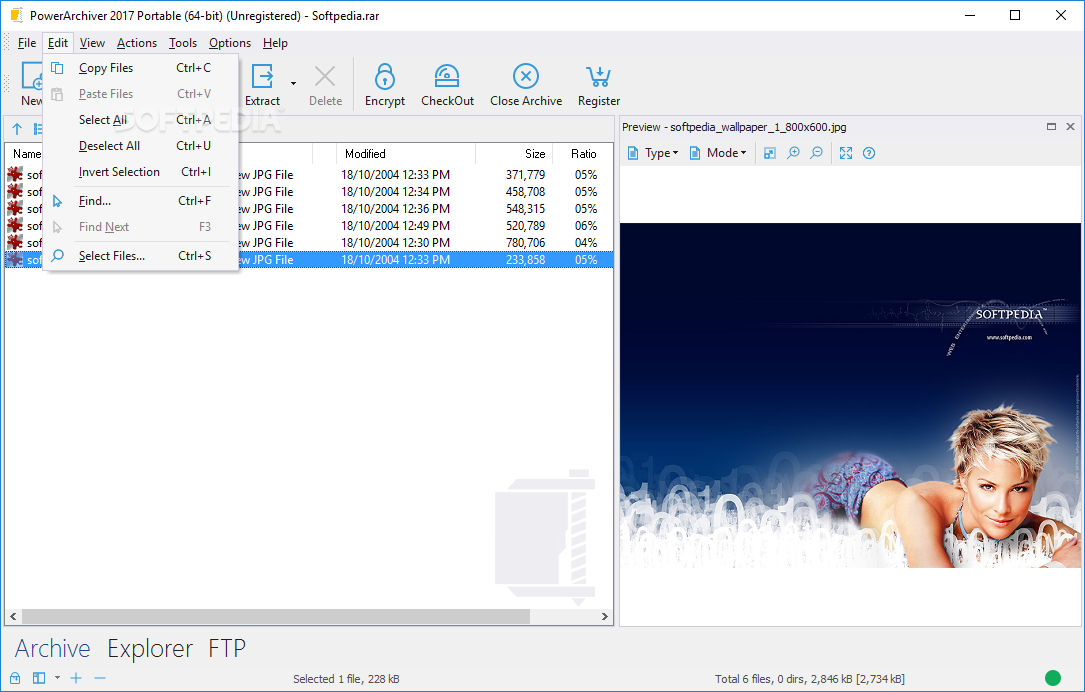
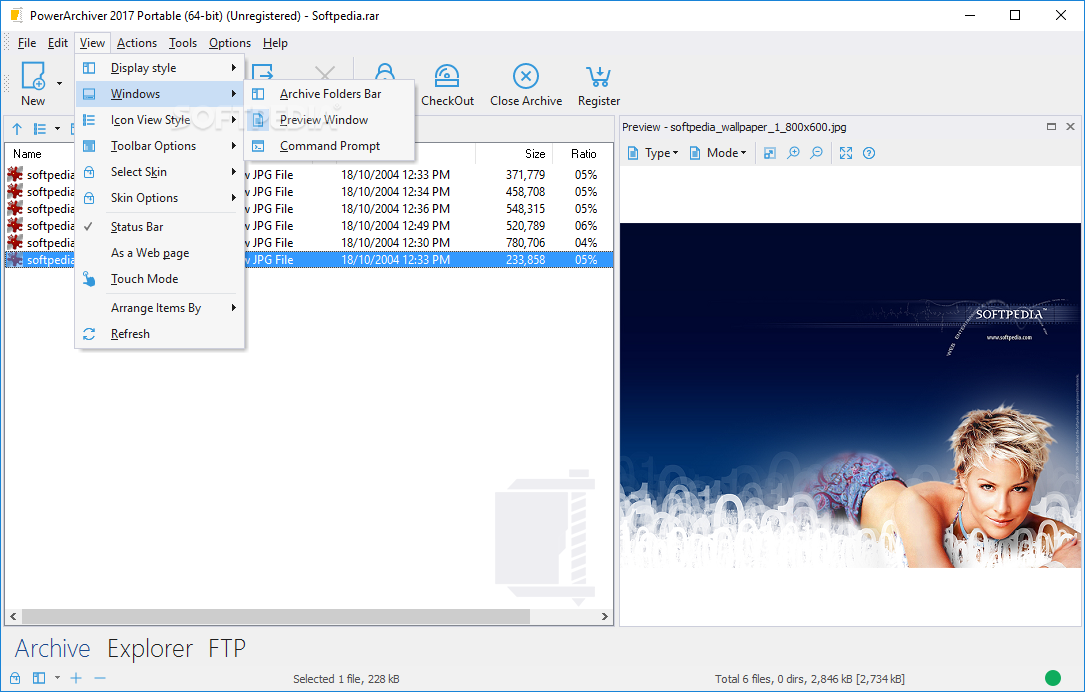
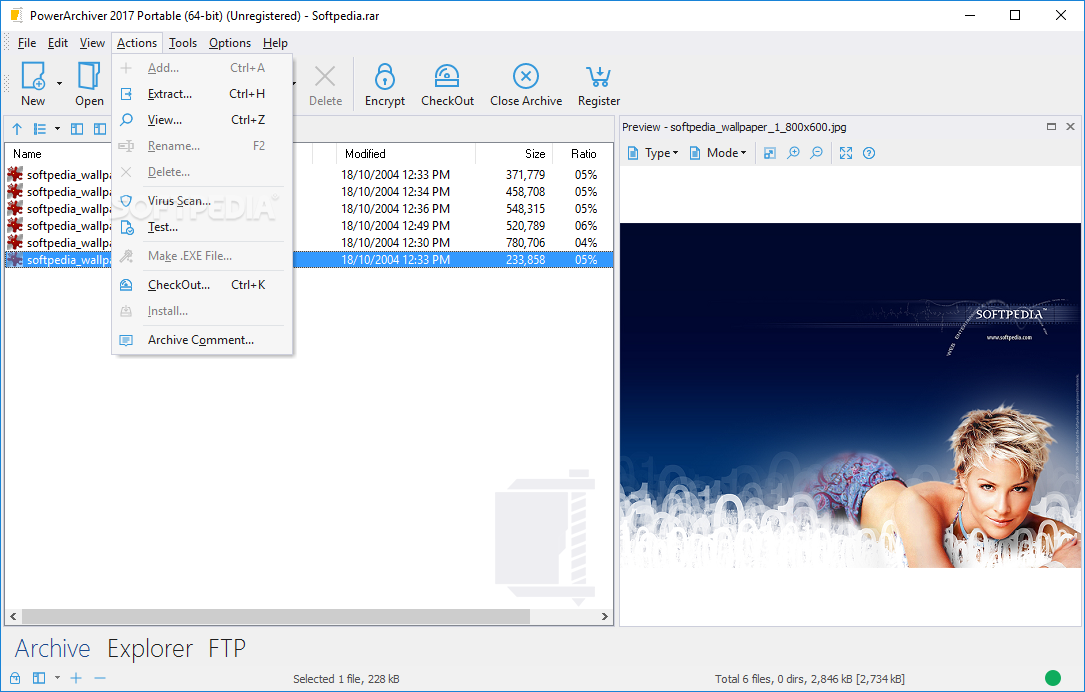
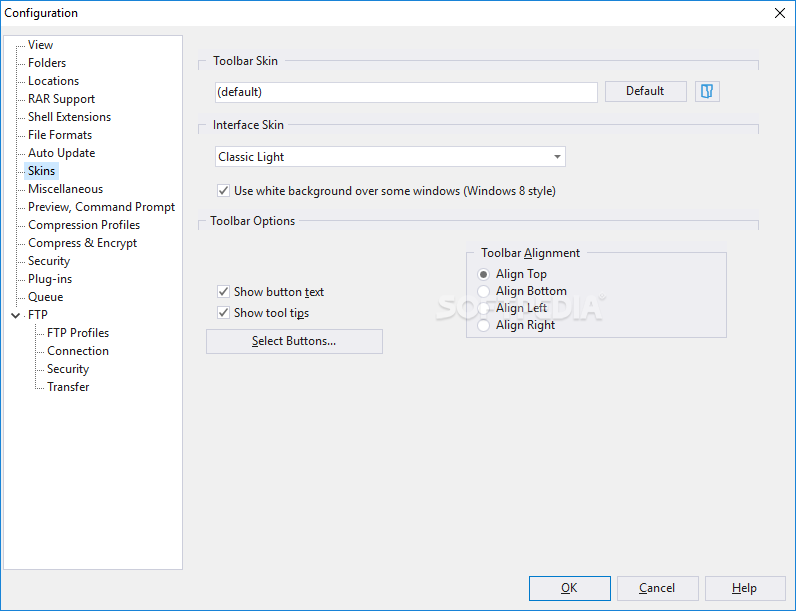
    A completely revamped user interface in PowerArchiver makes it easier to access the wealth of features that PowerArchiver has. This task-based interface utilizes the same "Ribbon" design found in Microsoft Office 2007, and ensures you qick access to the most used features while not hidding others under layers of menus.

    For those that desire the older look, PowerArchiver's Classic interface is still available.

    Superior ZIP Support
    PowerArchiver offers superior ZIP format support compared to other archivers. Here are the highlights:
    ■ Support for unlimited file size and unlimited number of files in ZIP archives
    ■ Support for advanced Deflate64 method providing higher compression ratios
    ■ ZIP AES support (both PkZip 5.1 and WZ 9.0 standards supported)
    ■ Fast and strong compression and decompression
    ■ Multiple disk spanning, with support for unlimited span sizes

    7-Zip Compression
    7-Zip is an advanced compression format featured in PowerArchiver. It is an open source format, providing an open architecture and high compression ratio. 7-Zip outperforms ZIP, ACE and even RAR in many tests. However, 7-Zip's greatest strength is that it is not controlled by any organization or individual, but by an open source LGPL project to which anyone can contribute. More information on 7-Zip and its superior compression can be found at 7-Zip.org.

    PowerArchiver introduces a new Transparent Update feature for 7-Zip archives, which allows you to quickly add or remove files even if the archive is "Solid."

    Multiple Formats Support Including ISO
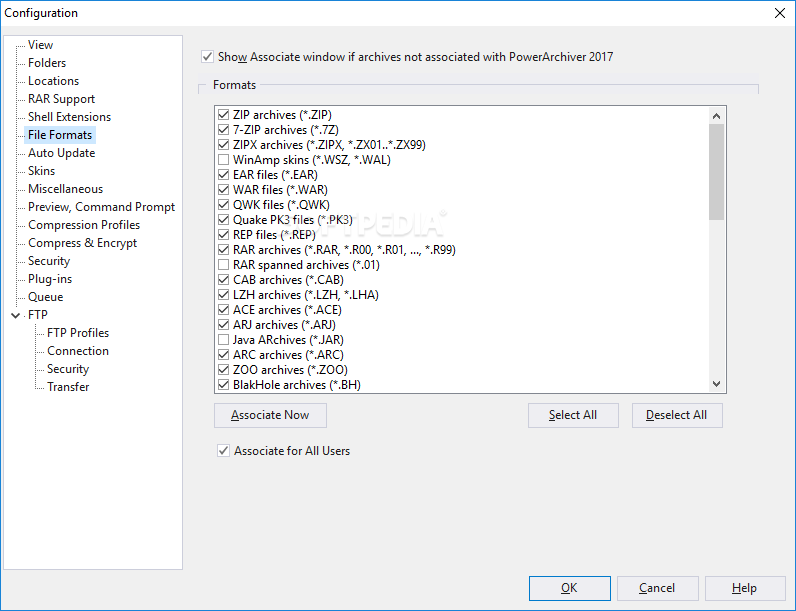
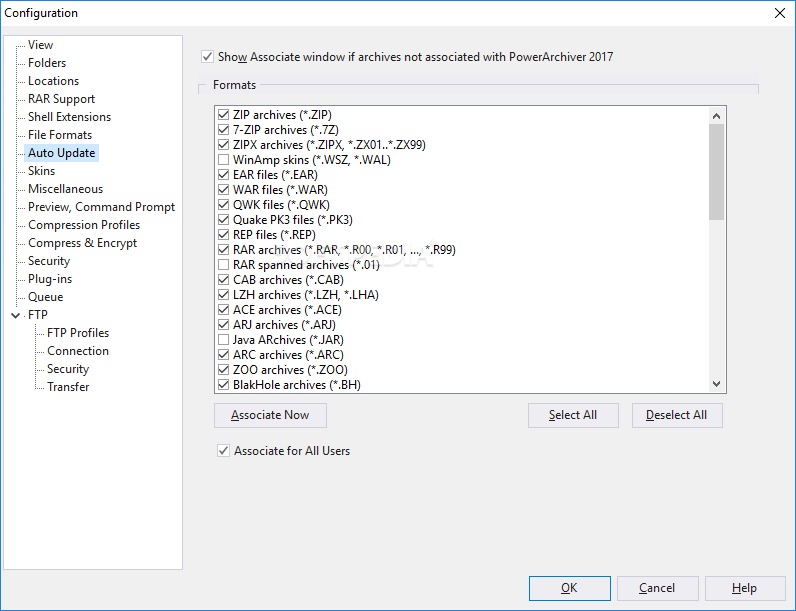
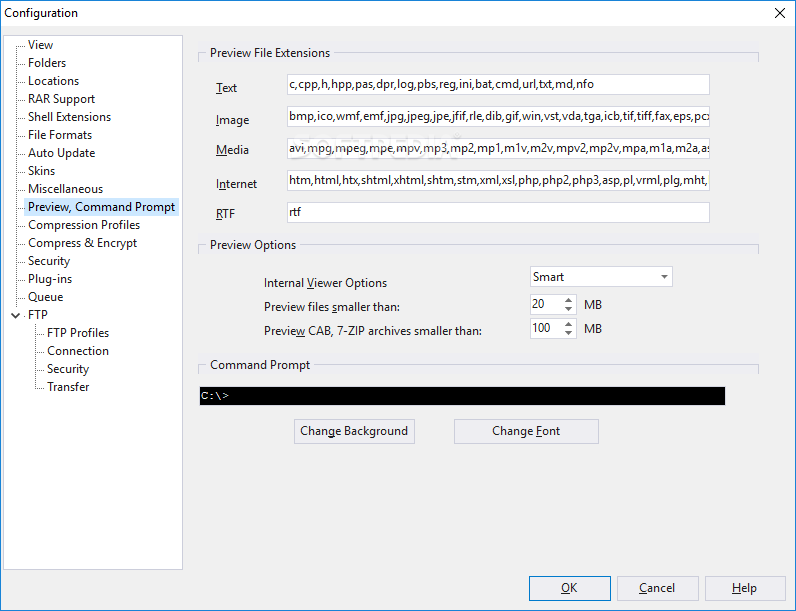
    PowerArchiver has native support for most popular compressed and encoded formats currently in use. All formats are fully integrated into PowerArchiver, so you can utilize all PowerArchiver tools with each of them.
    ■ Read and write support for ZIP, 7-ZIP, CAB, LHA (LZH), TAR, GZIP, BZIP2, BH, XXE, UUE, yENC, and MIME (Base 64)
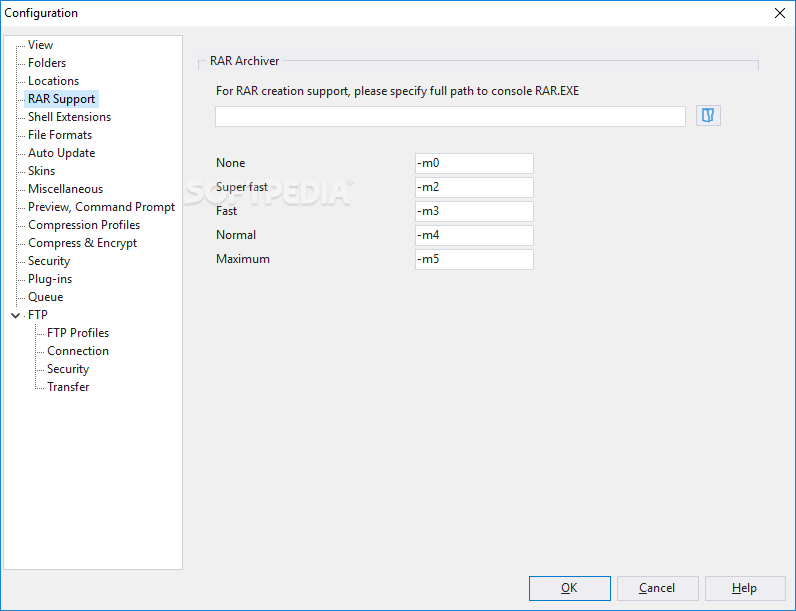
    ■ Read and extract support for: RAR, ARJ, ARC, ACE, ZOO plus ISO, BIN, IMG and NRG disc image formats
    ■ Brand new Plug-in System enables new formats and file types to be supported with a small download.

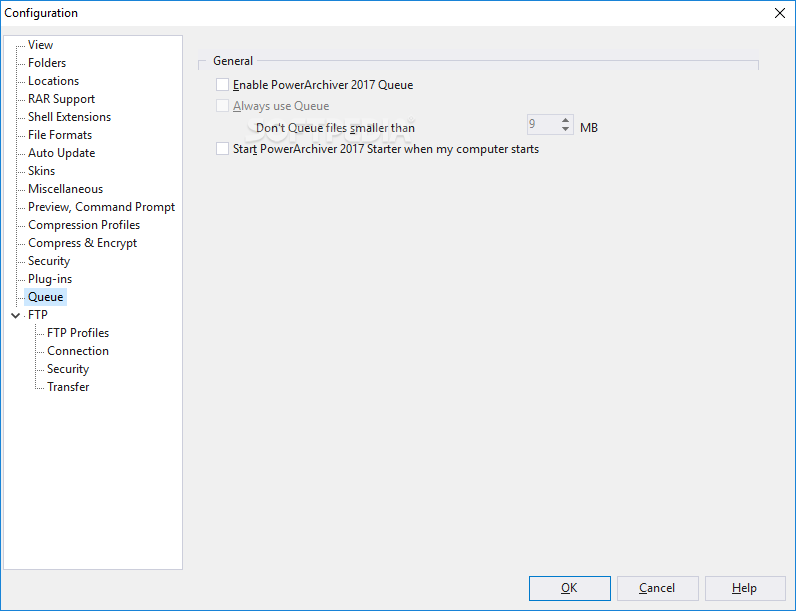
    New Queue System (Add/Extract/Backup) and PowerArchiver Starter
    An innovative Queue System has been added to PowerArchiver. This is the first time such an option is available in compression utility, and it enables you to better organize your compression, extraction and backups, as well as schedule multiple jobs to be done sequentially without slowing down your system - as multiple compressions would do if run all at once. Another first for PowerArchiver.

    PowerArchiver Starter is a brand new system tray application for managing your Queue and launching the most recently used archives and backups. PowerArchiver Starter has been written in an assembler-like language for minimum size and memory usage.

    Unmatched Security
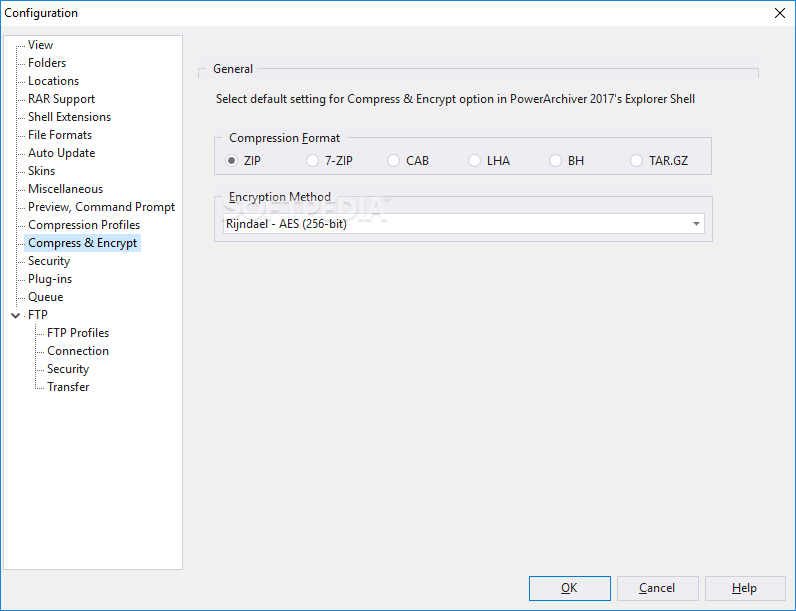
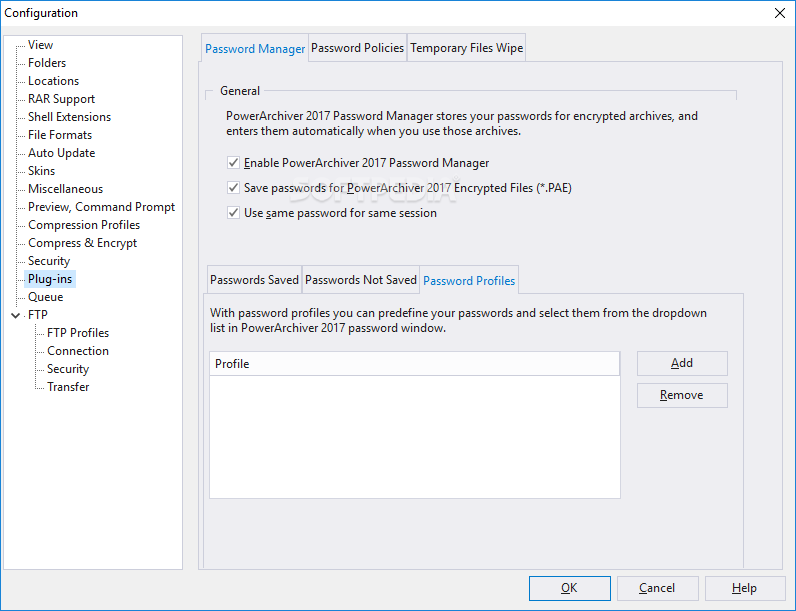
    PowerArchiver comes with an unprecedented level of security features. Not only does it fully support the new ZIP AES standard, PowerArchiver also offers its proprietary PAE standard for additional security with five different encryption methods. For ease of use, the PowerArchiver Password Manager will save your frequently used passwords so you do not need to remember them.
    ■ Full support for ZIP AES encryption, 128-bit/192-bit/256-bit (supports: PKZip 5.1 (full), Secure Zip 8.0 and WinZip 9.0 AE-1 & AE-2)
    ■ PAE support - Encryption of files and archives using 5 different methods: Blowfish (128-bit), DES (64-bit), Triple DES (128-bit), AES 128-bit, and AES 256-bit

    Automated Backups
    Security vulnerabilities have become a major problem in Windows, which means it is critical to backup and protect your important data. With PowerArchiver's built-in Backup Wizard, it is a breeze to backup your files.

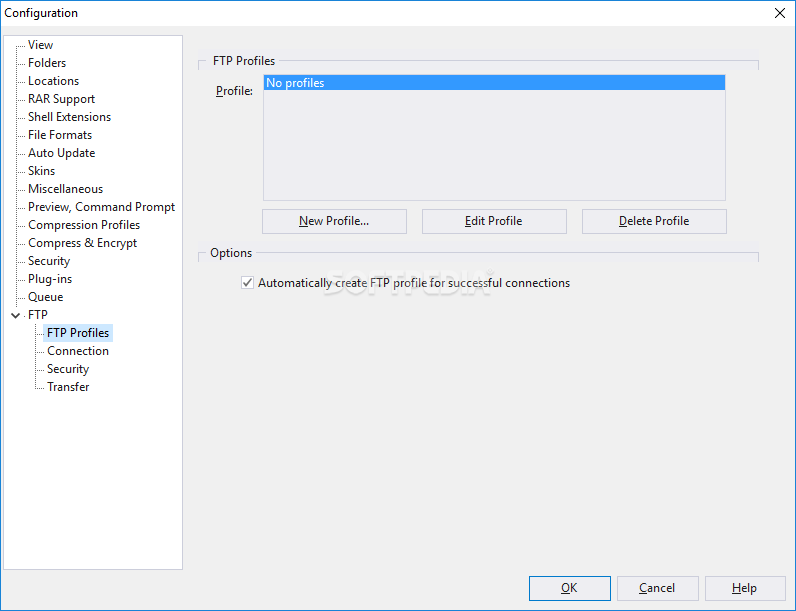
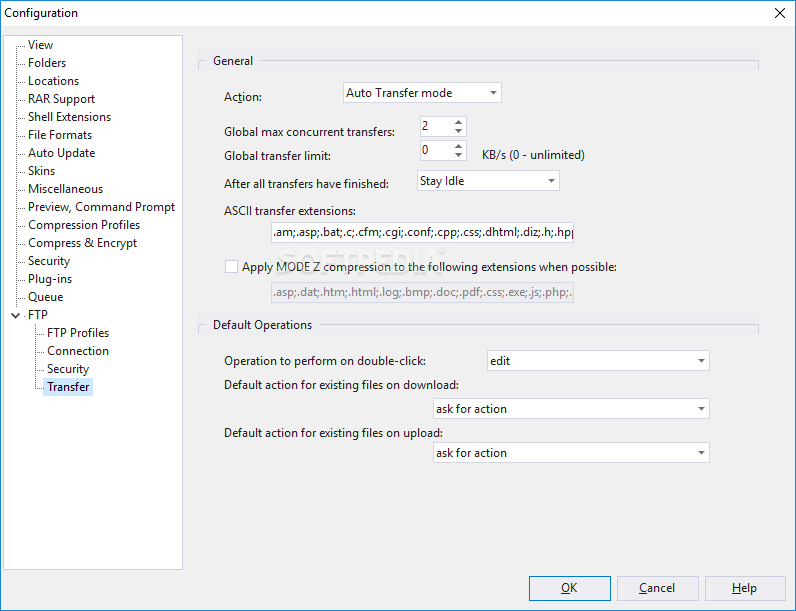
    By using a step-by-step wizard, you will be able to add files and folders, filter them based on your specifications, use 5 different compressions formats, add password protection, and even upload your backup to an FTP or SFTP (SSH) server directly!

    To keep your backups secure from prying eyes, you can also encrypt the archives using ZIP AES encryption.

    Guaranteed Compatibility and Explorer Integration
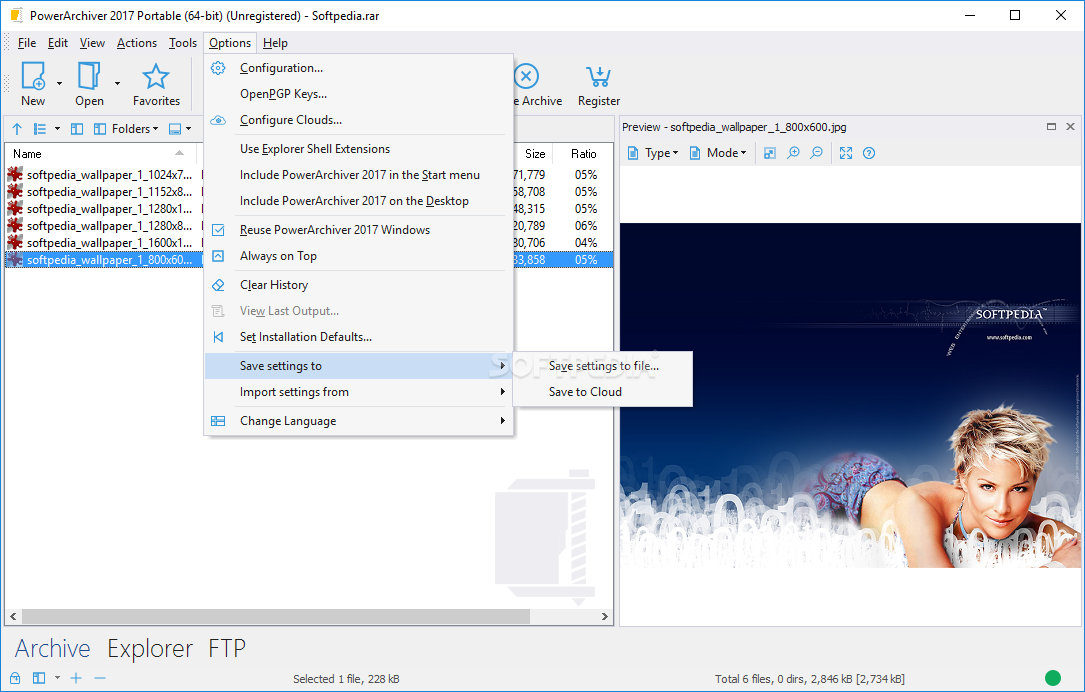
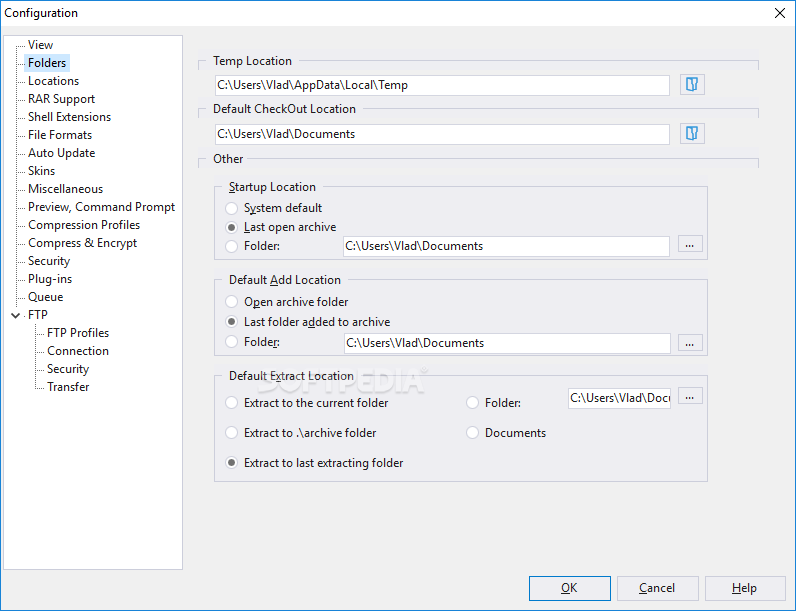
    PowerArchiver has pioneered advanced Shell Extensions that let you compress, extract and encrypt files using one click from within Windows Explorer -- without opening PowerArchiver.

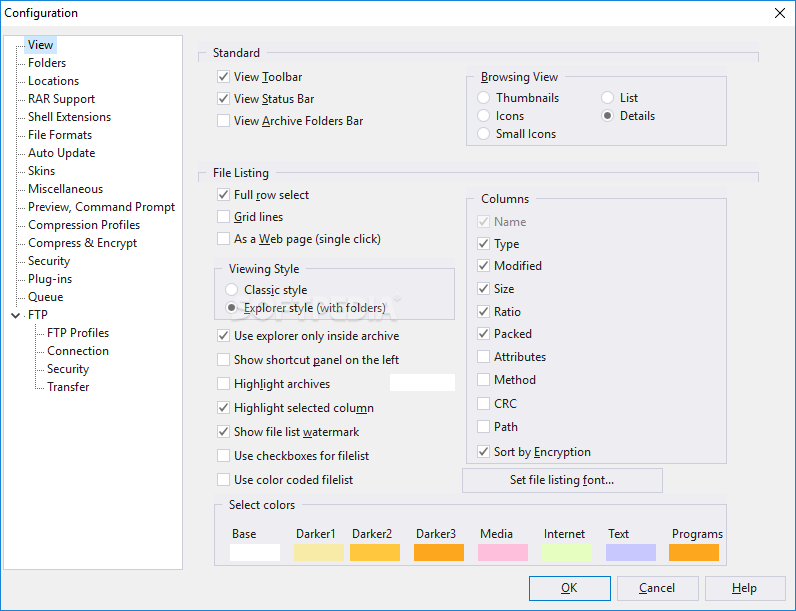
    Not only that, but PowerArchiver also offers an option to use an Explorer-like interface for browsing your hard drive for archives, which also supports shell integration.

    PowerArchiver adds new Hybrid Shell Extensions, which puts less frequently used options in an easy to access submenu.

    Compression Profiles
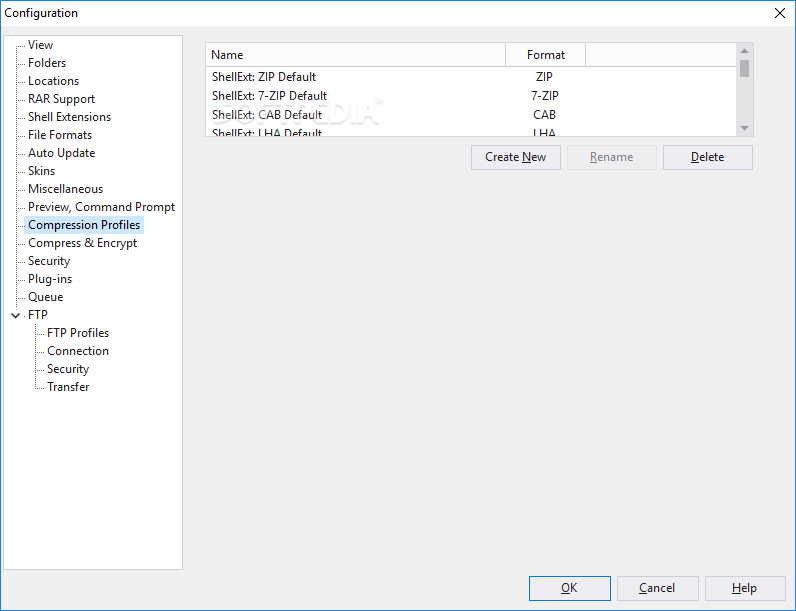
    For ease of use, PowerArchiver has Compression Profiles that store frequently used compression settings. You can select a compression profile when performing operations in PowerArchiver and save considerable time.

    Useful Tools
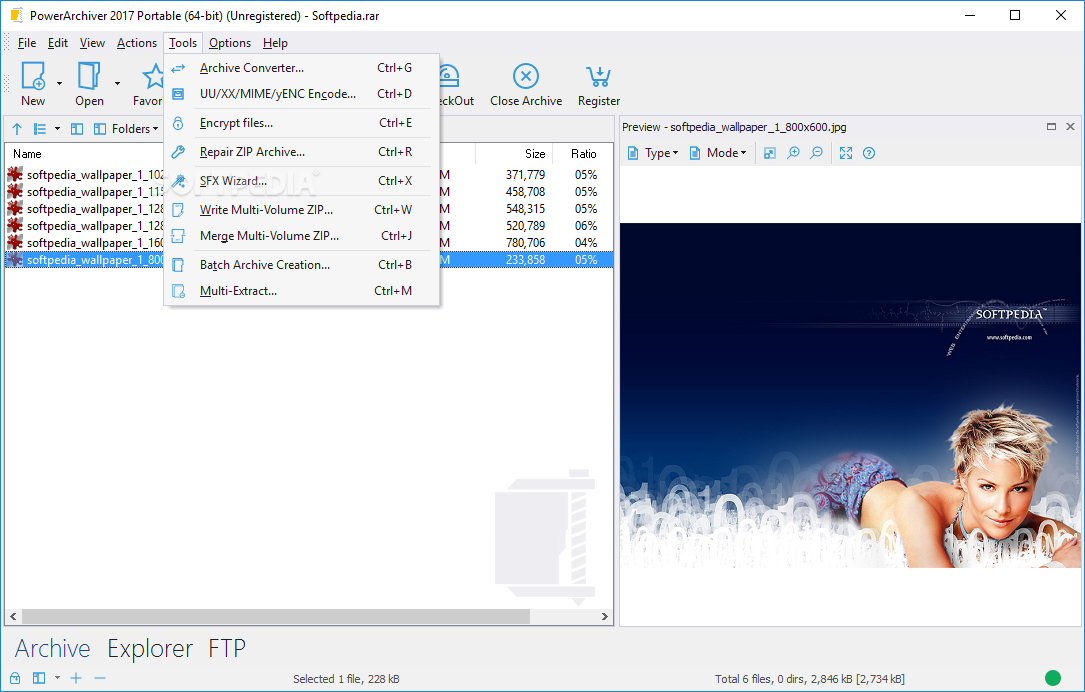
    PowerArchiver has the most advanced set of tools that you can use to manage your archives:
    ■ Convert Tool - convert files among formats supported in PowerArchiver. It can convert thousands of files and folders at the same time.
    ■ Encode Tool - encode/decode files in UU, XX, MIME and yENC formats.
    ■ Repair Tool - repair broken ZIP archives with one simple operation.
    ■ Write/Merge Multivolume Tools - split ZIP files into multivolumes, and also merge multivolumes into a single ZIP archive.
    ■ Batch ZIP Tool - batch compress thousands of files into separate archives.
    ■ Multi-Extract Tool - extract thousands of archives at the same time.

    Limitations:

    · 30 days trial
    · Nag screen

     Softpedia guarantees that Portable PowerArchiver 2009 11.03.04 is 100% CLEAN, which means it does not contain any form of malware, including spyware, viruses, trojans and backdoors. [read more >]


    TAGS:

    create archive | compress file | convert archive | archiver | archive | compress


    HTML code for linking to this page:


    Go to top

    Windows tabGames tabDrivers tabMac tabLinux tabScripts tabMobile tabHandheld tabGadgets tabNews tab

    SUBMIT PROGRAM   |   ADVERTISE   |   GET HELP   |   SEND US FEEDBACK   |   RSS FEEDS   |   ENTER NEWS SITE   |   ENGLISH BOARD   |   ROMANIAN FORUM