
Highly customizable web browser that provides increased navigation speed and a multi-tabbed interface, as well as tab grouping capabilities. #Web browser #View website #Browse Internet #Browse #Browser #Explorer

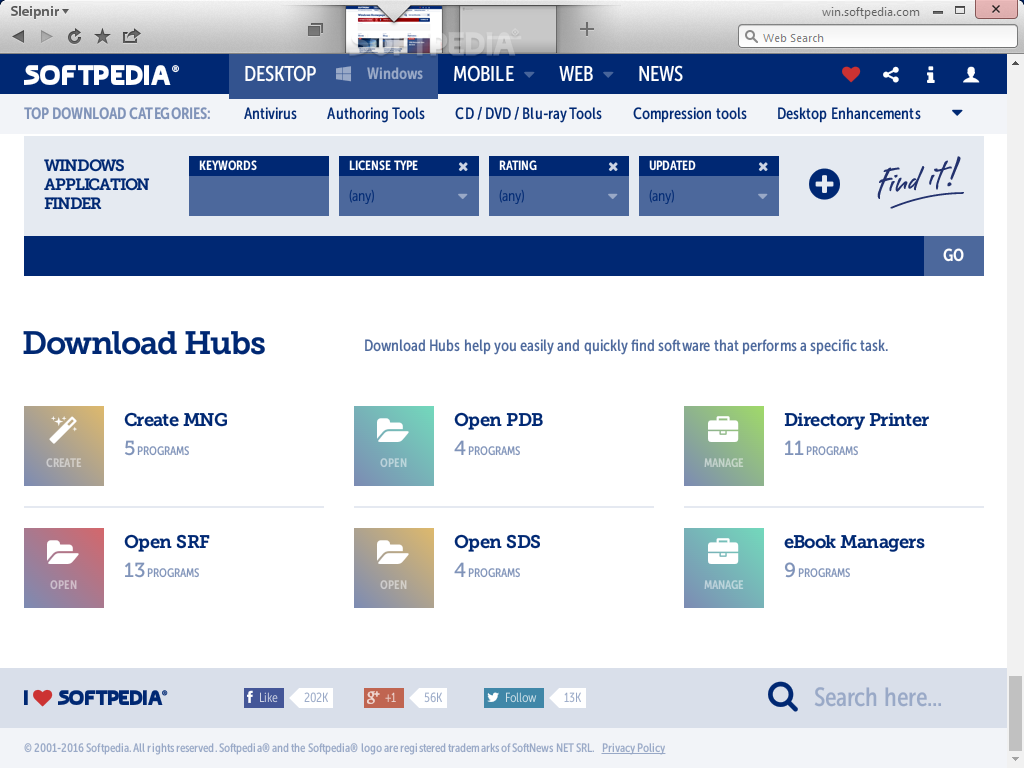
The portable edition of Sleipnir allows you to use the browser on the go, without having to go through a standard installation procedure. Just like its installer-based counterpart, Portable Sleipnir brings to the table the high level of customization and advanced tab functions.
First and foremost, it’s worth mentioning the perks of a portable application such as Portable Sleipnir. For instance, there is no need to go through an installation process. Instead, you simply unzip the archive and start the application, even on the go.
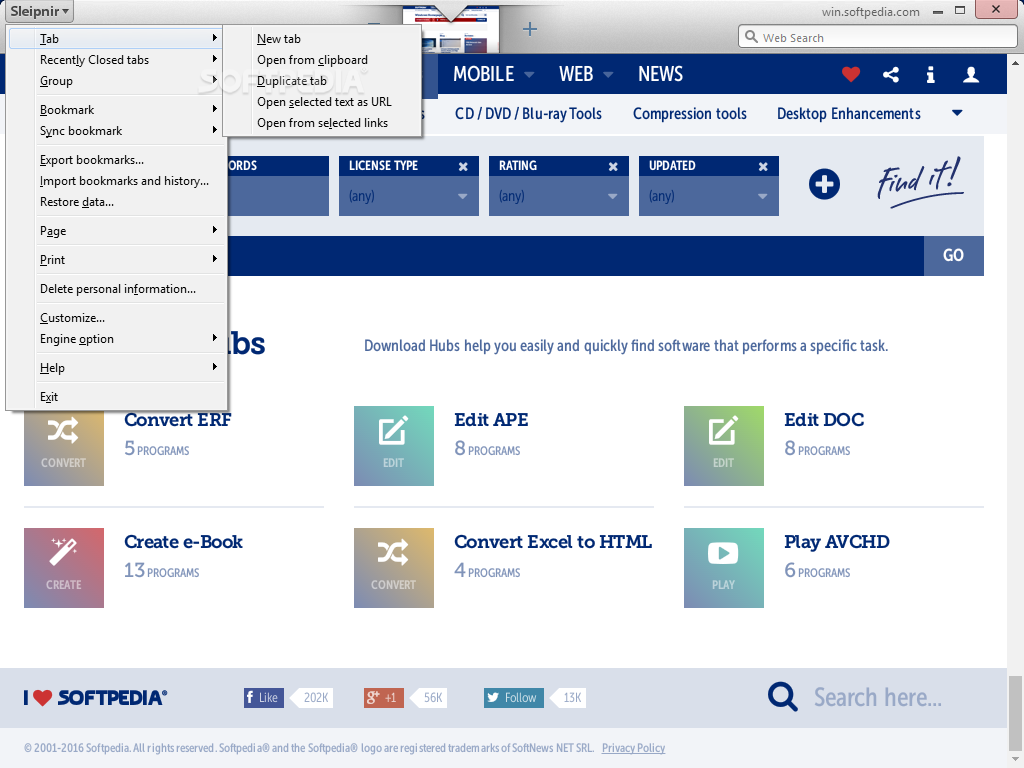
The user interface might remind you a bit of the MAC OS look. It allows multiple tabe to be opened at the same time, while it displays all the opened tabs in the upper side of the main window, with a small preview in the browser’s toolbar. You can easily add new tabs to the FavTab list if you want to, especially if you are visiting them quite often. In other words, you can find all the tabs you like in a single place, in FavTab.
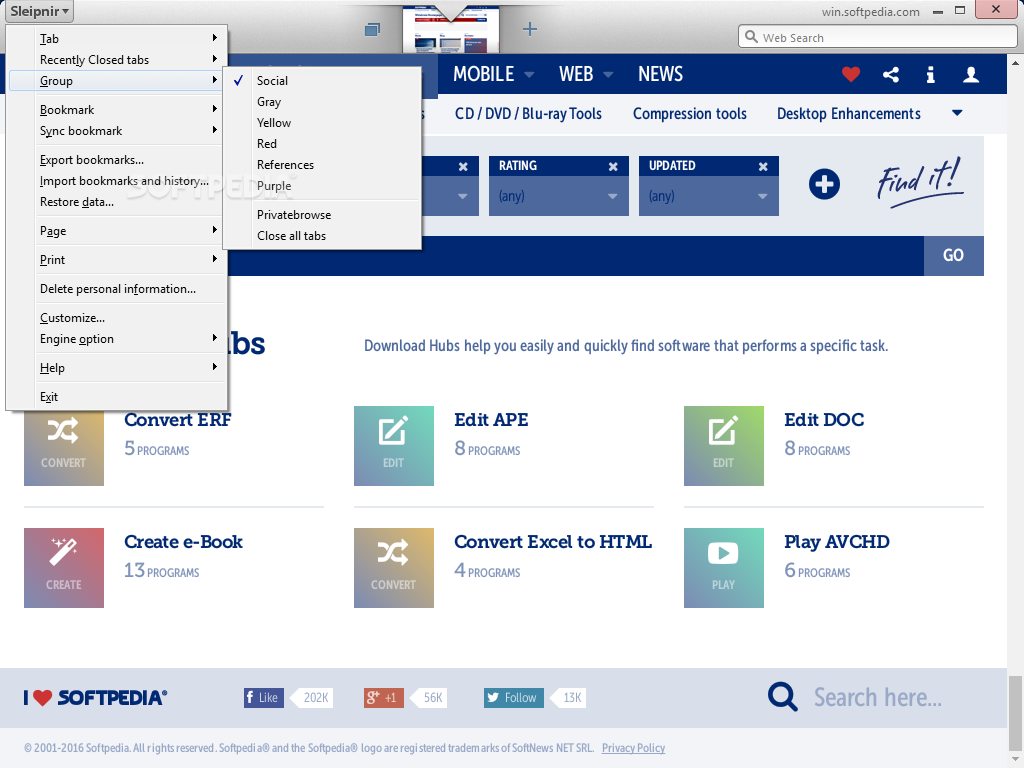
What is interesting about Portable Sleipnir is related to the way it organizes opened tabs. By default, it displays different categories that are already pre-defined.
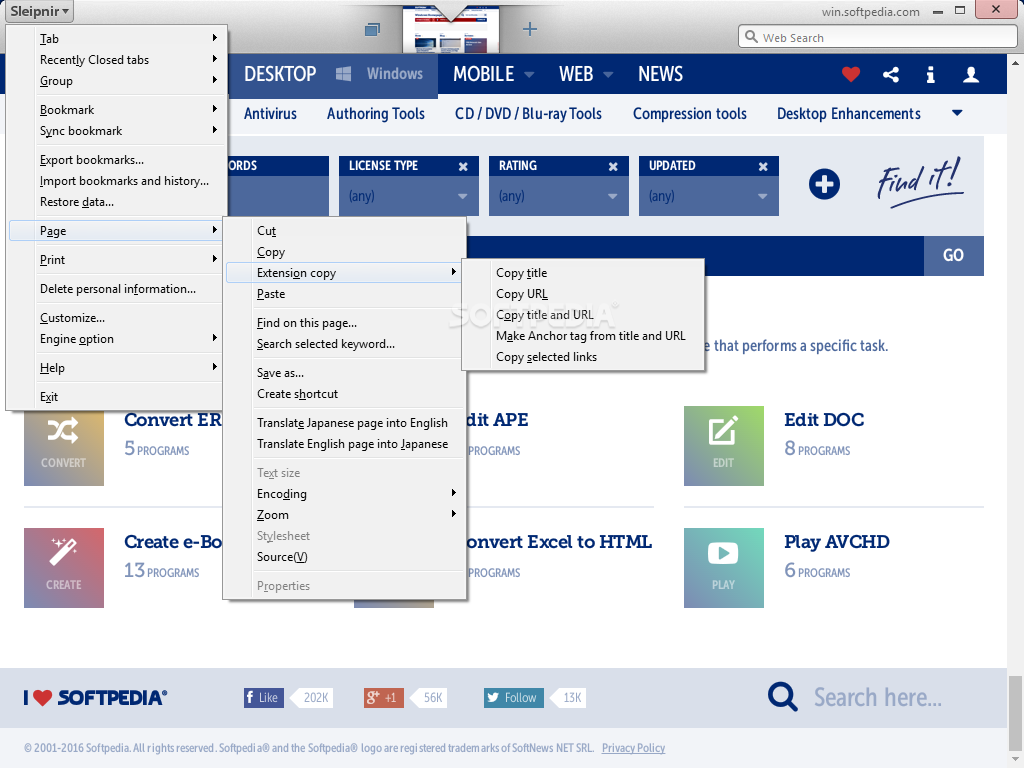
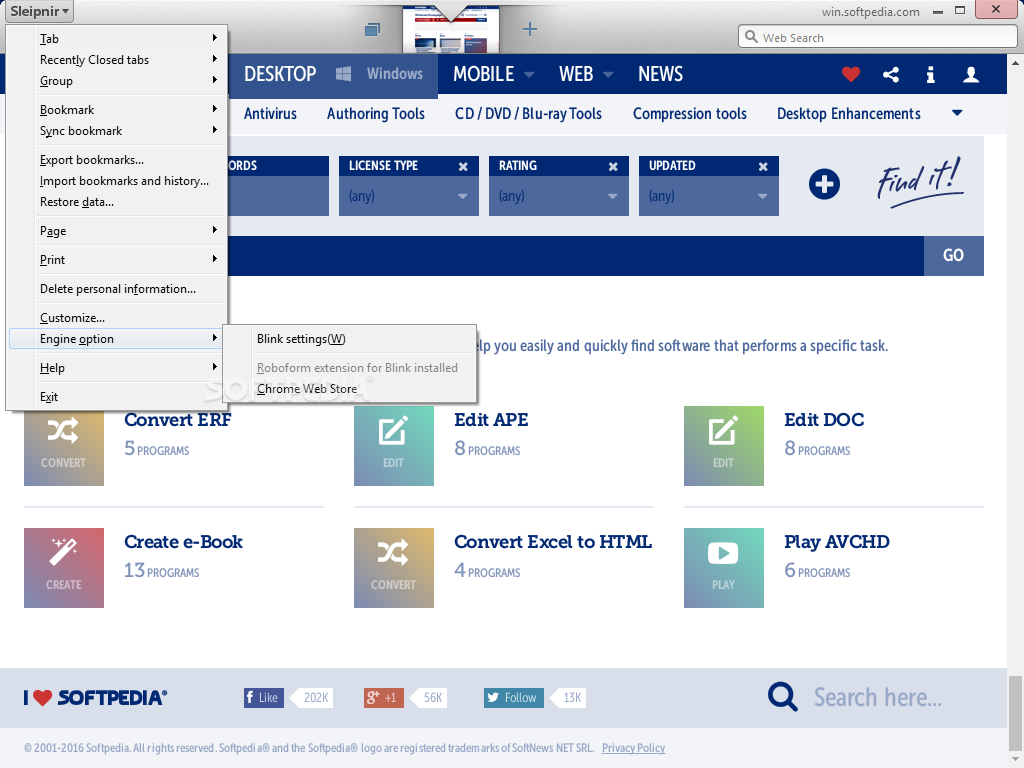
The next step is to configure the browser. The application enables you to customize everything from the rendering engine to the languages used. There are customization options for the toolbar, the main panel, opened tabs and the taskbar. It is also possible to alter key binding, mouse aliases and gestures.
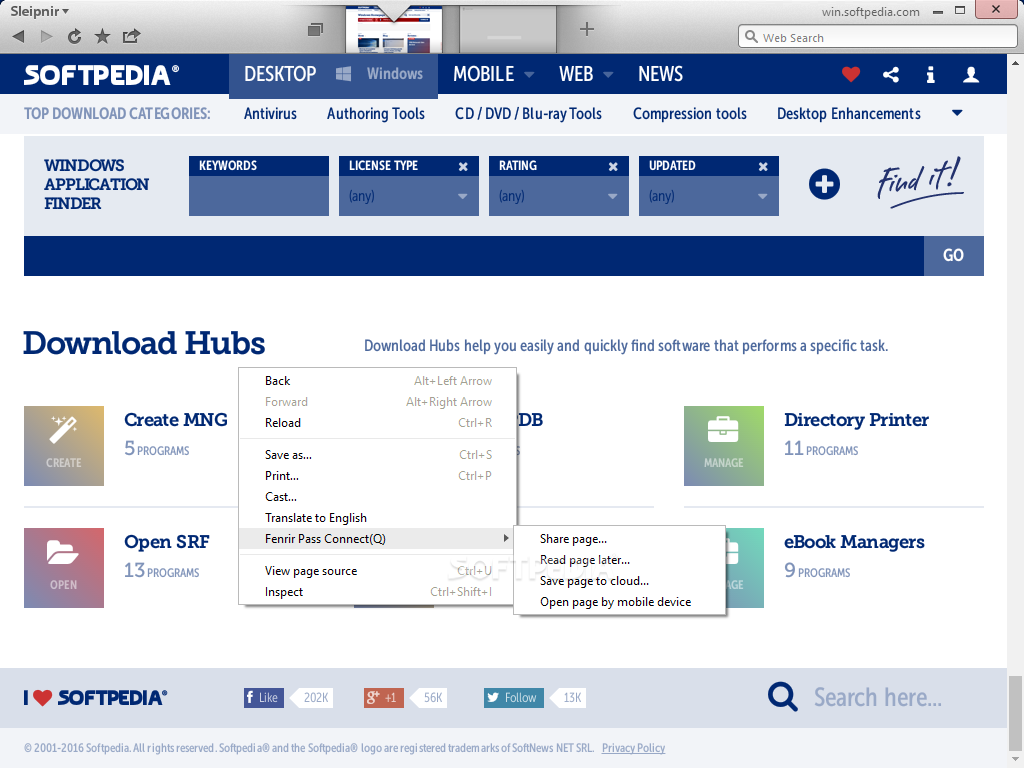
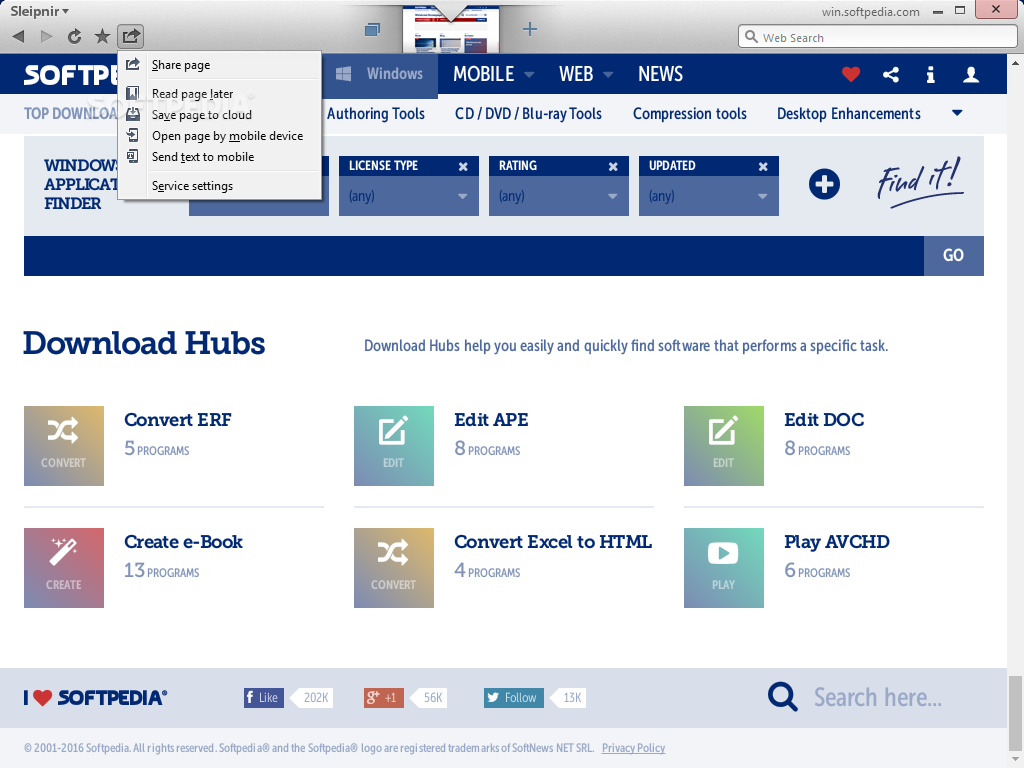
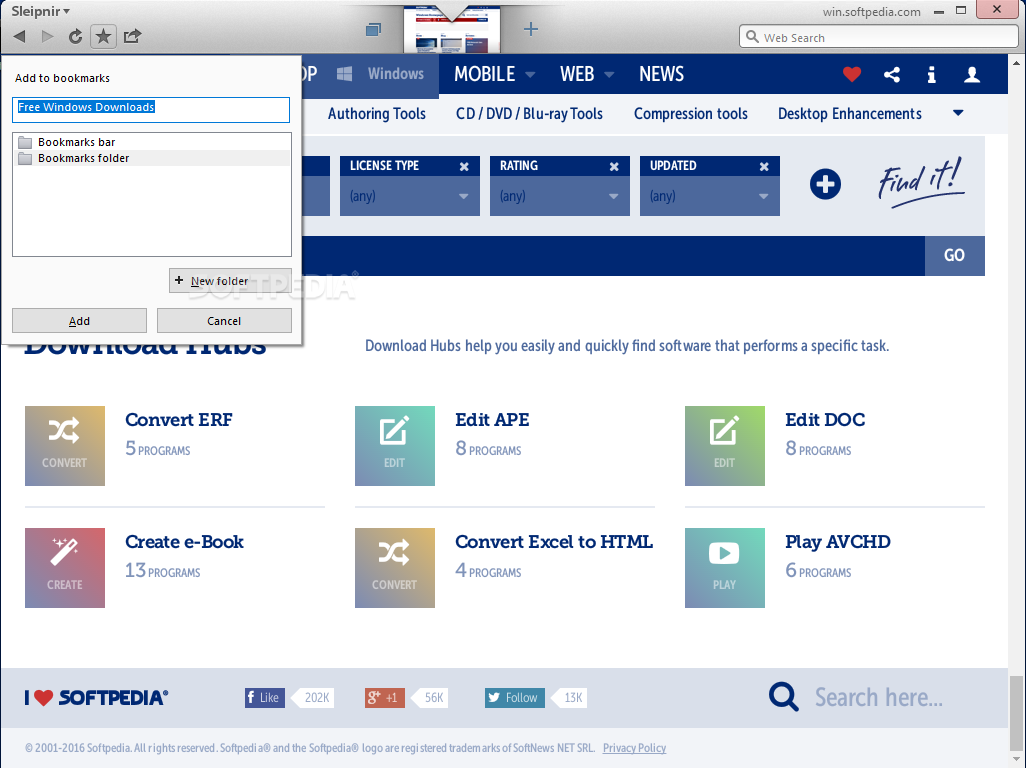
Portable Sleipnir also brings to the table well-known features that are already there in any web browser. You get to use a password manager, a bookmark manager, and so on.
Portable Sleipnir provides a wide range of customization options, which turns it into an intriguing application. Aside from customization, it features advanced rendering options and high-speed navigation.
Download Hubs
Portable Sleipnir is part of these download collections: Portable Web Browser
What's new in Portable Sleipnir 6.5.4.4000:
- Update Blink (Chrome/120.0.6099.110)
- Add iframe blocking settings to Customize | Rendering | Blink behavior settings
- Fixed an issue that could cause high CPU load in some environments.
- Other minor bugs fixed
Portable Sleipnir 6.5.4.4000
add to watchlist add to download basket send us an update REPORT- PRICE: Free
- portable version
- This is the portable version of the application. An installable version is also available: Sleipnir
- runs on:
-
Windows 11
Windows 10 32/64 bit
Windows 8 32/64 bit
Windows 7 32/64 bit - file size:
- 150 MB
- filename:
- sleipnir654.zip
- main category:
- Portable Software
- developer:
- visit homepage
Microsoft Teams

7-Zip

calibre

Windows Sandbox Launcher

paint.net

Zoom Client

Bitdefender Antivirus Free

ShareX

4k Video Downloader

IrfanView

- ShareX
- 4k Video Downloader
- IrfanView
- Microsoft Teams
- 7-Zip
- calibre
- Windows Sandbox Launcher
- paint.net
- Zoom Client
- Bitdefender Antivirus Free