
Edit audio file tags, listen and create playlists of your own choice with this highly customizable and friendly app that simply reinvents the fun in listening to music. #Mp3 player #Media player #Music player #Playback #Player #Listen

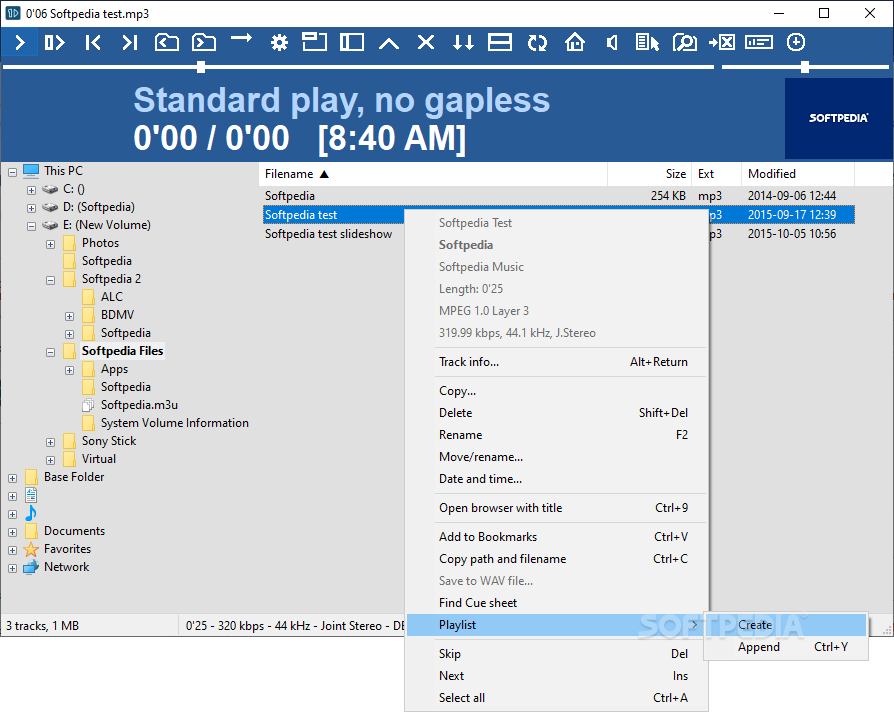
1by1 is an application that was created to combine three of the best possible aspects of music players, meaning an ID3 editor, a player, and a playlist creator.
I liked the app because although it reunites these three aspects perfectly in a balanced mix, it also does it in a simple manner that was created to help users out enjoy their tracks more and not worry about the rest.
The program will show your audio files and I must say once again I was surprised to see it work with so many types of files. You can also add your newly added elements to a playlist creating the best possible playlist.
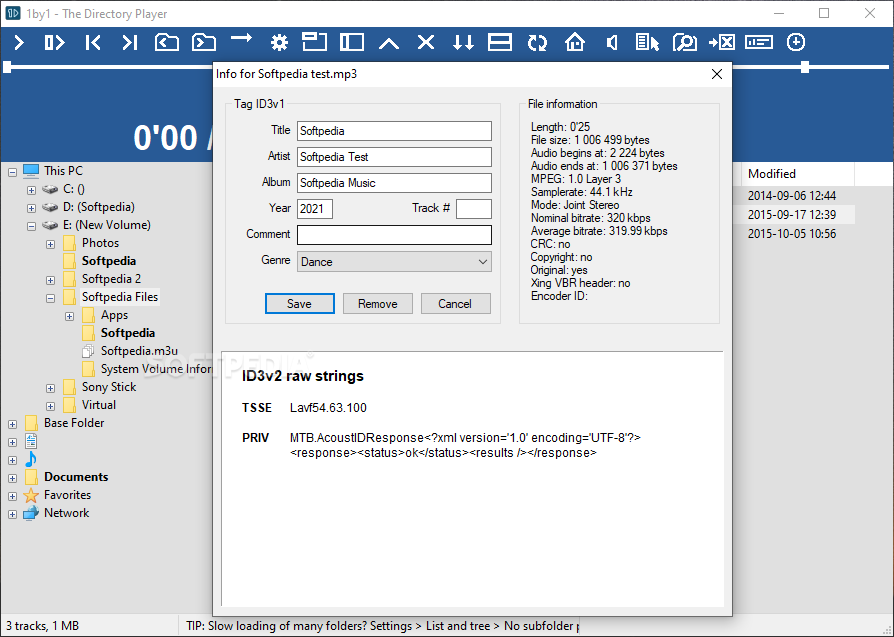
While doing so, you might want to change any of the information given in the attached ID3 tags. The program works flawlessly and gives any type of user the freedom to create a more customized experience.
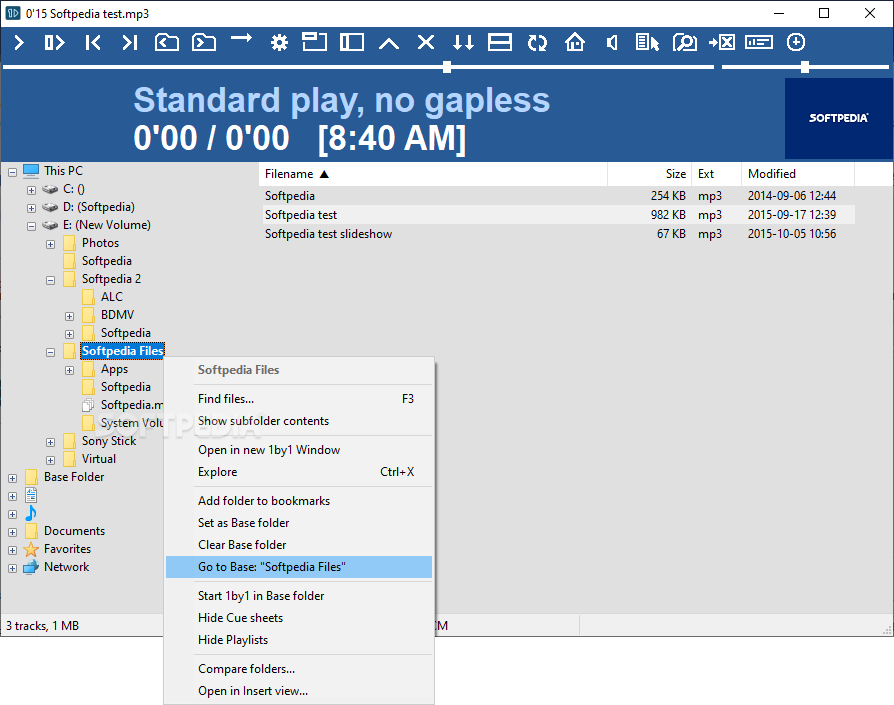
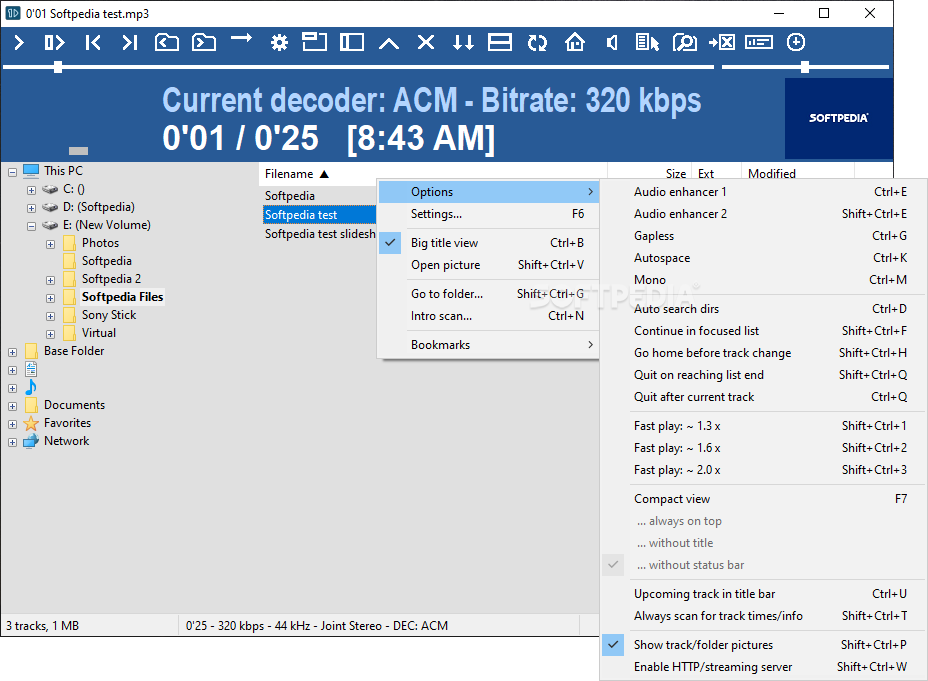
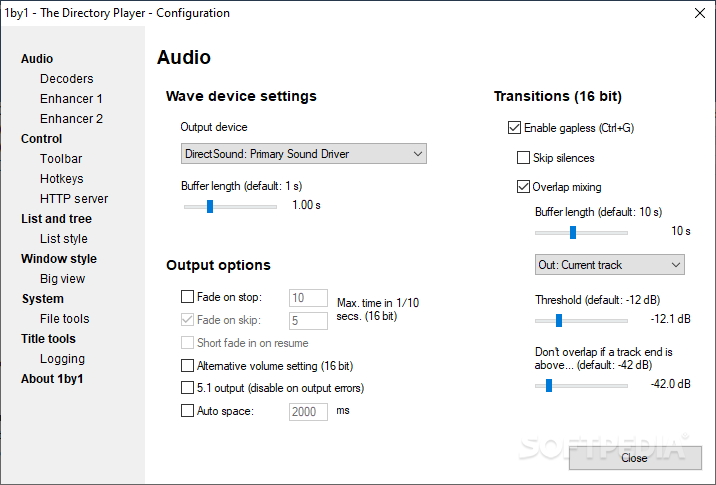
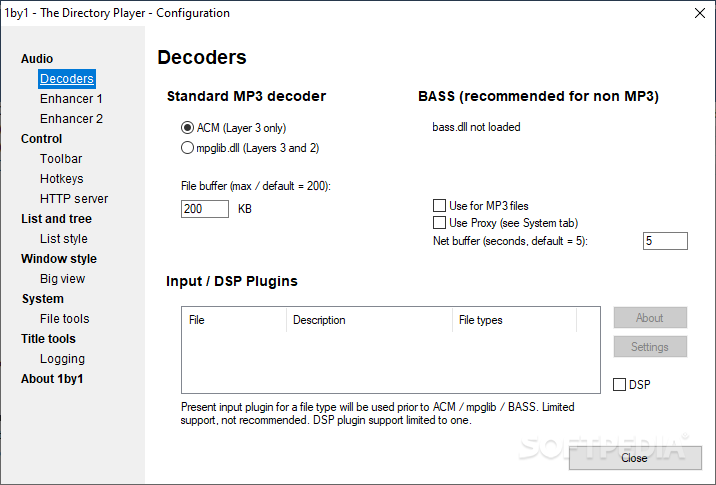
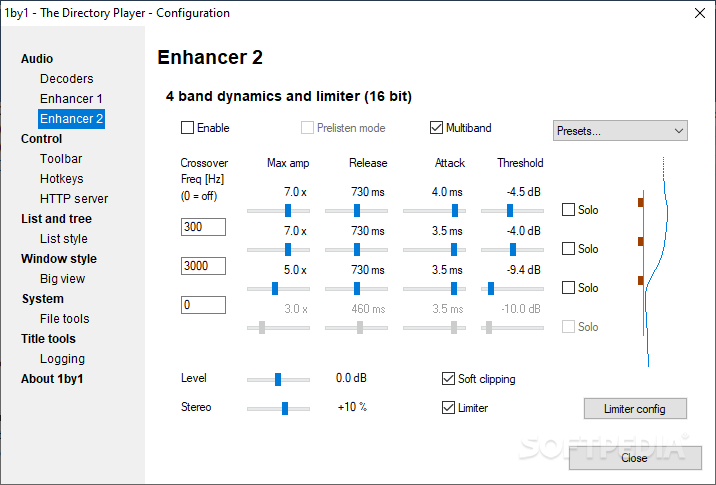
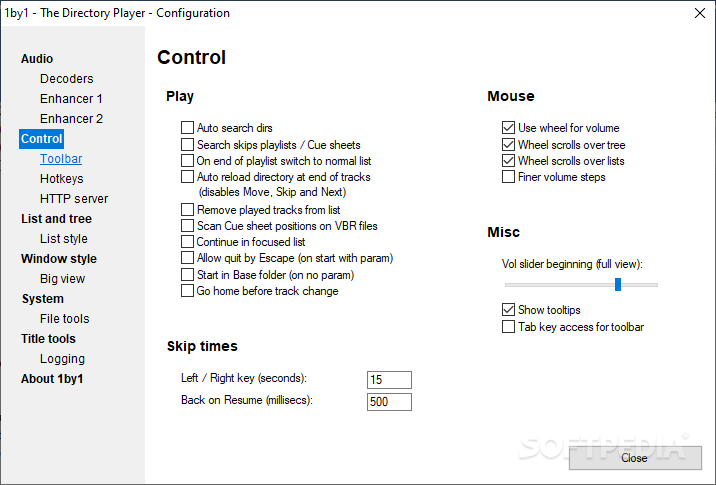
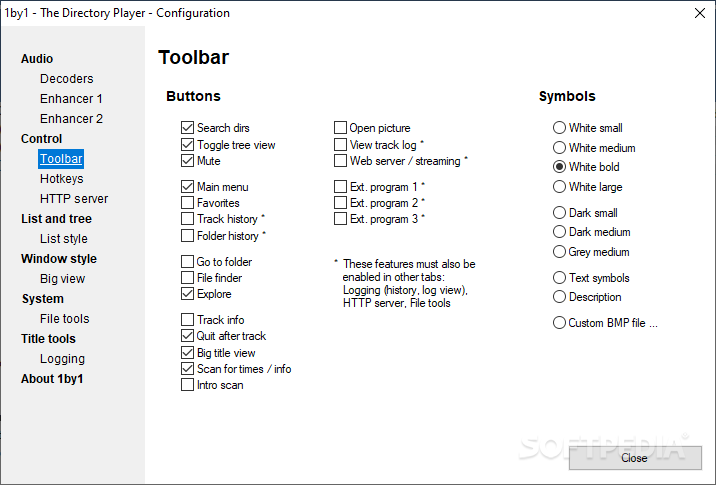
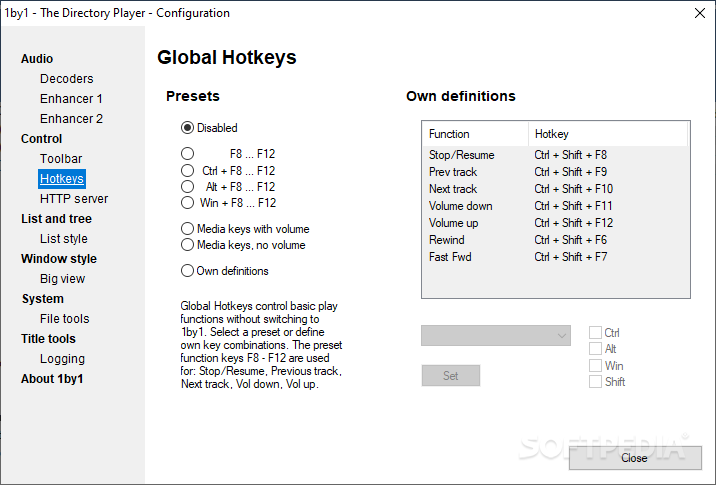
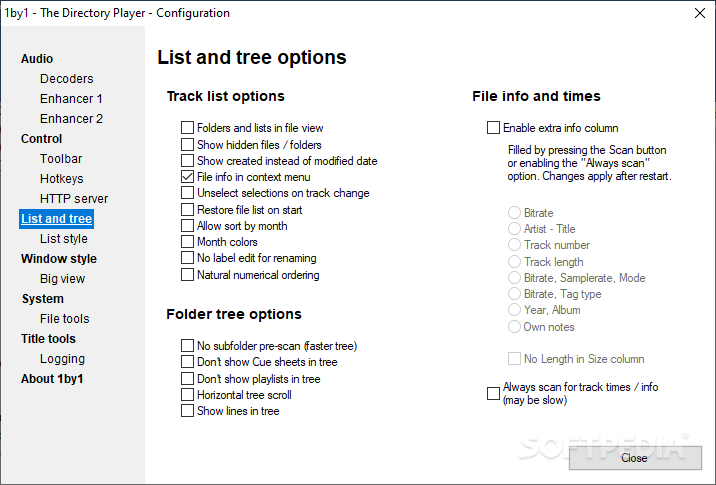
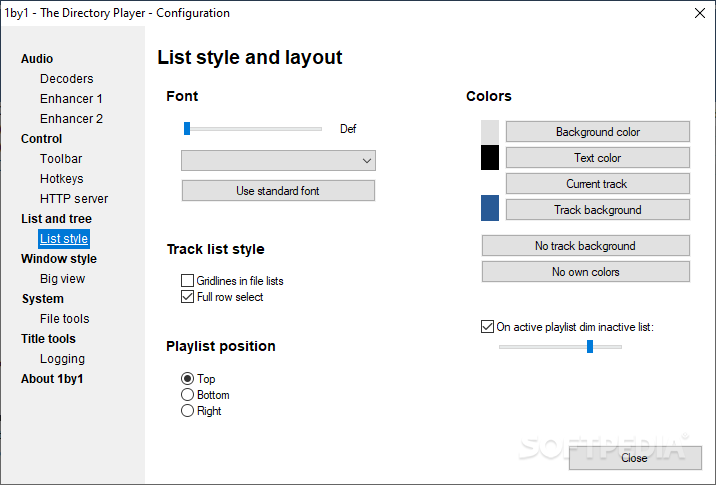
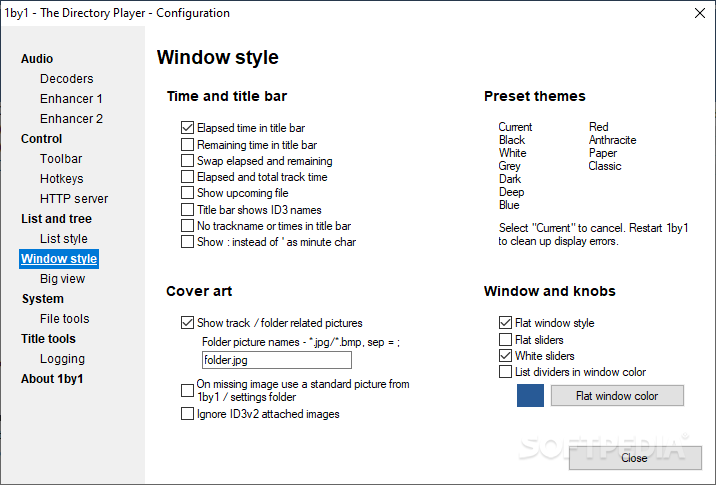
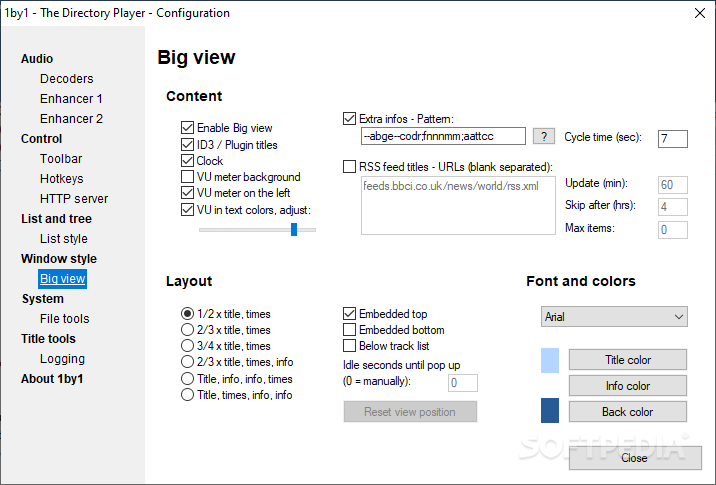
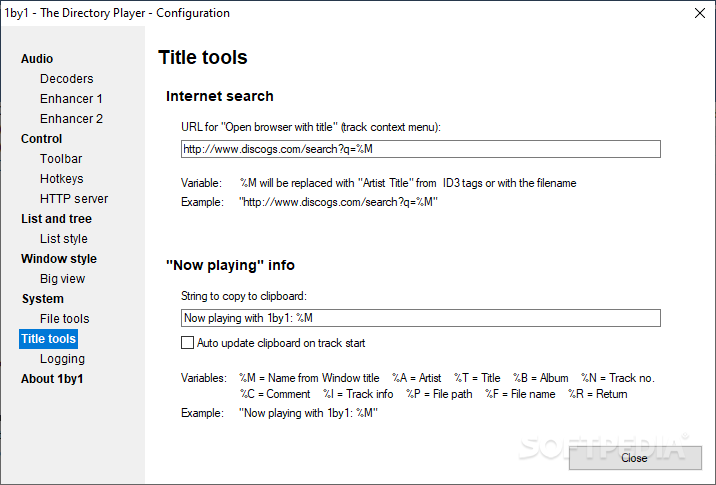
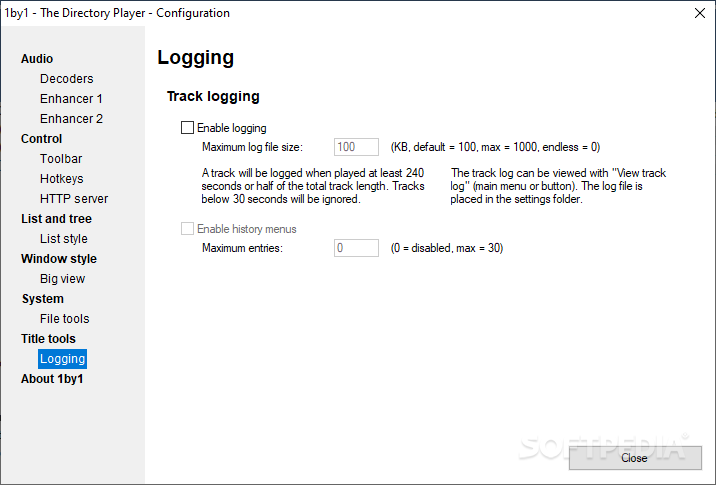
I was surprised by the extra added elements in this case. You can adjust the used decoders, and enhancers, change toolbars and hotkeys, change from list to tree style and vice versa, and so on.
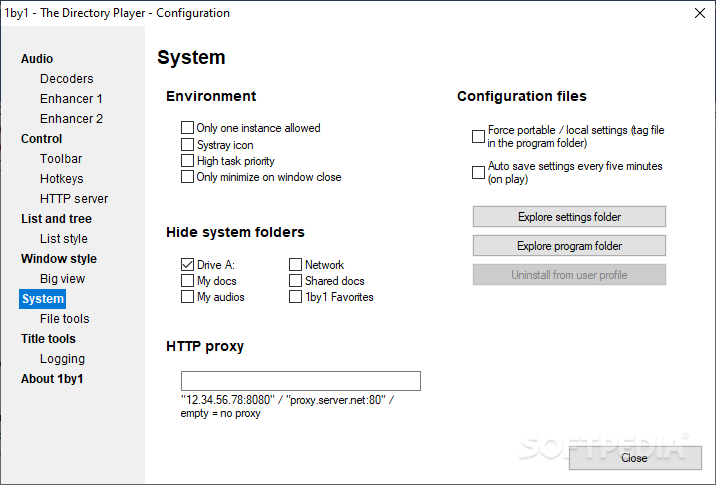
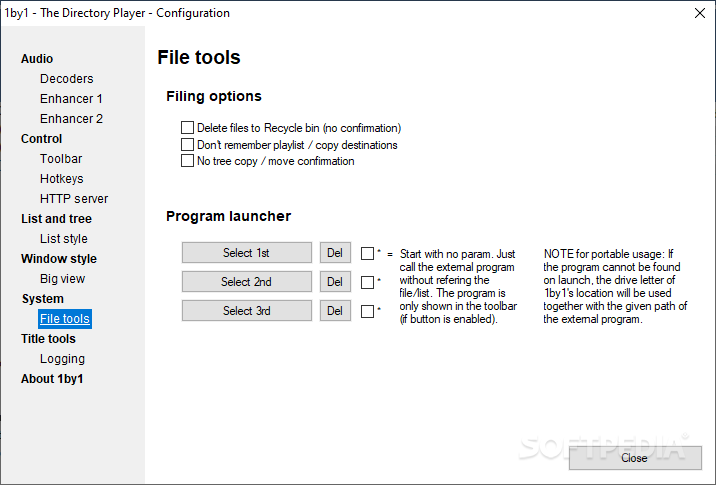
There are lots of categories and each comes with its adjustable elements. I was quite surprised to see the extent of this program's capabilities and to be honest these are all within reach for any user out there.
1by1 is a cool application designed for music lovers. You can tell that just by looking at it and by using it. You will fall in love with the multipurpose side of it all and the efficiency with which it is ready to help any individual out there. Last but not least, the program is highly customizable, offering a tailored experience to all users out there with no exception.
Download Hubs
1by1 is part of these download collections: Play MP3, WAV Players, Open MP3, Play CDA
What's new in 1by1 2.08:
- AAC/MP4 access with pure BASS · Separate values for Rewind and Fast forward · Next track if Fast forward reaches end option · Layout improvements · Some adaptions
1by1 2.08
 Softpedia Editor's Pick
add to watchlist
add to download basket
send us an update
REPORT
Softpedia Editor's Pick
add to watchlist
add to download basket
send us an update
REPORT
- PRICE: Free
- runs on:
- Windows All
- file size:
- 204 KB
- filename:
- 1by1_208.exe

- main category:
- Multimedia
- developer:
- visit homepage
Microsoft Teams

IrfanView

7-Zip

calibre

Bitdefender Antivirus Free

Windows Sandbox Launcher

ShareX

4k Video Downloader

Zoom Client

paint.net

- 4k Video Downloader
- Zoom Client
- paint.net
- Microsoft Teams
- IrfanView
- 7-Zip
- calibre
- Bitdefender Antivirus Free
- Windows Sandbox Launcher
- ShareX