Softpedia
 

WINDOWS CATEGORIES:


GLOBAL PAGES >>
SOFTPEDIA REVIEWS >>
MEET THE EDITORS >>
WEEK'S BEST
  • Sticky Password FR...
  • Parallels Workstat...
  • ESET NOD32 Antivir...
  • BitDefender Total ...
  • WinPatrol 24.6.201...
  • PerfectDisk Free D...
  • Adobe Photoshop CS...
  • PerfectDisk Profes...
  • Windows 8 Consumer...
  • Atlantis Word Proc...
  • Home > Windows > PORTABLE SOFTWARE > Multimedia > Graphics
     Report malware

    JPhotoTagger Portable 0.24.10

    download button

    Downloads: 3,619  Tell us about an update
    User Rating:
    Rated by:
    Fair (2.0/5)
    5 user(s)
    Developer:

    License / Price:

    Size / OS:

    Last Updated:

    Category:

    Freeware / $0
    10 MB / Windows All
    [view history]
    C: \ PORTABLE SOFTWARE \ Multimedia \ Graphics

     Read user reviews (0)  Send to friend   Follow (0 users)

    JPhotoTagger Portable description

    An easy-to-use photo manager

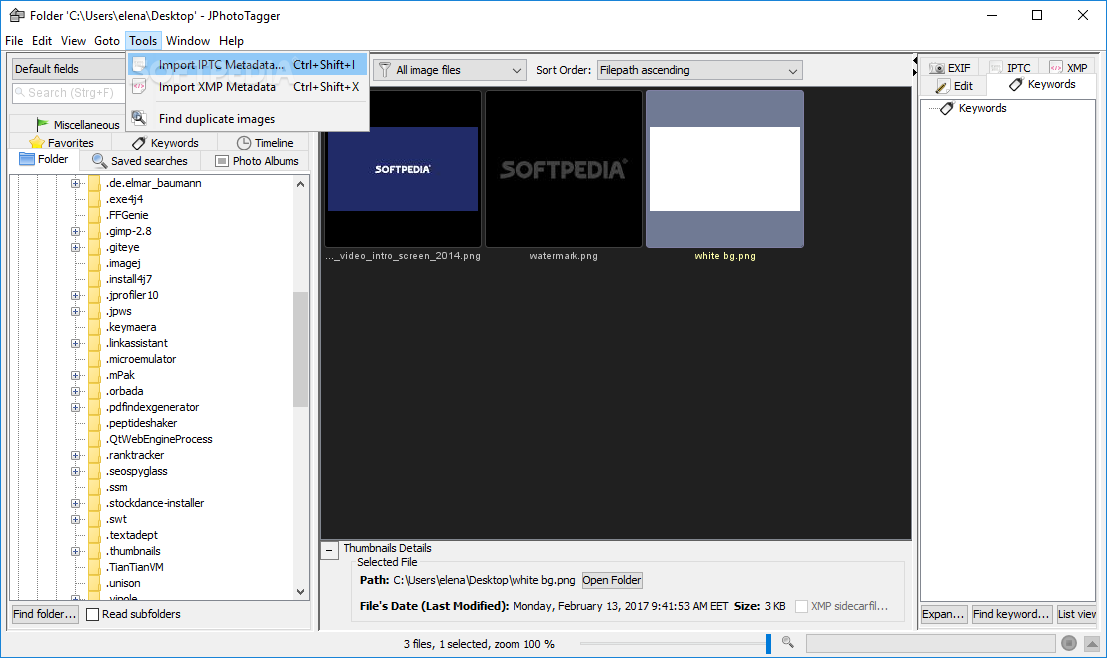
    JPhotoTagger Portable is a handy application designed to manage and find fast photos through keywords, descriptions and tags. It speeds up adding or editing tags through automatic keyboard input completion and other features.

    All tags will be written into XMP sidecar files and the application's database. The images are left untouched. JPhotoTagger Portable is open to work together with other applications such as Adobe Photoshop Lightroom.

    JPhotoTagger Portable automatically reads tags from new and changed sidecar files and updates it's database. You can tag your photos with e.g. Adobe Photoshop Lightroom and JPhotoTagger both.

    Here are some key features of "JPhotoTagger Portable":

    Selection Views:
    · File system folders
    · Favorite file system folders (user defined and ordered by importance)
    · Keywords: Hierarchical and "flat" organization (tree view and list view)
    · Timeline
    · Saved Searches
    · Photo albums (image collections)

    "Smart collections":
    · Images without specific metadata, e.g. images without a copyright notice (missing metadata)

    Images taken with a specific:
    · camera model
    · focal length
    · ISO value

    Images with specific metadata:
    · subject's location
    · photographer
    · rating

    Searching, finding:
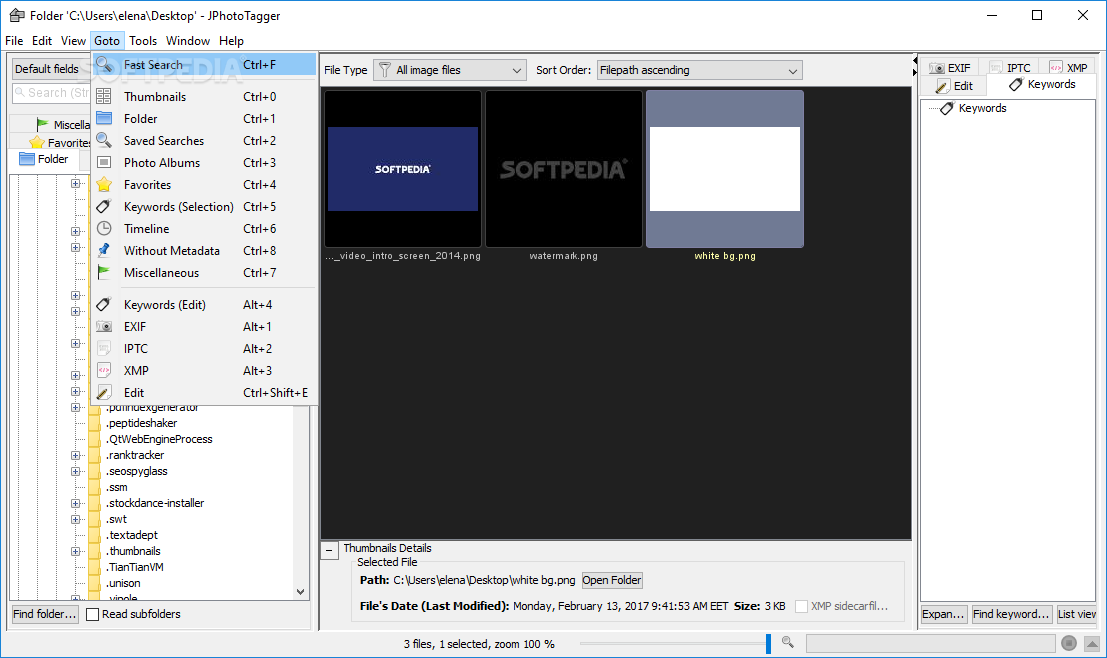
    · Fast search input field in the application's window with auto complete

    Complexer searches with logical operators e.g. AND, OR, can be saved:
    · Generated via GUI support
    · Custom (arbitrary, user typed) SQL for complex queries

    · Synonyms can be defined and will be recoginzed by fast searches

    Thumbnails Window:
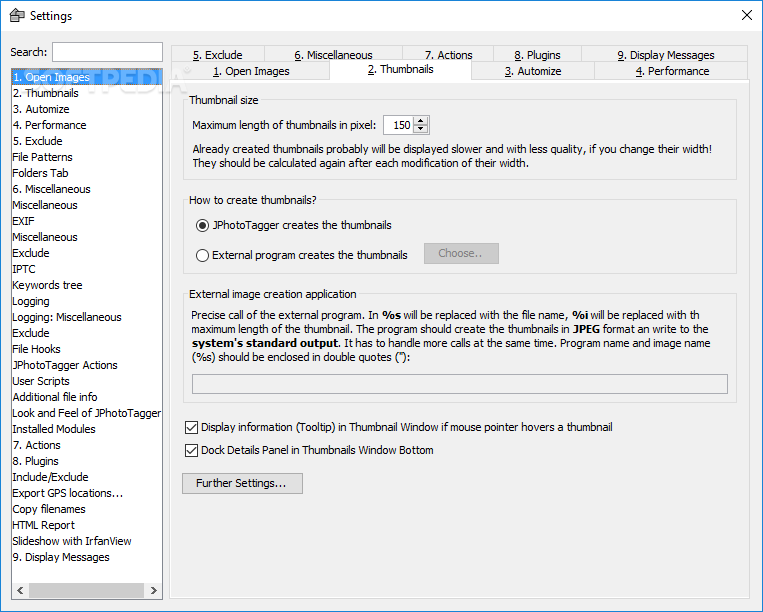
    · Thumbnails can be scaled (zoomed in and out) continuously
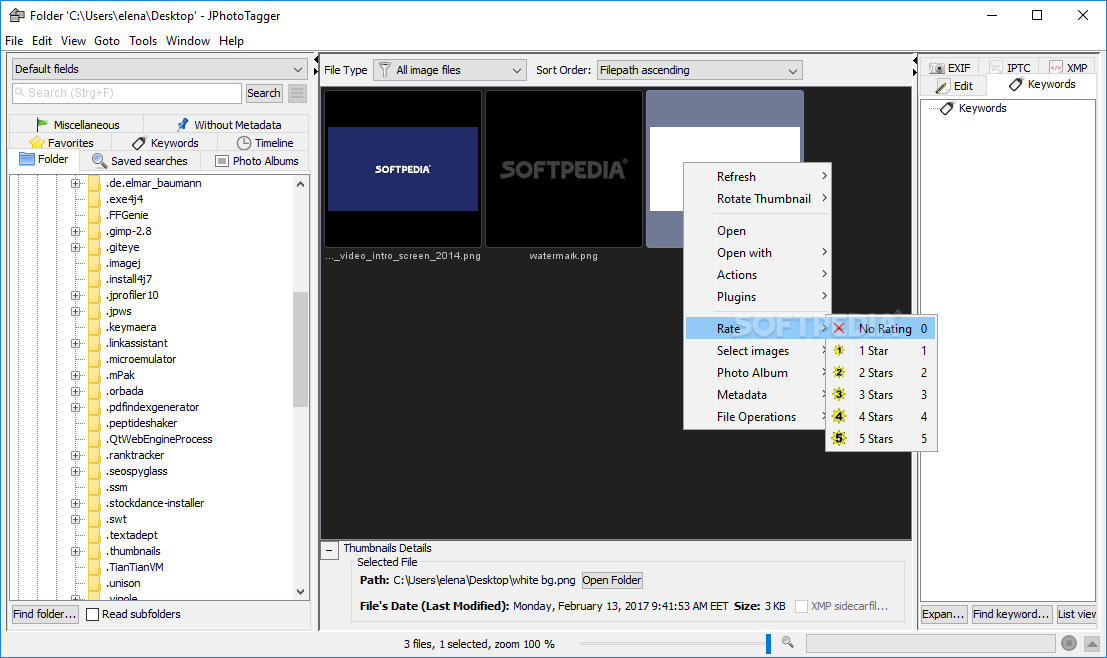
    · Keywords and rating stars can be overlayed to the thumbnails
    · Images can be sorted by filenames, file extensions and metadata, e.g. date taken, rating, focal length, ISO value

    Metadata Views:
    · Embedded IPTC metadata
    · Most important EXIF values

    Complete XMP metadata of these namespaces (embedded or in sidecar files):
    · Dublin Core
    · EXIF
    · TIFF
    · Photoshop
    · Camera RAW
    · Lightroom

    Editing:
    · All data will be written to XMP sidecar files, the images are left untouched. Interoperatable with other applications, currently Adobe Photoshop Lightroom.

    Edit fields:
    · Keywords
    · Short description
    · Description
    · Image title
    · Location
    · Date taken
    · Photographer/Position
    · Photographer/Name
    · Photographer/City
    · Photographer/State
    · Photographer/Country
    · Copyright
    · Credits
    · Source
    · Transmission reference
    · Instructions
    · Author of the metadata
    · Rating

    Edit support:
    · Auto complete
    · Drag and Drop hierarchical keywords and keywords
    · If adding a hierarchical keyword to images, all it's parents will be added too
    · Templates with predefined values, e.g. copyright and photographer's address
    · Copy complete metadata from and paste to selected images
    · When multiple images are selected, the common metadata can be modified or deleted
    · Added metadata is applied to all selected images
    · Context menus (popup menus) in tree and list views

    File system support:
    · Drag and Drop images from and to external applications, e.g. file managers
    · Renaming, adding and deleting folders in the folders view
    · Moving images between folders via clipboard or Drag and Drop
    · Renaming via template, e.g. applying the date taken as filename prefix, different templates can be saved

    Other features:
    · Export IPTC metadata to XMP sidecar files
    · Export embedded XMP metadata to sidecar files
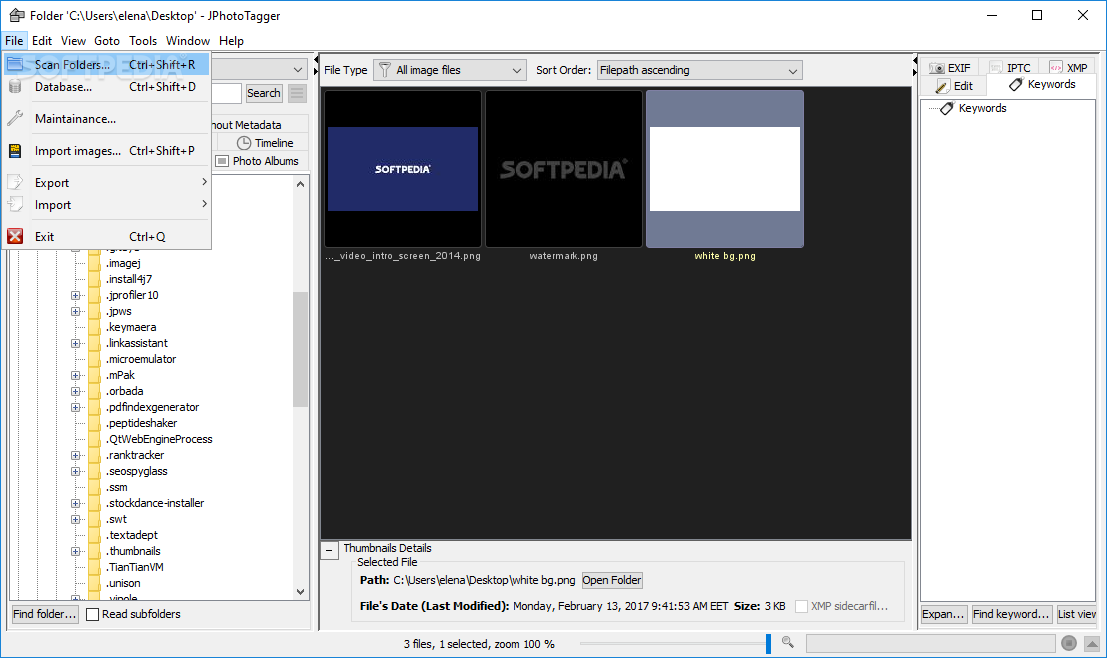
    · Scheduled task to scan automatically folders for new, modified or deleted images
    · Scheduled task for database backups
    · Database information and maintainance
    · Import images from a folder, e.g. the camera's memory card
    · Import from exported Lightroom hierarchical keywords
    · Export to Lightroom hierarchical keywords
    · Export and import JPhotoTagger's data, which is not written into the XMP sidecar files, e.g. for sharing keyword trees and keyword synonyms between different installations
    · Renaming files within the database, e.g. when a drive letter or mount point has been changed
    · Thumbnails can be rendered by an external renderer
    · Adding external applications to the thumbnails popup menu to handle images
    · Defining actions applied to images, e.g. external converters
    · Opening location in Google Maps if the image has GPS metadata

    Plugins:
    · Flickr Upload

    Requirements:

    · Java

    What's New in This Release: [ read full changelog ]

    · Bug fix: No more error message when opening and saving a advanced search if "keyword combinations" and "Simple SQL" be used together
    · Parentheses in an extended search (simple SQL) highlighted significant
    · Settings: Regular expressions to exclude files checked before adding
    · Context menu thumbnails, rotate preview: "270 ° in Clockwise "renamed to" 90° counter-clockwise" 180° without the "clockwise"

     Softpedia guarantees that JPhotoTagger Portable 0.24.10 is 100% CLEAN, which means it does not contain any form of malware, including spyware, viruses, trojans and backdoors. [read more >]


    TAGS:

    photo manager | photo tagger | tag photo | tagger | photo | tag


    HTML code for linking to this page:


    Go to top

    WindowsGamesDriversMacLinuxScriptsMobileHandheldNews

    SUBMIT PROGRAM   |   ADVERTISE   |   GET HELP   |   SEND US FEEDBACK   |   RSS FEEDS   |   UPDATE YOUR SOFTWARE   |   ROMANIAN FORUM