
Enables you to create panoramas by stitching several photographs, inserting control points, cropping images and choosing between several lens types. #Panorama Stitcher #Create Panorama #Photo Stitcher #Panorama #Stitcher #Combine

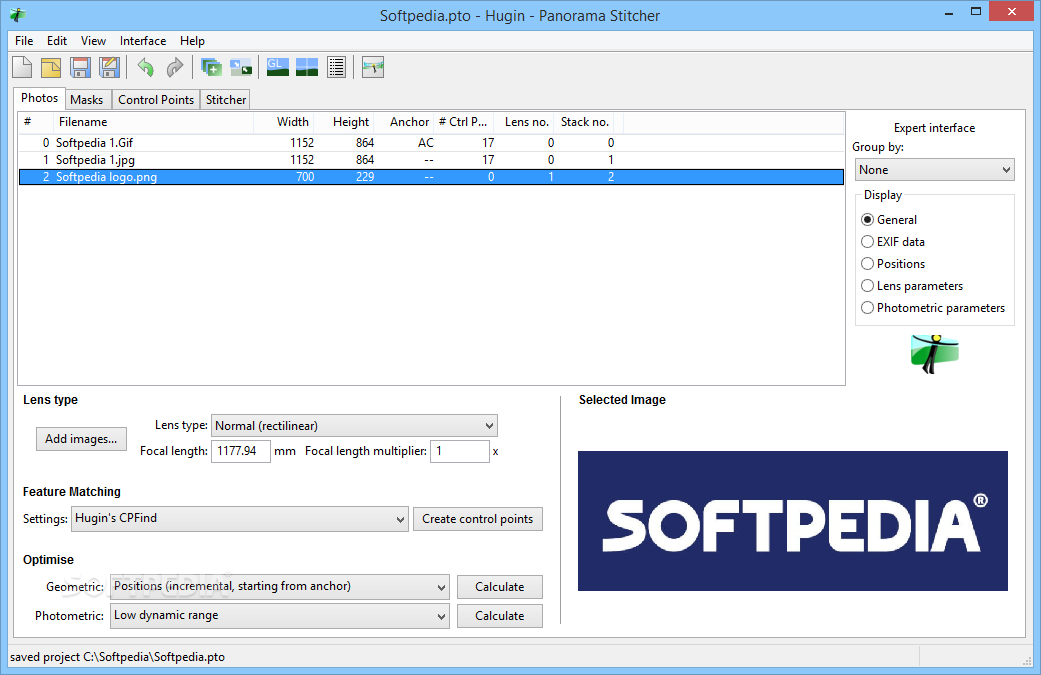
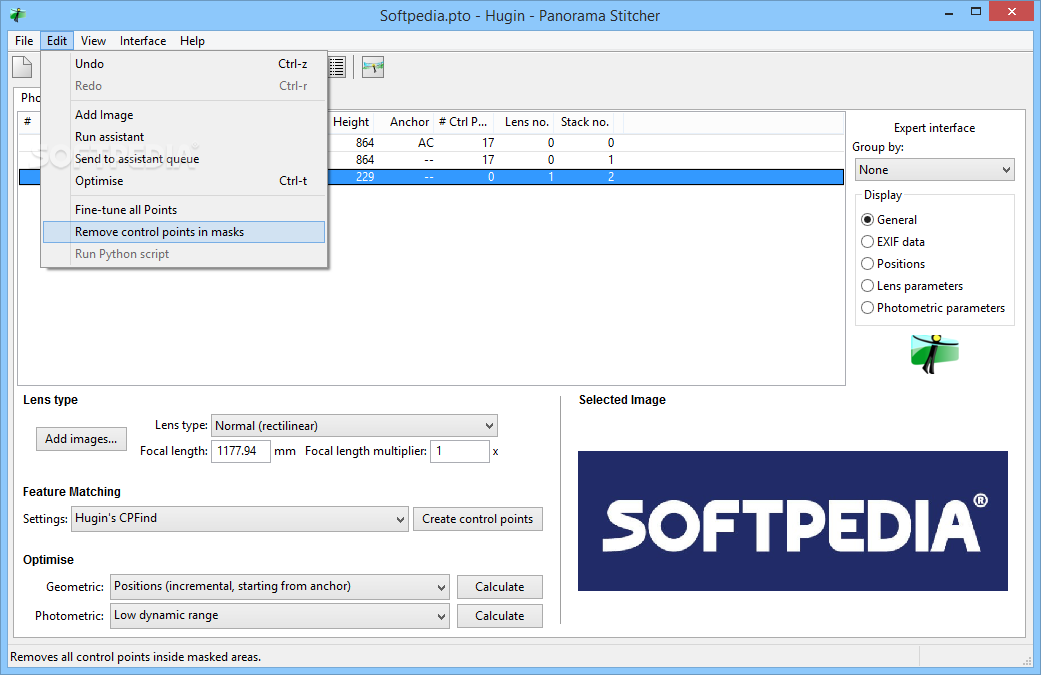
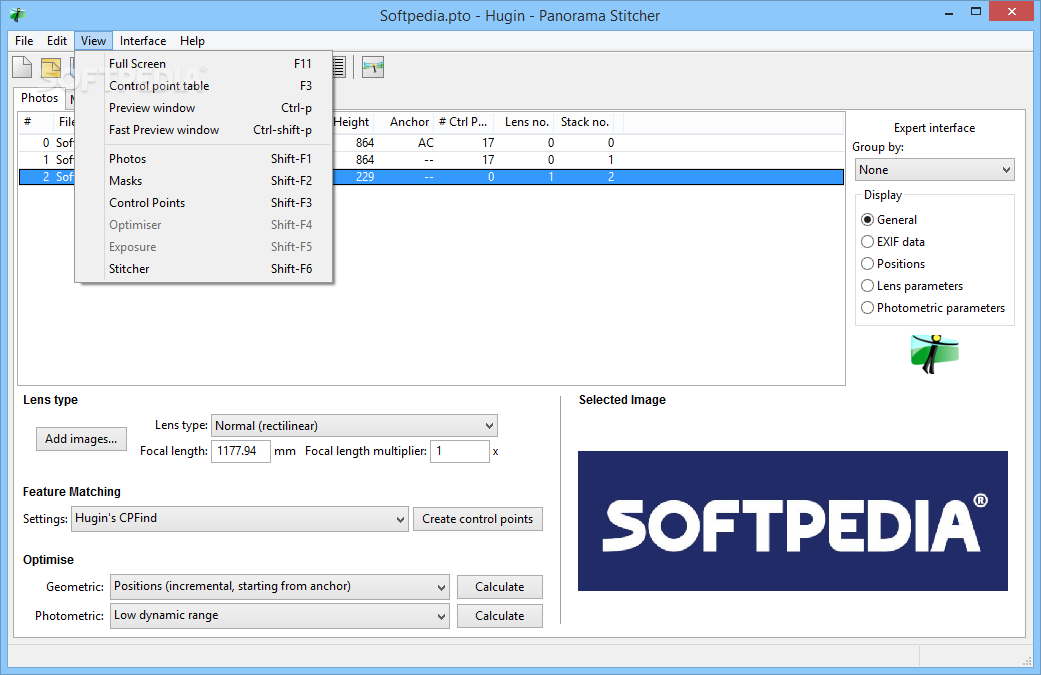
Portable Hugin – Panorama Stitcher is a complex software tool which was developed in order to help you create panorama images, by loading multiple pictures and stitching them.
This is the portable version of Hugin – Panorama Stitcher and thus, the Windows registry will not be updated with new entries and there will be no leftovers after its removal.
If you place the program files to a USB flash drive or other such removable device, it is possible to run Portable Hugin – Panorama Stitcher on any computer you have access to, by clicking the executable. No need to worry about the installation process, as it is not required.
It supports import from several picture formats, including JPG, TIFF, PNG, HDR and EXR. After you finish uploading images, you are required to input their HFOV value, focal length and lens type (normal, panoramic, circular fisheye, equisolid etc.). This information can also be loaded it from an INI file.
It is possible to change between a panosphere and mosaic plain mode for the overview, preview photos, control their size with a slider bar, and use one of the built-in guides (rule of third, golden ratio, diagonal etc.).
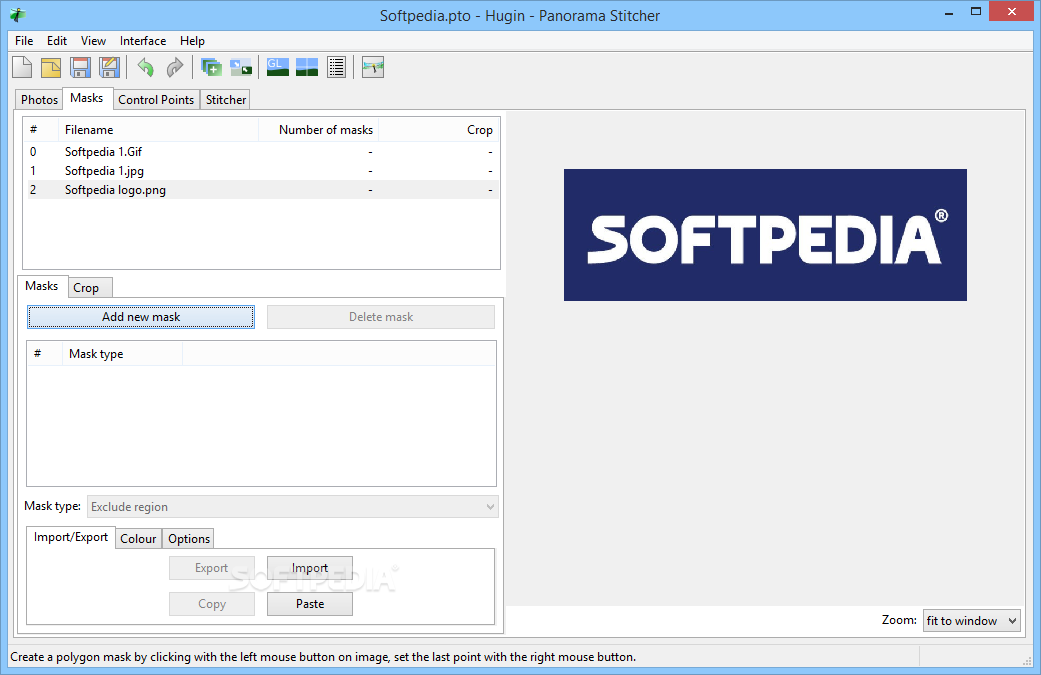
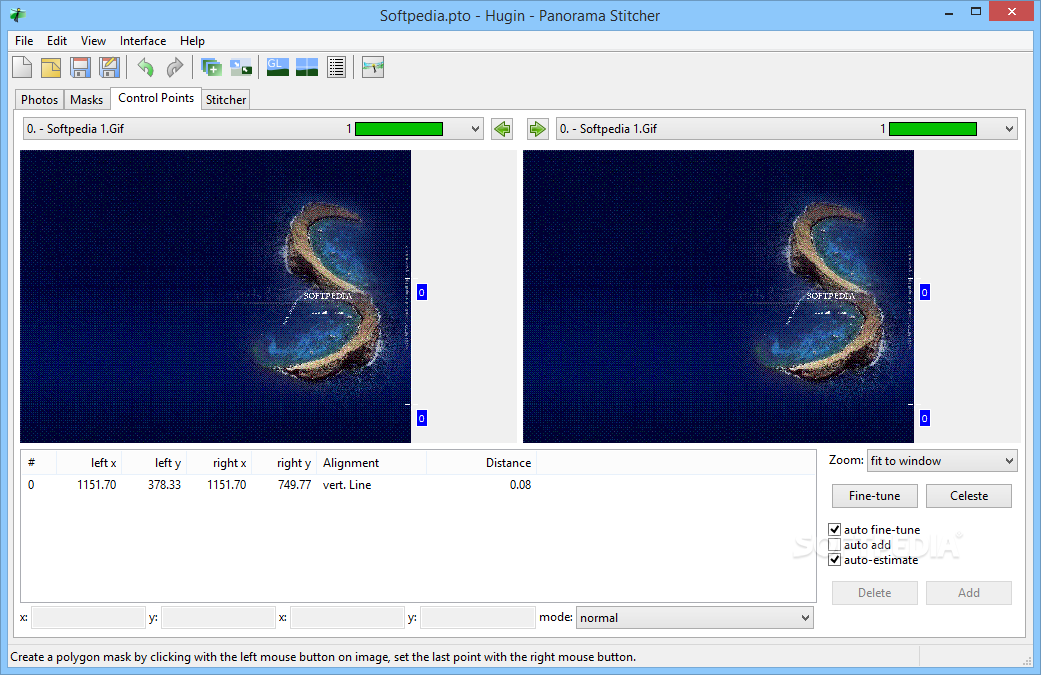
The field of view can also be chosen from an integrated list (rectilinear, cylindrical, Panini, biplane etc.), as well as manually or automatically crop your project.
The CPU and memory usage is minimal, which means this program does not hinder your computer’s performance and it can easily run alongside others. Extensive and neatly organized Help contents are provided by the developers, and the interface can be switched from simple to advanced or expert.
To sum up, Portable Hugin – Panorama Stitcher is a complex and powerful piece of software, with a good response time and a enough options to keep you tinkering for quite a while.
What's new in Portable Hugin - Panorama Stitcher 2015.0.0:
- Changes Since 2014.0.0:
- Hugin 2015.0 has a number of new features. Most of the changes are under the hood to improve stability, allow easier maintenance and easier addition of new features
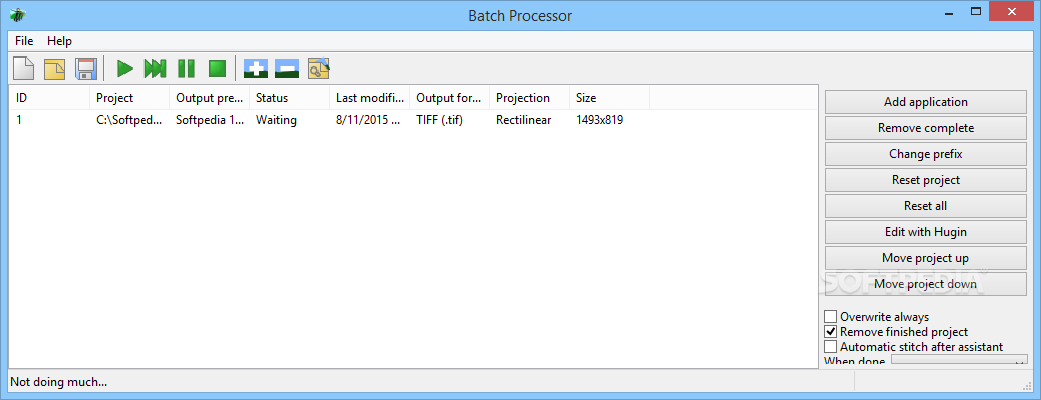
- The makefile based stitching engine has been replaced with direct calls to the underlying programs. This should reduce the overhead of calling the same program too often and so speed up the whole process. Hopefully this also allows the usage of more unusual characters in the filename. Instead of pto2mk and make we now have hugin_executor which can also be used for running the assistant from the command line
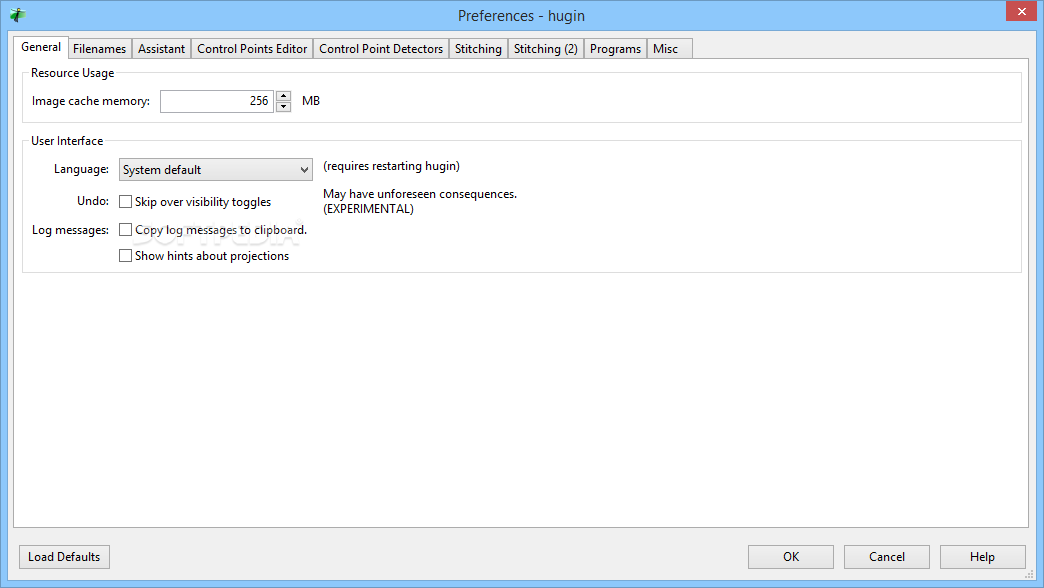
- Hugin now has it's own blender, verdandi, based on a watershed algorithm, which has been included in 'nona'. verdandi can be chosen as the blender by choosing "builtin" in the stitcher tab, and can also be set in the Preferences. verdandi can also be called as a command line tool
Portable Hugin - Panorama Stitcher 2015.0.0
add to watchlist add to download basket send us an update REPORT- portable version
- This is the portable version of the application. An installable version is also available: Hugin - Panorama Stitcher
- runs on:
-
Windows 10 32/64 bit
Windows 8 32/64 bit
Windows 7 32/64 bit
Windows Vista 32/64 bit - file size:
- 22.6 MB

- main category:
- Portable Software
- developer:
- visit homepage
7-Zip

IrfanView

Microsoft Teams

calibre

4k Video Downloader

paint.net

Bitdefender Antivirus Free

Windows Sandbox Launcher

ShareX

Zoom Client

- Windows Sandbox Launcher
- ShareX
- Zoom Client
- 7-Zip
- IrfanView
- Microsoft Teams
- calibre
- 4k Video Downloader
- paint.net
- Bitdefender Antivirus Free