
Fix and enhance your photos with ease. #Photo editor #Image viewer #Enhance photo #Editor #Edit #Converter

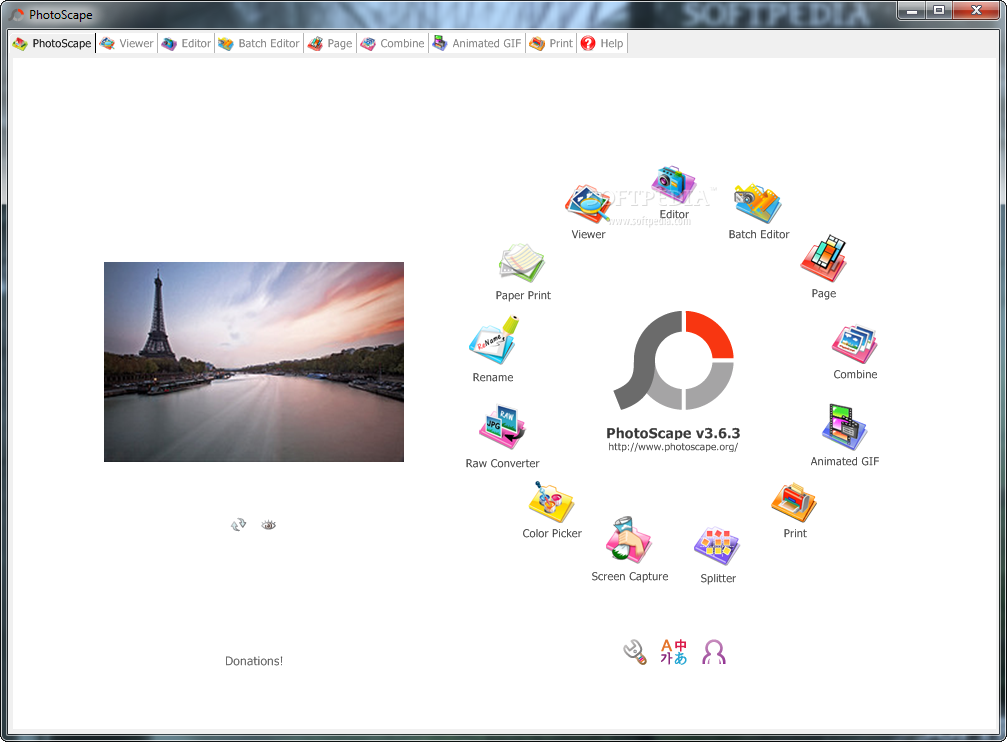
PhotoScape is a tool that lets you view / edit image files with rich possibilities to enhance their appearance.
Becuase this is a portable product, PhotoScape does not need to be installed, so your Windows registry entries remain intact. It also means that you can run Portable PhotoScape directly from an external drive.
The interface attracts users with any experience level. In the main window, there are a few options displayed in a circular menu, and on the left you can view various images imported from Flickr.
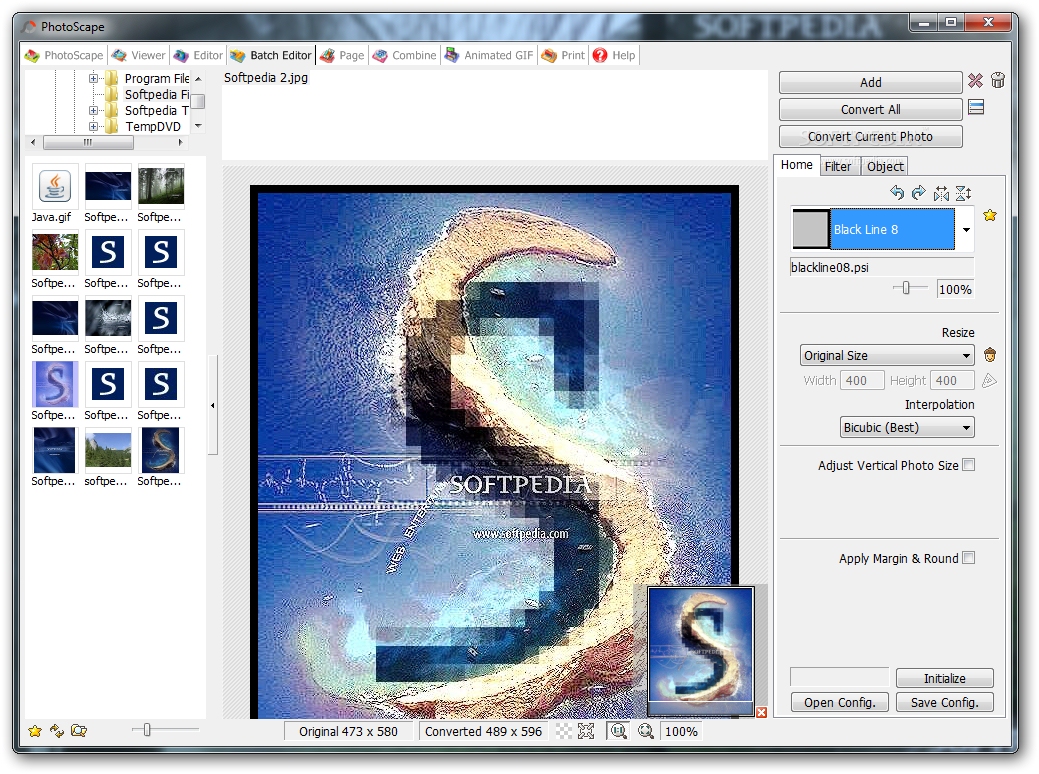
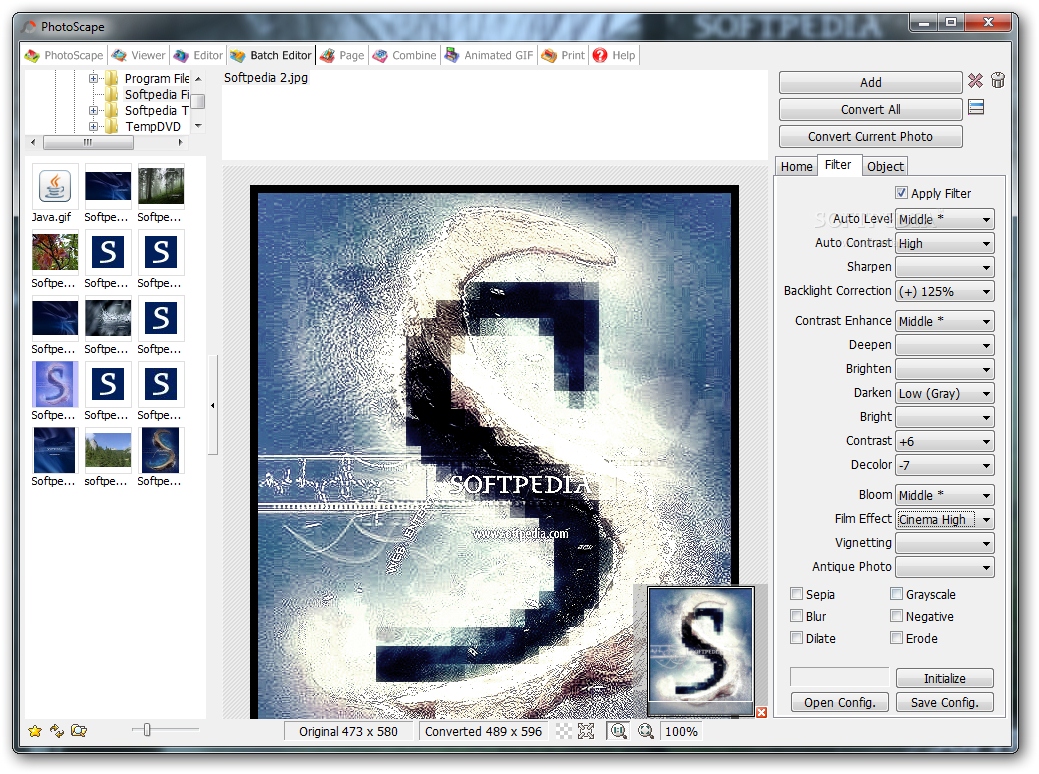
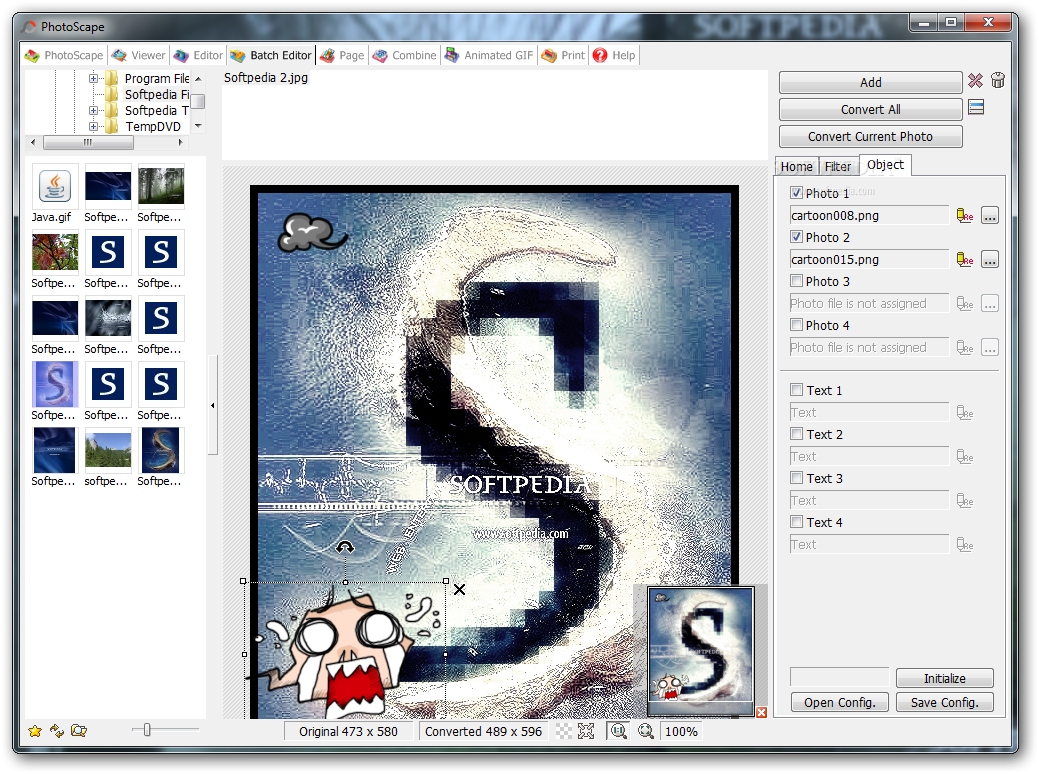
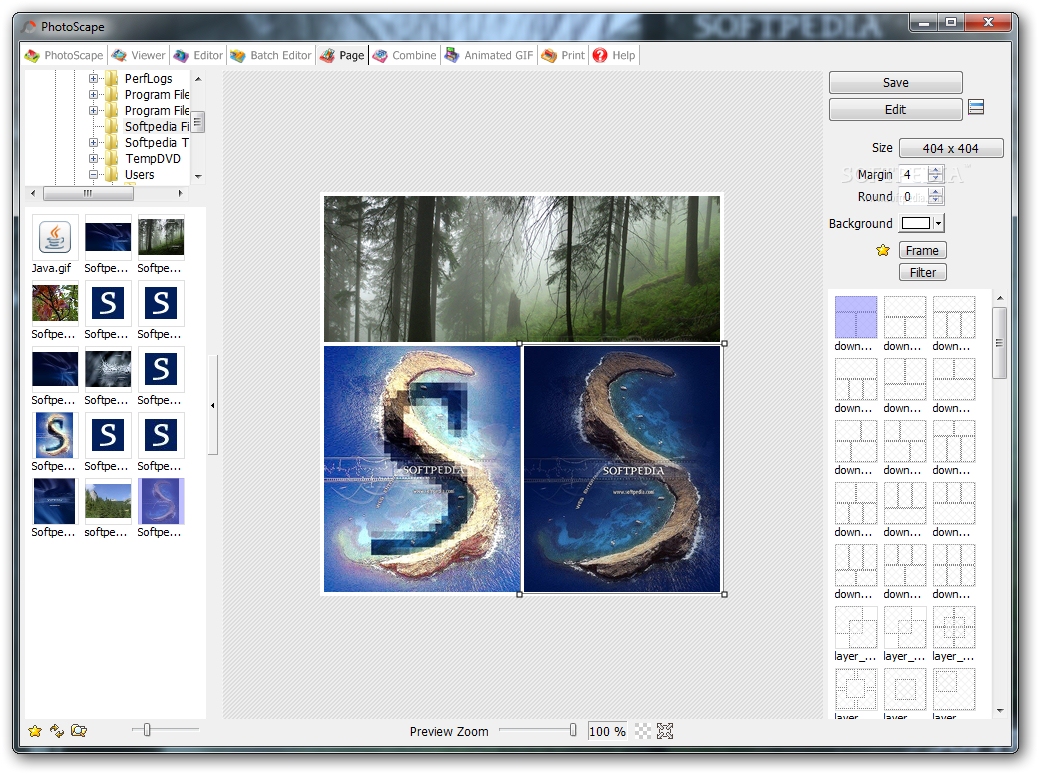
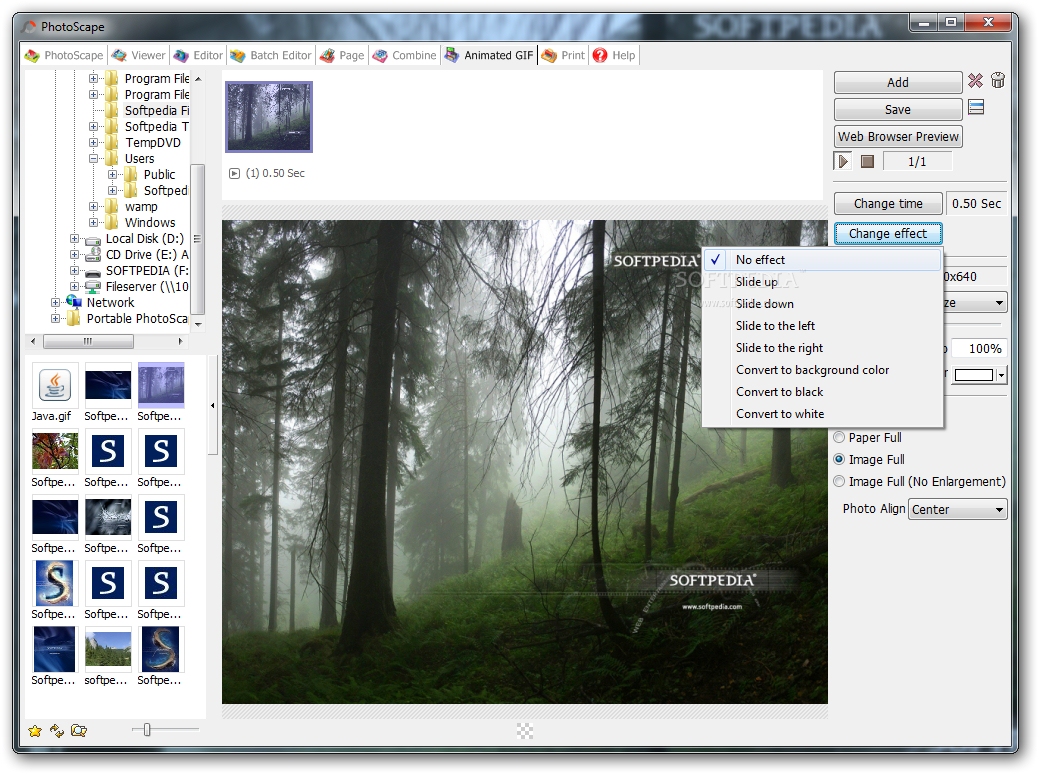
You can use a viewer, editor and batch editor, customize pages (size, margin, background, frames, filters), merge photos (via drag and drop), create an animated picture (GIF), print photos, split pictures into several parts, take a snapshot (capture window, region or full screen), use color picker and a RAW converter, and rename files (including file, photo and today's date).
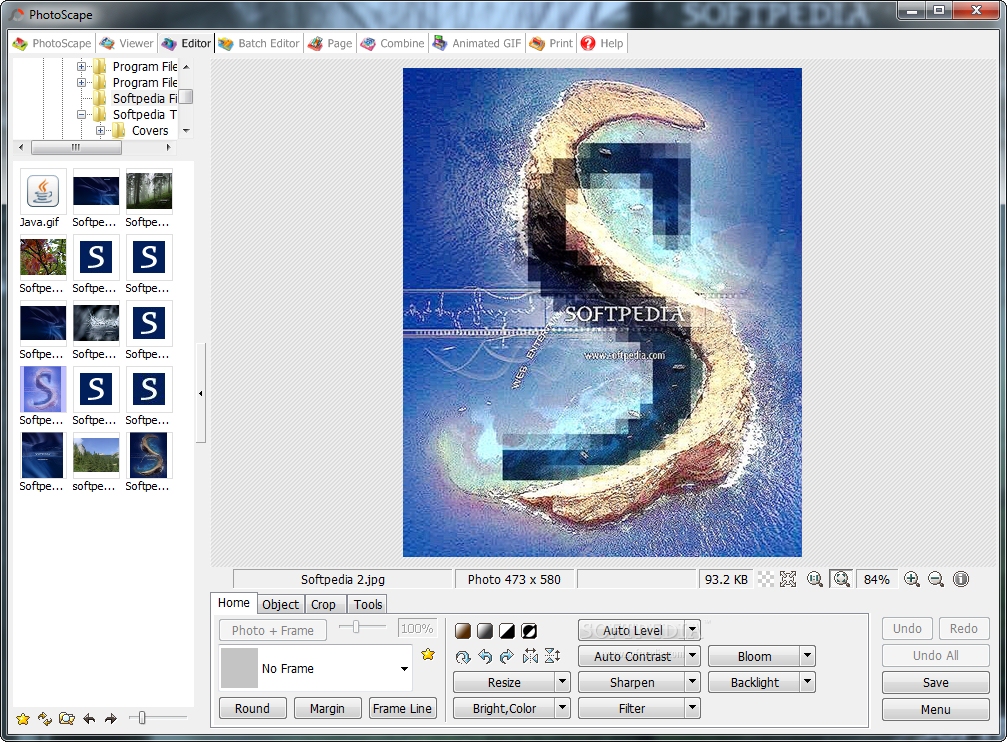
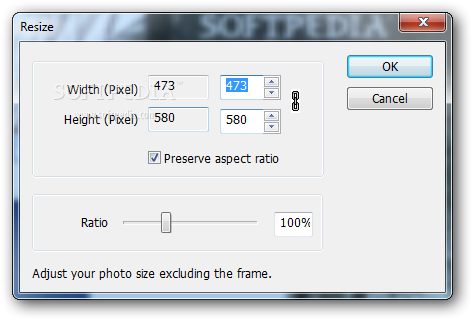
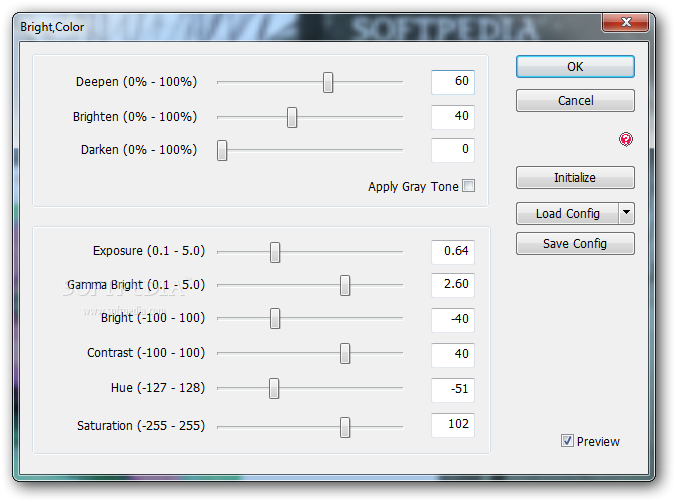
In Viewer, you can create a slideshow, view in full screen mode, use lossless rotation, delete or rename files, and delete EXIF info, while the Editor lets you adjust brightness, contrast and white balance, rotate images, use backlight correction, apply the antique or film effect, use item decoration, remove moles, reduce noise, bloom, use a colored or watercolor pencil, distort, apply linear gradient, reflection, clone stamp, and more. There are hotkeys assigned for both the Viewer and Editor's functions.
The program uses significantly less system resources than the installed version of PhotoScape, and has easy-to-follow video tutorials, but it still lacks advanced image editing settings. Nevertheless, Portable PhotoScape is a great tool to use after you get familiarized with its unusual but intuitive interface.
Download Hubs
Portable PhotoScape is part of these download collections: Edit JPEG, Convert RW2, Open ARW, Edit ARW
What's new in Portable PhotoScape 3.6.3:
- "Blur - High", "Jitter" Effect Brushes added (Editor -> Tools -> Effect Brush)
- Mirror function added in Picture > Clipart Object
- Filter (antique01, antique02) added in Editor > Filter > Antique Photo
- Frame (antique Photo 01, 02) added in Editor > Frame
Portable PhotoScape 3.6.3
add to watchlist add to download basket send us an update REPORT- portable version
- This is the portable version of the application. An installable version is also available: PhotoScape
- runs on:
- Windows All
- file size:
- 14.9 MB
- filename:
- Portable PhotoScape.zip
- main category:
- Portable Software
- developer:
- visit homepage
ShareX

Context Menu Manager

calibre

Microsoft Teams

Zoom Client

Windows Sandbox Launcher

7-Zip

Bitdefender Antivirus Free

IrfanView

4k Video Downloader

- Bitdefender Antivirus Free
- IrfanView
- 4k Video Downloader
- ShareX
- Context Menu Manager
- calibre
- Microsoft Teams
- Zoom Client
- Windows Sandbox Launcher
- 7-Zip