
A powerful and useful software application that enables any type of person to easily and quickly add subtitles to their video files. #Subtitle Maker #Create Subtitle #Subtitle Editor #Subtitle #Editor #Edit

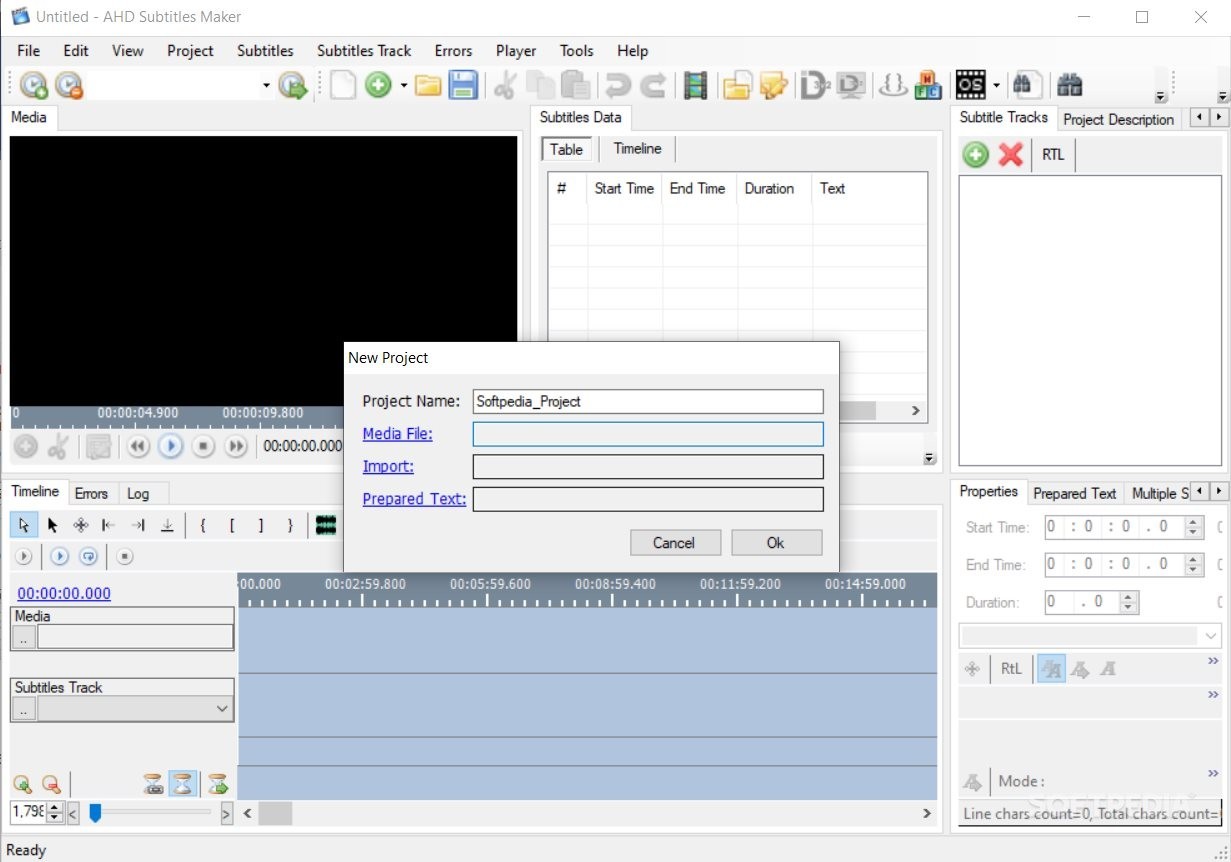
As advanced as players might be these days, and even considering the well-documented nature of most streaming providers in terms of subtitles, there’s always the need to make your own, if not, to at least adjust or edit existing subtitles. Designed with such purposes in mind, Portable AHD Subtitles Maker, just like its installer version, will allow you to create subtitles, adjust their characteristics, and perform conversions and other operations, such as synchronizations.
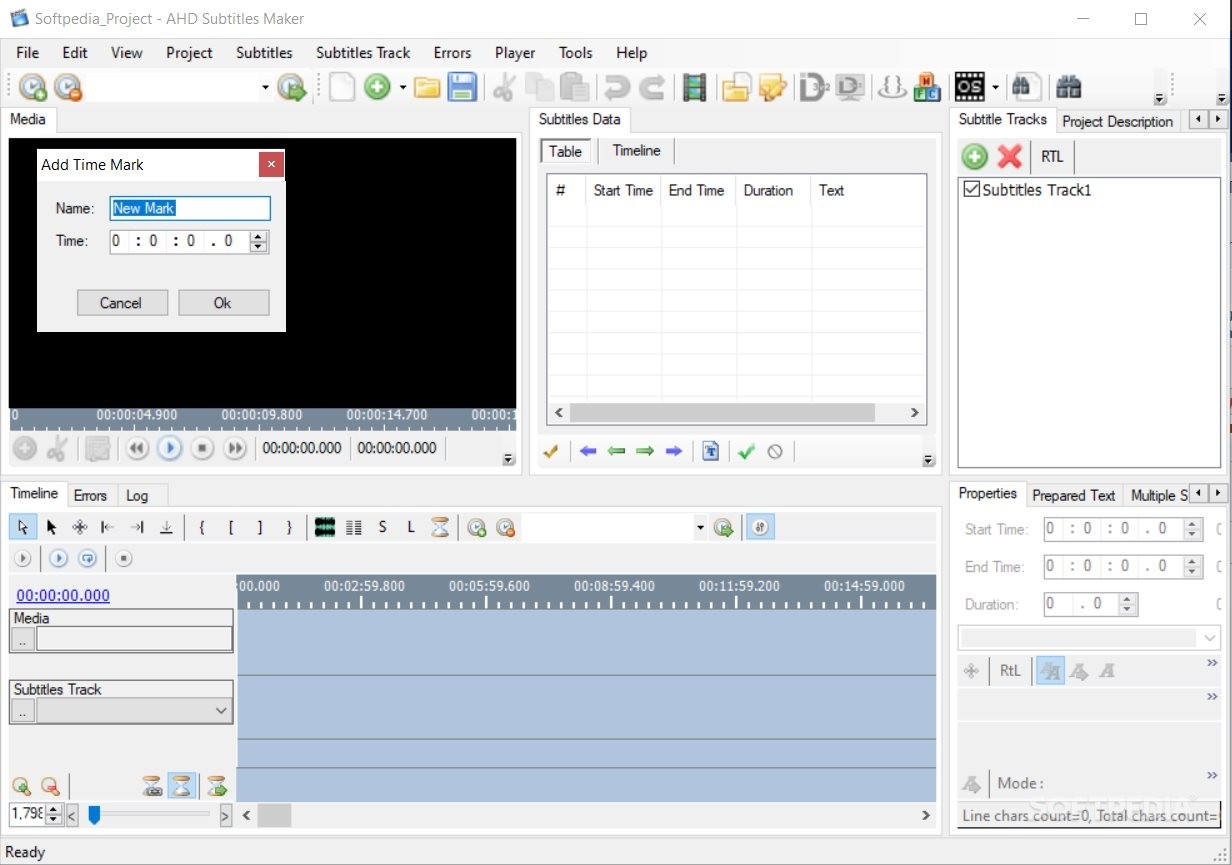
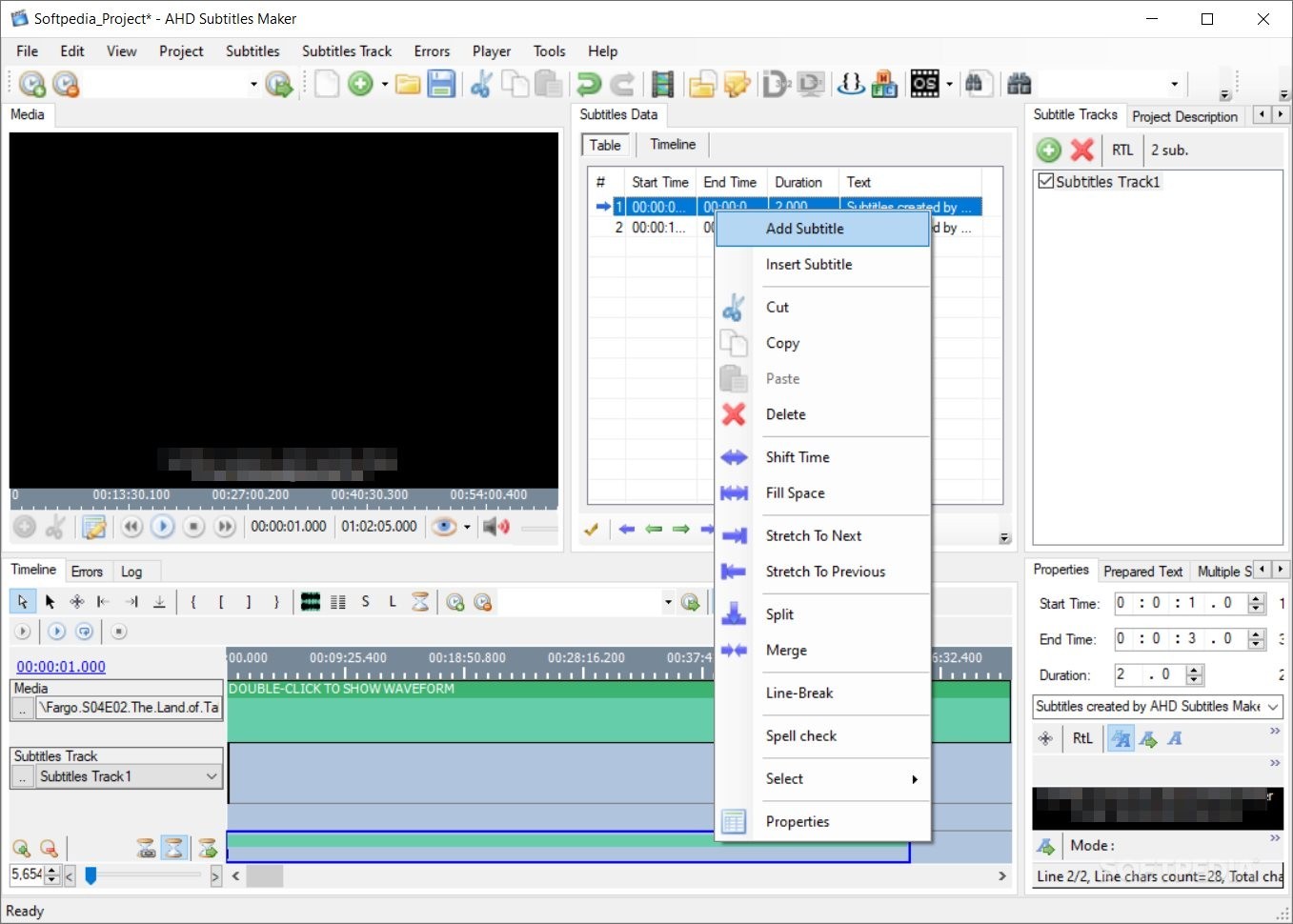
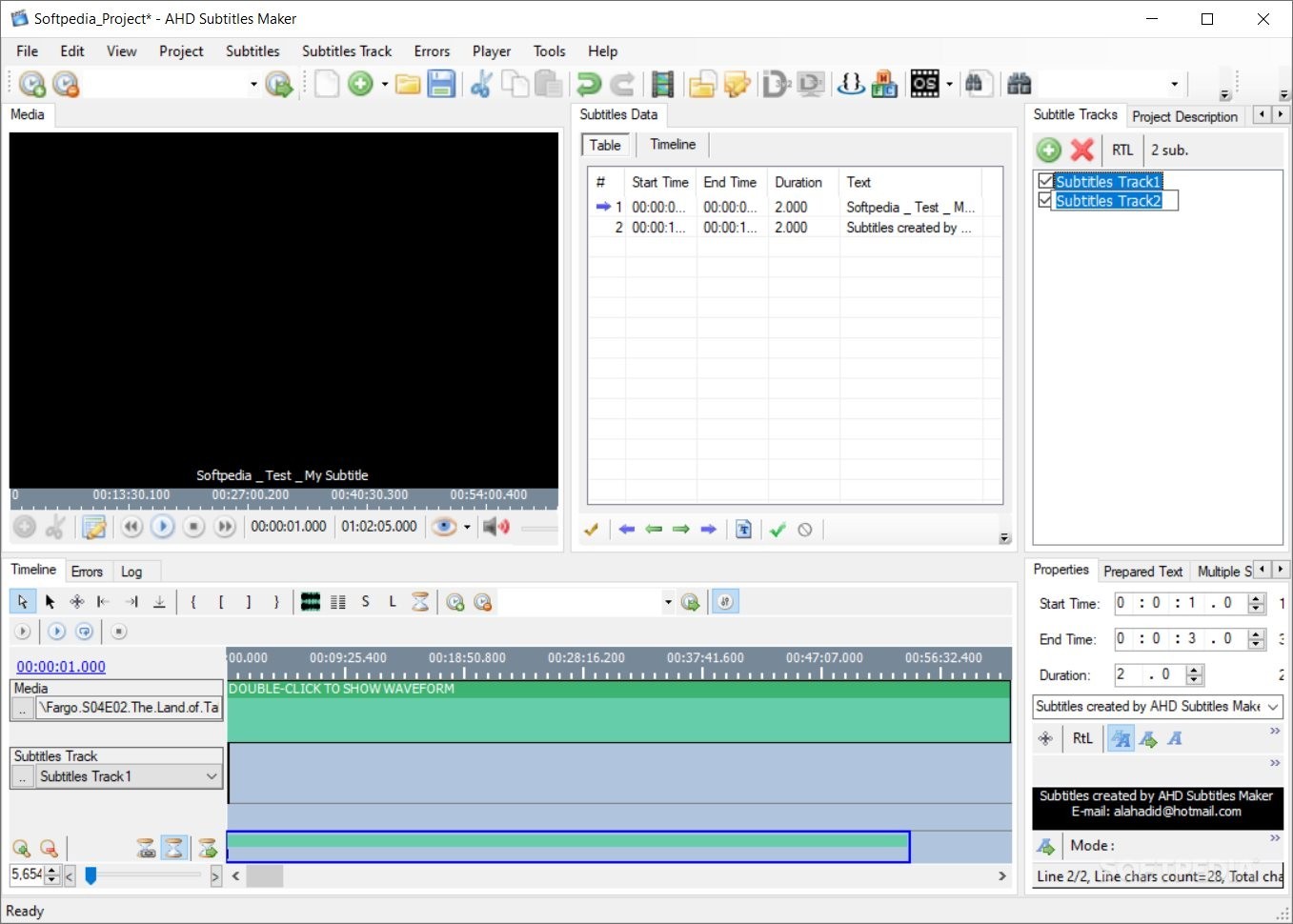
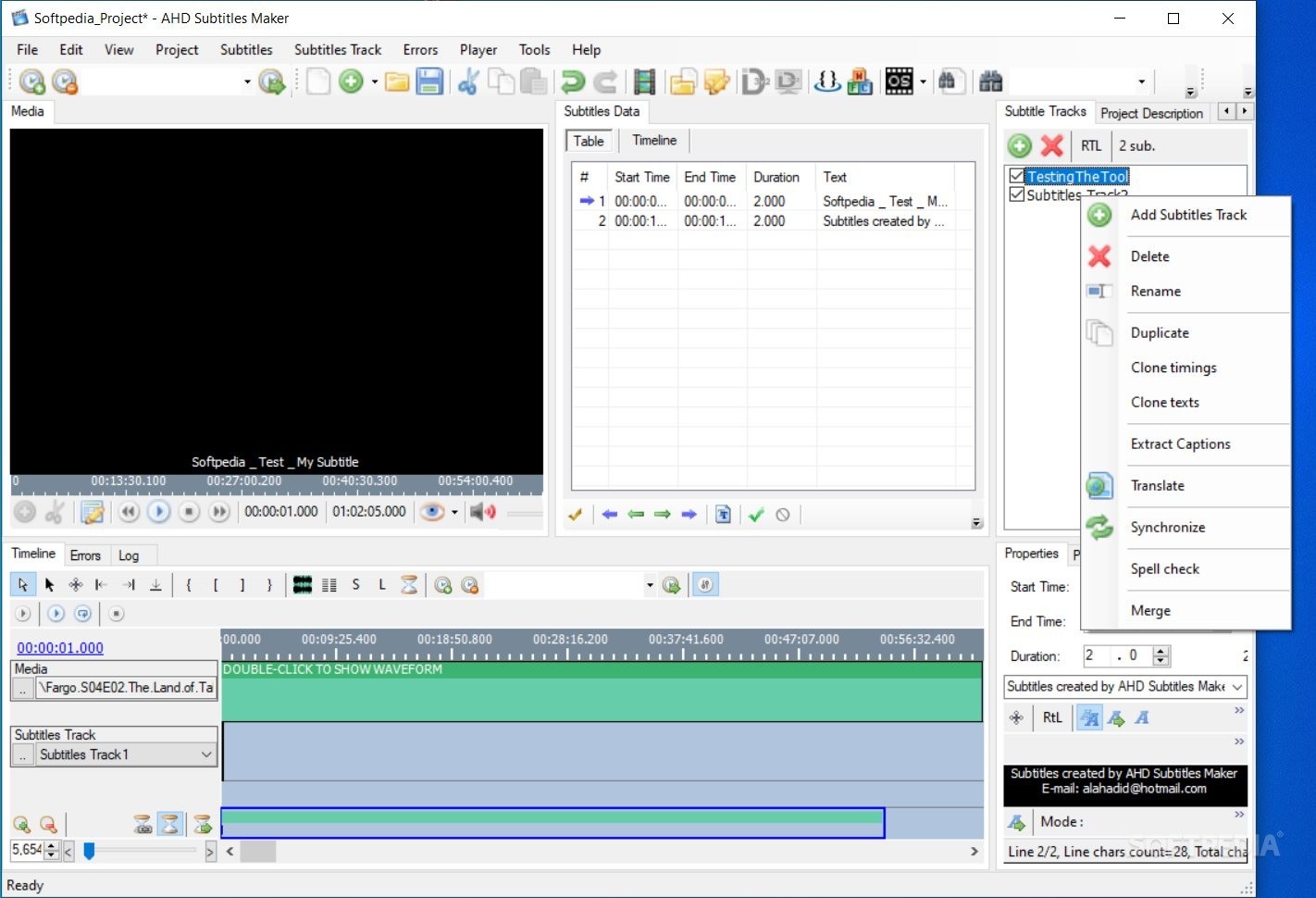
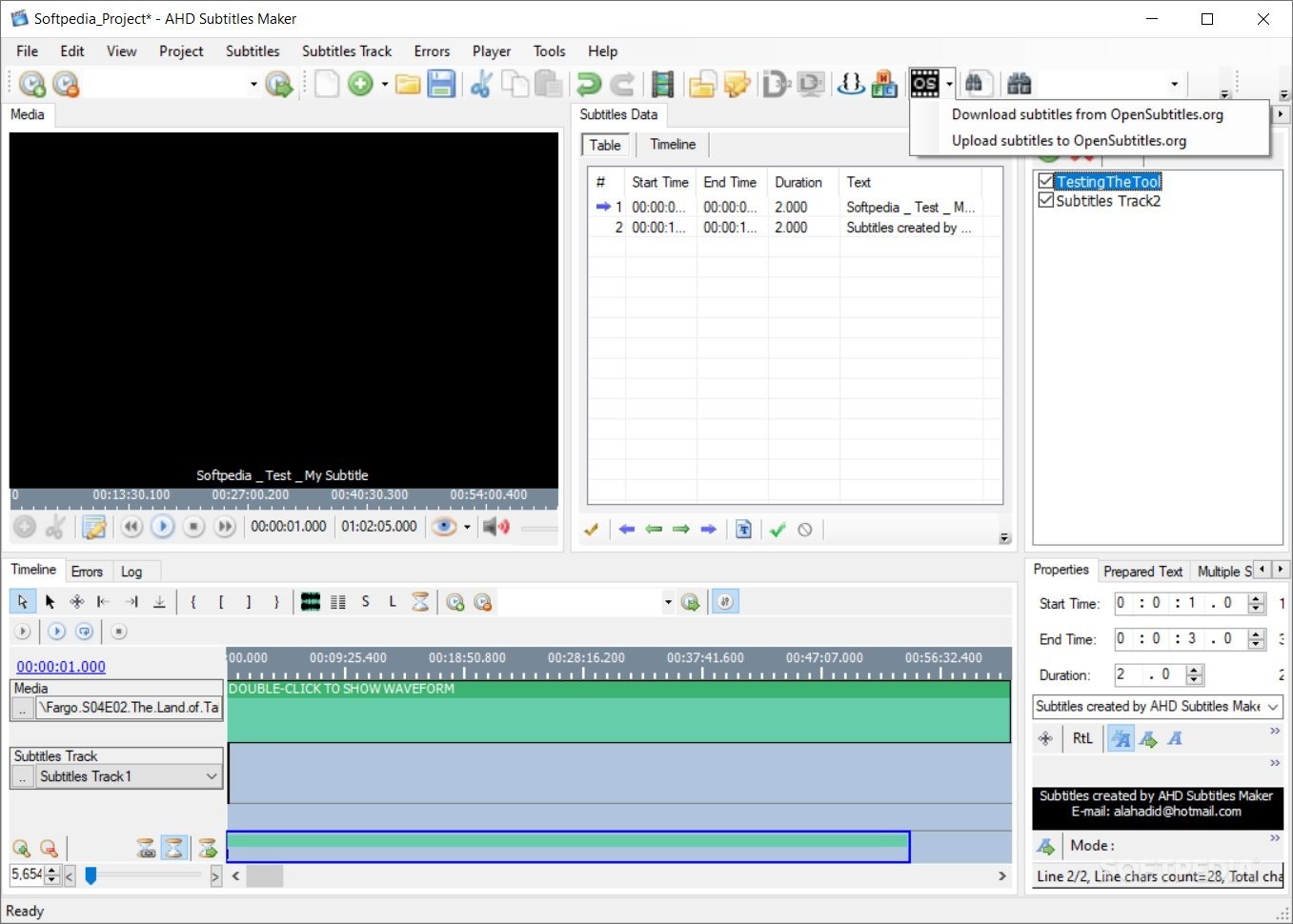
The application offers most of its features through on-screen buttons and corresponding controls, which make working with it a quite accessible task. This is a good approach, as you wouldn’t want to be fiddling with menus when needing to adjust a subtitle parameter and preview the changes simultaneously.
Multiple tabs carry enough information for each section, and we were impressed by how well-rounded the whole tool-set is, throughout the interface.
At a glance, the application looks uncluttered and well-structured. This must not mislead users into thinking that there isn’t enough functionality. Quite the contrary, upon closer inspection, one can find a plethora of buttons and commands for a multitude of tasks.
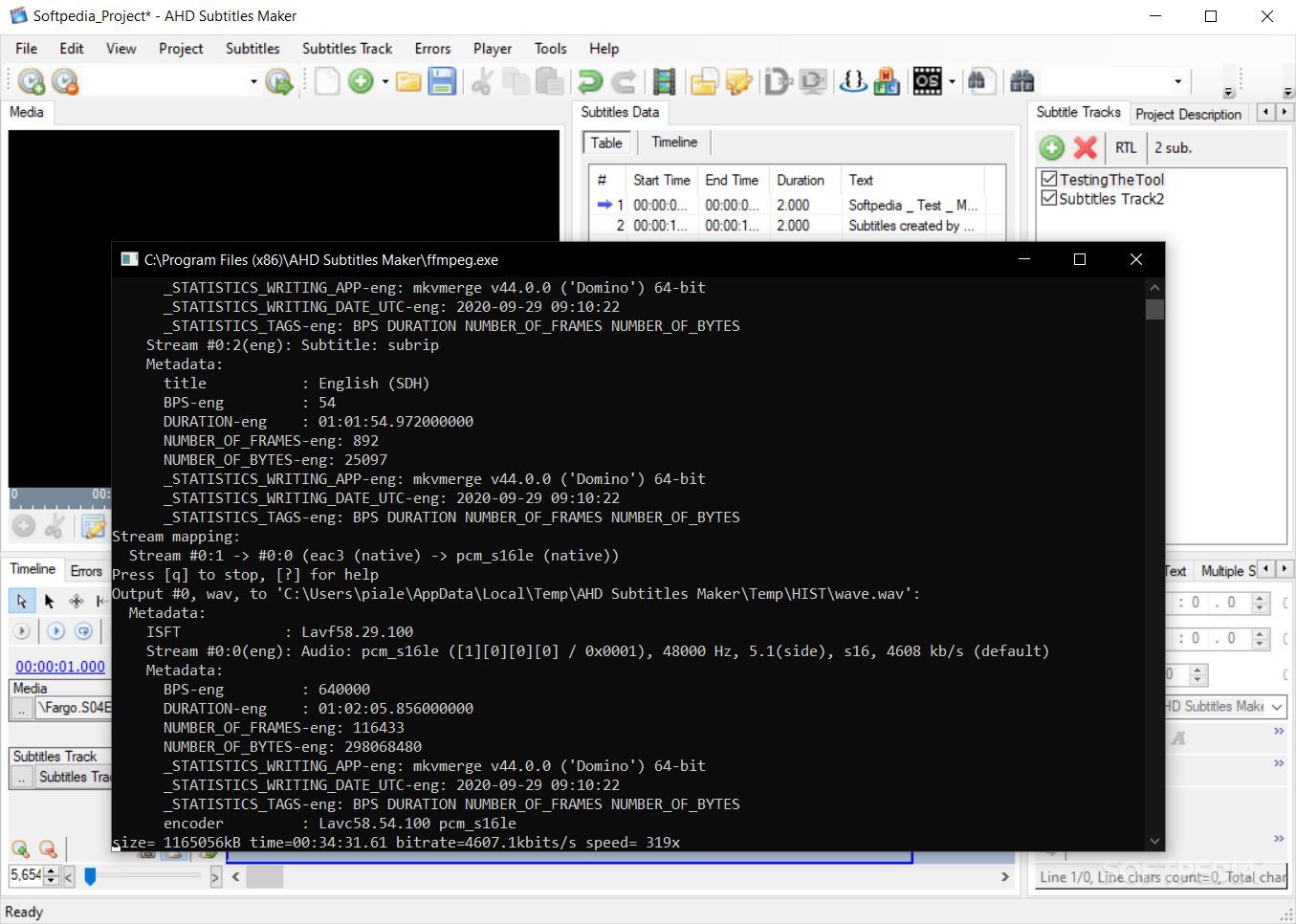
With such an ample array of tools for subtitle editing, users will have no trouble for both common and more advanced operations, ranging from simple subtitle syncs, all the way up to subtitle rips, with loaded media waveform creation and more.
Addressing those who seek a tool for creating, editing, and customizing subtitles, Portable AHD Subtitles Maker comes forward with a comprehensive collection of tools for such purposes, all encapsulated into an accessible package.
Download Hubs
Portable AHD Subtitles Maker is part of these download collections: Edit Subtitles
What's new in Portable AHD Subtitles Maker 5.24.8155.39279:
- This package include these language interfaces:
- English (US), Arabic (Syria), Chinese (Simplified, PRC), Portuguese (Portugal) and Portuguese (Brazil).
- Please make sure the program is not blocked via Firewall and allowed to access the internet so that some program features function correctly.
Portable AHD Subtitles Maker 5.24.8155.39279
add to watchlist add to download basket send us an update REPORT- PRICE: Free
- portable version
- This is the portable version of the application. An installable version is also available: AHD Subtitles Maker
- runs on:
-
Windows 11
Windows 10 32/64 bit
Windows 8 32/64 bit
Windows 7 32/64 bit
Windows Vista 32/64 bit
Windows XP 32/64 bit - file size:
- 24.5 MB
- filename:
- ASM.X86.5.24.8155.39279.zip
- main category:
- Portable Software
- developer:
- visit homepage
paint.net

calibre

Windows Sandbox Launcher

4k Video Downloader

Microsoft Teams

7-Zip

Zoom Client

IrfanView

ShareX

Bitdefender Antivirus Free

- IrfanView
- ShareX
- Bitdefender Antivirus Free
- paint.net
- calibre
- Windows Sandbox Launcher
- 4k Video Downloader
- Microsoft Teams
- 7-Zip
- Zoom Client