
Create interesting movies and short clips from collections of photos from your computer's hard-disk with the help of this reliable utility. #Create Movie #Movie Designer #Assemble Photos #Movie #Designer #Creator

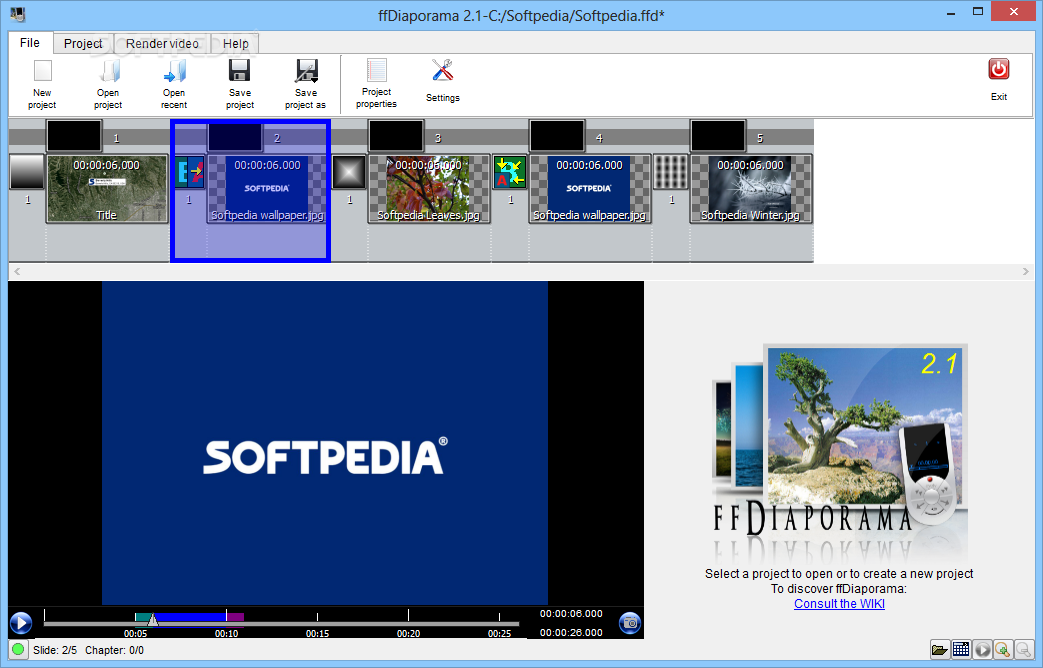
Creating video clips requires skill and patience, plus an artistic eye. However, everyone can create a video, either for their phones or computers by using the right software. ffDiaporama Portable is an app that allows creating movies from photos and video clips.
The program comes with a clean and easy-to-use interface that gathers all vital features in the same place. In order to create a new movie, you can either load photographs or videos.
The software supports a wide range of image formats (BMP, GIF, JPG, PNG, PBM, PGM, PPM, TIFF, TIF and XMB), as well as video files (AVI, MOV, MPG, MPEG, M4V, MKV, MP4, FLV, 3GP, OGV and WMV).
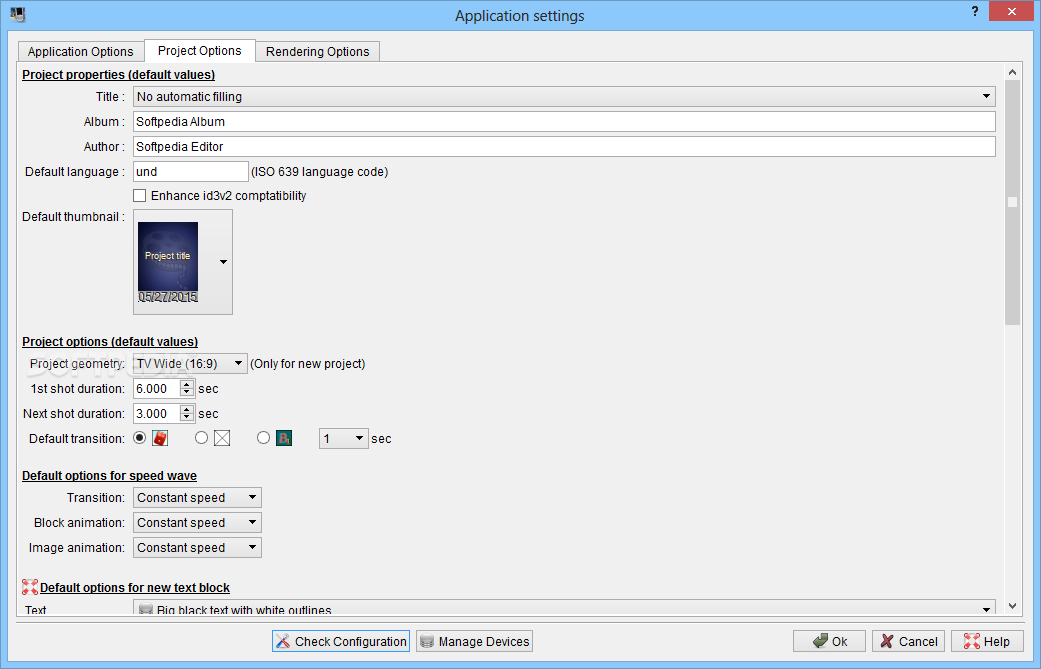
The software’s options are located under the “Settings” menu. You can set the app to remember the size and position of the windows and the last output folder used. Also, the quality details for previewing the videos can also be defined.
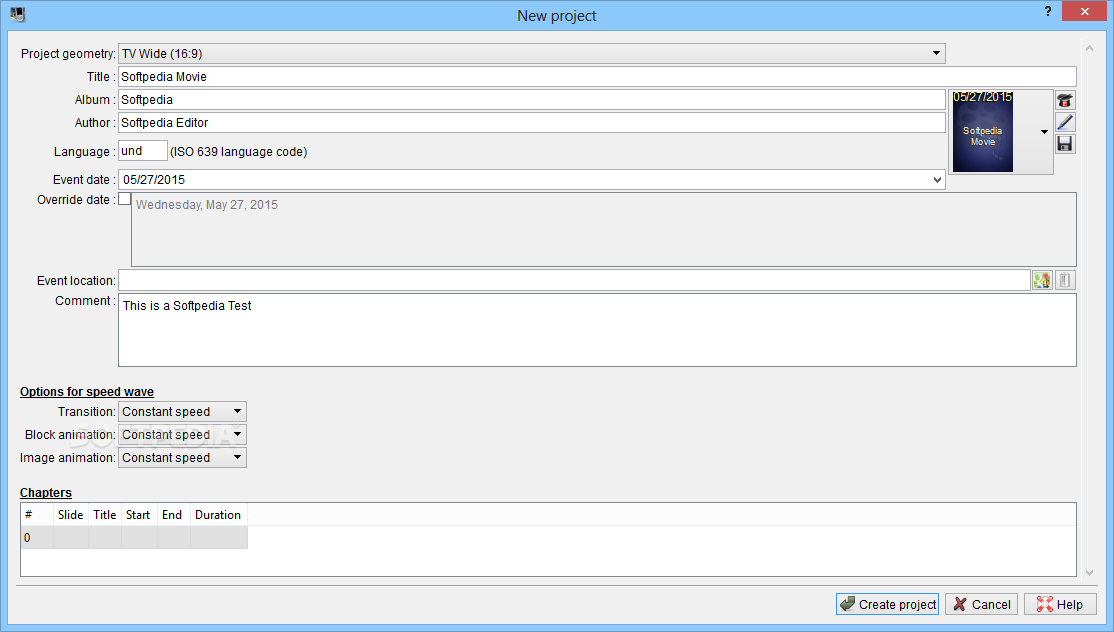
Additional values can be set for your videos, such as title, author and language. Other options that can be adjusted regard the text and video blocks.
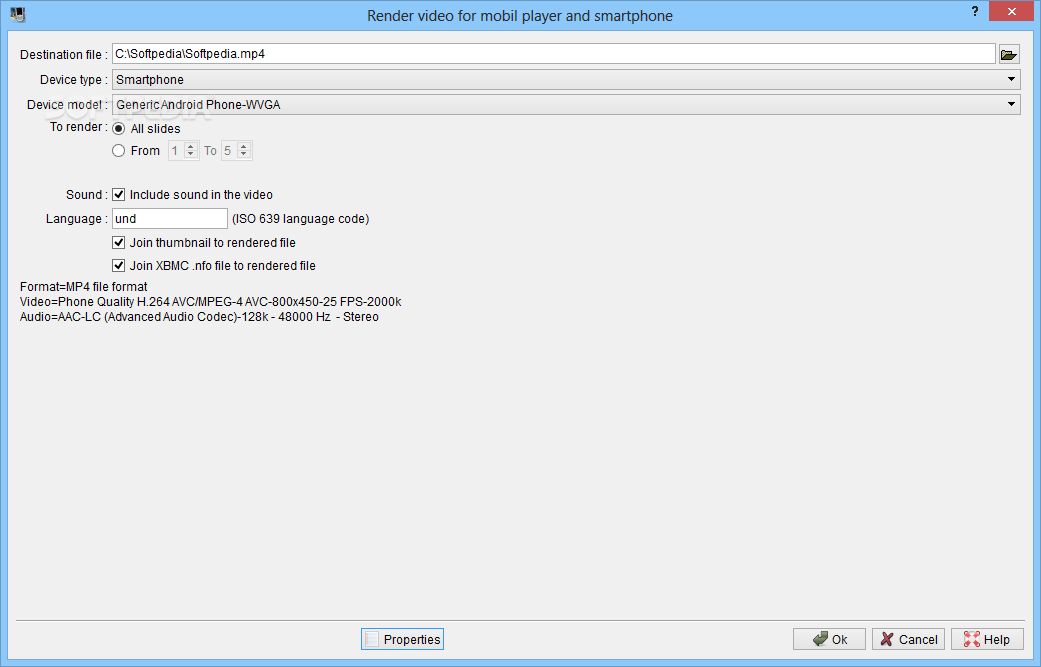
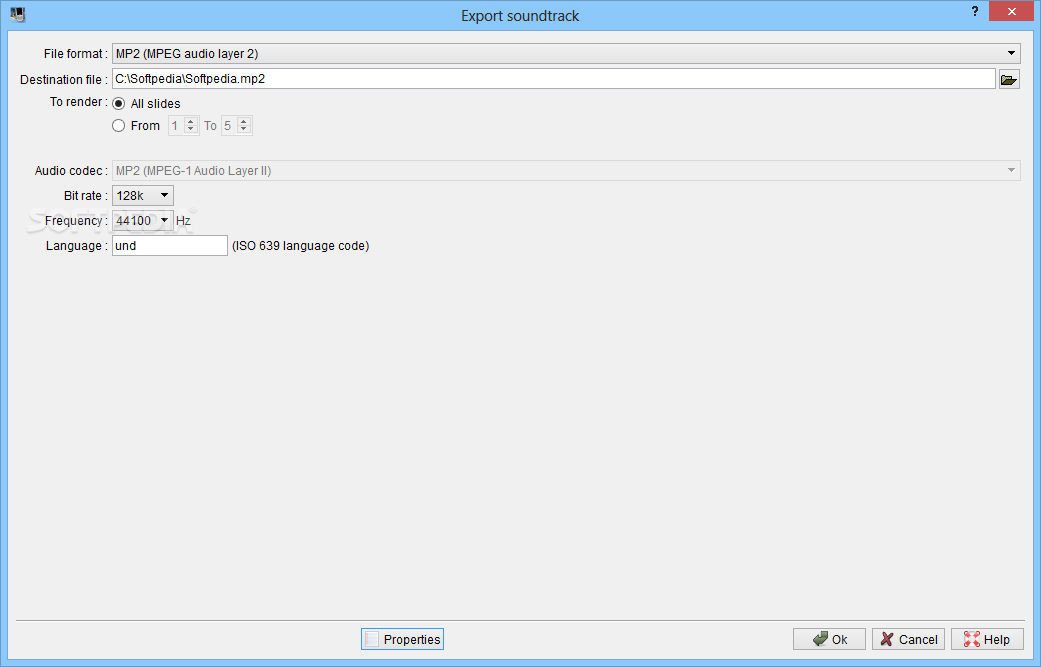
ffDiaporama Portable supports multiple types of rendering. For example, you can optimize videos for your smartphone, multimedia system or the Internet. The software supports a few output formats, such as AVI, MKV, MJPEG, MP4, MPEG and FLV.
You can further alter the output file by choosing the video and audio codecs, the bitrate, and a video standard.
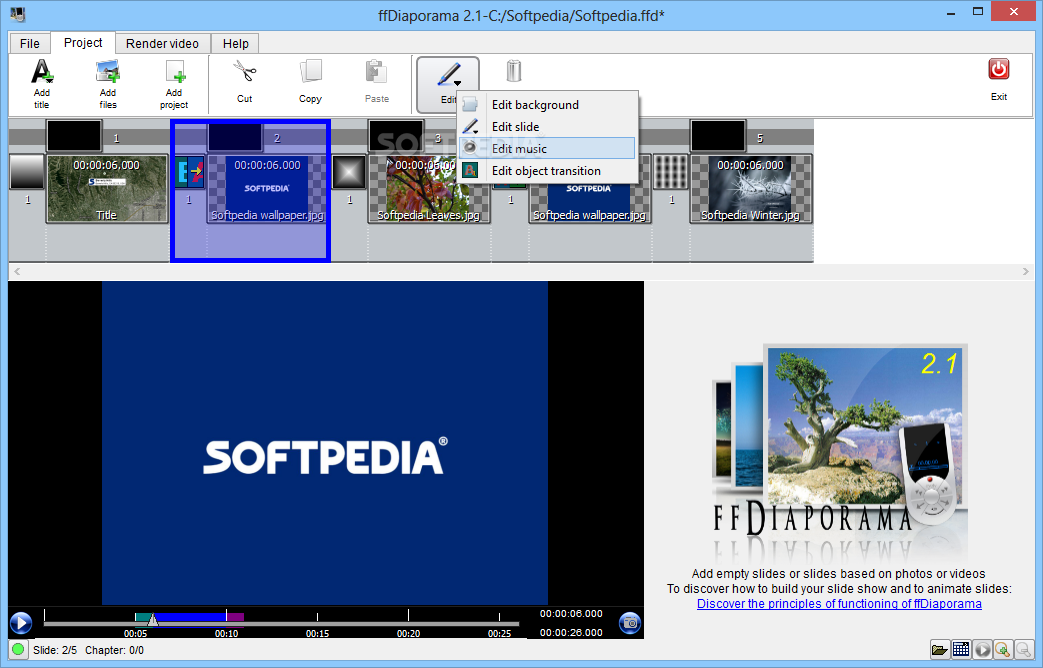
The program also permits inserting various transitions between two frames, adding music to accompany your videos (WAV, MP3, OGG, WMA and OGA) and backgrounds.
FfDiaporama Portable is a useful tool that offers you great flexibility in putting movies together. The software is completely portable, which means it can be fired up from any computer. Since the program is portable, it doesn't need to be installed to the computer and it shouldn't leave any traces int he Windows Registry.
What's new in ffDiaporama Portable 2.1:
- IMPROVEMENTS:
- Geolocation projects:
- It is now possible to geotag projects globally or by chapter
- Google Maps maps can be added in the titles and in the slides
ffDiaporama Portable 2.1
add to watchlist add to download basket send us an update REPORT- runs on:
- Windows All
- file size:
- 51.3 MB
- filename:
- ffDiaporamaPortable_2.1.2014.0209-fr-r01.fmk.zip



- main category:
- Portable Software
- developer:
- visit homepage
calibre

Context Menu Manager

IrfanView

Windows Sandbox Launcher

ShareX

Microsoft Teams

7-Zip

Bitdefender Antivirus Free

4k Video Downloader

Zoom Client

- Bitdefender Antivirus Free
- 4k Video Downloader
- Zoom Client
- calibre
- Context Menu Manager
- IrfanView
- Windows Sandbox Launcher
- ShareX
- Microsoft Teams
- 7-Zip