
Manage contact information in a friendly workspace with intuitive options, thanks to this straightforward piece of software that can store all kinds of information. #Address book manager #Contact organizer #Manage phone book #Address book #Contact #Organizer

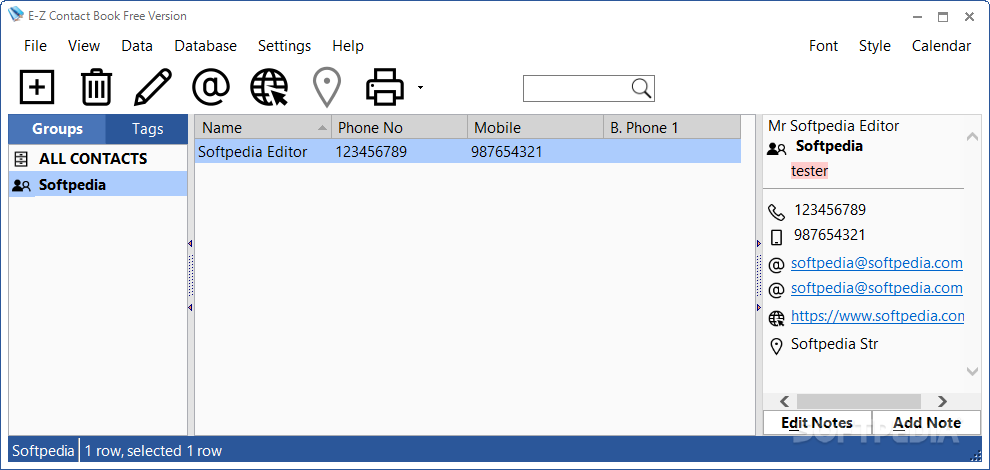
As the name implies, E-Z Contact Book enables users to manage a contacts list. It comes packed with a user-friendly environment and intuitive options to please all types of individuals.
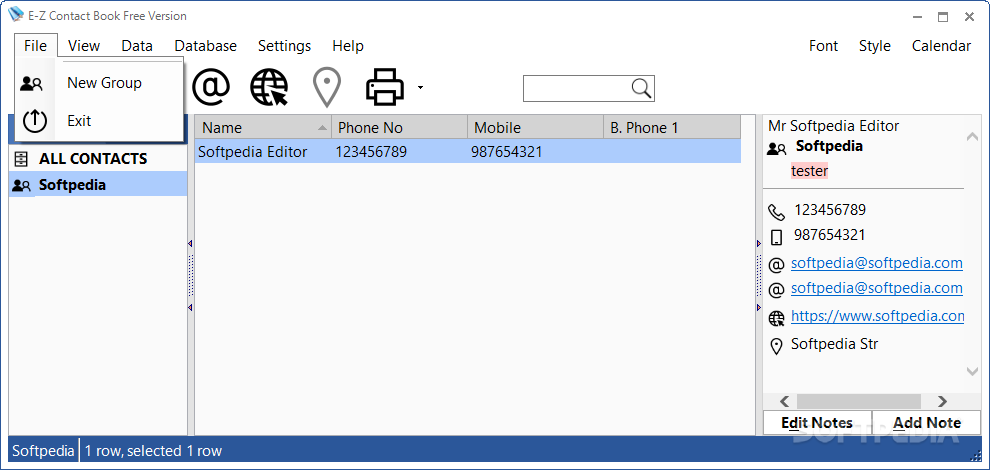
At startup you can ask the program to automatically create typical contact groups, such as “Family,” “Friends,” “Business” or others.
The main application window is divided into multiple areas for accessing contacts categories, information (e.g. name, phone number and cell number), and details.
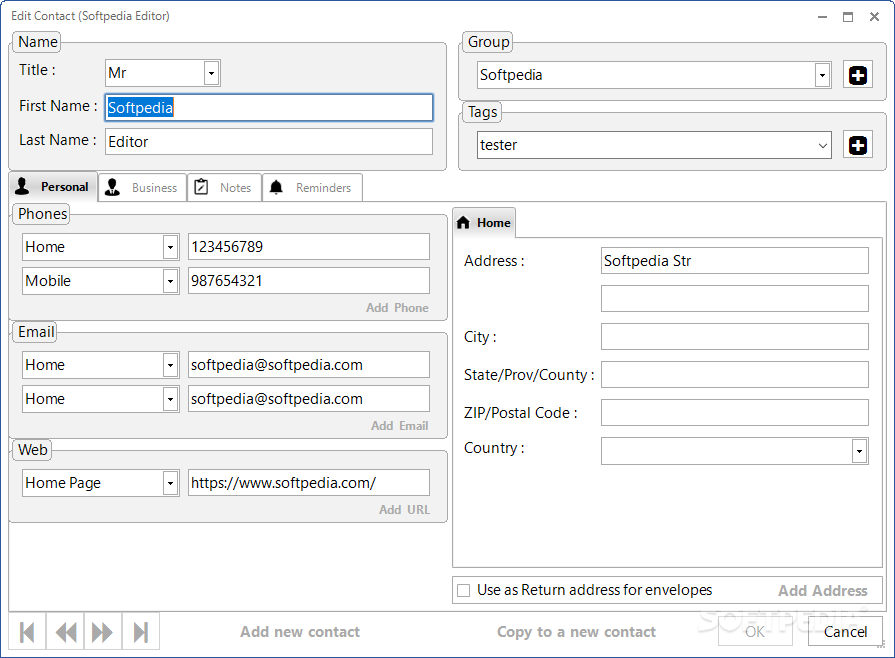
In order to add a new contact to the list, all you have to do is fill in details, such as name, belonging group, personal and business information, notes, and reminders.
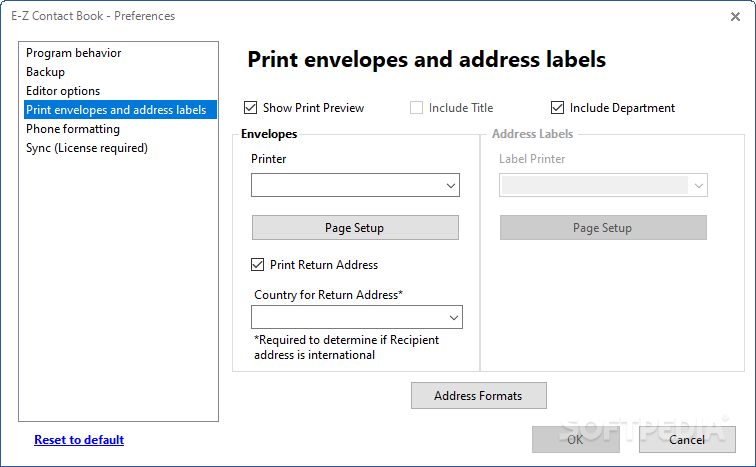
It is possible to edit and delete contacts, place a call, send an email, move contacts to other groups, print an envelope, as well as show a contact in Google Maps.
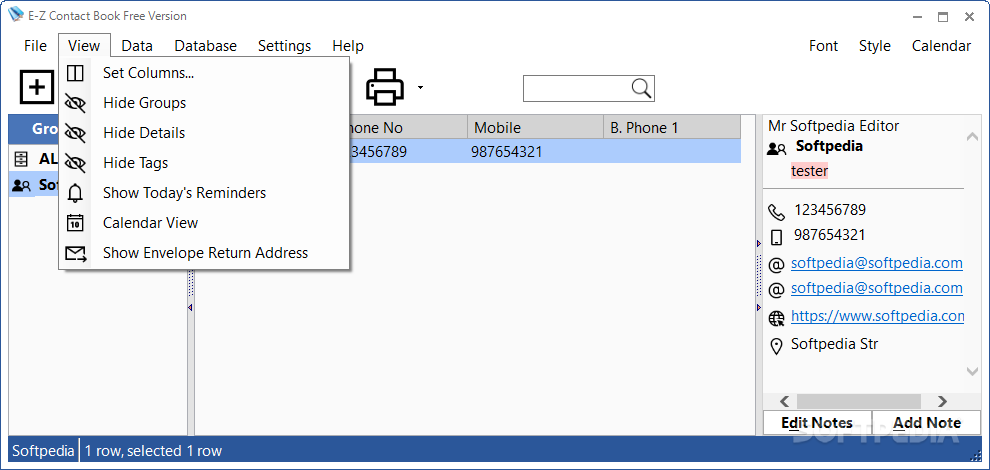
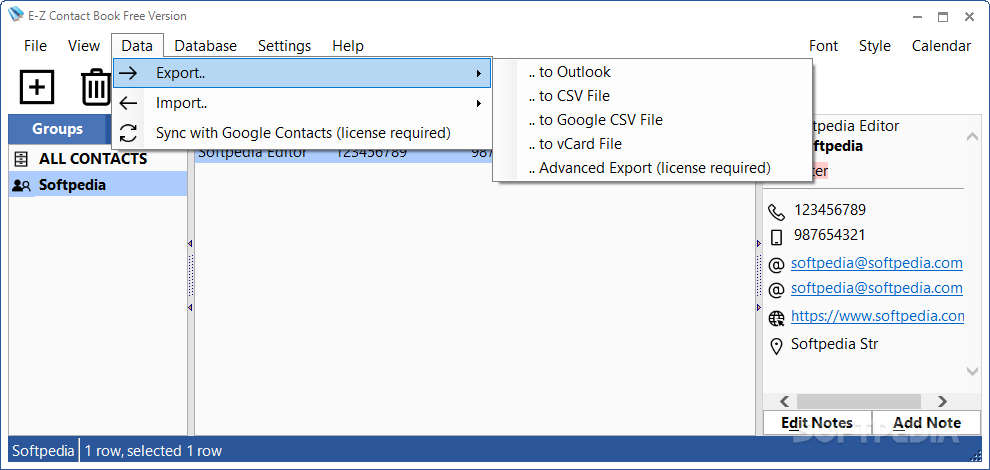
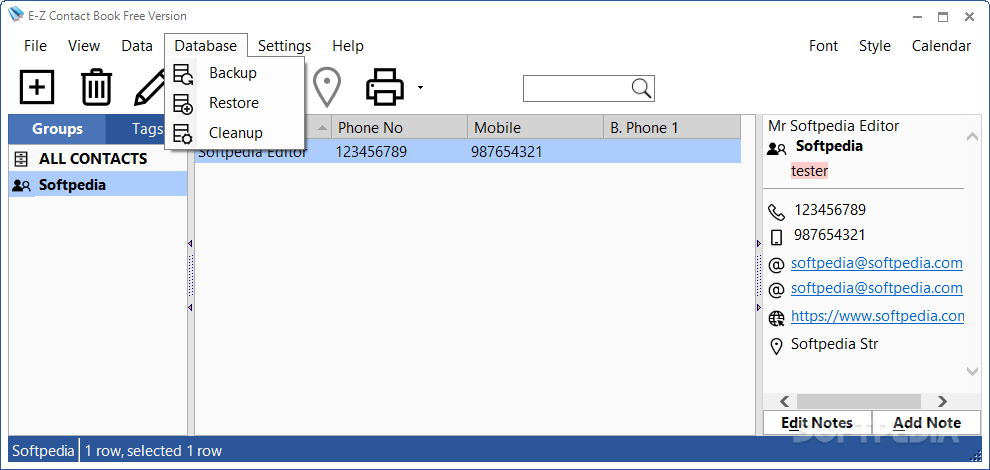
E-Z Contact Book provides a search function for seamlessly locating data. It lets you preview a book print, hide groups, details and hints, as well as import and export data to Outlook, CSV, Google CSV or vCard, or as a database backup.
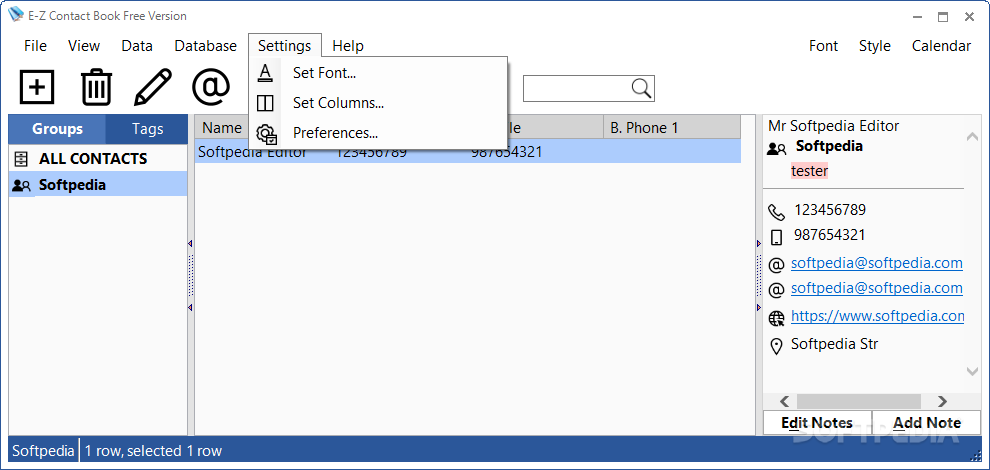
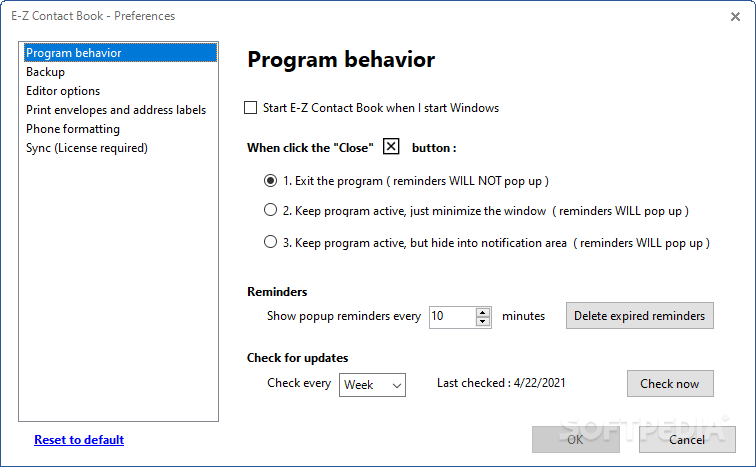
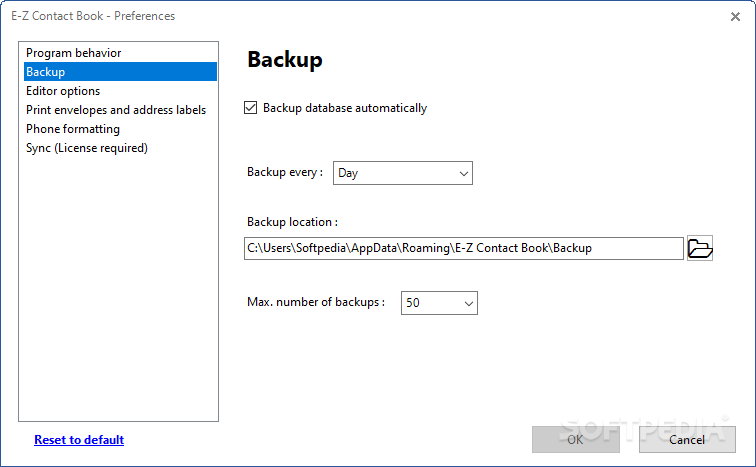
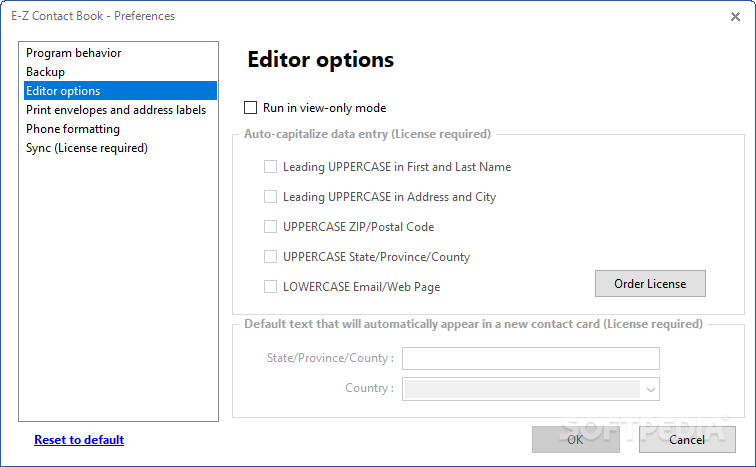
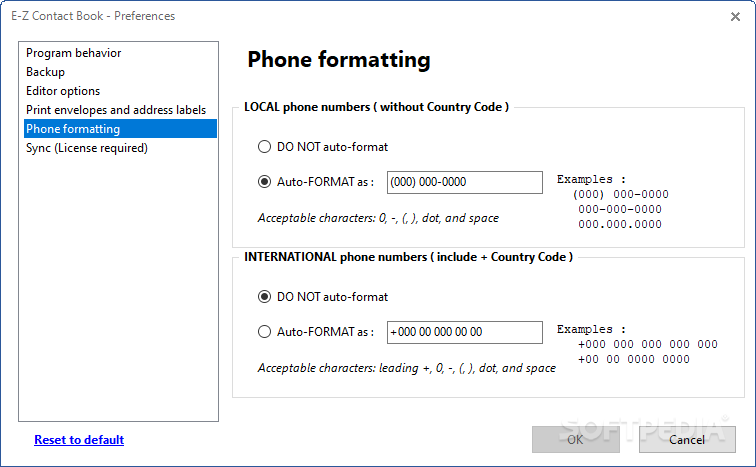
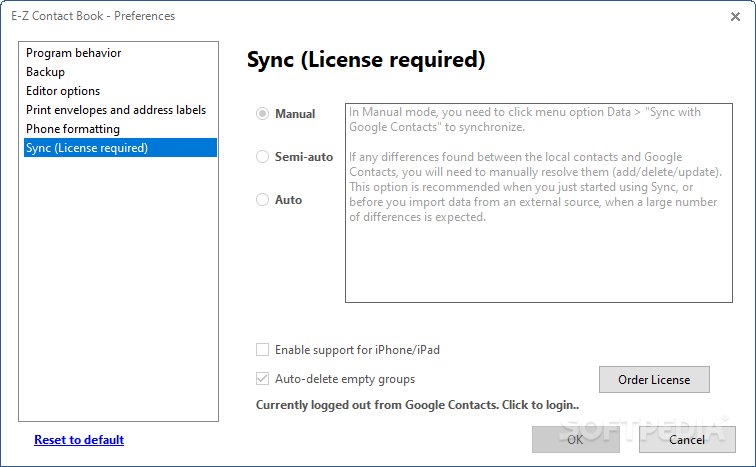
As far as program customization is concerned, it is possible to format font settings, include and opt out of columns to display in the contacts information list, set the tool to automatically run at system startup, activate birthday reminders, as well as alter phone settings.
E-Z Contact Book does not put a strain on computer performance, since it runs on a very low amount of CPU and RAM. No error dialogs were shown in our tests, and the app did not hang or crash.
In conclusion, E-Z Contact Book comes packed with a powerful, yet intuitive set of options for managing contacts, and it should please the entire audience.
What's new in E-Z Contact Book 5.2.3.96:
- New: enabled option to make calls via Phone Link
- Fixed: option 'Start E-Z Contact Book when I start Windows' didn't work
- Other minor improvements and fixes
E-Z Contact Book 5.2.3.96
add to watchlist add to download basket send us an update REPORT- runs on:
-
Windows 11
Windows Server 2019
Windows Server 2016
Windows 10 32/64 bit
Windows Server 2012
Windows 2008 32/64 bit
Windows 8 32/64 bit
Windows 7 32/64 bit - file size:
- 9.8 MB
- filename:
- EZContactBook_5_2_3_96_Setup.exe
- main category:
- Office tools
- developer:
- visit homepage
calibre

Zoom Client

Windows Sandbox Launcher

ShareX

IrfanView

7-Zip

Bitdefender Antivirus Free

Context Menu Manager

Microsoft Teams

4k Video Downloader

- Context Menu Manager
- Microsoft Teams
- 4k Video Downloader
- calibre
- Zoom Client
- Windows Sandbox Launcher
- ShareX
- IrfanView
- 7-Zip
- Bitdefender Antivirus Free
