
Write down notes and tasks that you need to complete in a given time with touch devices or your standard keyboard via this application. #To-do manager #Task manager #Monitor tasks #To-do #Task #Due date

Generally speaking, how you manage tasks is a rather personal thing as everyone works in a different way and hence, tends to keep track of things in a manner that works for them. While for some users simple tools work best, for others it may require advanced features to enable them to set milestones and check out the established steps at any time.
sleek is a tiny tool that addresses the first category, namely anyone who prefers to write and manage notes as simple as possible.
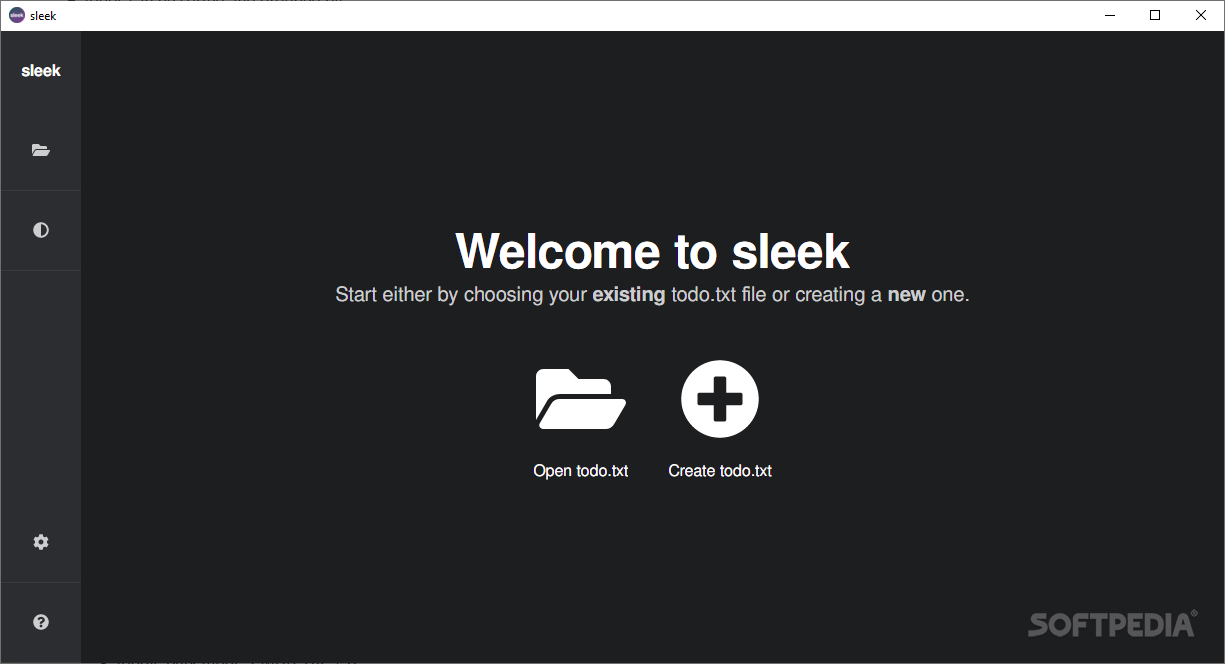
Although not truly portable, the app does not require complicated setup or configuration. In fact, if you happen to already have a list of tasks from previous utilities saved in a plain text format, you can import it. Nevertheless, the program enables you to start a fresh list where you can simply add tasks and notes without too much hassle.
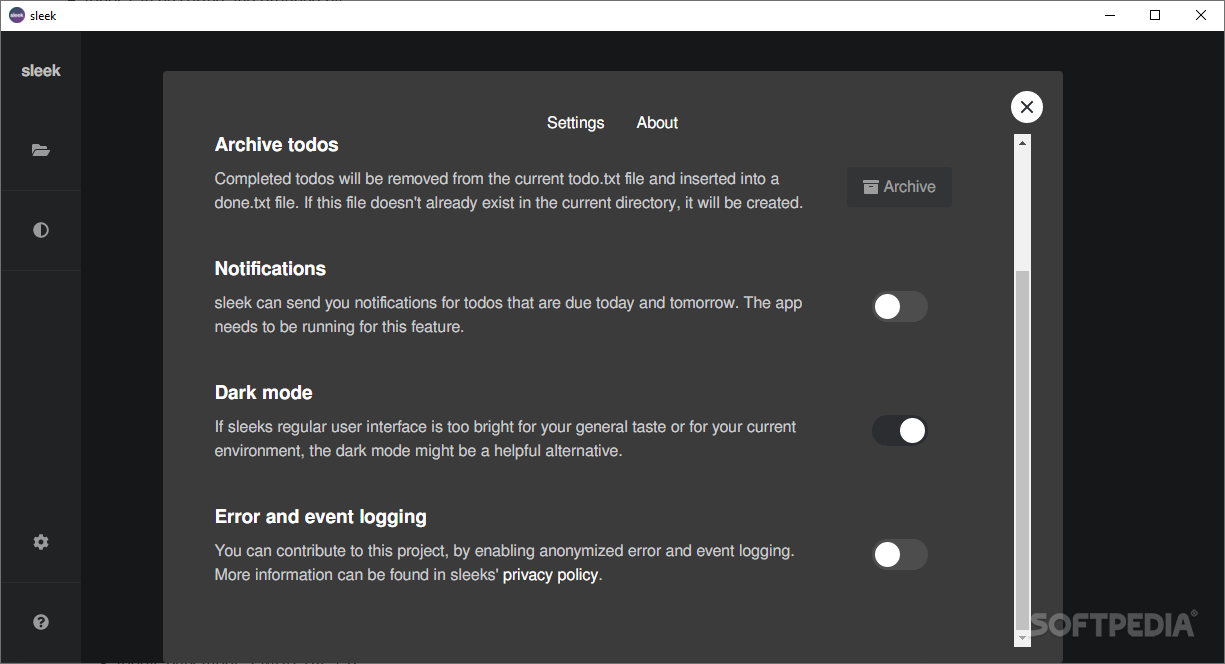
It is worth mentioning that the app is designed on the todo.txt concept and therefore, your tasks can include context. The app comes with a basic filtering system where you can easily search for memos that feature various keywords. As you would expect, the app allows you to set a due date and sends notifications as soon as the said date approaches.
While the app does not feature cloud synchronization, a feature that you are likely to find with similar tools, let's keep in mind that you can move your todo.txt file on cloud or other devices. Since this is a plain text file, you can easily modify it even with basic text editors.
If you are a relatively active person and typically find a lot of stuff to do, there is a good chance that you may want a straightforward way to add them to your notes. According to the developer, the app enables you to add notes with anything that is handy, meaning here mouse and keyboard, keyboard alone as well as touch devices.
Sleek is a user-friendly note keeping program that provides an intuitive way to add notes and edit them on the fly whenever necessary.
What's new in sleek 2.0.13:
- Added setting to change 1st day of the week
- Added support to configure file watcher to your needs by allowing all available Chokidar options
- Fixed #609 (comment)
- Fixed #671
sleek 2.0.13
add to watchlist add to download basket send us an update REPORT- runs on:
-
Windows 11
Windows 10 32/64 bit - file size:
- 69.5 MB
- filename:
- sleek-2.0.13-win-x64.exe
- main category:
- Office tools
- developer:
- visit homepage
paint.net

Microsoft Teams

Zoom Client

Windows Sandbox Launcher

IrfanView

Bitdefender Antivirus Free

calibre

7-Zip

4k Video Downloader

ShareX

- 7-Zip
- 4k Video Downloader
- ShareX
- paint.net
- Microsoft Teams
- Zoom Client
- Windows Sandbox Launcher
- IrfanView
- Bitdefender Antivirus Free
- calibre