
A small and useful word processing application that presents a lot of advanced features such as syntax highlighting for many languages. #Text Editor #Edit HTML #Syntax Highlighter #Automation #Syntax #Highlight

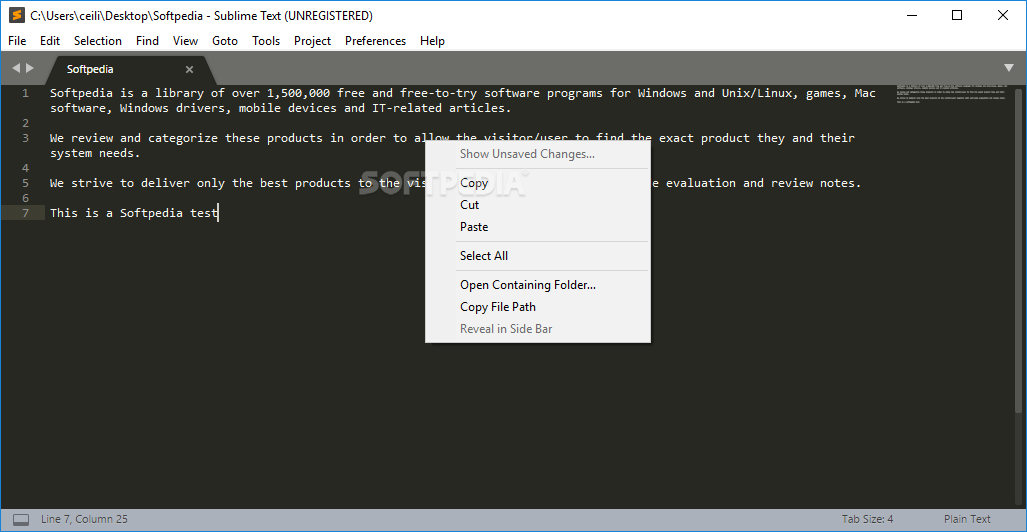
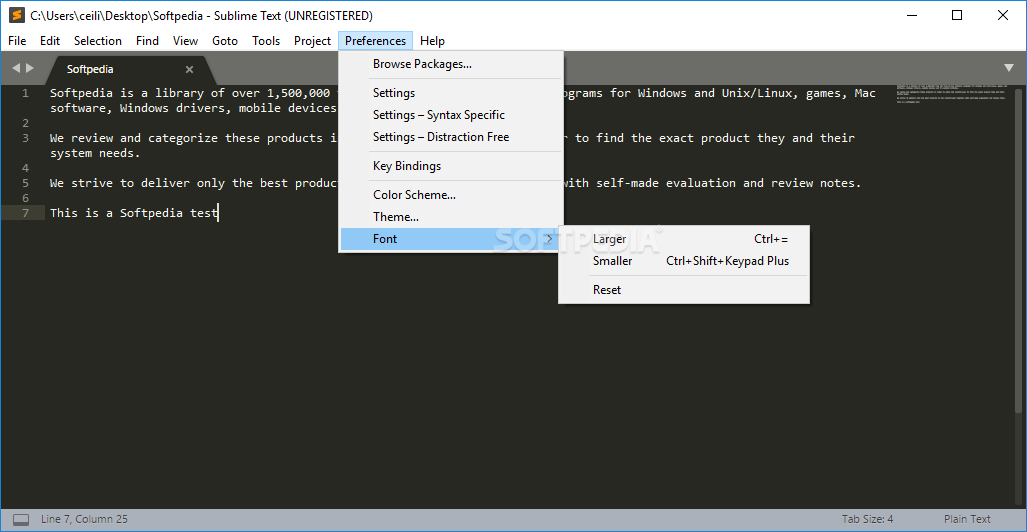
"Text Editing, Done Right." This is the official motto of Sublime Text. However, savvy users will know that Sublime Text is so much more than a simple text editor.
Clearly, it can do text editing just fine, but it's also used for editing texts, code, and even markup. In short, a very comprehensive tool for anyone looking to dive a bit deeper into coding, development, and even web design.
And, it's also available in the "to-go" or "less hassle" form - Portable Sublime Text, for a bit of extra utility and versatility.
For starters, it's a mature product. It has been around for years and years, and in its current form, it's still one of the most feature-packed, swift, stable, and lightweight code editors out there.
It has all the bells and whistles one might expect from a complex code editor (features which we will cover a bit later), it has native support for various popular programming languages, and it can be almost fully customized with the help of plugins.
Good GUIs and customization options are cool to have, but, at the end of the day, the features that matter most.
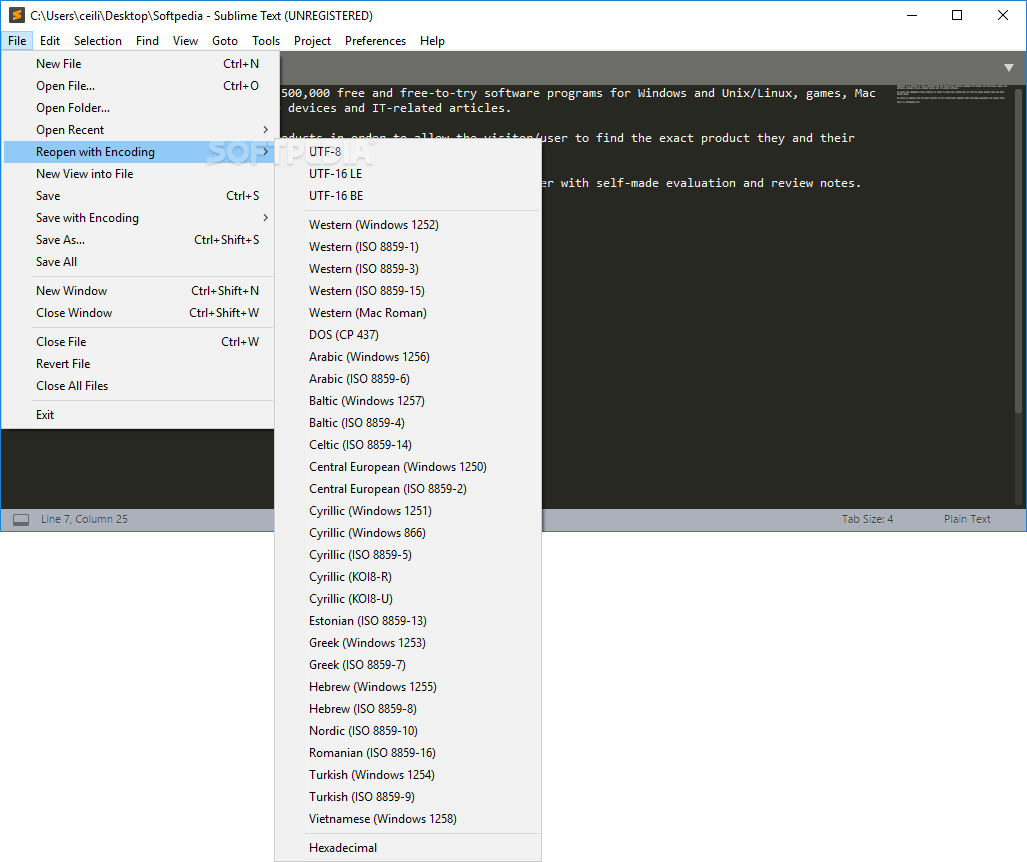
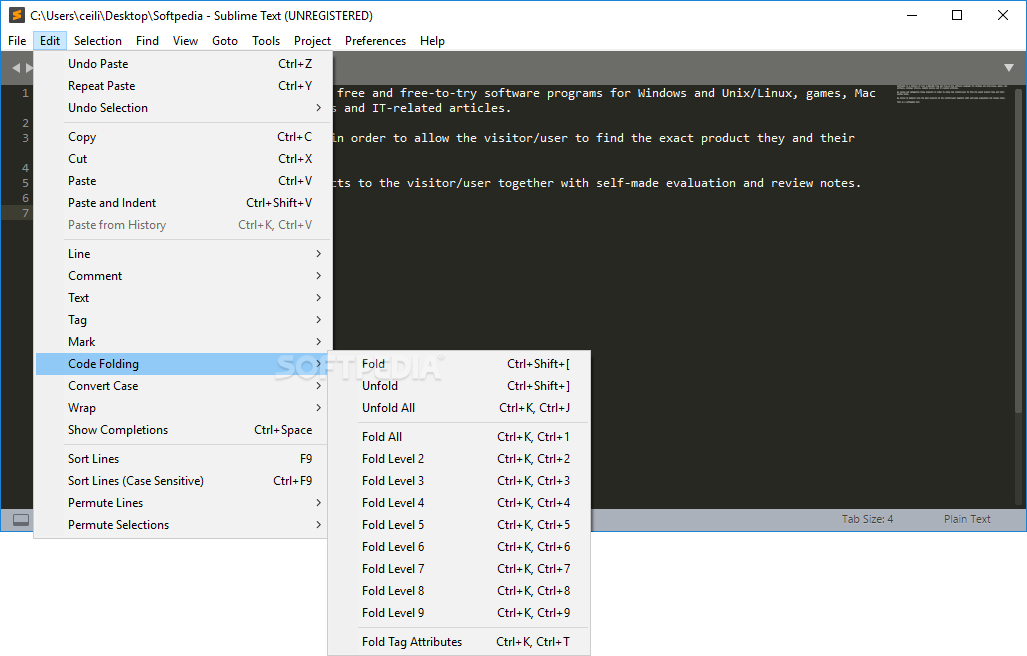
Thankfully, Sublime Text is one of the best text/code editors out there when it comes to features. Let's start with the basics: native support for programming languages, syntax highlighting, autocompletion, and code folding - all check. A code editor that warns users of potential errors in real-time, also check.
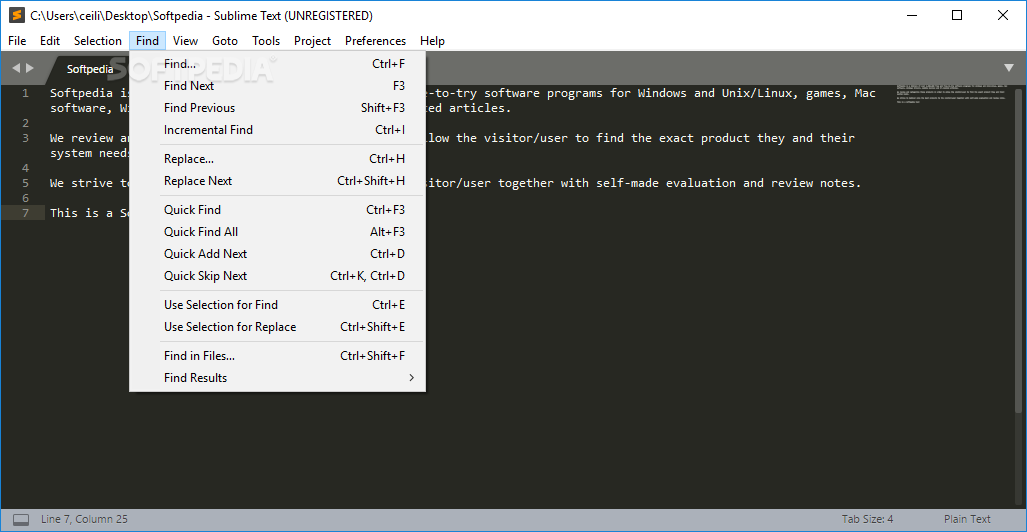
It might seem trivial, but the Search function in Sublime Text is also one of its best features. It can be used to perform regular searches or even replace various elements, as well as change the case of various expressions.
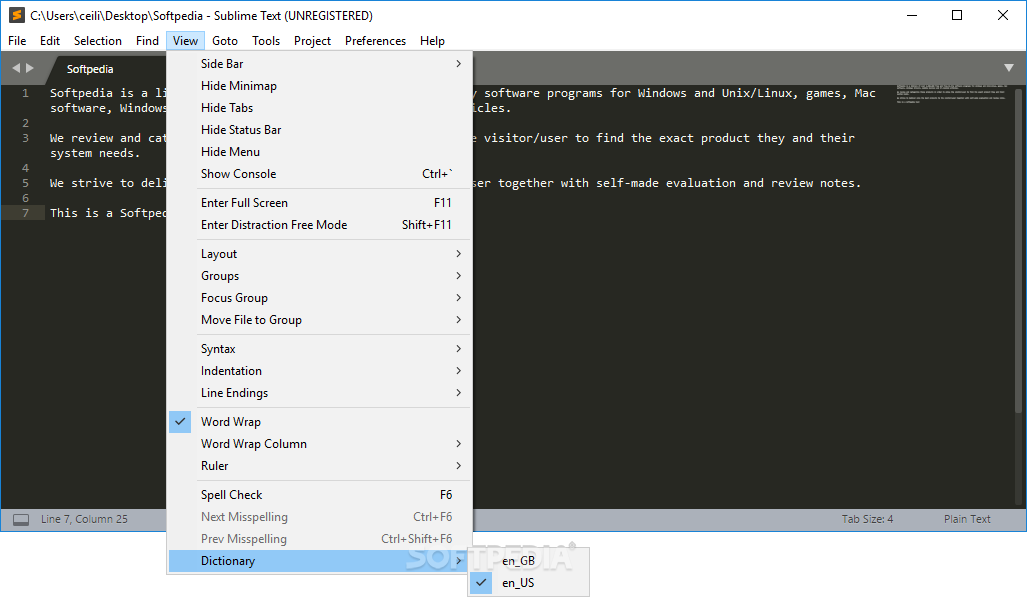
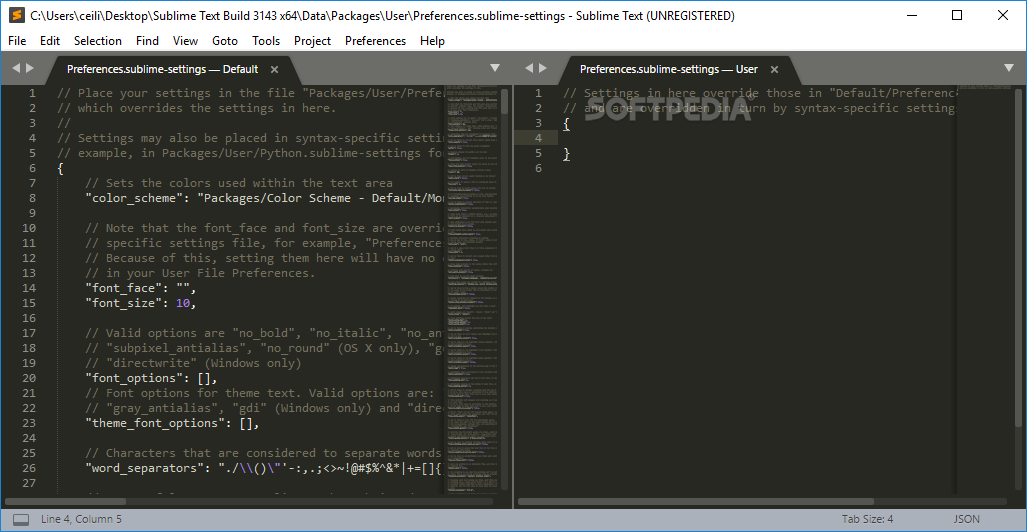
Want to see your projects side-by-side for comparison? Not a problem. You can effortlessly use split panes and navigate between code (also good for multi-tasking). The Definitions window also supports this feature. Hold CTRL down while clicking a link and you can explore everything about said definition to your heart's content.
It has GPU rendering, native support even for Apple Silicon processors, a state-of-the-art Python API, and various neat extra features that should be of great help.
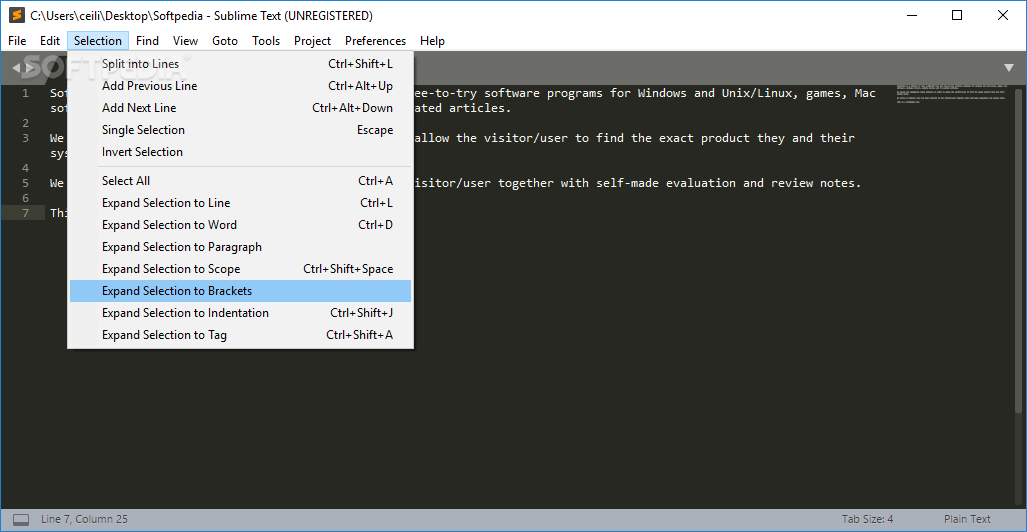
However, the code editor's simultaneous editing feature is probably its best one. It allows you to edit various sections of code or text at the same time.
Is there something wrong with Portable Sublime Text? Well, yes, and no.
Some might argue that the code/text editor is a bit "much" for newbies. While that might be true (in certain situations), it's not like the app forces users into a complex workflow pattern right from the get-go.
Beginners can use it as they would use a basic text editor and gradually learn to make use of all its awesome features.
As with all things in life, try it, see if it suits you, and if it does, rest assured that you picked one of the best apps of this sort out there.
Download Hubs
Portable Sublime Text is part of these download collections: Markdown Editors
What's new in Portable Sublime Text 4 Build 4173 Dev:
- Fixed another deadlock issue when reloading plugins
- Improved accuracy of scope selectors
- Improved clarity of dragged tabs in mixed-dpi setups
- Fixed dragged tabs not following mouse in mixed-dpi setups
Portable Sublime Text 4 Build 4169 / 4 Build 4173 Dev
add to watchlist add to download basket send us an update REPORT- portable version
- This is the portable version of the application. An installable version is also available: Sublime Text
- runs on:
-
Windows 11
Windows 10 32/64 bit
Windows 8 32/64 bit
Windows 7 32/64 bit - file size:
- 22 MB
- filename:
- Sublime Text Build 3211.zip

- main category:
- Portable Software
- developer:
- visit homepage
Zoom Client

Context Menu Manager

7-Zip

Windows Sandbox Launcher

Microsoft Teams

calibre

IrfanView

ShareX

4k Video Downloader

Bitdefender Antivirus Free

- ShareX
- 4k Video Downloader
- Bitdefender Antivirus Free
- Zoom Client
- Context Menu Manager
- 7-Zip
- Windows Sandbox Launcher
- Microsoft Teams
- calibre
- IrfanView