
Keep track of all your tasks, to-do lists and other memos that you are taking regularly for personal or business projects via this tool. #ToDo Manager #Note Organizer #Task Manager #Organizer #Task #ToDo

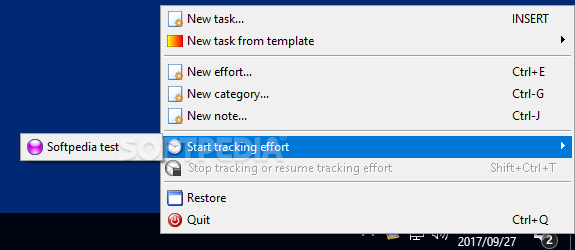
This is the portable version of Task Coach - an app designed to help you keep track of your schedule by providing you with a user-friendly environment.
Since installation is not necessary, you can store Portable Task Coach on an external device (like a USB flash drive), save it to any computer and directly run its executable file.
More importantly, there are no changes made to the Windows registry and no leftover files can be found after program removal.
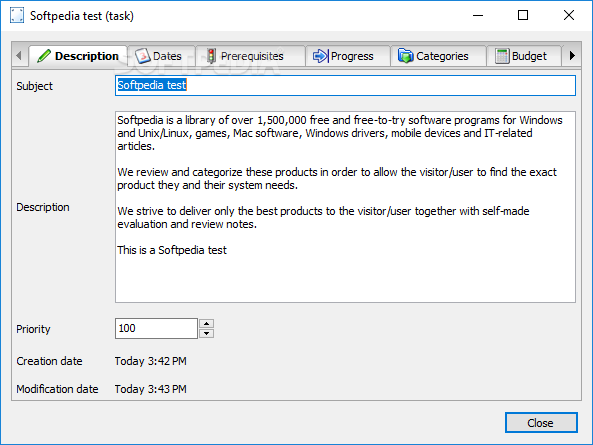
The interface of the tool is plain and easy to work with; you can start a new task by writing a subject and description.
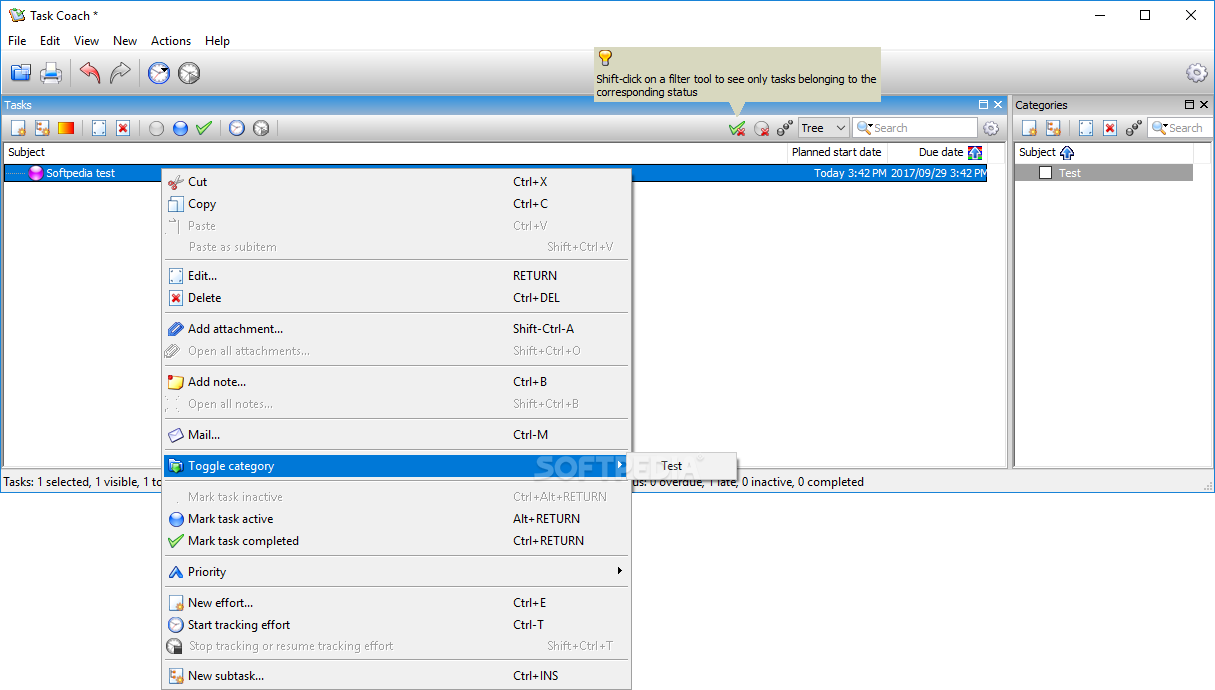
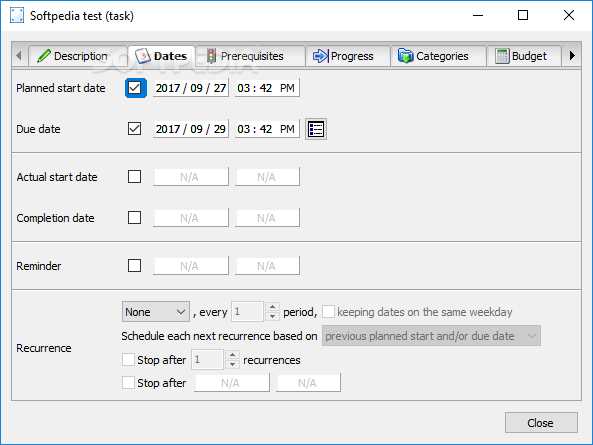
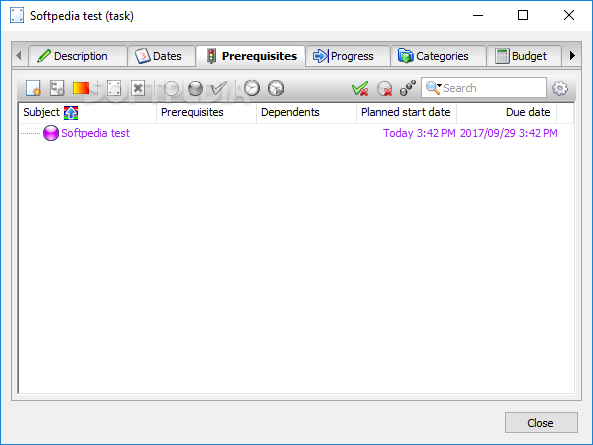
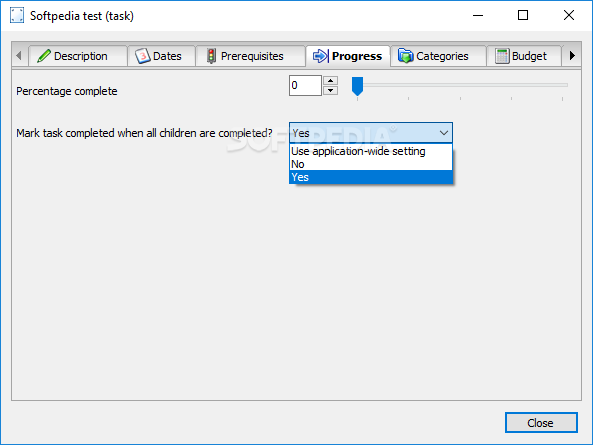
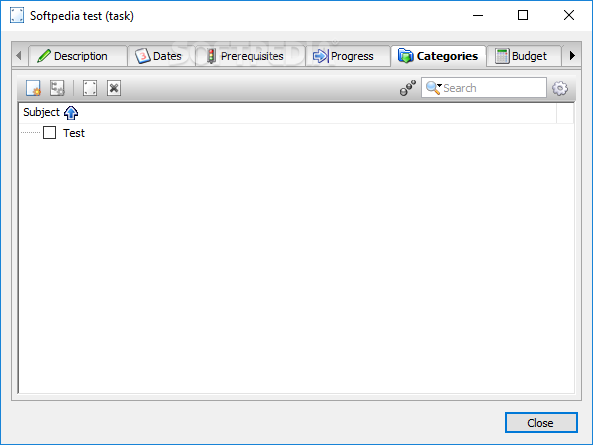
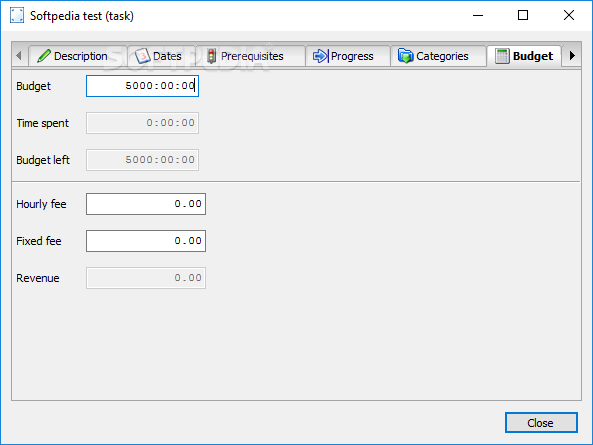
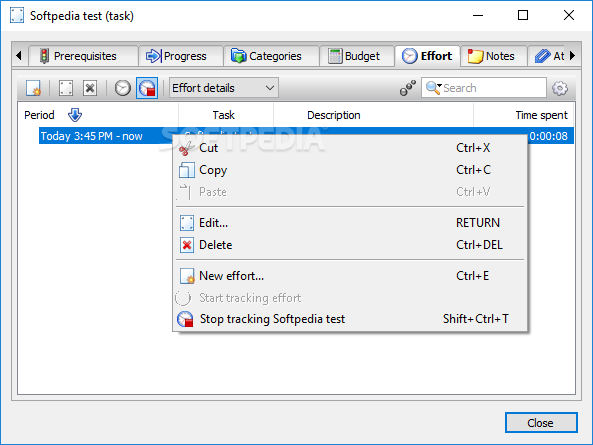
But you can also set a priority level, specify dates (e.g. planned start date, reminder, recurrence) and the budget (e.g. hourly fee, revenue), as well as create categories and effort tasks.
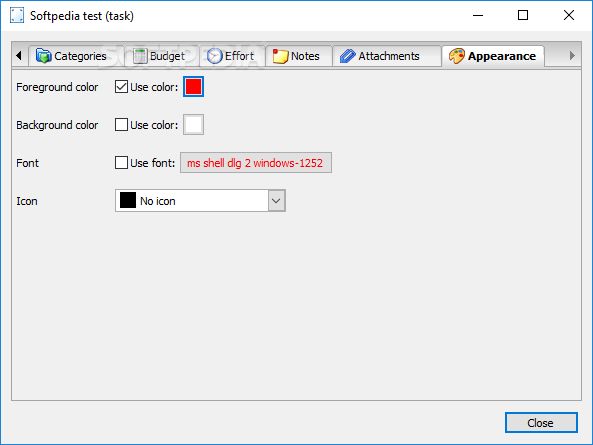
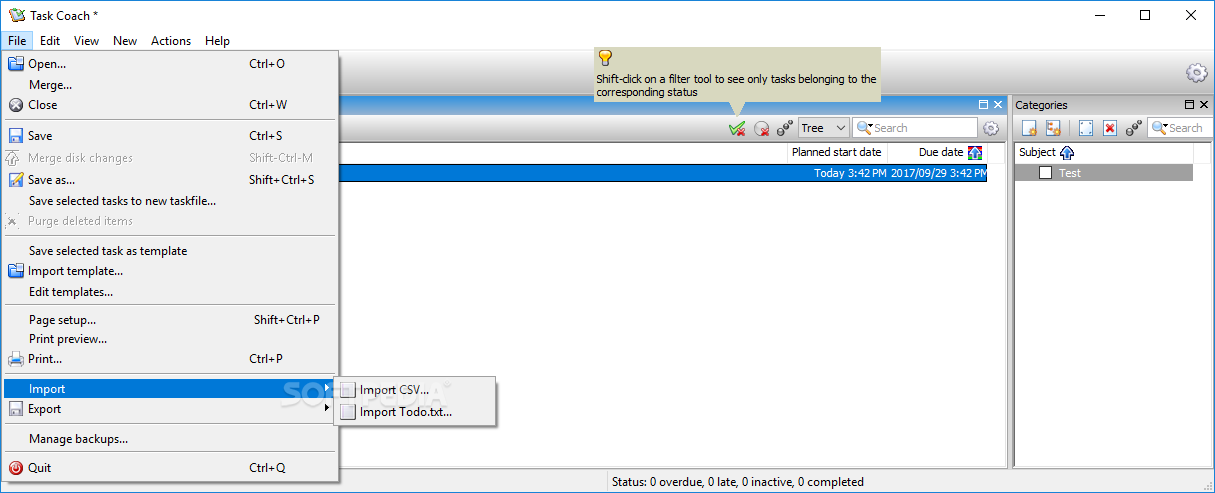
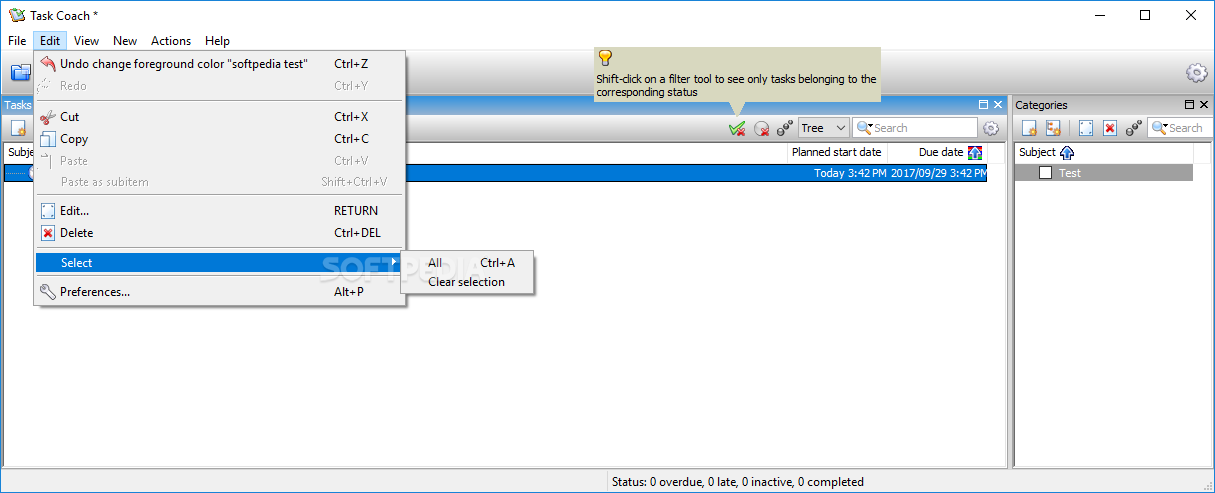
You can add notes and attachments, use a search function, customize the appearance (e.g. foreground color, icon), merge Task Coach files, as well as import and edit templates.
From the 'Preferences' area you can make the app automatically create a backup copy before overwriting project files, change the interface language and default task dates, as well as specify task reminders and appearance colors, among others.
The program requires a moderate amount of CPU and system memory, has a good response time and includes a help file. We have not come across any problems during our tests; Portable Task Coach did not freeze, crash or pop up error dialogs. Inexperienced users may take some time to get acquainted with the features provided by the tool.
What's new in Portable Task Coach 1.4.6:
- Bug fixed:
- Workaround for an underlying wxPython limitation we ran into. After some time Task Coach would exhibit various symptoms because of an exception in the event loop.
Portable Task Coach 1.4.6.1
add to watchlist add to download basket send us an update REPORT- PRICE: Free
- portable version
- This is the portable version of the application. An installable version is also available: Task Coach
- runs on:
-
Windows 10 32/64 bit
Windows 8
Windows 7
Windows Vista
Windows XP
Windows 2K - file size:
- 14 MB
- filename:
- TaskCoachPortable_1.4.6.1.paf.exe
- main category:
- Portable Software
- developer:
- visit homepage
ShareX

4k Video Downloader

7-Zip

paint.net

Zoom Client

calibre

Bitdefender Antivirus Free

Windows Sandbox Launcher

Microsoft Teams

IrfanView

- Windows Sandbox Launcher
- Microsoft Teams
- IrfanView
- ShareX
- 4k Video Downloader
- 7-Zip
- paint.net
- Zoom Client
- calibre
- Bitdefender Antivirus Free