
Work with more directories at once and turn transfers into a breeze with this simple application that does not require a lot of computer knowledge. #Directory manager #Manage folder #Manage directory #Explore #Transfer #Organizer

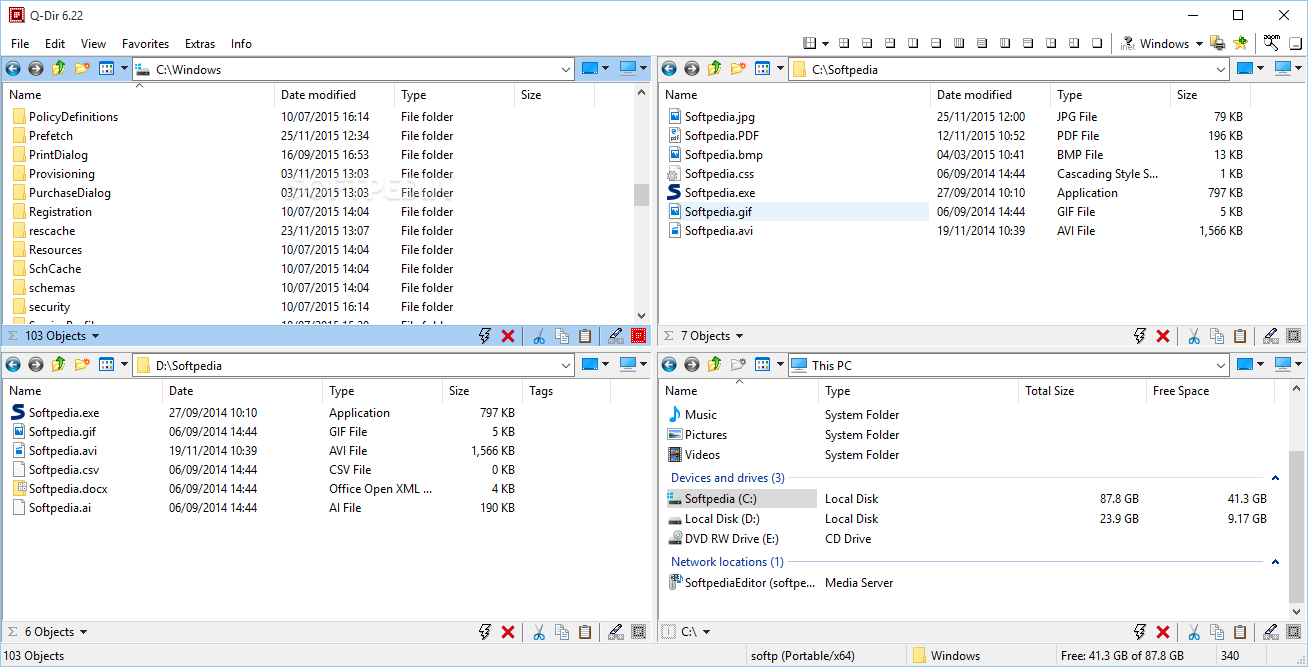
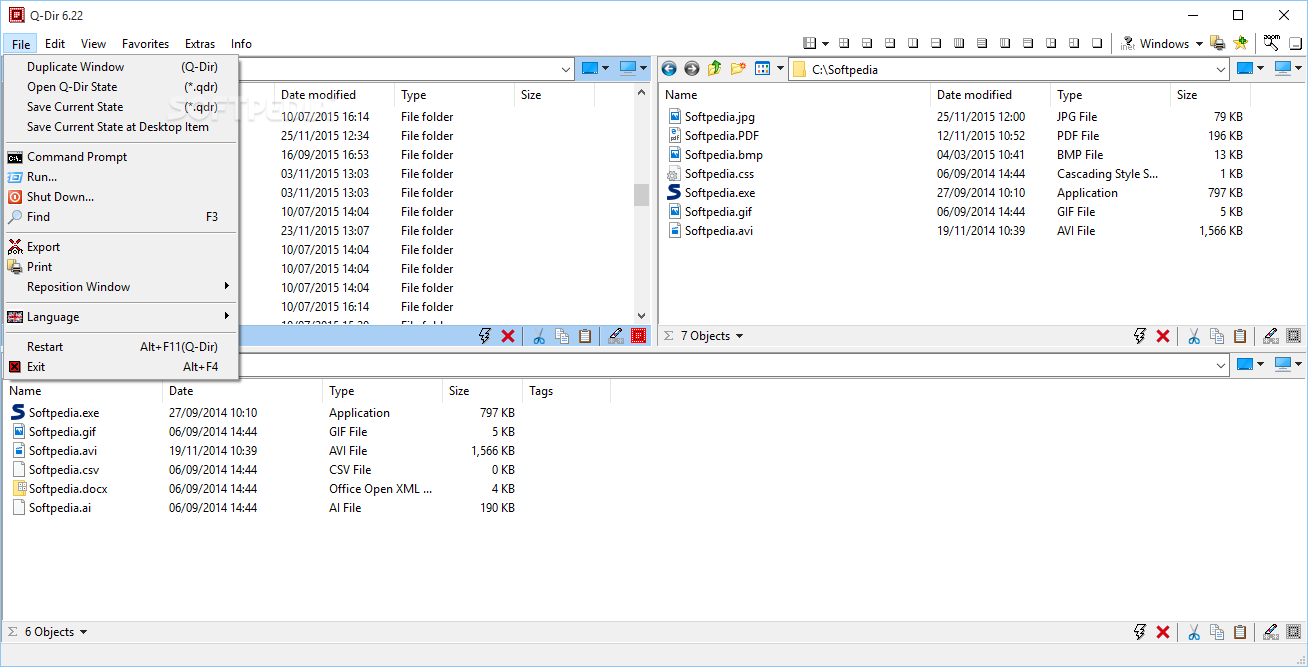
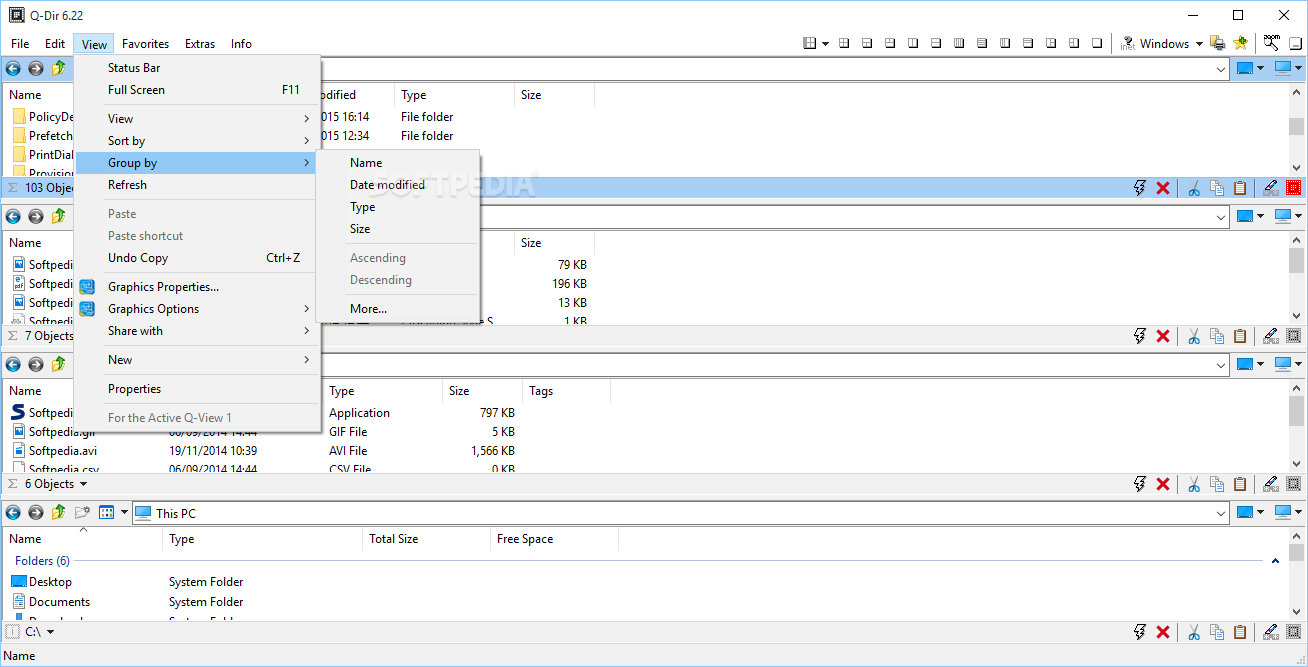
Q-Dir Portable is the best possible application for when needing to move a lot of stuff between folders or drives. It offers users an easy interface that puts things in perspective. Organizing the whole workspace in an efficient and highly productive manner.
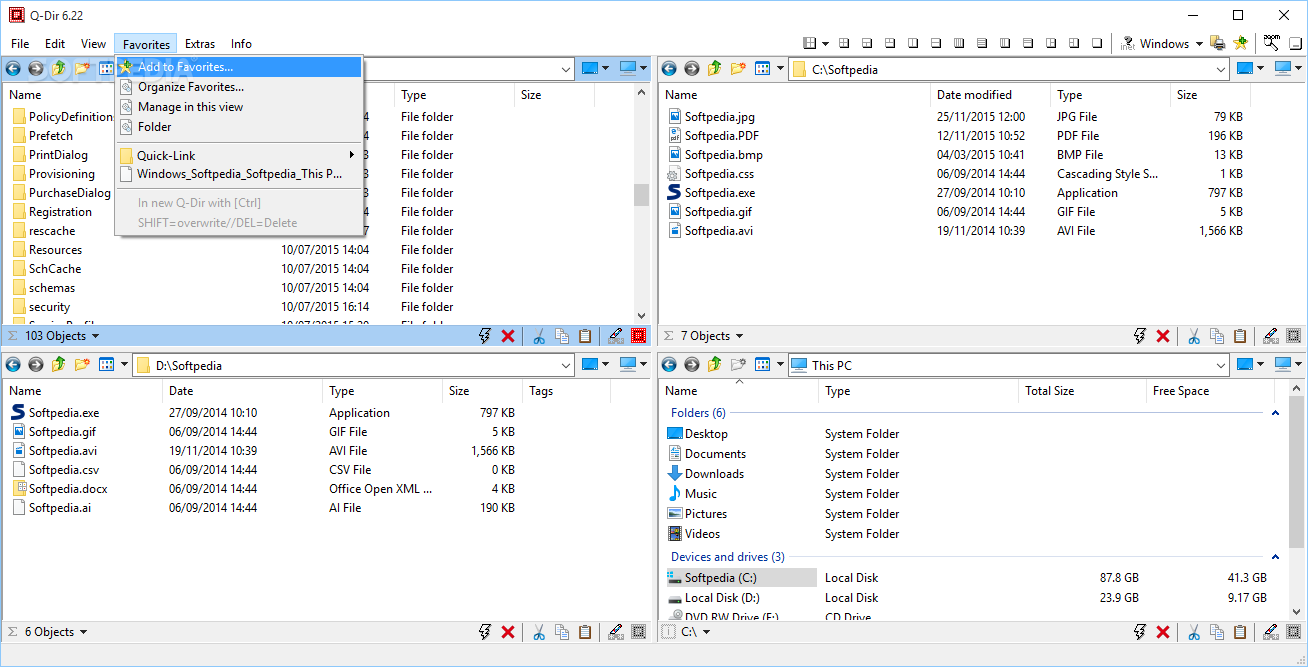
The four-way split-screen will definitely put you in perspective the next time you need to transfer files between two and four different locations.
The idea here is to facilitate easy transfer between various locations on your machine. The goal is to do that without confusing you, and the app does that exactly as it is supposed to. The result is an intuitive interface with a standard four-way split screen.
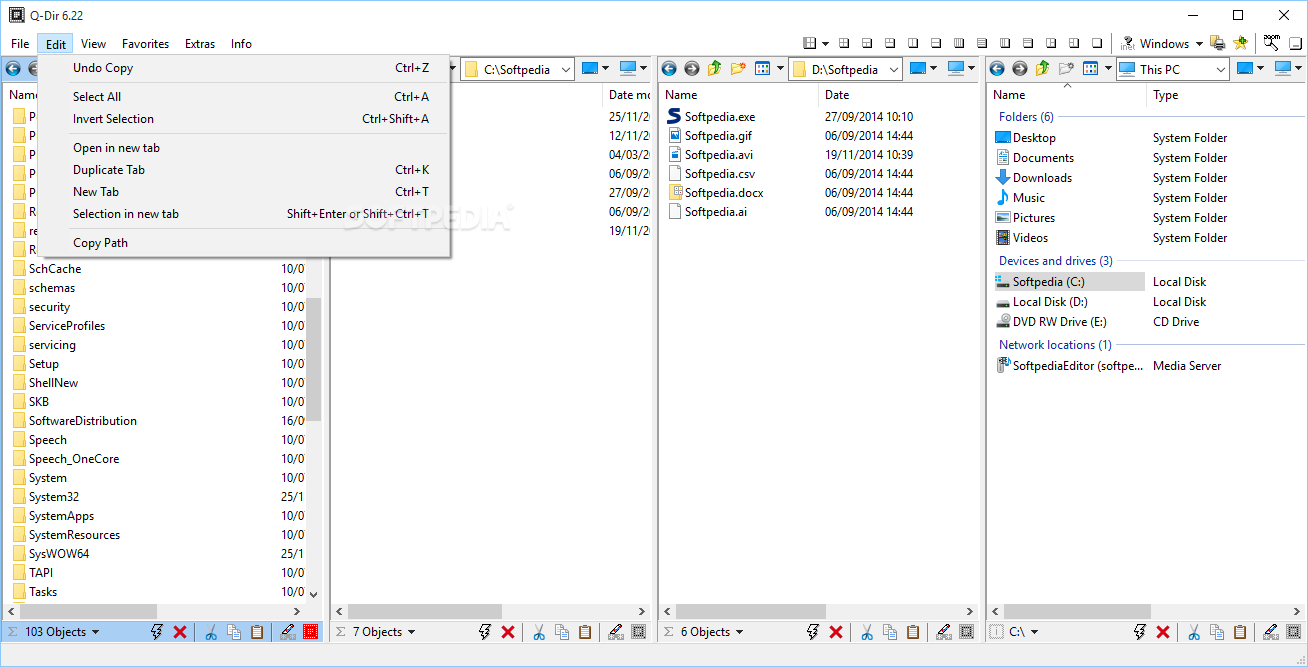
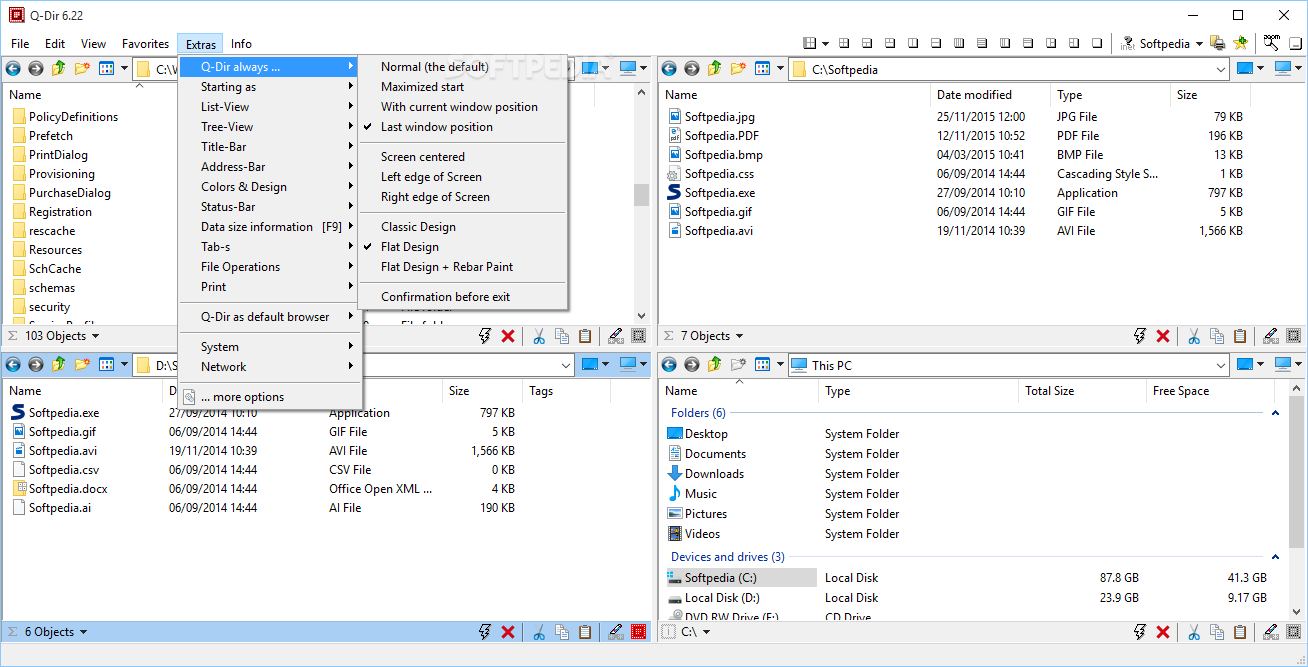
The user can either further tweak the setup, reducing the interface to a two or a three-way setup and further adjust the position of each screen and even size in some cases.
Your job is to decide on the directories you need to work with. Once that is done, the user simply needs to transfer files from one area to another with the already-known drag-and-drop system. The end result is of course a much more organized machine, and also a much more organized way of ending with a tidier computer on your hands.
In my case, I'd like to highlight one particular situation where this comes in handy, and that is when attempting to install or after having installed your brand-new OS. It is moments like these when you do not have time to execute all the move jobs and end up doing themes over a long period of time.
With this program, you can move your stuff around in just a couple of seconds.
Q-Dir Portable, as its name suggests, also has the added benefit of being portable. I found this to be even more helpful in situations such as the above-described one.
What's new in Q-Dir Portable 11.61:
- The active tab (in File Explorer) is now easier to see in Windows 10 and 11, as it is marked with an orange overline like it used to be in Windows XP.
- Address bafr icons are now more visible at high DPI display settings.
- A new toolbar has been added to the address bar, which will replace others in future versions.
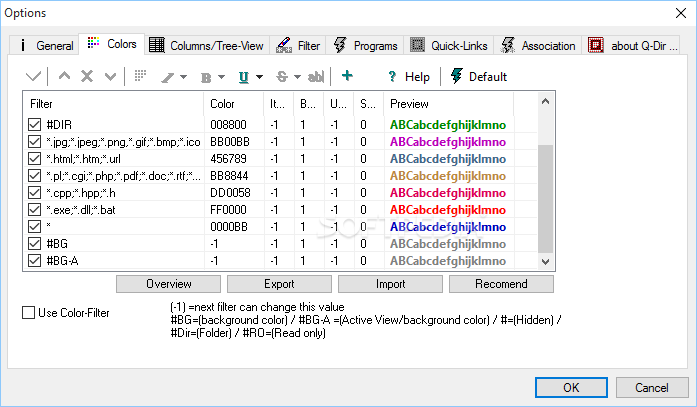
- Optionally, the matrix color design can be selected via the menu under Extras, Colors.
Q-Dir Portable 11.61
add to watchlist add to download basket send us an update REPORT- portable version
- This is the portable version of the application. An installable version is also available: Q-Dir
- runs on:
-
Windows 11
Windows Server 2022
Windows Server 2019
Windows Server 2016
Windows 10 32/64 bit
Windows Server 2012
Windows 8 32/64 bit
Windows 7 32/64 bit - file size:
- 778 KB
- filename:
- Q-Dir_Portable.zip

- main category:
- Portable Software
- developer:
- visit homepage
Microsoft Teams

Windows Sandbox Launcher

calibre

4k Video Downloader

Context Menu Manager

Bitdefender Antivirus Free

IrfanView

ShareX

Zoom Client

7-Zip

- ShareX
- Zoom Client
- 7-Zip
- Microsoft Teams
- Windows Sandbox Launcher
- calibre
- 4k Video Downloader
- Context Menu Manager
- Bitdefender Antivirus Free
- IrfanView