
Use this program to tweak your taskbar for optimal results in situations where functionality needs to be changed for whatever the user desires. #Taskbar Tweaker #Taskbar Customization #Tweak Taskbar #Taskbar #Tweaker #Customize


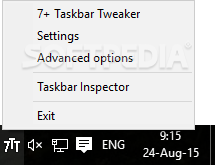
7+ Taskbar Tweaker Portable helps users tweak their OS taskbar in many ways, the final goal being increased productivity and above-satisfactory results. I found this idea to be intriguing, which is why I gave the app an extended try. The result was indeed something to write home about. With plenty of options, I'd say it is quite easy to tailor the program to your needs and subsequently to change the OS with its help to fulfill your goals.
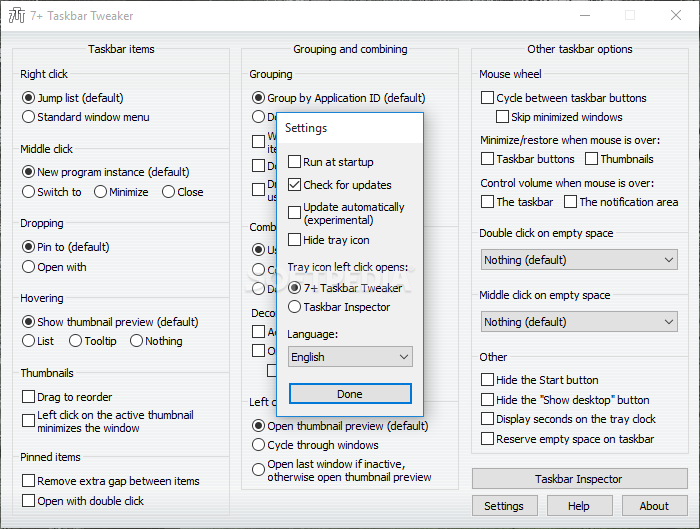
For starters, decide what certain actions done with your mouse will do when combined with the OS taskbar. For example, right and left click actions can be redefined to execute certain actions like jumping a list or be kept in their standard form where they open menus with additional helpful information. The same goes for hovering, pinning, and dropping actions involving the taskbar.
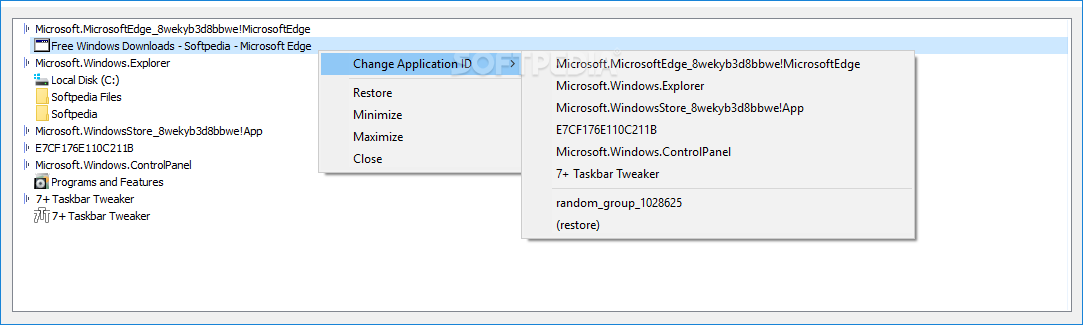
Other aspects you'll be dealing with are grouping and combining behavior, which ultimately deals exactly with what the submenu title implies. You can once again opt for default settings which leave these sections unchanged or improve them by allowing actions such as ID or button grouping, which are basically triggers for the group action.
If the plethora of choices is not enough for you, do keep in mind that there are even more changes that can be made. Some deal with the thumbnails and the buttons on the taskbar, and some with the volume and notification area. Double and middle-clicking can also be assigned to actions and there are also further adjustments dealing with button hiding and keeping empty spaces on the taskbar.
7+ Taskbar Tweaker Portable is indeed a helpful application for those looking to improve their OS by adjusting the behavior of the taskbar. The results can always be tailored to your own needs.
What's new in 7+ Taskbar Tweaker Portable 5.15.1.2 Beta:
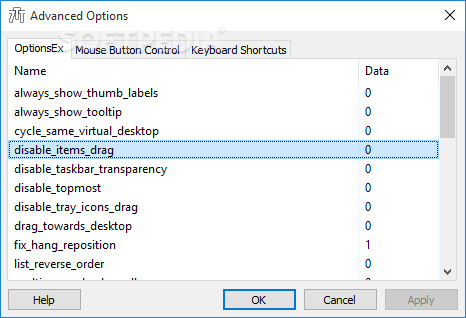
- Fixed the incompatibility caused by update KB5035845 of Windows 10 versions 21H2 and 22H2, which broke the disable_topmost advanced option.
7+ Taskbar Tweaker Portable 5.15.1.0 / 5.15.1.2 Beta
add to watchlist add to download basket send us an update REPORT- portable version
- This is the portable version of the application. An installable version is also available: 7+ Taskbar Tweaker
- runs on:
-
Windows 11
Windows Server 2022
Windows 10 32/64 bit
Windows 8 32/64 bit
Windows 7 32/64 bit - file size:
- 1.8 MB
- filename:
- 7tt_setup.exe
- main category:
- Portable Software
- developer:
- visit homepage
Context Menu Manager

4k Video Downloader

IrfanView

Zoom Client

calibre

ShareX

Microsoft Teams

Bitdefender Antivirus Free

Windows Sandbox Launcher

7-Zip

- Bitdefender Antivirus Free
- Windows Sandbox Launcher
- 7-Zip
- Context Menu Manager
- 4k Video Downloader
- IrfanView
- Zoom Client
- calibre
- ShareX
- Microsoft Teams