
Fully configurable Windows console emulator that provides you with a tabbed interface and various tools for running multiple programs in a single window. #Console emulator #Console emulation #Console GUI #Console #Emulator #Emulate
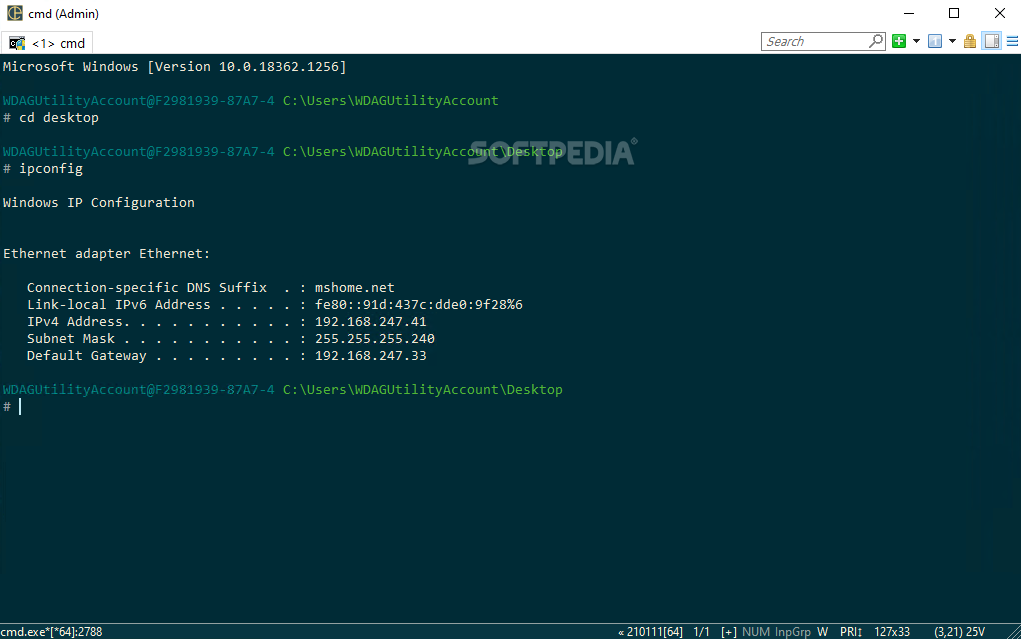
Portable ConEmu is a practical and reliable software solution especially designed for advanced computer users who know how to work with command line but still need to run multiple console applications effortlessly.
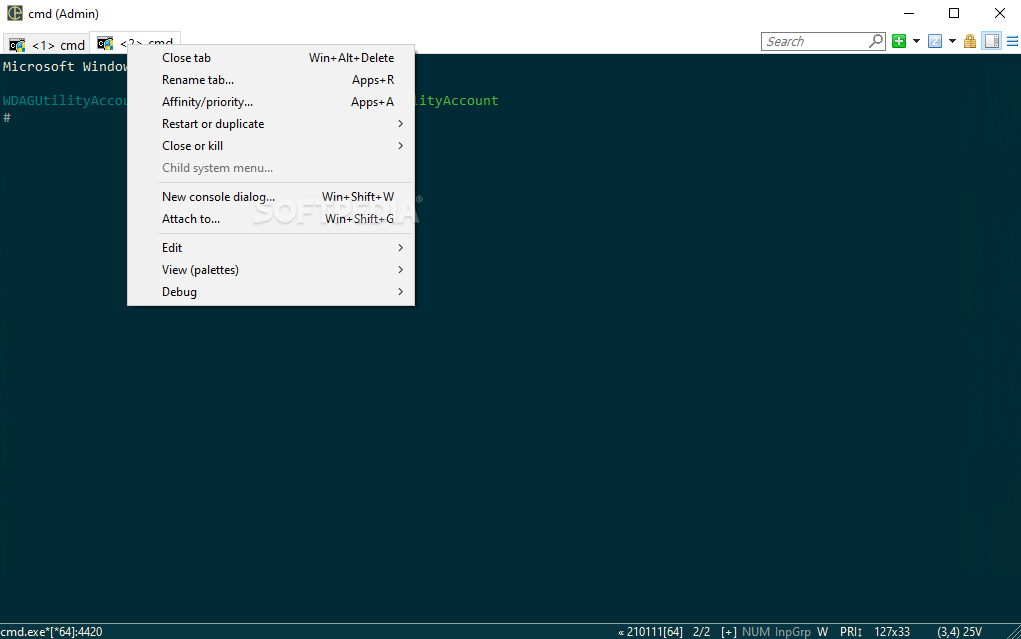
The program enables you to open more than one tab at a time and provides you with the ability of adding custom predefined tasks or command groups to the menus. This way, you can make use of all the parameters and options you need in one click.
The right-click menu enables you to add a new console, attach it to an application and change the settings with ease. Moreover, you are able to mark blocks and text, paste plain text only, as well as find specific text content.
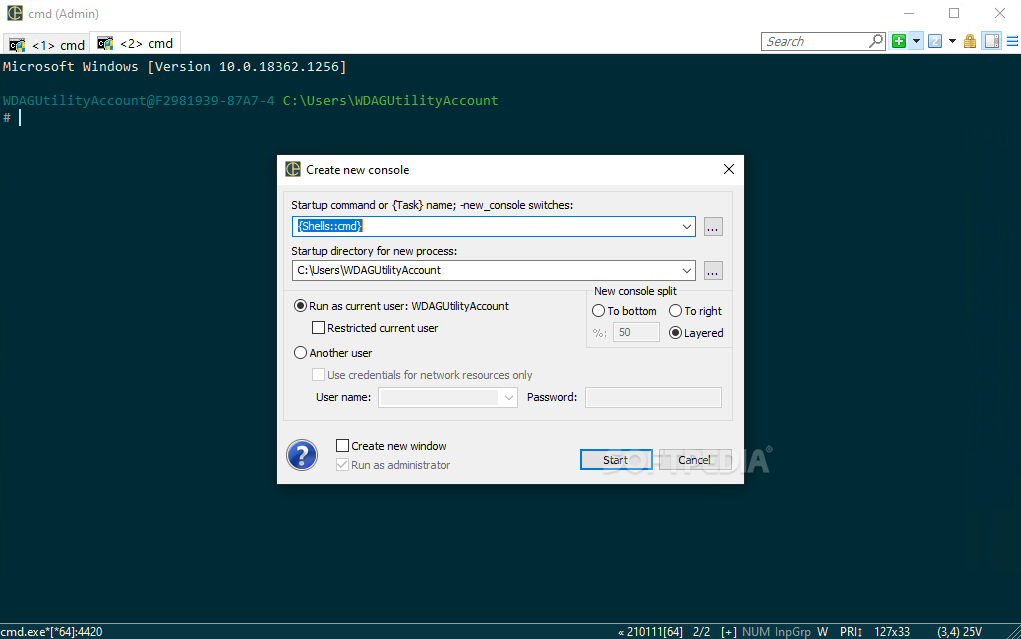
Also, Portable ConEmu comes with a list that contains several console apps you can work with such as PowerShell, Chocolatey or Command Prompt but you can add your owns as well, by selecting the startup directory for the new process.
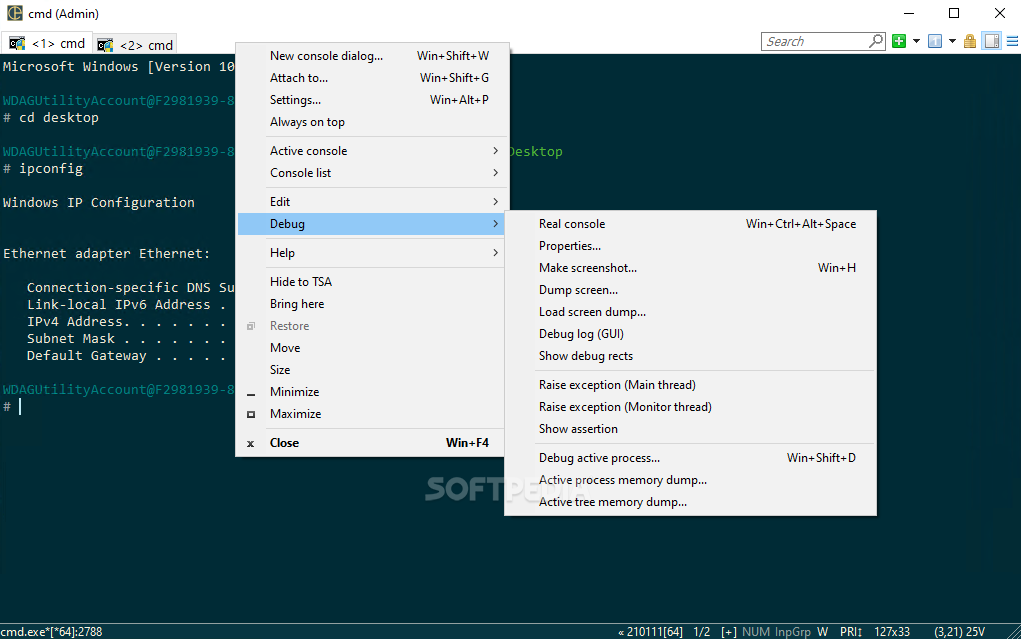
The Debug option enables you to make screenshots of the current console, change the properties of the main window or simply debug the current process.
The status bar displays the current process ID, as well as the status of your CAPS, NUM and SCRL locks.
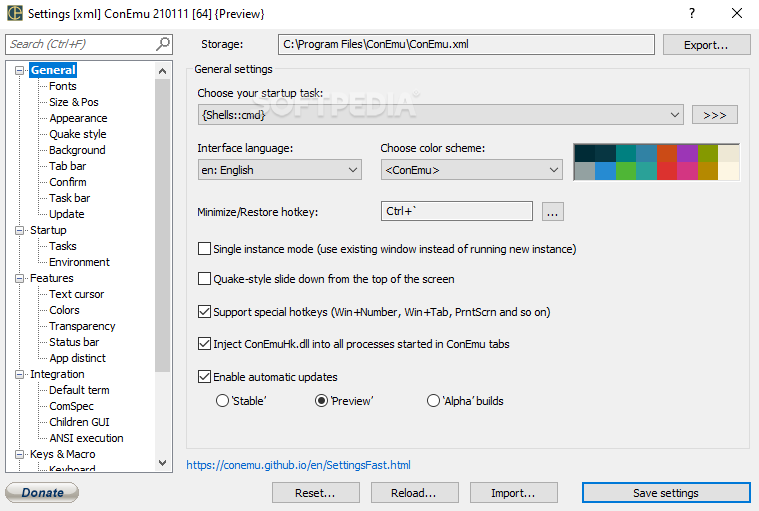
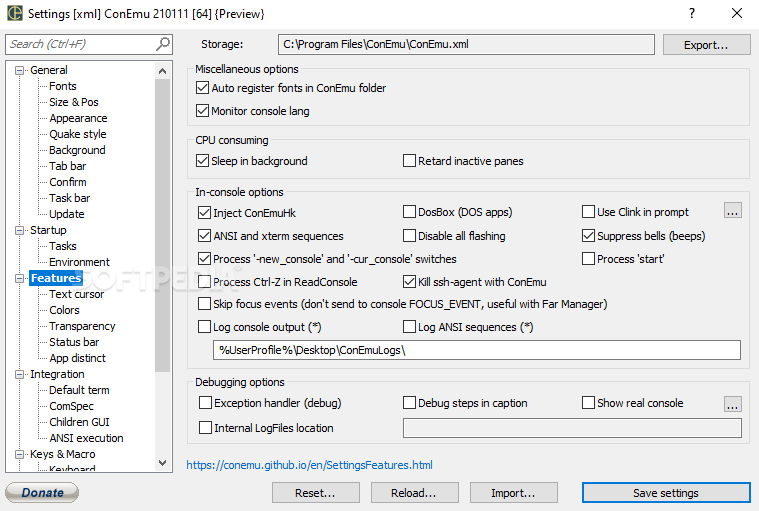
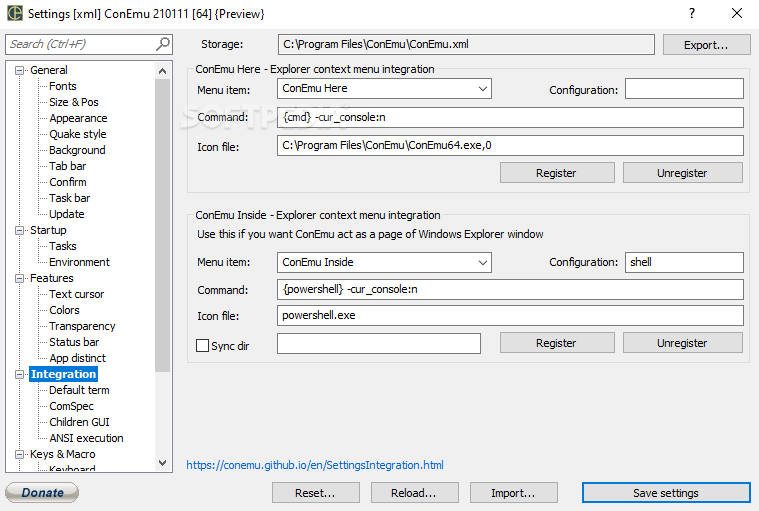
For those who want to customize the interface of the application, they can access the Settings window and change the font charset, the background image, as well as enhance the progress bars and scrollbars.
Considering that it is a portable utility, you can carry it with you wherever you go on a removable drive and use it on any computer. Hence, it does not create registry entries and you can remove it simply by deleting its containing folder.
In closing, Portable ConEmu you are able to open multiple tabs and work with more than one console application. Using this program you can have all your favorite commands and configurations in one location.
What's new in Portable ConEmu Build 230724:
- conemu#2536: Do not emit control characters in title reports (capability fix).
- l10n: translations were updated
Portable ConEmu Build 230724
add to watchlist add to download basket send us an update REPORT- portable version
- This is the portable version of the application. An installable version is also available: ConEmu
- runs on:
-
Windows 11
Windows 10 32/64 bit
Windows 8 32/64 bit
Windows 7 32/64 bit - file size:
- 4.7 MB
- filename:
- ConEmuPack.230723.7z

- main category:
- Portable Software
- developer:
- visit homepage
ShareX

Zoom Client

Microsoft Teams

calibre

Bitdefender Antivirus Free

Context Menu Manager

7-Zip

4k Video Downloader

Windows Sandbox Launcher

IrfanView

- 4k Video Downloader
- Windows Sandbox Launcher
- IrfanView
- ShareX
- Zoom Client
- Microsoft Teams
- calibre
- Bitdefender Antivirus Free
- Context Menu Manager
- 7-Zip