
A virtual desktop manager for you to use. #Manage virtual desktop #Virtual desktop manager #Create virtual desktop #Creator #Make #Maker

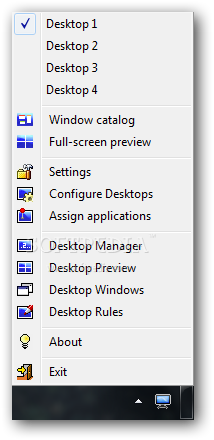
Having a crowded desktop can be quite bothersome, especially if you want to work with different programs at the same time. Portable Dexpot is a light tool that can increase the area of your screen by creating several virtual desktops.
The program comes with a clean interface that you should find quite easy to work with.
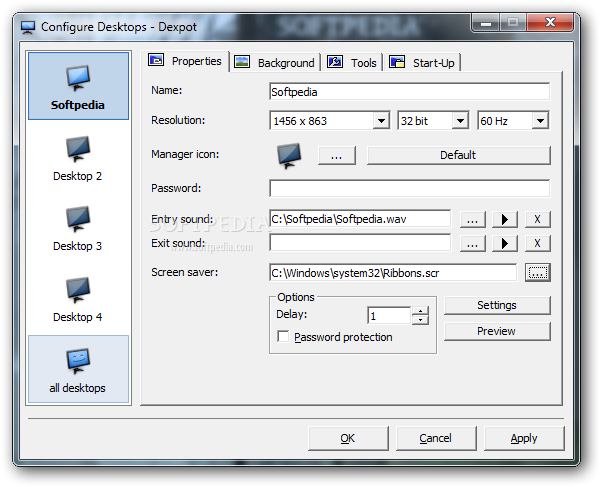
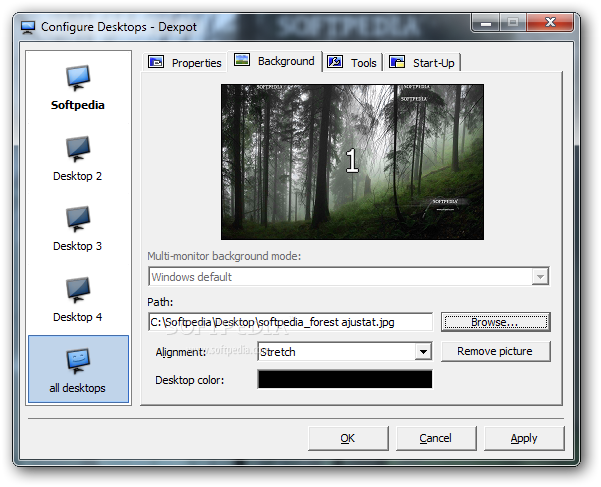
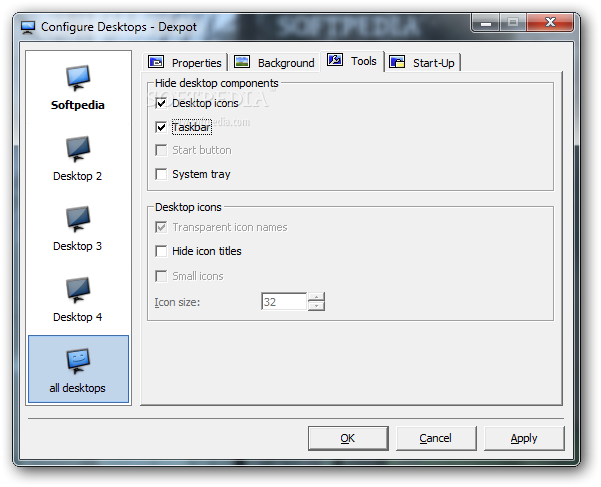
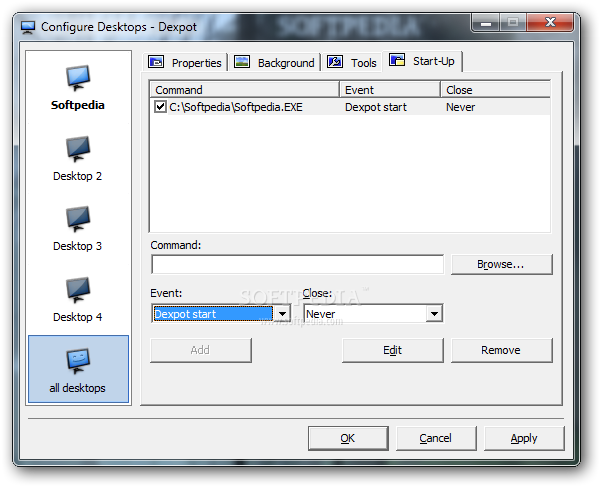
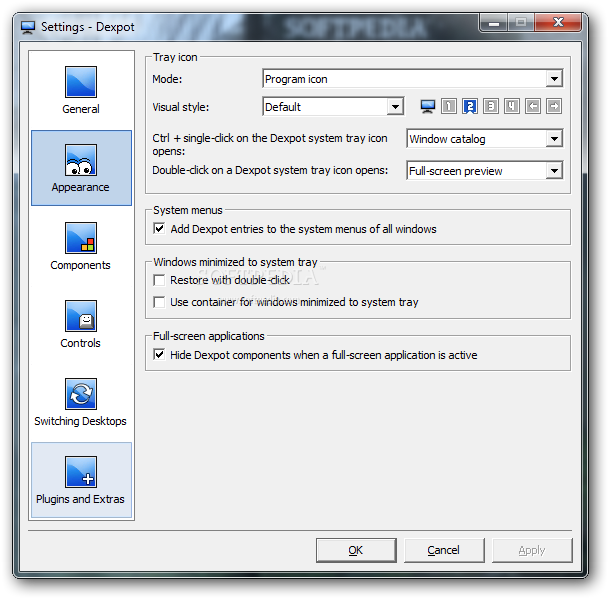
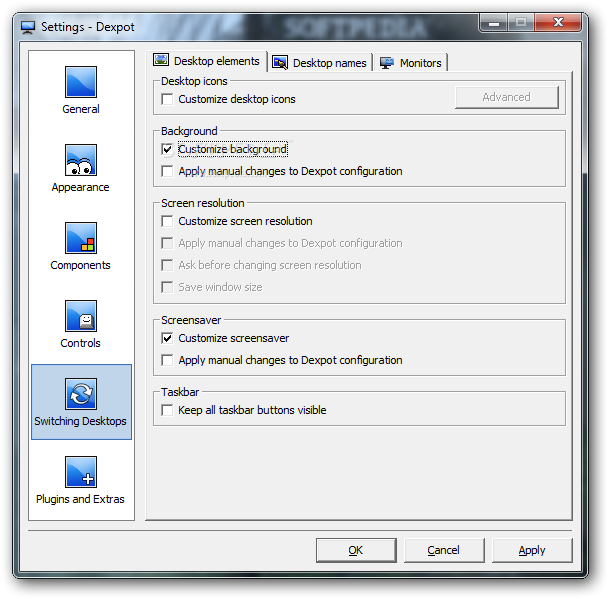
As mentioned, Portable Dexpot has the ability to create up to 20 different virtual desktops that may have individual wallpapers, resolution and icons. You can switch between these with the help of a hotkey, tray icons, the Desktop Manager or an automatic slideshow.
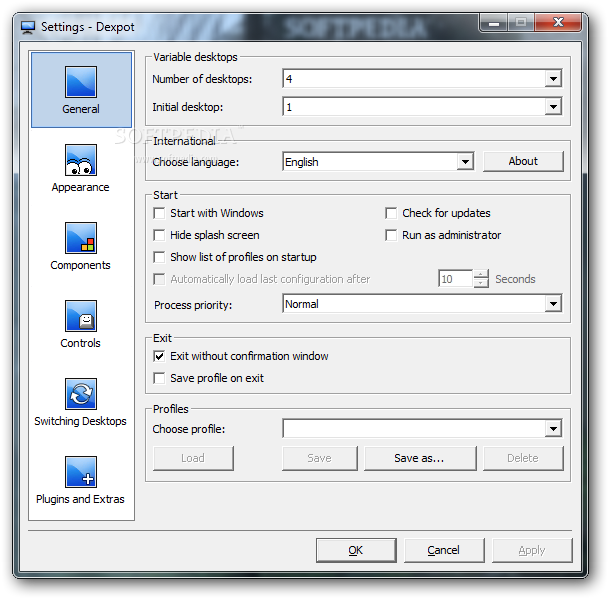
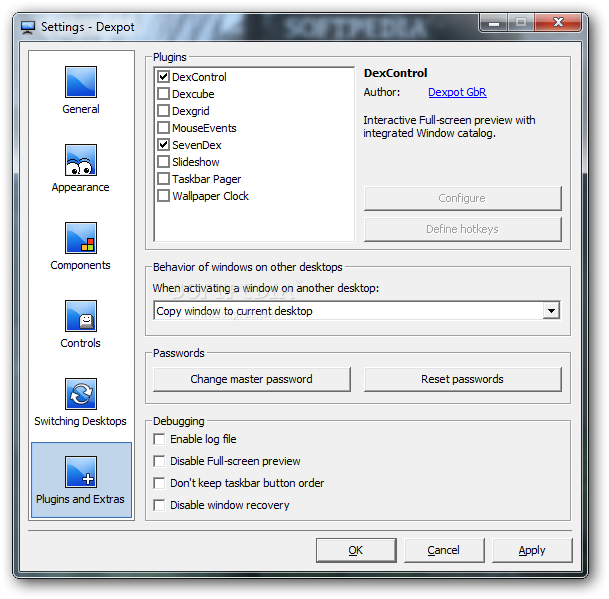
Some settings can be modified from the app’s interface. For instance, the app may be set to launch at system startup, while the process priority can be modified to any of the preset options (low, normal, high and real-time).
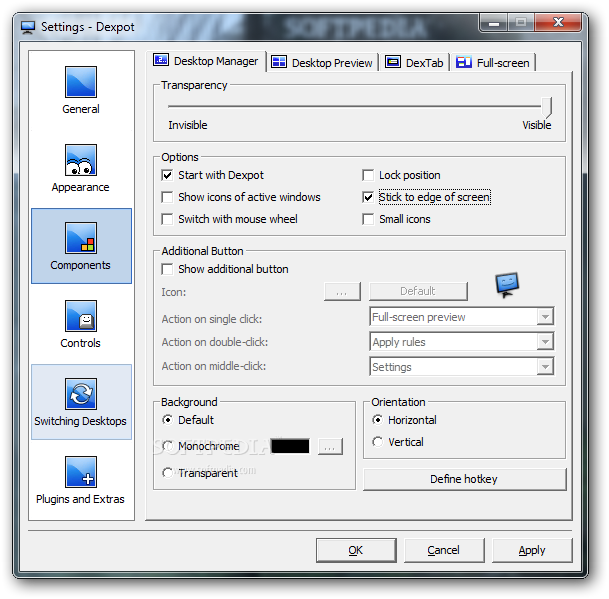
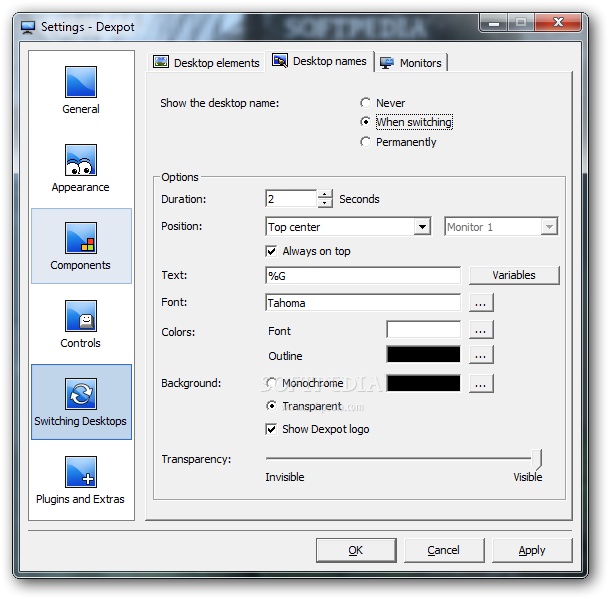
The desktop manager transparency levels can be modified with the help of a slider, while the background may be set to a user-defined color. The windows may be sorted by title.
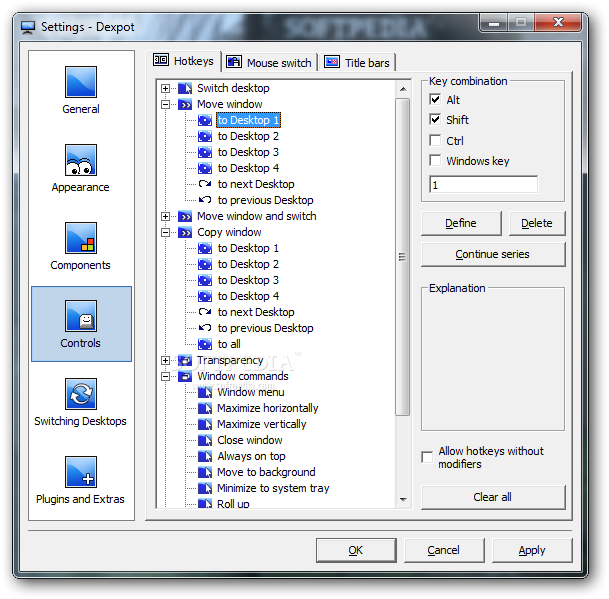
As mentioned, the app comes with hotkey support. For instance, you may use these to switch the desktops, move and copy the windows and adjust the opacity, to name just a few. It’s also possible to switch the desktops by using the mouse.
Since the program is completely portable, it means that you can launch it from any removable device, such as a flash drive. It shouldn’t leave any traces in the Windows Registry.
The bottom line is that Portable Dexpot is a nice tool that can expand the usability of the desktop area. Inexperienced users shouldn’t have any problems in figuring out how to work with this program.
Download Hubs
Portable Dexpot is part of these download collections: Virtual Desktop Managers
What's new in Portable Dexpot 1.6.14 Build 2439:
- New:
- Taskbar Pager: Show desktop names as tooltips when hovering
- Interpret command line arguments without a running Dexpot instance
- Improved Hungarian language file
Portable Dexpot 1.6.14 Build 2439
add to watchlist add to download basket send us an update REPORT- portable version
- This is the portable version of the application. An installable version is also available: Dexpot
- runs on:
-
Windows 2008
Windows 2003
Windows 8 32/64 bit
Windows 7 32/64 bit
Windows Vista 32/64 bit
Windows XP - file size:
- 4.5 MB
- filename:
- dexpot_1614_portable_r2439.zip
- main category:
- Portable Software
- developer:
- visit homepage
IrfanView

Bitdefender Antivirus Free

ShareX

calibre

Microsoft Teams

4k Video Downloader

Zoom Client

7-Zip

Context Menu Manager

Windows Sandbox Launcher

- 7-Zip
- Context Menu Manager
- Windows Sandbox Launcher
- IrfanView
- Bitdefender Antivirus Free
- ShareX
- calibre
- Microsoft Teams
- 4k Video Downloader
- Zoom Client