
An application that makes it much easier for blind or vision impaired people to access and navigate any computer running Windows. #Screen reader #Synthetic speech #Read screen #Reader #Speech #Synthetic

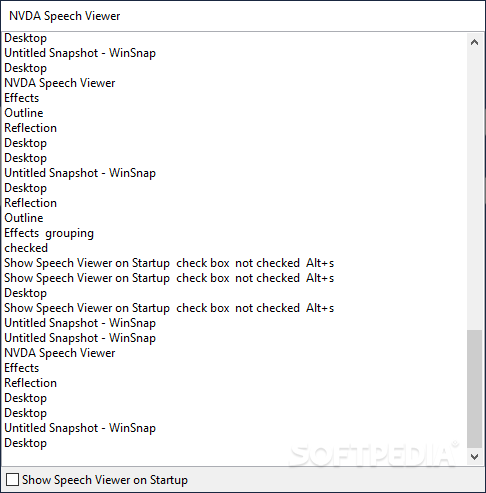
Having your vision impaired can have numerous ramifications that stem from the fact that interaction with the surrounding environment doesn’t take place in a regular fashion anymore, which in turn mandates the requirement of specialized tools for bridging the gap. The digital realm is not an exception, and those who suffer from such problems require dedicated software, such as Portable NVDA. This compact version of NVDA will provide users with the means to use their PCs in a visually-impaired context, thanks to a multitude of purpose-fit tools.
Right off the bat, we were surprised that the application initializes its text recognition engine right from the installation (yes, it is an installer portable). This means that users will be able to benefit from its features immediately.
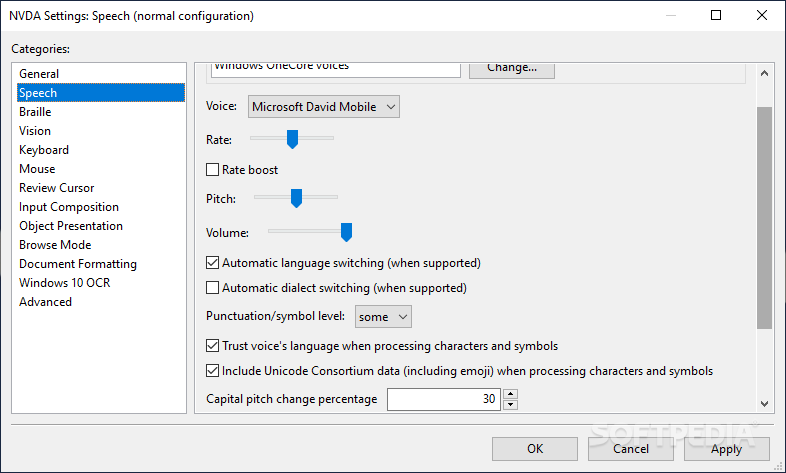
Basically, the included text-to-speech engine will automatically read the corresponding text, or, very importantly, the description of whichever elements are found under the mouse cursor. This is performed to a wide extent and offers impressive accuracy.
When leaving the highly precise text-to-speech feature and its flawless performance (we cannot help to mention it once more, as it’s that good), the app also offers a series of adjacent features, which can make the entire endeavor a far easier one.
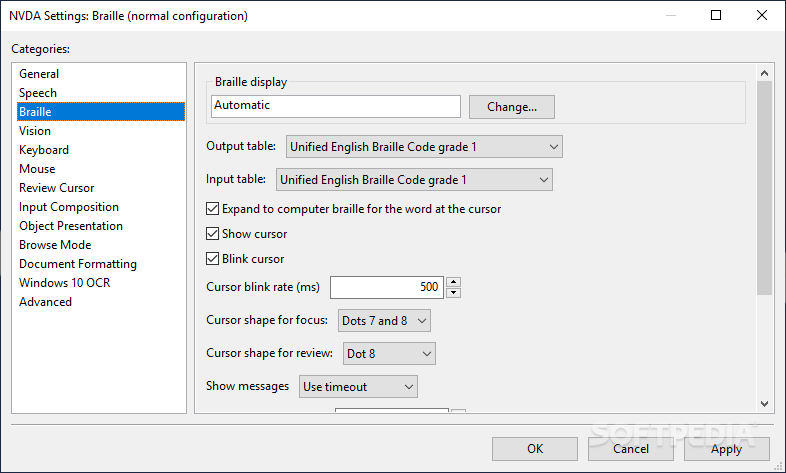
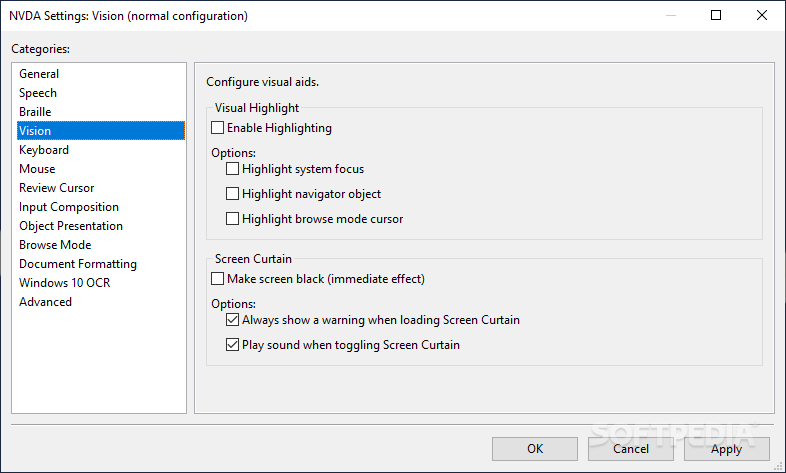
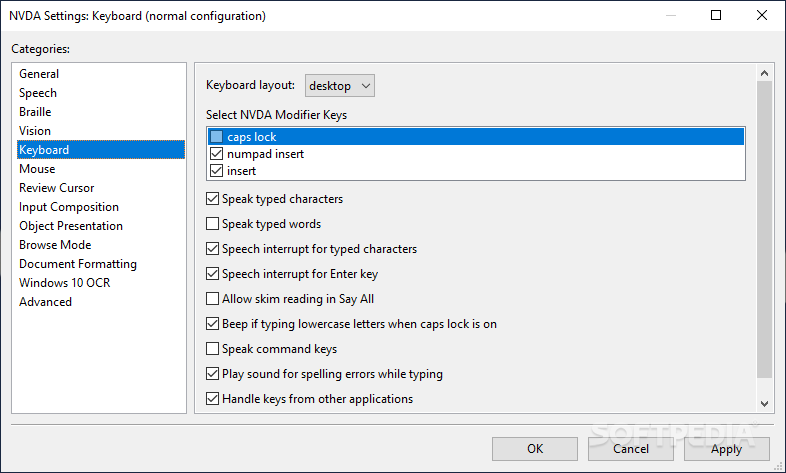
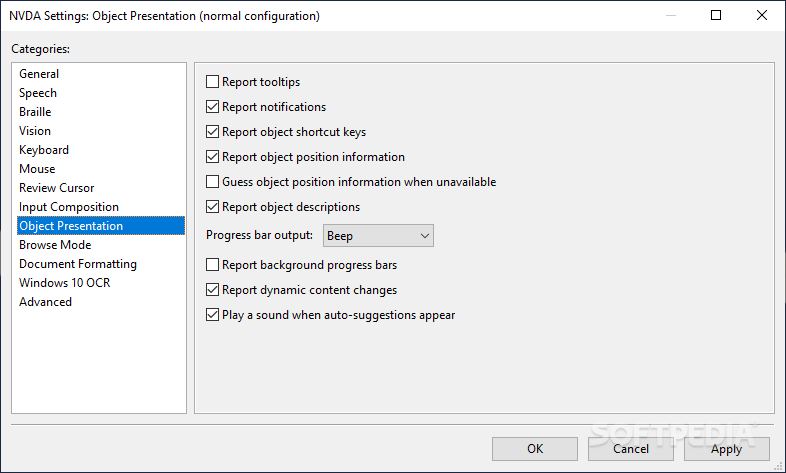
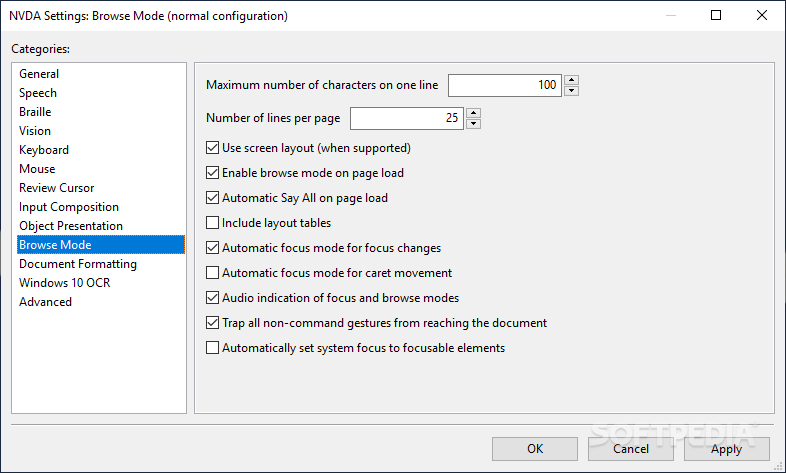
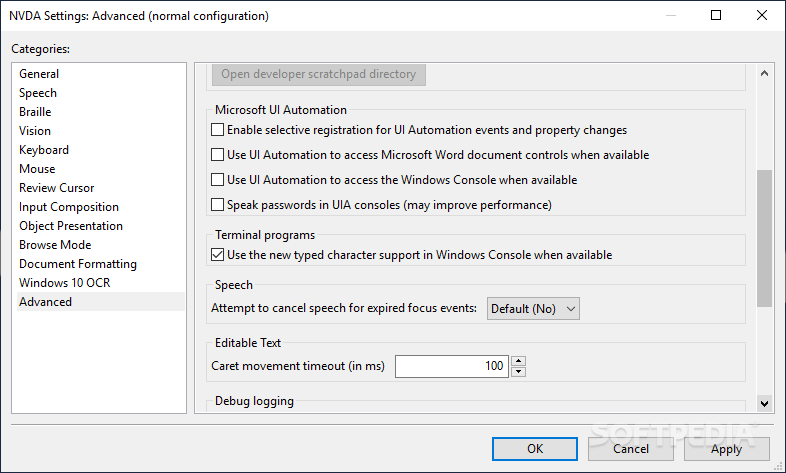
For instance, users will be able to find a bundled Braille viewer, as well as a series of comprehensive items that can help shape a truly custom experience, in terms of interaction with the keyboard, mouse, and more.
Portable NVDA can prove to be a reliable tool for enabling visually-impaired PC interaction and enhancing the entire process altogether, thanks to a highly accurate text-to-speech engine and a series of secondary, helpful features.
What's new in Portable NVDA 2024.1:
- Highlights:
- A new “on-demand” speech mode has been added. When speech is on-demand, NVDA does not speak automatically (e.g. when moving the cursor) but still speaks when calling commands whose goal is explicitly to report something (e.g. report window title). In the Speech category of NVDA’s settings, it is now possible to exclude unwanted speech modes from the Cycle speech modes command (NVDA+s). A new Native Selection mode (toggled by NVDA+shift+f10) is now available in NVDA’s browse mode for Mozilla Firefox. When turned on, selecting text in browse mode will also manipulate Firefox’s own native selection. Copying text with control+c will pass straight through to Firefox, thus copying the rich content, rather than NVDA’s plain text representation. The Add-on Store now supports bulk actions (e.g. installing, enabling add-ons) by selecting multiple add-ons. There is a new action to open a reviews webpage for the selected add-on. The audio output device and ducking mode options have been removed from the “Select Synthesizer” dialog. They can be found in the audio settings panel which can be opened with NVDA+control+u. eSpeak-NG, LibLouis braille translator, and Unicode CLDR have been updated. New Thai, Filipino and Romanian braille tables are available. There are many bug fixes, particularly for the Add-on Store, braille, Libre Office, Microsoft Office and audio.
Portable NVDA 2024.1
add to watchlist add to download basket send us an update REPORT- portable version
- This is the portable version of the application. An installable version is also available: NVDA
- runs on:
-
Windows 11
Windows Server 2022
Windows Server 2019
Windows Server 2016
Windows 10 32/64 bit
Windows Server 2012 R2
Windows Server 2012
Windows 2008 R2
Windows 8 32/64 bit - file size:
- 30.5 MB
- filename:
- nvda_2024.1.exe


- main category:
- Portable Software
- developer:
- visit homepage
Bitdefender Antivirus Free

7-Zip

Windows Sandbox Launcher

paint.net

Microsoft Teams

IrfanView

calibre

Zoom Client

ShareX

4k Video Downloader

- Zoom Client
- ShareX
- 4k Video Downloader
- Bitdefender Antivirus Free
- 7-Zip
- Windows Sandbox Launcher
- paint.net
- Microsoft Teams
- IrfanView
- calibre