
A powerful, yet easy to use software solution that provides a simple means of putting together applications inside a visually-based IDE. #Application assembler #Programming environment #Developer environment #Assembler #Assembly #Development
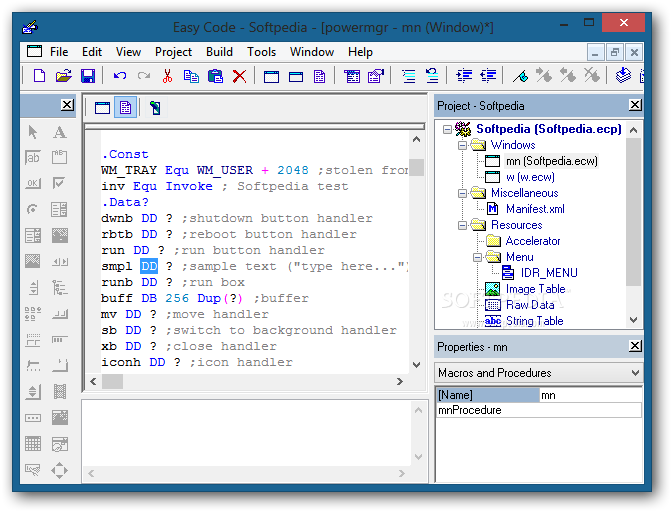
Application development is a highly specialized activity and it is better left to the professional programmers for best results. Depending on their personal preferences, developers may opt for one tool or another and coding a Windows assembly program can be done even with a lightweight utility like Easy Code for MASM.
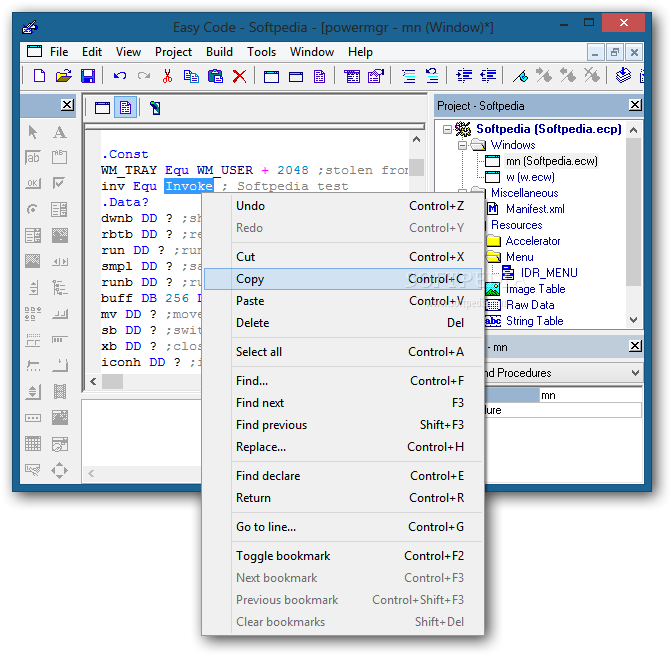
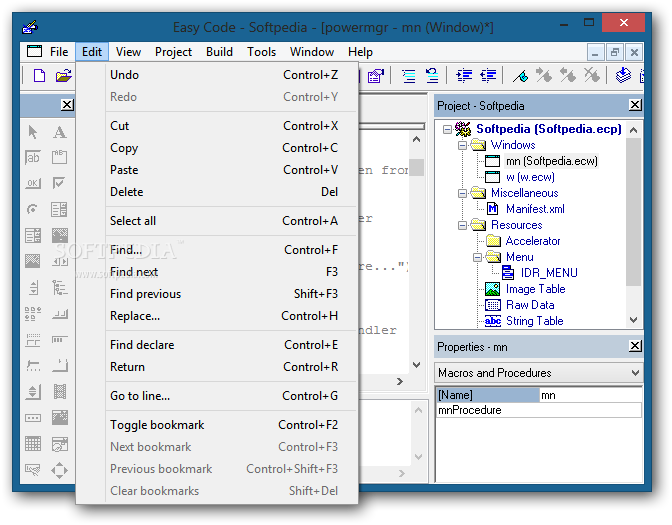
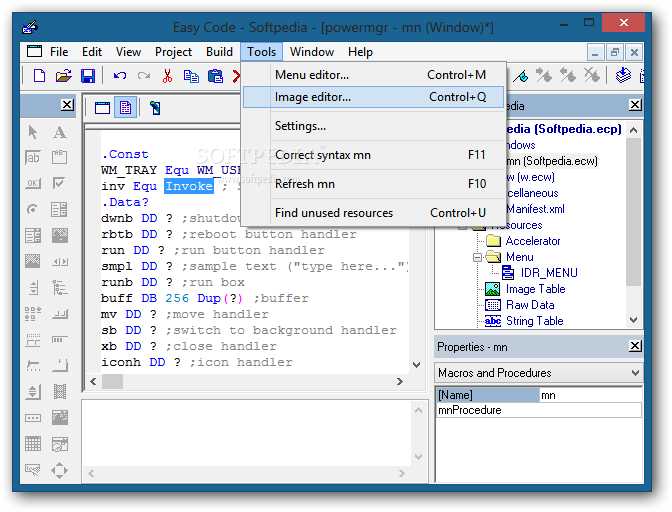
The interface is plain and unadorned, but very well organized, with all the functions ready at hand, so the project development can begin and be carried out without any problems. Very well equipped with all the editing commands the developer would need, this software encourages visual programming.
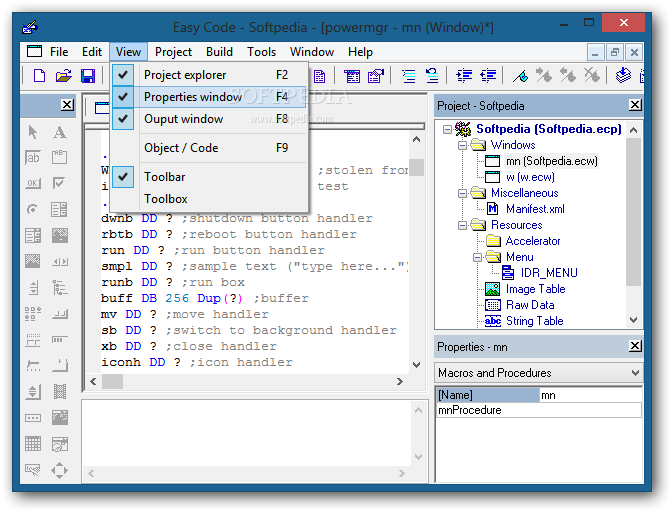
Easy Code for MASM is able to handle a wide variety of elements that can be integrated and edited from the generous workspace offered by the main window. A simple toggle makes the transition from code to object and the other way around in order to facilitate the up close examination of the project.
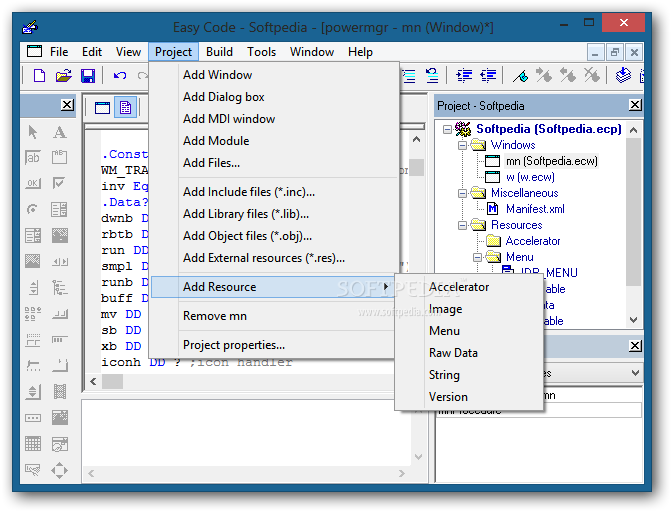
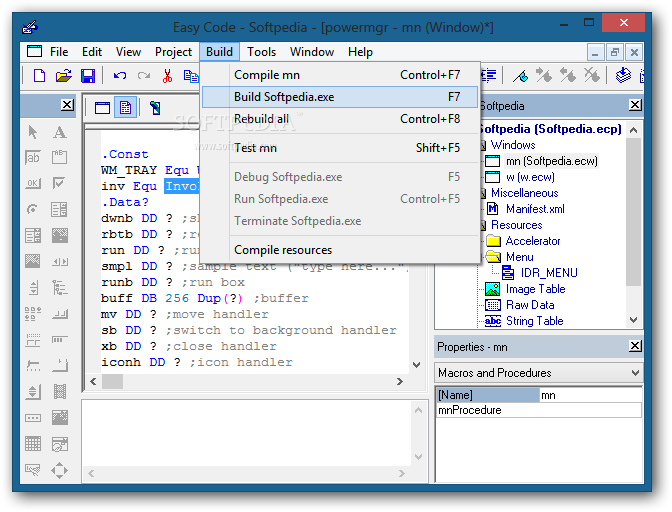
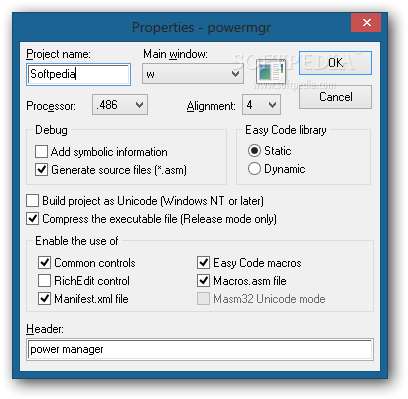
This program features several viewing modes and a great thing about it is that most of its functions can be controlled through keyboard shortcuts or hotkeys. The project management menu is dedicated to providing a quick means to insert new elements into the application that is being created.
Thus, with Easy Code for MASM it is quite easy to include new windows, dialog boxes, modules and files. It supports adding Include (.INC), Library (.LIB) and Object (.OBJ) files, as well as external resources (.RES).
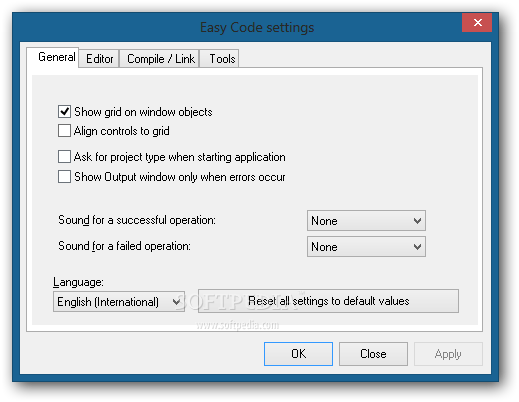
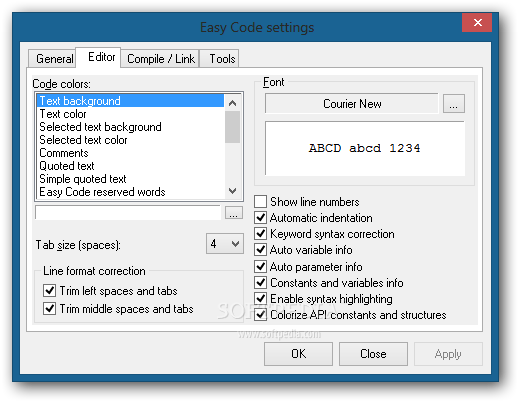
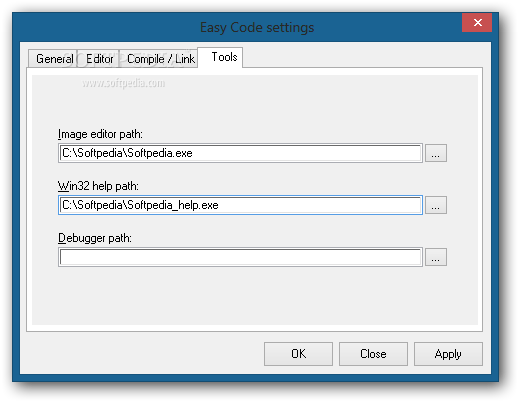
In case you want to use certain tools for compiling the applications and linking various resources, the 'Settings' area enables you to specify them in the corresponding fields under the 'Compile/Link' tab.
Easy Code for MASM is bound to succeed thanks to its strong features set, ease of use and good collection of samples it comes with.
Download Hubs
Easy Code for MASM is part of these download collections: File Compilers
What's new in Easy Code for MASM 1.07.0.0009:
- It fixes the following bugs:
- Moving or sizing a window in the WM_CREATE message did not work.
Easy Code for MASM 1.07.0.0009
add to watchlist add to download basket send us an update REPORT- runs on:
- Windows All
- file size:
- 2 MB
- filename:
- EasyCodeMasm.zip
- main category:
- Programming
- developer:
- visit homepage
calibre

Windows Sandbox Launcher

7-Zip

IrfanView

Bitdefender Antivirus Free

Microsoft Teams

ShareX

Context Menu Manager

Zoom Client

4k Video Downloader

- Context Menu Manager
- Zoom Client
- 4k Video Downloader
- calibre
- Windows Sandbox Launcher
- 7-Zip
- IrfanView
- Bitdefender Antivirus Free
- Microsoft Teams
- ShareX
