
An efficient and reliable Java VM compilation software allowing users to enhance and run their applications, offering various customizable options. #Java protection #Java accelerator #Java protector #Java #Accelerate #Accelerator
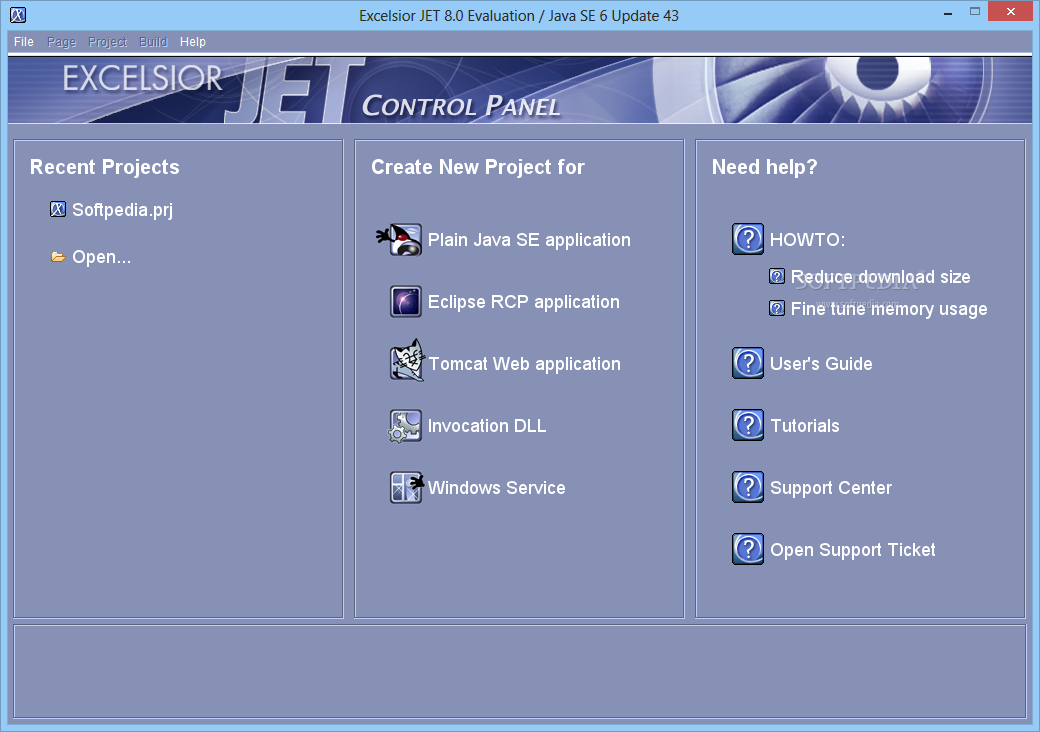
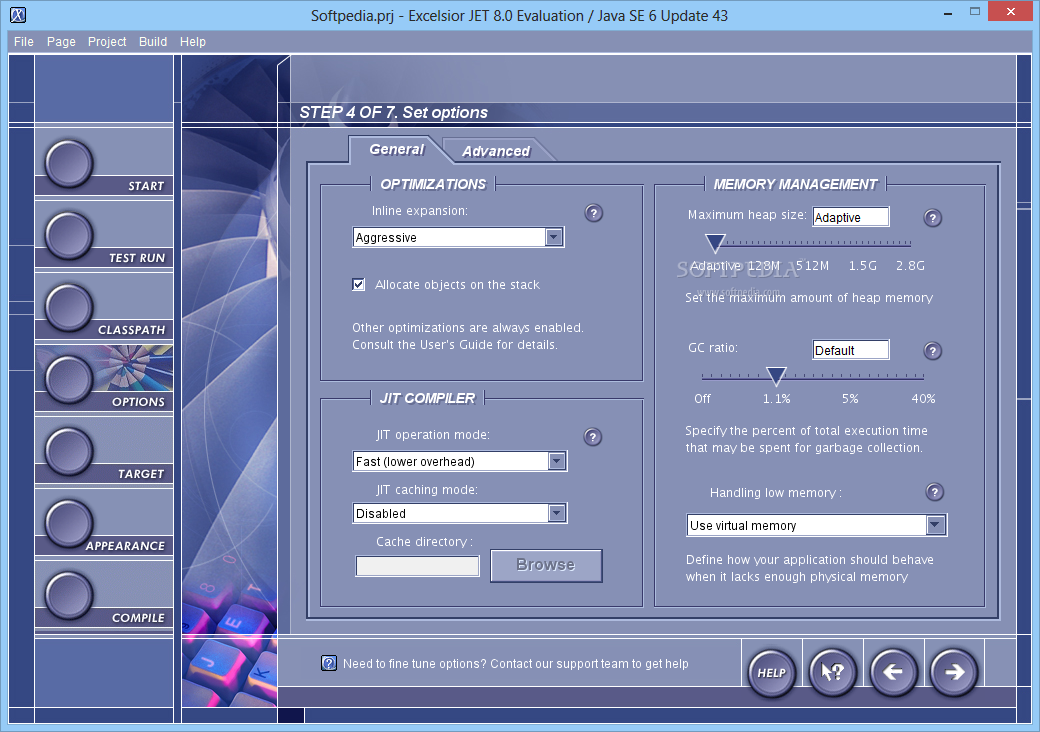
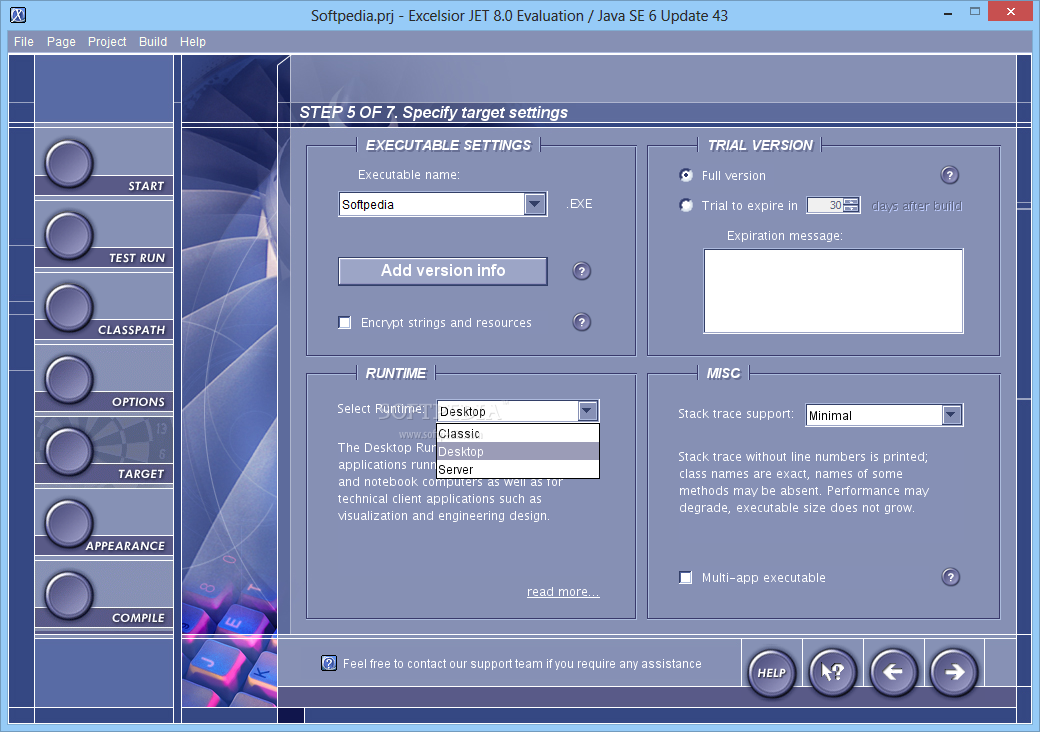
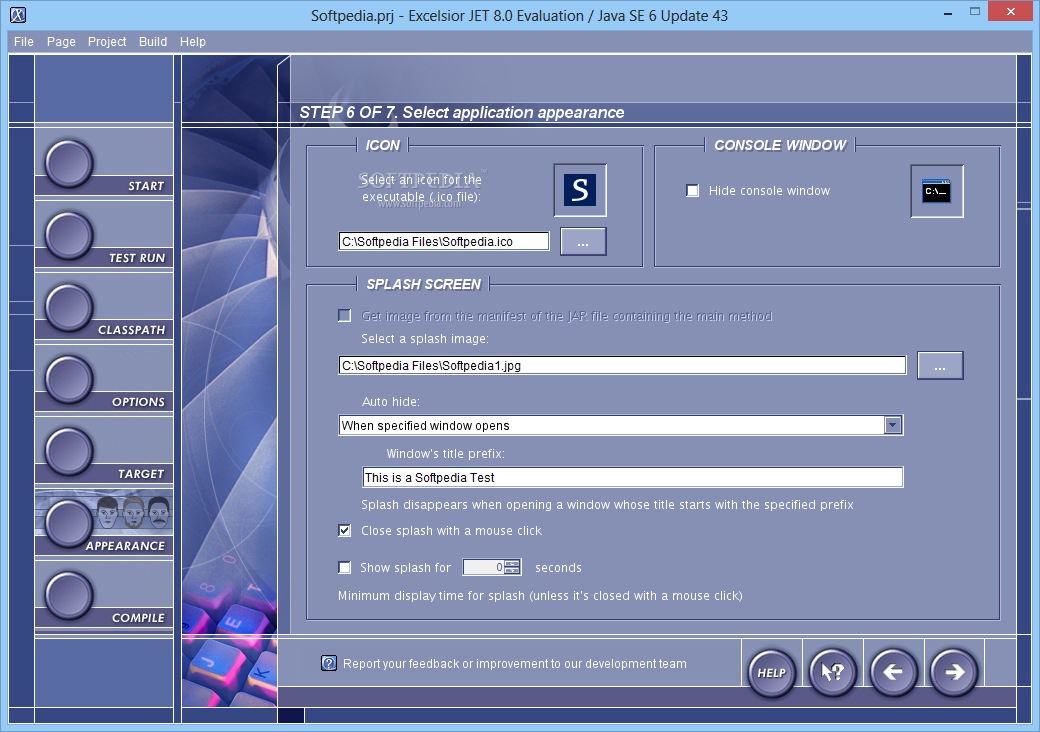
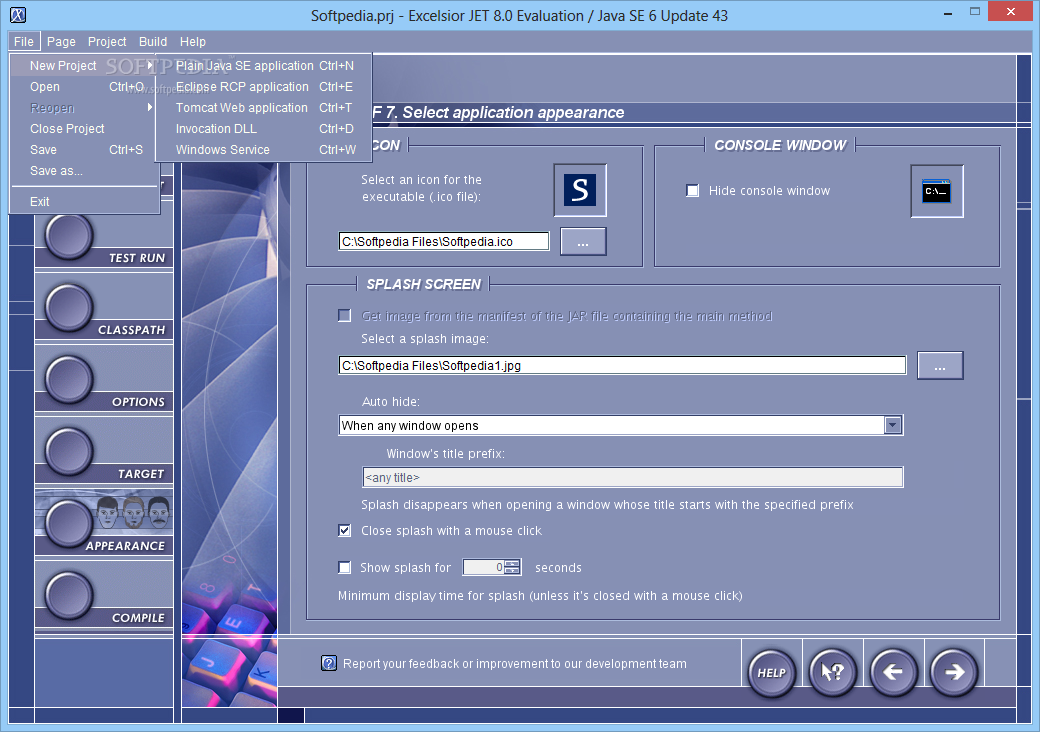
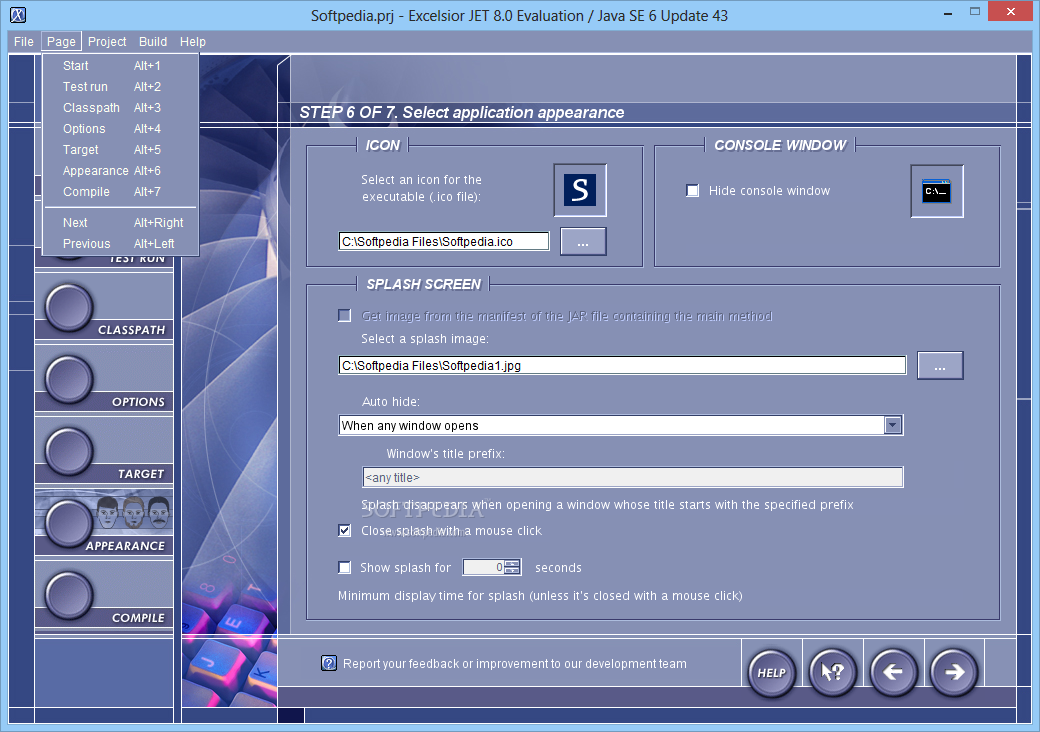
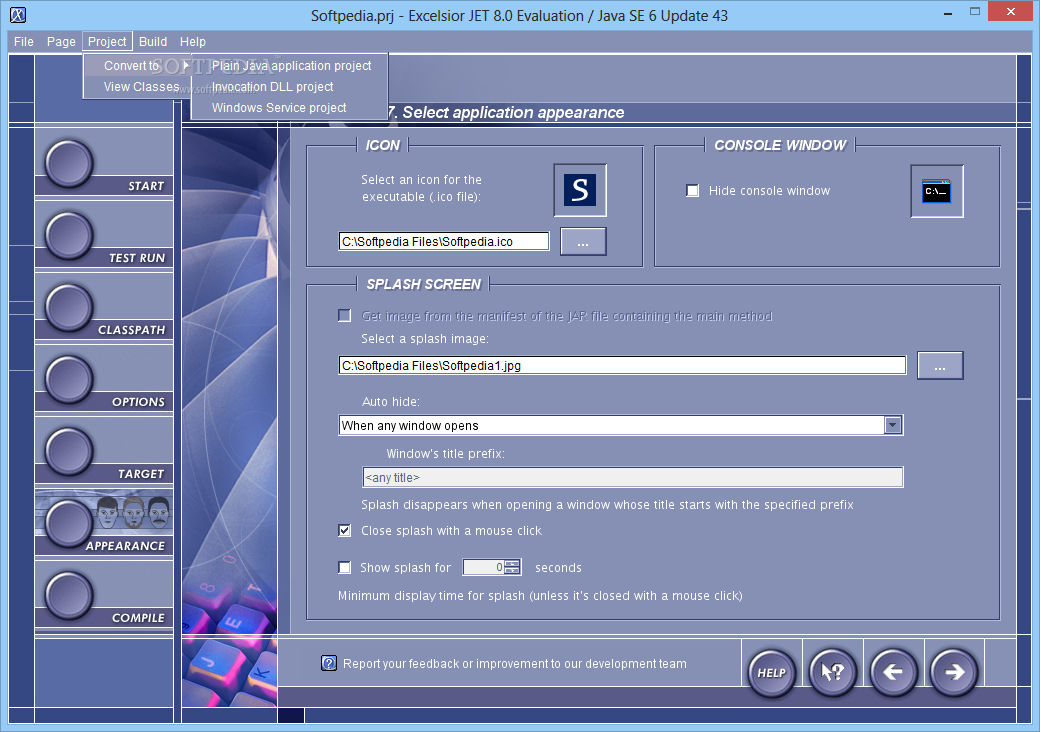
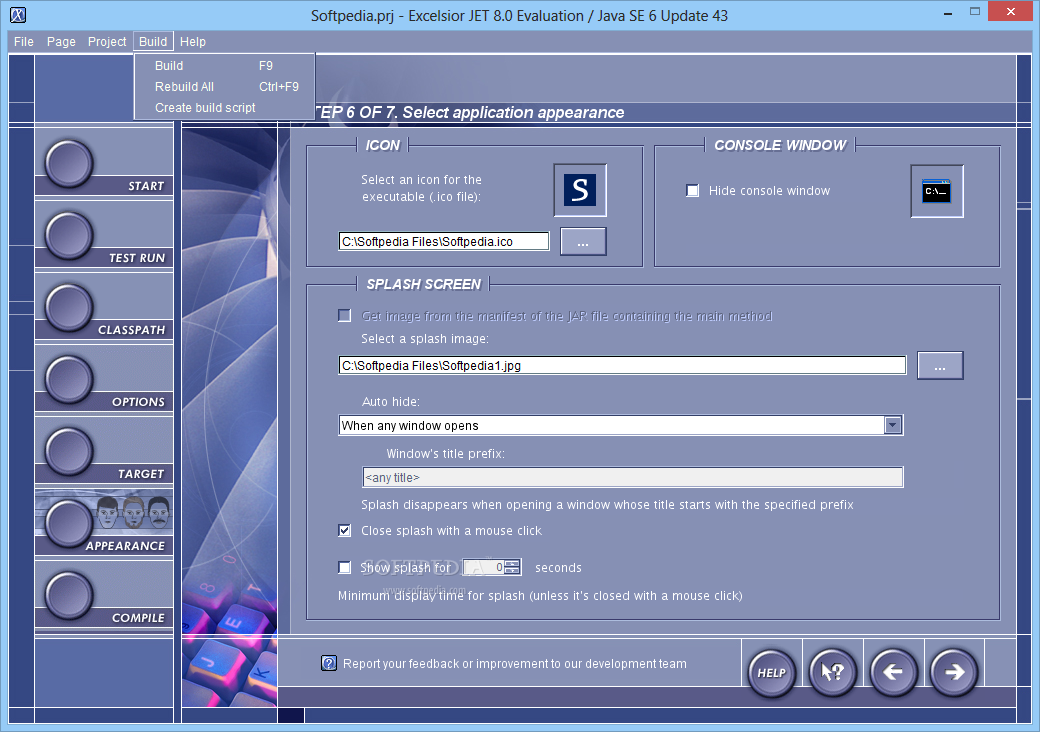
Excelsior JET is a comprehensive and useful utility for Java applications that can protect, deploy and accelerate the programs you create. The product package includes Excelsior JET Optimizer, Excelsior JET Runtime and Excelsior JET Installation Toolkit.
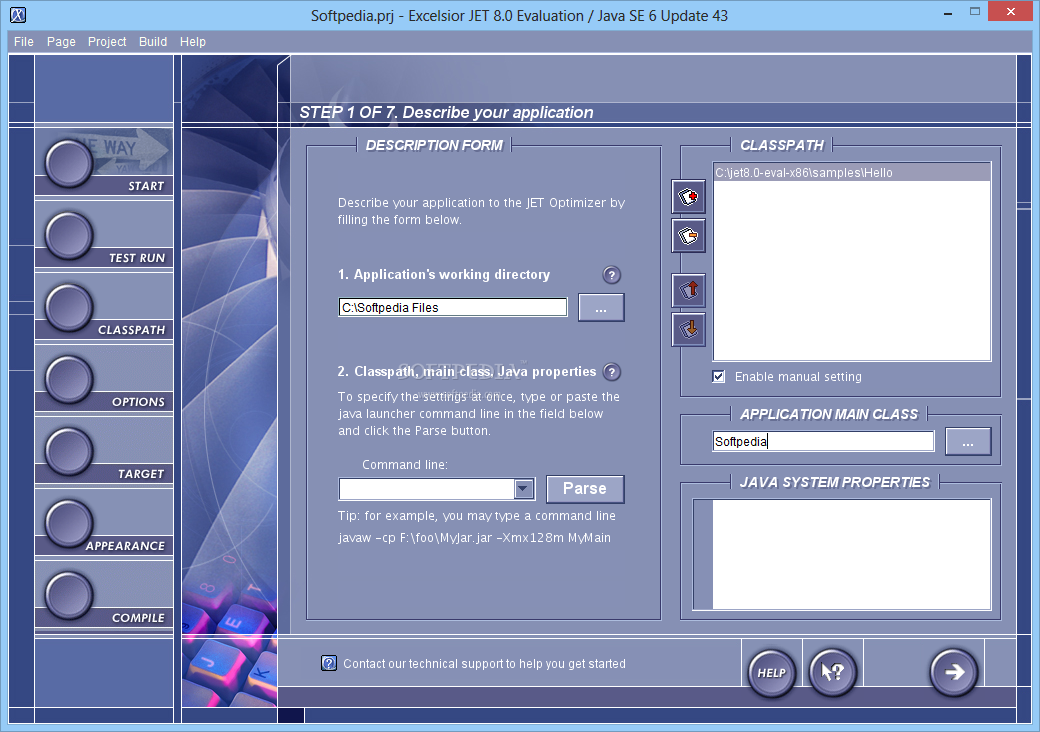
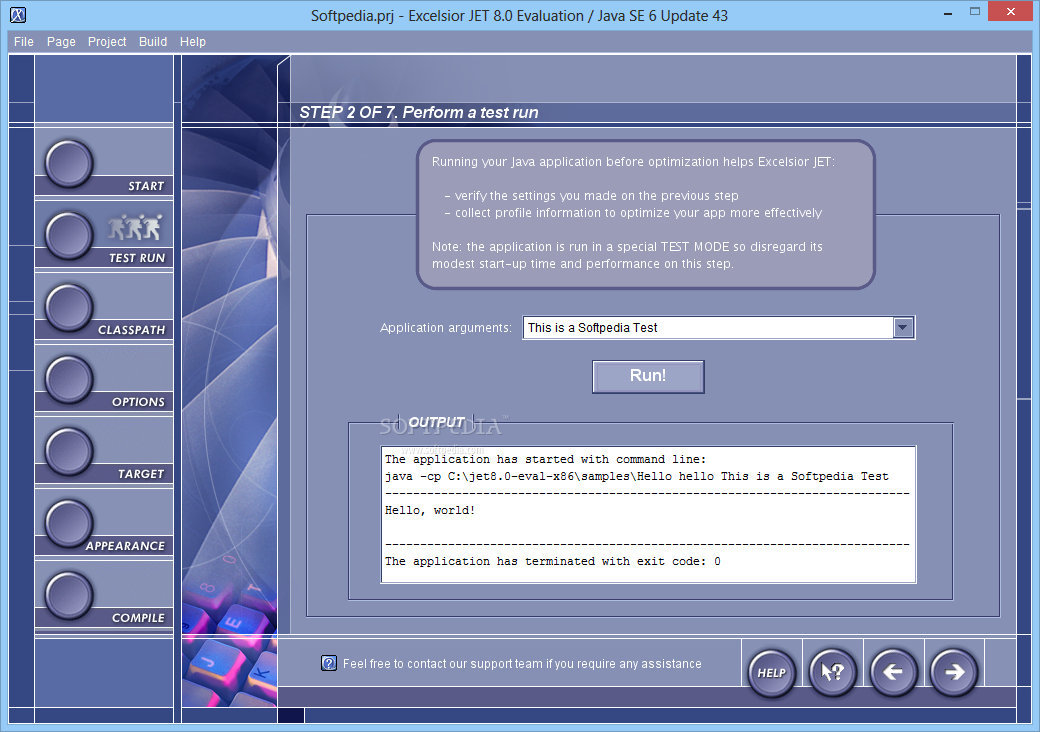
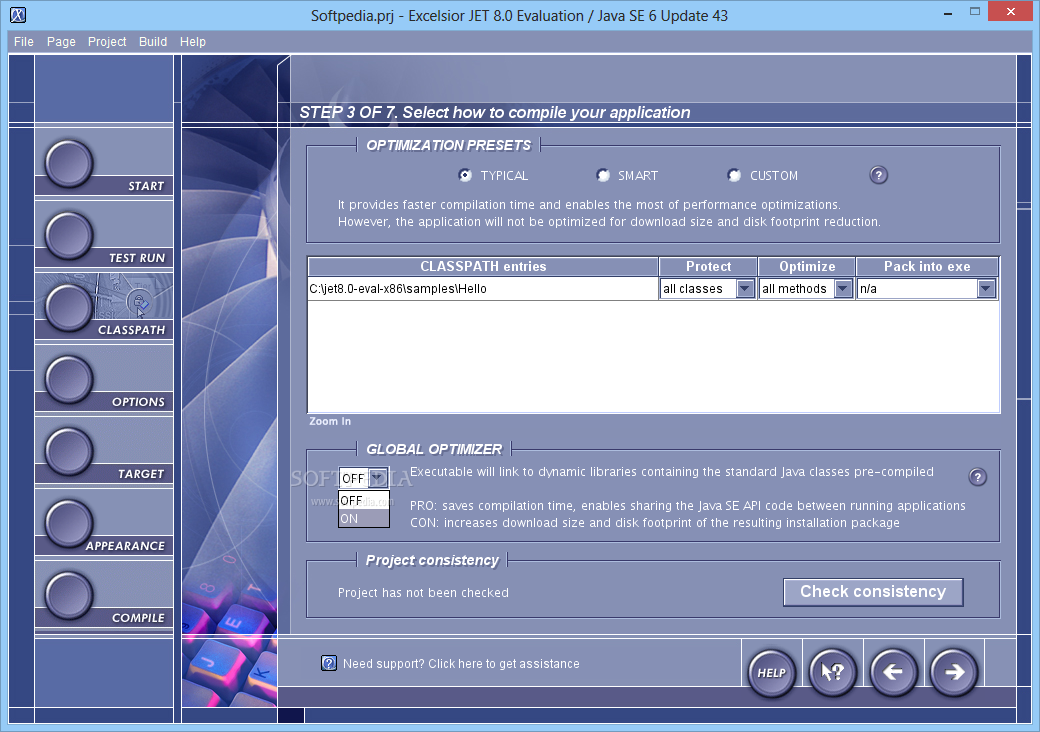
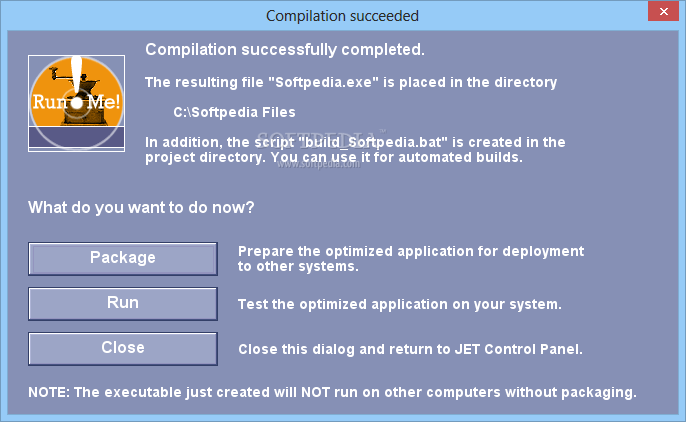
The JET Optimizer enables you to convert your application's classes and jars into optimized x86 (IA-32) code on the developer's system. As a result, you get high performance native executables for Microsoft Windows or Linux.
The produced native code is highly resistant to reverse engineering and tampering. The JET Runtime includes the Java SE API and provides all low-level Java routines which the optimized executables need to run such as garbage collection.
Excelsior JET Optimizer and Runtime are certified for compliance with the specification of the Java platform, Standard Edition (Java SE), versions 6 and 5.0. If you want to distribute your application to a number of clients, you use the Installation Toolkit to prepare an installation package including your optimized Java application and the JET Runtime engine.
Your clients simply install the package and start using your application. Additional software installation, such as the Java Runtime Environment (JRE), is not required on target systems.
System requirements
- 32-bit: Intel Pentium III or compatible at 800 MHz or higher
- 64-bit (Windows only): any x64 compatible CPU
- RAM: 1.5 GB minimum, 2 GB or more recommended
- Disk Space: 650 MB minimum
Limitations in the unregistered version
- 30 days trial
What's new in Excelsior JET for Windows 10.5:
- New And Noteworthy:
- CoreBalance Garbage Collector
- Support for Eclipse RCP 4.4 (Luna)
Excelsior JET for Windows 10.5
add to watchlist add to download basket send us an update REPORT- runs on:
-
Windows 2008
Windows 2003
Windows 8 32/64 bit
Windows 7 32/64 bit
Windows Vista 32/64 bit
Windows XP
Windows 2K - file size:
- 81.5 MB
- filename:
- jet-1050-eval-en-windows-amd64-reg.exe


- main category:
- Programming
- developer:
- visit homepage
4k Video Downloader

Microsoft Teams

Windows Sandbox Launcher

ShareX

paint.net

IrfanView

calibre

Zoom Client

7-Zip

Bitdefender Antivirus Free

- Zoom Client
- 7-Zip
- Bitdefender Antivirus Free
- 4k Video Downloader
- Microsoft Teams
- Windows Sandbox Launcher
- ShareX
- paint.net
- IrfanView
- calibre