
Straightforward batch file compiler that allows the user to turn their batch files into executables and encrypt them, helping with the automation of the process. #Compile BAT #Convert BAT #Batch to EXE #Compiler #Batch2exe #Batch

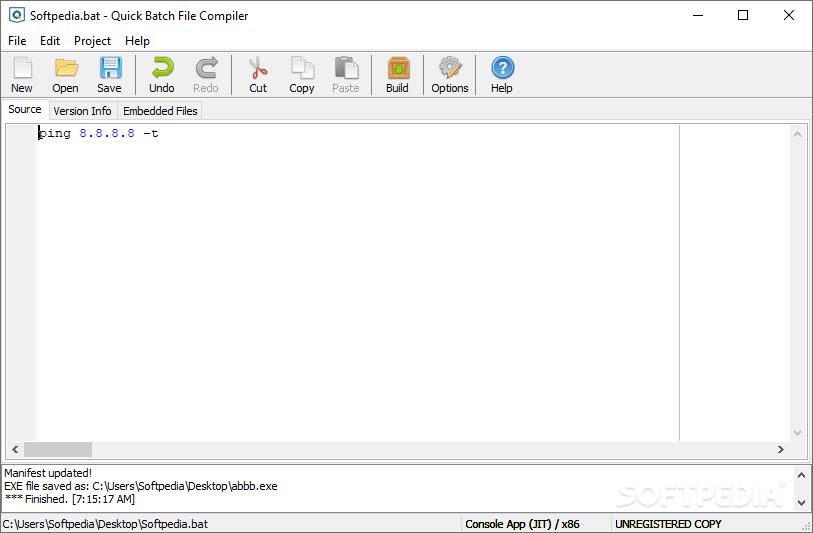
Quick Batch File Compiler is a straightforward and lightweight app that can turn .bat files into executables, encrypt them so as to prevent modification from outside, and even insert user-designated version info in the aforementioned executable.
Besides allowing for drag and drop, Quick Batch File Compiler also lets its users write and develop the .bat file source code within the app, as if it were a text editor.
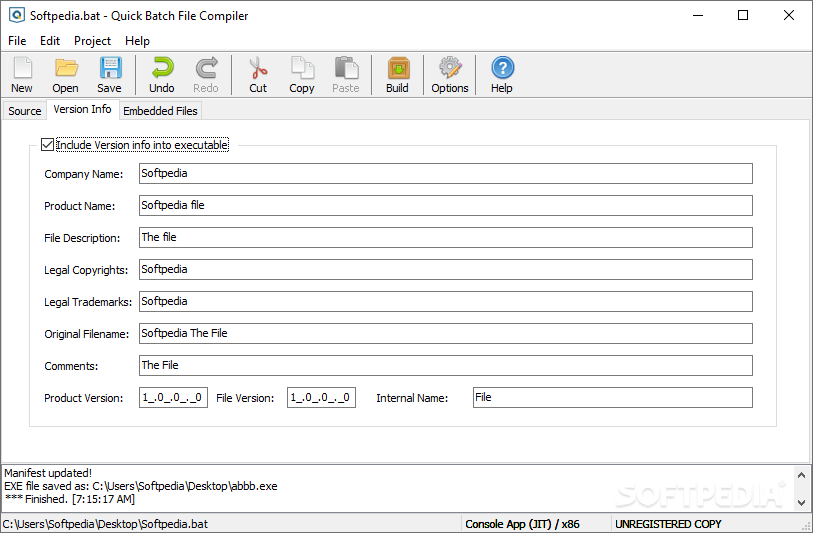
While the “Source” tab is where the users will spend most of their time, the “Version Info” tab next to it grants the ability to write specific version info into the executable file, the users being fully able to designate a company name, a product name, its legal copyrights, and trademarks, and even a product and file version — among others.
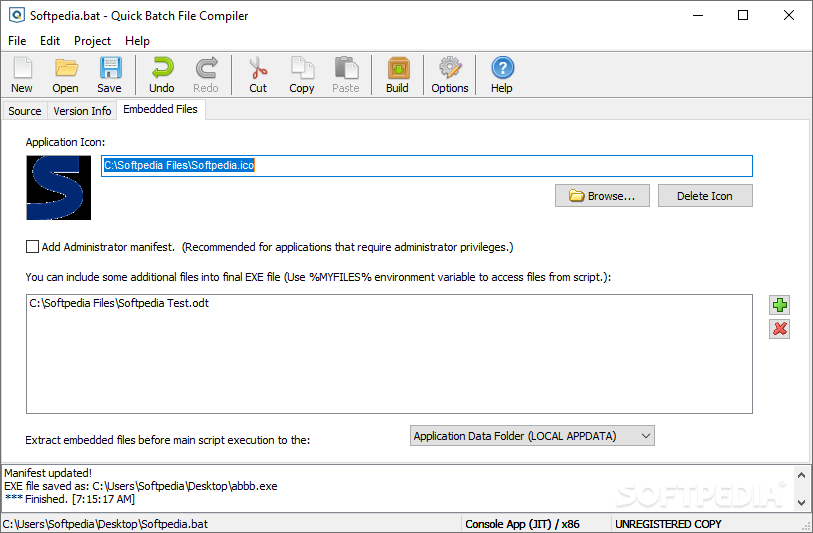
The “Embedded Files” is also intriguing in its own way: you can pick and choose an icon for the executable file, and even include additional files into the final product.
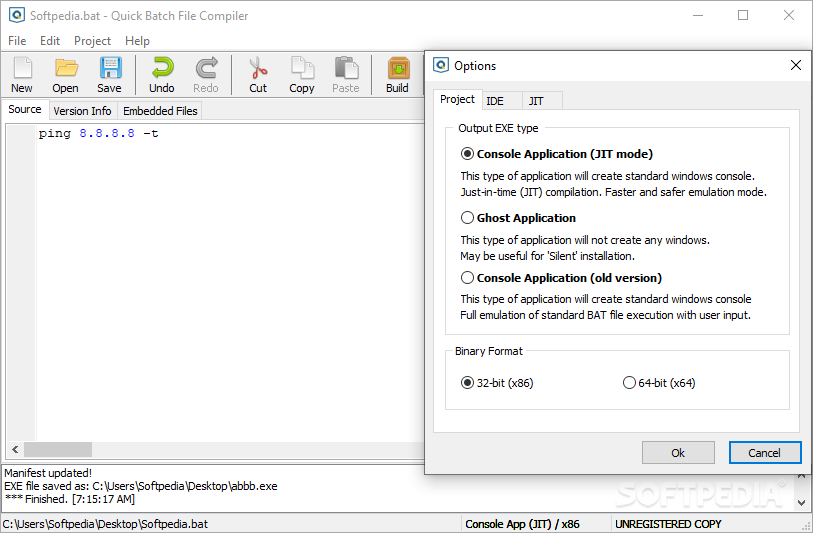
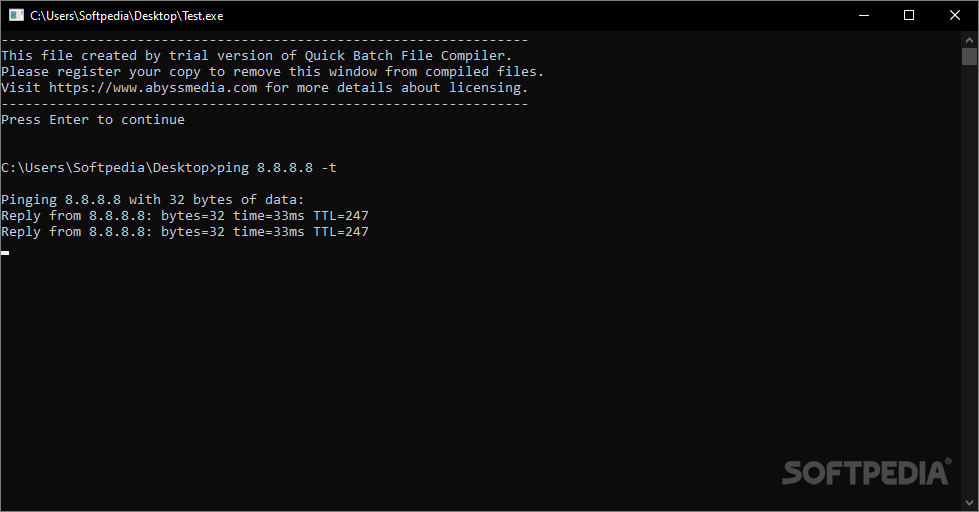
Under the “Options” menu, the user is given a choice between the standard, newer JIT Console Application, and the legacy Console Application modes. There’s also a third choice, in the Ghost Application executable, which is supposed to run in the background and not bother the user with the windows that may pop up while executing a .bat file. For instance, this makes it possible for a script to be run without the current user knowing about it.
What’s more, the content of the .exe can be encrypted so that it cannot be reverse-engineered nor tampered with in any way.
In conclusion, if you’re looking to compile .bat files into executables in a quick, straightforward manner — with some interesting options, such as the Ghost Mode, to boot — Quick Batch File Compiler makes for an attractive proposition.
Download Hubs
Quick Batch File Compiler is part of these download collections: File Compilers
What's new in Quick Batch File Compiler 5.3.1.1:
- Fixed initialization errors and resource leaks in compiled executables.
- Only fixed-pitch fonts for IDE can be selected in settings.
Quick Batch File Compiler 5.3.1.1
add to watchlist add to download basket send us an update REPORT- runs on:
-
Windows 11
Windows 10 32/64 bit
Windows 8 32/64 bit
Windows 7 32/64 bit
Windows Vista 32/64 bit - file size:
- 5.4 MB
- filename:
- quickbfc.exe
- main category:
- Programming
- developer:
- visit homepage
7-Zip

Windows Sandbox Launcher

calibre

Zoom Client

IrfanView

4k Video Downloader

Microsoft Teams

ShareX

paint.net

Bitdefender Antivirus Free

- ShareX
- paint.net
- Bitdefender Antivirus Free
- 7-Zip
- Windows Sandbox Launcher
- calibre
- Zoom Client
- IrfanView
- 4k Video Downloader
- Microsoft Teams