
A .NET control library for drawing workflow, flowchart, network, organizational diagrams that can be easily integrated within any WinForms project. #Flowchart Diagram #Workflow Chart #Relationship Chart #Flowchart #Diagram #Workflow

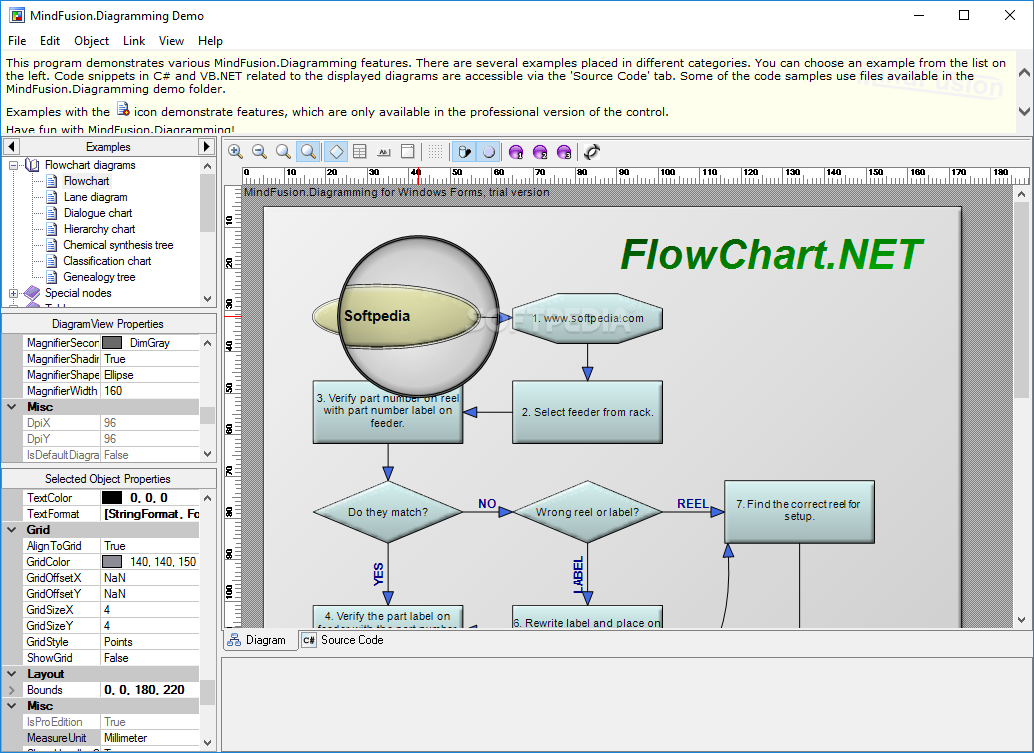
MindFusion.Diagramming for WinForms is a comprehensive graph drawing library that can be integrated within any WinForms application with ease.
Basically, MindFusion.Diagramming for WinForms provides you with all the necessary means for building complex classical flowchart diagrams, lane, hierarchy, and classification charts, as well as genealogy trees or chemical synthesis schemes.
Thanks to its useful collection of components such as text boxes, buttons, and images, you can build complex nodes with no more than a few mouse clicks and intuitive drag and drop gestures.
You should also know that the application comes with support for a wide array of node types, like Shape, SVG, and TreeView.
Linking the elements of your diagrams is hardly a problem, since the app not only offers a broad range of links but it also provides you with lots of customization possibilities.
For example, you can benefit from multiple predefined arrowheads and links with customizable colors and anchor points.
Also worth mentioning is FMindFusion.Diagramming for WinForms's built-in set of layouts. These structural layouts provide you with a wide variety of settings which allow you to turn any diagram into a more accessible and easy-to-understand chart.
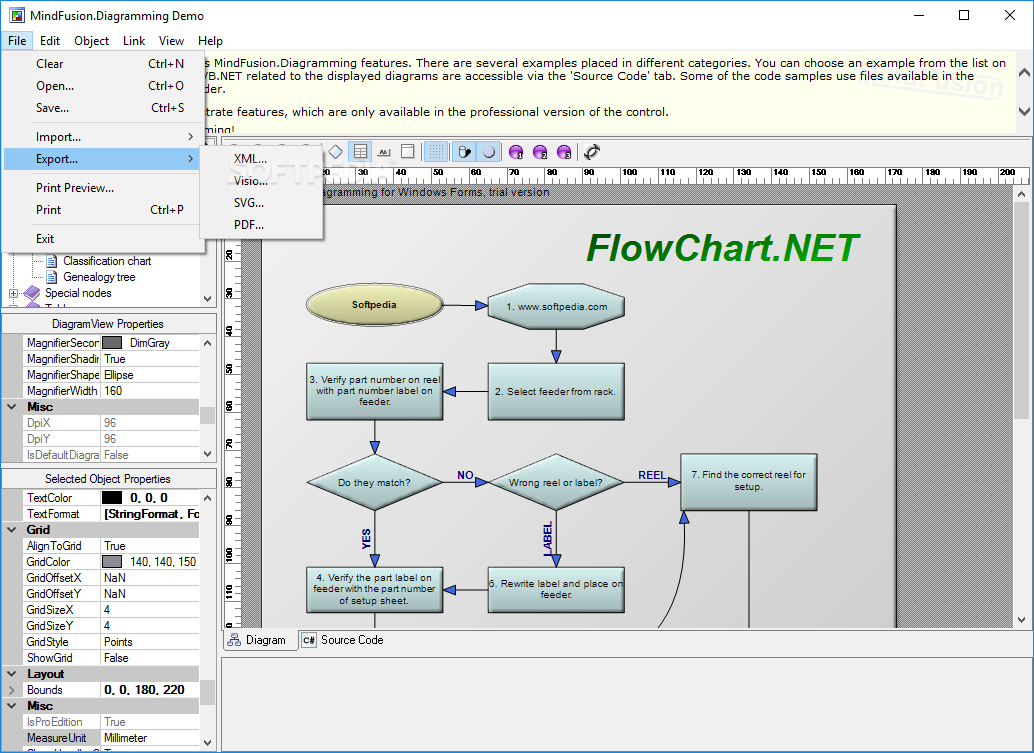
What is more, you can store and load diagrams to and from files from your computer's disk drive, .NET Streams, ASCII strings, and even XML documents. Your can export your projects to bitmap images or HTML image maps.
Taking everything into consideration, MindFusion.Diagramming for WinForms is a comprehensive and impressive .NET component that makes it as simple as possible for you to design and build practically all types of diagrams and flowcharts.
What's new in MindFusion.Diagramming for WinForms 6.8.6:
- New features:
- DiagramItem.Opacity property
- CopySelection list overload
- Fast grid drawing at low zoom
MindFusion.Diagramming for WinForms 6.8.6
add to watchlist add to download basket send us an update REPORT- runs on:
-
Windows 10 32/64 bit
Windows 8 32/64 bit
Windows 7 32/64 bit
Windows Vista 32/64 bit
Windows XP 32/64 bit - file size:
- 53.9 MB
- filename:
- FCNetDemo.zip
- main category:
- Programming
- developer:
- visit homepage
IrfanView

calibre

Microsoft Teams

7-Zip

ShareX

4k Video Downloader

paint.net

Bitdefender Antivirus Free

Windows Sandbox Launcher

Zoom Client

- Bitdefender Antivirus Free
- Windows Sandbox Launcher
- Zoom Client
- IrfanView
- calibre
- Microsoft Teams
- 7-Zip
- ShareX
- 4k Video Downloader
- paint.net