|
|
|
|
OnTime 2010 10.1.3.8980
|
|
|
|
|
|
| Downloads: 1,562 |
Tell us about an update
|
 |
|
User Rating: Rated by: |
Fair (2.6/5) 23 user(s) |
|
|
|
OnTime 2010 description
|
The project manager software of your life
OnTime is more than Bug Tracking, it's a Project Management Solution.
OnTime is a multi-user Defect, Feature and Task Management system designed to allow teams of software developers and testers to manage and track all aspects of a software project. The system tracks all user information, settings, projects, defects, features and tasks through a centrally shared database hosted by Microsoft SQL Server 2000 (or MSDE 2000).
With OnTime, you'll always know more about your projects and teams. It helps you answer critical questions vital to getting things done. Its logical, yet elegant, interface stays out of the way while keeping user interactions simple, quick, and pleasant.
OnTime remains intensely focused on helping software development teams ship software on time. More than ever, OnTime runs nearly identically as a locally installed application or as an online hosted service.
Project managers and experienced developers will appreciate the virtuous cycle OnTime helps bake right into existing dev processes -- from project visibility to bug tracking, workflow automation, opening up communication between team members, and analytical insights that help make the right decisions -- OnTime promotes best practices in your organization.
Another important element is the ease with which OnTime is implemented. We've worked hard to make sure it's never a "forced fit" solution. Instead, it merges with your workflow and terminology, tracks and reports what is important to your business. It "plays nice" by integrating with other Visual Studio and several Source Control Management tools. OnTime adjusts itself to work the way you want it to.
By design, all of OnTime's features are geared toward enabling developers to achieve practical, real-world results -- especially the most practical result of all -- shipping software on time. Here are some key features of "OnTime 2010":
Project Hierarchy Tree:
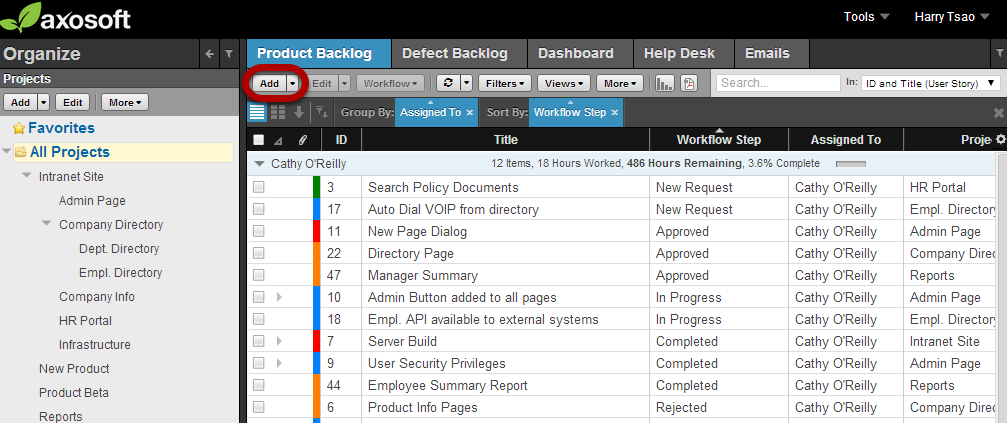
· OnTime allows for defects, features, incidents and tasks to be tracked and organized by project using a hierarchical tree, much like the Windows file system. This powerful feature allows for work items related to a project to be grouped together and found easily with just the click of a button.
Project Wiki:
· OnTime allows you to create Wiki pages associated to your projects to track or present information vital to your project. You can create and collaborate on project specifications, coding guidelines or any other information that you'd like. You can also view an automatically generated table of contents, see recent changes to your wiki pages, or search through wiki pages to easy find the information needed.
Multi-User Support:
· OnTime allows for any number of users to simultaneously access the OnTime database and work with the same data from multiple platforms. It automatically tracks all user settings for each user and prevents data loss by locking items that are currently in use. Locks can be configured to automatically refresh and timeout after a period of time has pass as well as manually managed through the Lock Manager. OnTime installations have been tested with as many as 1,000 users.
Full Customization:
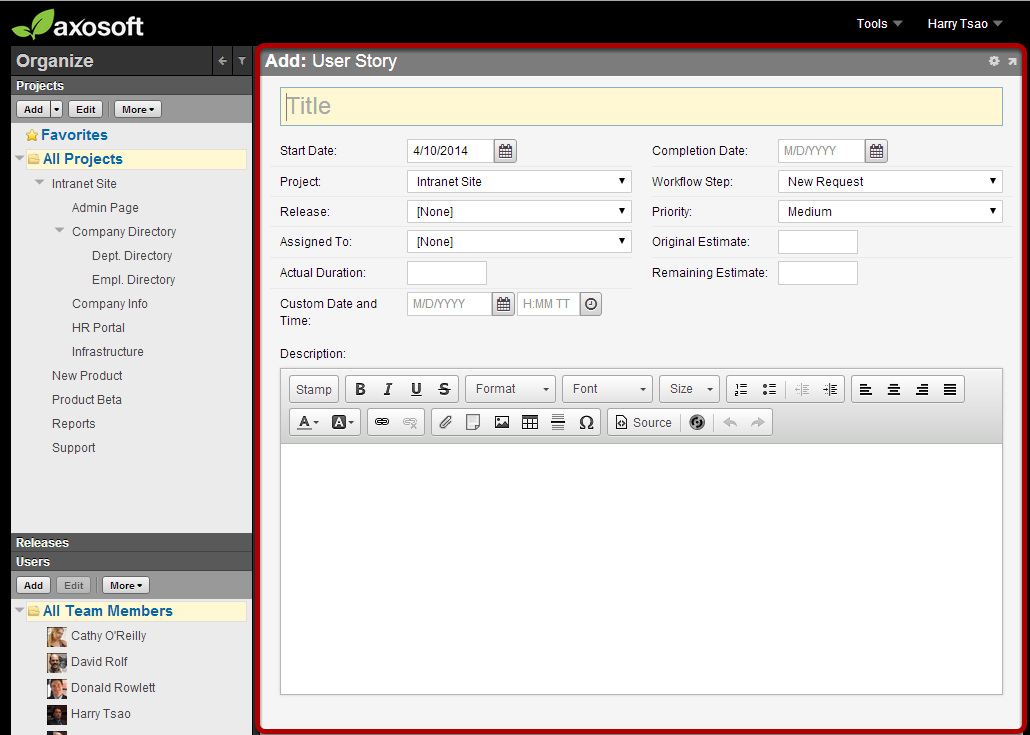
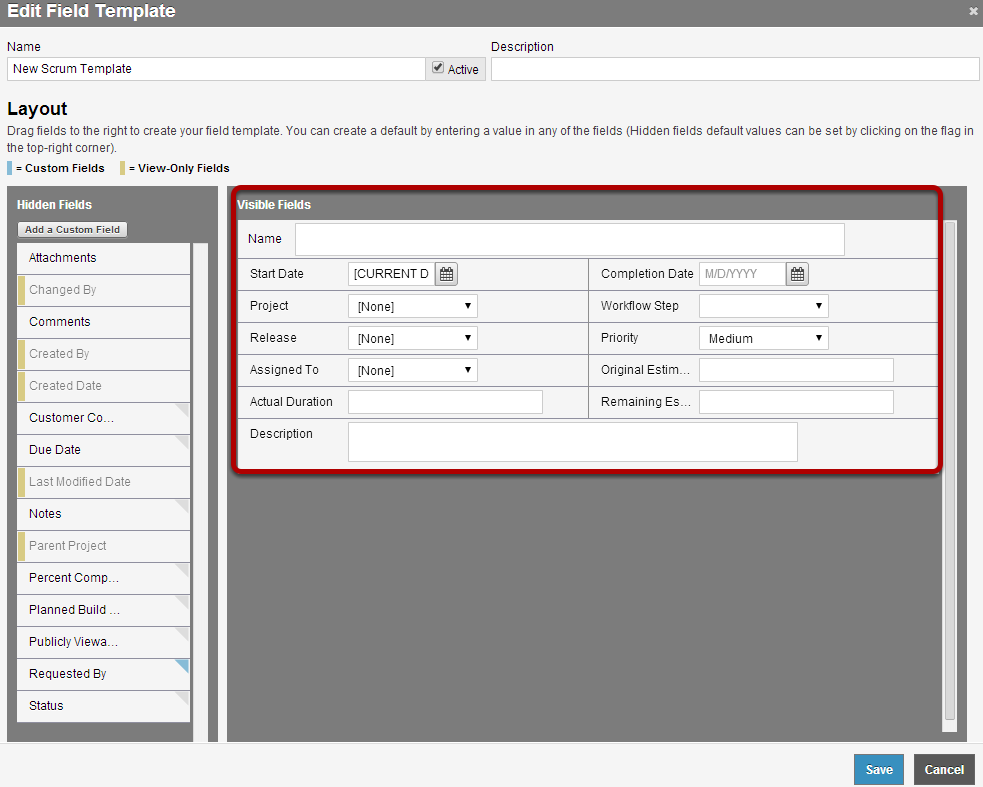
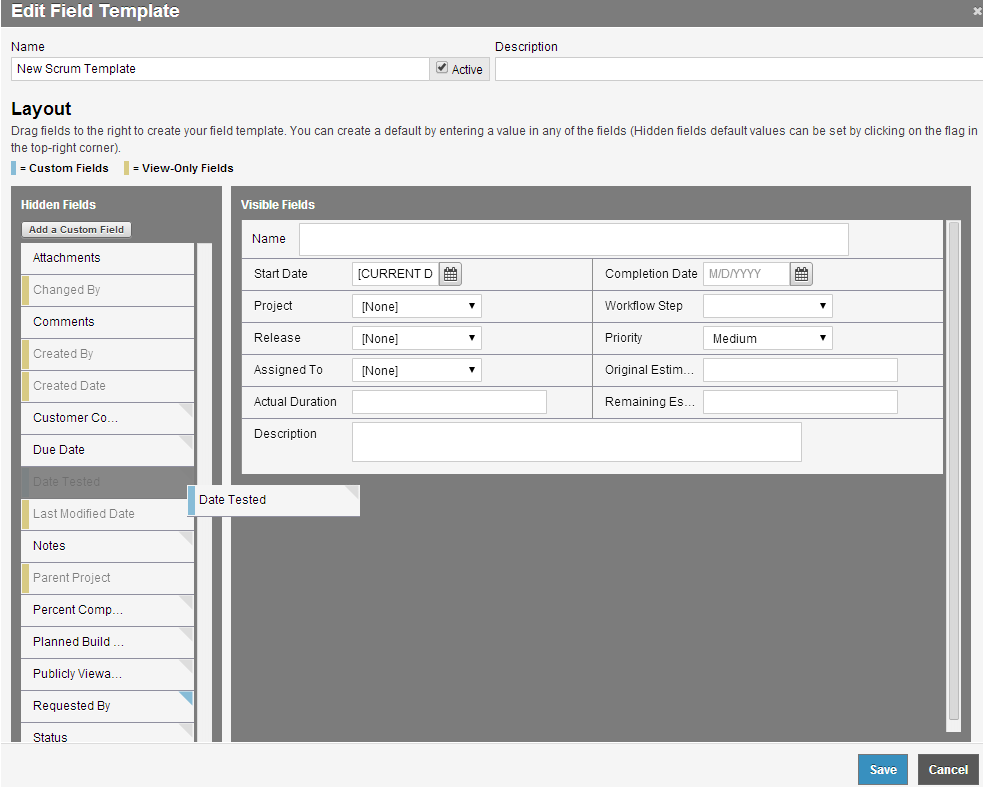
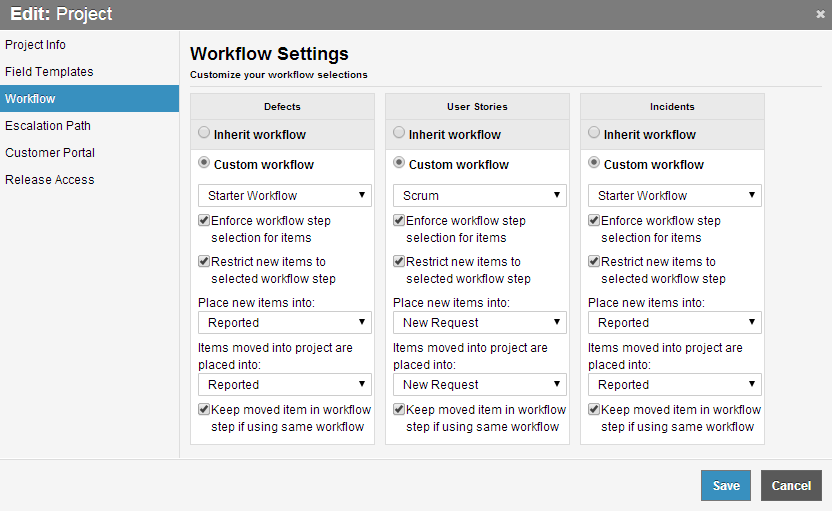
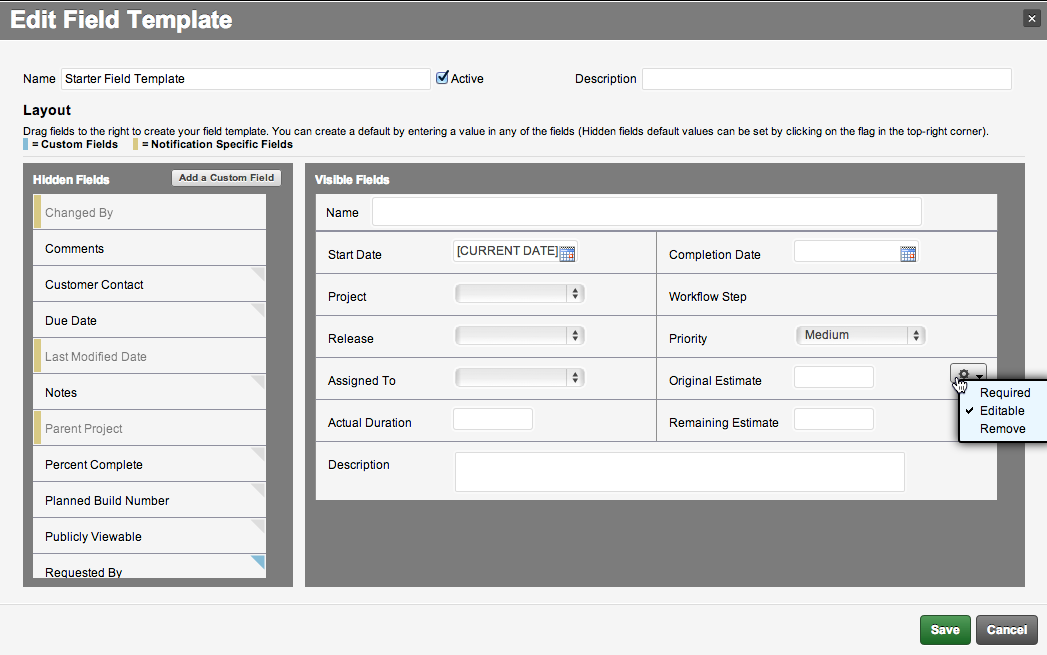
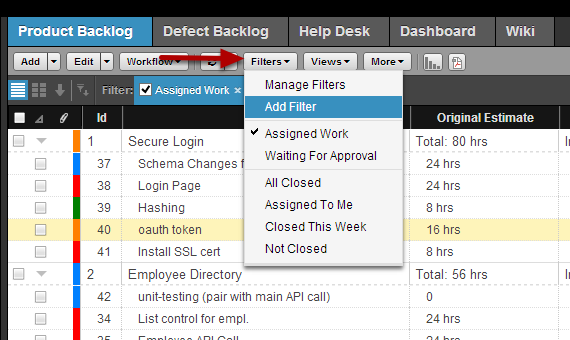
· OnTime allows for administrators to create custom fields, modify the look of add/edit screens, modify the view windows, create custom filters and much more to impliment your development or support processes into OnTime. Nearly all aspects of OnTime's functionality can be customized and Axosoft provides a Web Services SDK for integrating defect reporting and feature request capabilities into existing or new applications.
File and Image Attachments:
· OnTime's unlimited file attachment capabilities allows for related screenshots, specifications and other documents to be attached to any defect, feature, task, incident or even project. OnTime even allows for this information to be stored inside the OnTime database so that any user can access attachments from any client type - even over the Internet.
Role & Project Security:
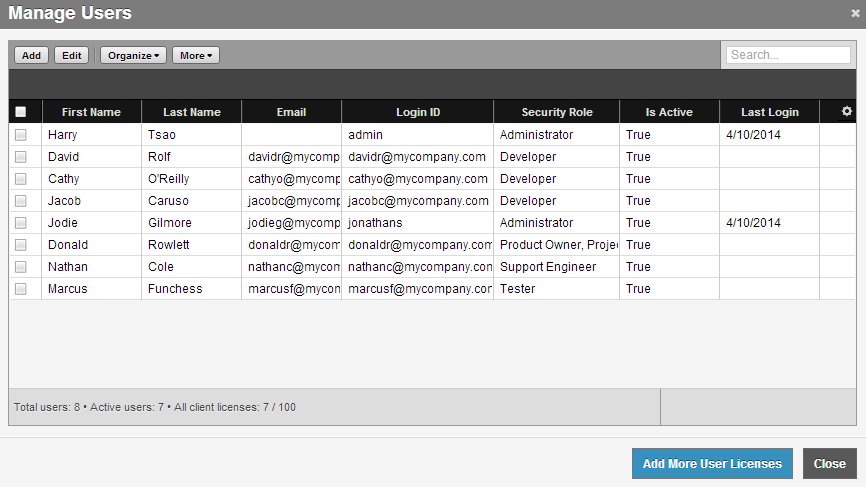
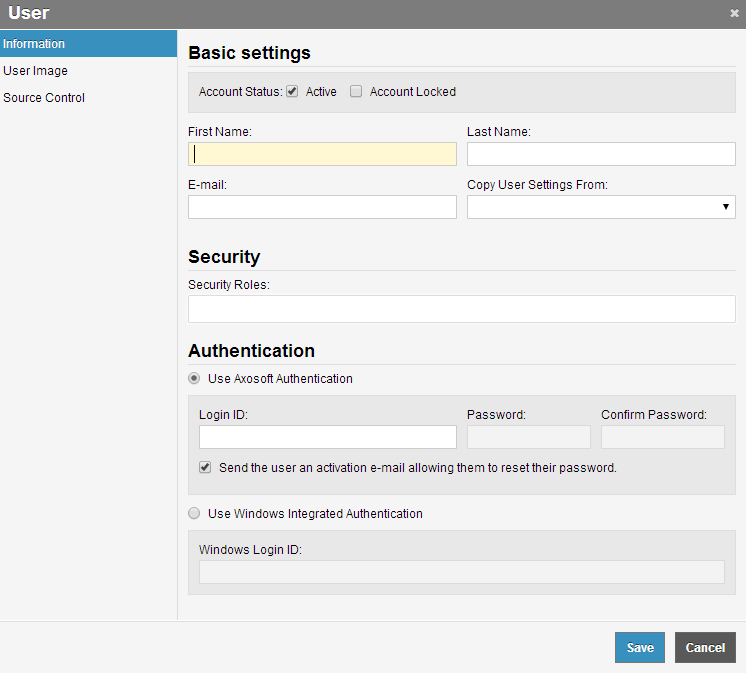
· OnTime's powerful security features allow information to be locked and secured based on definable user roles. Any number of security roles can be defined to provide the exact set of privileges and limit project access. Each user can in turn have any number of assigned roles, so a user can act as a tester on some projects, while he or she might have developer privileges on another set of projects.
Full Audit Trails & History:
· OnTime tracks all user changes to defects, features, and incidents creating a detailed set of audit information that includes the person who made the change, the date and time of change as well as the details of each change.
Powerful Import/Export:
· If you're currently tracking defects, features or tasks in a spreadsheet or some other tool, no worries. You can import all your existing items using OnTime's powerful import capabilities, which include the ability to map your existing fields to the appropriate OnTime field, set default values for new fields and even save your templates for future reuse.
Email Notifications:
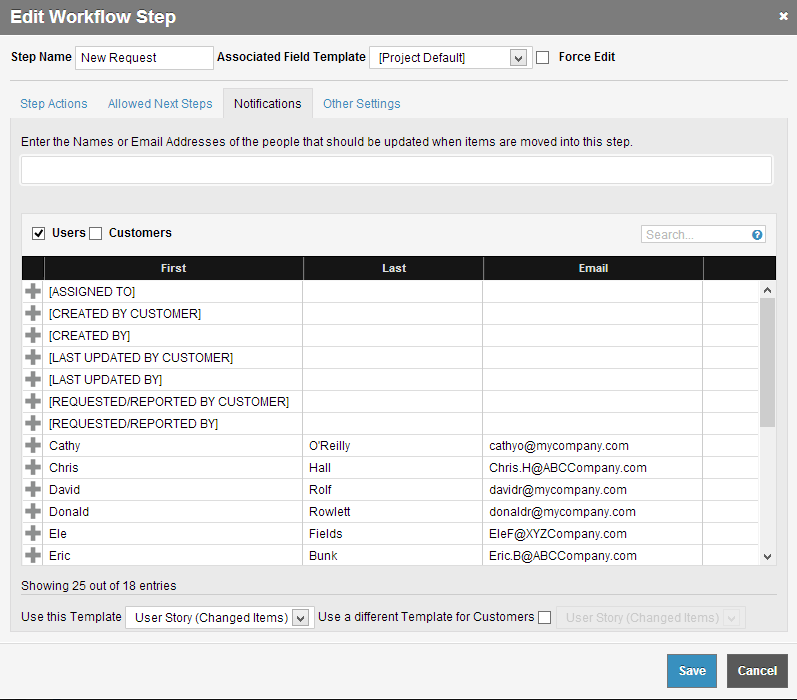
· Email Notifications allow every team member to stay informed about changes to items tracked in the system. OnTime's powerful email notification includes the ability to subscribe to changes of defects and features by item, by project or globally. You can even subscribe customers to receive email notification of changes. Email notifications can also be configured extensively to include the desired information and format.
Powerful Reporting:
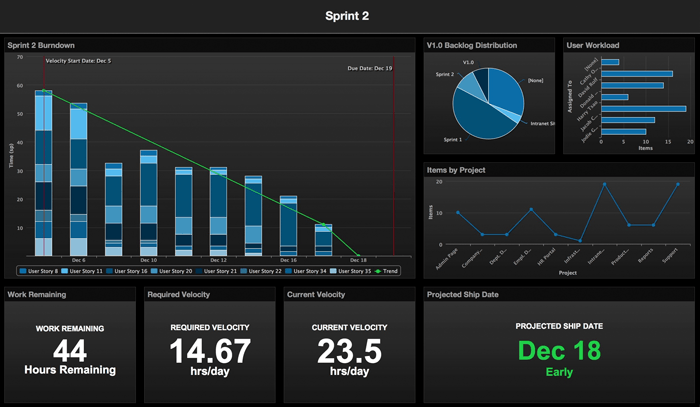
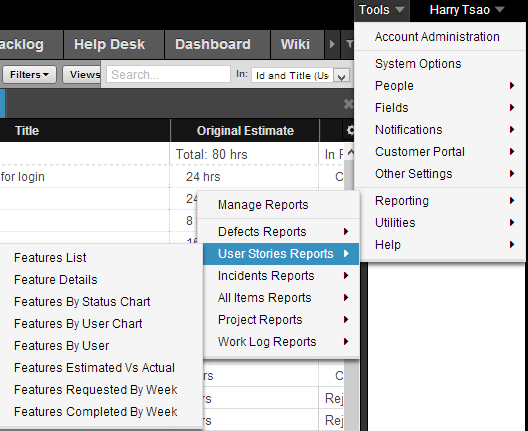
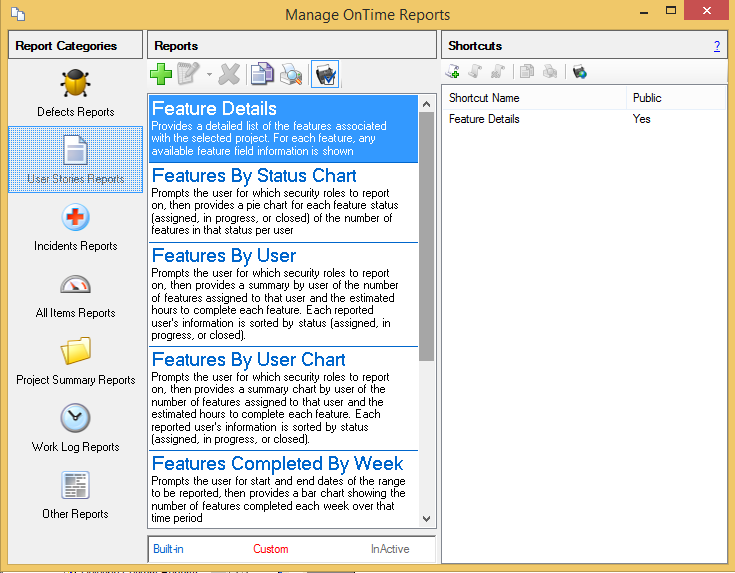
· OnTime includes more than 15 built-in reports that provide an extensive view on you projects. Applicable reports automatically pick up current filter and search criteria so that there is no need to "setup" the report before looking at a preview. Reports can also be exported to PDF format so you can easily share reports with colleagues who don't necessarily have access to OnTime. OnTime also provides an end-user report designer, allowing you to create powerful custom reports.
Customer Portal:
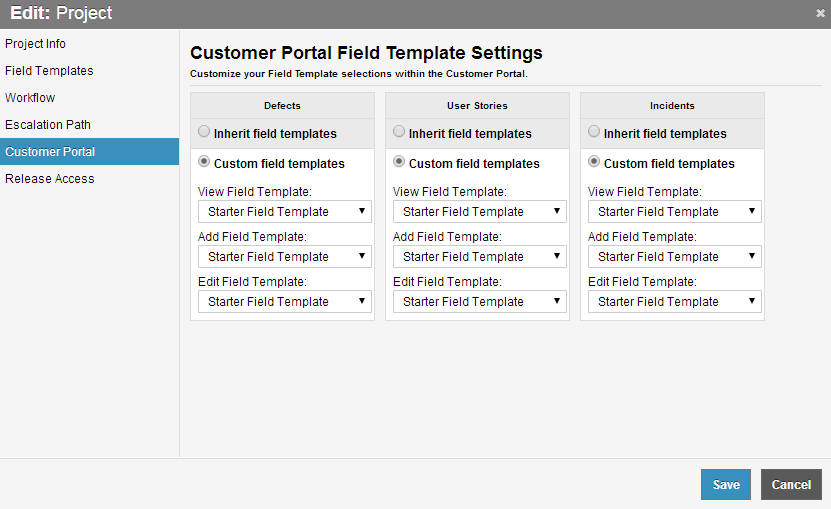
· The optional OnTime Customer Portal allows you to setup a brandable customer-facing web site that provides a means for your customers to self-register to report and view defects and feature requests. Using the Customer Portal Admin, you can easily define the specific access level for your customers, down to the fields and projects that customers are allowed to see.
Enterprise Connectivity:
· Users who access the OnTime system from outside the corporate network or within environments that are not able to access the database directly are no longer limited to just a Web interface. Using the OnTime Remote Server, remote Windows Client or VS .Net Plugin users can now connect to an OnTime database through a web service using an SSL secured HTTPS connection, even from behind a firewall and proxy.
Choice of Clients:
· OnTime provides users with the choice of 3 different clients: Windows Desktop application, a Web client accessed through a web browser (Internet Explorer, FireFox, Netscape and Safari are supported) or through an integrated client inside the Visual Studio.NET environment. Users can optionally choose to access the system using all 3 clients depending on which client meets their needs at any given time.
State-of-the-Art Technology:
· OnTime was designed from the ground up using state-of-the-art technologies including 100% managed .NET Code and Microsoft SQL Server backend. This emphasis on design and technology has allowed OnTime to have incredible application performance, reliability and scalability.
Requirements:
· Microsoft .NET Framework V2.0
· Microsoft SQL Server 2000 or MSDE
Limitations:
· 30 days trial What's New in This Release: [ read full changelog ]
Global Settings Locator:
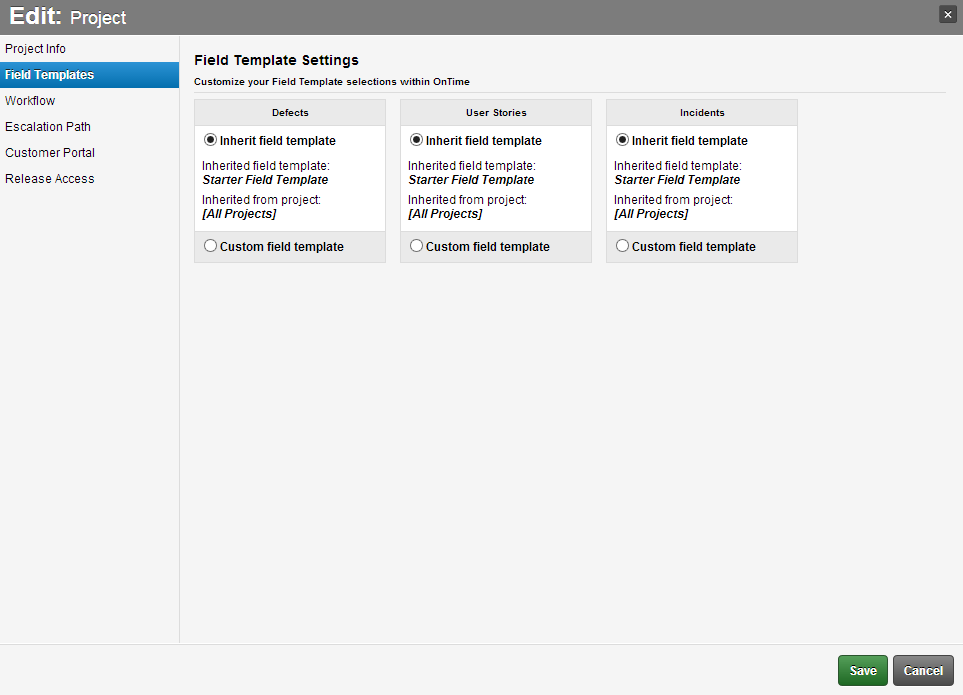
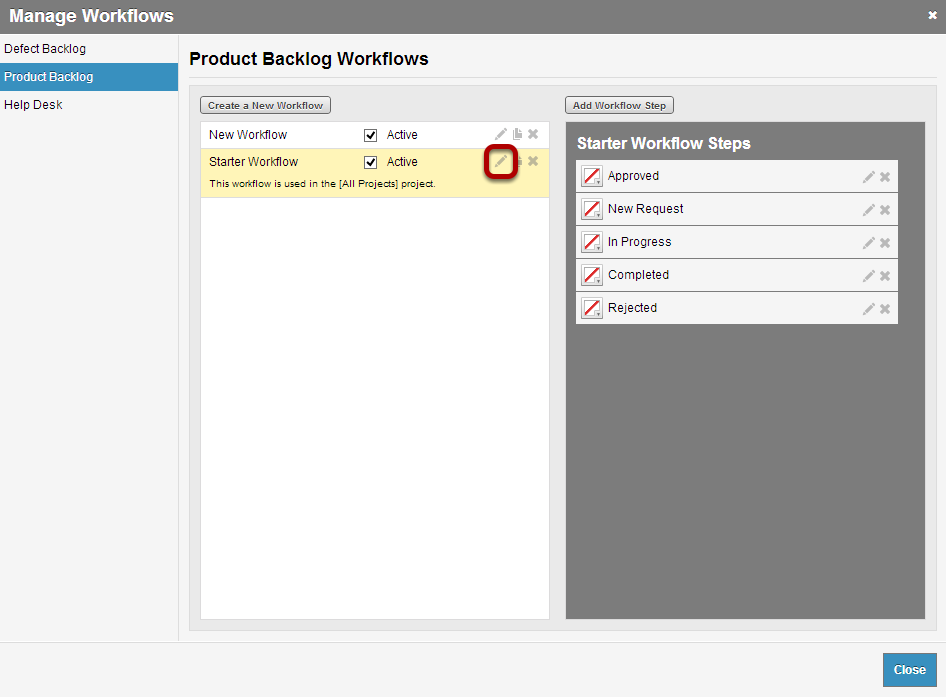
· Now OnTime Administrators can easily manage system-wide notifications, alerts, workflows, and field templates
· It's a huge time-saver and provides deep visibility into settings that affect projects and users.
Project Favorites:
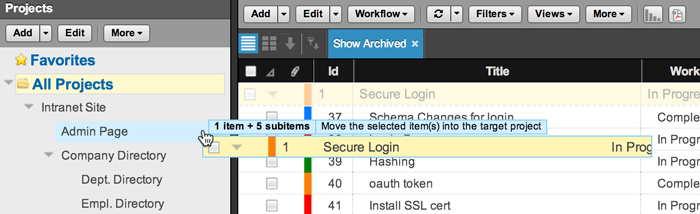
· Tired of seeing a project hierarchy filled with projects that you don't work with? Now, you don't have to anymore. Just move your projects into the new Favorites folders. You can decide to move parent folders only or to include sub-projects as well.
· These Project Favorites will display above the "All Projects" portion of the user's tree view pane, making them easier to organize and access.
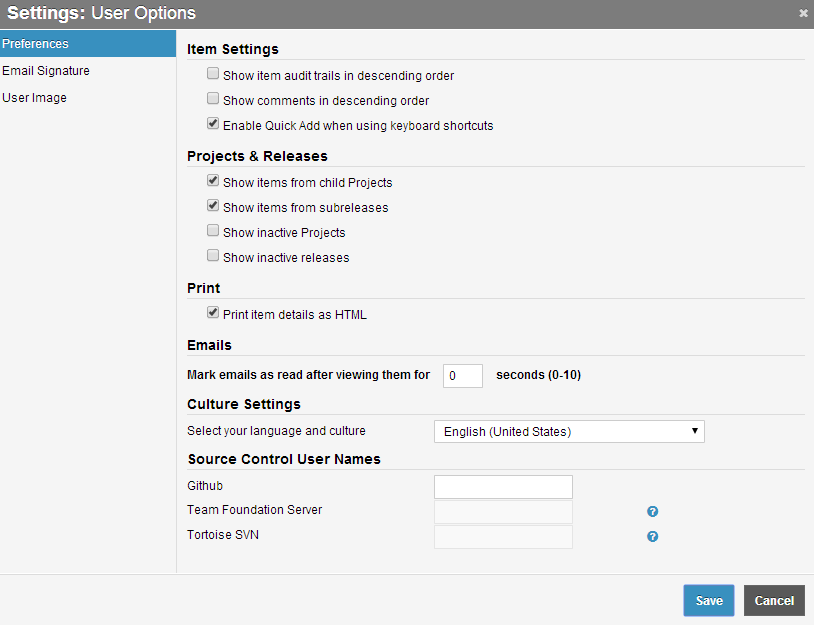
· This is a user-level setting, meaning each user can have his / her own Favorites.
Planning Board on the iPad:
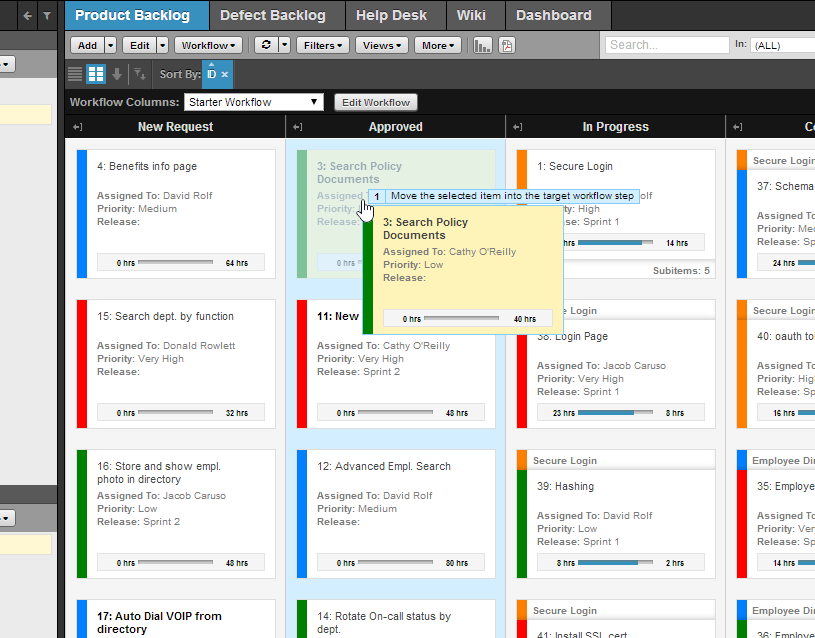
· Now the beauty and power of OnTime's game-changing planning board is literally at your fingertips. Just point Mobile Safari to your OnTime Now hosted account or your locally installed web account.
Getting around is easy:
· ...
|
|
 | | Softpedia guarantees that OnTime 2010 10.1.3.8980 is 100% CLEAN, which means it does not contain any form of malware, including spyware, viruses, trojans and backdoors. [read more >] |
|
|
|