
A straightforward application that allows users to retrieve information about Windows controls (e.g. titles and handles, control classes and styles). #Identification control #Window title #Control class #Retrieve #Identification #Controller

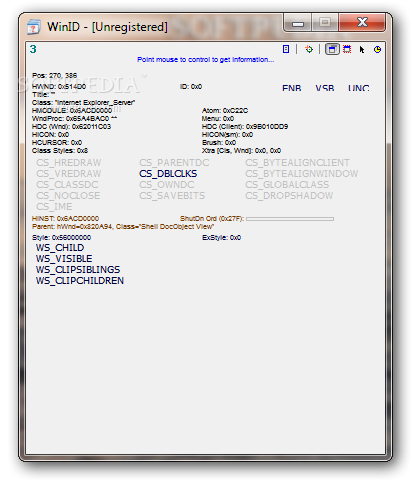
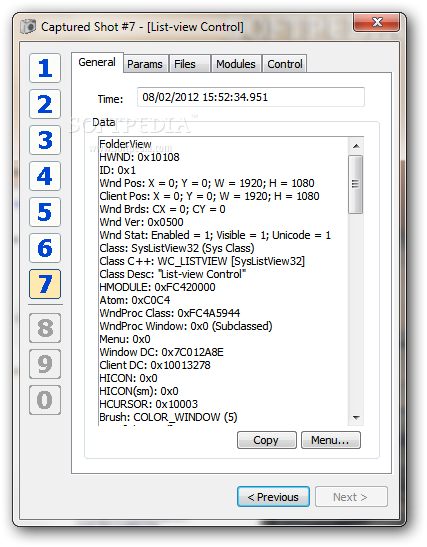
WinID is a lightweight cross-platform utility able to give you important data about Windows controls and programs, such as window titles and handles, control classes and styles, and many other details.
It comes in handy especially for programmers, debuggers and testers, or for any users who want to know more about how their program was made and functions.
In order to get the information from controls, you simply need to point the mouse cursor to any window or control on the screen, and WinID automatically displays the details in the primary panel.
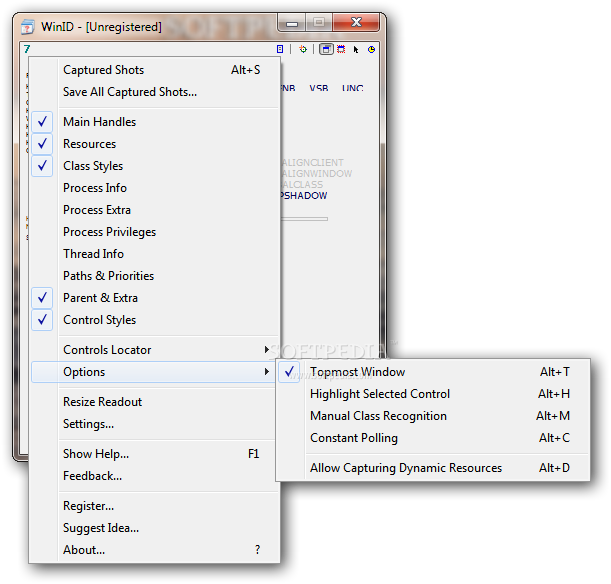
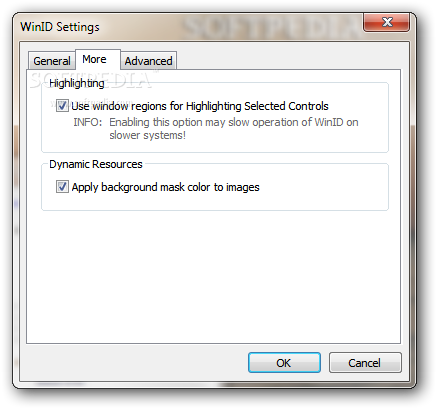
An important feature of the program is its ability of capturing dynamic resources, such as text, icons, image lists and others. What’s more, the application highlights the captured window and draws a red frame around control’s window area.
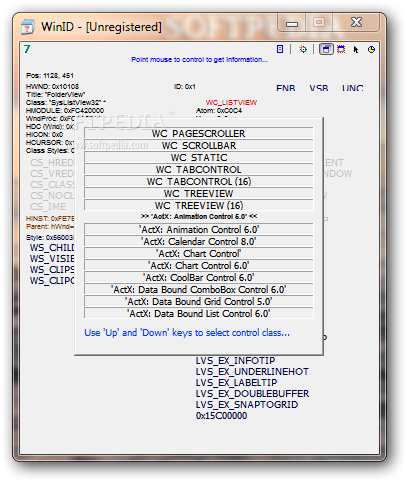
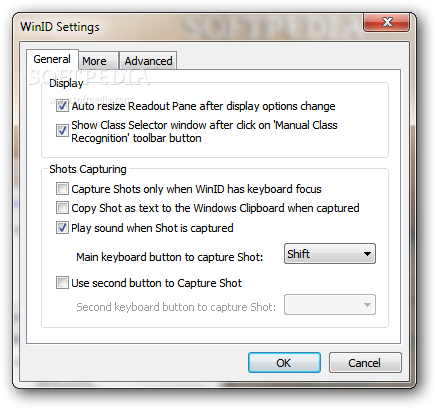
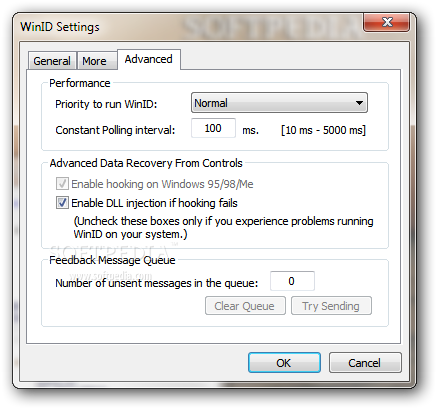
By default, WinID comes packed with automatic window class recognition, but you can also pick the preferred window class manually. Plus, you can enable the constant polling mode for making the tool update the information at a specified time interval and save the retrieved information from controls on the hard drive.
During our testing we have noticed that the program displays data very quickly and without errors throughout the entire process. It remains light on the system resources, so it doesn’t eat up CPU and memory, nor interfere with other programs’ functionality.
All things considered, WinID proves to be an excellent software application that offers useful information about the selected processes. You don’t need special computer skills for working with this tool, as the entire process can be set up with just a few clicks.
What's new in WinID 3.1:
- Improved internal memory management (sped up performance);
- Added feature to highlight control using its region;
- Added feature to capture dynamic resources, such as window properties, font metrics, icons, bitmaps, image lists and more;
- Added new button to the WinID toolbar - "Allow Capturing Dynamic Resources";
WinID 3.1
add to watchlist add to download basket send us an update REPORT- runs on:
- Windows All
- file size:
- 658 KB
- filename:
- WinID.zip
- main category:
- Programming
- developer:
- visit homepage
Bitdefender Antivirus Free

Windows Sandbox Launcher

ShareX

paint.net

4k Video Downloader

calibre

Zoom Client

IrfanView

7-Zip

Microsoft Teams

- IrfanView
- 7-Zip
- Microsoft Teams
- Bitdefender Antivirus Free
- Windows Sandbox Launcher
- ShareX
- paint.net
- 4k Video Downloader
- calibre
- Zoom Client