
A beefy text editor with coding capabilities like no other, and basic tools for editing text of any type, shape or form, easy to access and extremely friendly. #Text editor #Syntax highlighter #Unicode editor #Editor #Unicode #Edit

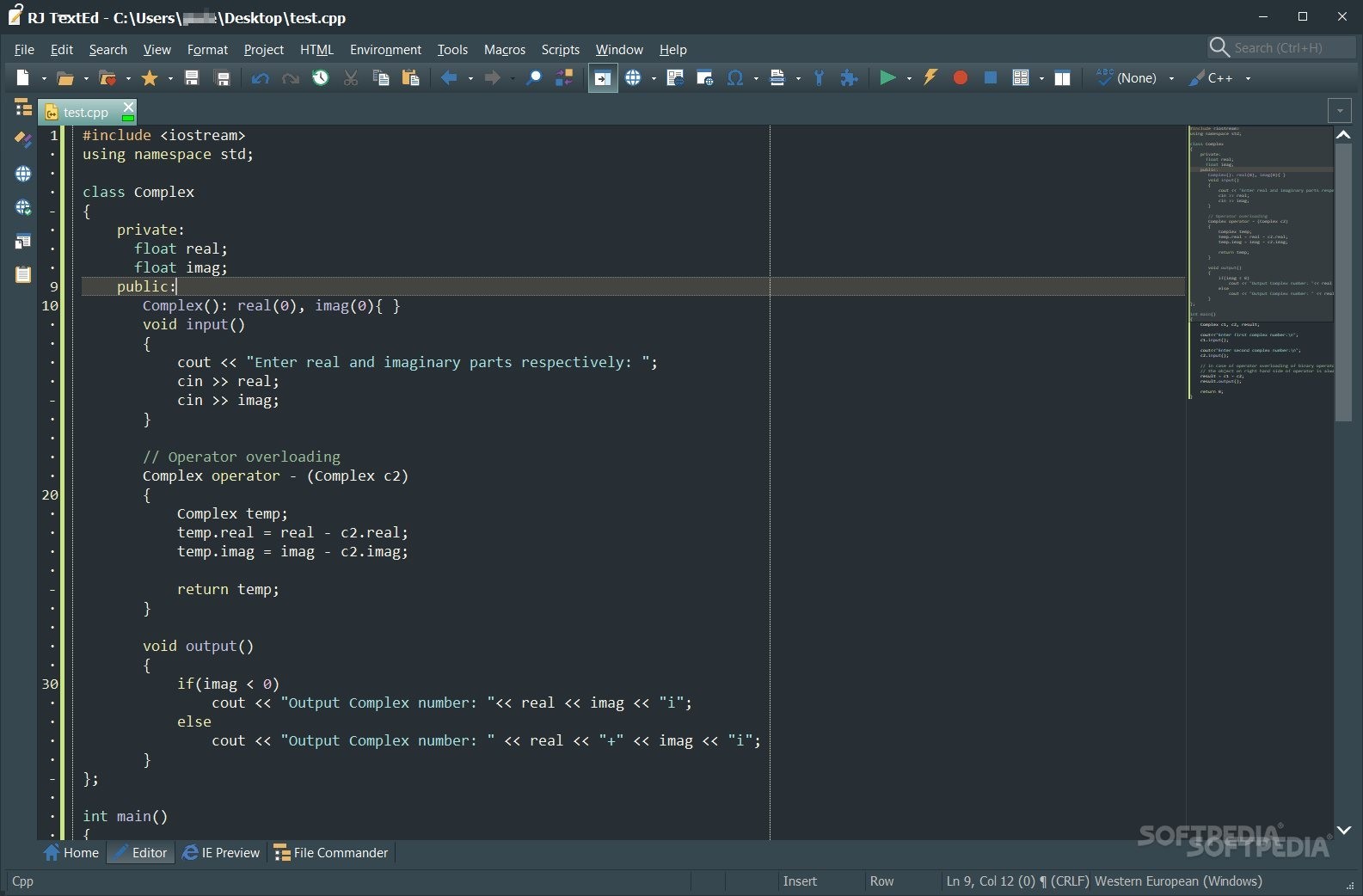
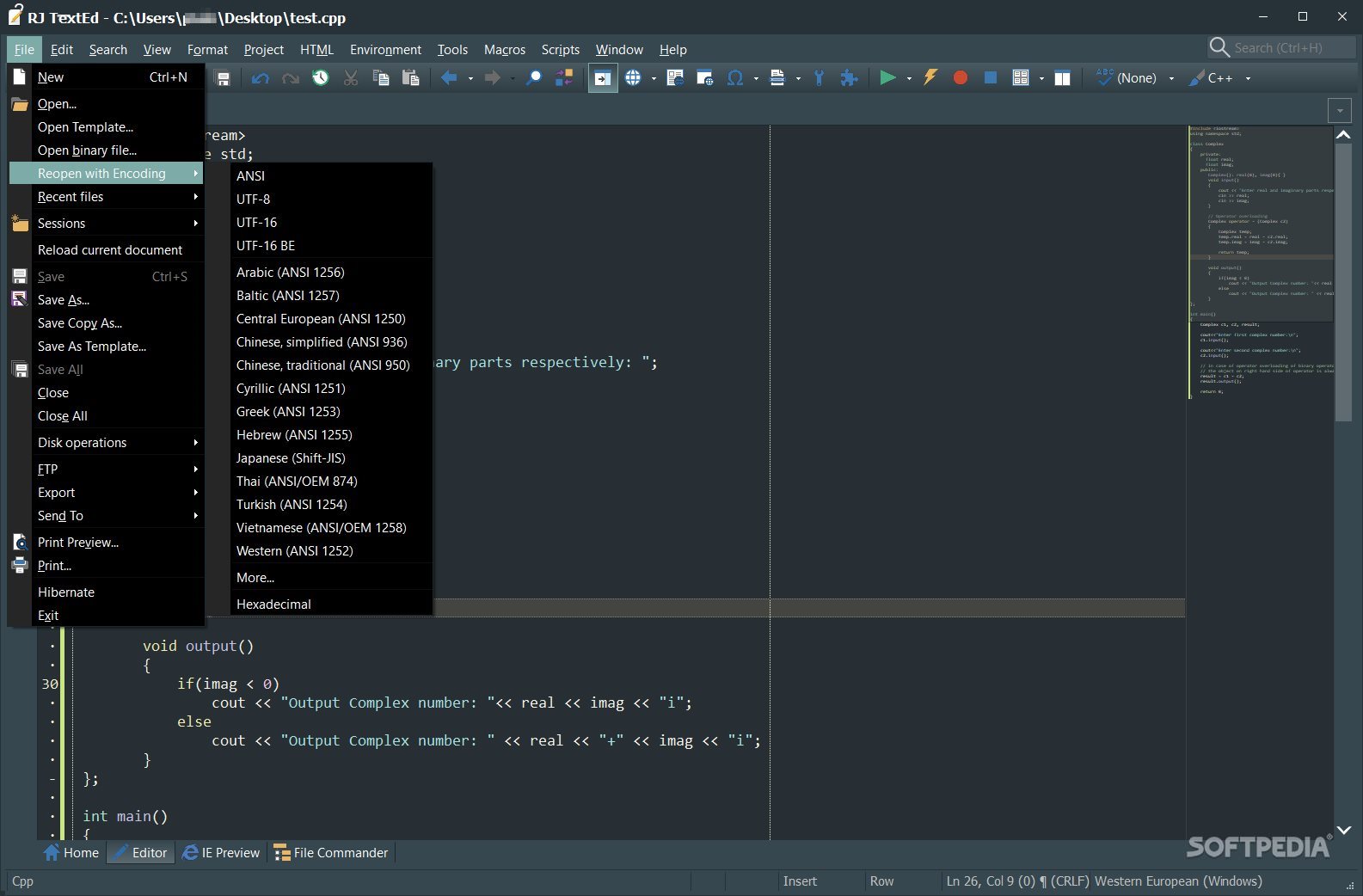
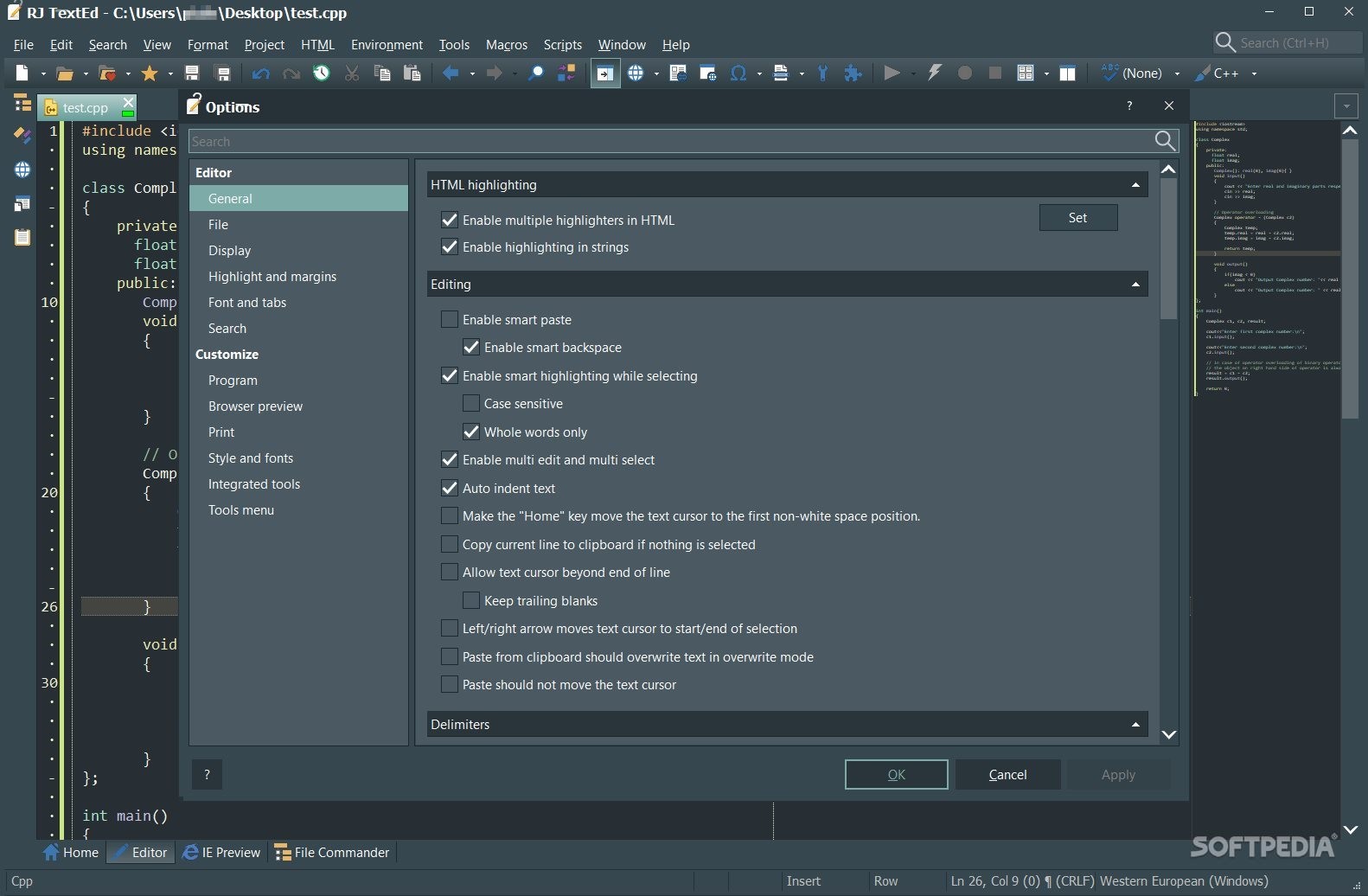
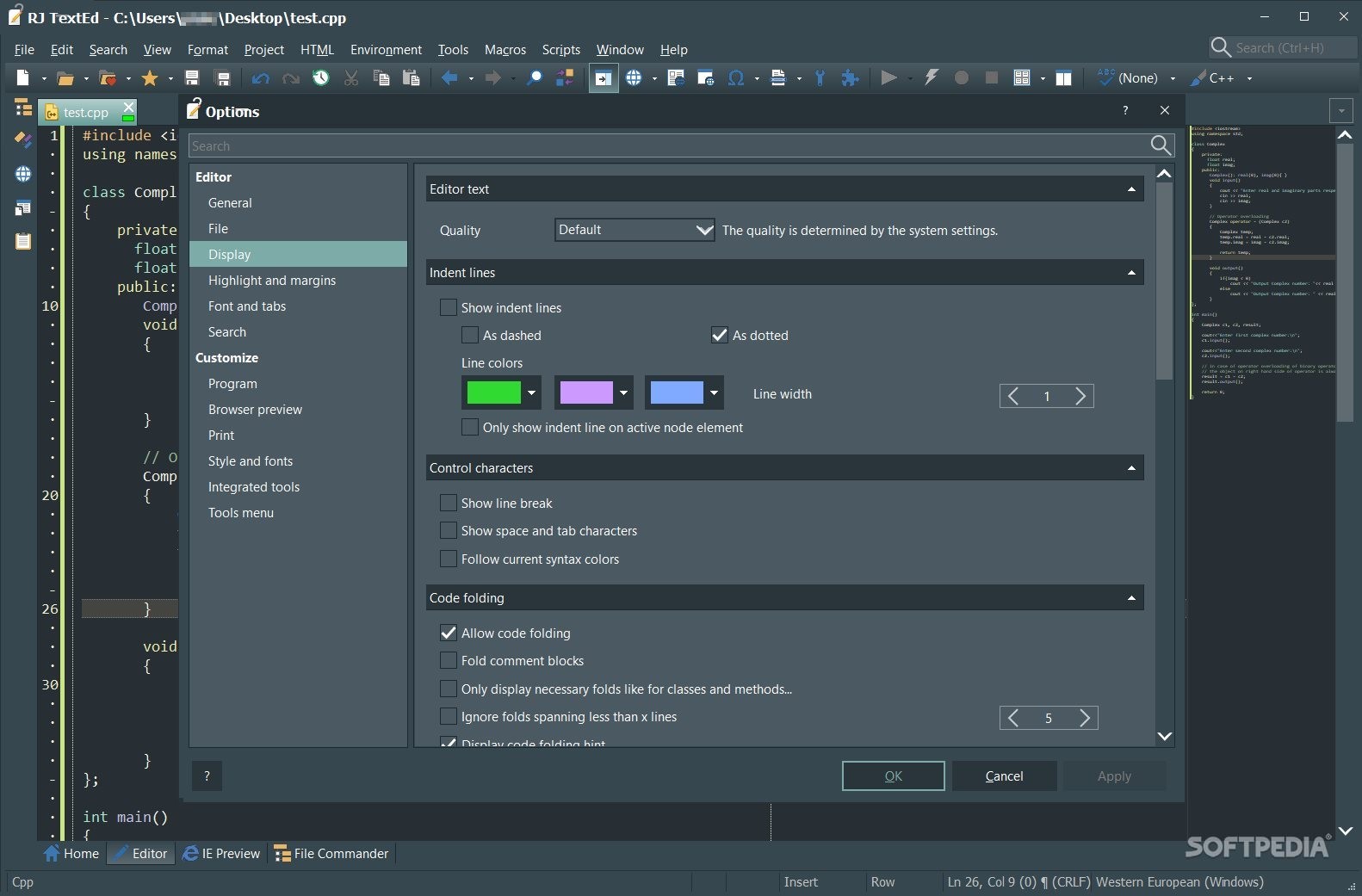
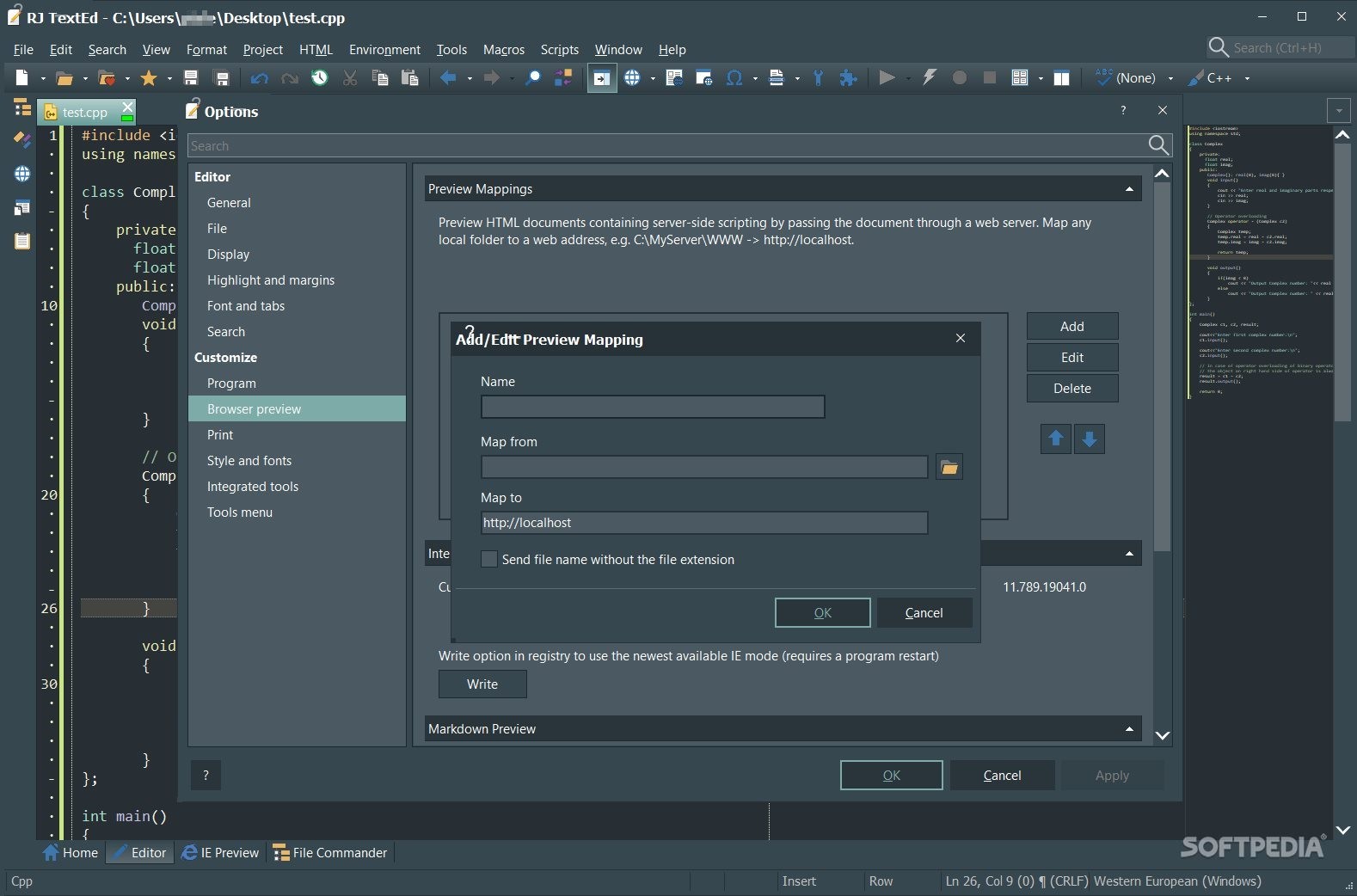
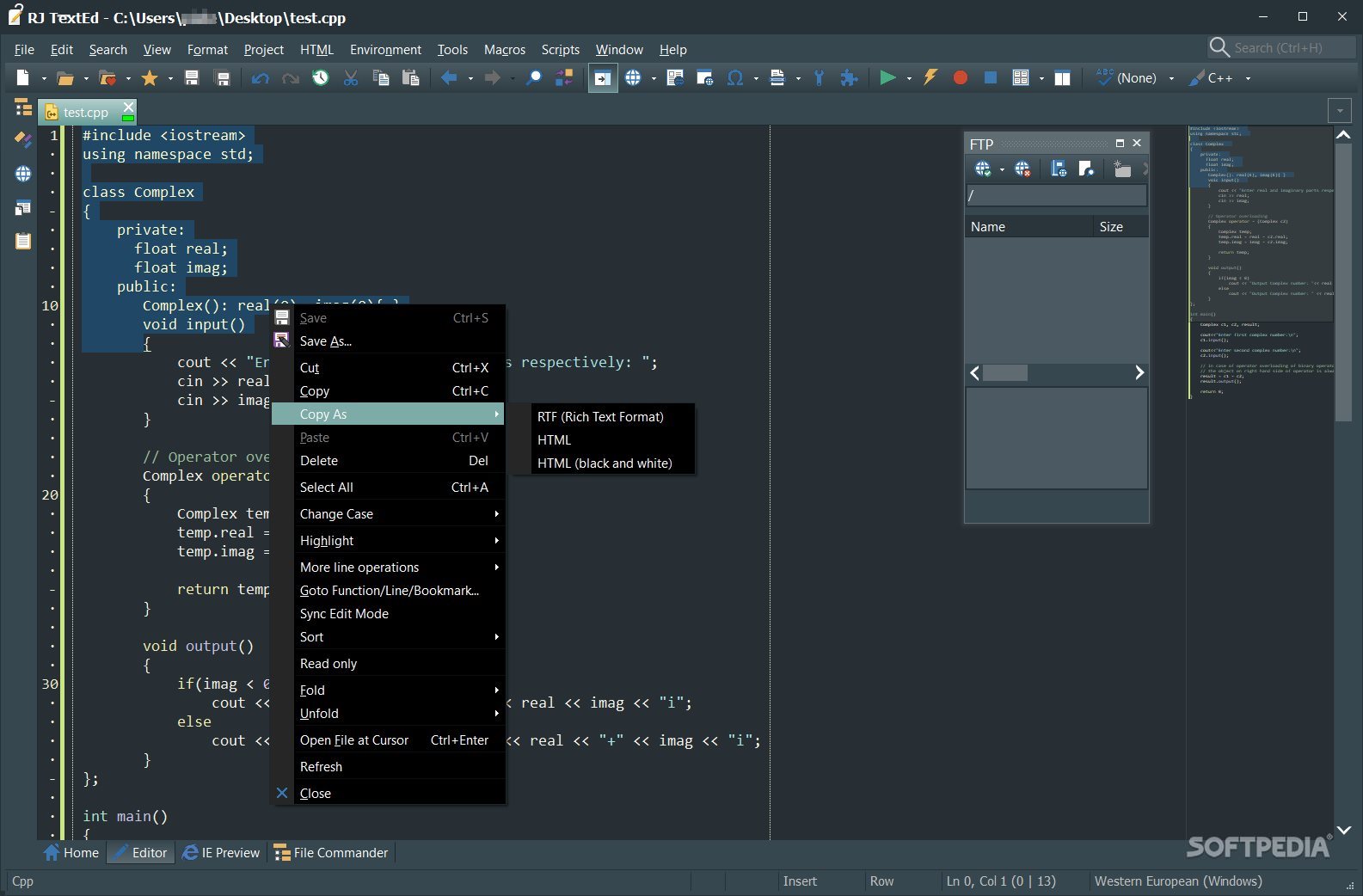
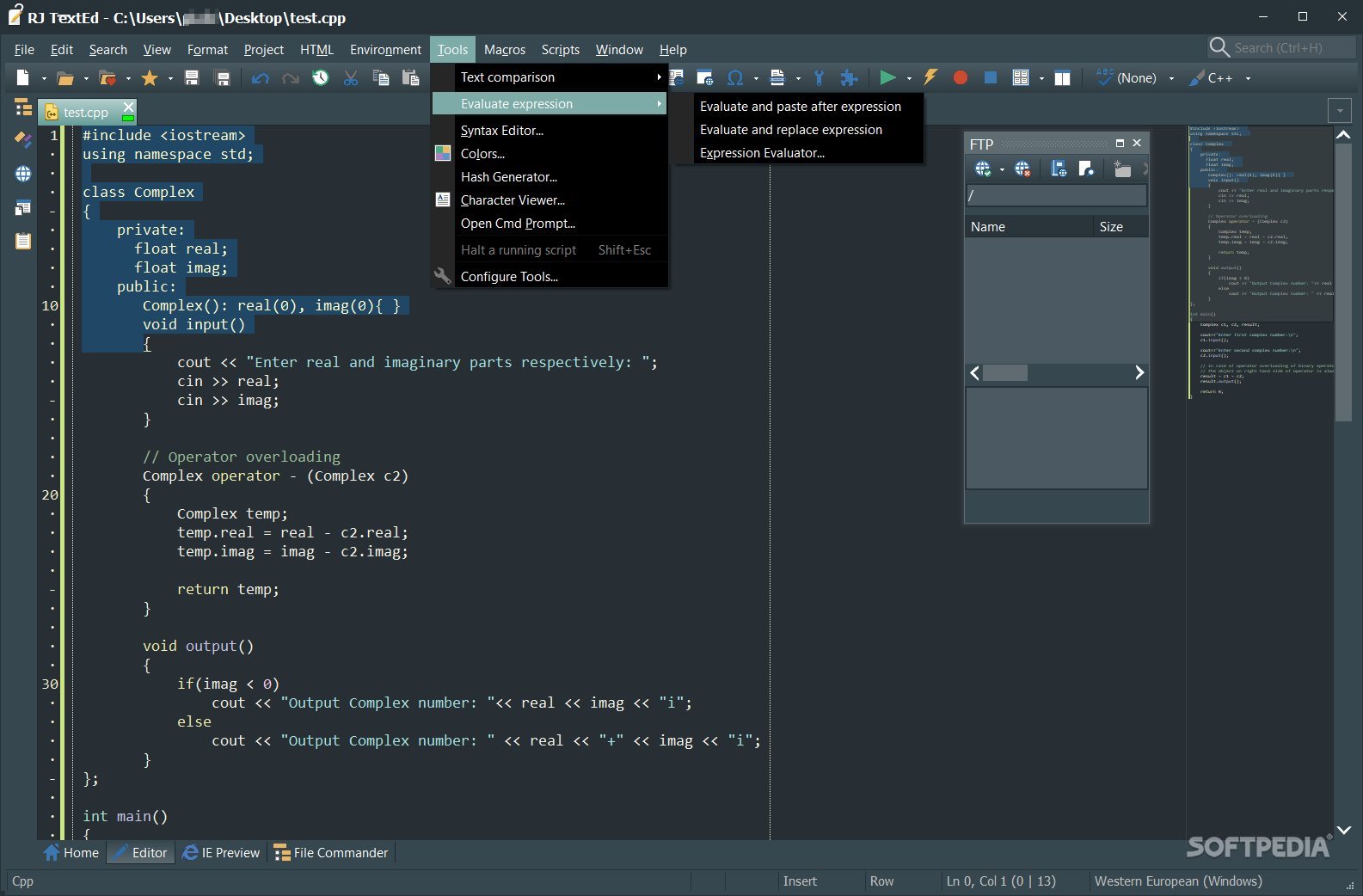
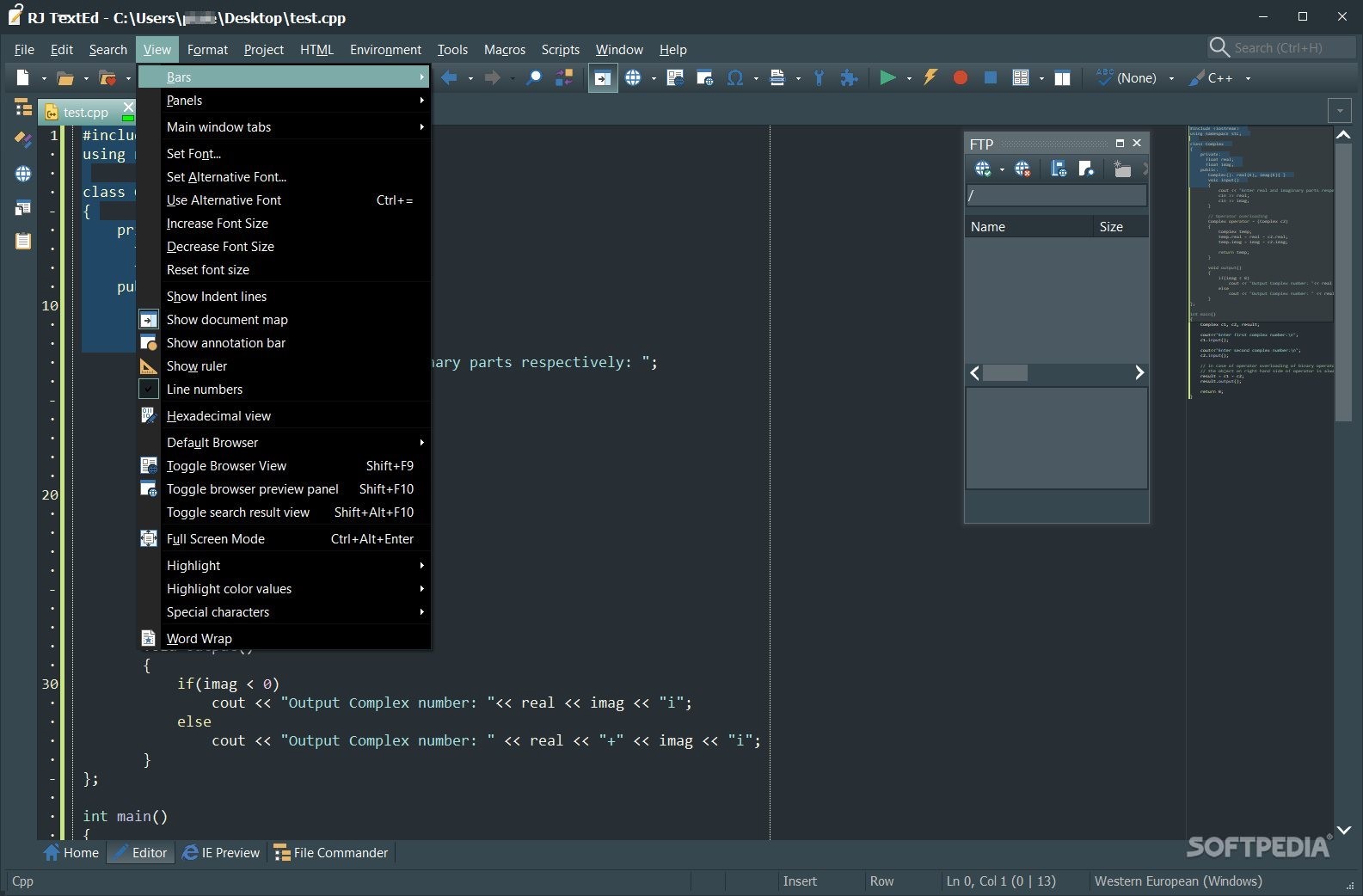
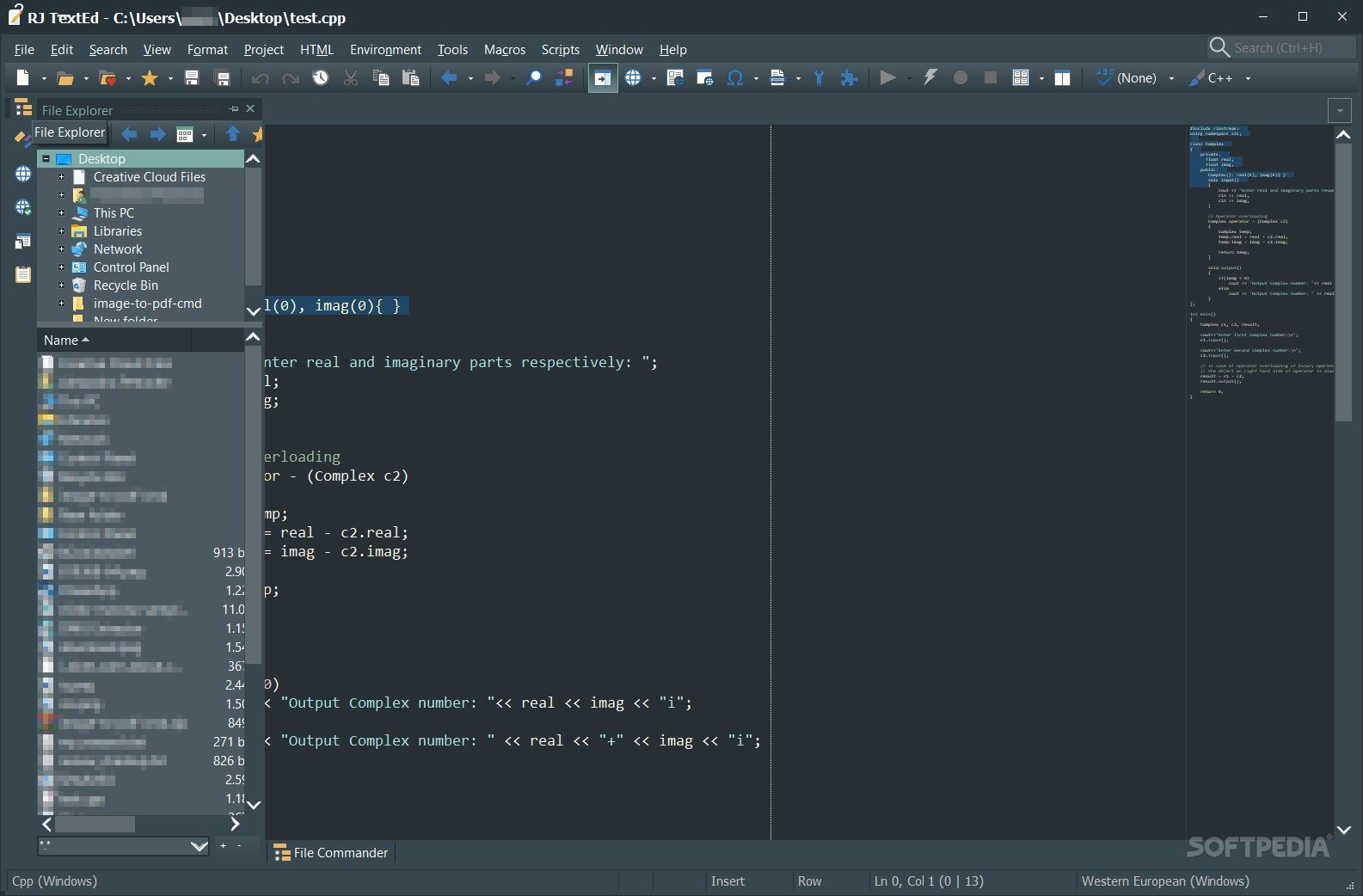
RJ TextEd, as the name implies, is a text editor but with a couple of extra capabilities. As it happens, this program can give users the ability to edit various types of code in plenty of specialized languages. I found the interface to be crowded, but other than that the program itself felt straightforward and quite capable.
It is a beefier version of any other text editor out there with code-editing capabilities.
Now, I must warn you that although this program seems to have been created with coding in mind mainly, there are other options for it.
Yes, you can use it as a simple text editor, and the features it contains still make sense, especially if you want to quickly print your texts, or would like to bring more order to what is written on virtual paper. Regardless of the situation, your text can indeed be safely stored and edited via this program.
When it comes to coding, I found out the application can highlight certain values or items that are relevant in understanding how the code further works or is developed. This is very helpful for any programmer out there who wants to keep up with previous work without having to backtrack much.
The whole idea behind this program is to provide a beefier version of similar apps on the market. With so many possibilities, I feel that it manages to achieve this without much hesitation and that is specifically on account of the number of features, basic and more advanced, it manages to hold in its structures.
RJ TextEd is a text editor to take into consideration if you want work to be done in the most precise and efficient manner possible. While not all features will make sense, the user should keep in mind that the more the app is used, the more it manages to show its true potential.
Download Hubs
RJ TextEd is part of these download collections: Text Editors, Make TXT
What's new in RJ TextEd 16.16:
- Move cursor to next/previous word (Ctrl+left/right):
- Made some changes to make sure the text cursor stops at the same positions when using the option to always stop at the beginning of a word and pressing Ctrl+left or Ctrl+right.
- Delete next word (Ctrl+Delete):
RJ TextEd 16.16
add to watchlist add to download basket send us an update REPORT- portable version
- Portable RJ TextEd
- runs on:
-
Windows 11
Windows 10 32/64 bit
Windows 8 32/64 bit
Windows 7 32/64 bit - file size:
- 30.5 MB
- filename:
- rj-install_x86-16.16.exe
- main category:
- Programming
- developer:
- visit homepage
calibre

ShareX

Bitdefender Antivirus Free

Microsoft Teams

IrfanView

4k Video Downloader

paint.net

Windows Sandbox Launcher

7-Zip

Zoom Client

- Windows Sandbox Launcher
- 7-Zip
- Zoom Client
- calibre
- ShareX
- Bitdefender Antivirus Free
- Microsoft Teams
- IrfanView
- 4k Video Downloader
- paint.net