
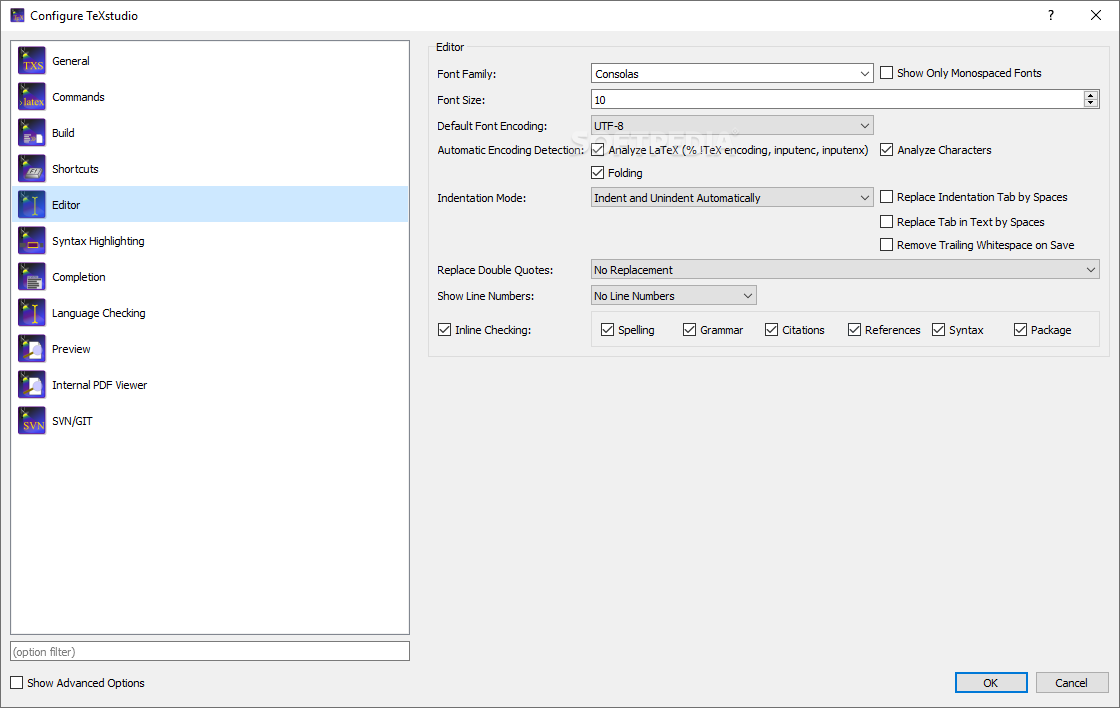
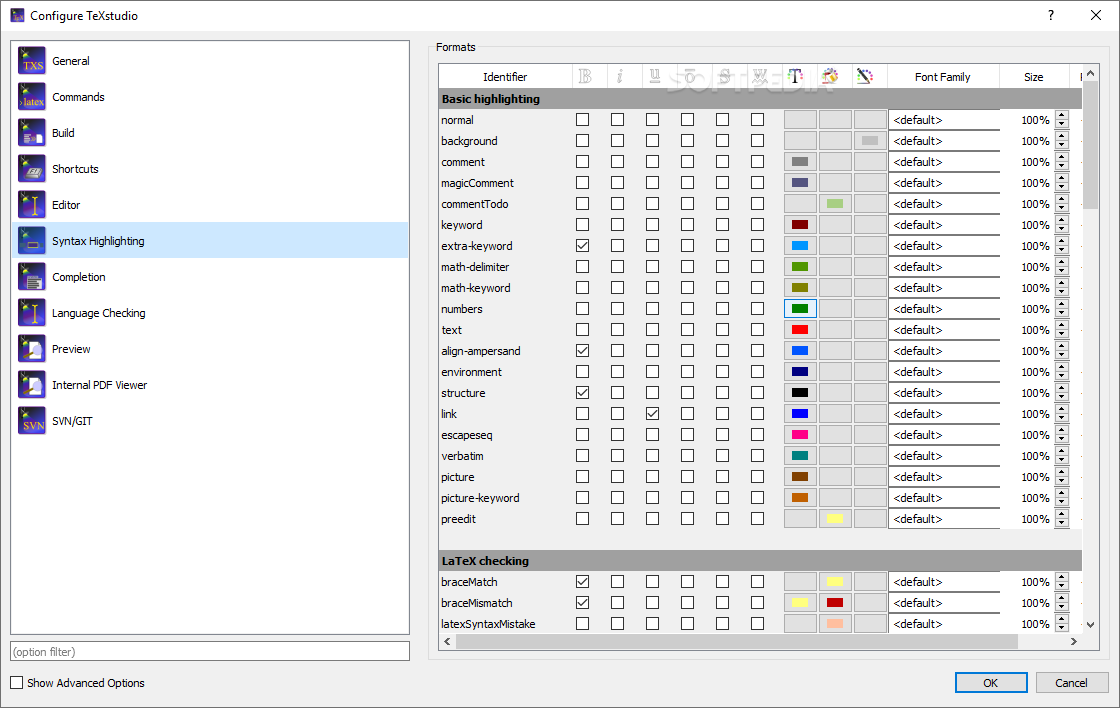
A useful cross-platform application that was created in order to make it possible for anyone to edit all their LaTeX documents with ease. #Edit code #LaTex editor #Highlight syntax #Editor #Edit #Hightlight

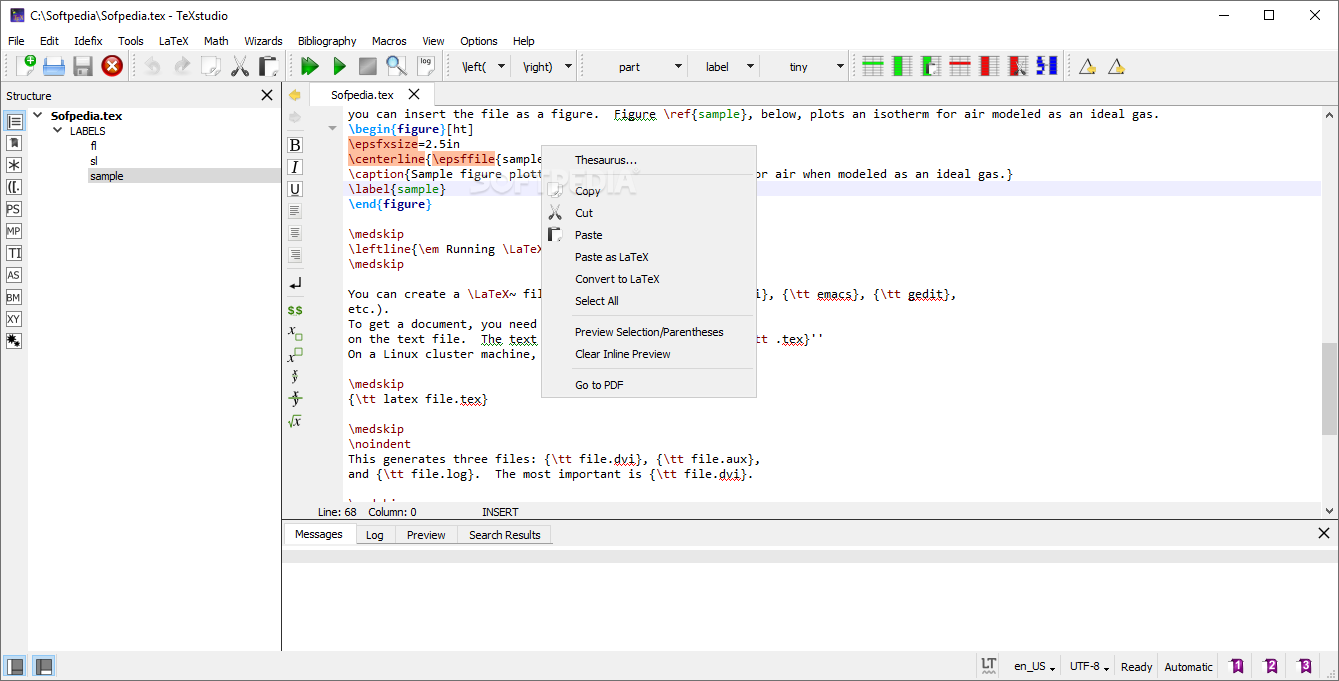
Document formatting and preparation in the digital era have gained new heights in terms of flexibility and the abundance of available tools for such endeavors. Stemming from the well-established document editor, LaTeX, a multitude of editors offer similar functionality, some more distilled than others. TeXstudio aims at offering users a dedicated cross-platform for visualizing, editing, and managing LaTex documents, via a multitude of purpose fit-tools.
Right from the start, we noticed that the application features a quite clean interface, which although offers not so many on-screen controls and buttons, still manages to retain function quite well, especially considering how many tools are hidden in its menus.
Working in combination with the said menus, the on-screen features that are provided, manage to offer quick access to some of the most commonly used features for document formatting and preparing, in order to allow users to keep their workflows efficient.
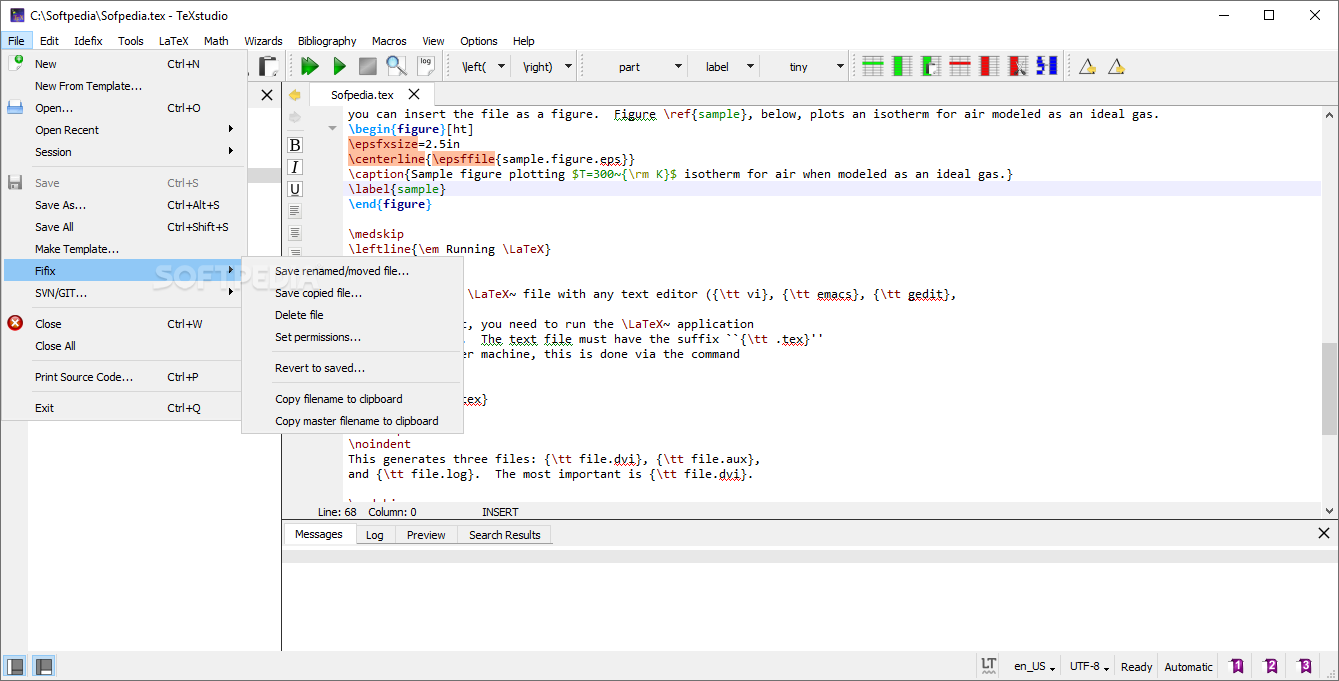
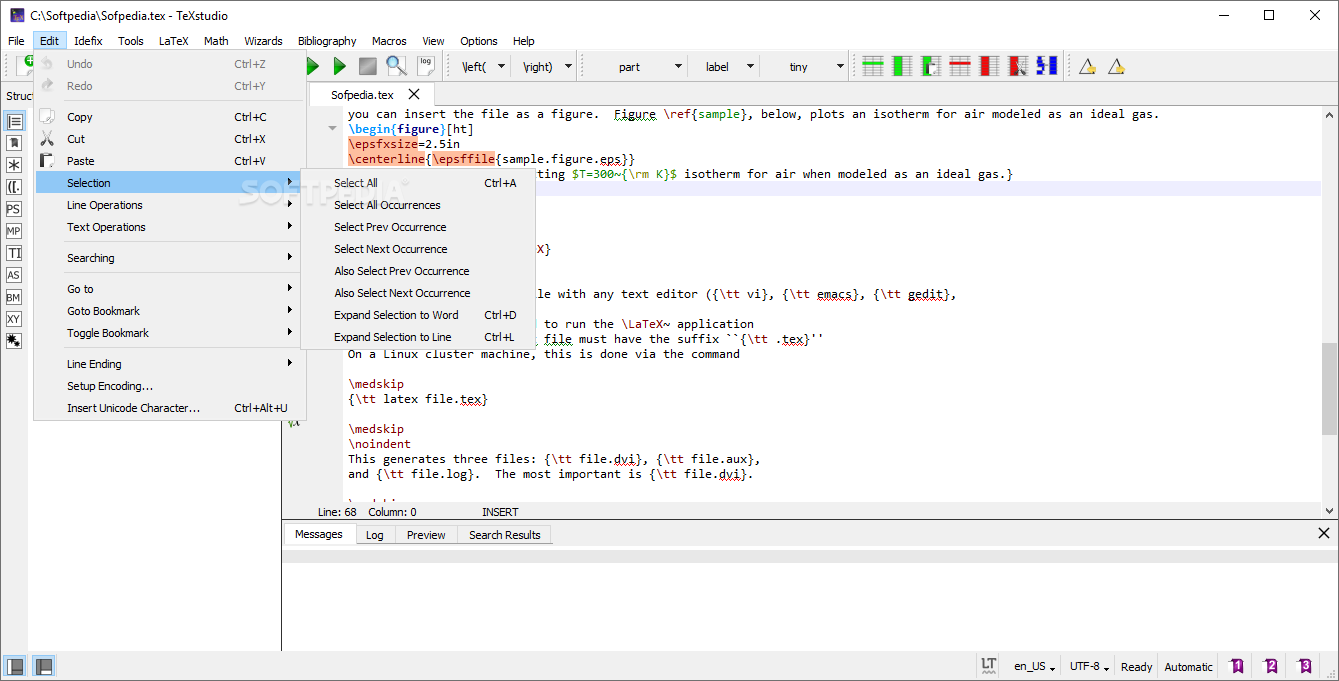
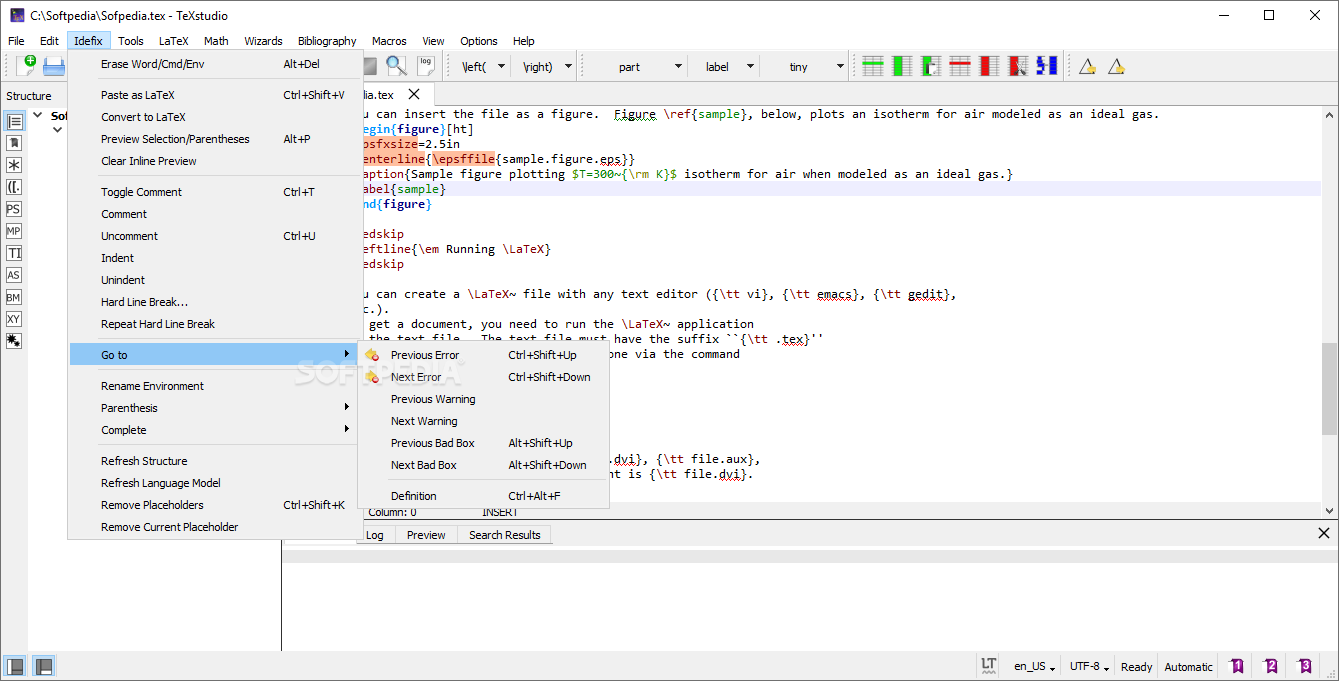
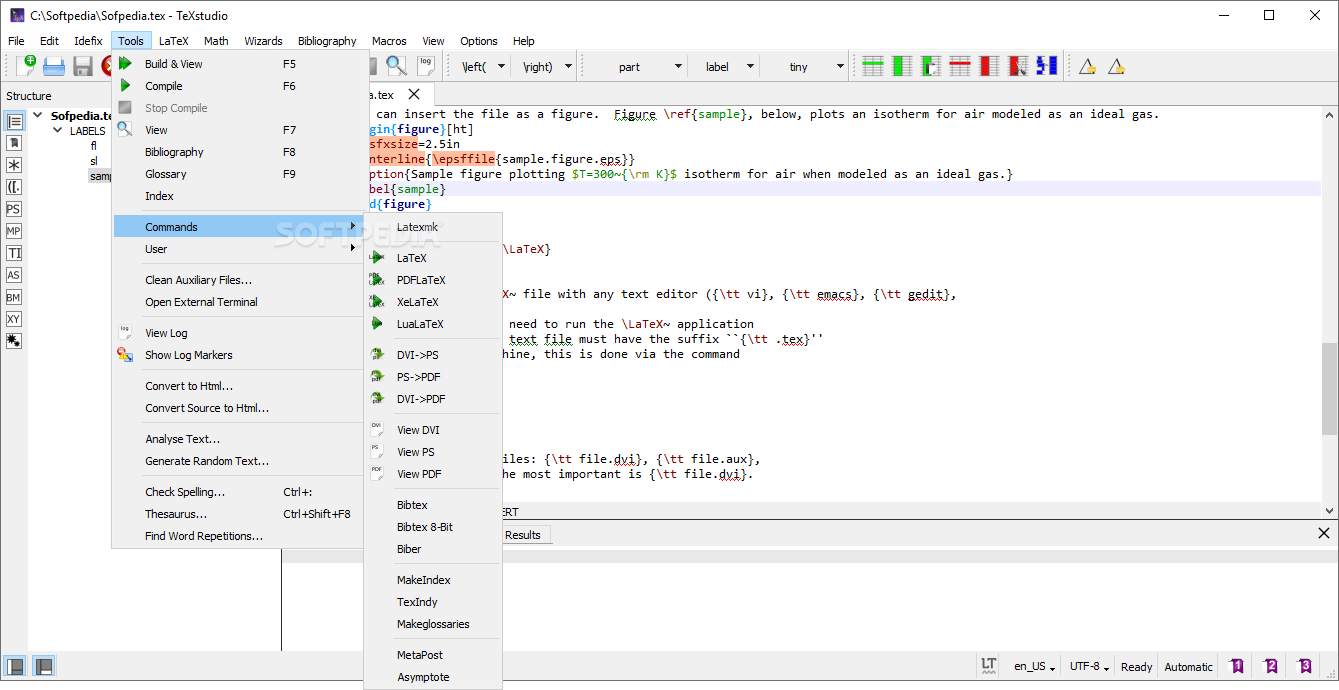
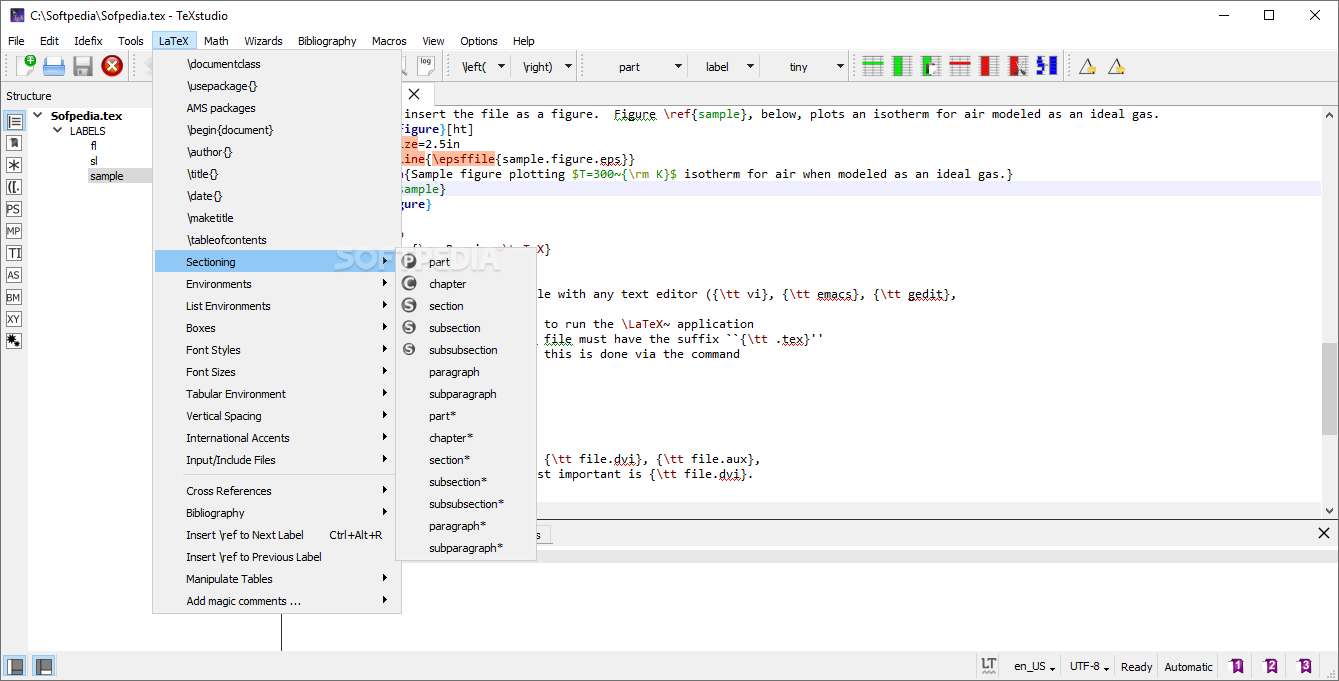
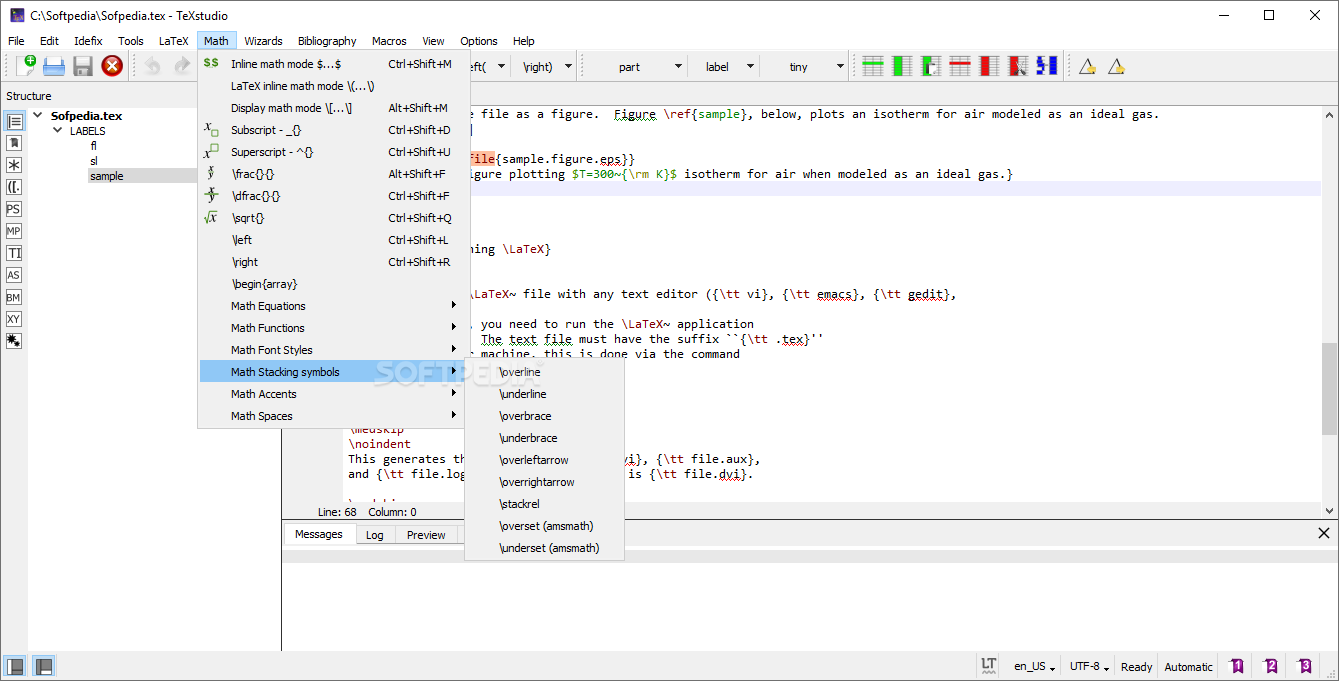
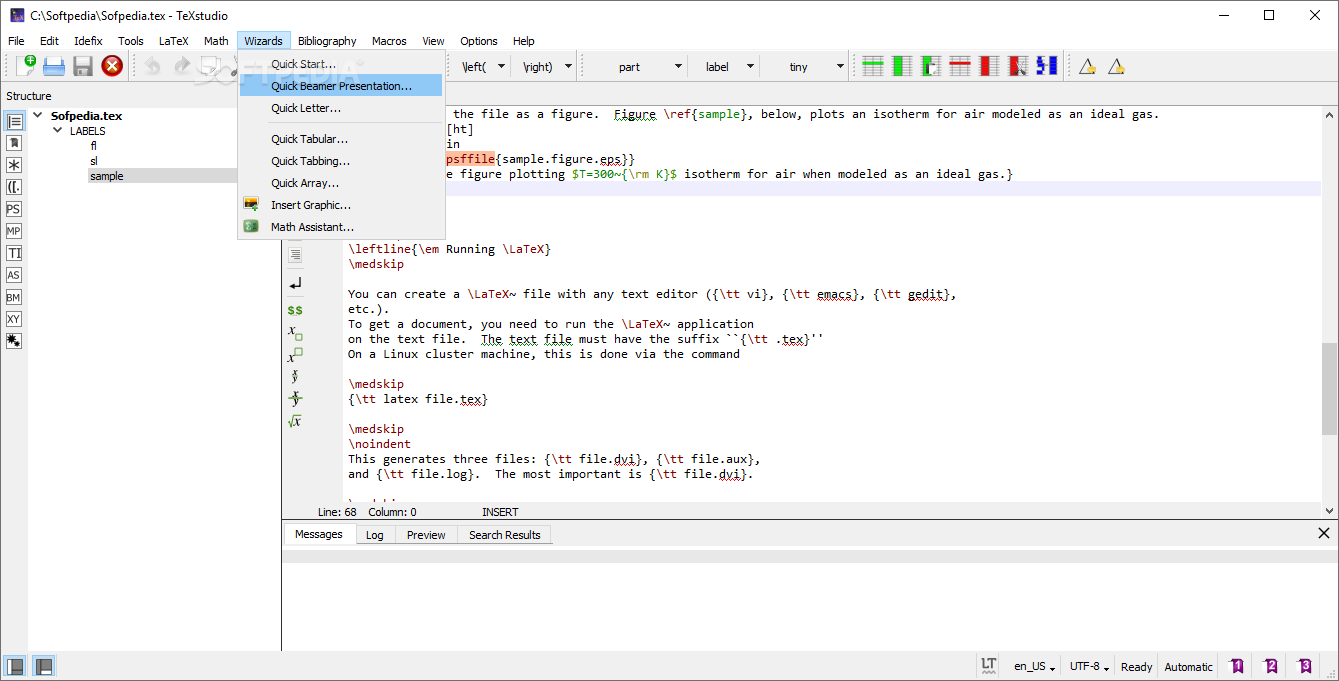
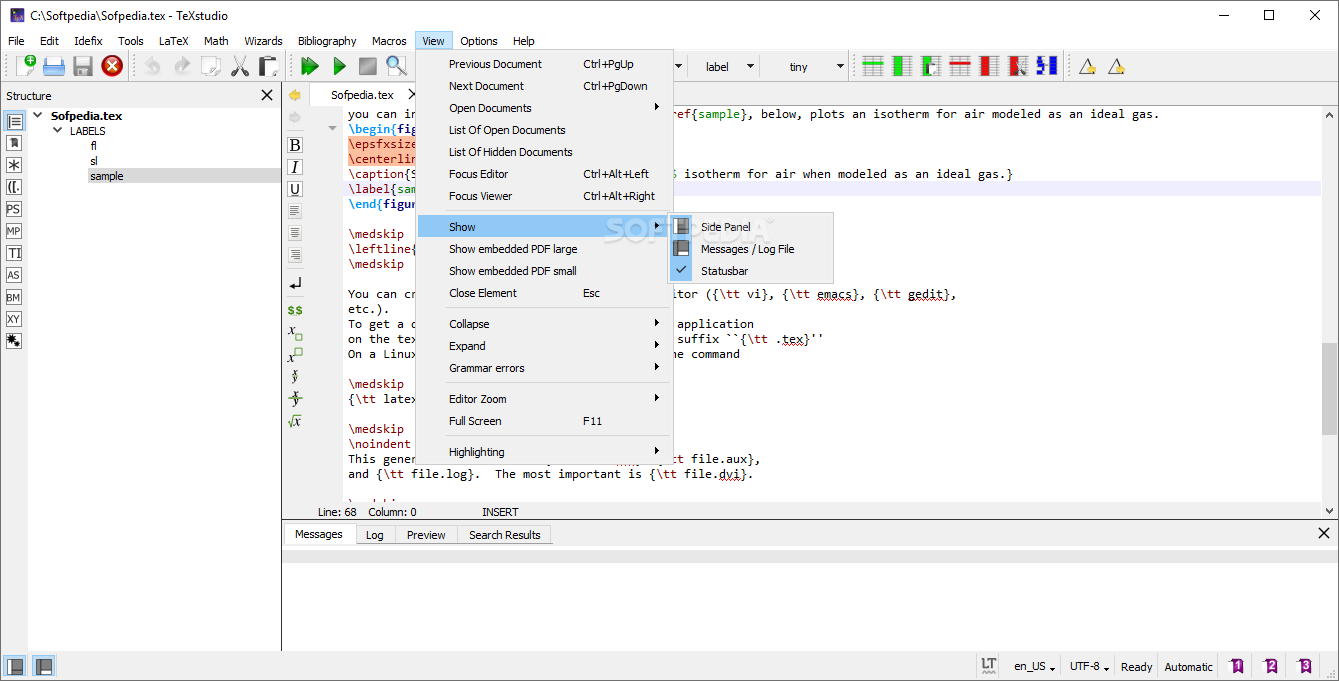
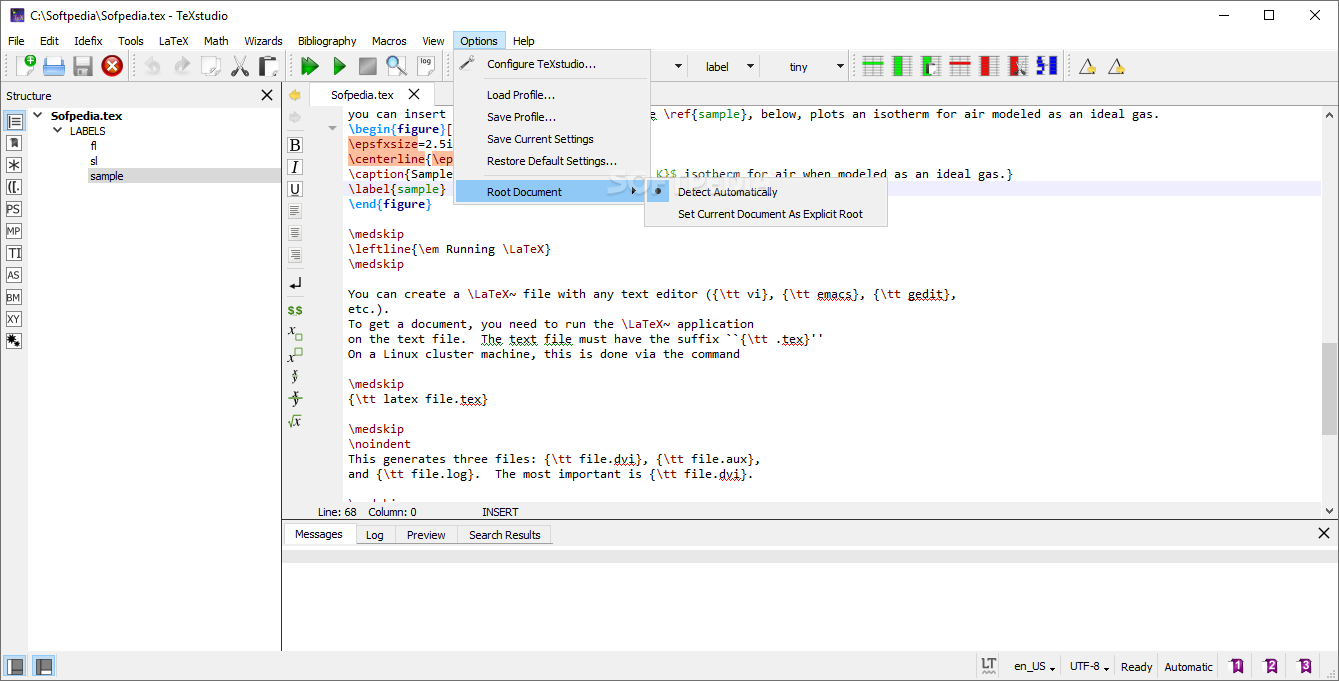
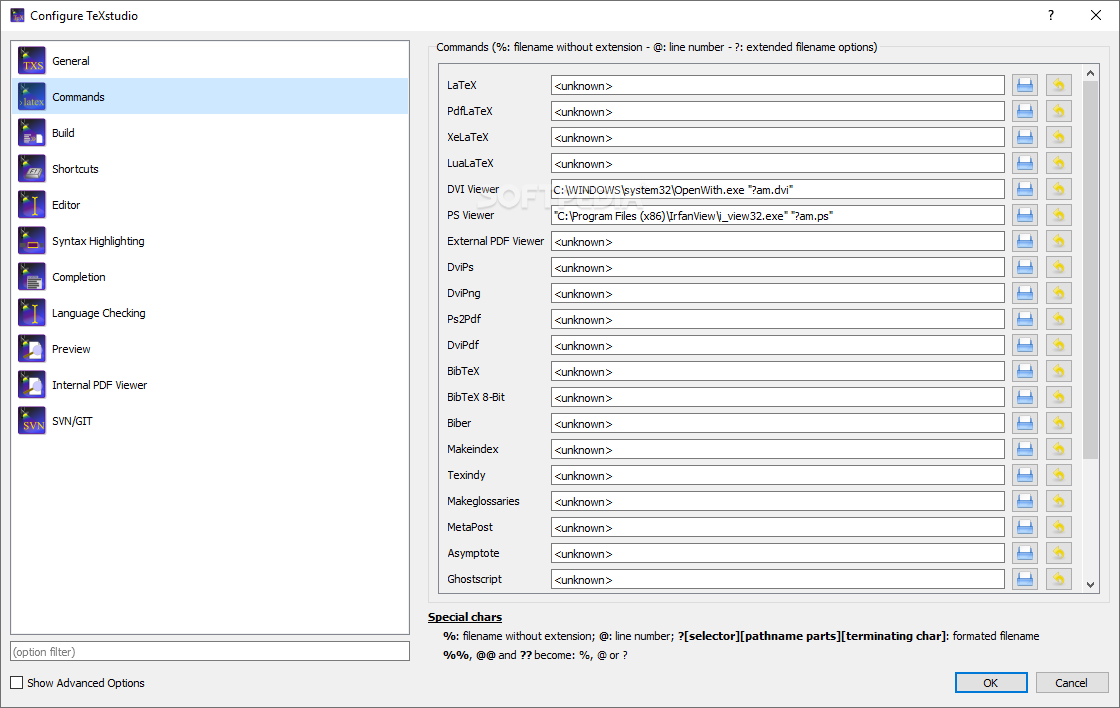
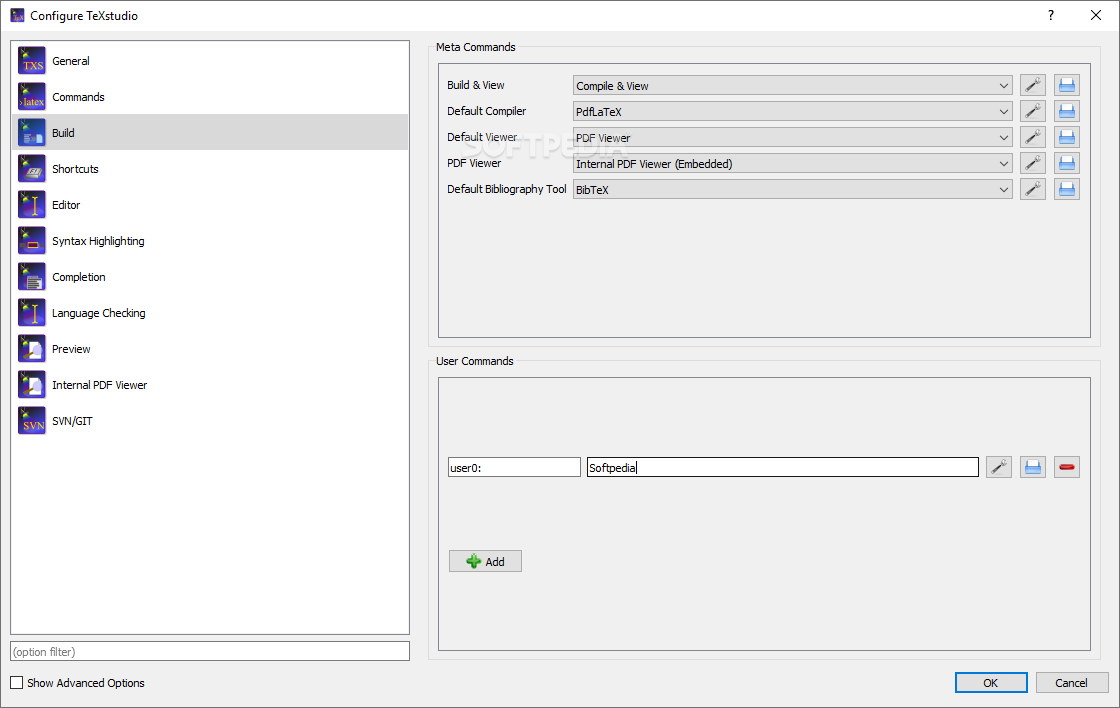
As stated above, TeXstudio comes equipped with an impressive range of features in its menus, which address a wide range of aspects pertaining to document processing in a LaTeX environment, and even more.
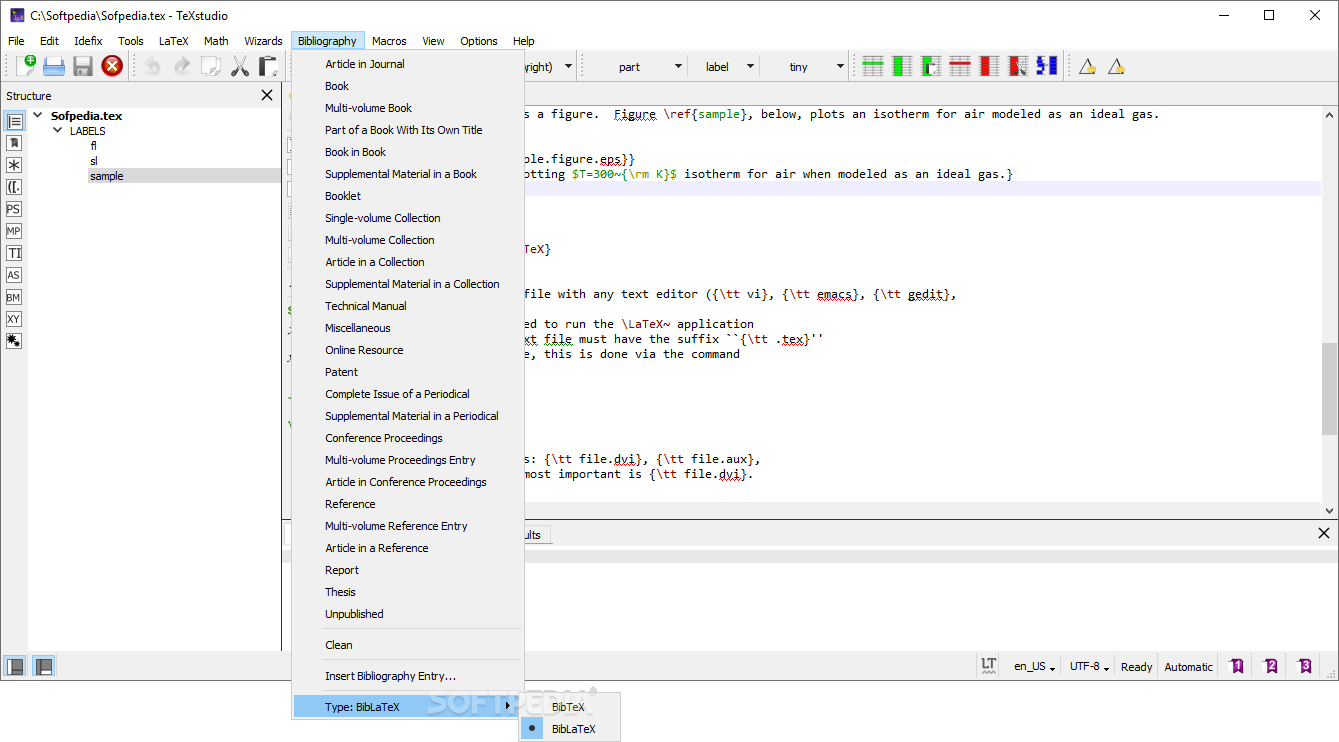
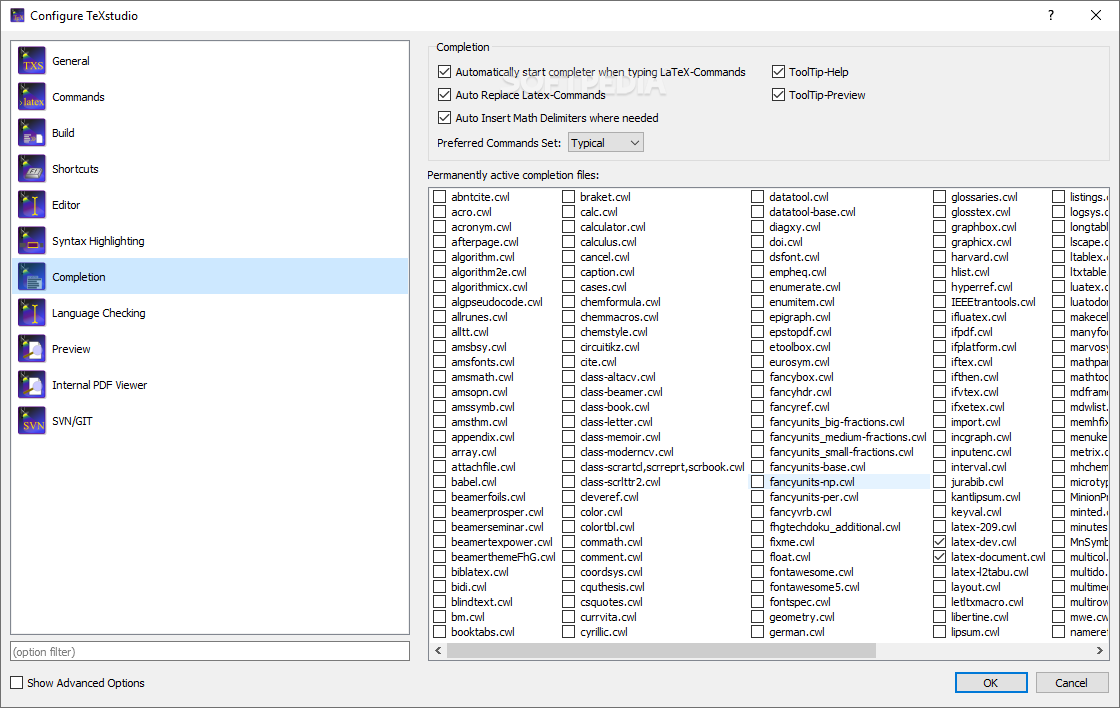
To that end, one can find menus and tools for working with index values, math operations, bibliography formatting, and management, or even macros. Consequently, all the said menus feature quite extensive lists of available functions, which at first might seem overwhelming for the non-initiated, but which are well document and presented in an accessible way.
If you’re looking either for a companion, alternative, or even replacement altogether for your LaTex suite, which features enhanced versatility in editing documents, this application could be a reliable choice.
What's new in TeXstudio 4.8.0 Alpha 7:
- Fix translations and (some) icons
TeXstudio 4.7.3 / 4.8.0 Alpha 7
add to watchlist add to download basket send us an update REPORT- PRICE: Free
- portable version
- Portable TeXstudio
- runs on:
-
Windows 11
Windows 10 32/64 bit
Windows 8 32/64 bit
Windows 7 32/64 bit
Windows Vista 32/64 bit - file size:
- 136 MB
- filename:
- texstudio-4.7.3-win-qt6.exe
- main category:
- Programming
- developer:
- visit homepage
7-Zip

IrfanView

Zoom Client

paint.net

4k Video Downloader

calibre

Bitdefender Antivirus Free

Windows Sandbox Launcher

Microsoft Teams

ShareX

- Windows Sandbox Launcher
- Microsoft Teams
- ShareX
- 7-Zip
- IrfanView
- Zoom Client
- paint.net
- 4k Video Downloader
- calibre
- Bitdefender Antivirus Free